
macOS
CleanTwin
Find and merge duplicate files, photos, and folders on macOS - reclaim gigabytes in minutes.
Learn more about CleanTwin →Privacy-first utility apps for macOS and iOS that reclaim disk space, scan your network, monitor system health, track live natural phenomena, and solve everyday hardware annoyances.
Find and merge duplicate files, photos, and folders on macOS - reclaim gigabytes in minutes.
Learn more about CleanTwin →
Visual disk space analyzer for Mac that shows what is eating your storage and helps you free it.
Learn more about DiskSpace: Cleaner & Analyzer →
Scan your Wi-Fi network, view connected devices, signal strength, and channel congestion.
Learn more about Wi-Fi Analyzer & Network Scanner →
Live CPU, memory, network, and battery stats in your menu bar - lightweight and beautiful.
Learn more about System Status Monitor: CPU RAM →
Pulse a sonic frequency to eject water from your iPhone speaker after a swim or spill.
Learn more about Sonic Water Eject: Fix Speaker →
Ultrasonic mosquito and pest repellent tones - chemical-free protection on your phone.
Learn more about Anti Pest & Mosquito Sound →
Live KP index, your real chance from your own latitude, ranked cloud gaps for tonight and alerts before the sky lights up.
Learn more about Aurora Forecast →
Track earthquakes worldwide in real time with magnitude filters and a live map.
Learn more about Earthquake Monitor Live Map →
A beautiful menubar RAM dashboard for Mac - real-time charts, Memory Health Score, top apps, and memory insights.
Learn more about Memory Monitor - RAM Usage →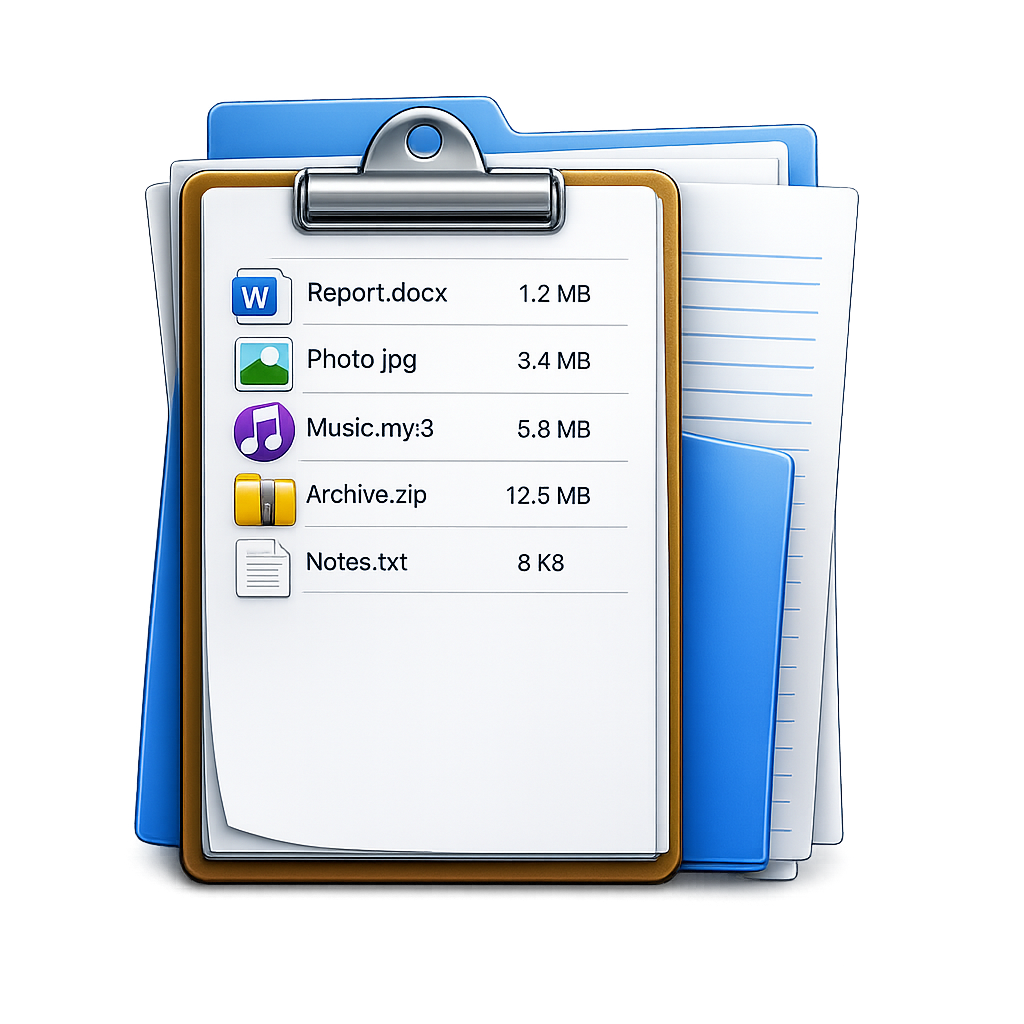
Turn any folder into a searchable, exportable catalog on Mac - 60+ metadata fields, AI content search, checksums, and export to CSV, Excel, and JSON.
Learn more about FileLister: Folder Inventory →
See which apps talk to the internet on your Mac and block the ones that should not - per-app rules, live traffic, connection map, and data usage.
Learn more about App Firewall: Network Monitor →
Show every keystroke and shortcut on screen while you record, stream, or teach on Mac - six themes, typing sounds, and click ripples.
Learn more about GlowKeys: Keystroke Visualizer →The usual instinct when a disk fills up is to delete downloads and empty the trash, which almost never recovers the amount people expect. The space is usually in three places: duplicate copies of the same photos and files, a Photos library that grew silently, and the opaque bucket macOS labels System Data or Other.
DiskSpace answers the first question - what is actually large - by drawing the disk rather than listing it, so a forgotten 40 GB folder is obvious at a glance. CleanTwin handles the second: it compares files by content hash and by visual similarity, so it catches both exact copies and the near-identical burst shots and resized re-saves that a filename comparison misses.
Background reading, in the order most people need it: what to delete when the startup disk is full, what Other storage is and what System Data is, then finding duplicate files by checksum and finding duplicate photos on a Mac. On iPhone, the common trap is storage still being full after deleting photos, and iCloud needs its own careful approach.
The second group answers "why is this slow, hot, or loud" - questions that are usually guessed at rather than measured.
The rest of the category exists because each solves one specific annoyance properly rather than being part of a suite.
FileLister turns a folder into a searchable, exportable catalogue with 60+ metadata fields - the tool for cataloguing an external drive before you unplug it or getting a folder into a spreadsheet. Sonic Water Eject pulses a tone to clear a speaker after water gets into an iPhone or into AirPods and an Apple Watch. Earthquake Monitor maps live seismic activity worldwide - see early warning versus detection. GlowKeys draws every keystroke on screen while you record a screencast. And Anti Pest plays ultrasonic tones, about which we published an honest assessment rather than a sales pitch.
CleanTwin groups what it finds and asks you to choose, rather than deleting on its own, and it refuses to touch system files and running applications. The safe habit is to review the largest groups first - that is where nearly all the recovered space is.
Usually because the space is held by snapshots, caches, or a Photos library that keeps its own "recently deleted" area, all of which macOS reports under System Data rather than as your files. What System Data is and why storage shows Other go through where it actually sits.
No data is sent anywhere - every app in this category works on the device. App Firewall and the system monitors need the permissions macOS requires to read network and system activity, which the system prompts for, and nothing is uploaded as a result.
Wi-Fi Analyzer, Sonic Water Eject, Anti Pest and Earthquake Monitor are iPhone and iPad apps. CleanTwin runs on both. DiskSpace, System Status Monitor, Memory Monitor, FileLister, App Firewall and GlowKeys are macOS tools - each product page lists its exact platforms.
FileLister. It reads a drive into a catalogue you can search and export to CSV, Excel or JSON, so the contents stay findable after the drive is unplugged and shelved - see what a file catalogue is.
You’re browsing inside Instagram, and its built-in browser isn’t allowed to hand links over to the App Store. Open this page in Safari and the link will work.
Tap the three-dot menu at the top right, then choose Open in external browser.