What it holds
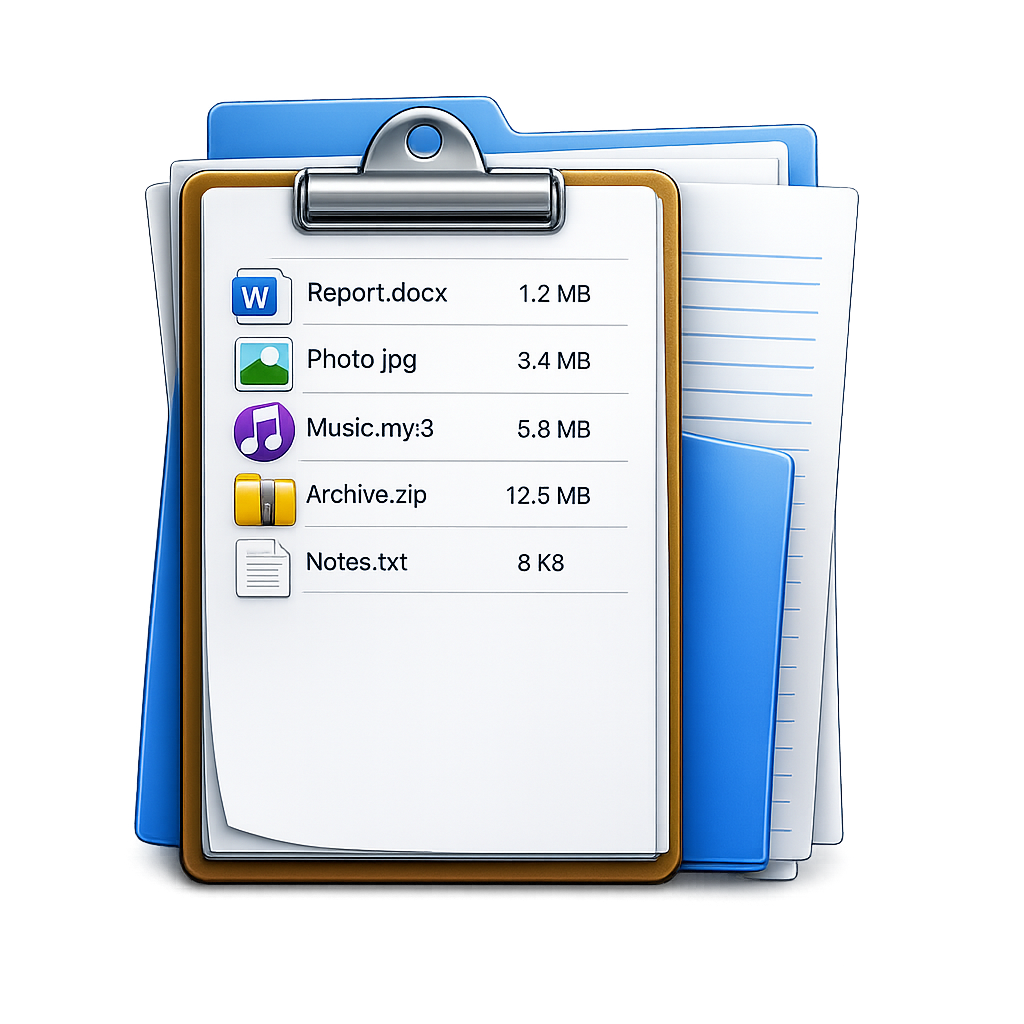
A catalog records one row per file. Depending on how it was built, each row can include:
- The file name and its full path.
- Size, in bytes and in human-readable form.
- Created and modified dates.
- Kind or extension, so you can filter to just images or just PDFs.
- Type-specific metadata, such as image dimensions, camera model, or video duration.
- A checksum, if the catalog needs to prove two copies match.
The point is that all of this lives in one place you can search, instead of being scattered across Finder windows.
Why build one
People catalog files for a few practical reasons:
- Offline search. Once a drive is cataloged, you can find a file on it while the drive sits unplugged in a drawer.
- Deliverables. A client or colleague asks for a list of what you sent. A catalog exports straight to a spreadsheet.
- Records. If a drive later fails, the catalog still tells you what was on it.
- Cleanup. Sorting a catalog by size or date makes the big and old items obvious.
Catalog versus a plain folder
A folder in Finder shows you files, but it will not export a list, it cannot be searched while the drive is disconnected, and it does not keep a record once the files change. A catalog is a snapshot you own separately from the files themselves. You can keep it, share it, and search it long after the originals have moved.
How catalogs get made
You can build a rough one by hand or with a Terminal command that lists file names. That works until you want real columns, metadata, or checksums, at which point a dedicated tool is far less fiddly. A cataloging app scans the folder, reads each file's details, and lets you export the result to CSV, Excel, or JSON in one step.
FileLister: Folder Inventory
Catalog folders and drives on Mac, capture metadata and checksums, and export to CSV, Excel, and JSON. Runs on-device. · macOS