Christmas, New Year & holidays • Apple TV

Event Countdown: Days Until

Turn your Apple TV into a beautiful countdown for the moments you can't wait for.

Christmas morning, New Year's Eve, a birthday, a wedding, the next big game or a long-awaited trip - see at a glance how many days are left, then open any event for a full-screen countdown the whole room can read from the couch.

Download on the App Store
Apple TV • tvOS 17+ Holidays for 200+ countries Top Shelf countdowns No account, no ads

Event Countdown: Days Until app icon
200+
countries and regions of public holidays
7
themes, light and dark
3
languages: English, German, Spanish
Top Shelf
live day counts on the Home Screen

Big, clear countdowns

Every event you are waiting for on one screen, and a full-screen countdown when the day gets close.

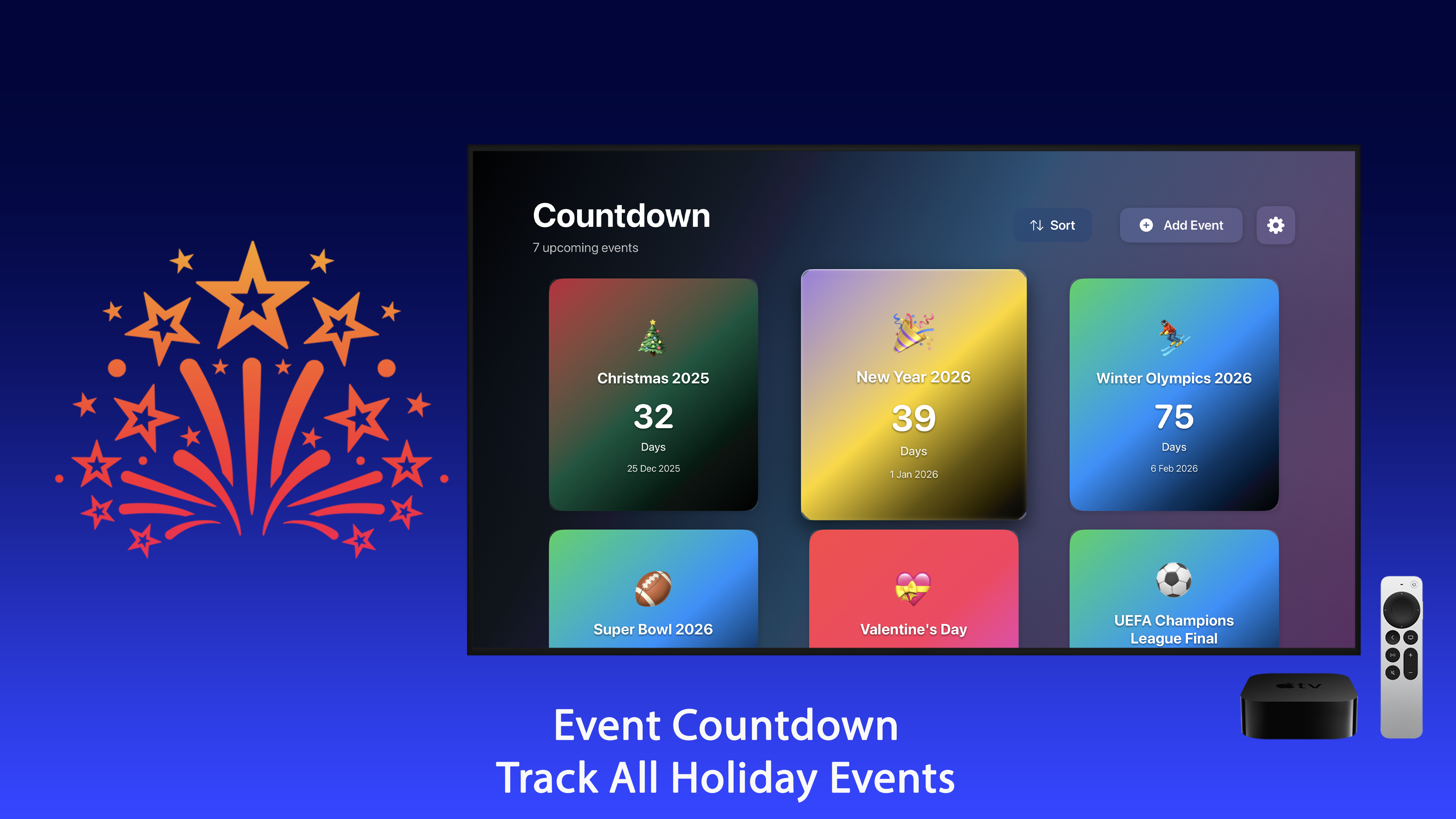
A grid of event cards

See how many days are left for every event at a glance. On the last day the cards switch to hours and minutes.

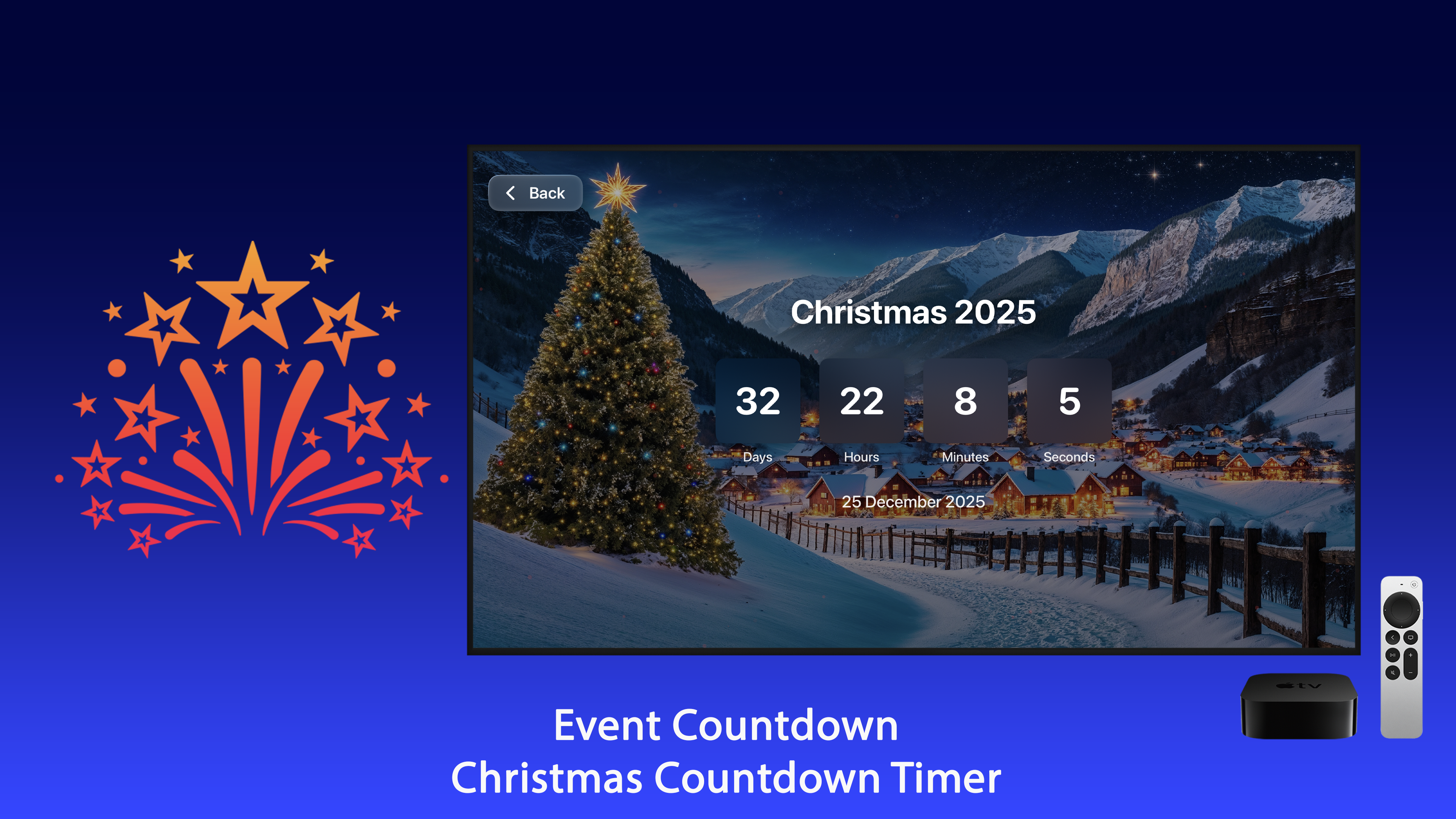
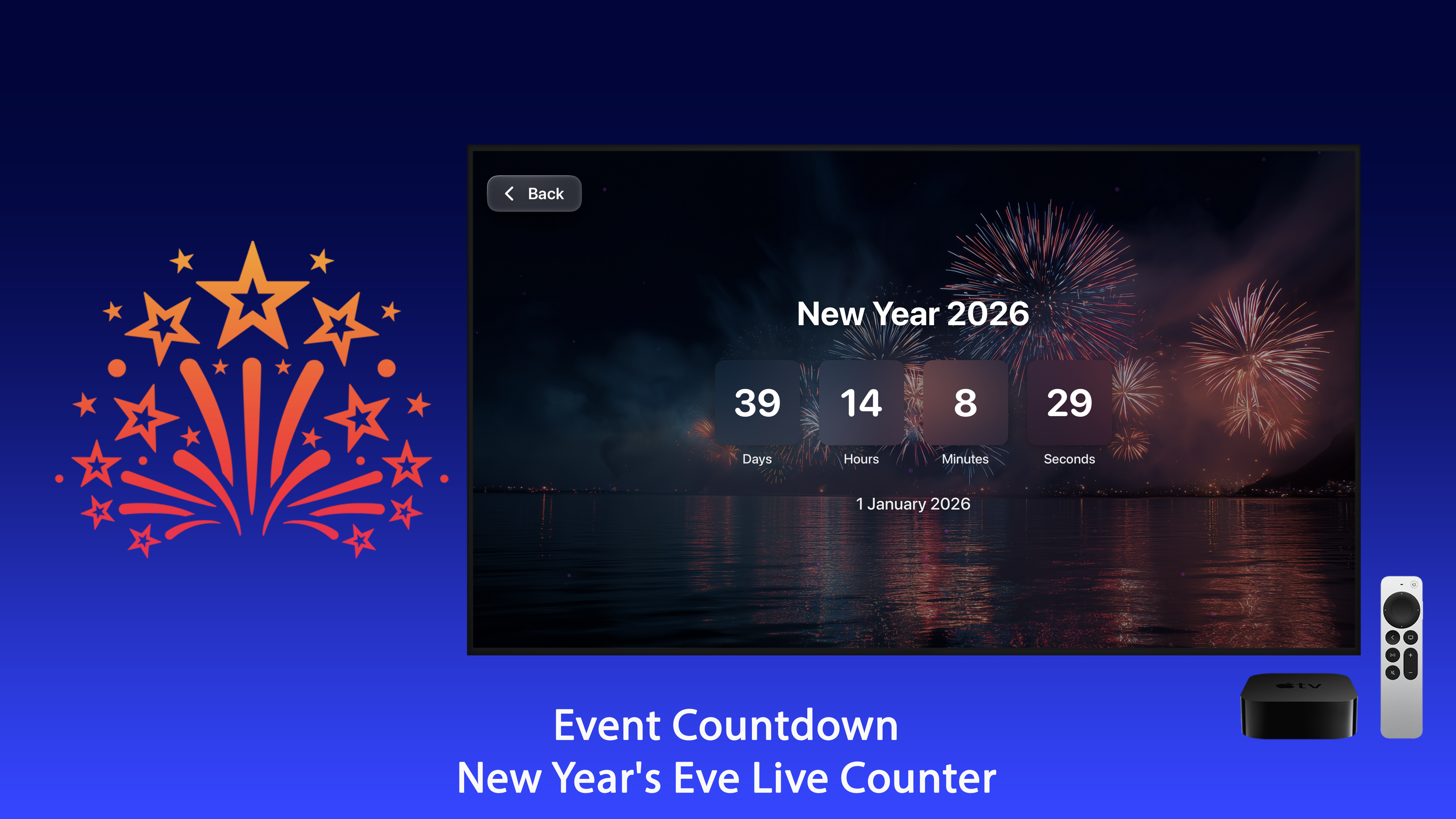
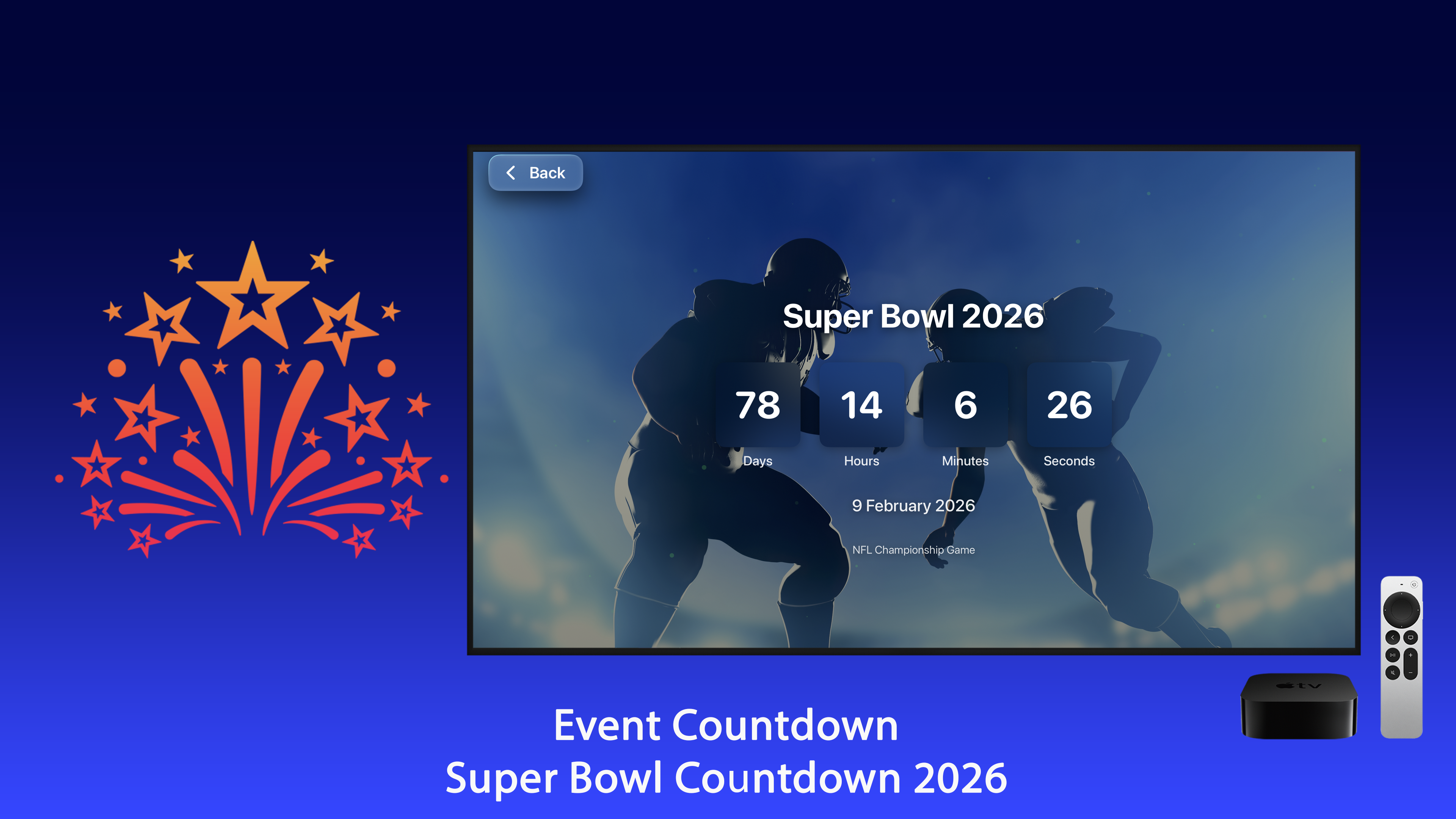
Full-screen countdown

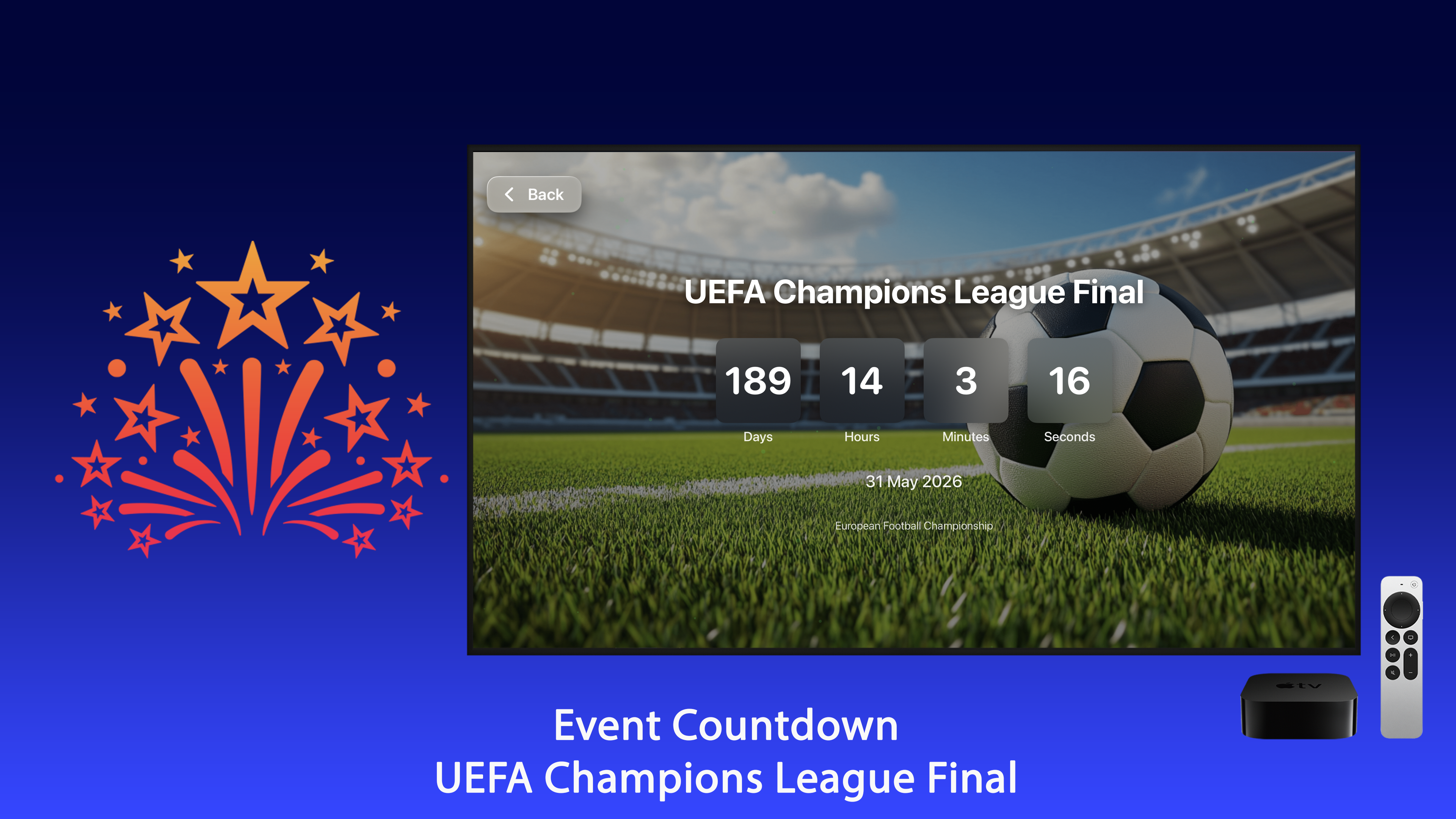
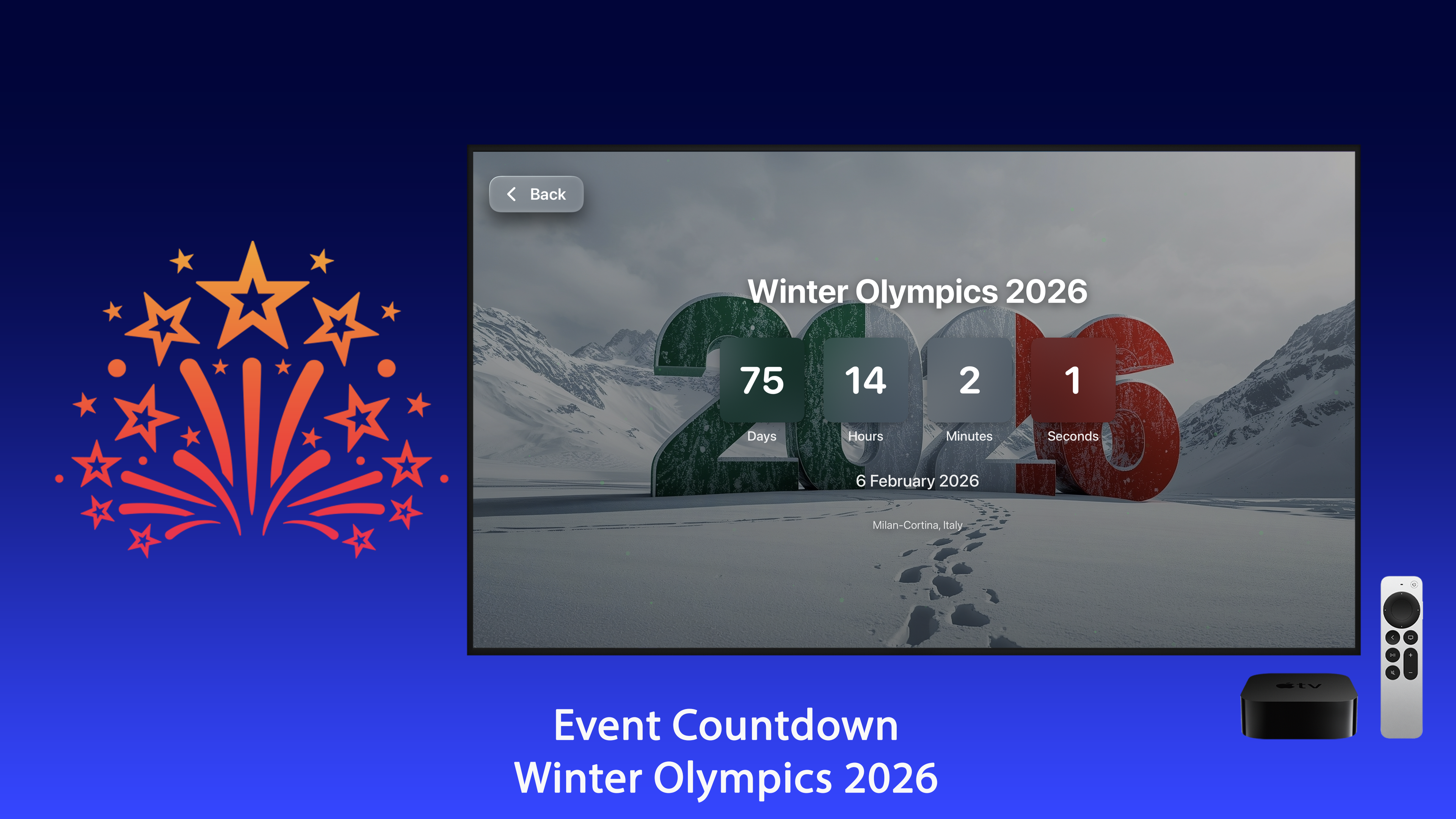
Open any event for days, hours, minutes and seconds, big enough to read from across the room.

Keeps your TV awake

The full-screen countdown keeps the screen saver away, so it never disappears in the middle of a party.

Right on your Home Screen

Keep Event Countdown in the top row and your next events appear in Top Shelf with live day counts. Select one to jump straight to its countdown.

Yearly events renew themselves

When Christmas passes, the countdown to next Christmas starts automatically.

Ready from the first minute

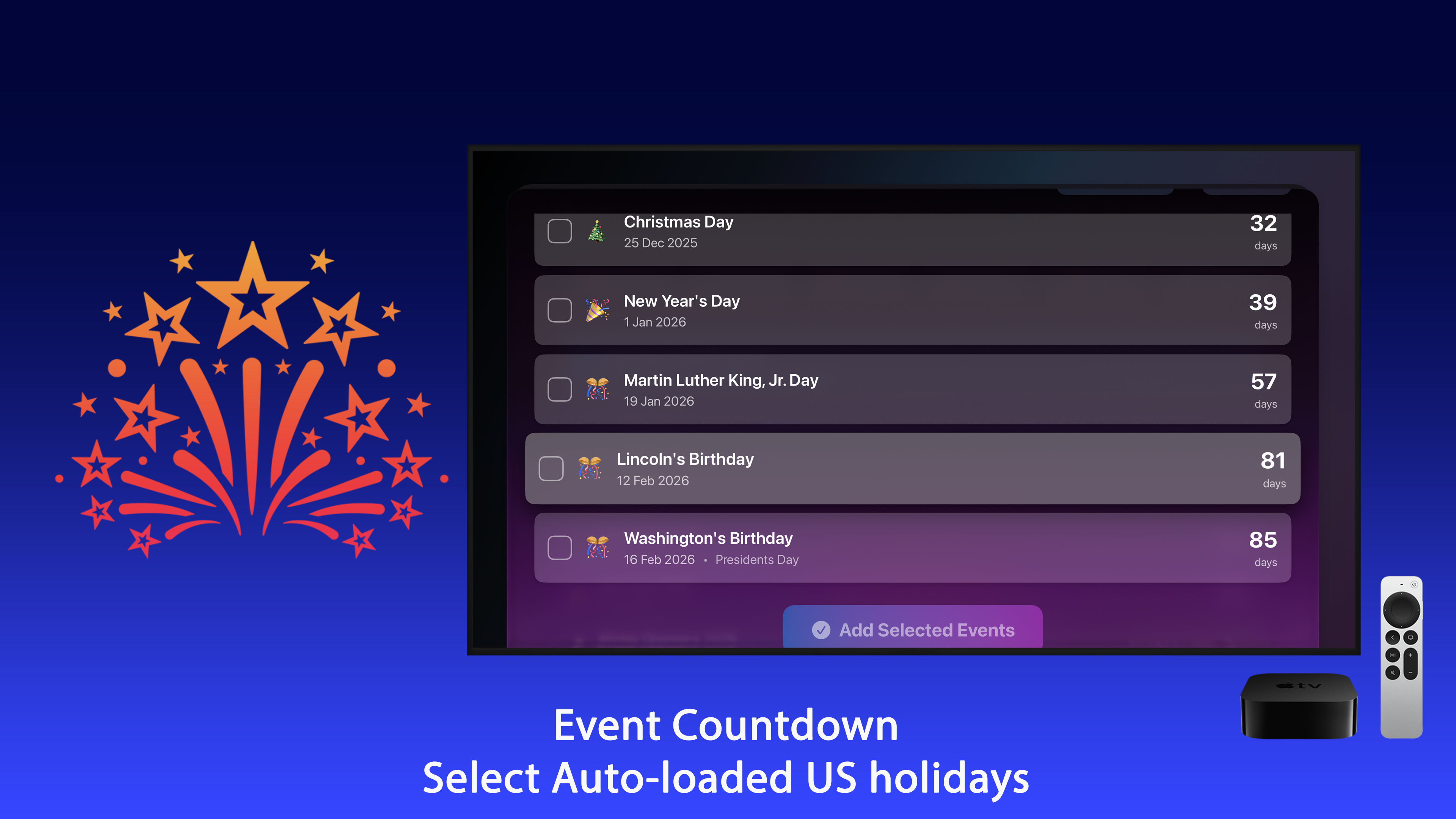
Christmas, New Year, Valentine's Day and major sports finals are already set up.

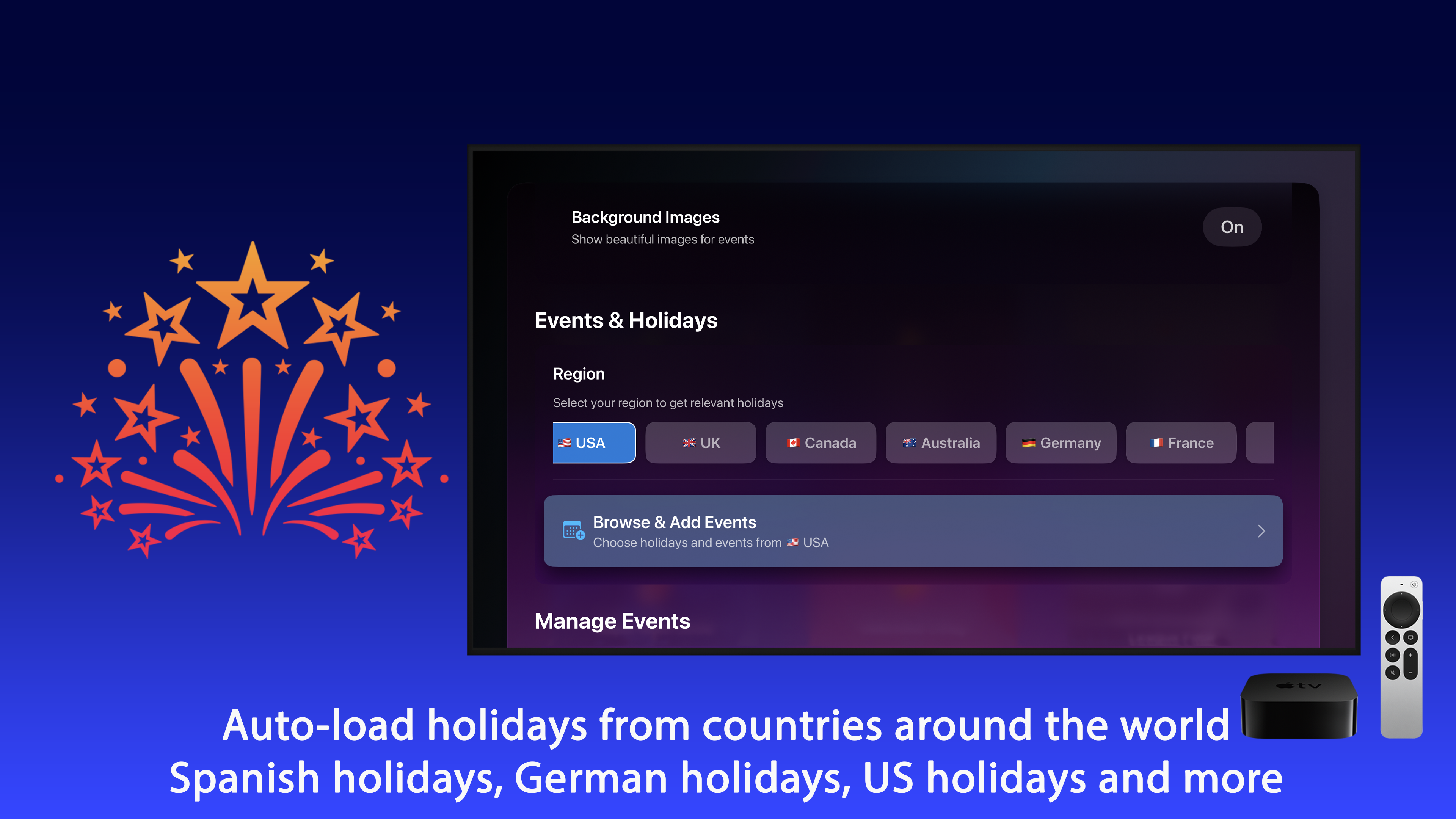
Holidays from around the world

Add public holidays for more than 200 countries and regions, in their local names - and world celebrations with verified dates.

Lunar New Year Ramadan Eid al-Fitr Eid al-Adha Diwali Holi Hanukkah Rosh Hashanah Easter Orthodox Easter St. Patrick's Day Halloween

Sports and shows

Big events for 2027 and 2028, ready to add. Events with a set start time count down to the exact minute in your time zone.

  • Football finals.
  • A world rugby tournament.
  • A song contest grand final.
  • The total solar eclipse of August 2, 2027.

Your own events

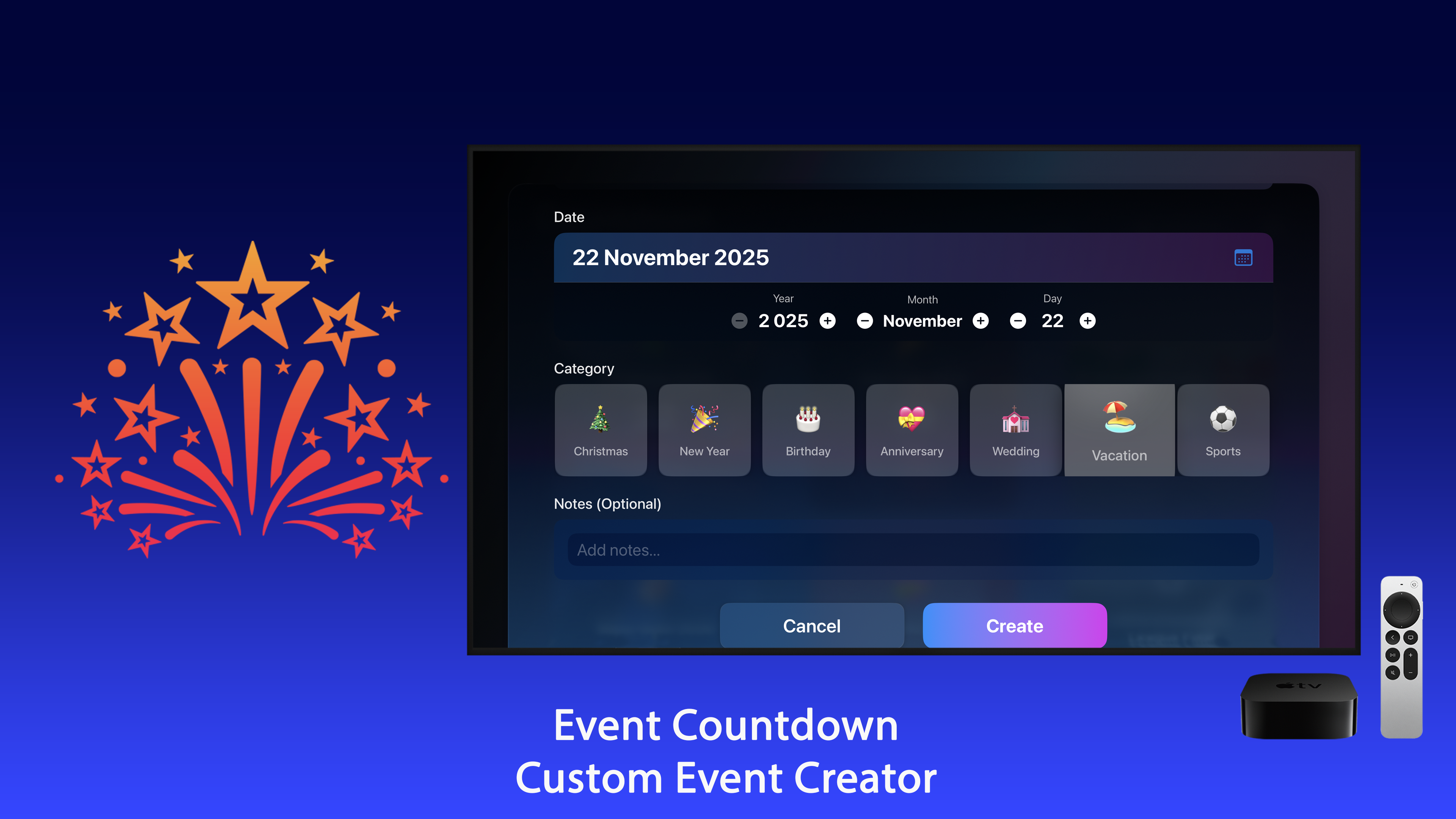
Birthdays, anniversaries, weddings, vacations, concerts or anything else - each with a category and optional notes.

A few clicks of the remote

Pick the date with the Siri Remote. Past dates are flagged, so you never create a countdown that has already ended.

Sort and tidy

Sort by date, name or category, edit or delete any event, and clear past events in one step.

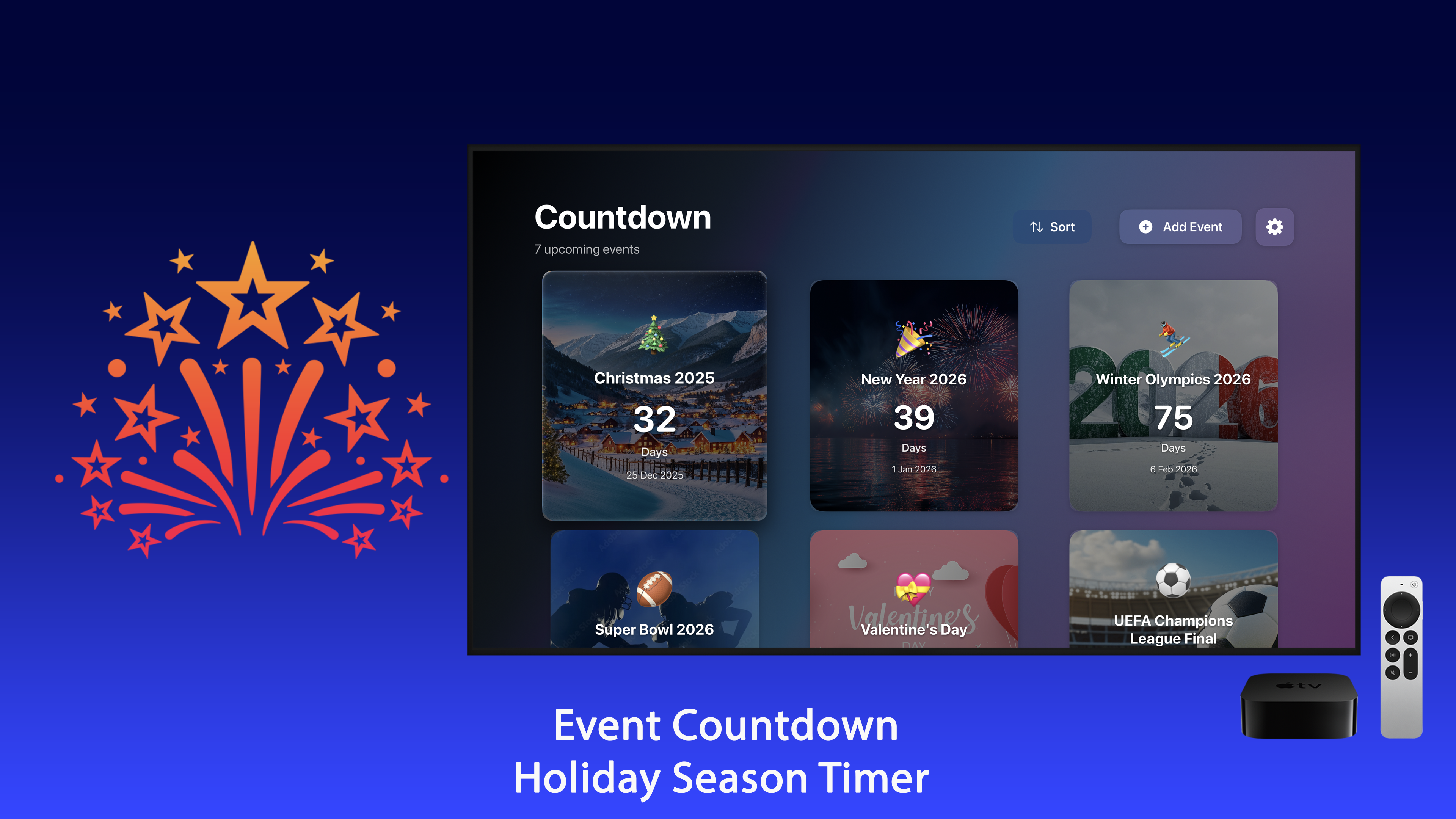
Pictures for every kind of event

Full-screen pictures from birthday candles to snowy villages, a wedding by the sea to a beach for your next trip.

Christmas New Year Valentine's Day Birthday Wedding Vacation Concert Sports

Apple TV Screens

Christmas, New Year, birthdays, weddings and trips, as they look on a 4K television.

Made for the big screen

  • A clean design built for the Siri Remote and easy to read from the couch.
  • Seven themes: Auto, which follows your Apple TV's light or dark appearance, plus Midnight, Daylight, Aurora, Sunset, Ocean and Frost.
  • Full-screen pictures for every kind of event.
  • Optional seconds and gentle animations.
  • Fully available in English, German and Spanish - switch the language in Settings.

Premium

Event Countdown is free to download. A one-time Premium purchase, with no subscription, unlocks:

  • Unlimited countdowns.
  • Every event category.
  • All seven themes.
  • Background pictures for every event and on Top Shelf.

Private by design

No account, no ads, no tracking. Your events are stored only on your Apple TV.

Apple TV

tvOS 17.0 or later

Count down to every big day

Download Event Countdown and put the moments you are waiting for on the biggest screen in your home.

Download on the App Store

Frequently asked questions

Which events are already set up?

Christmas, New Year, Valentine's Day and major sports finals are ready from the first minute. You can add public holidays for more than 200 countries and regions, world celebrations such as Lunar New Year, Ramadan, Diwali and Hanukkah, and your own birthdays, weddings and trips.

Can I see the countdown without opening the app?

Yes. Keep Event Countdown in the top row of the Home Screen and your next events appear in Top Shelf with live day counts. Select one to jump straight to its countdown.

Will the screen saver hide the countdown?

No. The full-screen countdown keeps your TV awake, so it stays on screen through a whole party.

What happens after Christmas?

Yearly events renew themselves: when Christmas passes, the countdown to next Christmas starts automatically.

Is it a subscription?

No. Event Countdown is free to download, and a one-time Premium purchase unlocks unlimited countdowns, every event category, all seven themes and background pictures. No ads, no account.

Which device does it run on?

Apple TV, on tvOS 17 or later. See countdown ideas for kids for why a big visible countdown holds attention.