Three different devices, three different situations, and they get treated as one problem. It is worth separating them.
Apple Watch: it does this itself
Swipe up for Control Centre and tap the water drop. The Watch plays a low tone that vibrates the speaker diaphragm hard enough to push water out of the port, and it works well.
Two things people miss. First, Water Lock engages automatically when you start a swim workout, but not when you wash up or get caught in rain - you have to turn it on yourself. Second, after ejecting, give it a few minutes before assuming it failed; a small amount of remaining water evaporates on its own.
If sound is still muffled after two cycles and half an hour, that is worth attention rather than repetition.
iPhone: no built-in feature, same principle
Apple has never shipped a water eject function for iPhone, though the speaker works the same way and the same technique applies: a low-frequency tone, played loudly, moves the driver far enough to expel water.
Roughly 165 Hz is the commonly used frequency. Play it at full volume, speaker facing down, for fifteen to twenty seconds. Repeat two or three times with pauses. Sonic Water Eject runs those cycles for you.
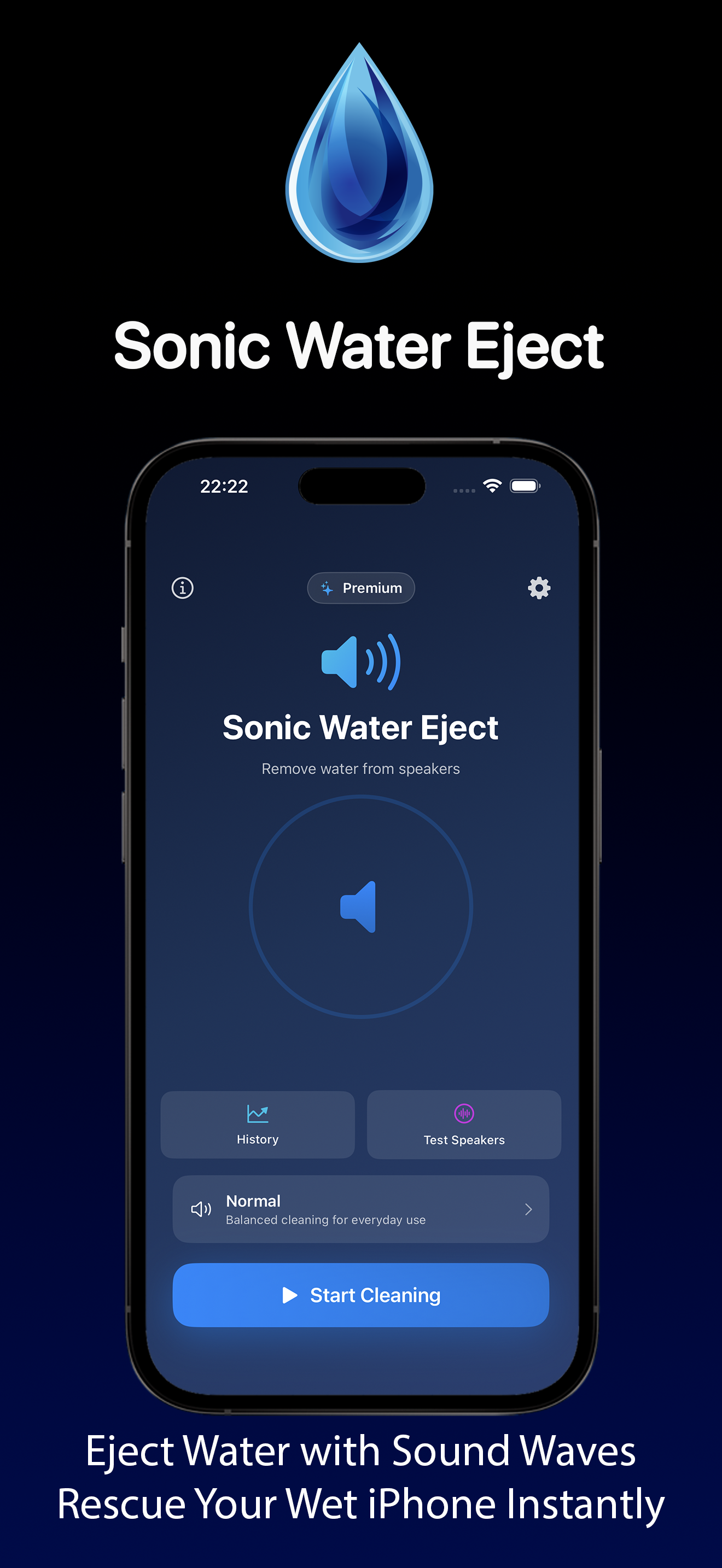
We went through the technique and the myths around it in removing water from an iPhone speaker. The short version of the myths: rice does nothing useful, a hair dryer drives water deeper and can warp adhesive, and cotton buds push debris in.
AirPods: the different case
This is where the advice goes wrong, because AirPods are not a speaker with a port you can clear.
The driver sits behind a mesh, and the volume involved is tiny. Playing a loud low tone into an AirPod does not have room to move water the way a phone speaker does, and at full volume into your ear it is unpleasant and pointless.
What actually helps:
- Take them out and leave them out. Not in the case - the case traps moisture against the mesh and is itself not sealed.
- Tap gently, mesh downward, against a soft cloth. This dislodges surface droplets and does nothing risky.
- Leave them somewhere with moving air, at room temperature, for several hours. Airflow is the mechanism; heat is not.
- Check the case. Water in the charging contacts is more common and more damaging than water in the earbud, and it is the part people forget to dry.
What not to do: no hair dryer, no radiator, no rice, no compressed air. Compressed air in particular can drive water through the mesh into the driver, turning a recoverable situation into a dead earbud.
When it is not water at all
Worth ruling out, because the symptoms overlap.
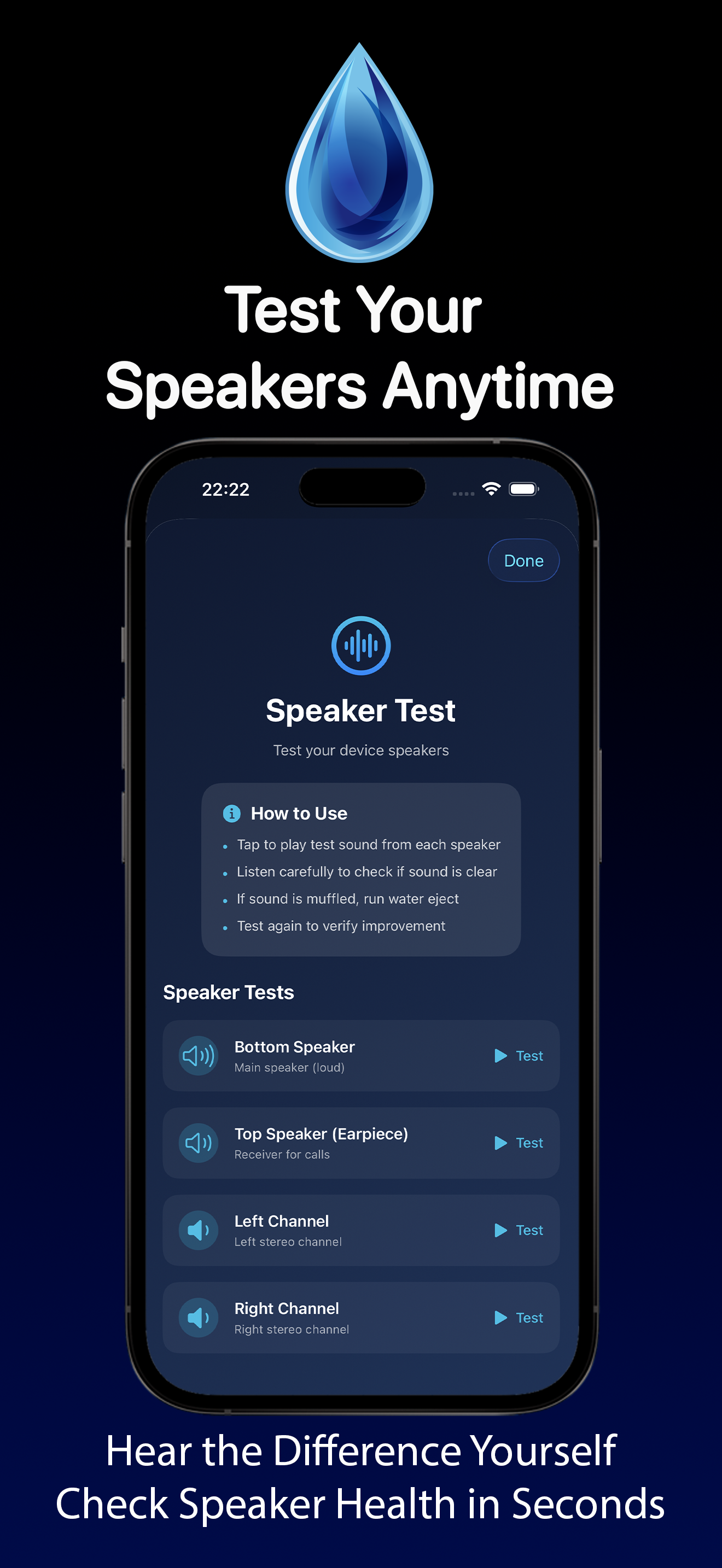
Muffled sound from an iPhone speaker is frequently dust and pocket lint compacted into the grille rather than moisture. If sound has been getting gradually worse over months rather than suddenly after a splash, it is debris, and a soft dry brush does more than any tone.
On AirPods, the same applies to earwax on the mesh - much more common than water damage, and it responds to careful cleaning with a dry soft brush rather than anything liquid.
What the ratings actually mean
The IP numbers on these devices are worth reading correctly, because they are more limited than people assume.
IPX4 - which covers most AirPods models - means splash resistant from any direction. Sweat and rain. Not submersion, not a shower.
Apple Watch models are rated for swimming, and Apple is explicit that this excludes high-velocity water: water skiing, diving, and hot showers with steam.
Two things degrade these ratings over time and are never mentioned: seals age, and soap or shampoo reduces surface tension so liquid gets in where clean water would not. A three-year-old device is not as water resistant as a new one, and none of them are rated for anything with detergent in it.
If it does not recover
Give it 24 hours in moving air before concluding anything. Devices that seem finished after a soaking frequently work normally the next day.
What suggests real damage rather than trapped water: distortion rather than muffling, sound that cuts in and out, a charging port that behaves erratically, or a device that gets warm without doing anything. Those are worth a service appointment rather than another cycle of tones.