Offline transcription • iPhone, iPad & Mac

Voice to Text: Offline AI Note

Record, import or dictate, and get accurate text in seconds - without the audio ever leaving your device.

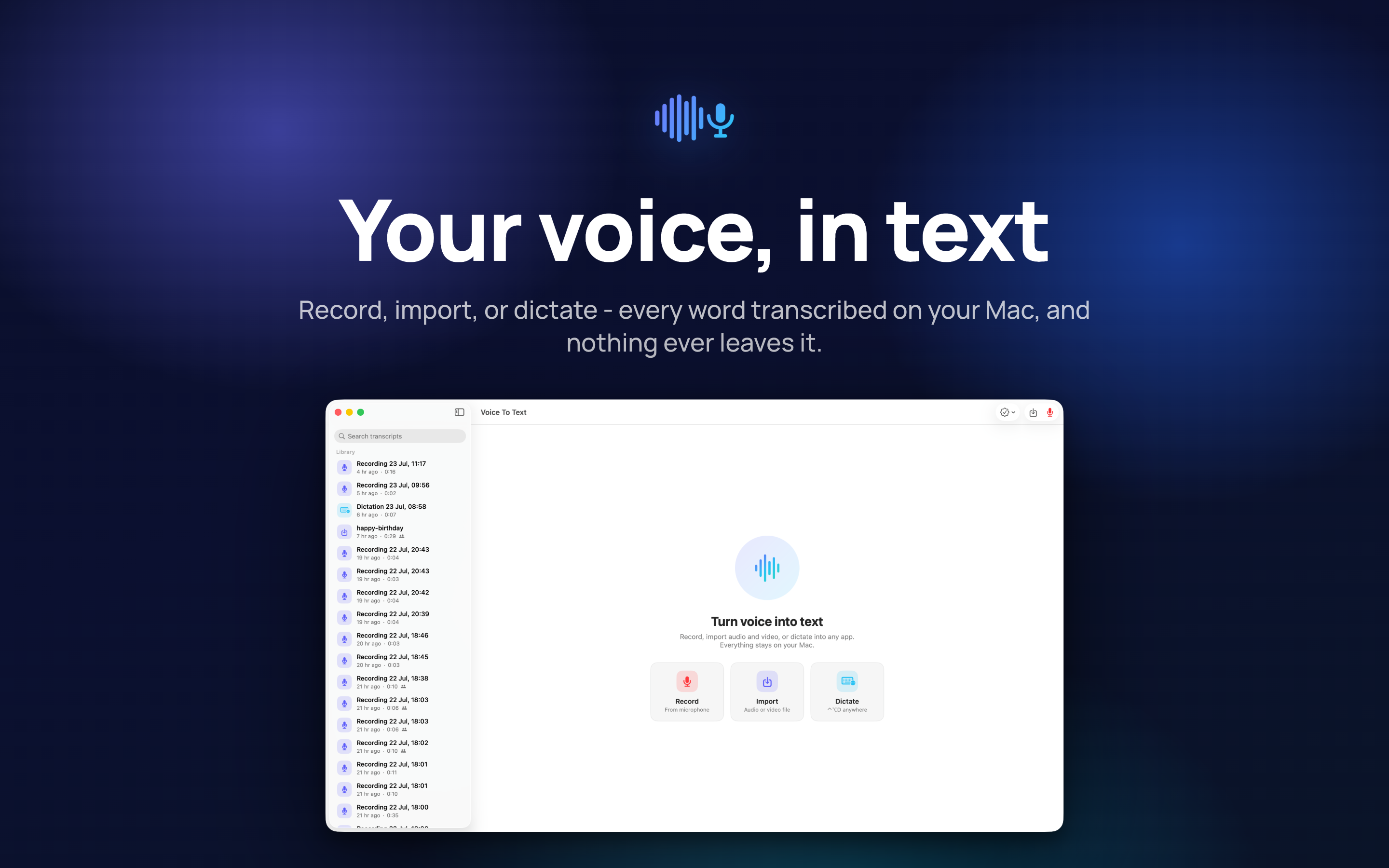
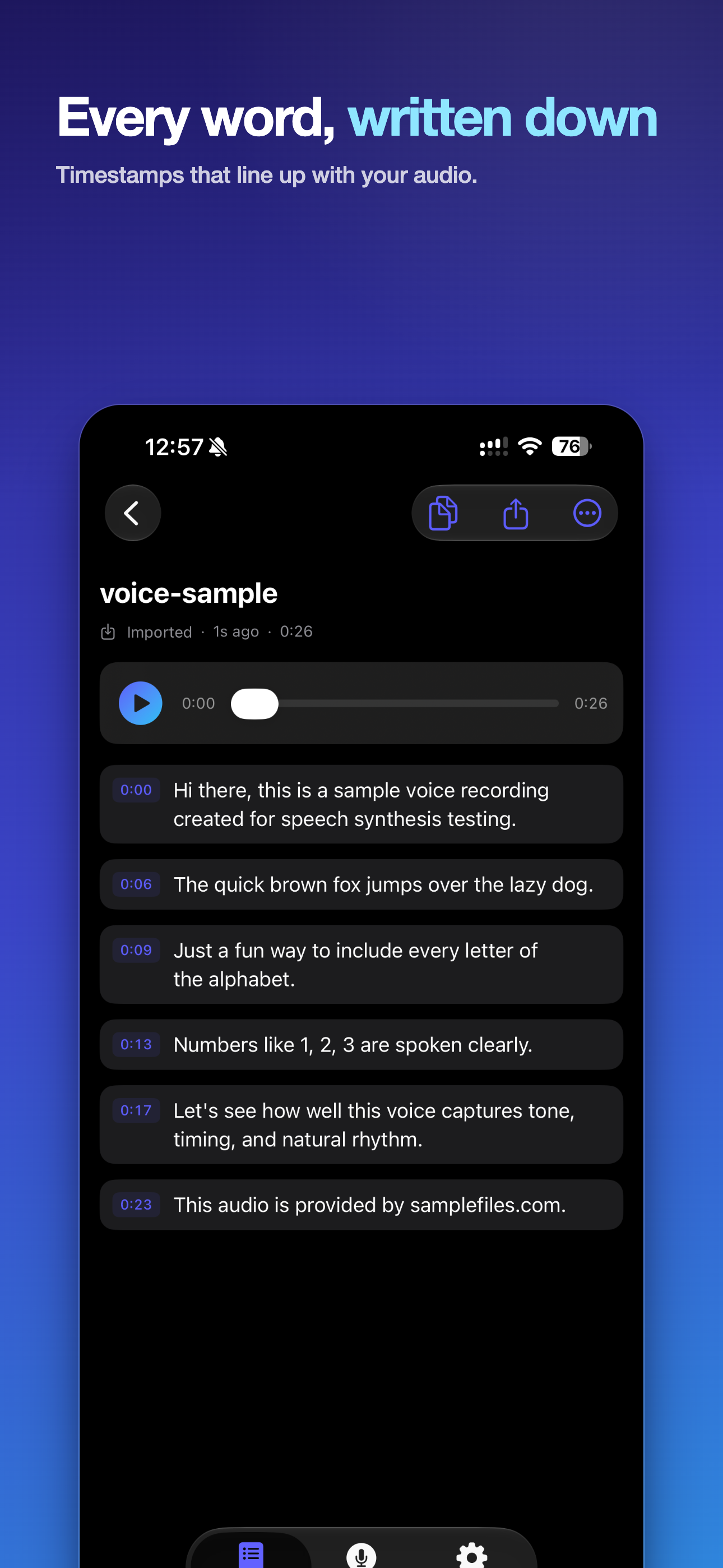
Record a meeting or a lecture, drop in a file you were sent, or dictate straight into whatever app you are already writing in. The transcript arrives with speakers labelled and timestamps you can jump to, and it exports as notes, a document, or subtitles.

Download on the App Store
iPhone, iPad & Mac Works fully offline Speaker labels Nothing uploaded
Voice to Text app icon

Three Ways Audio Becomes Text

Recording, importing and dictating are separate jobs, and the app treats them that way rather than forcing everything through one button.

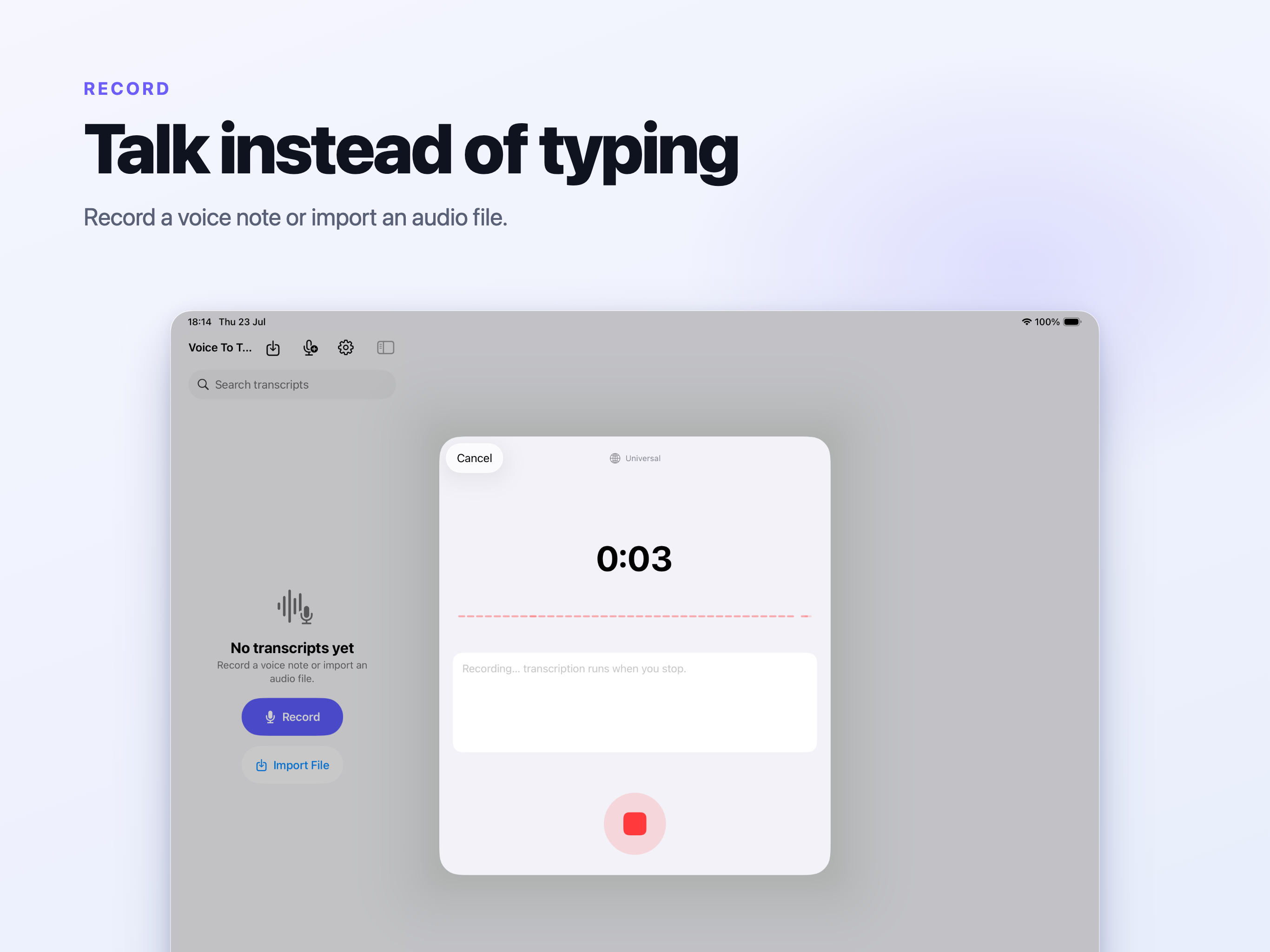
Record it here

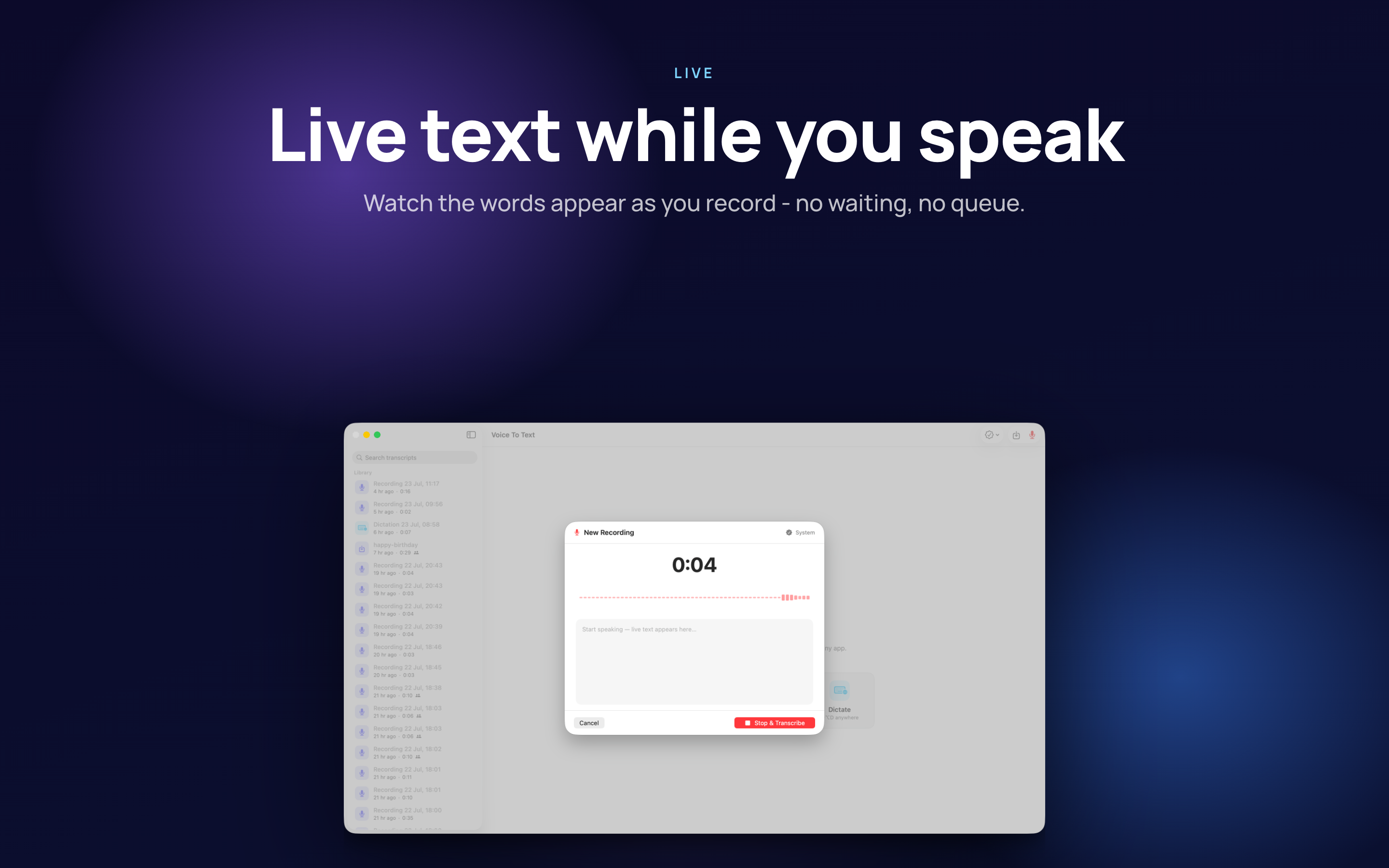
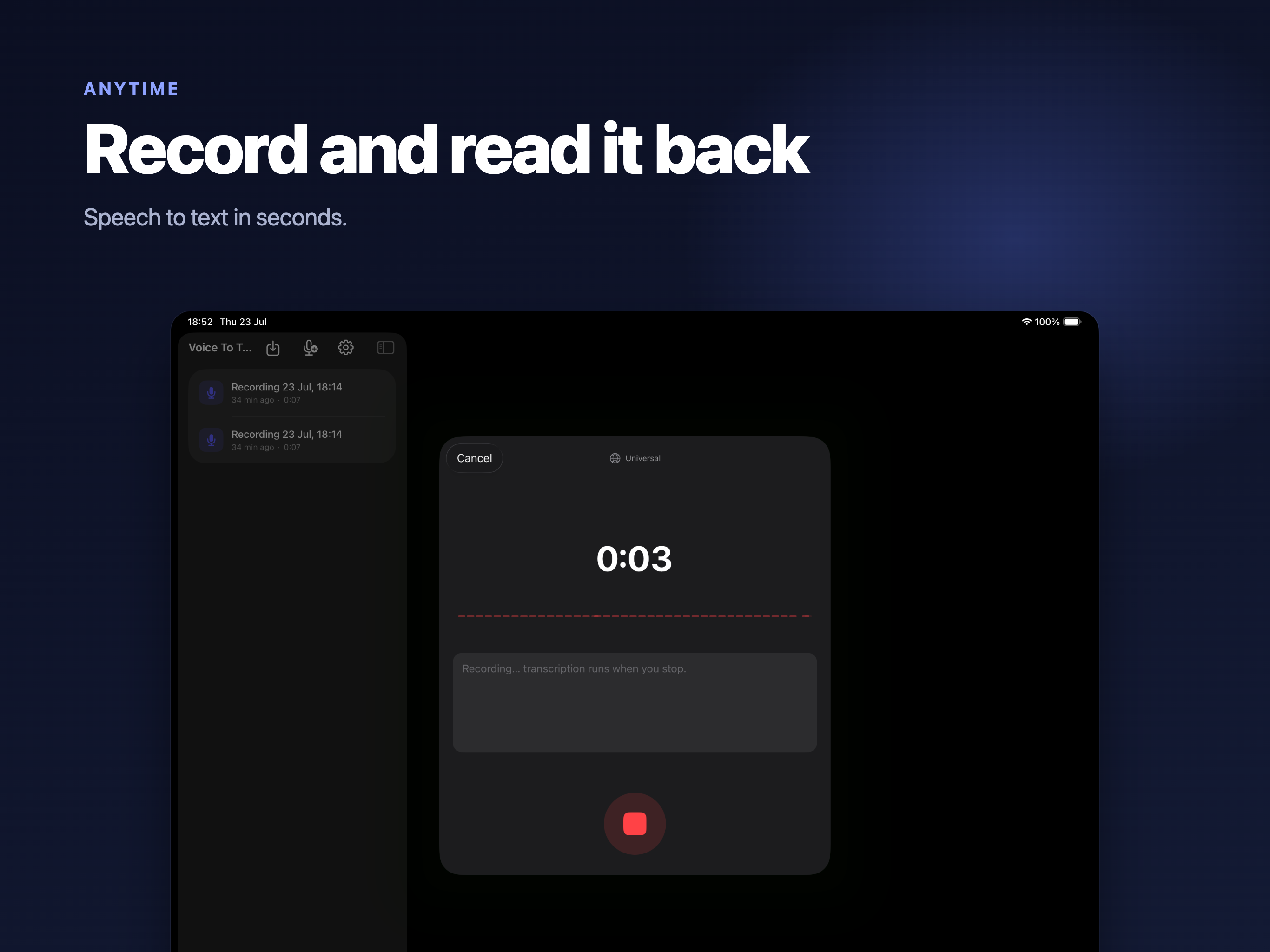
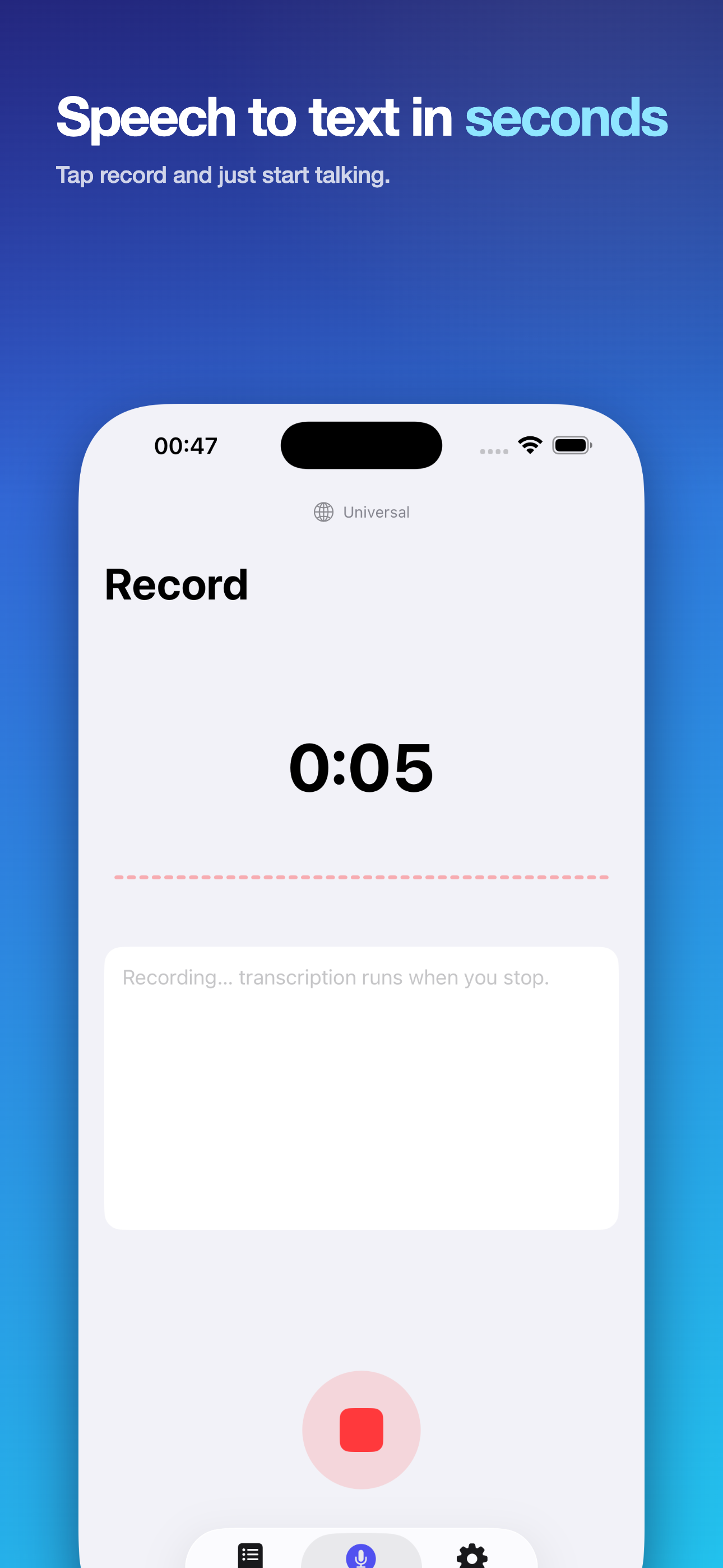
Start a recording with a live waveform so you can see it is actually picking you up. On newer systems the text appears as you speak rather than after you stop.

Import a file you were sent

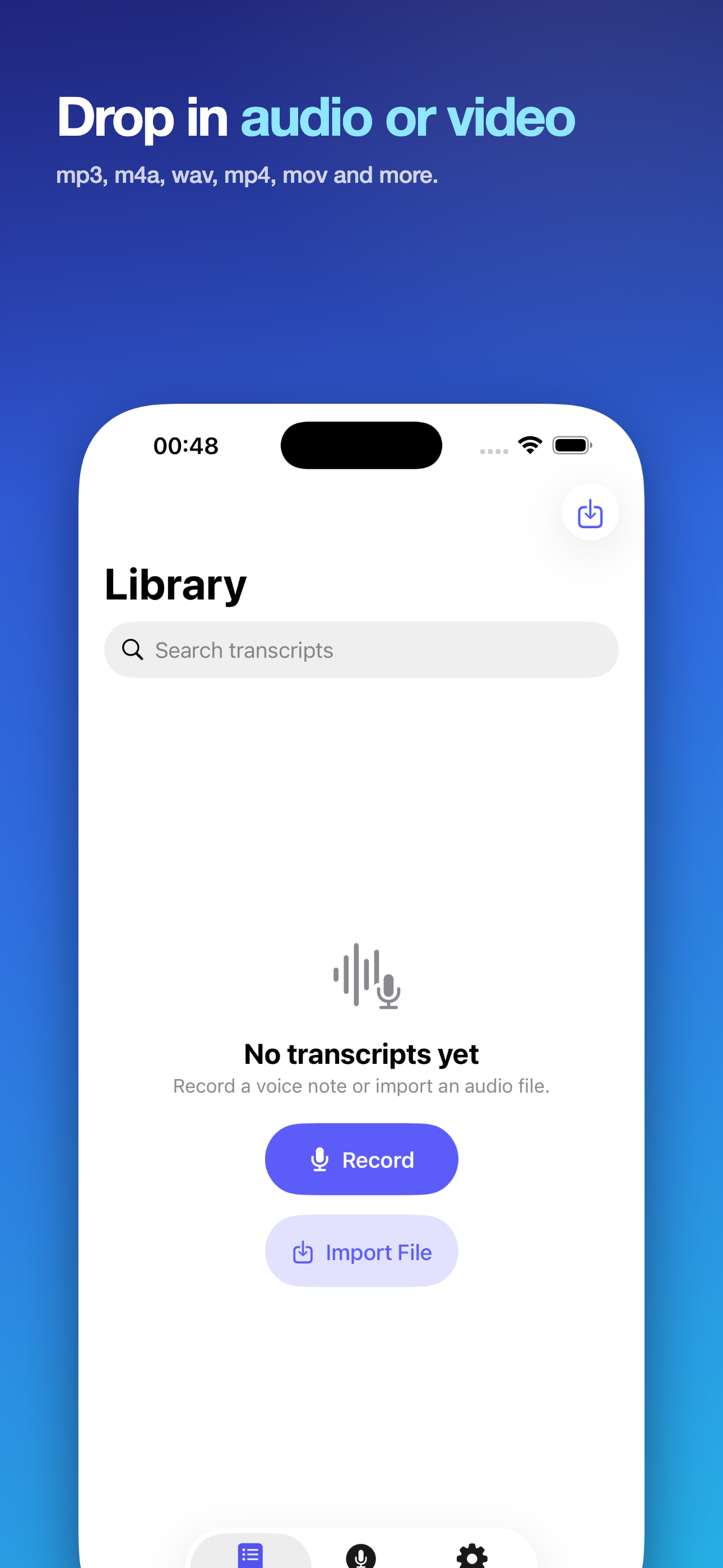
Audio and video both: m4a, mp3, wav, aiff, caf, mp4 and mov. The recording someone else made is usually the one you most need a transcript of.

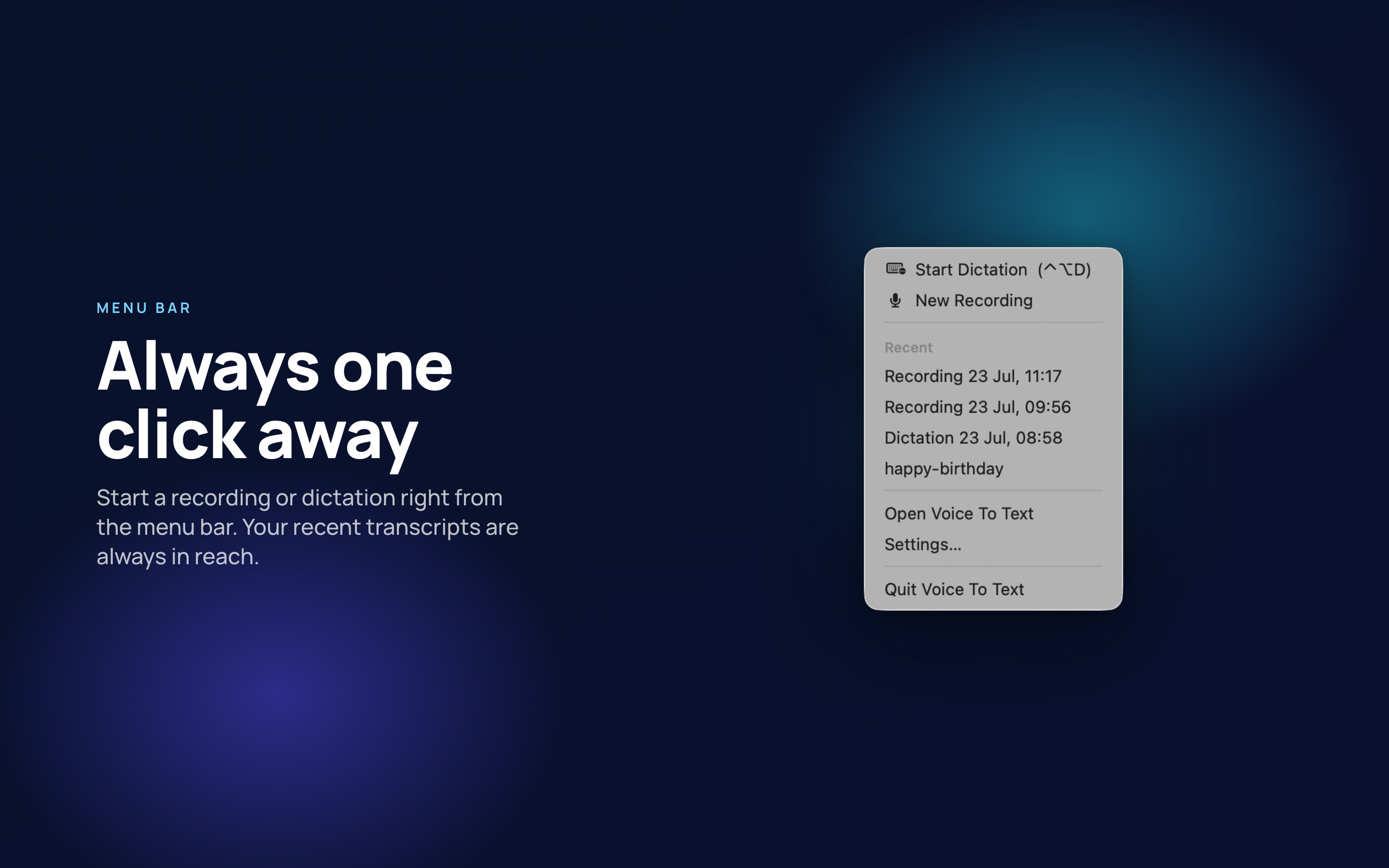
Dictate into any app

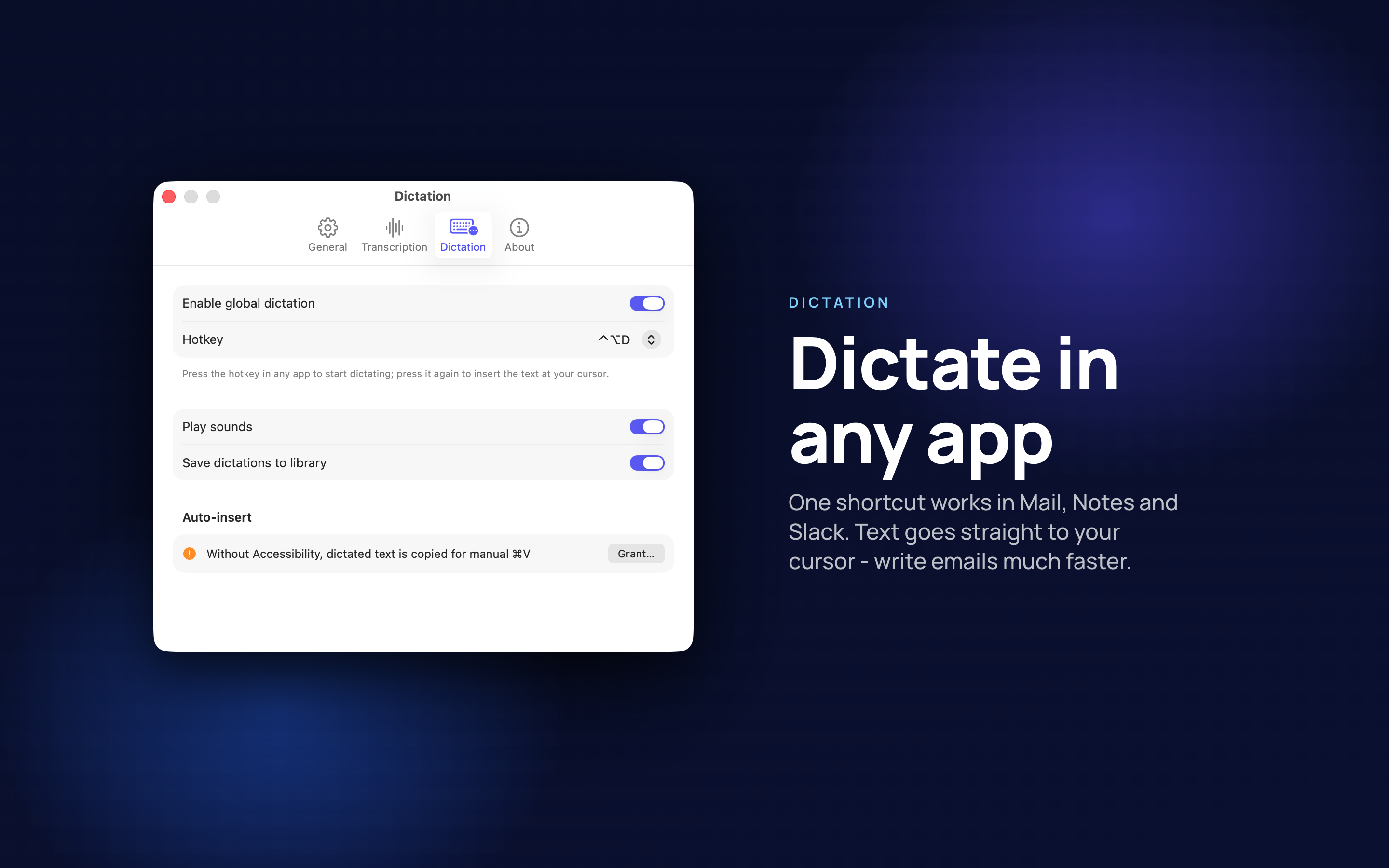
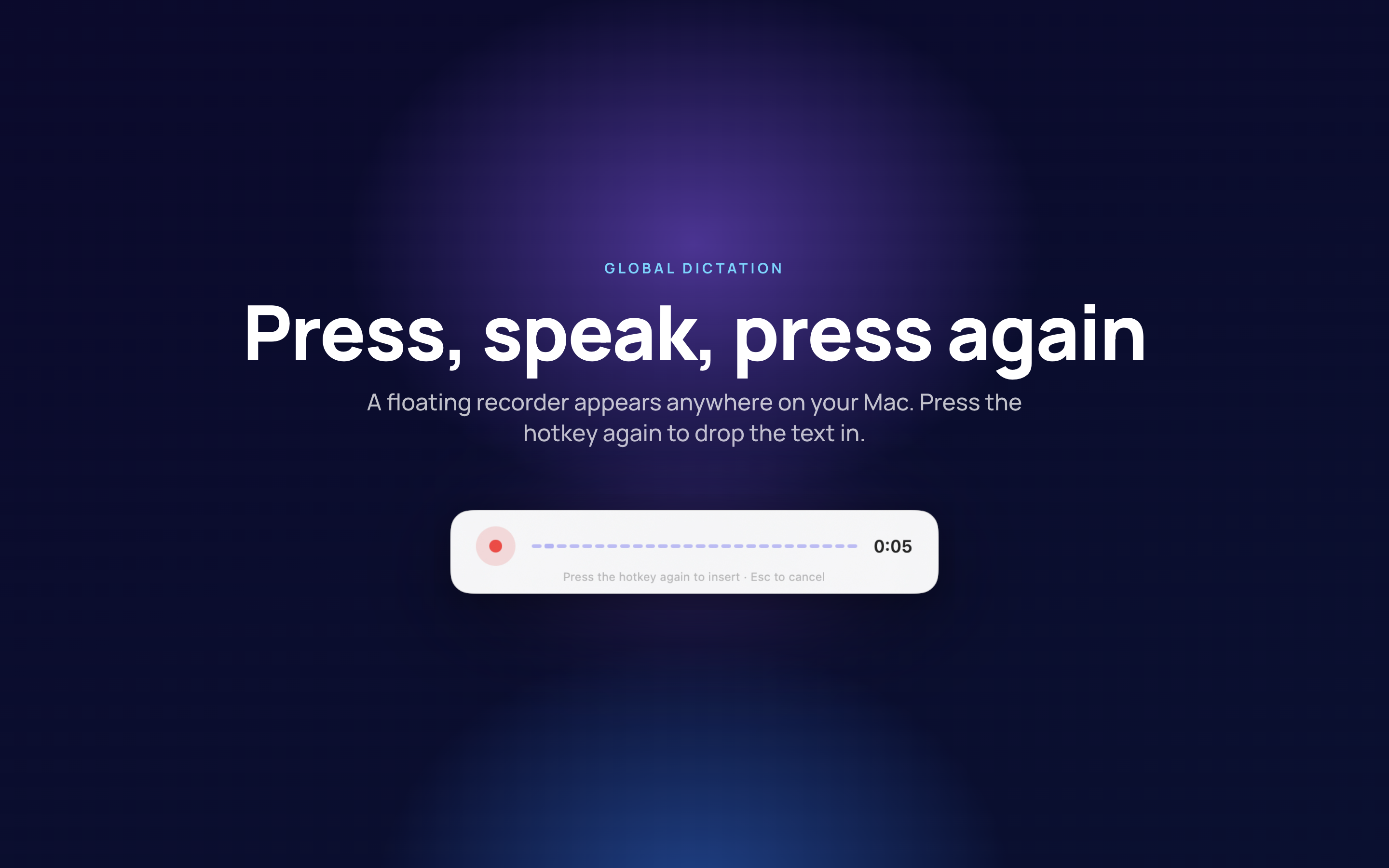
A keyboard shortcut - Control-Option-D - turns dictation on wherever the cursor already is, so notes land in the document you were writing rather than in a separate window.

Know who said what

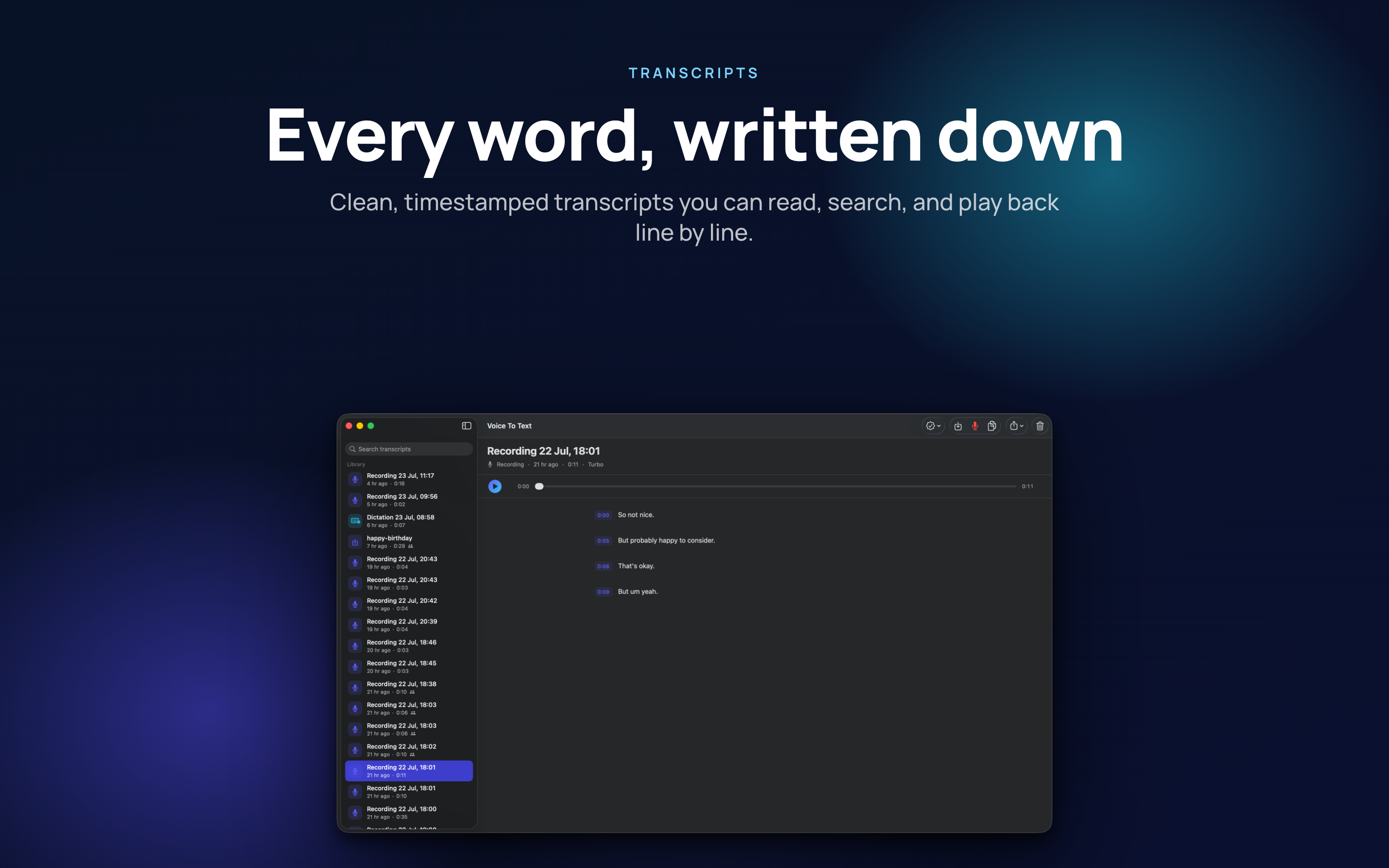
Speaker identification separates voices and lets you name them, which is the difference between a transcript you can quote from and a wall of text.

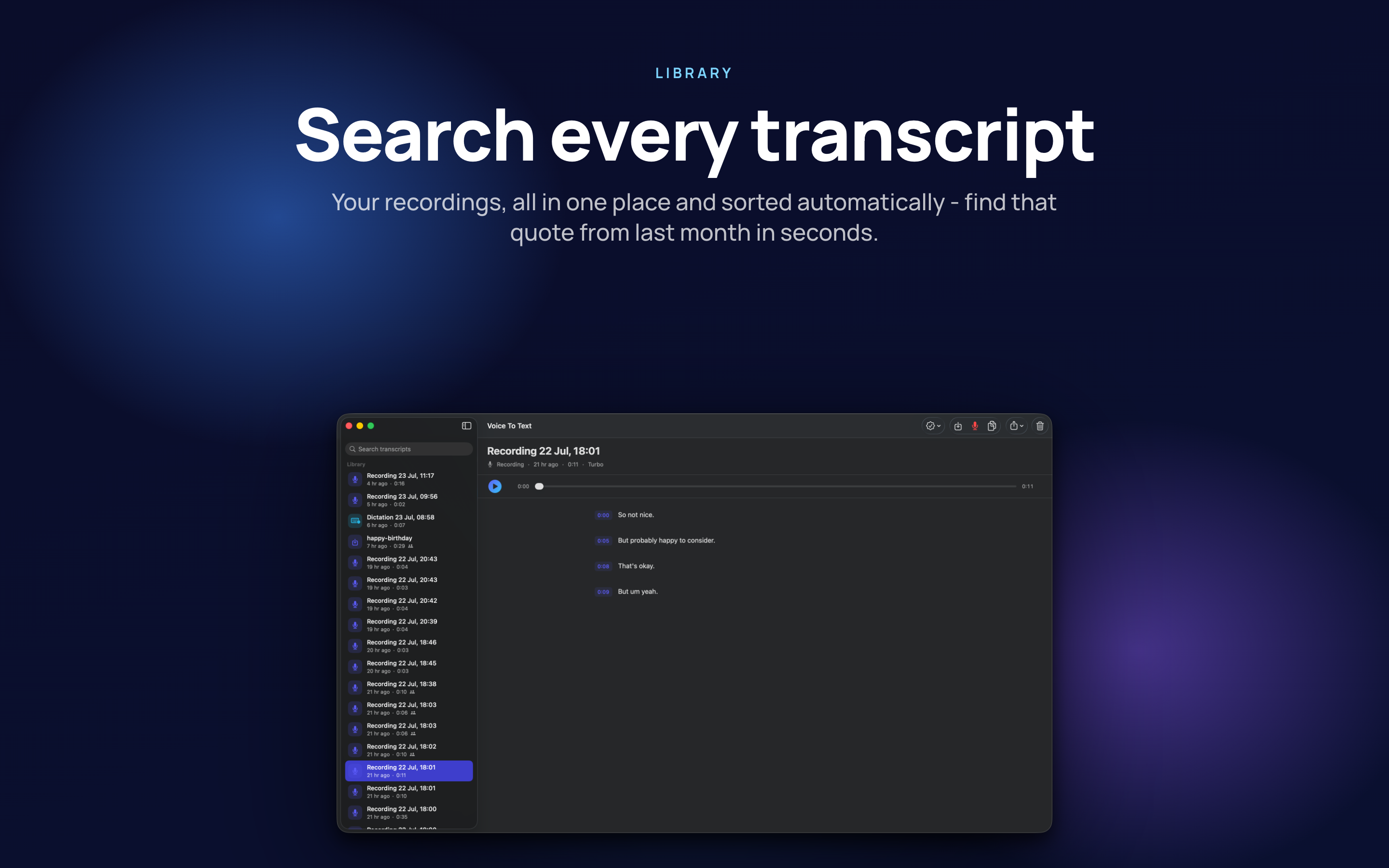
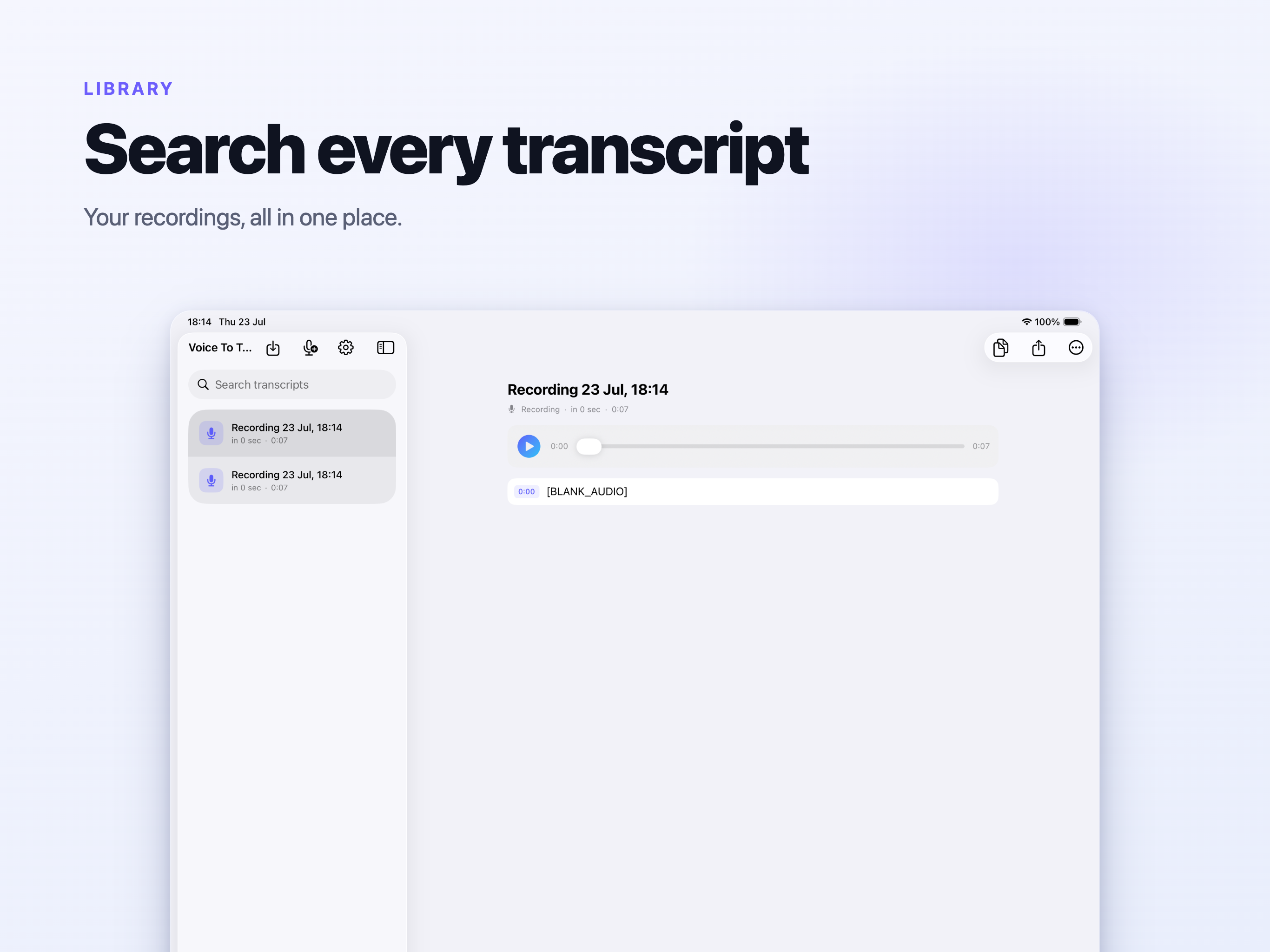
Find it again later

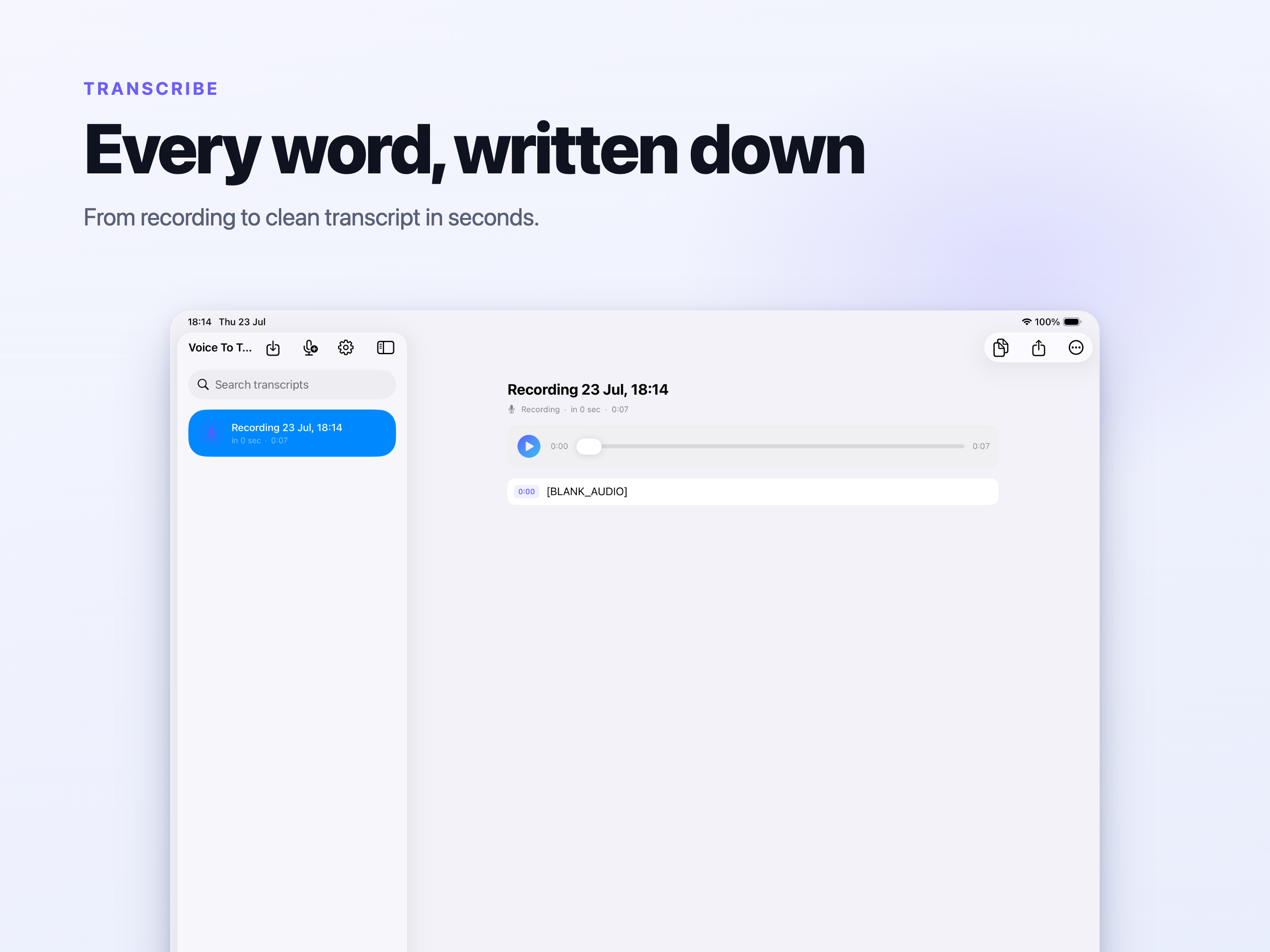
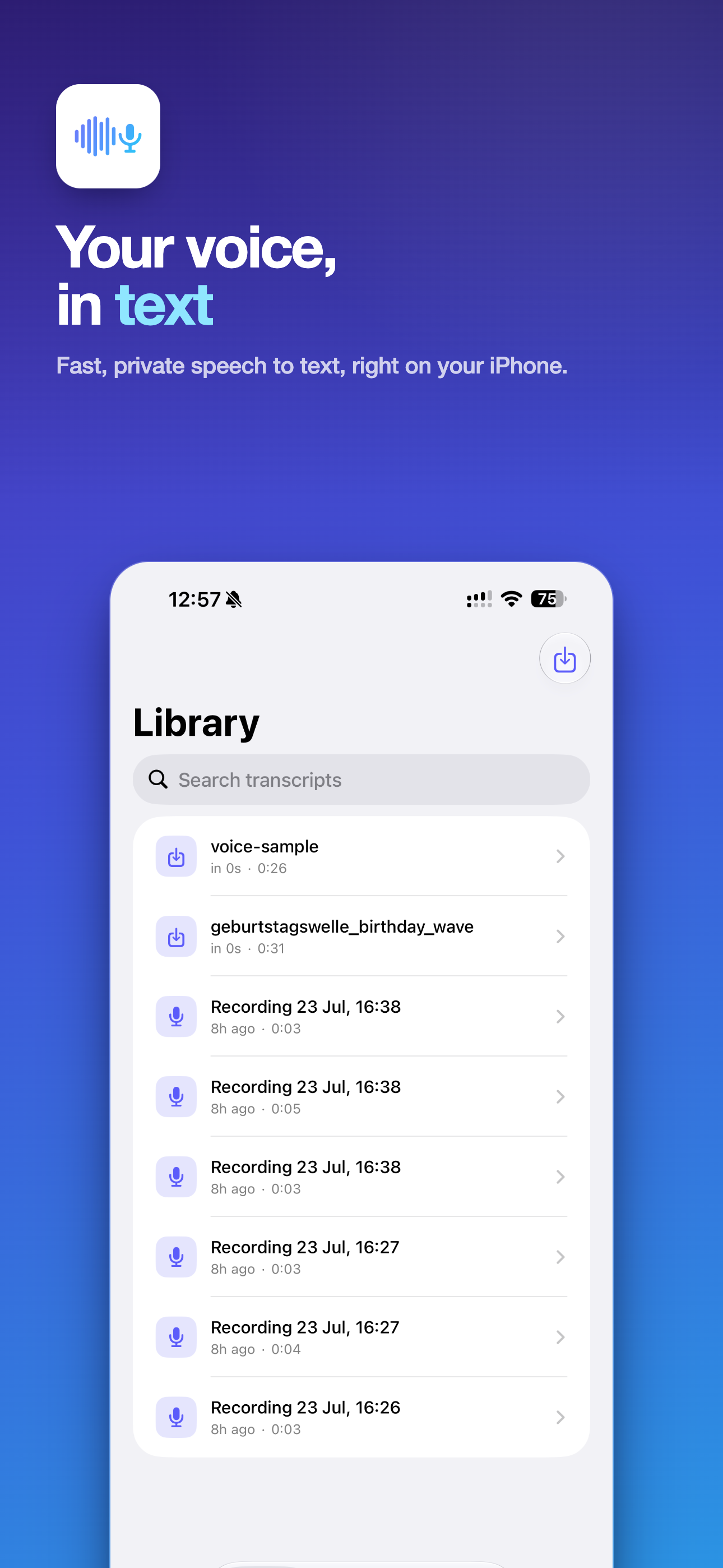
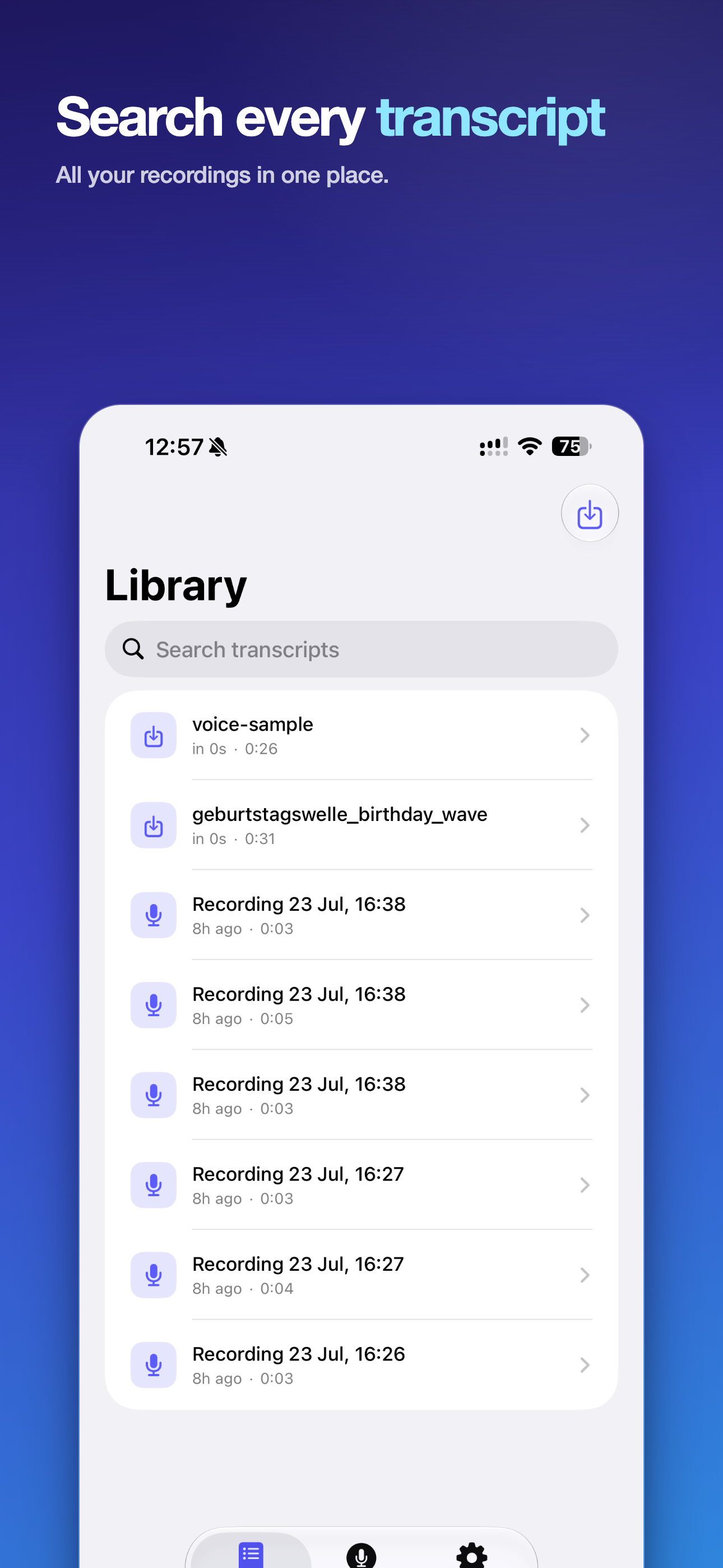
Every transcript goes into a searchable library, and a search hit jumps to that moment in the audio instead of leaving you to scrub for it.

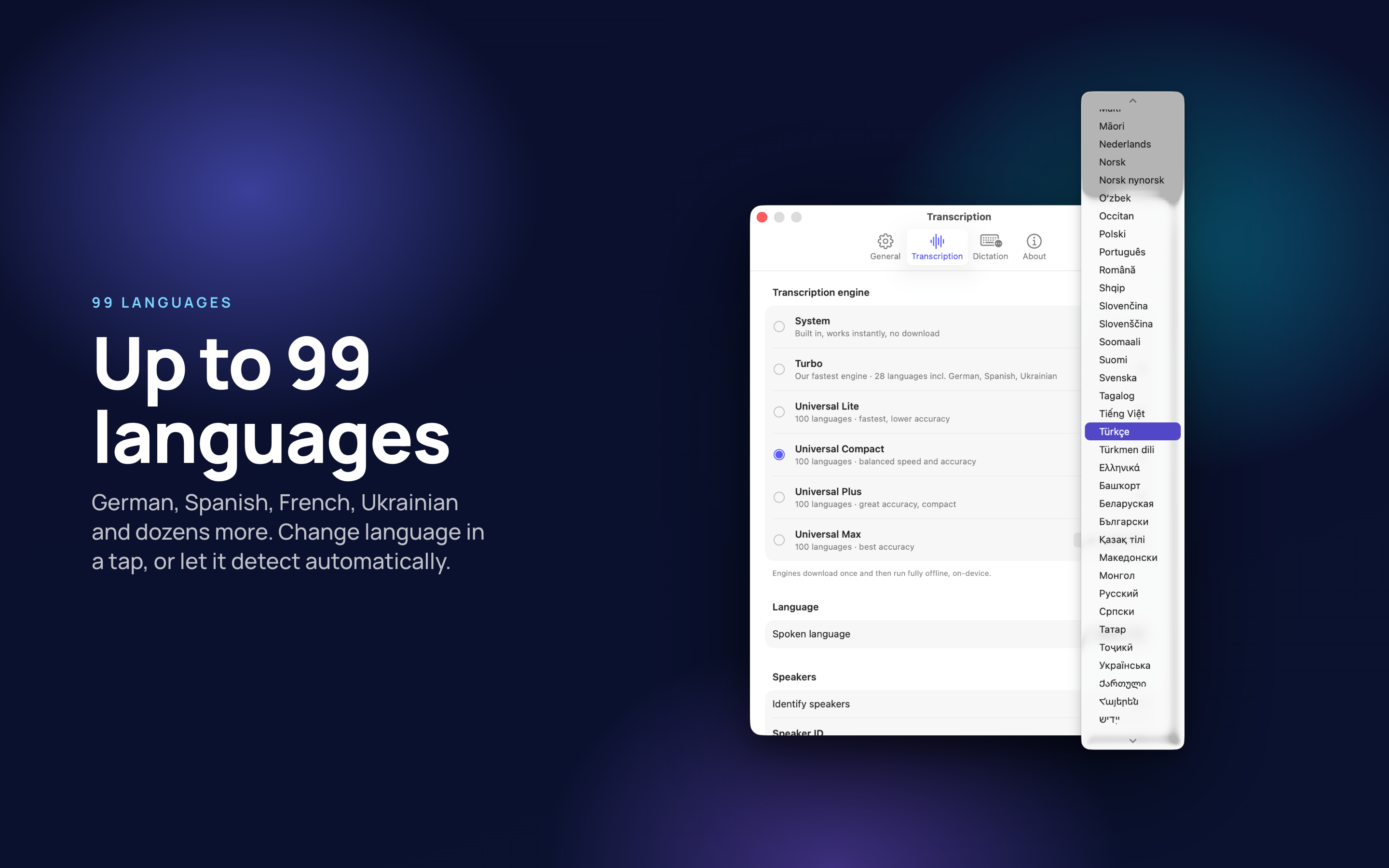
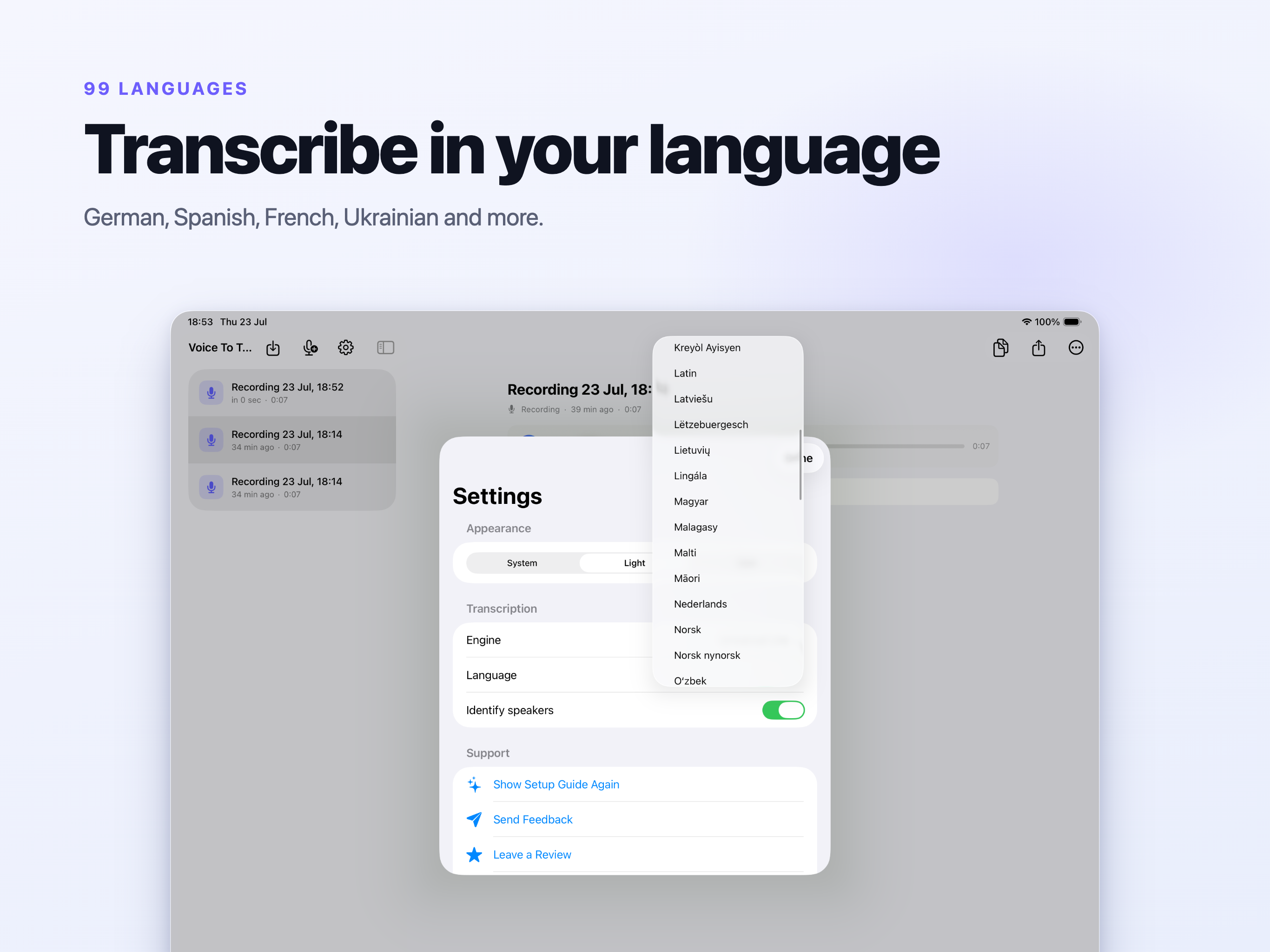
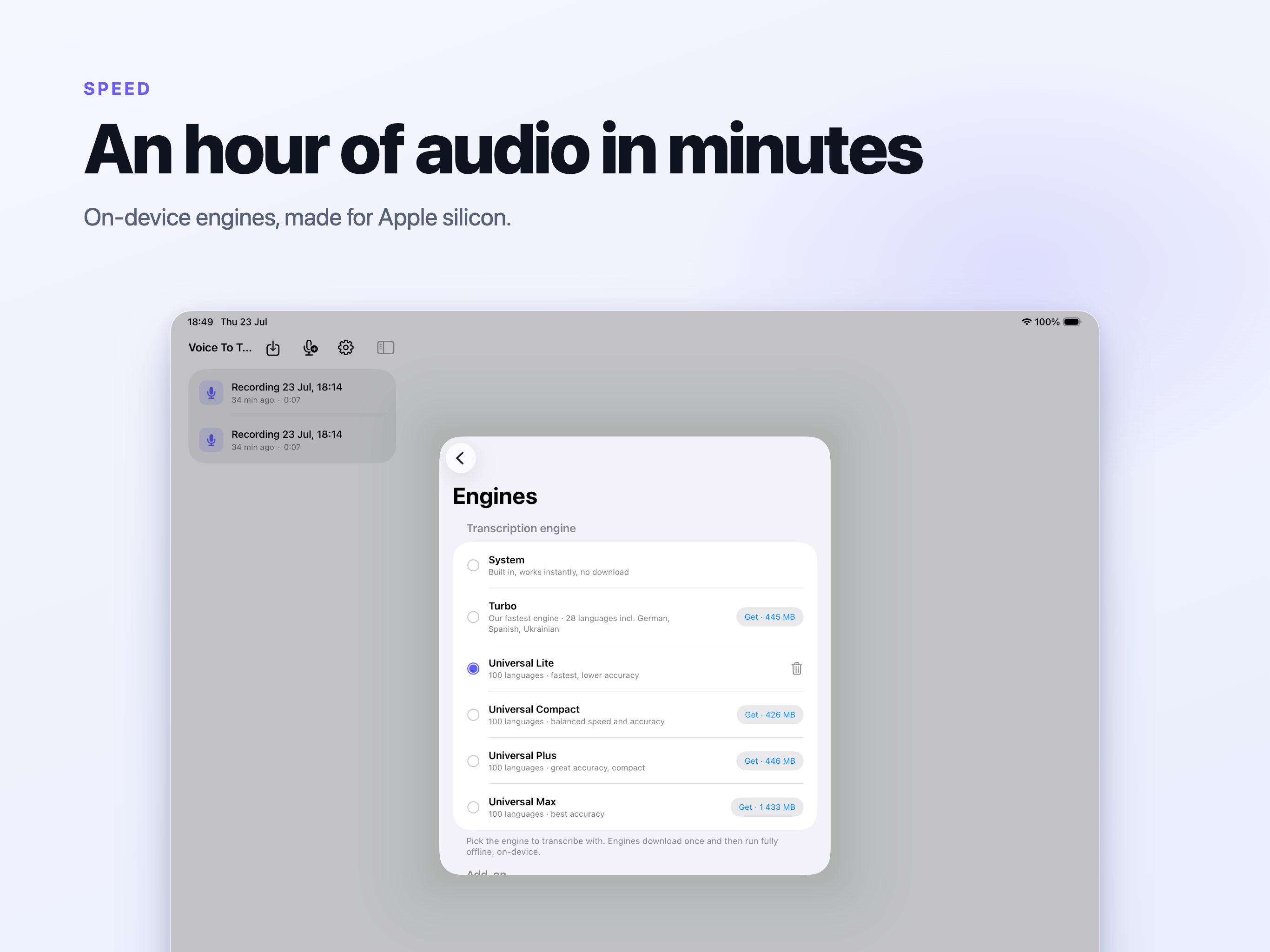
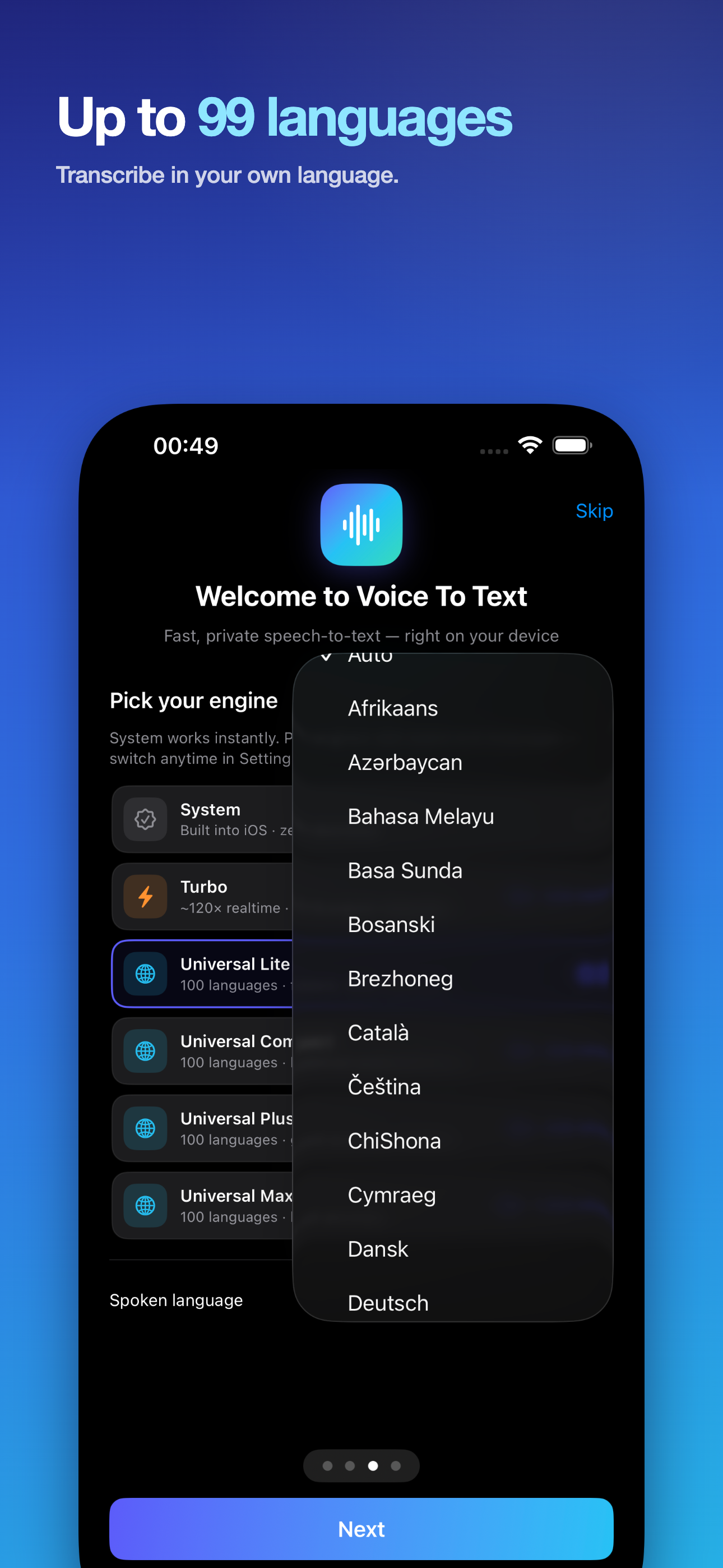
99+ languages

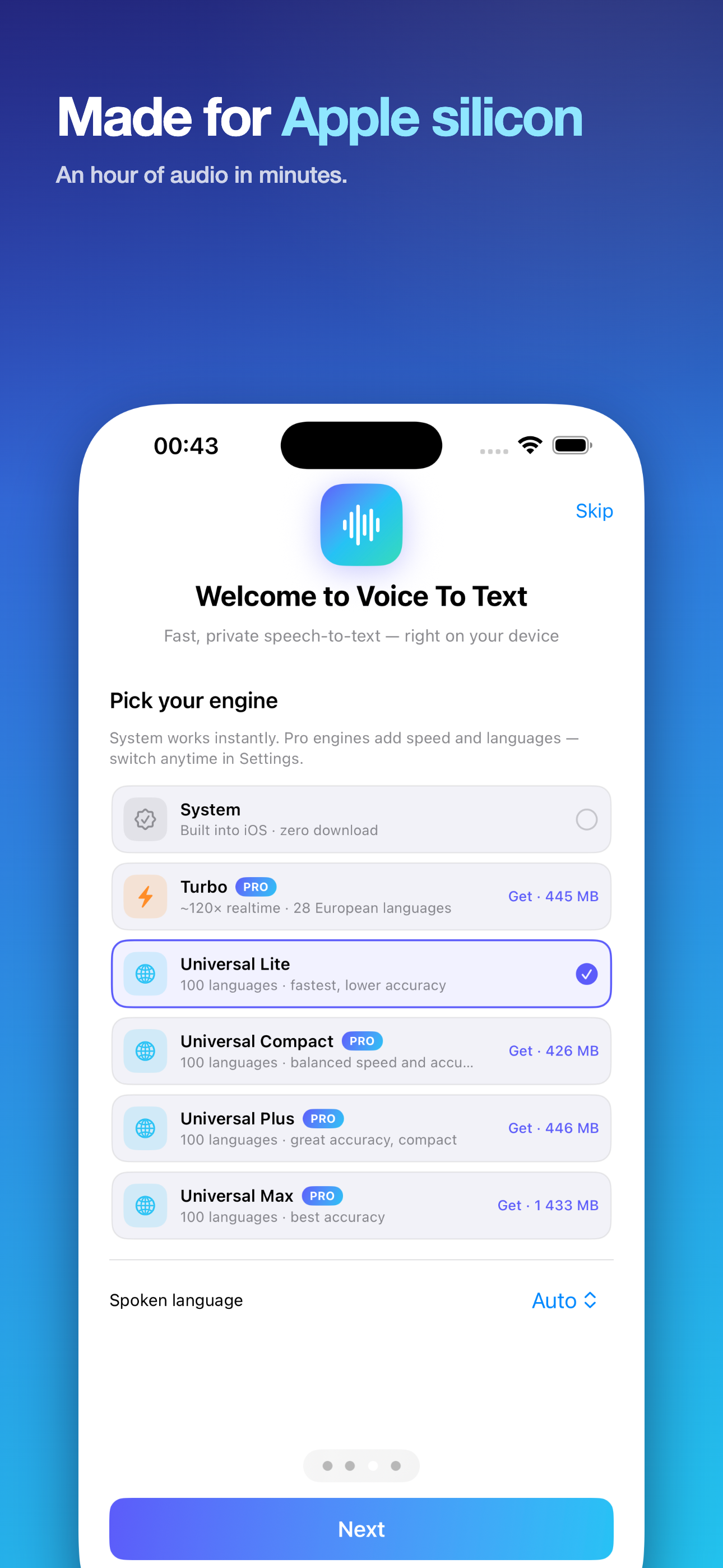
Recognition covers well over ninety languages depending on the engine, including German, Spanish, French, Ukrainian, Arabic, Hindi, Chinese, Japanese and Korean.

The recording never leaves your machine

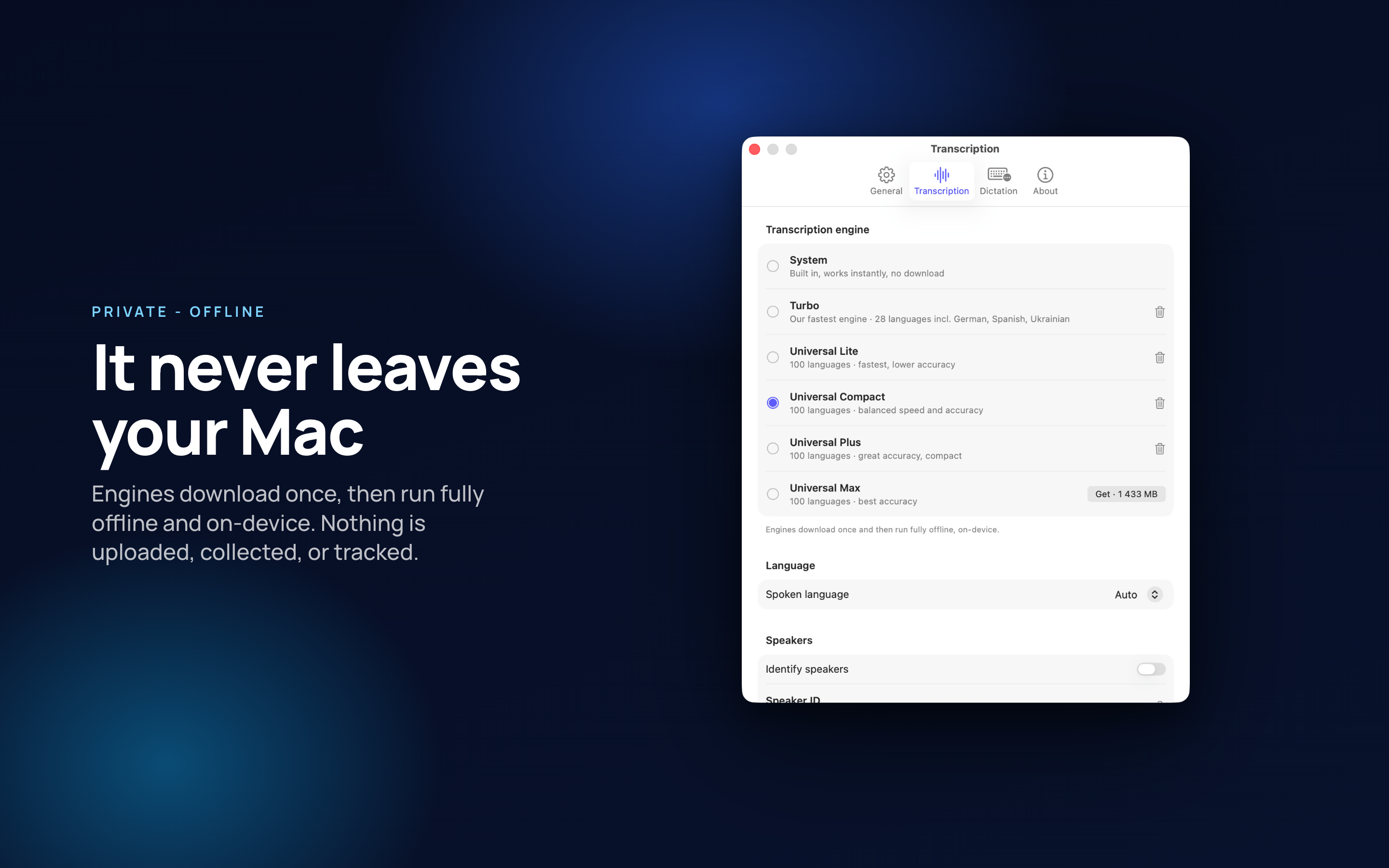
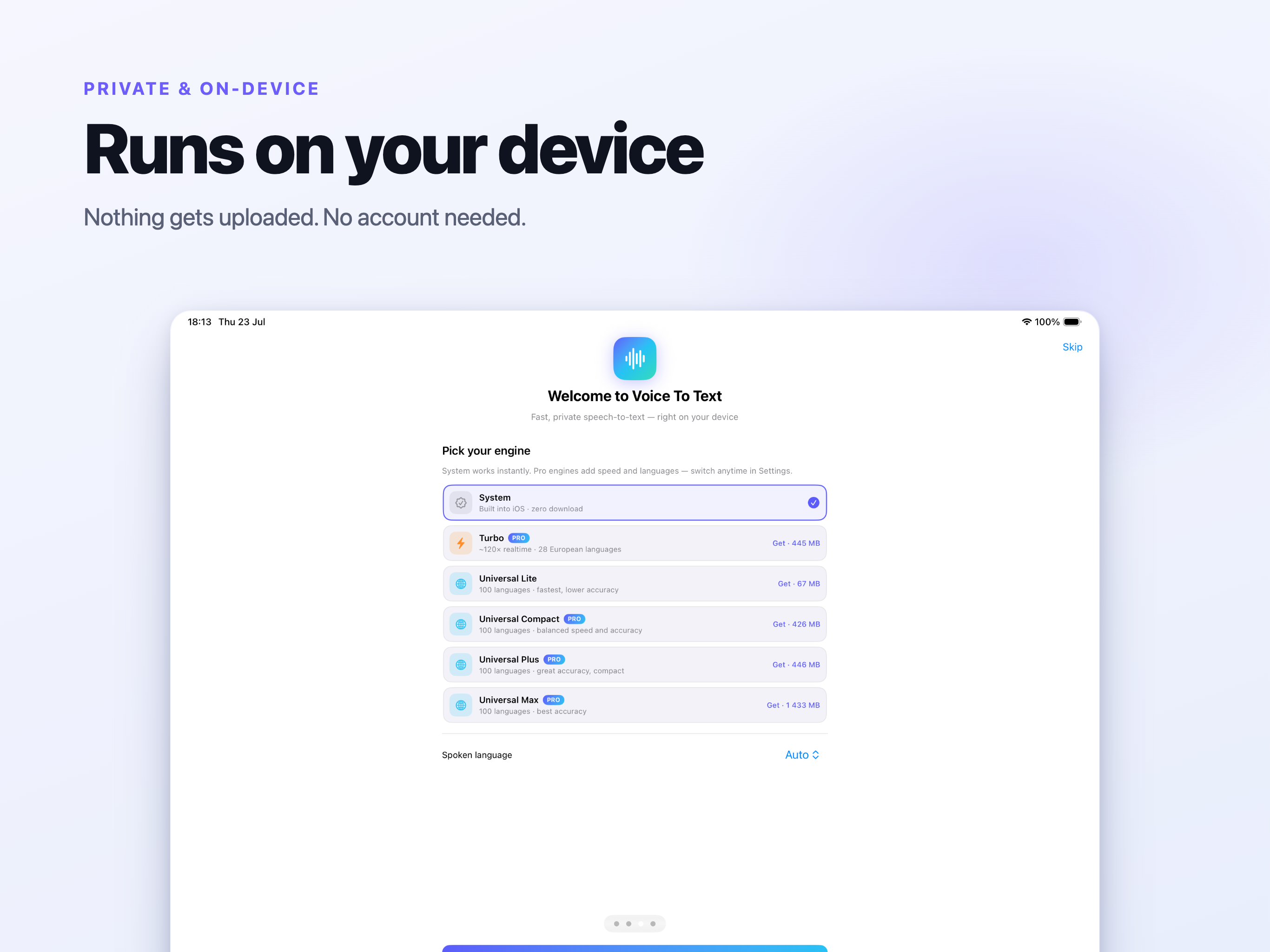
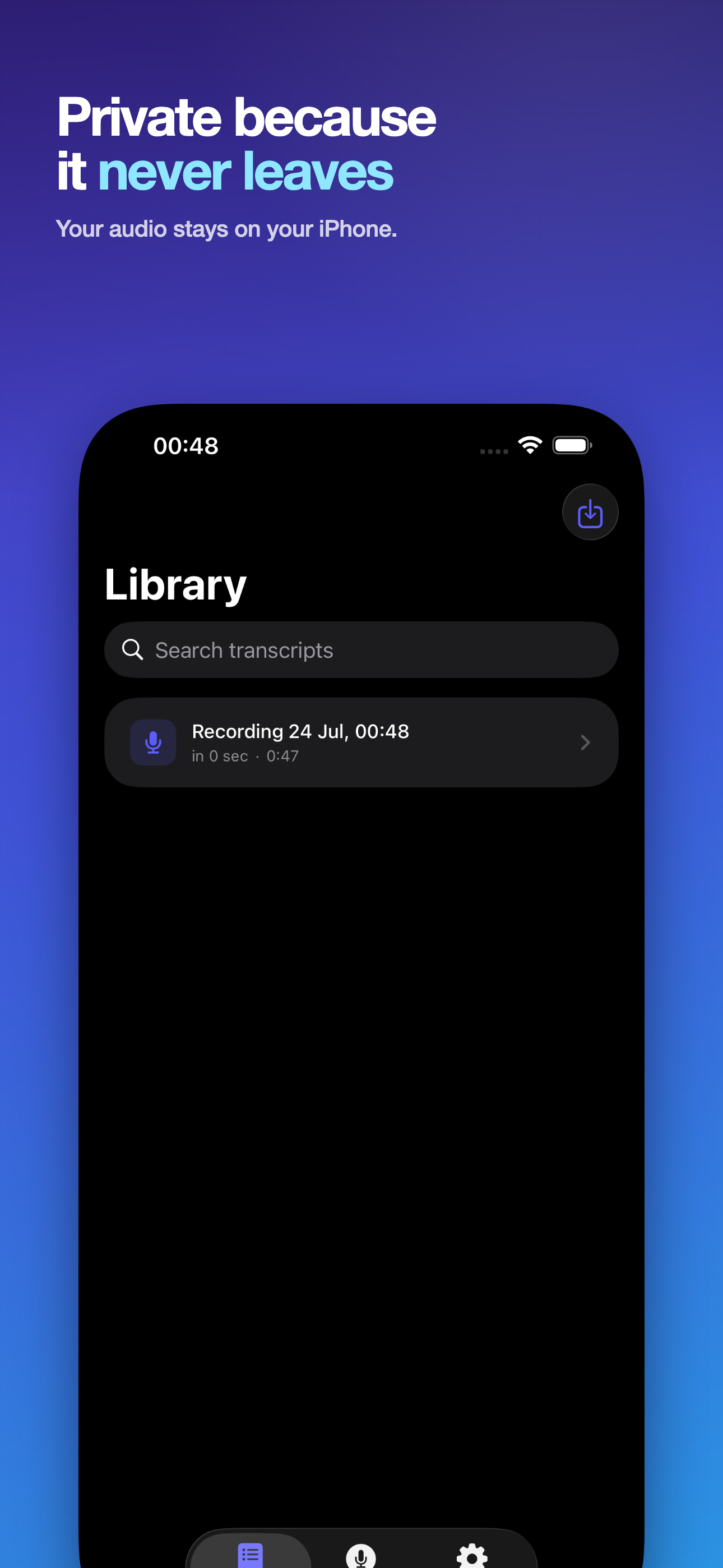
Transcription almost always means uploading the audio to a service. That is a poor trade for the things people actually record: client calls, medical appointments, interviews under embargo, a lecture you were asked not to share.

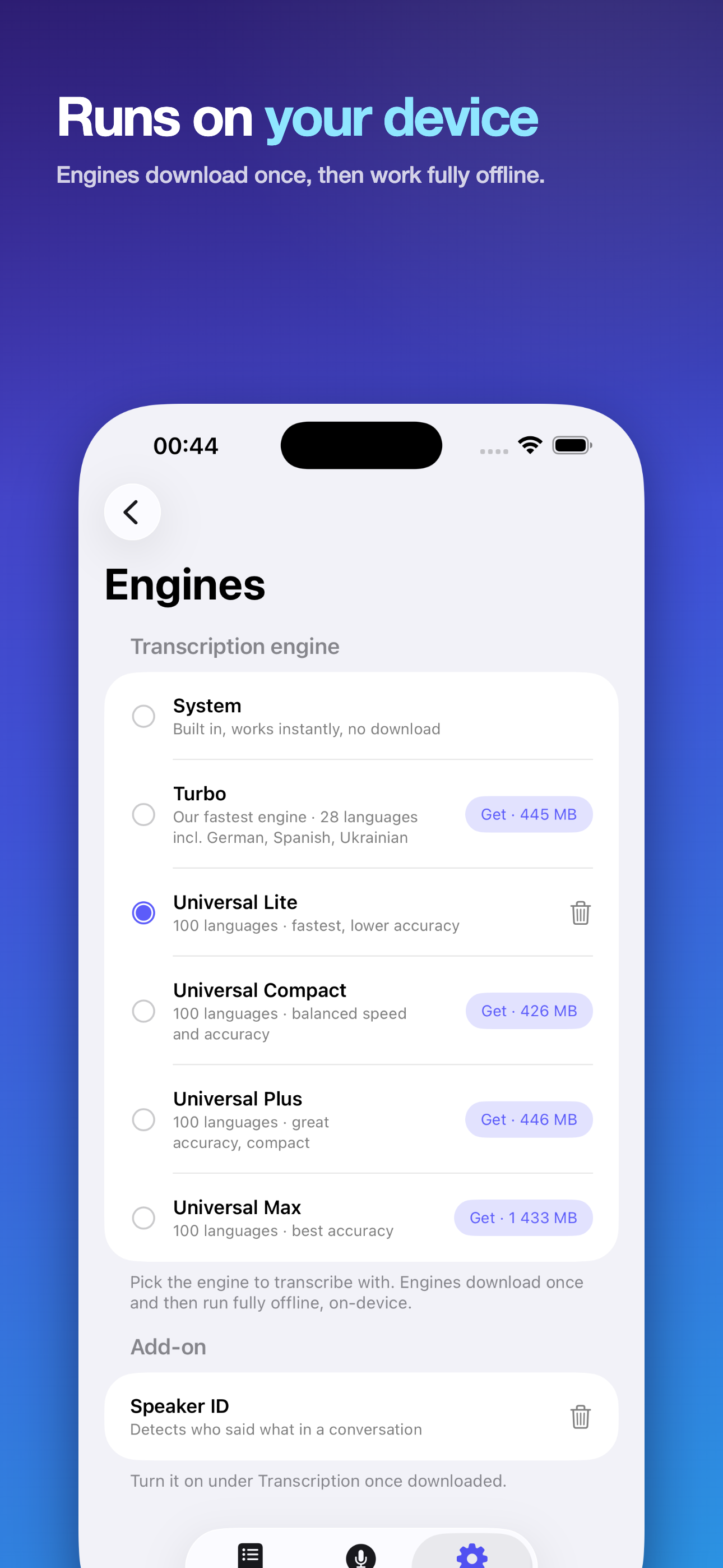
  • No account, no sign-in, no upload - the models run on your own device.
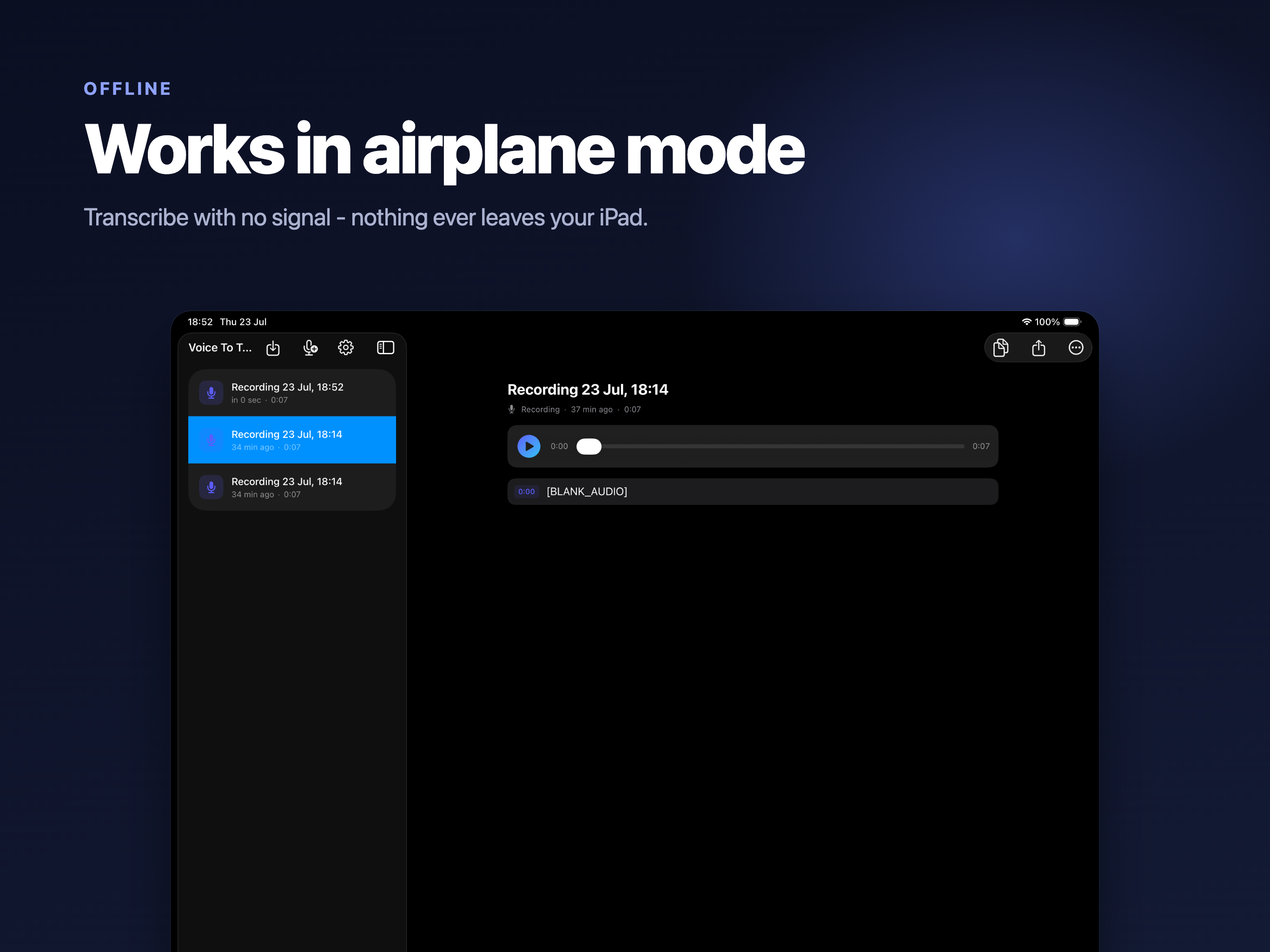
  • Works with the network off entirely, which also makes it usable on a plane or in a building with no signal.
  • Nothing is billed per minute, because nothing is being processed on someone else's hardware.
  • No telemetry about what you recorded, transcribed or exported.
99+
Languages recognised
0
Minutes uploaded
5
Export formats
7
Import formats

On Mac

The full workspace - the transcript library, speaker naming, and the dictation shortcut that works across every other app on the machine.

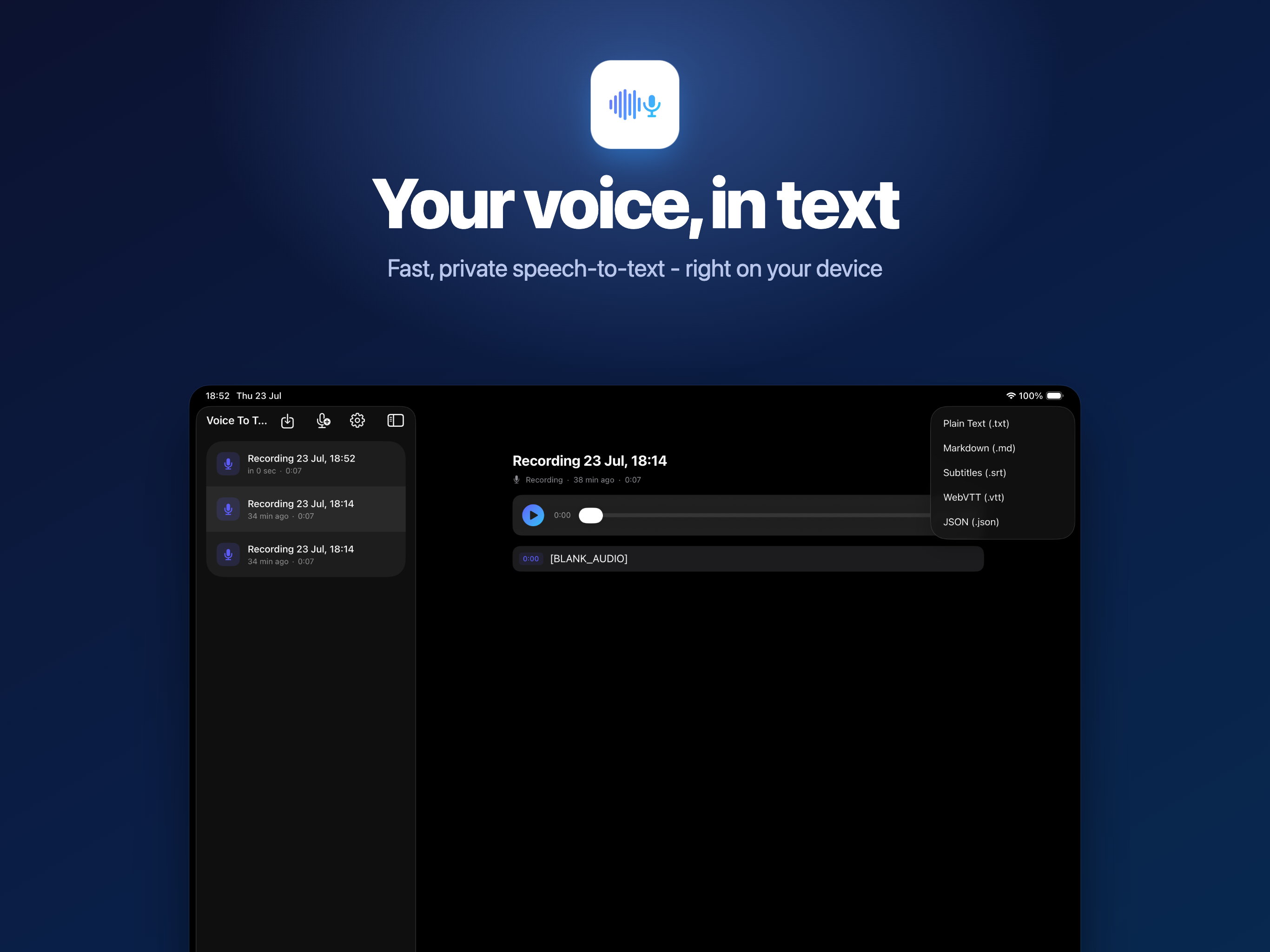
On iPad

Enough room to read the transcript beside the waveform, which is where you catch the words a model got wrong.

On iPhone

The one that is actually in the room when something worth recording starts - a meeting that ran long, an interview, a thought on the walk home.

Getting the Text Back Out

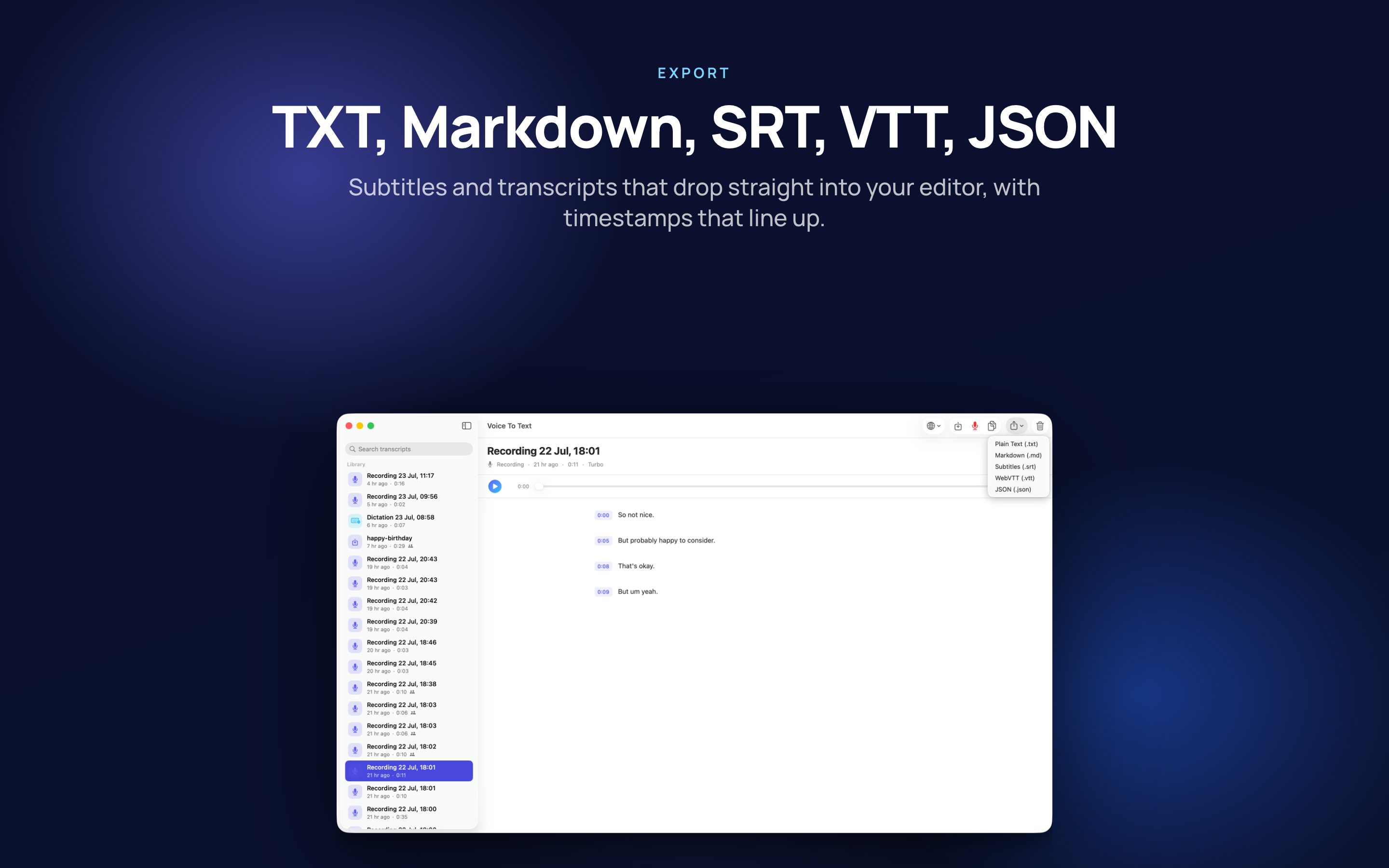
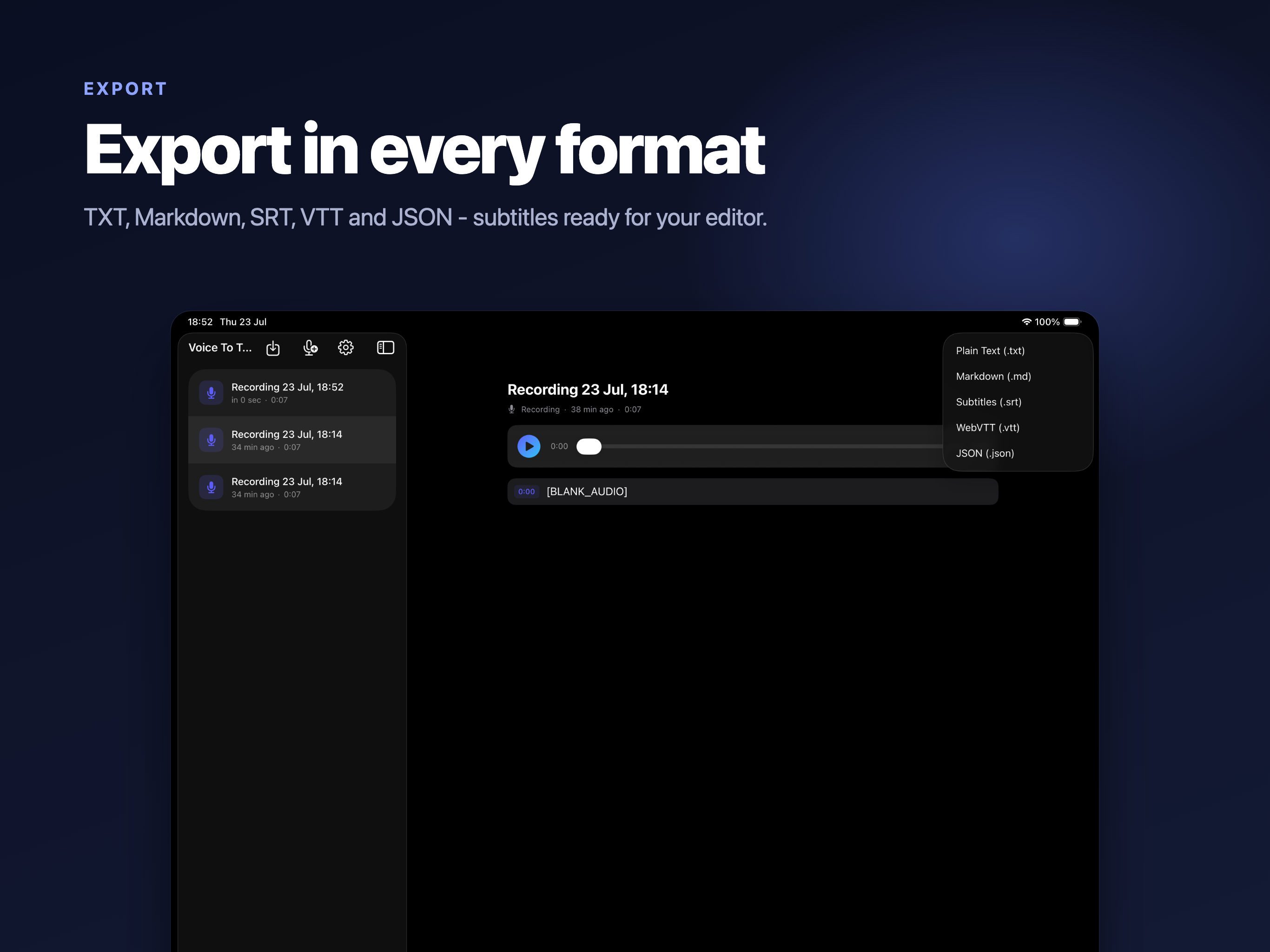
A transcript is only useful in the format the next tool expects, so the export list is deliberately boring and complete.

Plain text and Markdown

For notes and documents - Markdown keeps the speaker names and structure when it lands in whatever you write in.

SRT and WebVTT

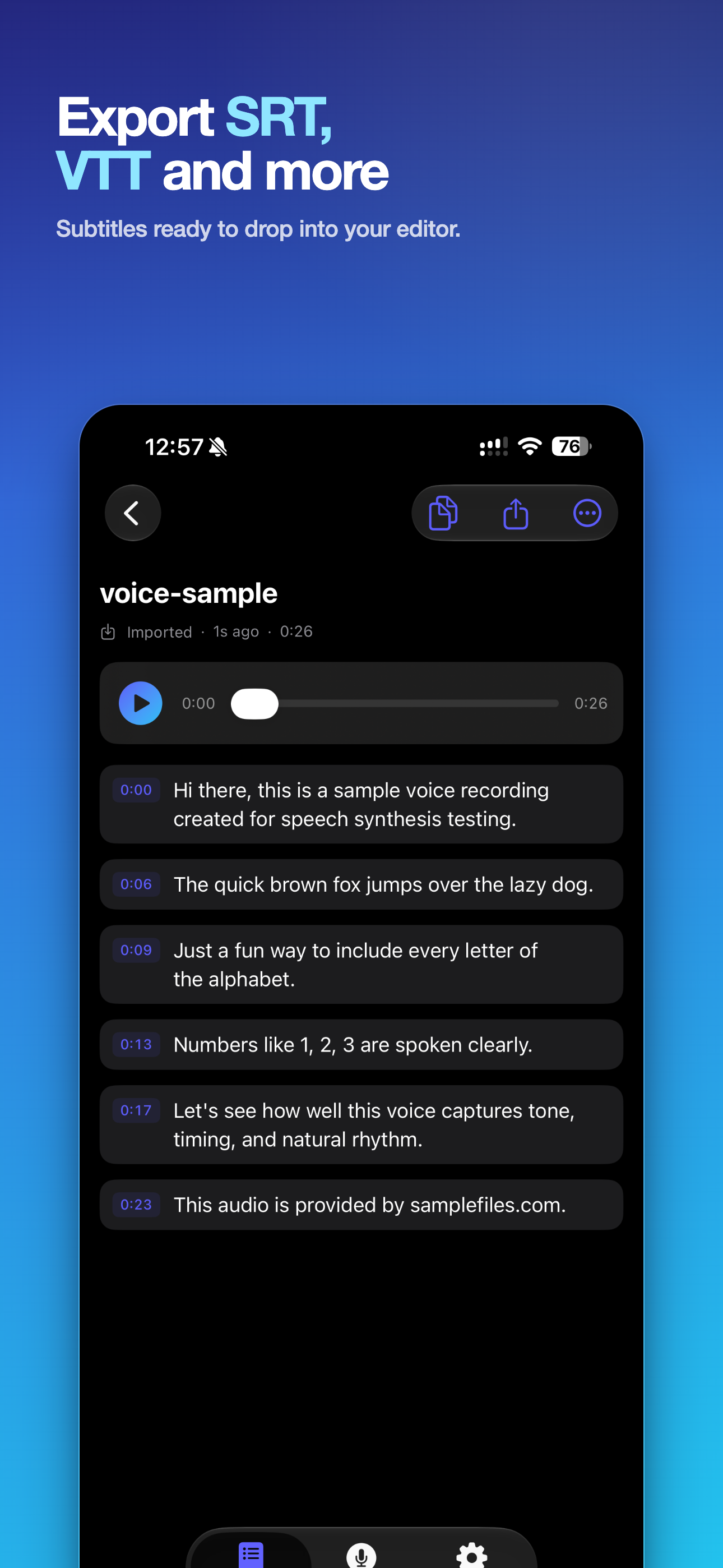
Subtitle files with timings, ready to attach to the video the audio came from.

JSON

The structured version, with timings and speakers intact, for when the transcript is feeding something else rather than being read.

Timestamps that jump

Clicking a line in the transcript moves the audio to that moment, so checking a quote does not mean listening from the start.

Who Uses It

Mostly people who have to turn something spoken into something written, and would rather not send the audio to a stranger to do it.

Meetings and client calls

A recording turned into notes with each speaker named, without the call passing through a transcription service that keeps a copy.

Lectures and study

Record the lecture, search the transcript for the thing the exam actually asks about, and jump straight to that minute of audio.

Interviews and writing

Journalists and researchers working from tape, where quoting accurately matters and the material is often confidential.

Subtitling video

SRT and WebVTT straight out of the app, so captions come from the same pass that produced the transcript.

Available On

Requires iOS 17, iPadOS 17 or macOS 14 and later.
iPhone

iOS 17.0 or later

iPad

iPadOS 17.0 or later

Mac

macOS 14.0 or later

Frequently asked questions

Does the audio get uploaded for transcription?

No. The models run on your own device, so a client call, an interview or a lecture recording never leaves it. That also means it works with the network off entirely.

Can I transcribe a file someone else recorded?

Yes - audio and video both, covering m4a, mp3, wav, aiff, caf, mp4 and mov. Importing is often the point: the recording you most need a transcript of is usually not the one you made.

Can it tell speakers apart?

Yes. Speaker identification separates the voices and you can name them, which is what turns a wall of text into something you can quote from accurately.

Can I dictate straight into another app?

Yes - a keyboard shortcut (Control-Option-D) starts dictation wherever the cursor already is, so the text lands in the document you were writing rather than in a separate window to copy from.

What formats can I export to?

Plain text and Markdown for notes and documents, SRT and WebVTT for subtitling the video the audio came from, and JSON when the transcript is feeding another tool rather than being read.

How many languages does it recognise?

Well over ninety depending on the engine, including German, Spanish, French, Italian, Portuguese, Dutch, Polish, Czech, Ukrainian, Arabic, Hebrew, Hindi, Chinese, Japanese and Korean.

Which platforms does it run on?

iPhone (iOS 17), iPad (iPadOS 17) and Mac (macOS 14) and later.