The first instinct is that the router is dying. Routers do fail, but they fail at all hours. A problem that keeps office hours is a congestion problem, and there are four candidates - two inside your flat and two outside it.
Establish which side first
Two minutes, and it saves buying hardware you did not need.
Run a speed test over Wi-Fi during the slow period. Then plug a laptop into the router with an ethernet cable and run the same test.
- Cable is fast, Wi-Fi is slow: the problem is inside your home, in the air. Keep reading below.
- Both are slow: the problem is your internet connection, not your Wi-Fi. Skip to the ISP section.
Most people never do this and spend the evening moving the router.
Inside the flat: channel congestion
Wi-Fi is a shared medium. Devices on the same channel take turns, and that includes your neighbours' devices - your router does not have its own private lane.
On 2.4 GHz there are only three non-overlapping channels: 1, 6 and 11. In a block of flats, dozens of networks are dividing three channels between them. In the evening, when everyone is home and streaming, that band saturates.
5 GHz has far more channels and much less range, which in this context is a feature - your neighbour's 5 GHz probably does not reach you.
What to do:
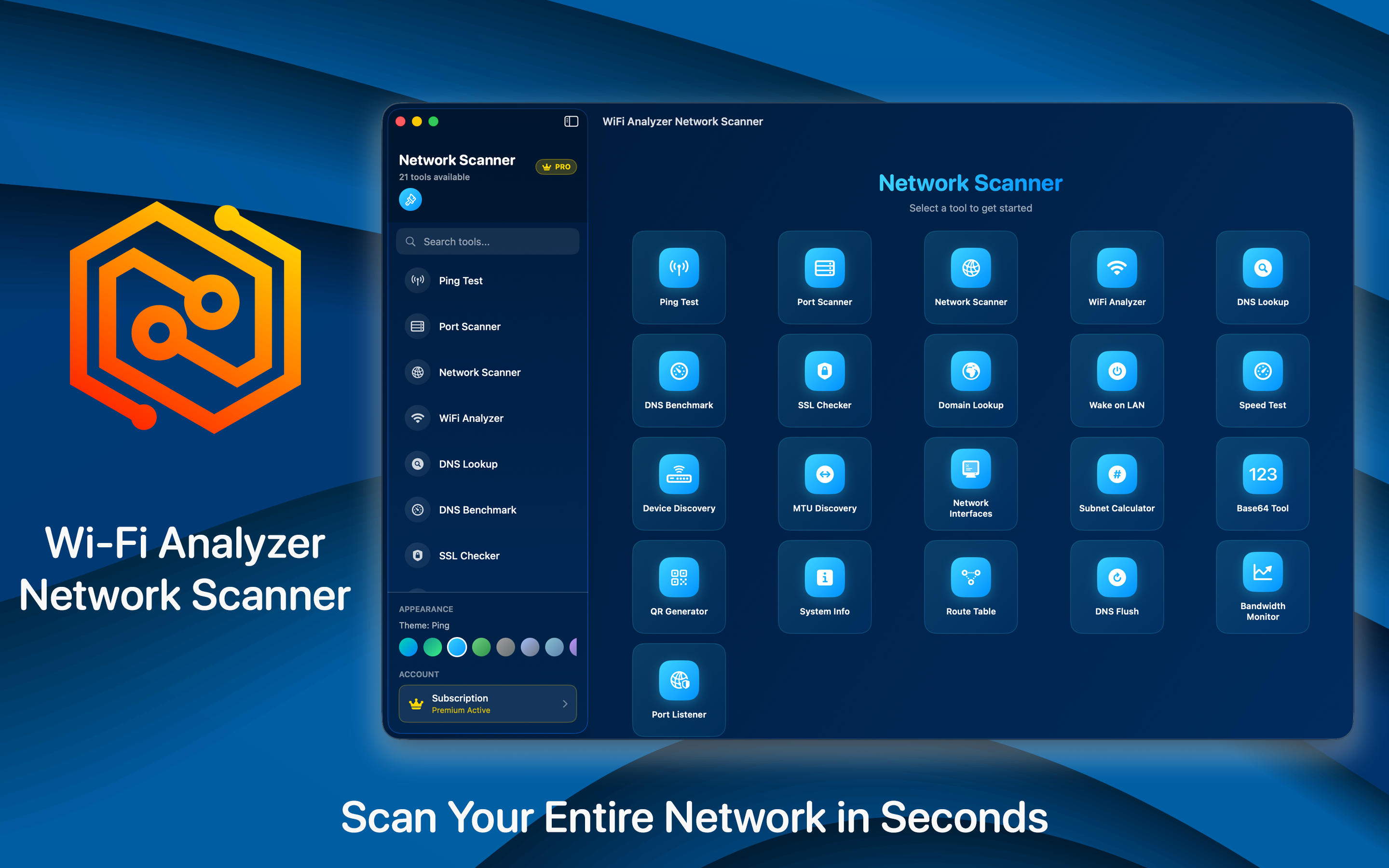
- Scan and see which channels the networks around you are using. Wi-Fi Analyzer shows this from a phone in a few seconds.
- Move your 2.4 GHz network to whichever of 1, 6 or 11 is least crowded. Not to channel 3 or 9 - those overlap two others and make things worse for everyone.
- Put everything that can be on 5 GHz onto it. Laptops, phones, the TV. Leave 2.4 GHz for smart plugs and anything old.
- Scan again in the evening rather than the morning. The congestion you are trying to avoid only exists at peak time, and choosing a channel at eleven in the morning tells you nothing.
That last point catches nearly everyone. We went into the channel side in detail in finding the best Wi-Fi channel.
Inside the flat: one device using everything
The other local cause, and the easier one to miss because nothing looks wrong.
A cloud backup that starts at eight. A console downloading a game in the background. A TV pulling 4K while someone else is on a call. Photo sync uploading a day of video.
The signature is different from congestion: everything is slow at once, including devices right next to the router, and it stops abruptly when whatever it was finishes. If your slow period ends at a consistent time rather than tapering, this is likely it.
Most routers can show which client is using bandwidth. If yours cannot, unplug devices one at a time during a slow spell - crude, and it takes five minutes.
Outside: ISP contention
If the cable test was also slow, the bottleneck is upstream and no amount of router configuration touches it.
Consumer broadband is sold on the assumption that not everyone uses it at once. On shared media - cable, and some fibre-to-the-cabinet arrangements - your street shares capacity, and between about seven and eleven in the evening that capacity is fully committed.
What actually helps:
- Measure and record. A speed test at 9pm every evening for a week gives you something to show an ISP. One bad result is an anecdote.
- Check whether your line is the problem rather than the neighbourhood. A significant drop in sync speed rather than throughput points at your own line.
- Ask specifically about contention when you call. It is a term they recognise and it moves the conversation past the script about restarting the router.
Outside: the service itself
Worth ruling out before blaming anything. A streaming service being slow at peak time is common, and it is not your connection. If one service stutters and everything else is fine, the problem is between you and them, not in your flat.
Signal strength, which is not the same as speed
Full bars and slow speeds is a normal and confusing combination. Bars indicate signal strength; congestion is about how many devices are talking. A strong signal on a crowded channel is still slow.
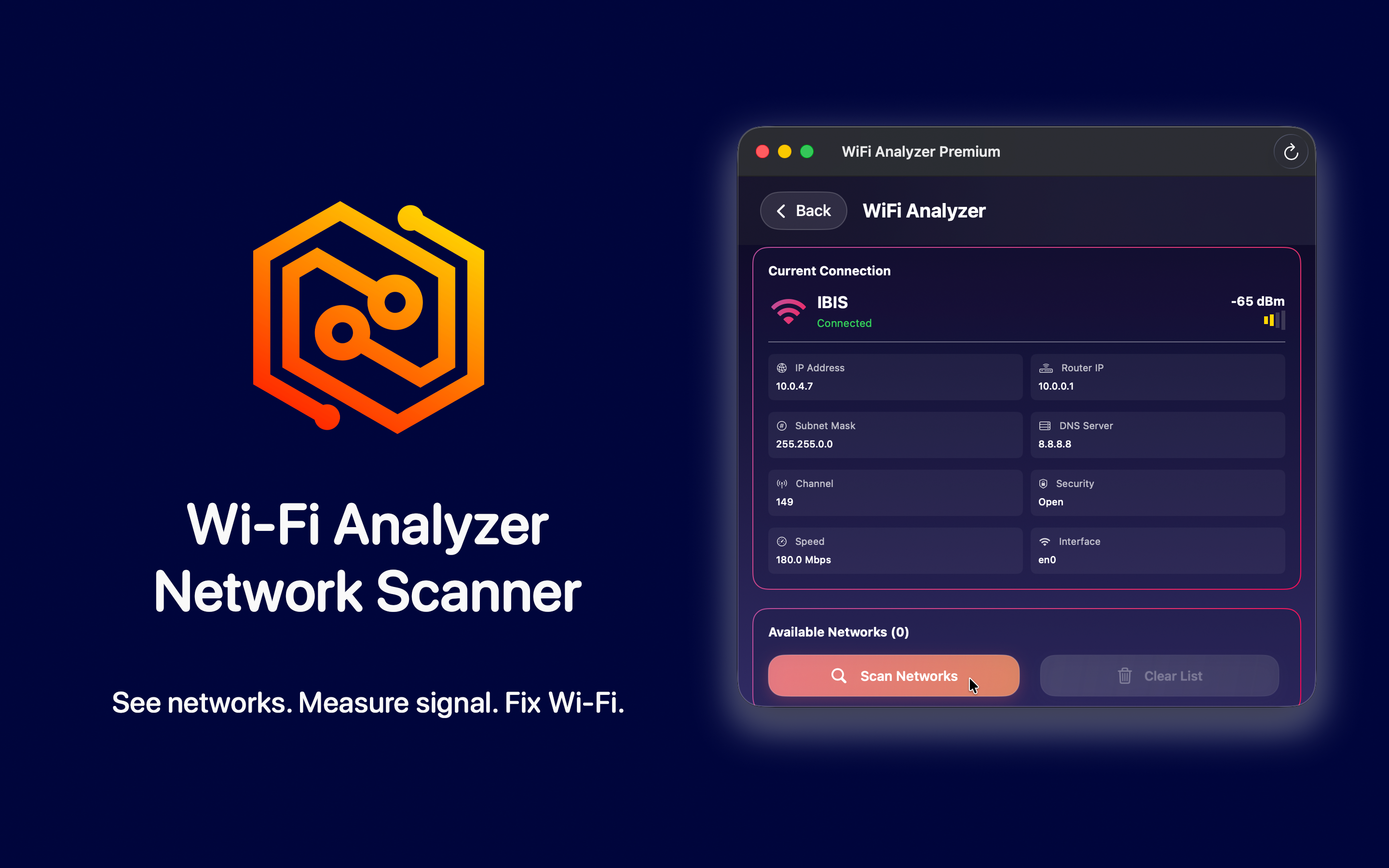
Signal is worth measuring where you actually sit rather than next to the router, but treat it as a separate question from the evening slowdown. If speeds are consistently poor in one room at all hours, that is a coverage problem and wants a mesh node. If speeds are fine at noon and poor at eight, it is congestion, and another access point on the same crowded channel will not help.
The order to work through
- Cable test versus Wi-Fi test during the slow period.
- If Wi-Fi only: scan channels in the evening, move to the emptiest of 1, 6 or 11, push devices to 5 GHz.
- Check whether one device is saturating the line.
- If cable is slow too: log speeds for a week, then contact the ISP with data.
Nothing on that list involves buying a router, which is the point. In practice the fix is usually one channel setting, and it takes longer to find the problem than to solve it.