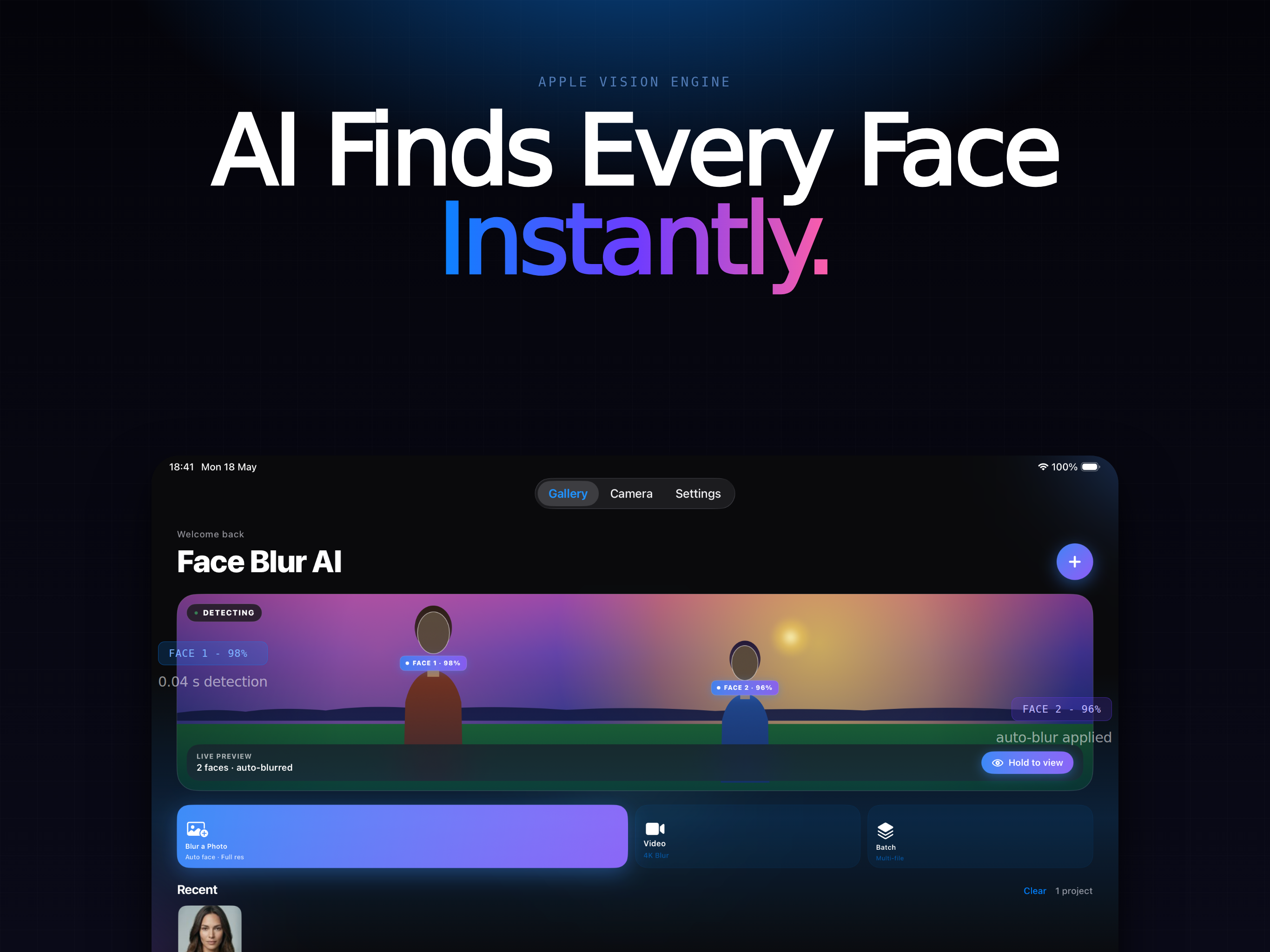
Instantly hide faces, license plates, and sensitive details in any photo or video - automatic AI detection, manual brush, and live camera preview. Built for privacy on iPhone, iPad, and Mac.
Share screenshots and group photos without exposing strangers, kids, or private information. Everything runs on-device - your photos and videos never leave your phone or Mac.
iPhone, iPad & MacAuto face detectionOn-devicePhotos & video
Auto
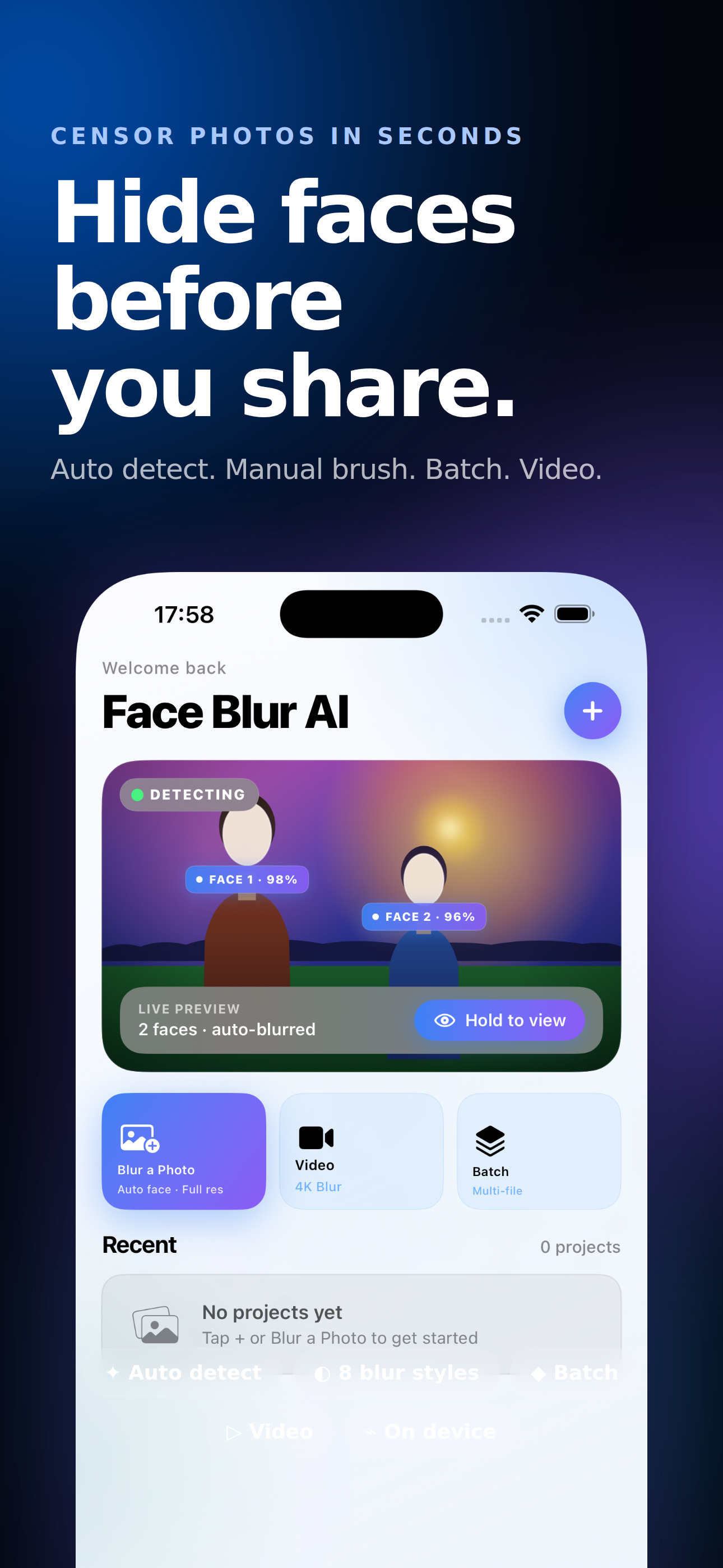
AI face detection
On-device
No cloud, no tracking
Video
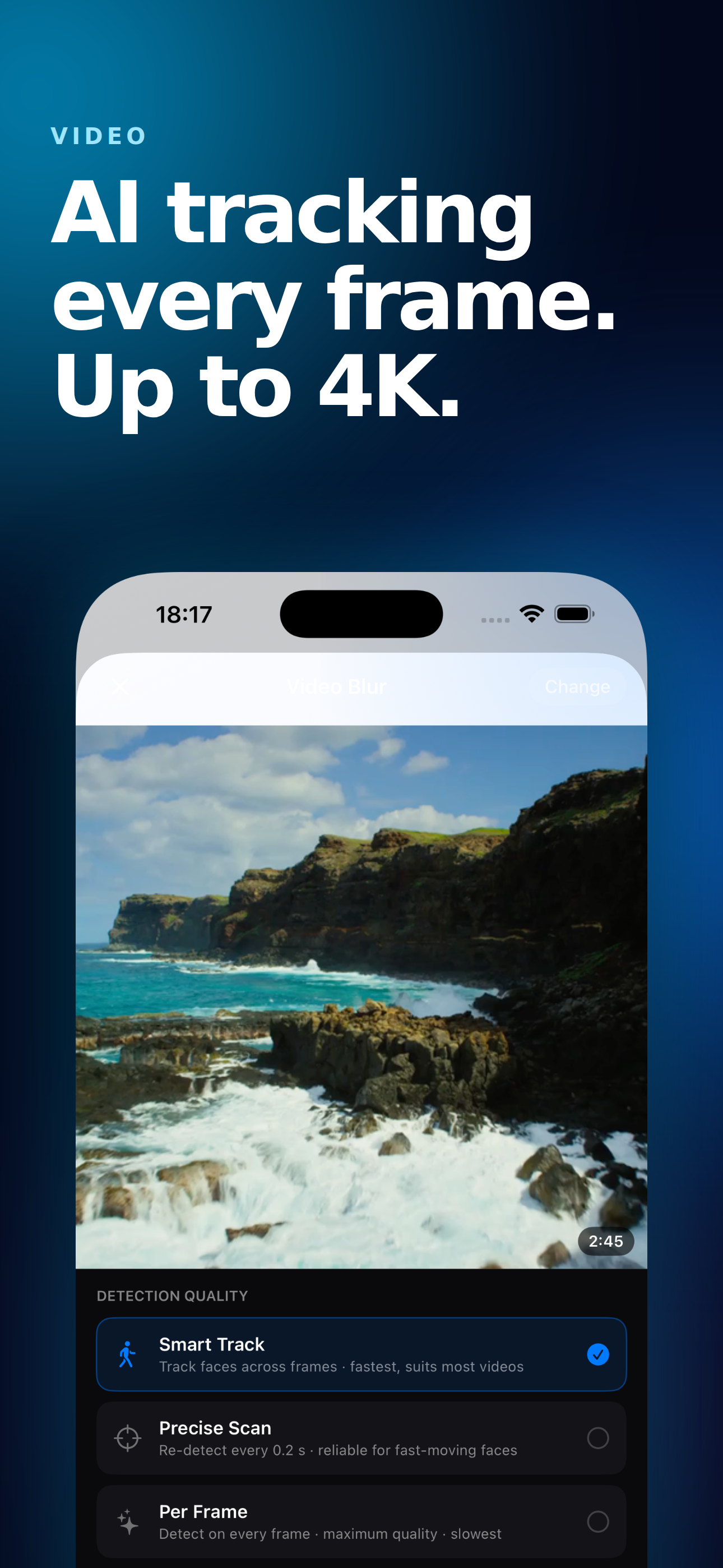
Blur faces frame-by-frame
Native
iPhone, iPad & Mac
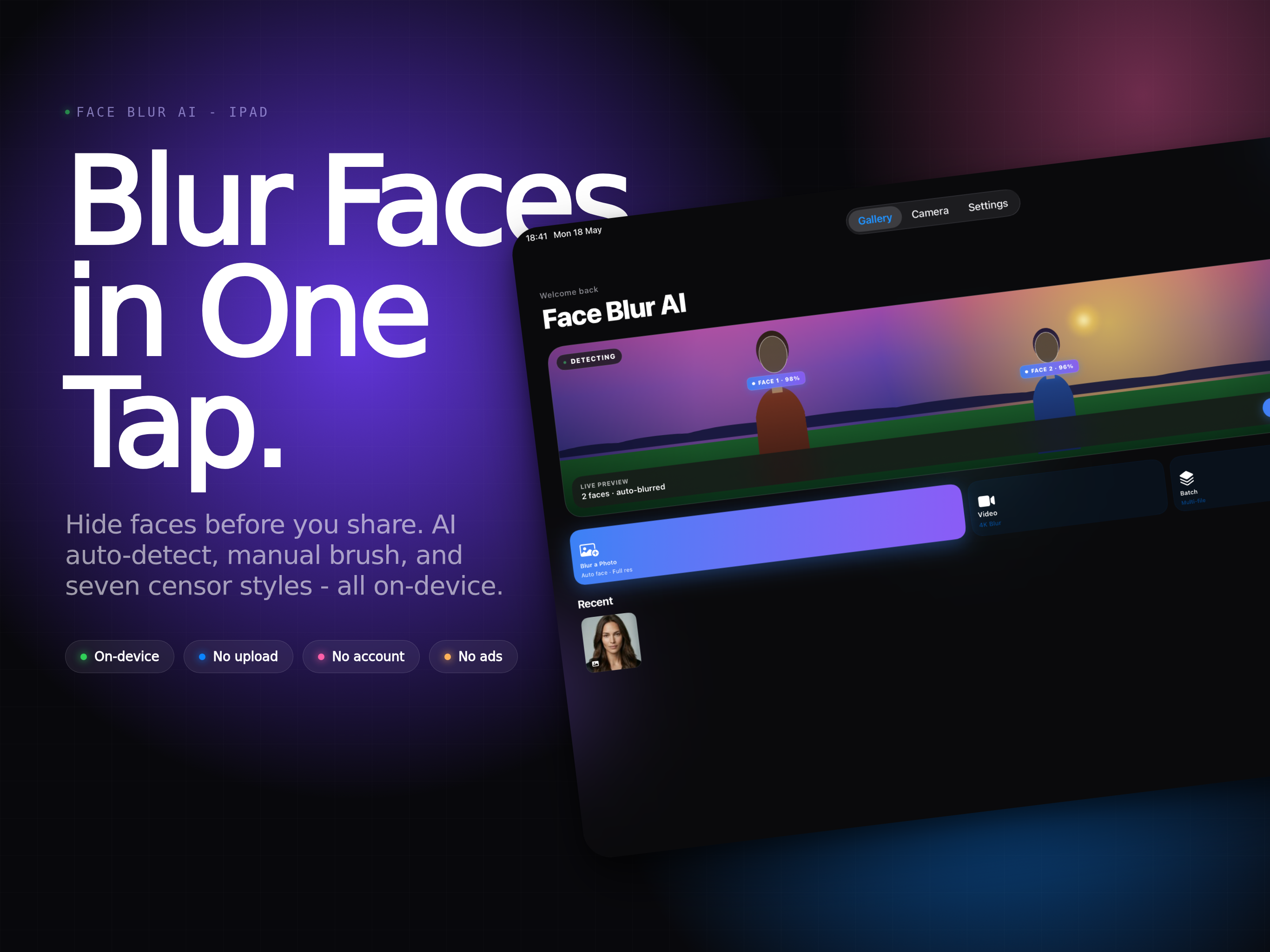
Protect Faces and Private Details in One Tap
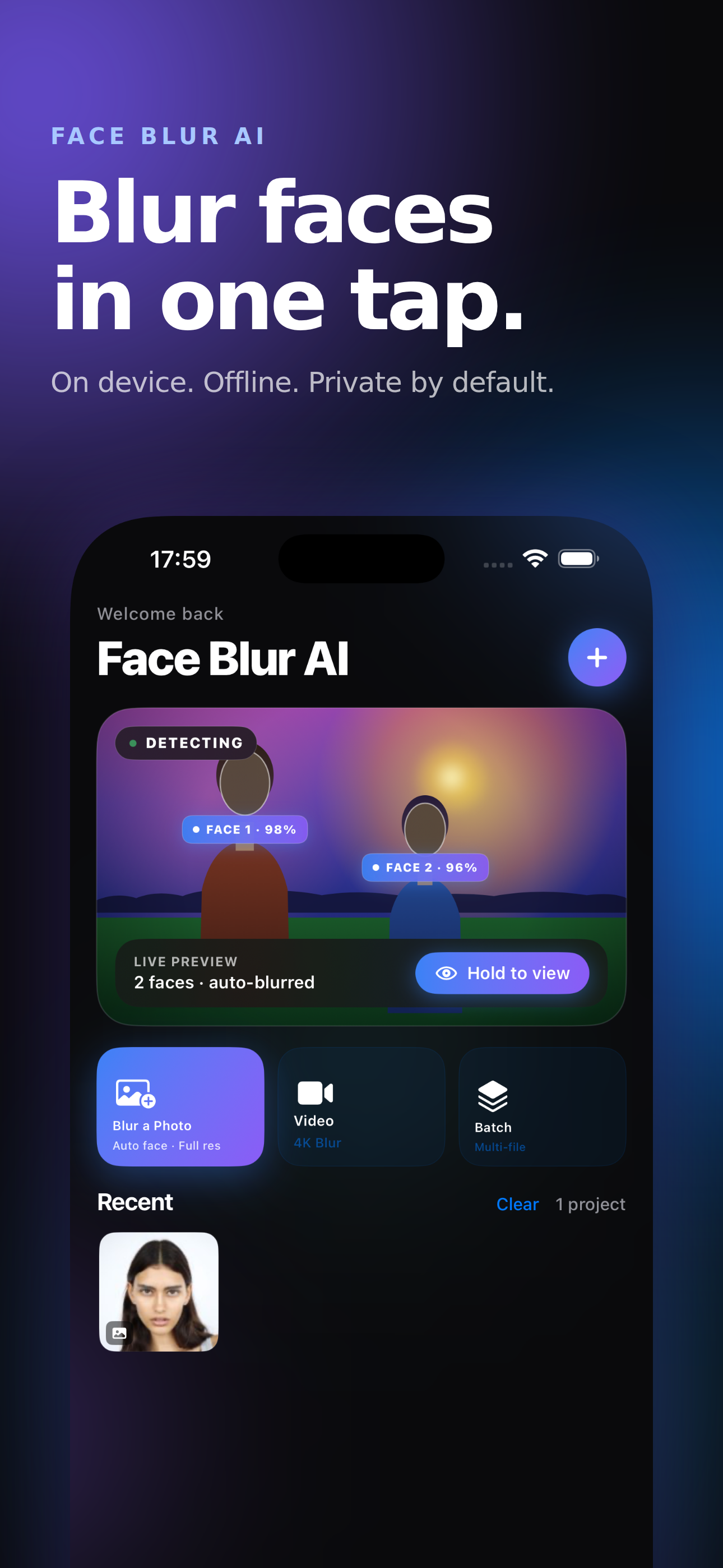
Face Blur AI finds faces automatically, lets you brush over anything else by hand, and exports clean photos and videos ready to share.
Automatic AI Face Detection
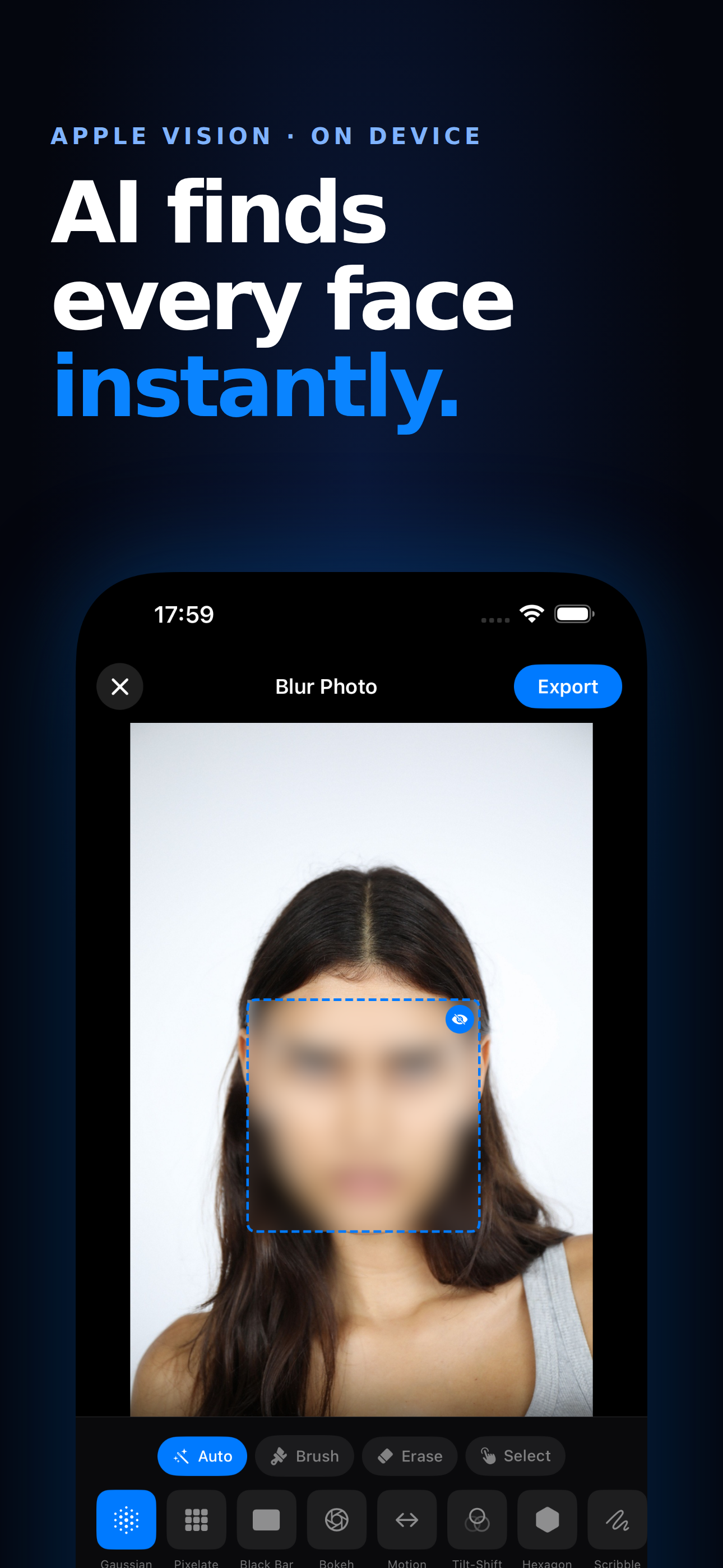
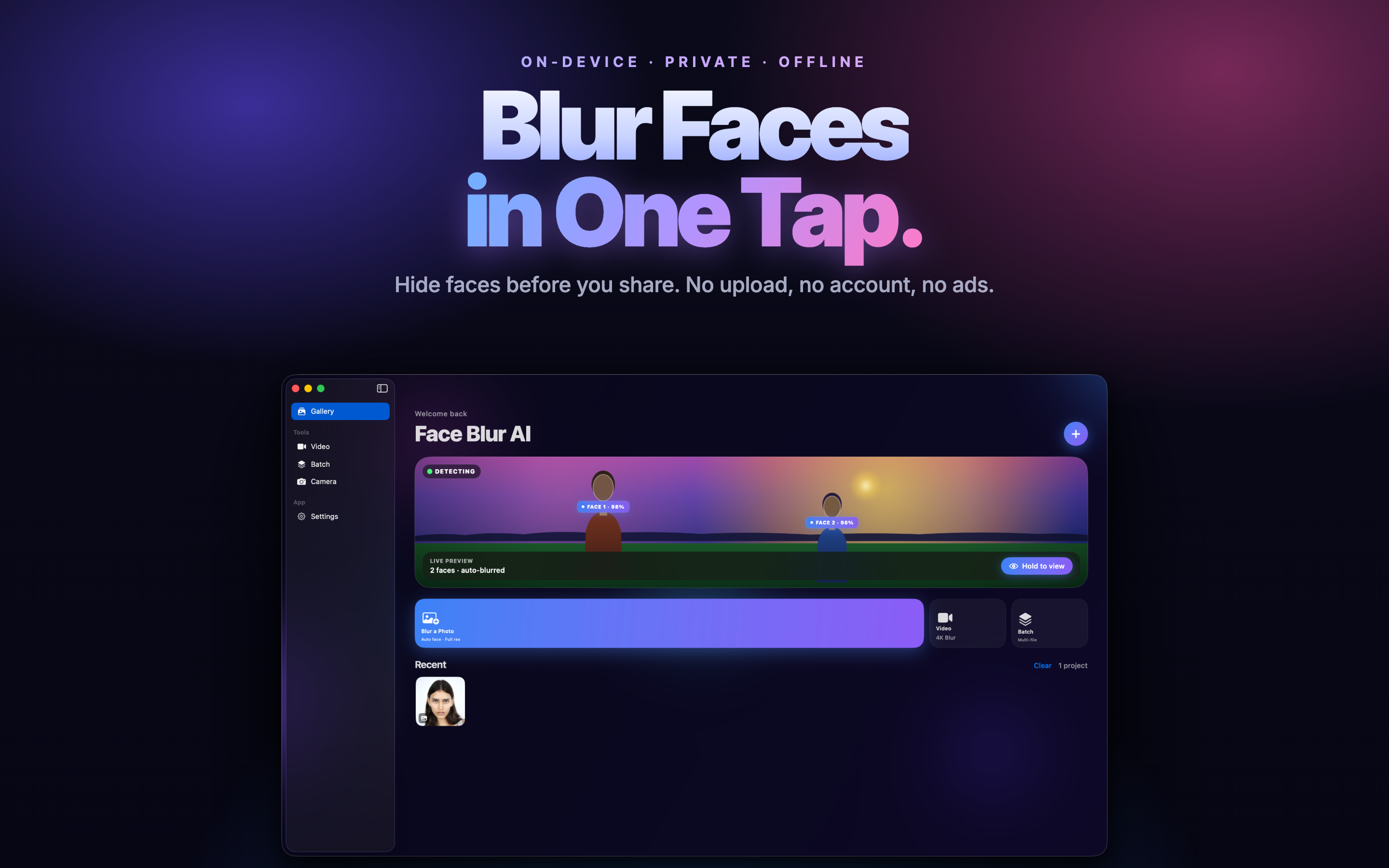
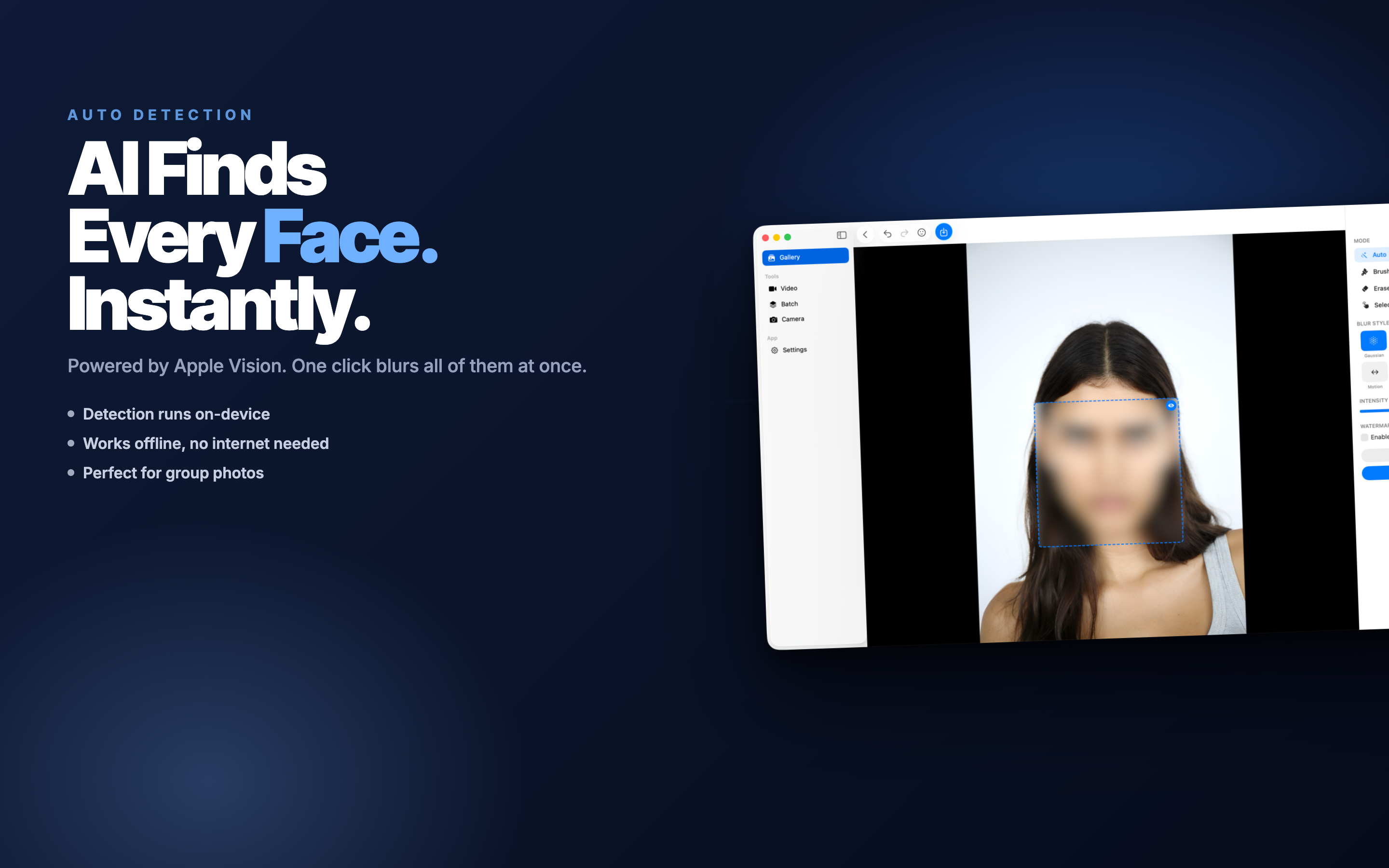
On-device AI finds every face in a photo or video frame and blurs them in one tap - even in busy crowd shots.
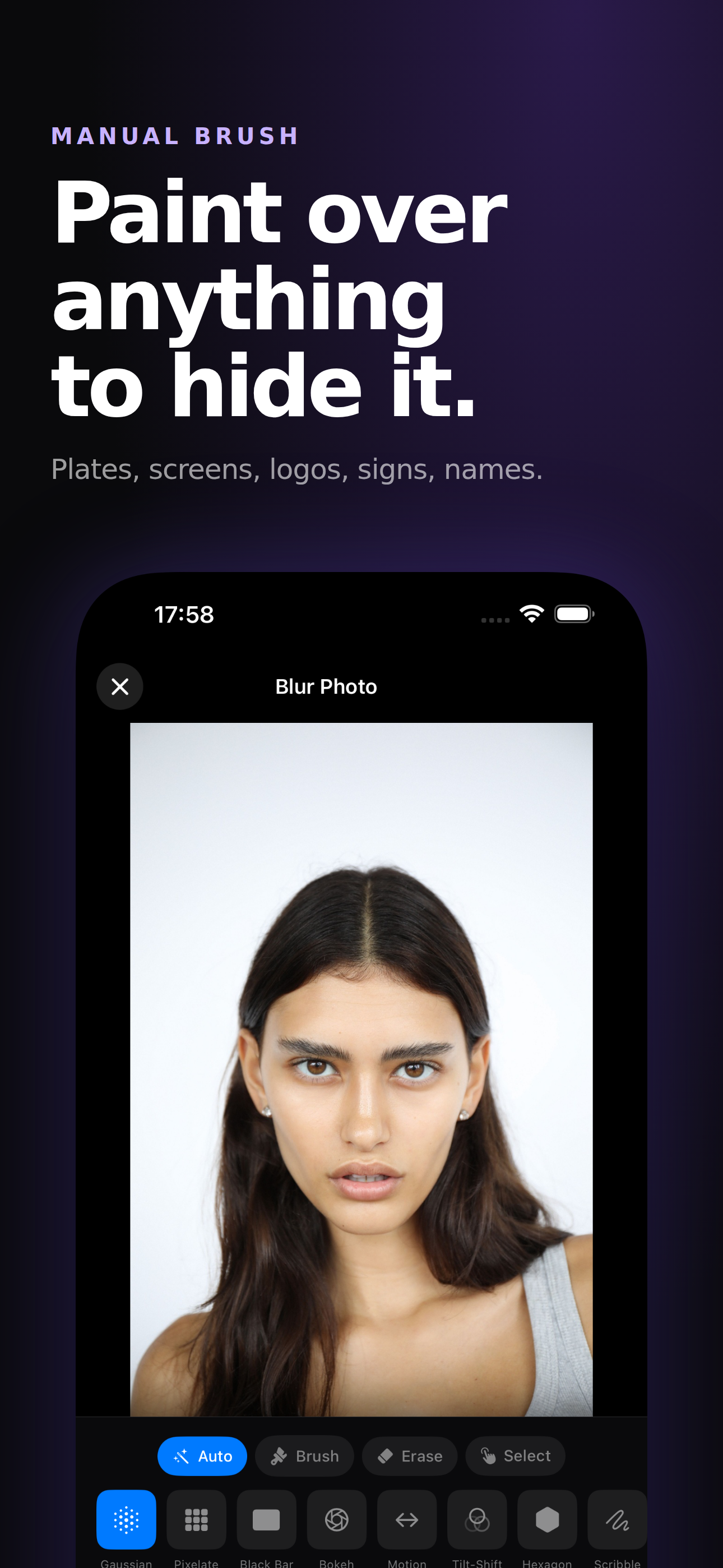
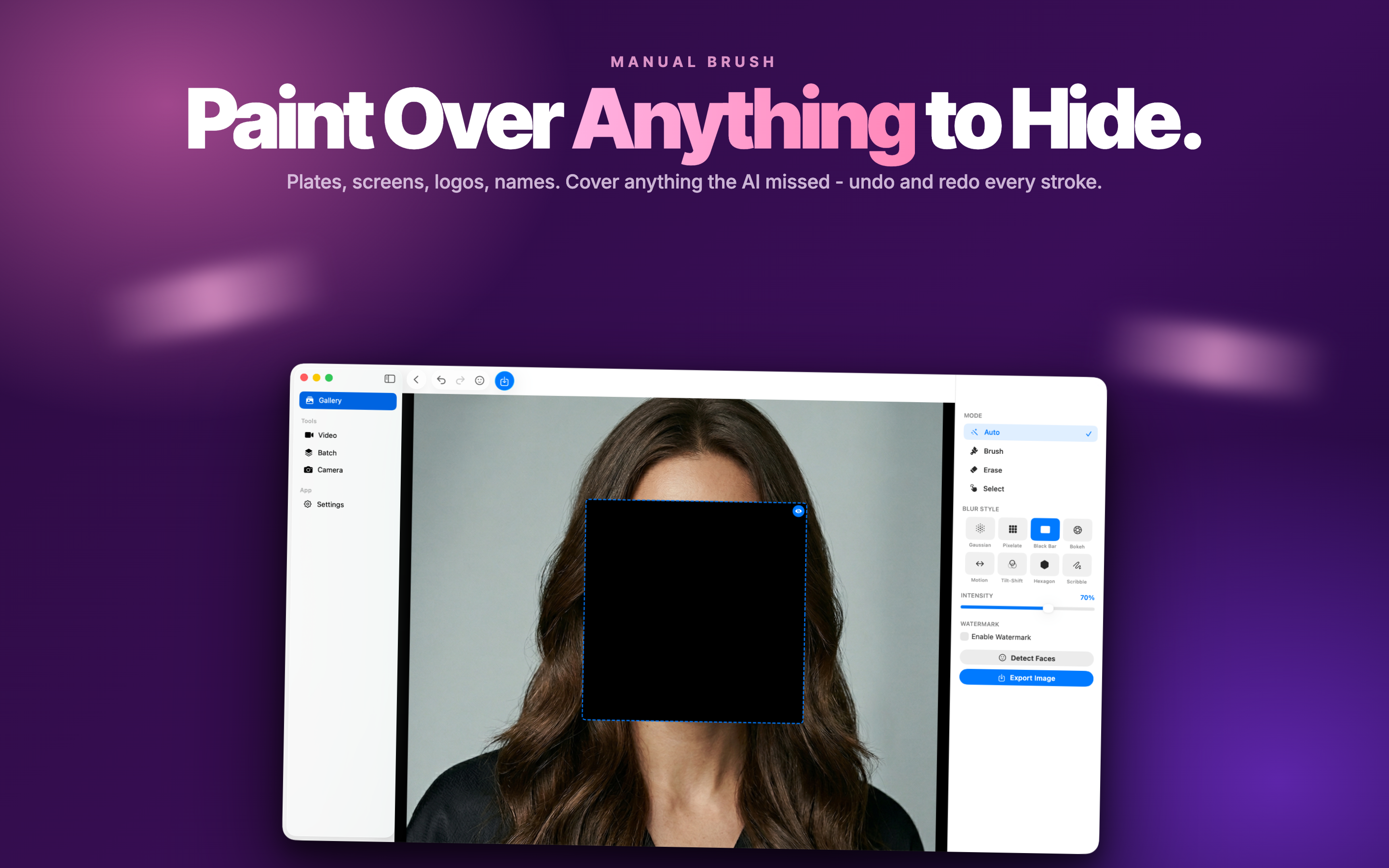
Manual Brush Tool
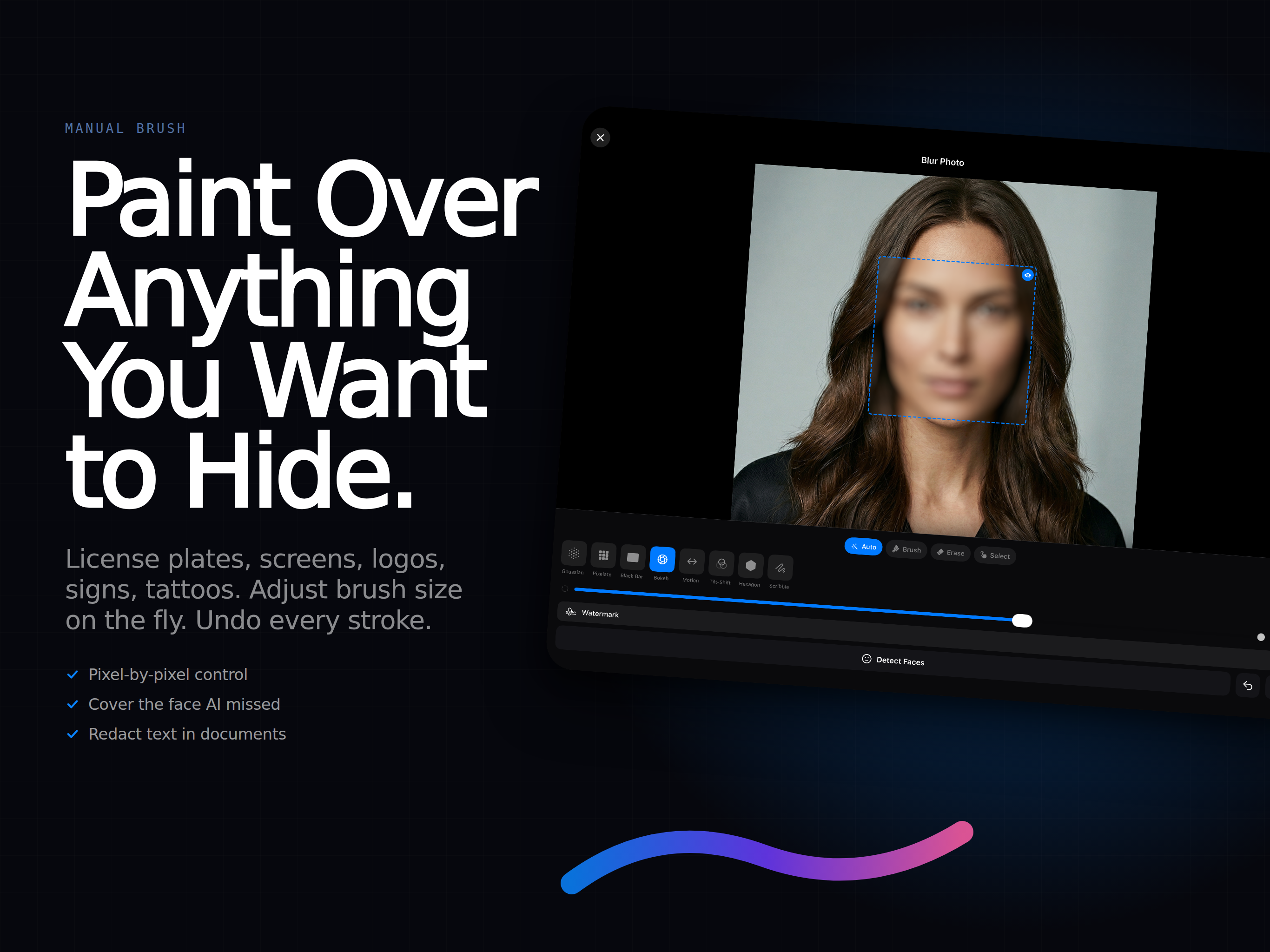
Draw over license plates, ID cards, tattoos, addresses, or anything else you want to keep private.
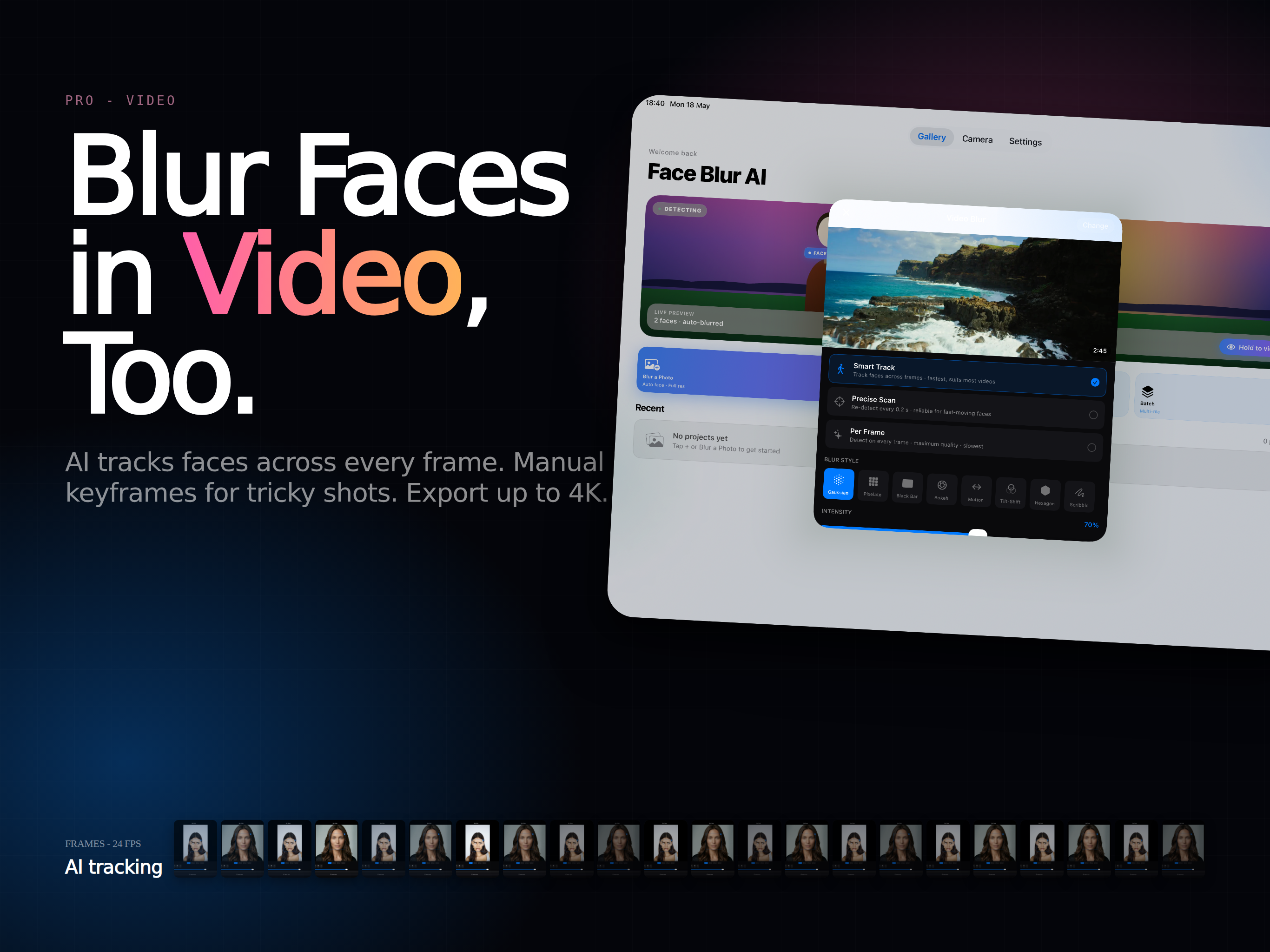
Multiple Censor Styles
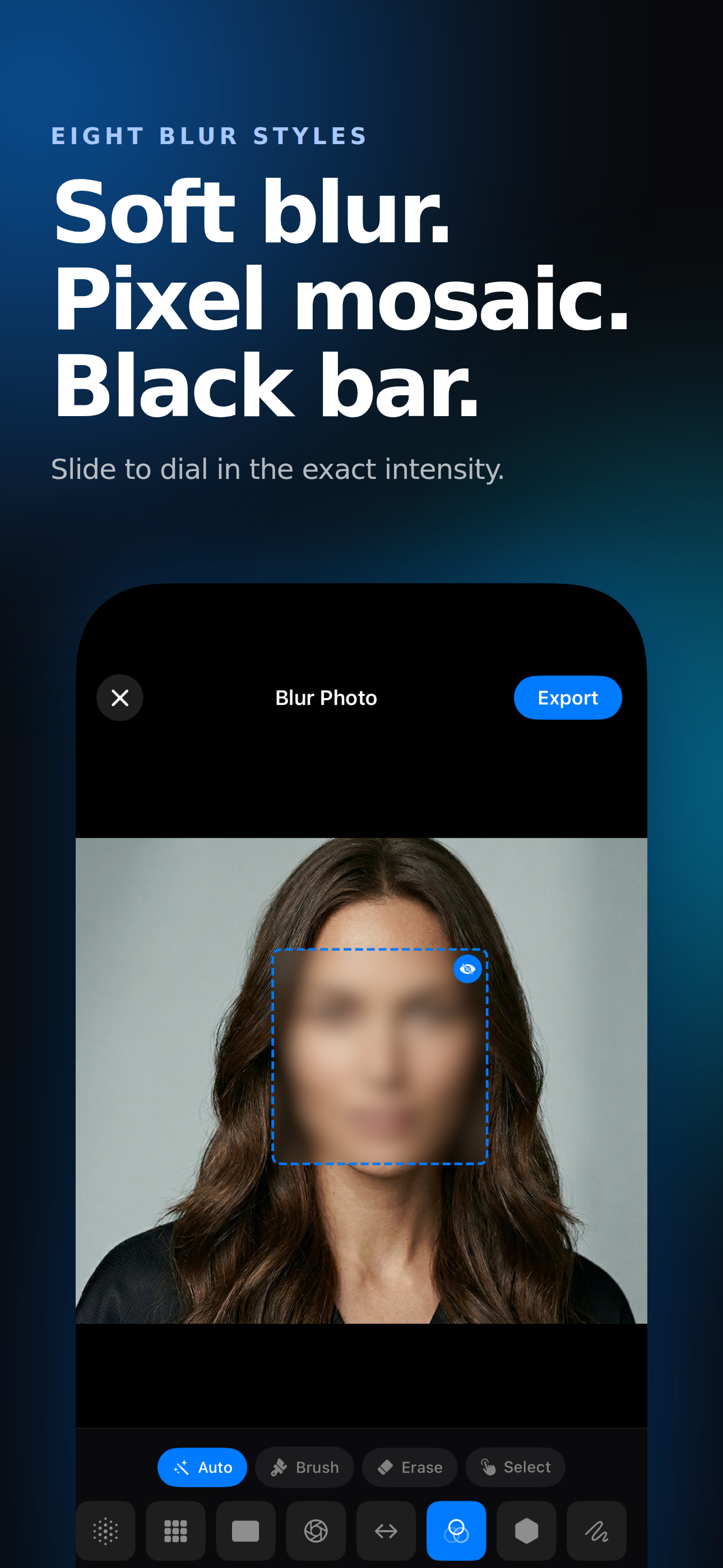
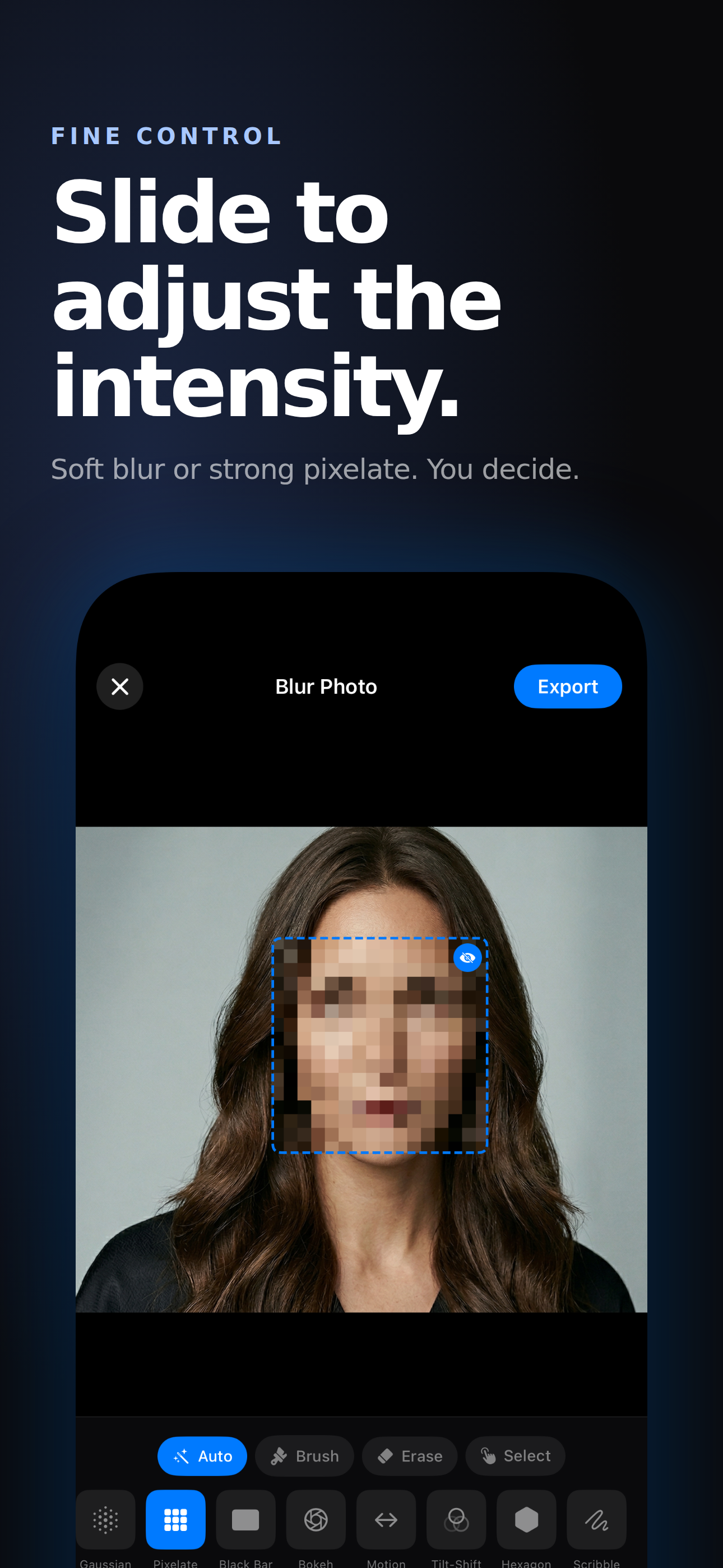
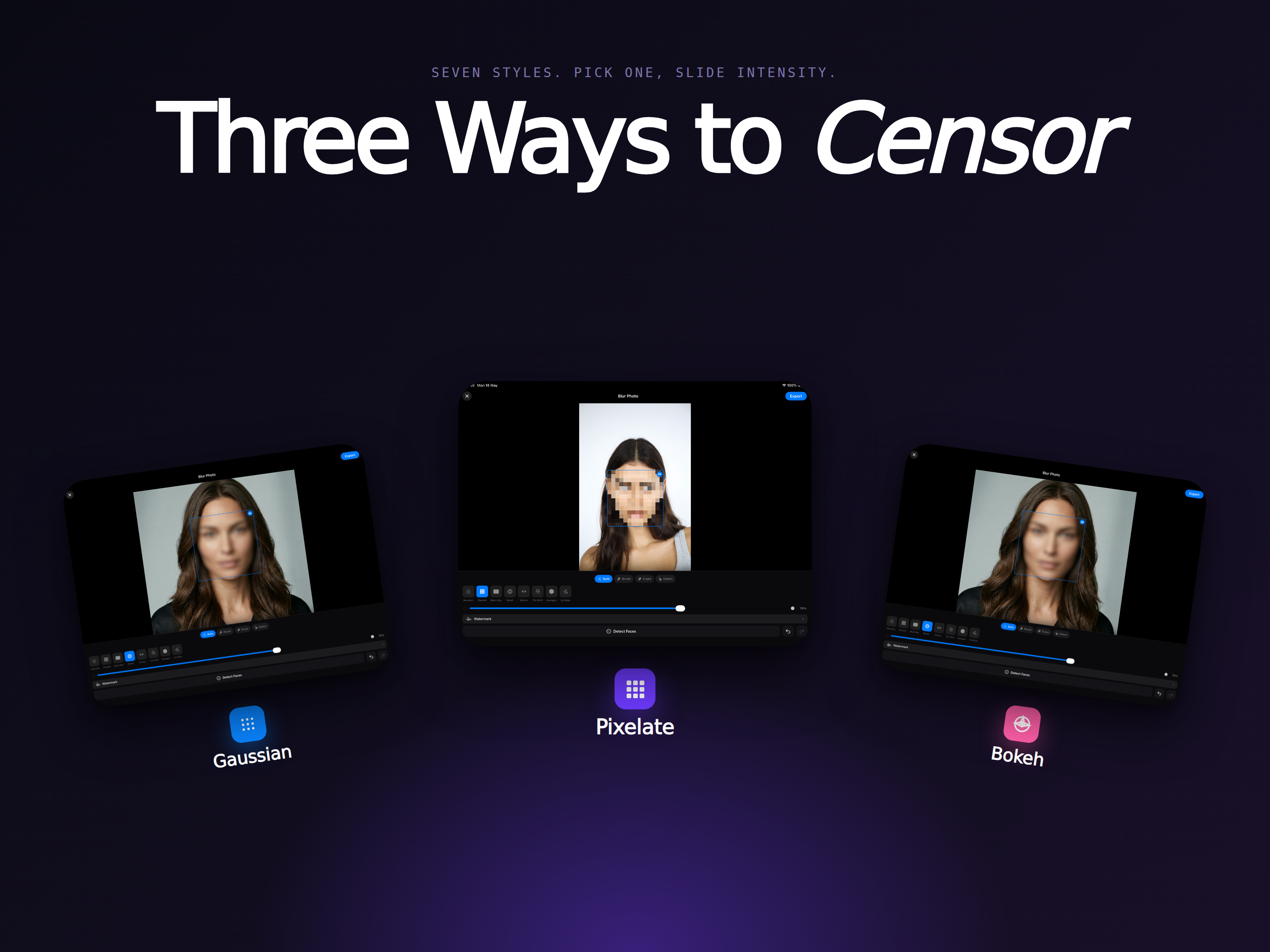
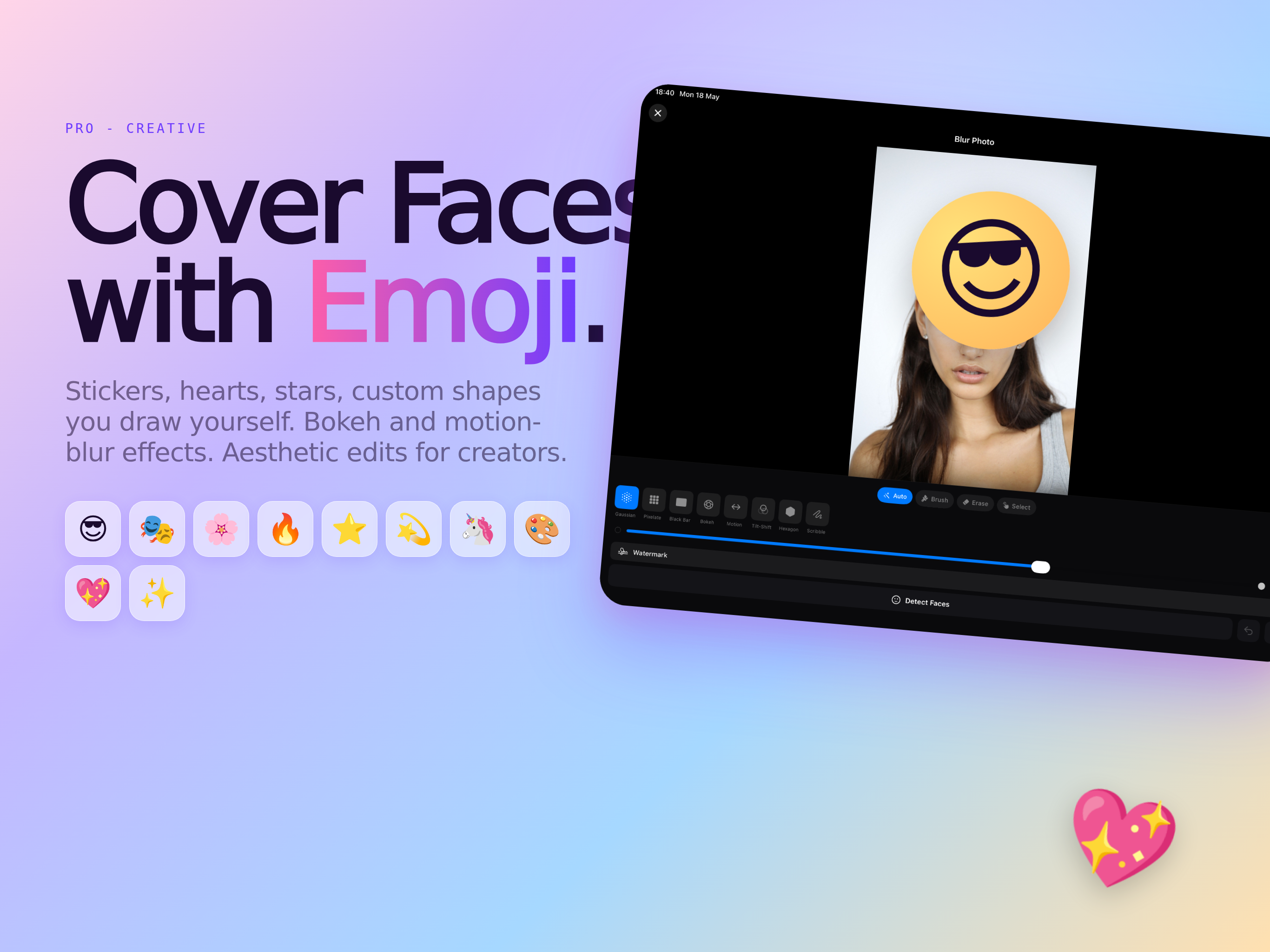
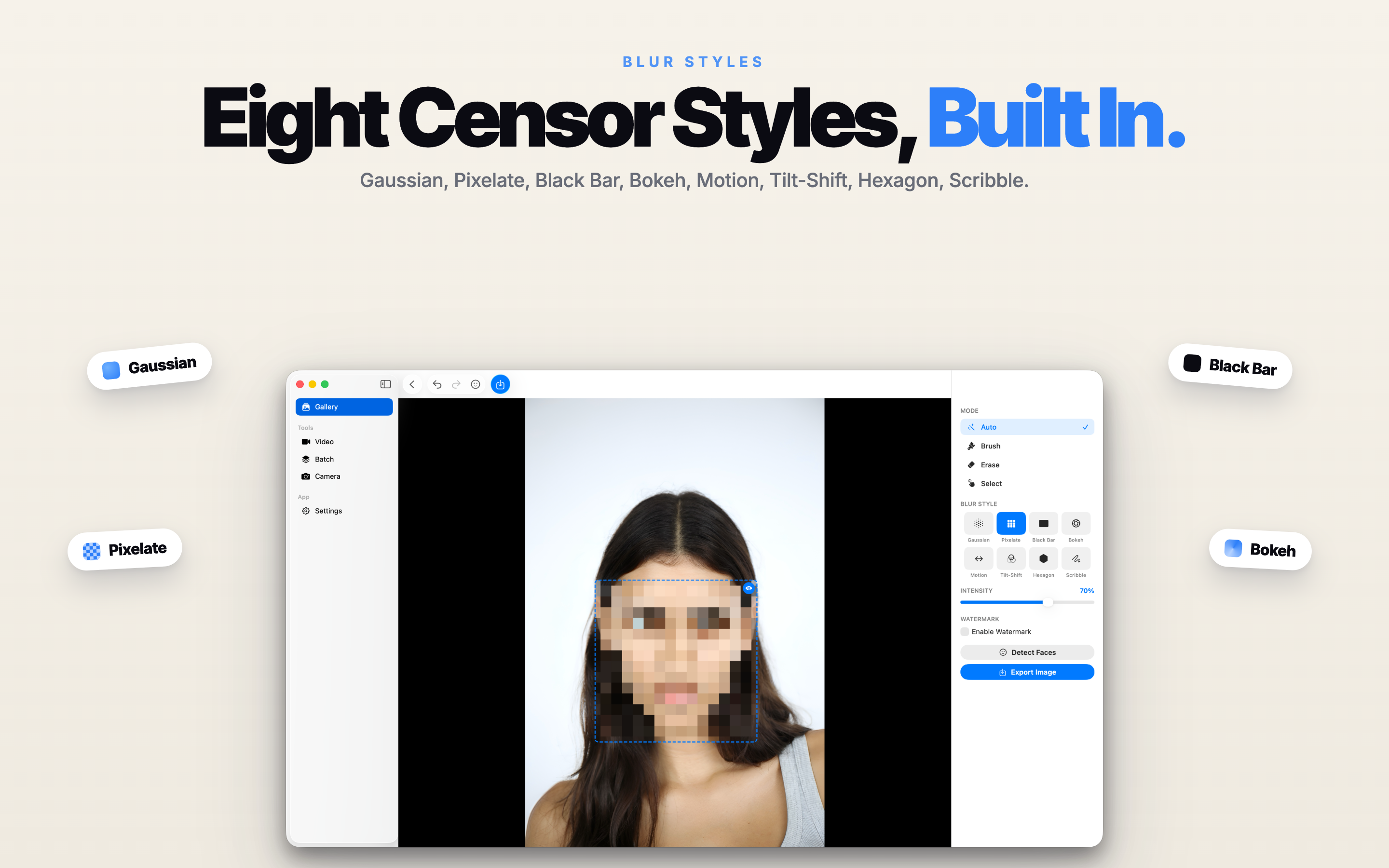
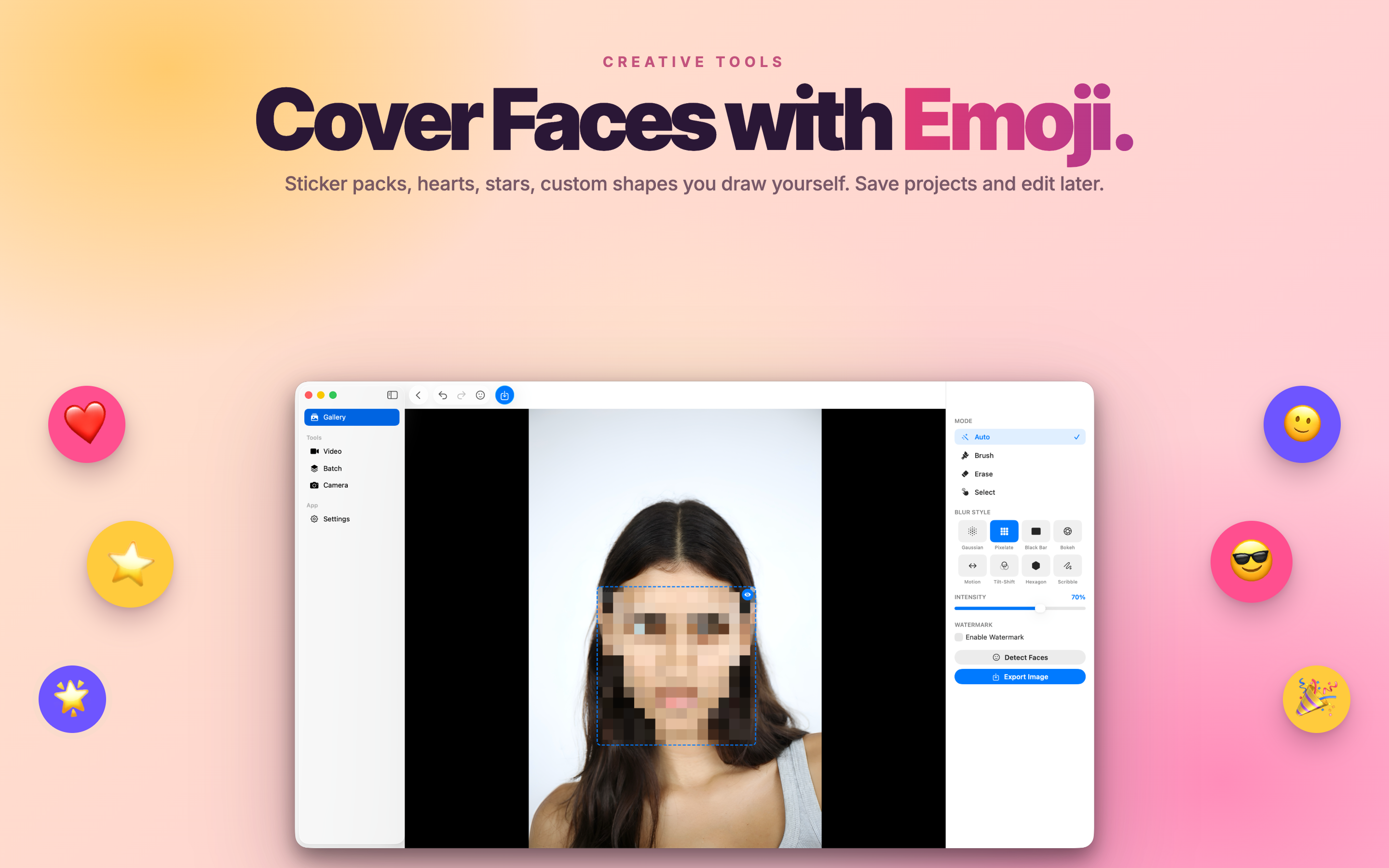
Pick from Gaussian blur, pixelation, mosaic, black bar, or emoji sticker covers - choose the look that fits the situation.
Adjustable Intensity
Dial blur strength and pixel size precisely so you hide what matters without ruining the rest of the photo.
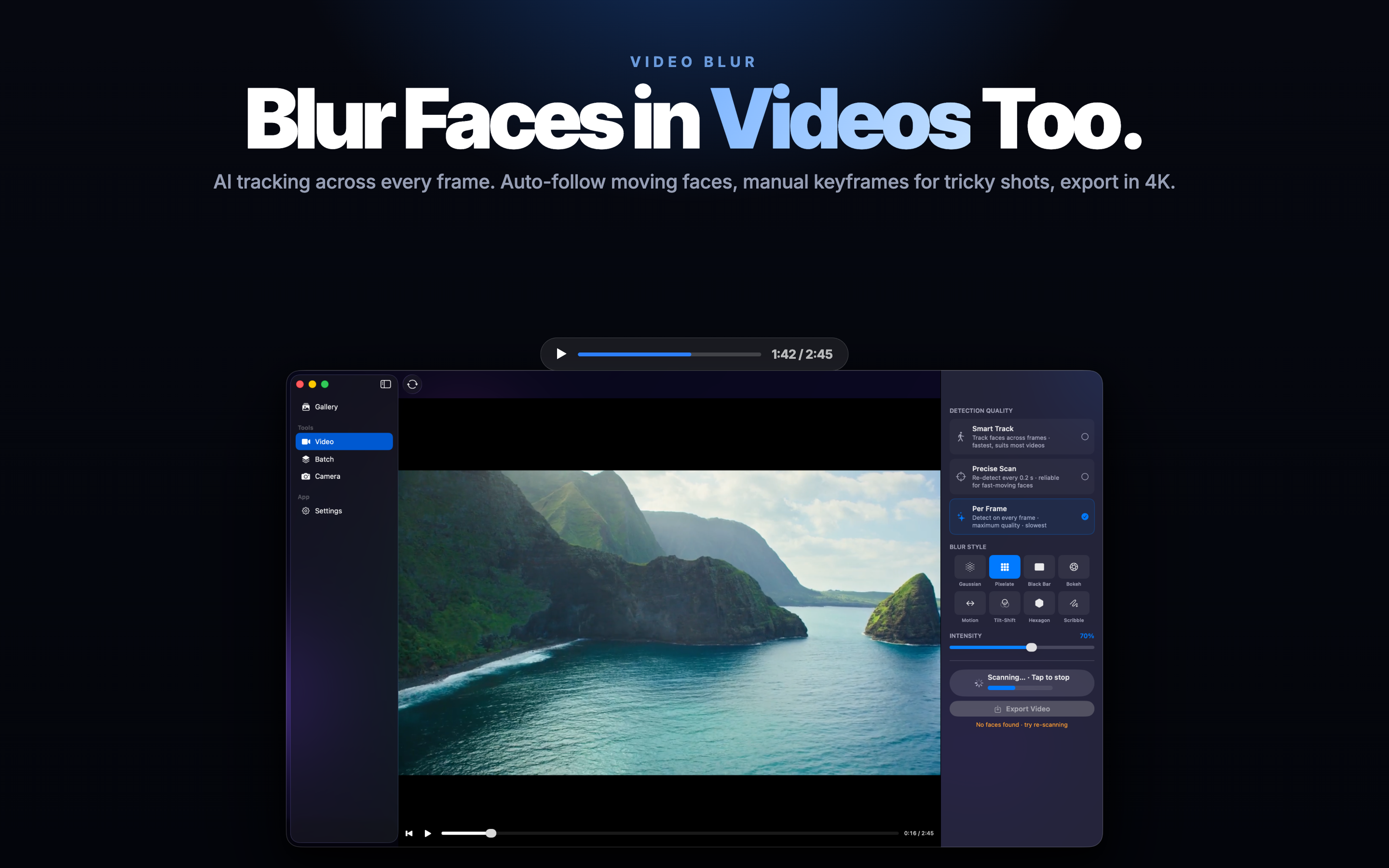
Photos & Video
Censor still photos or full videos - faces stay blurred frame by frame as people move through the shot.
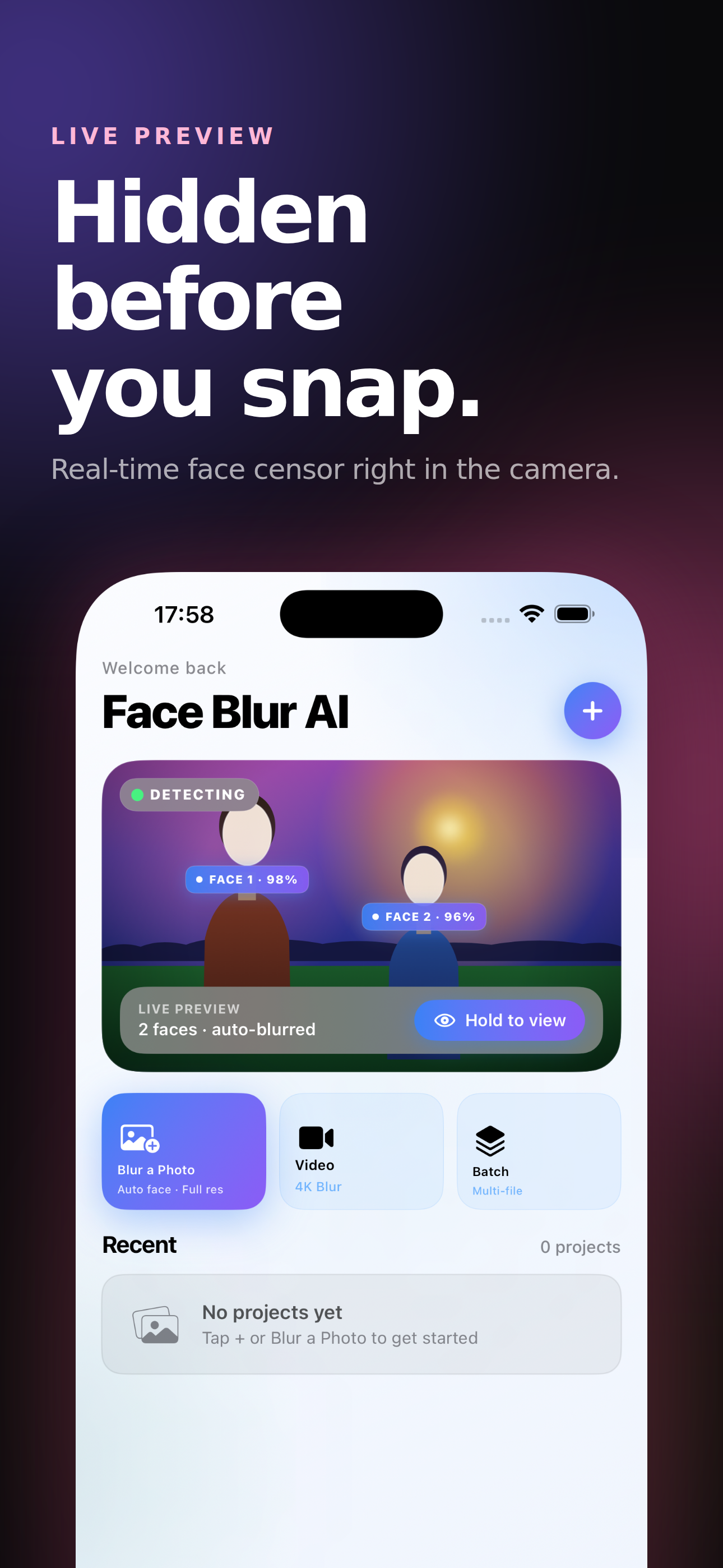
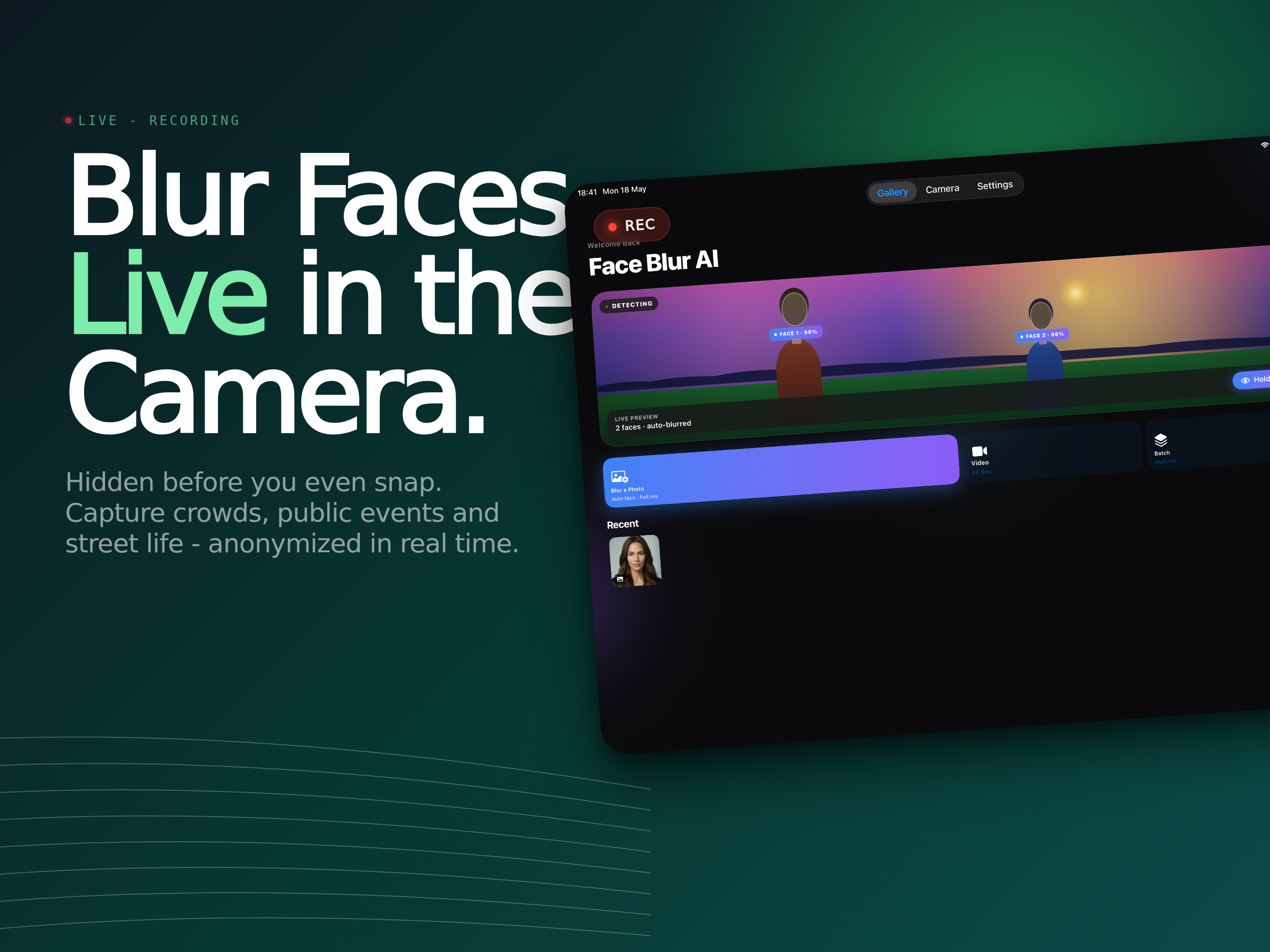
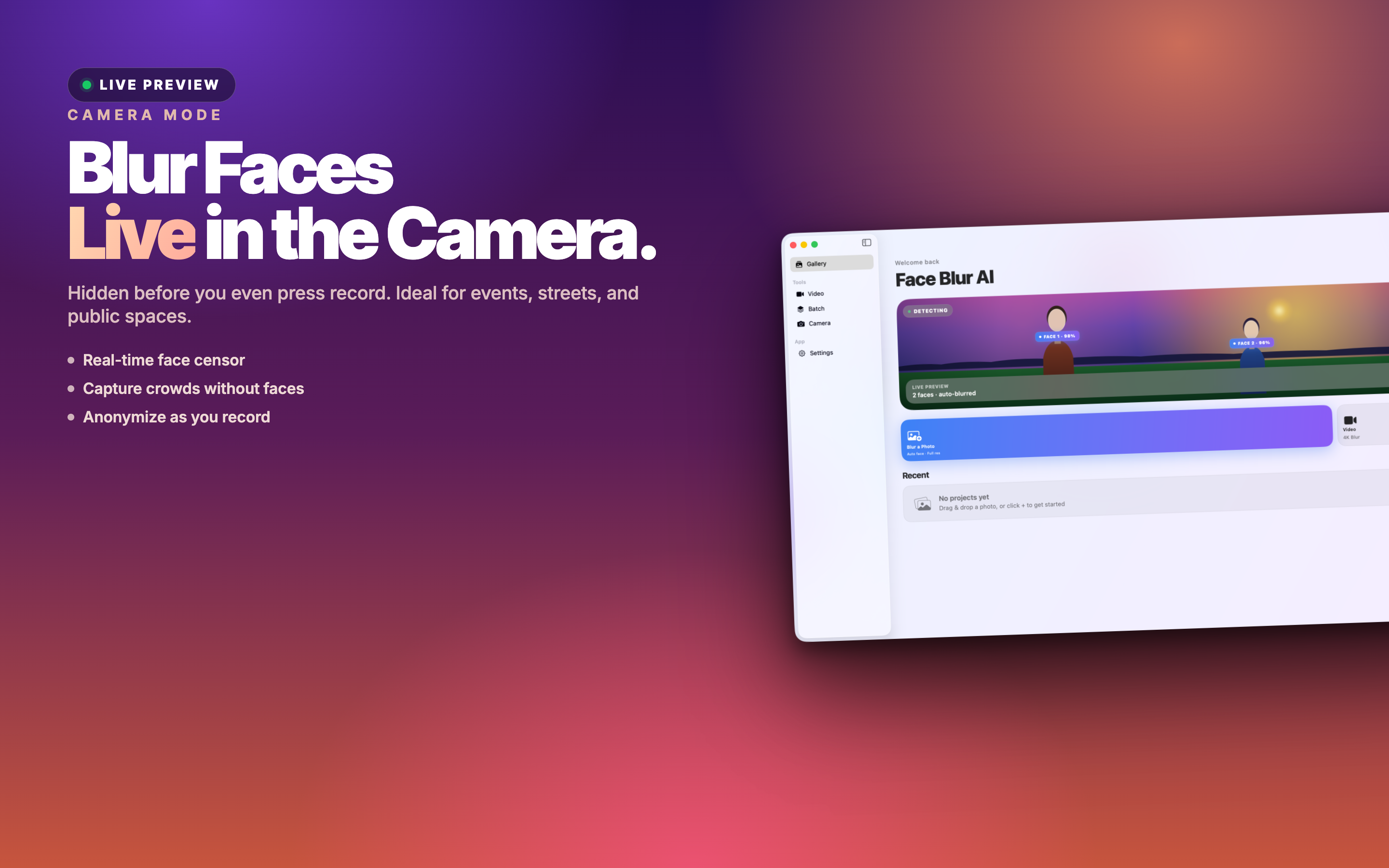
Live Camera Preview
Open the camera and see faces blurred in real time before you capture - great for safe screen recordings and demos.
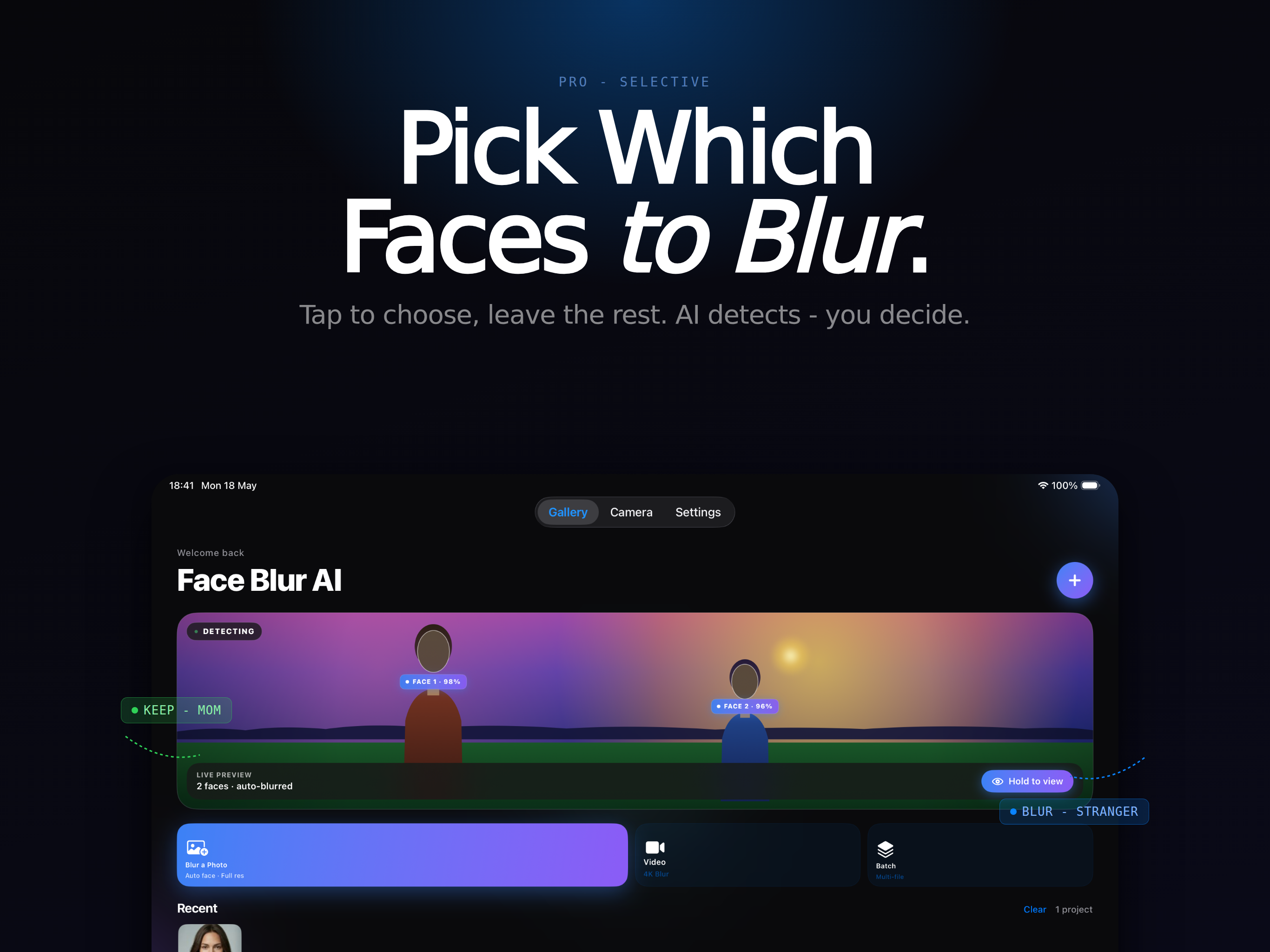
Selective Faces
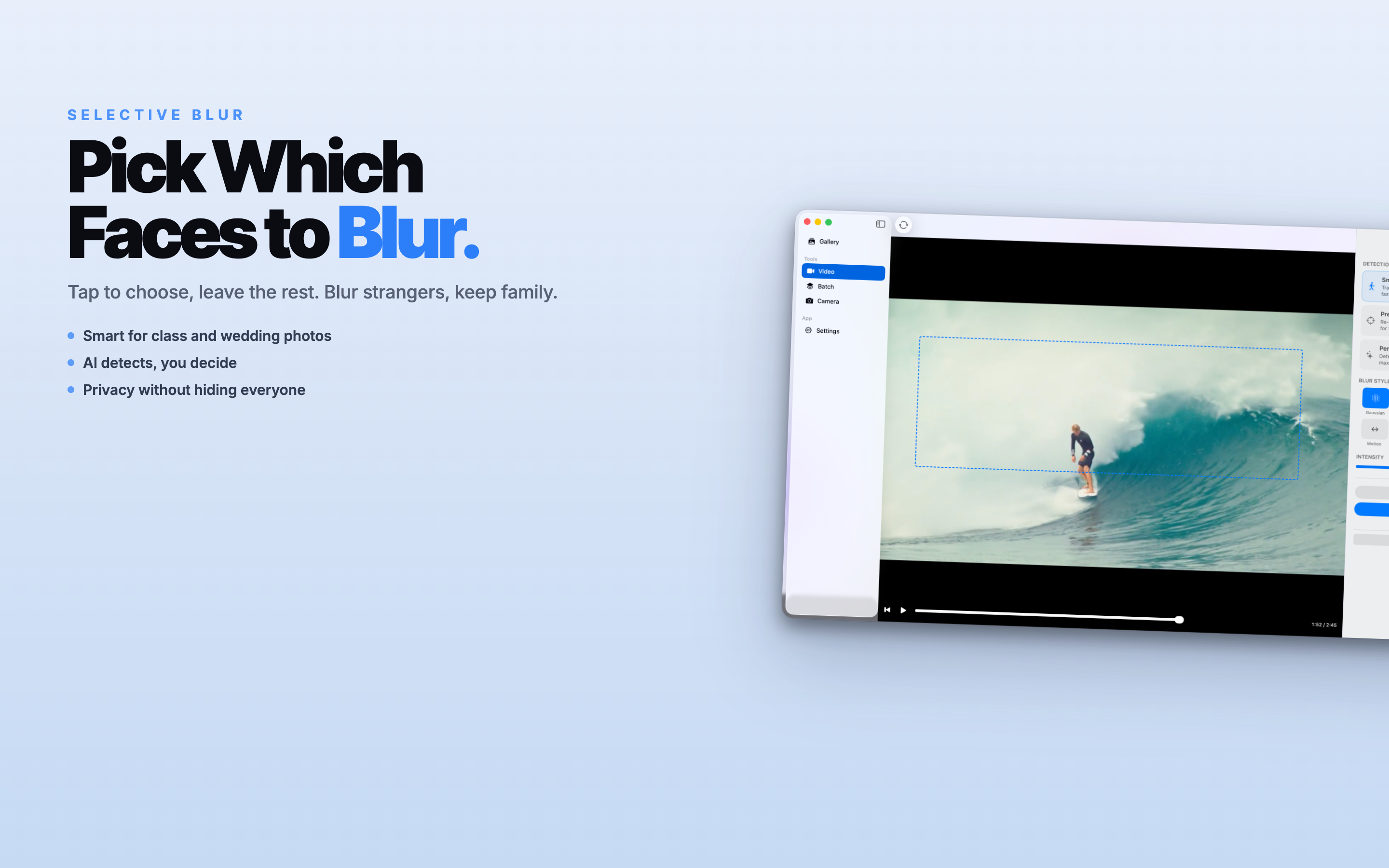
Keep your own face sharp and blur only strangers - tap individual detected faces to include or exclude them.
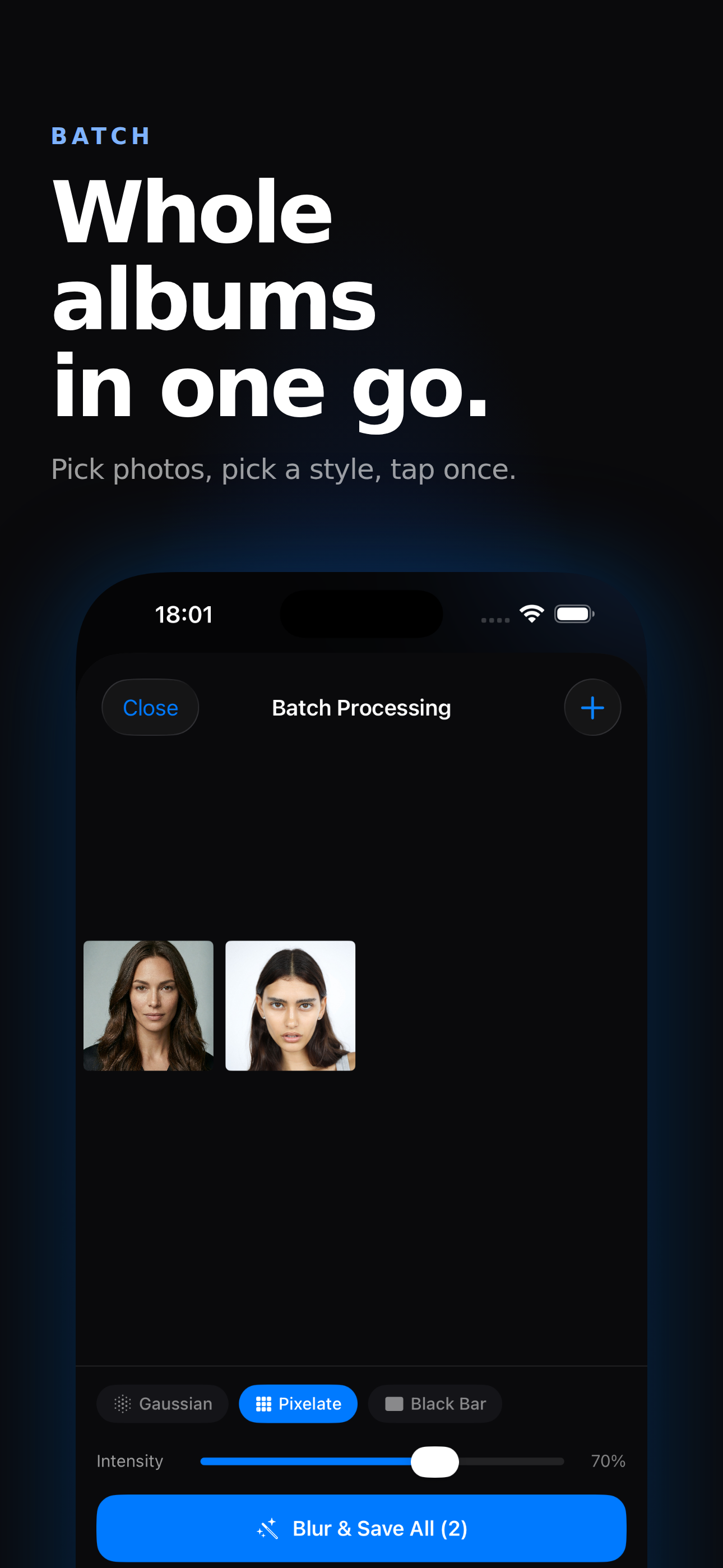
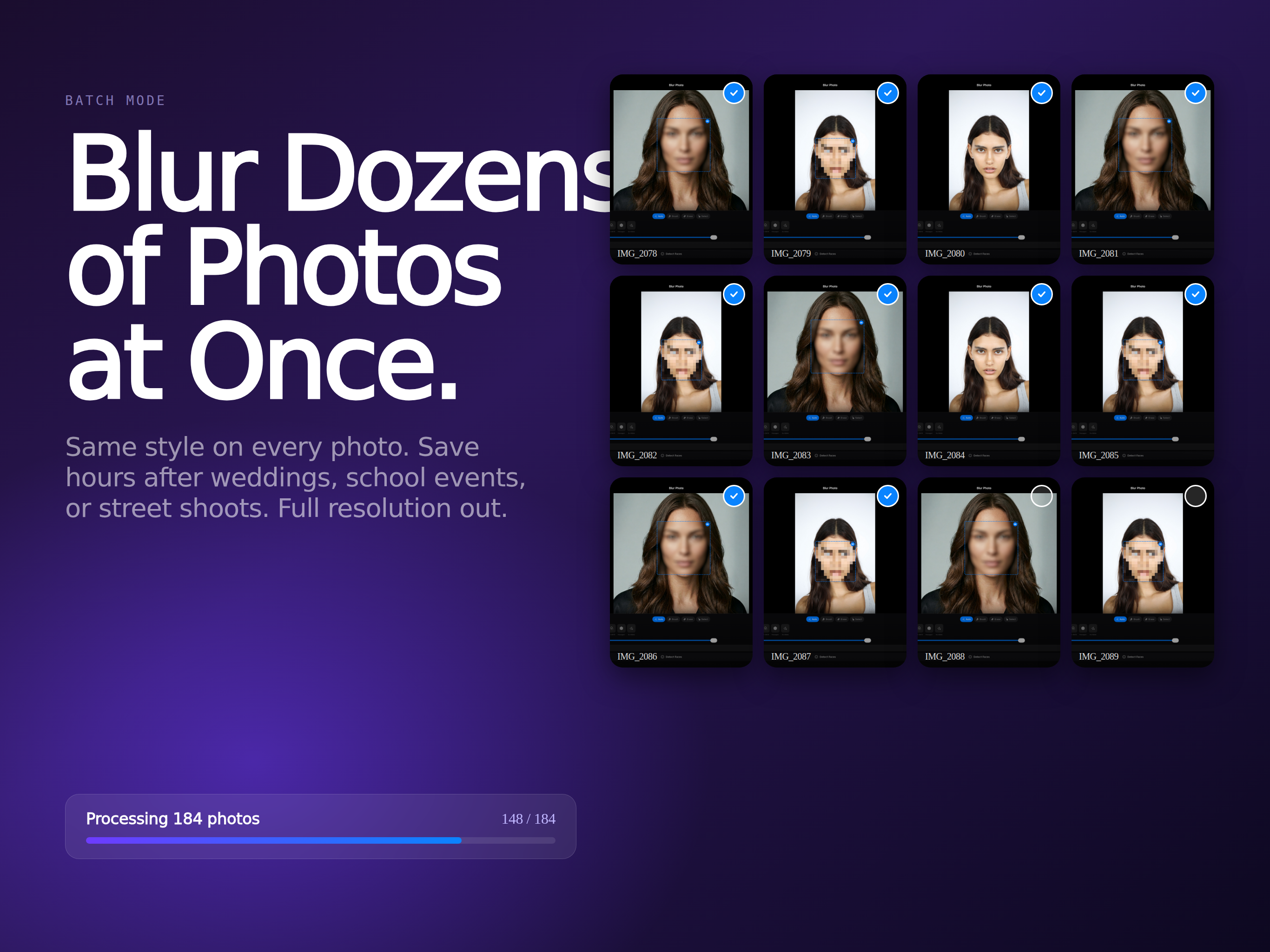
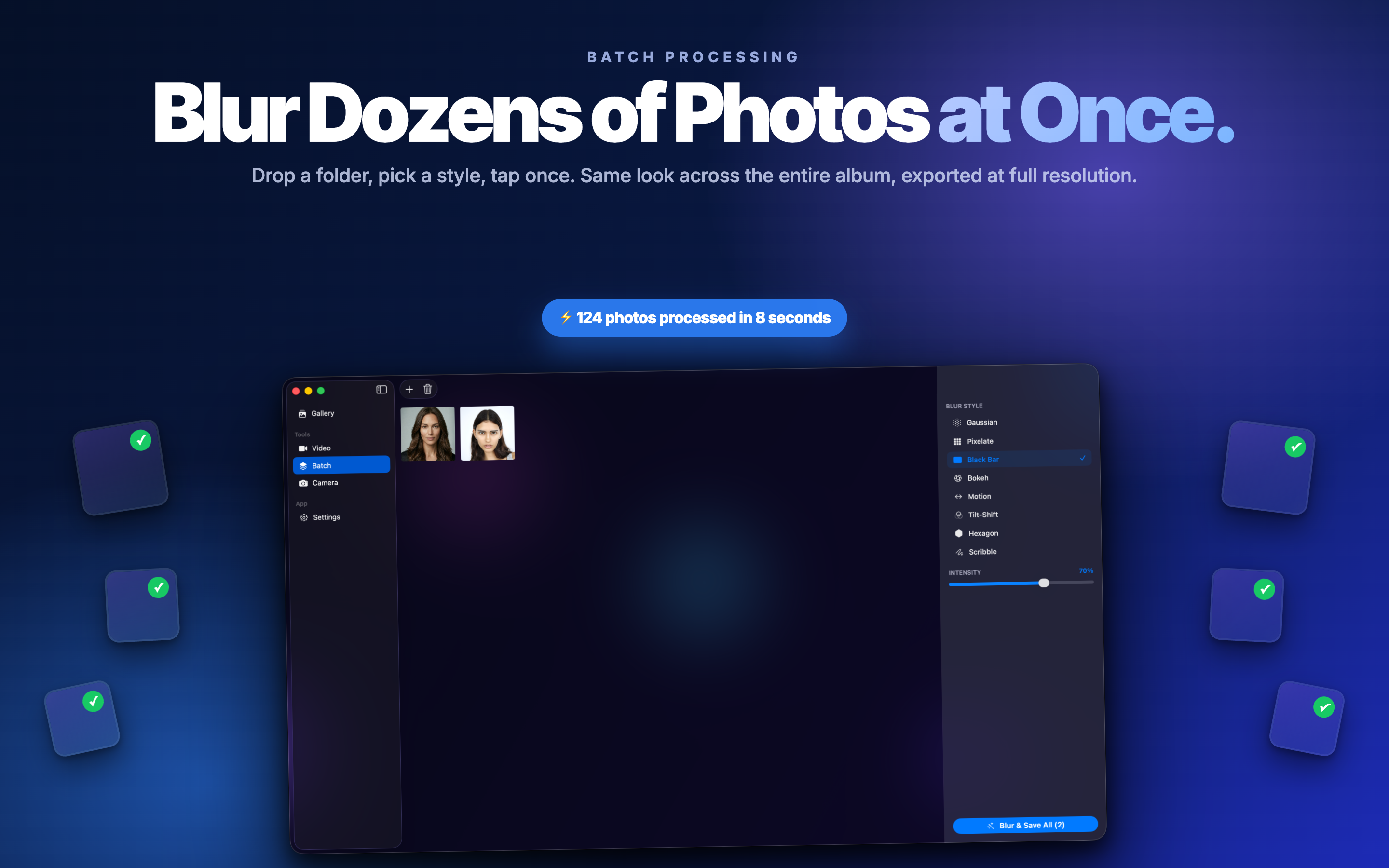
Batch Processing
Process whole albums at once on Mac - drop in a folder of photos and get a clean, anonymized set back.
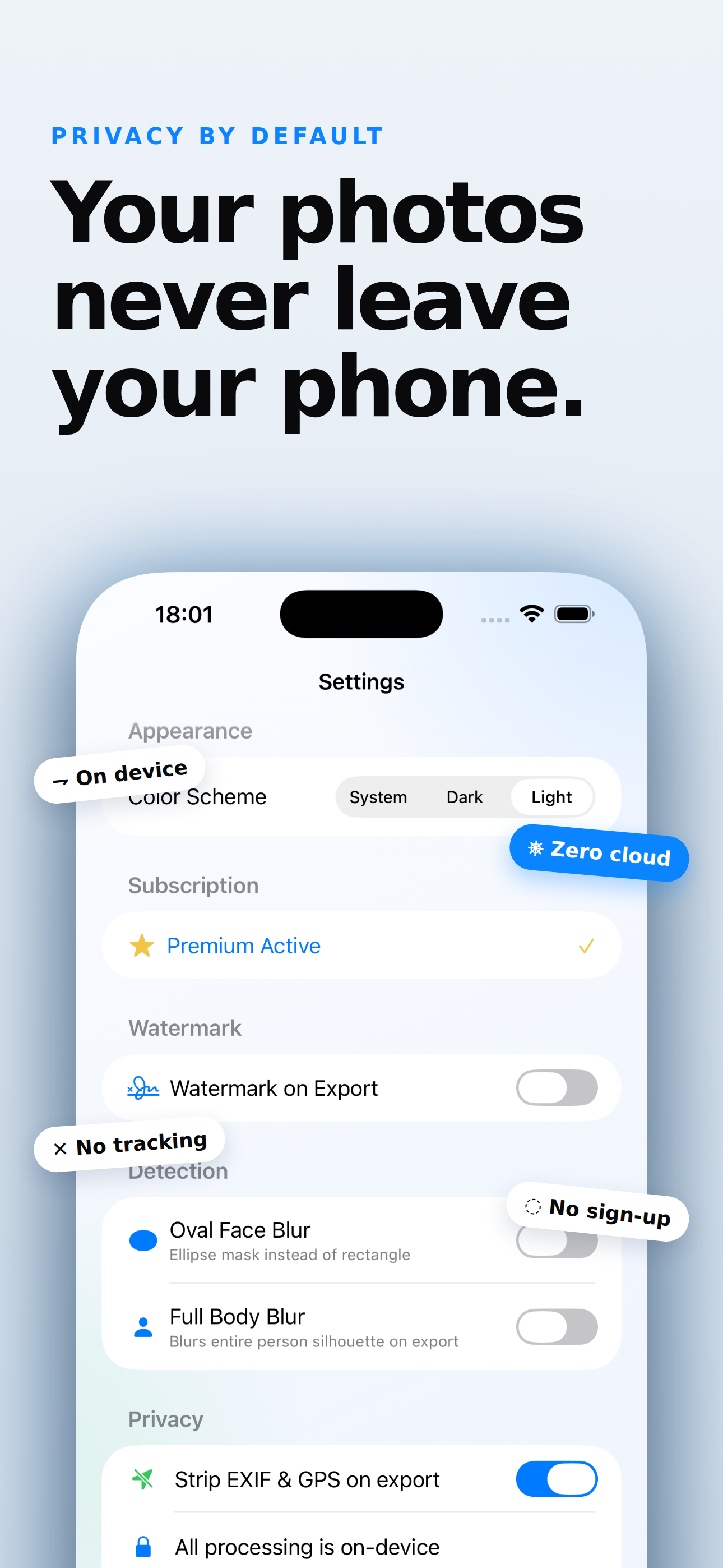
100% On-Device
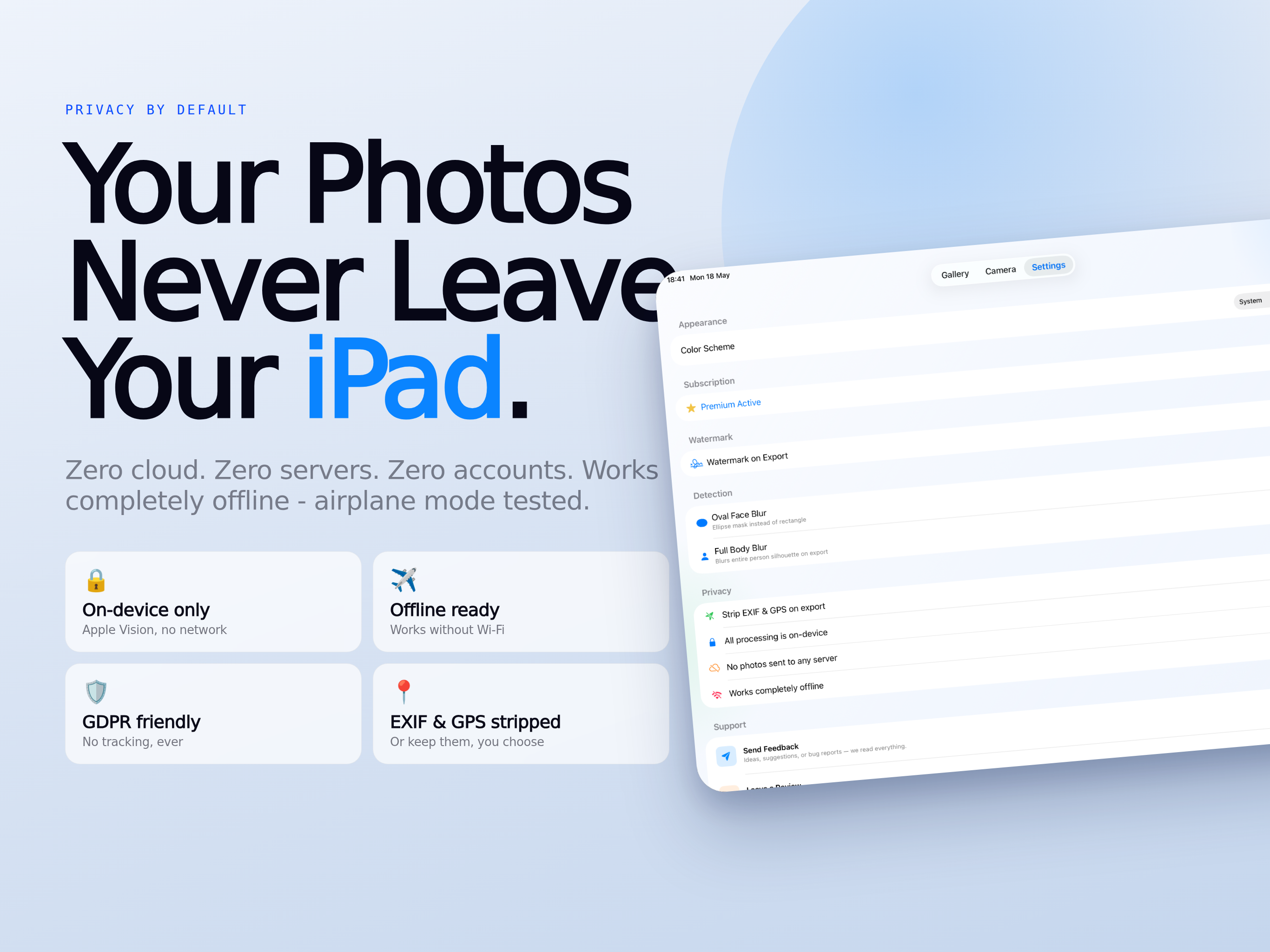
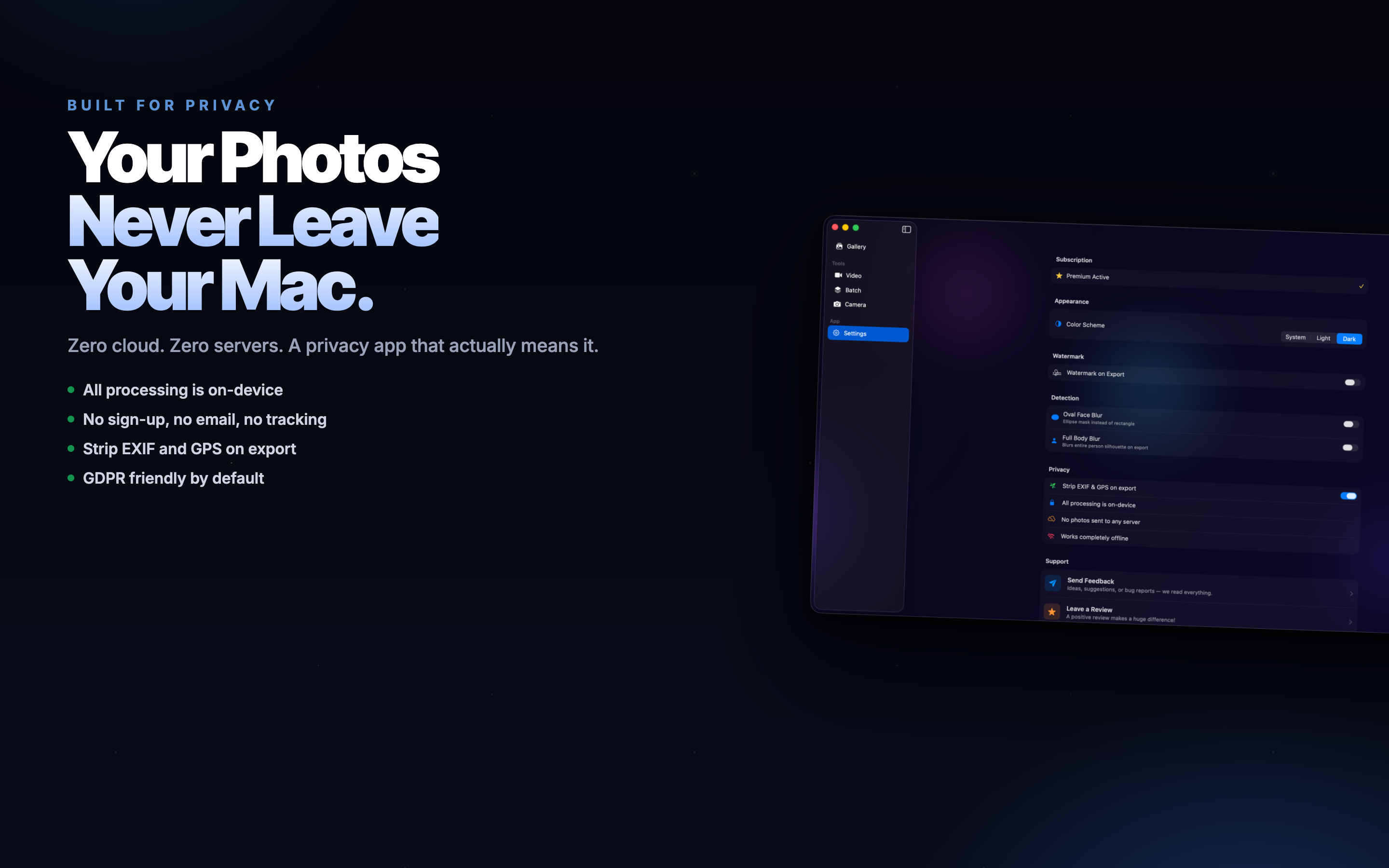
Detection and rendering happen on your device. No uploads, no accounts, no tracking - true privacy by design.
When You Need Face Blur AI
Anywhere you want to share a photo or clip without exposing the people - or details - in the background.
Family & Kids
Post school photos, parties, and trips without revealing children's faces or other parents who did not opt in.
Work & Demos
Blur faces, names, and customer data in screen recordings, bug reports, and case studies before sharing.
Social & Press
Hide bystanders in street photos, anonymize sources, and censor sensitive content for journalism or social posts.
What You Can Censor
Anything you don't want a stranger to see - faces are just the start.