There is a particular kind of frustration in watching a Mac slow to a crawl while the process eating the CPU turns out to be macOS itself. You cannot quit it. Force-quitting is not offered. Searching the name produces a decade of forum threads, half of which recommend resetting the SMC.
So it is worth being precise about what kernel_task is, because the fix follows directly from it.
It is the kernel, and it is doing this on purpose
kernel_task is the macOS kernel and everything running inside it - drivers, memory management, the network stack. It is always running. Under normal conditions it sits at a few percent and nobody notices.
The high-CPU behaviour is a deliberate mechanism. When a thermal sensor reports that a component is approaching its limit, macOS makes kernel_task consume CPU cycles on purpose. Occupying the cores prevents other processes from using them, the chip does less work, and the temperature comes down. It is a heat sink implemented in software.
This is why every instinct you have about a runaway process is wrong here. kernel_task at 500% is not a bug and not malware. It is the system telling you, in the only way it has, that something is making the machine too hot - and refusing to let that something continue at full speed.
What is actually making it hot
Four causes account for nearly all of it.
A real workload
Video export, a long compile, a game, a browser tab running something heavy. If kernel_task rises alongside an app you can name, and it settles when that app finishes, the system is working exactly as designed. Nothing to fix.
Charging, and specifically where
This one is well documented and still surprises people. On several Intel MacBook models, charging on the right-hand ports produces measurably more heat near the sensors than charging on the left. If your kernel_task problem appears when plugged in and disappears on battery, move the cable to the other side and watch for ten minutes. It sounds like superstition. It is reproducible.
Blocked airflow
A laptop on a duvet, a bag, or a lap blocks the intake. On Intel machines this escalates within a couple of minutes. Apple Silicon is far more tolerant, but the fanless models will still throttle if the case cannot shed heat.
One process misbehaving
The interesting case. Something is spinning - a hung helper, a sync client stuck in a retry loop, a browser tab with a runaway script - and it is generating heat that triggers the cooling response. kernel_task appears at the top of the list while the actual offender sits further down at a modest-looking thirty percent.
Finding the process underneath
Activity Monitor sorted by CPU tells you what is busy right now. That is useful, but the moment you switch to another window to investigate, you lose the view - and thermal events are often over in ninety seconds.
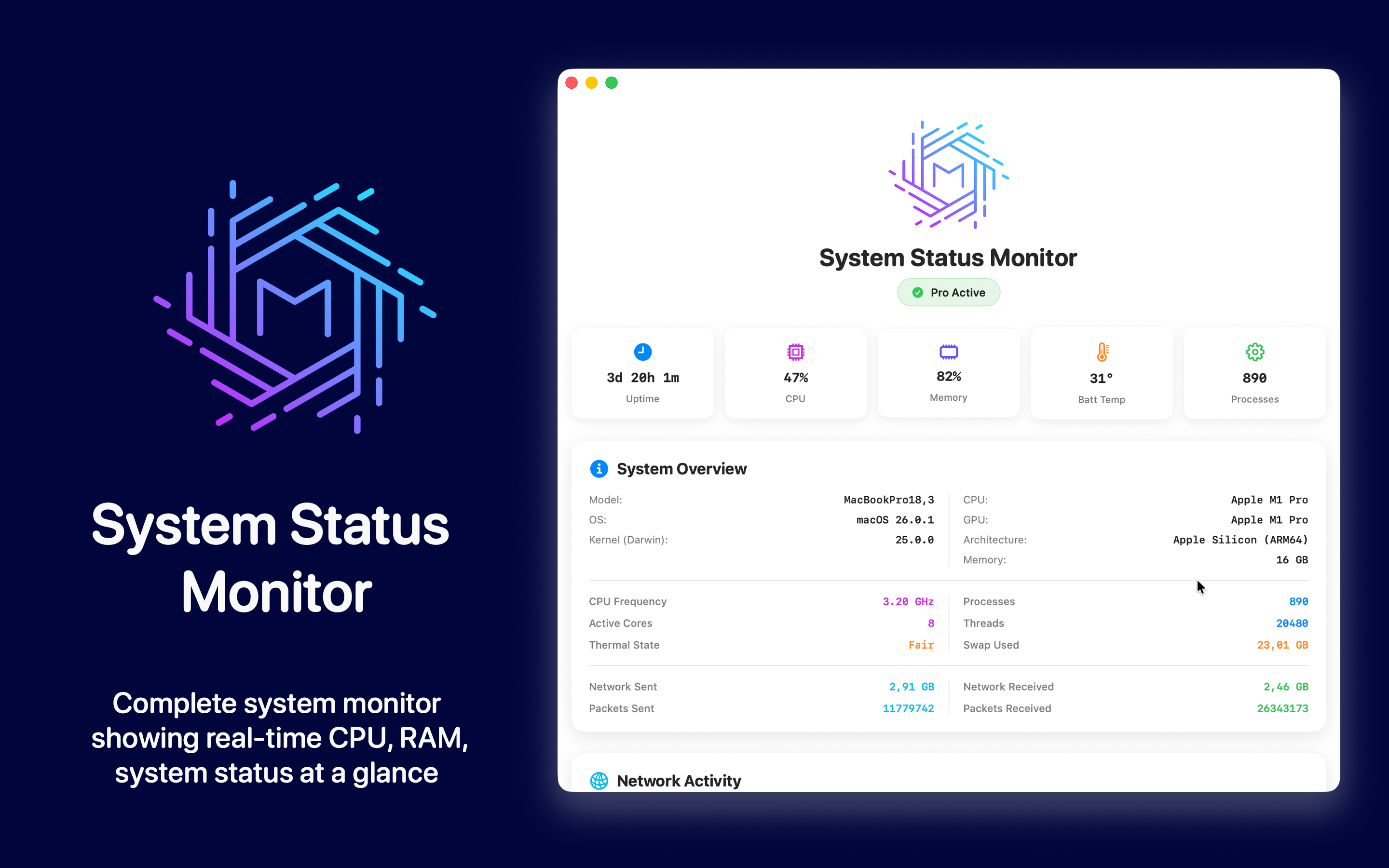
What helps is a readout you can see without opening anything. System Status Monitor keeps CPU, memory and load in the menu bar, so when the fans spin up you can look at the trend that led there rather than the instant you happened to check.
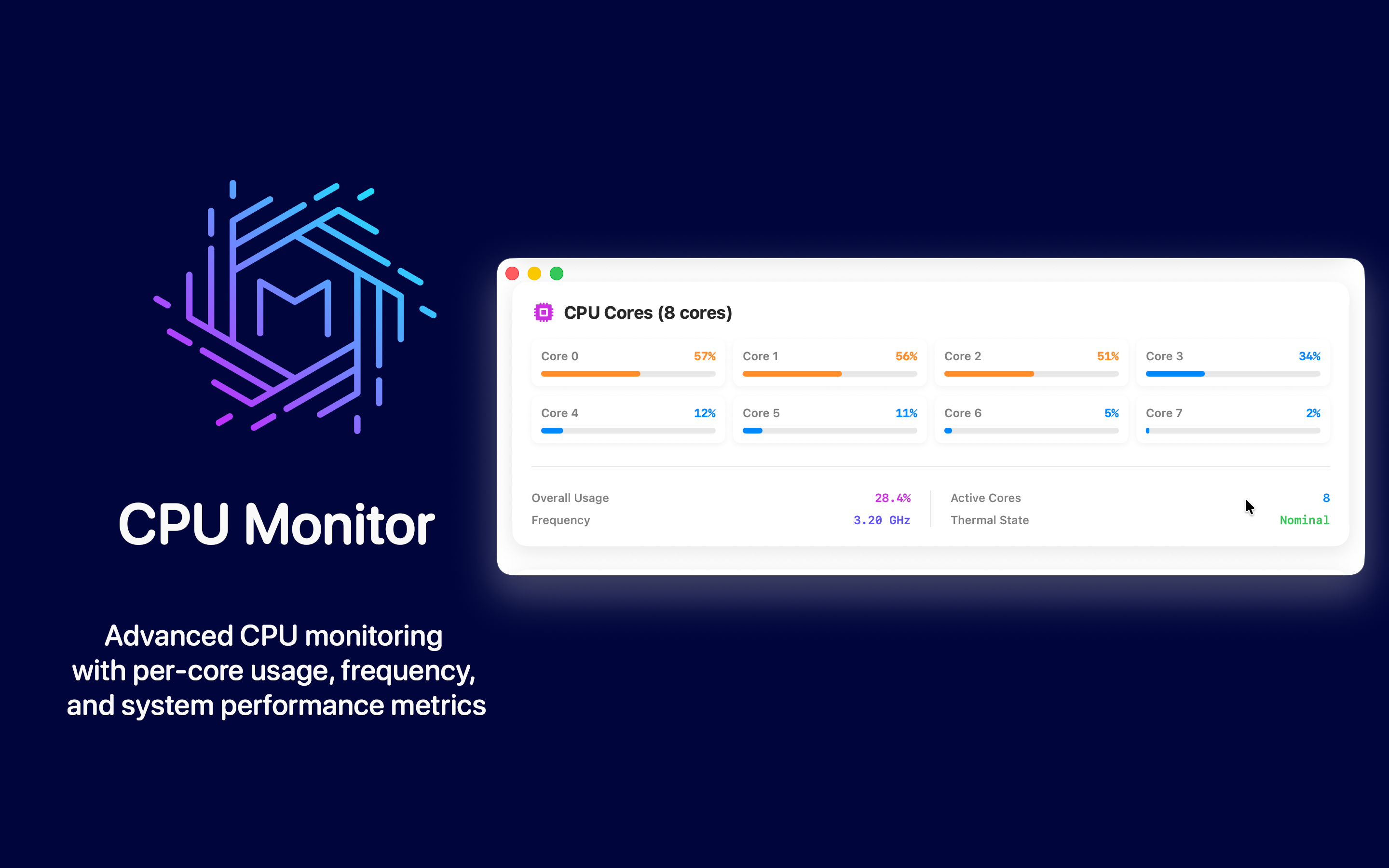
The pattern to look for: kernel_task rising after another process has been busy for a while. That ordering is the whole diagnosis. If kernel_task rises first and nothing else was busy, the cause is environmental - heat, charging, airflow. If something else was busy first, that is your process.
Things that will not help
The advice that circulates for this problem is unusually bad, so it is worth naming the popular non-fixes.
- Resetting the SMC. Occasionally justified on older Intel Macs with genuinely confused sensors. It does nothing on Apple Silicon, where there is no SMC to reset in the old sense. It is the first suggestion in most threads and the least likely to be relevant.
- Deleting kernel extensions to "fix" thermal management. Advice that appears with alarming regularity. It does not reduce heat; it removes the system's ability to manage it.
- Installing a fan control utility. Running the fans harder may lower the temperature enough to end the throttling, but you are treating the reading rather than the load. If a stuck process is the cause, it is still stuck.
- Reinstalling macOS. Occasionally fixes a genuinely corrupted driver. Usually costs a day and changes nothing, because the cause was a browser tab.
A sequence that works
- Note whether the Mac is plugged in. If yes, unplug it and wait five minutes. If kernel_task drops, you have a charging or heat problem, not a software one.
- Check the surface it is sitting on. Move it to something hard and flat.
- Open Activity Monitor and sort by CPU, ignoring kernel_task. Look at what is second - that is your candidate.
- Quit that app and watch. If kernel_task falls within a minute or two, you have your answer.
- If nothing else is busy at all and the machine is cool to the touch, that is the rare case where a sensor or driver is genuinely at fault, and it is worth a support conversation.
What is normal on Apple Silicon
Worth setting expectations, because the numbers changed. On an M-series Mac, kernel_task sitting between two and ten percent is ordinary. Brief spikes to fifty during heavy I/O are ordinary. Sustained triple digits are not, and on these machines the cause is nearly always a specific process rather than ambient heat - the thermal headroom is simply much larger than it was on Intel.
Which is the useful takeaway. On an Intel MacBook, kernel_task climbing was often the machine being a machine. On Apple Silicon it is a much stronger signal that something is genuinely wrong, and worth spending five minutes to identify rather than waiting out.