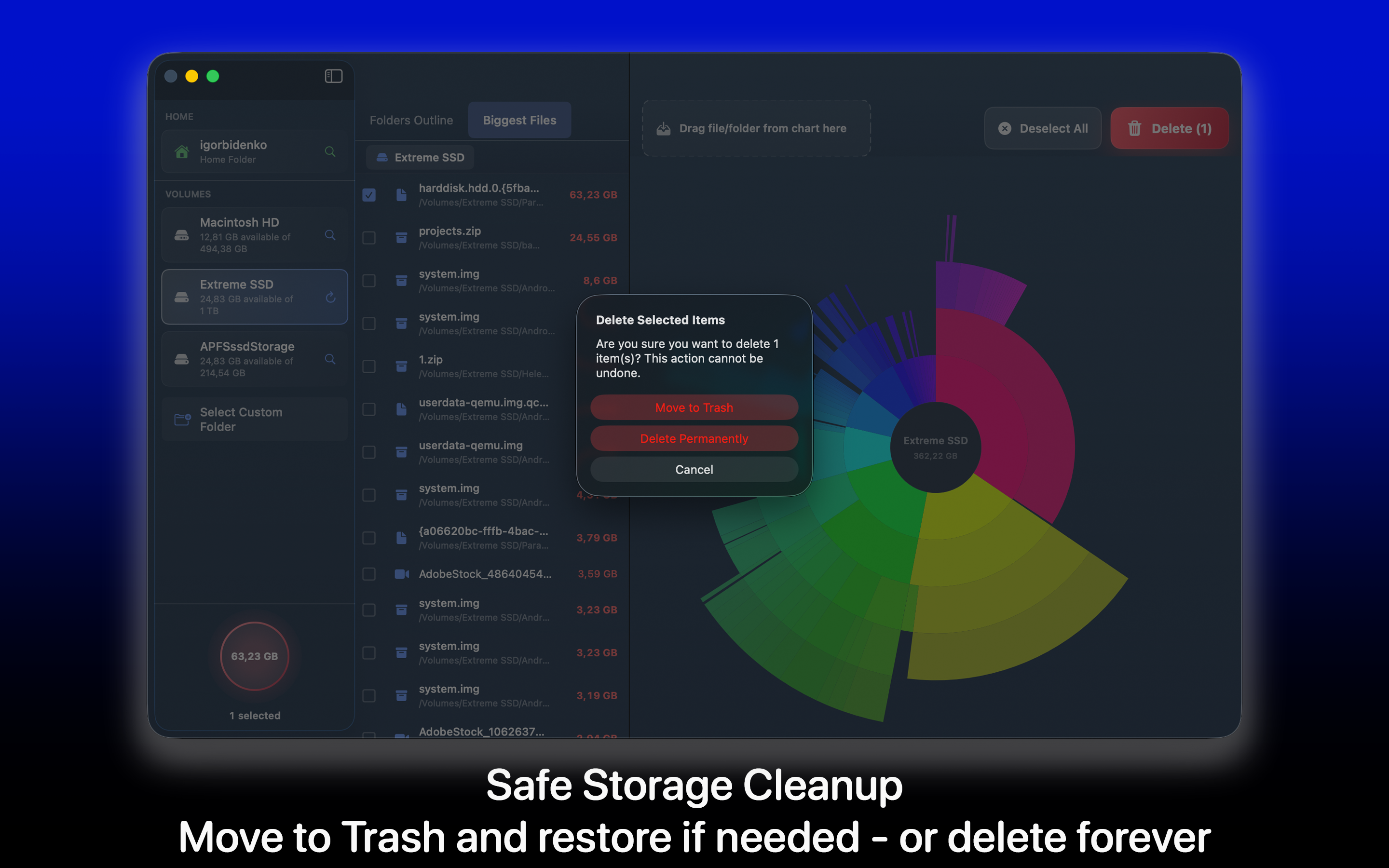
From overloaded startup disks to external drives full of old archives, DiskSpace makes storage cleanup measurable and fast.
Interactive Size Map
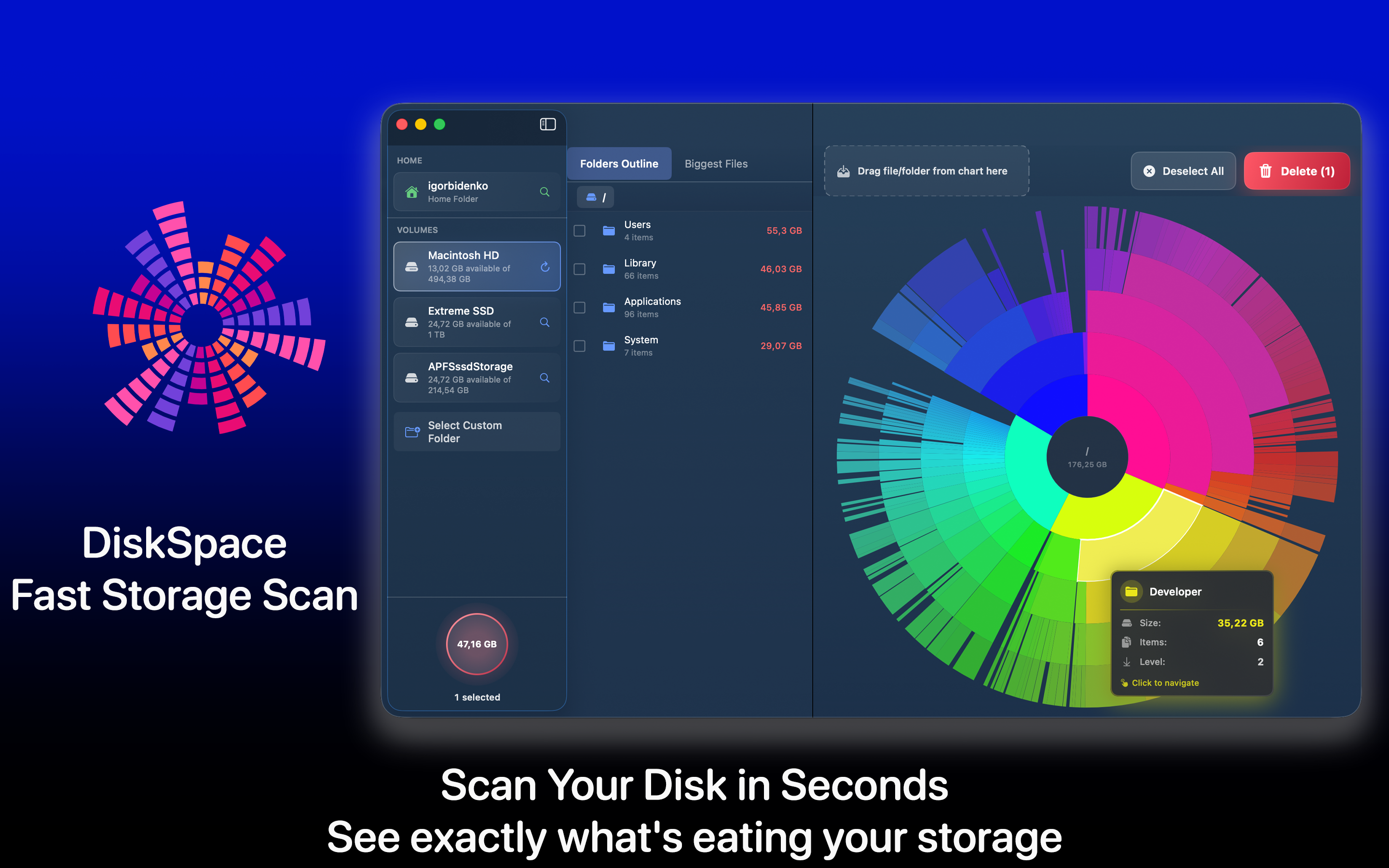
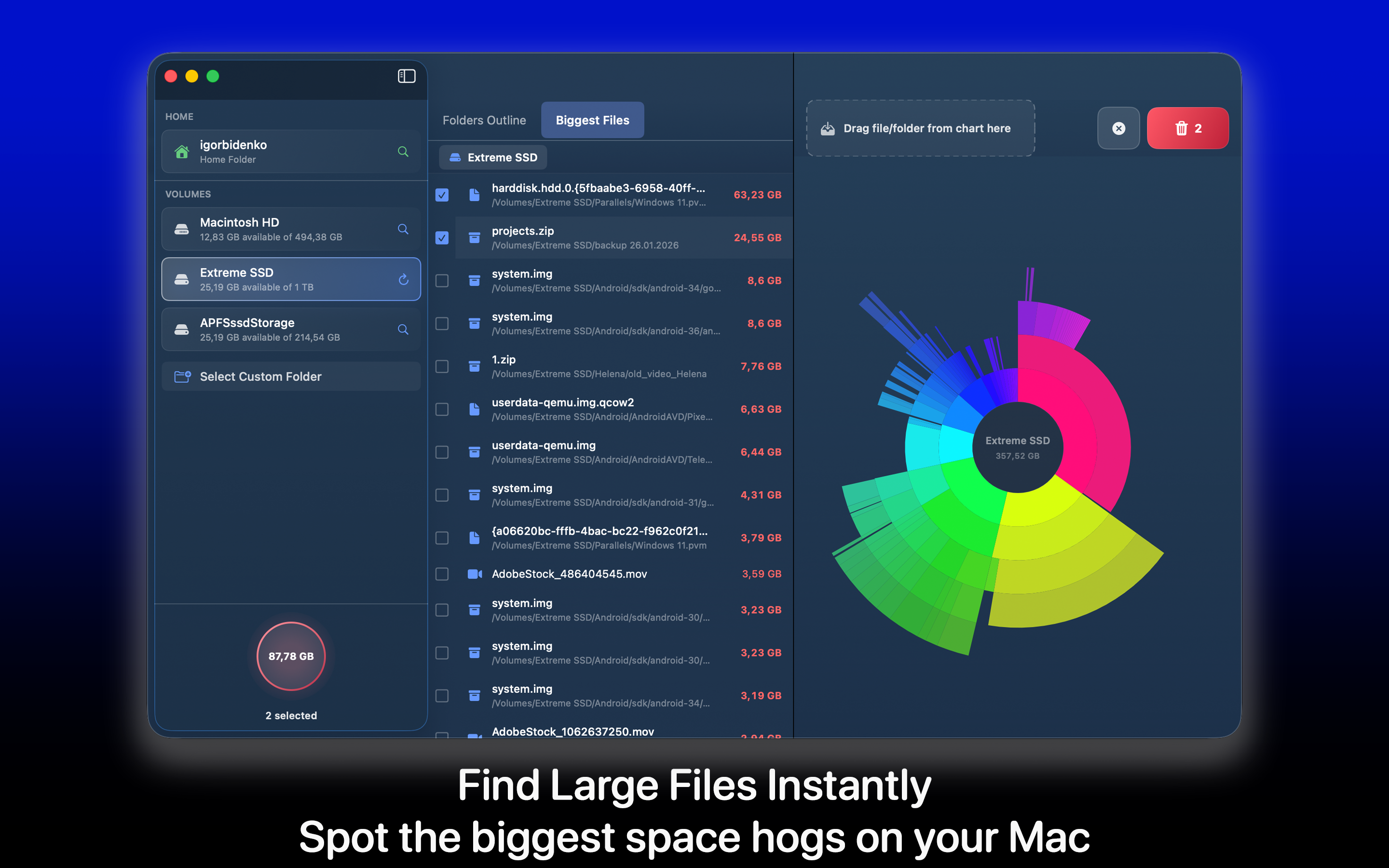
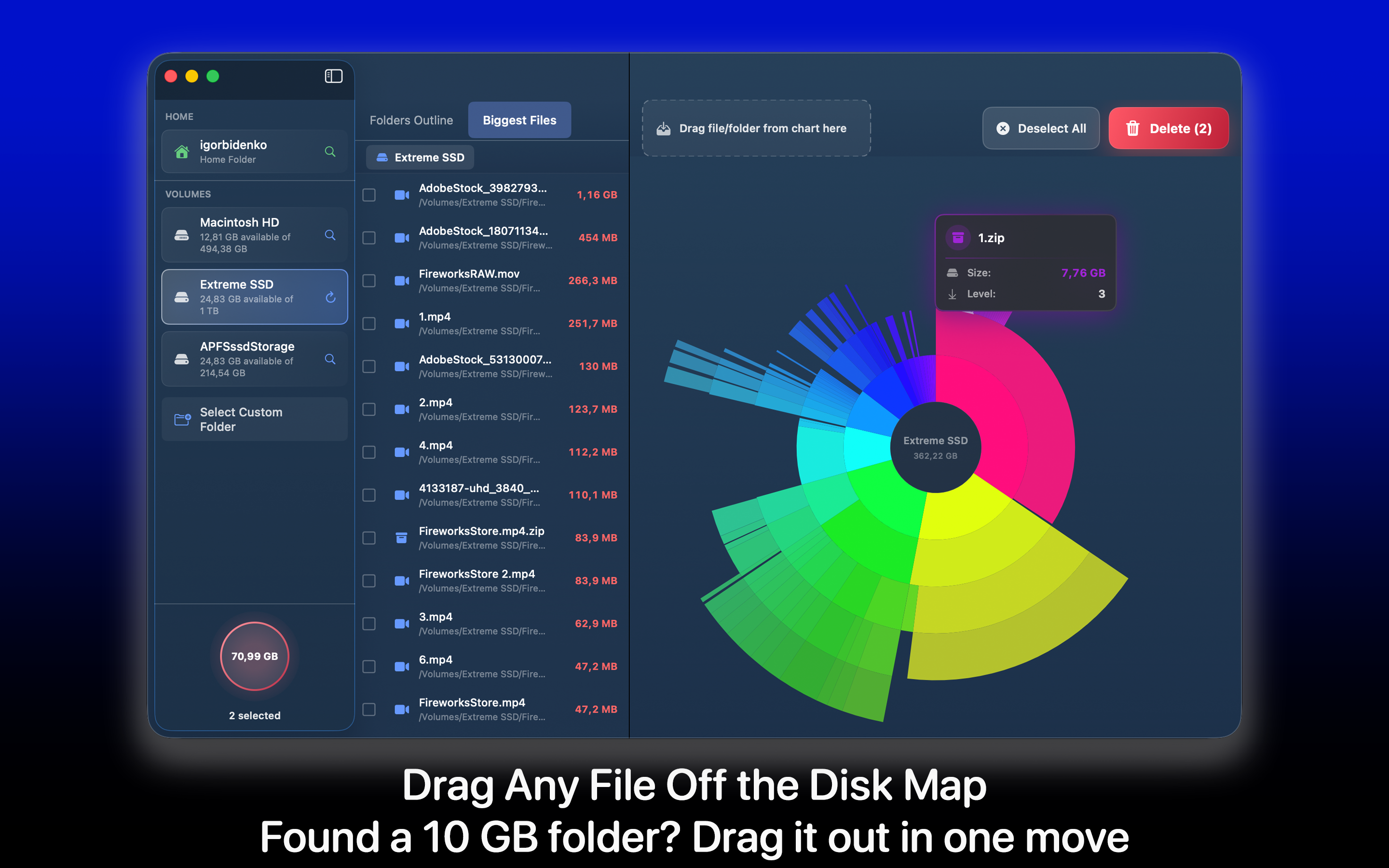
Visualize folder and file weights instantly so the biggest storage hogs jump out without manual hunting.
Rapid Full-Disk Scan
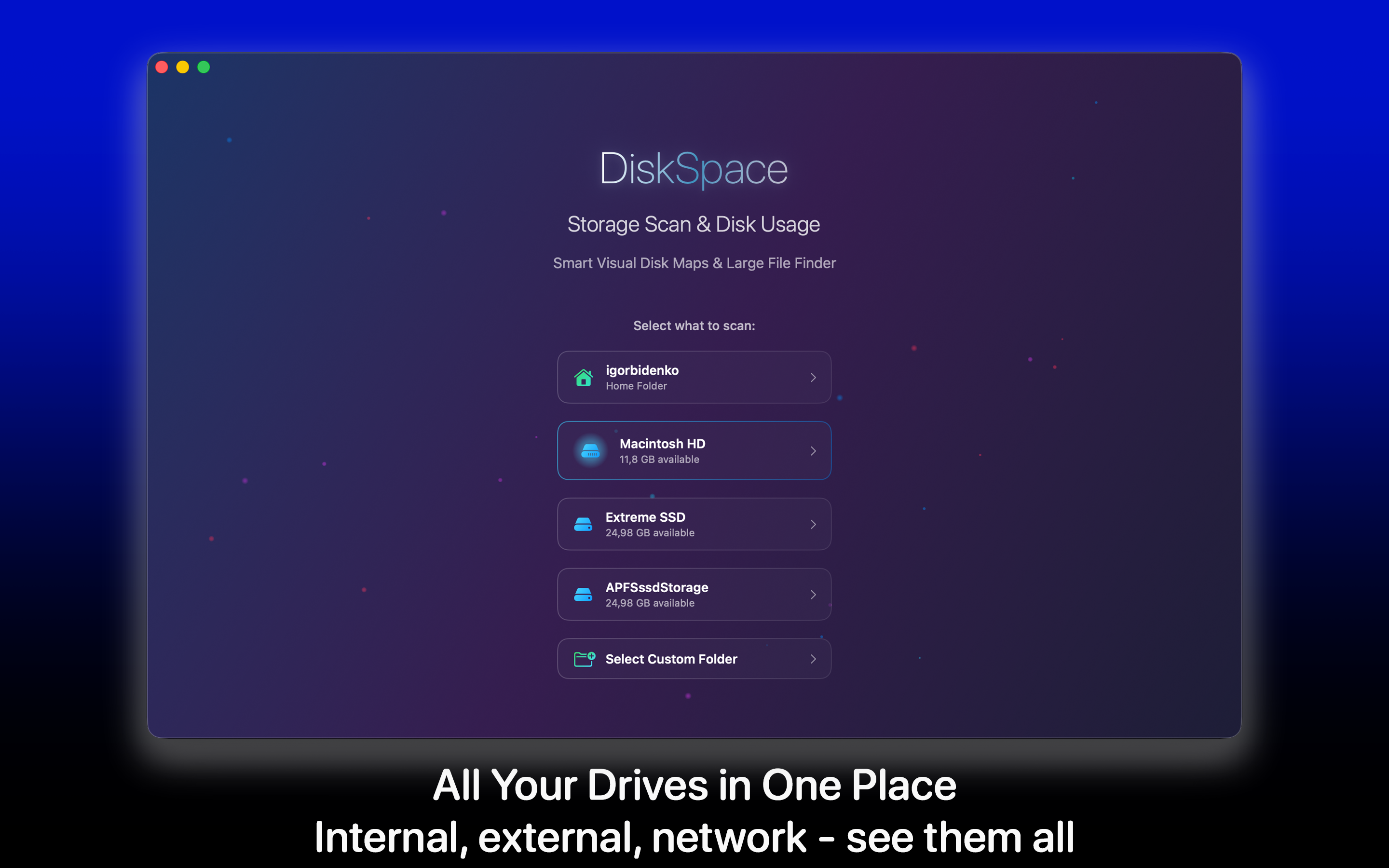
Scan internal SSDs, external disks, USB drives, SD cards, NAS volumes, and mounted images in one workflow.
Duplicate Discovery
Find duplicate files and folders that silently consume storage and remove redundant data with confidence.
Quick Look Preview
Preview candidates before deleting to keep cleanup safe and avoid accidental removal of needed files.
Lightweight Runtime
Designed with minimal CPU and memory pressure while scanning large structures and deep folder trees.
Privacy-First Behavior
No telemetry, no background processes, and no automatic deletion; your data remains on your Mac.
DiskSpace Screens
Real macOS interface captures from your product assets.
Where It Fits Best
Developers clearing Xcode caches, derived data, simulators, and stale build artifacts.
Creators managing large video, photo, and audio libraries across internal and external drives.
Teams maintaining shared storage where orphaned folders and archives grow over time.
Everyday Mac users who want immediate visibility into unexplained “System Data” growth.
Drive and Filesystem Coverage
DiskSpace supports internal SSD and HDD volumes, USB and Thunderbolt drives, SD cards, network volumes/NAS, mounted DMGs, and Time Machine disks.
Filesystem support includes APFS, HFS+, ExFAT, and FAT32. This makes DiskSpace useful for hybrid workflows where multiple devices and formats are involved.
Clean, Fast, and Safe Storage Reclamation
DiskSpace is designed to reduce time-to-decision: see what is large, verify it quickly, remove confidently, and recover gigabytes without complicated procedures.