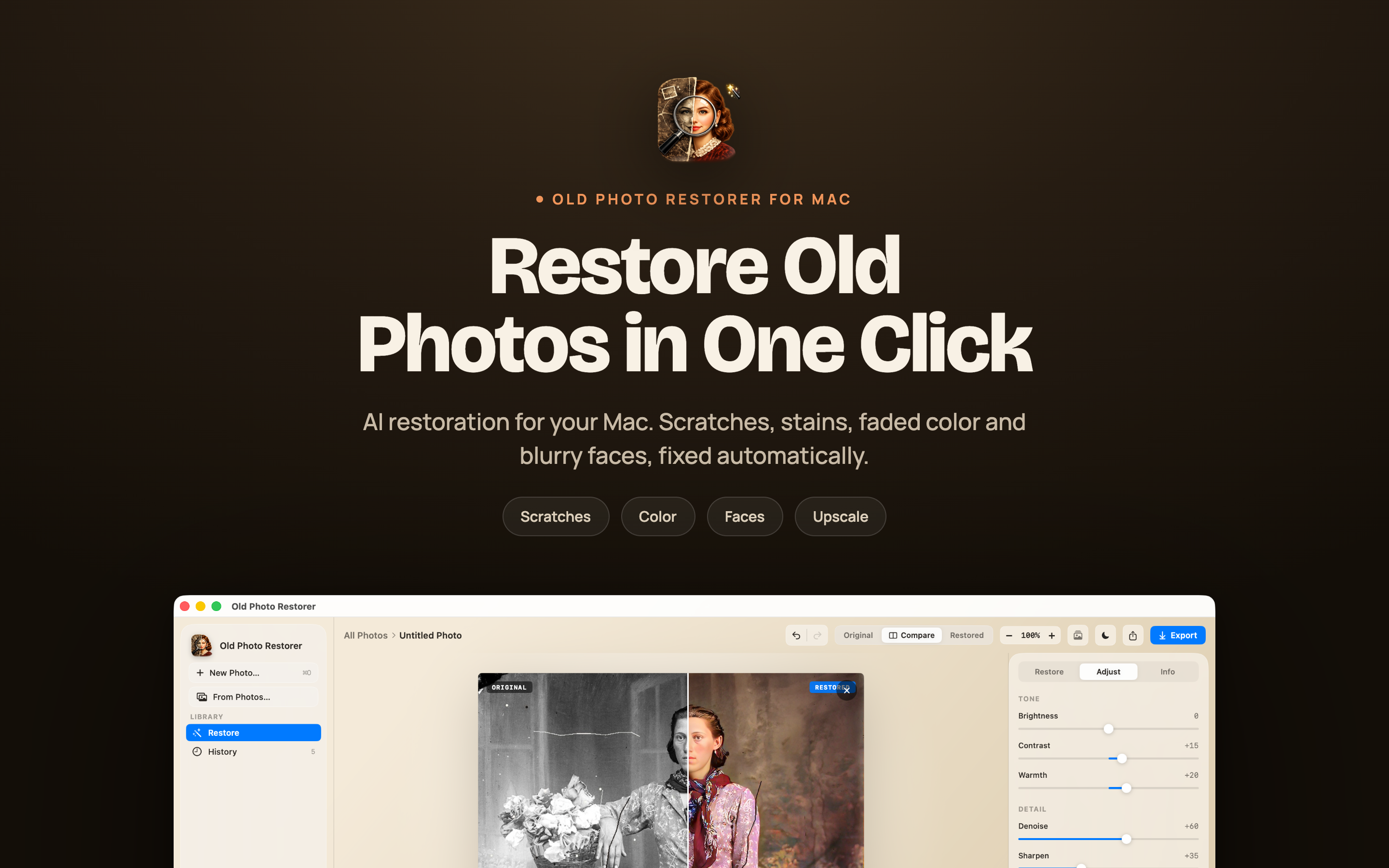
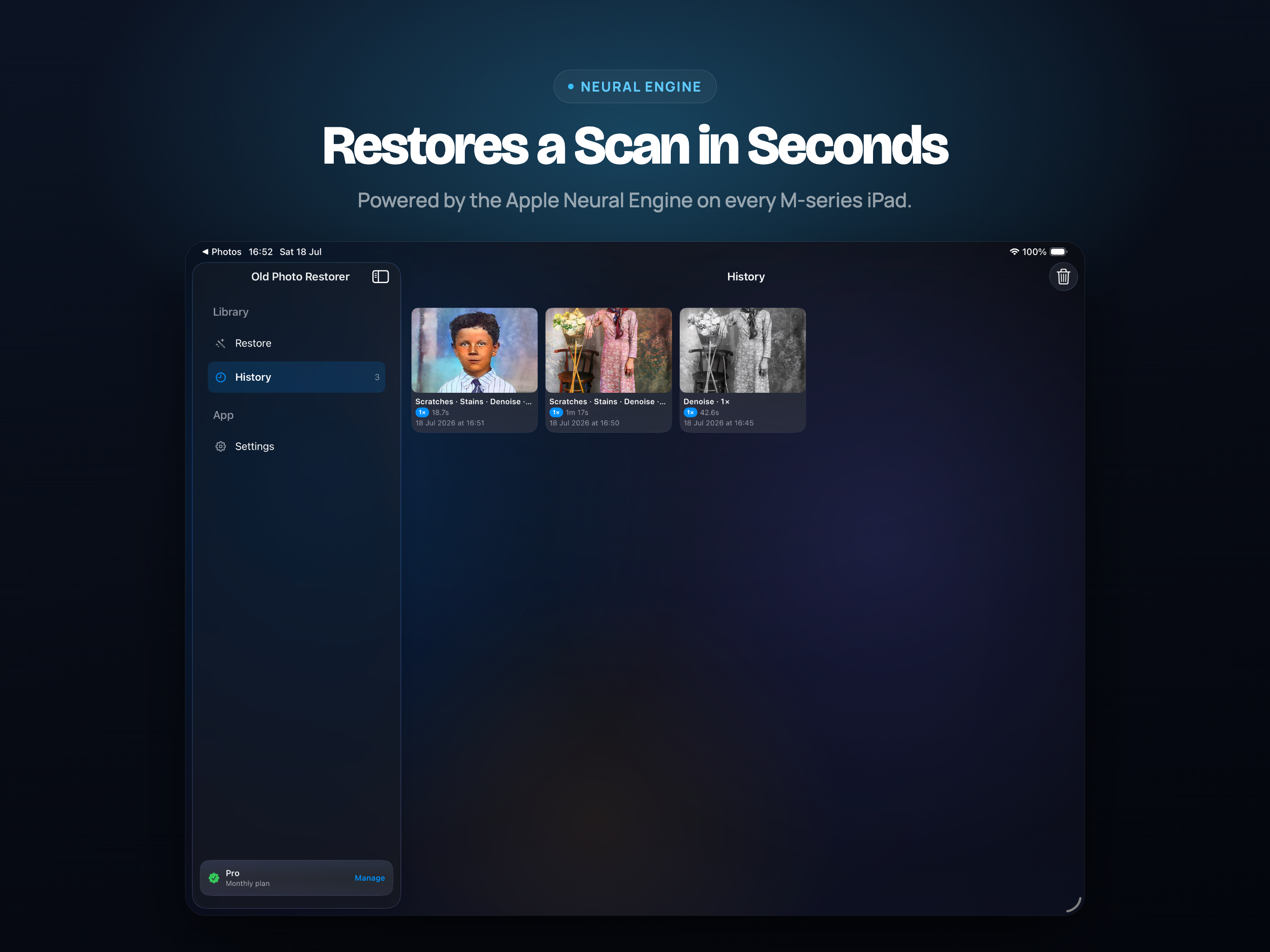
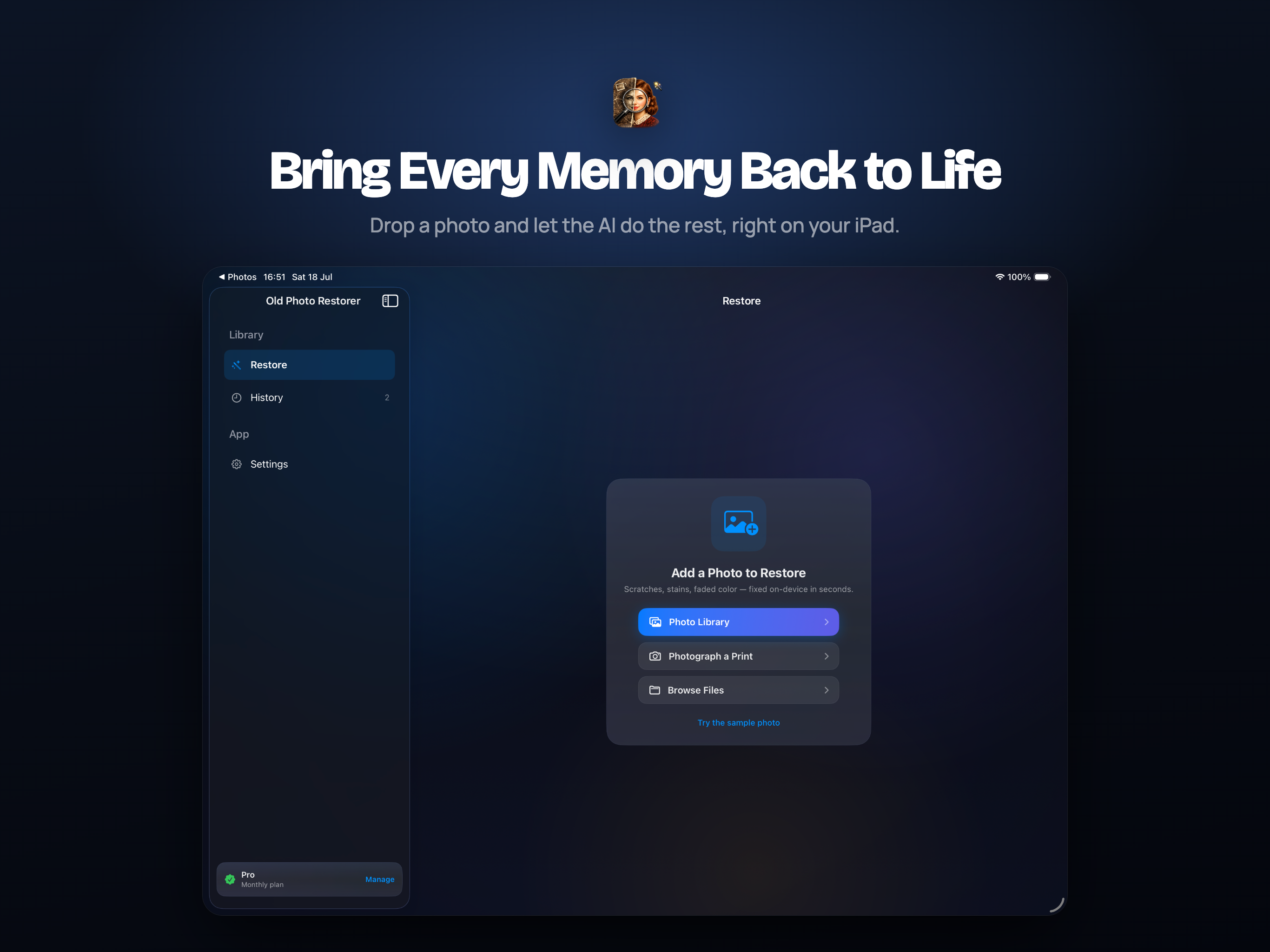
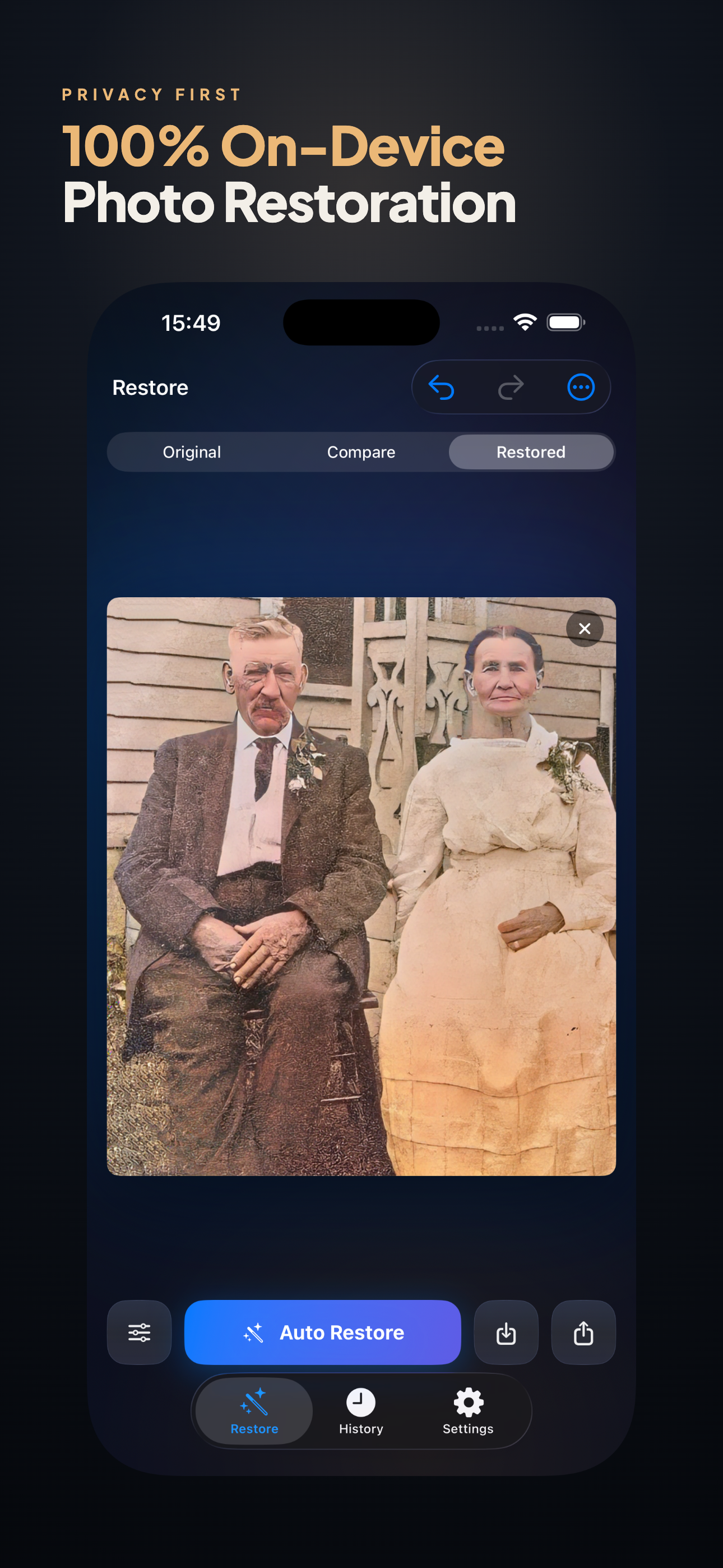
Scratches, tears, stains and faded faces - repaired on the photograph you already have, without sending it anywhere.
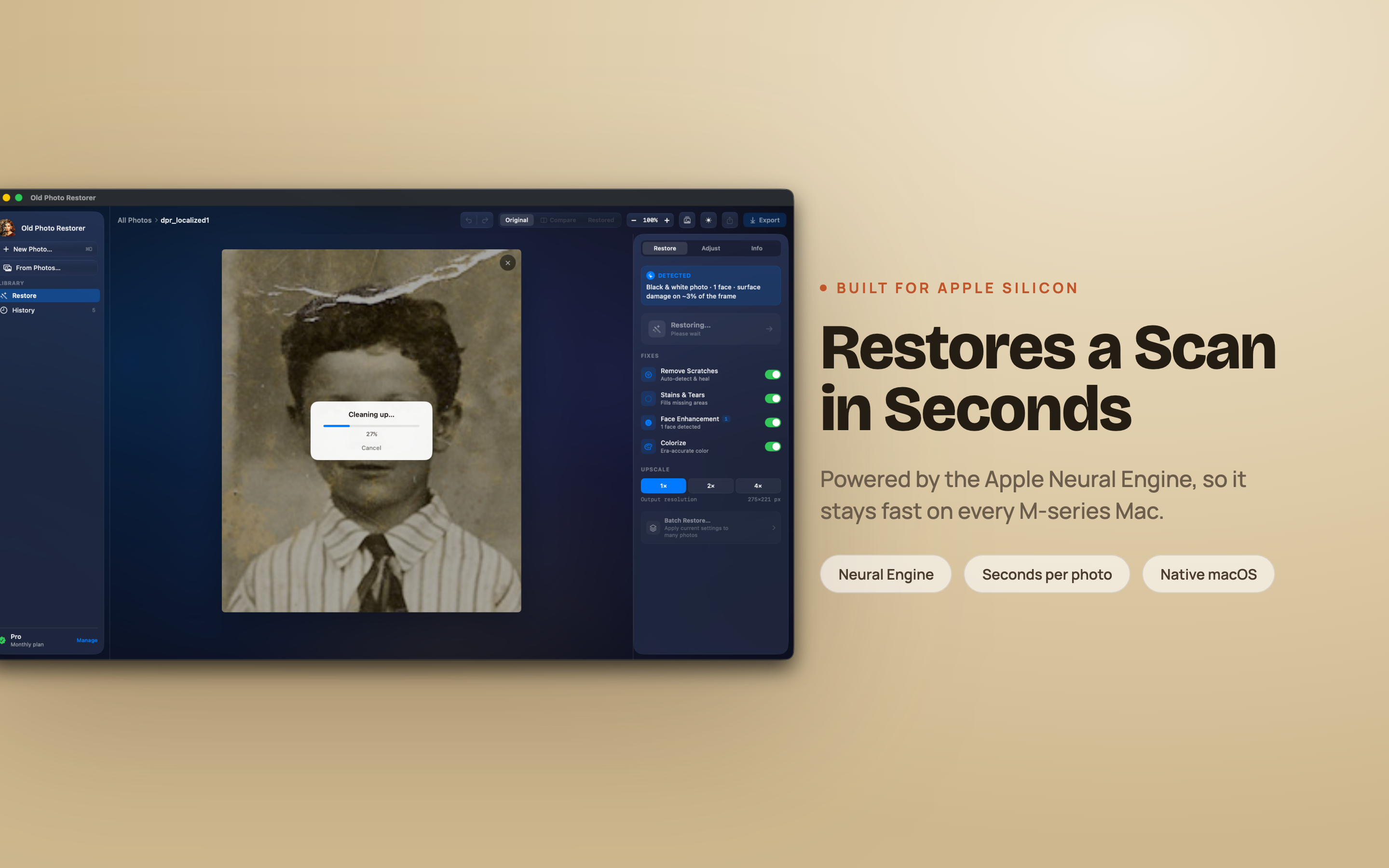
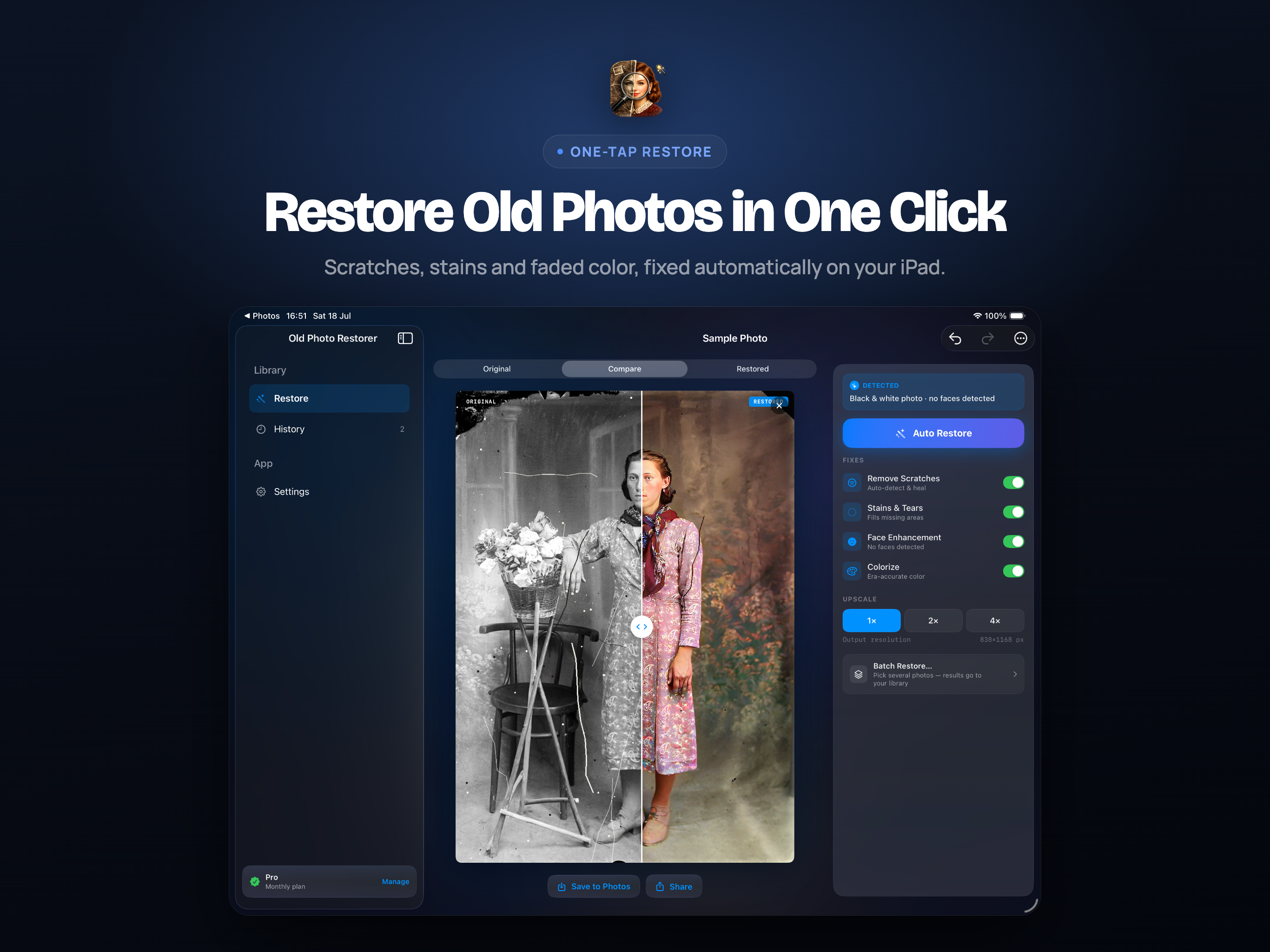
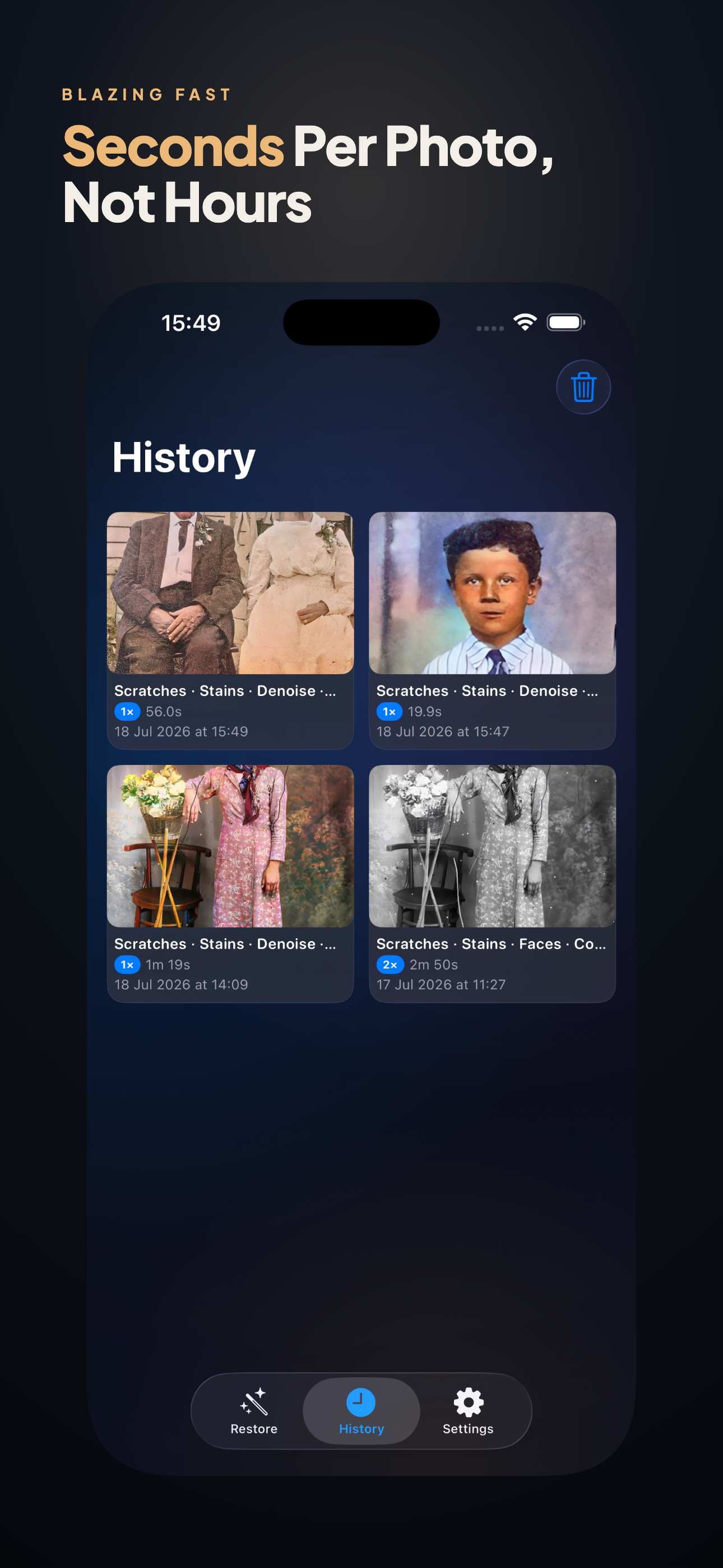
Scan a portrait from 1952, open it, press Auto Restore. Damage is healed to match the surrounding grain, faces come back into focus one at a time, and black and white turns into believable colour. What took a retoucher an afternoon takes about a minute.
iPhone, iPad, Mac & Vision ProScratch & tear repairColourisationNothing uploaded
What It Actually Fixes
Five kinds of damage, each handled by a model trained for it rather than one filter applied to everything.
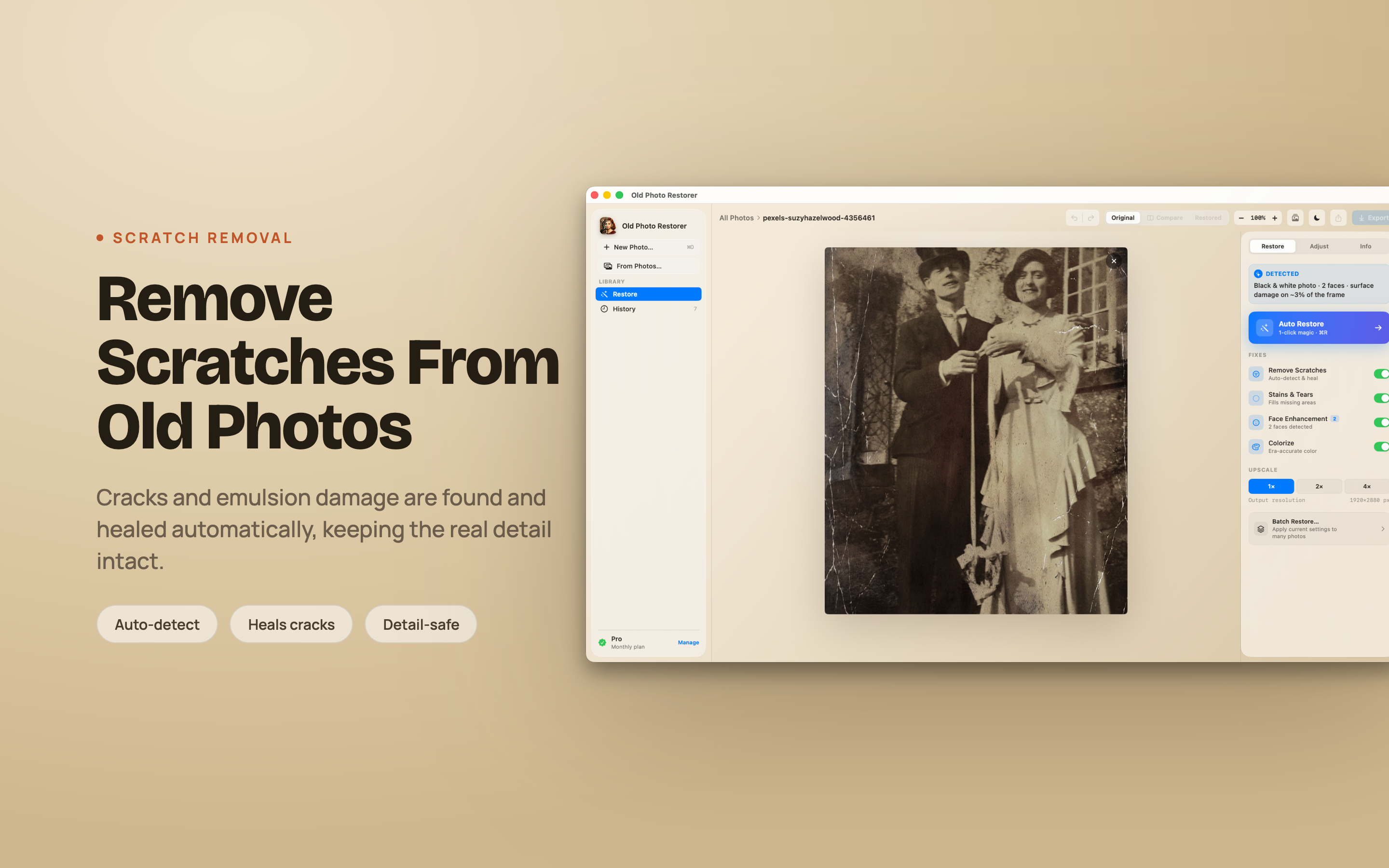
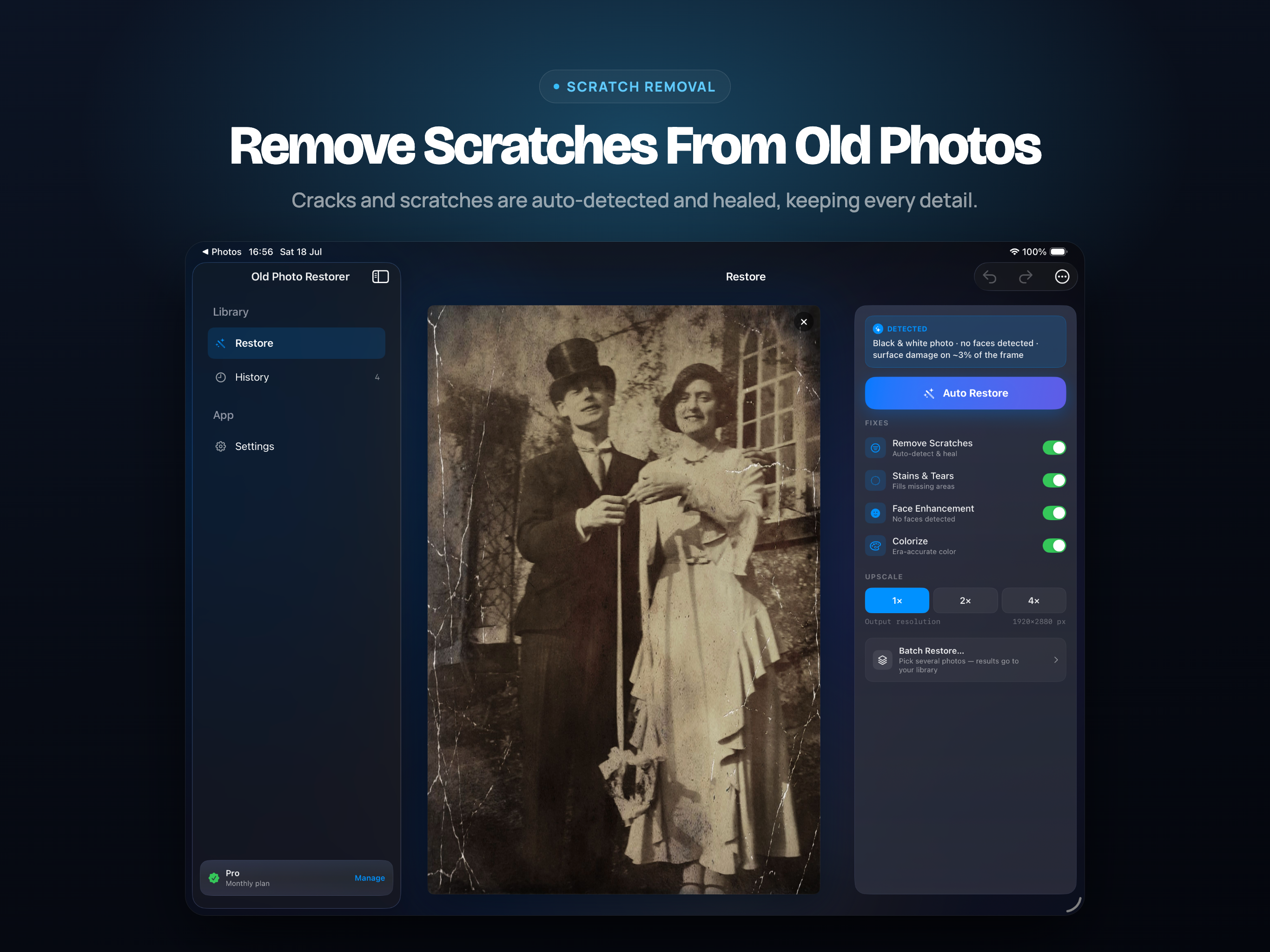
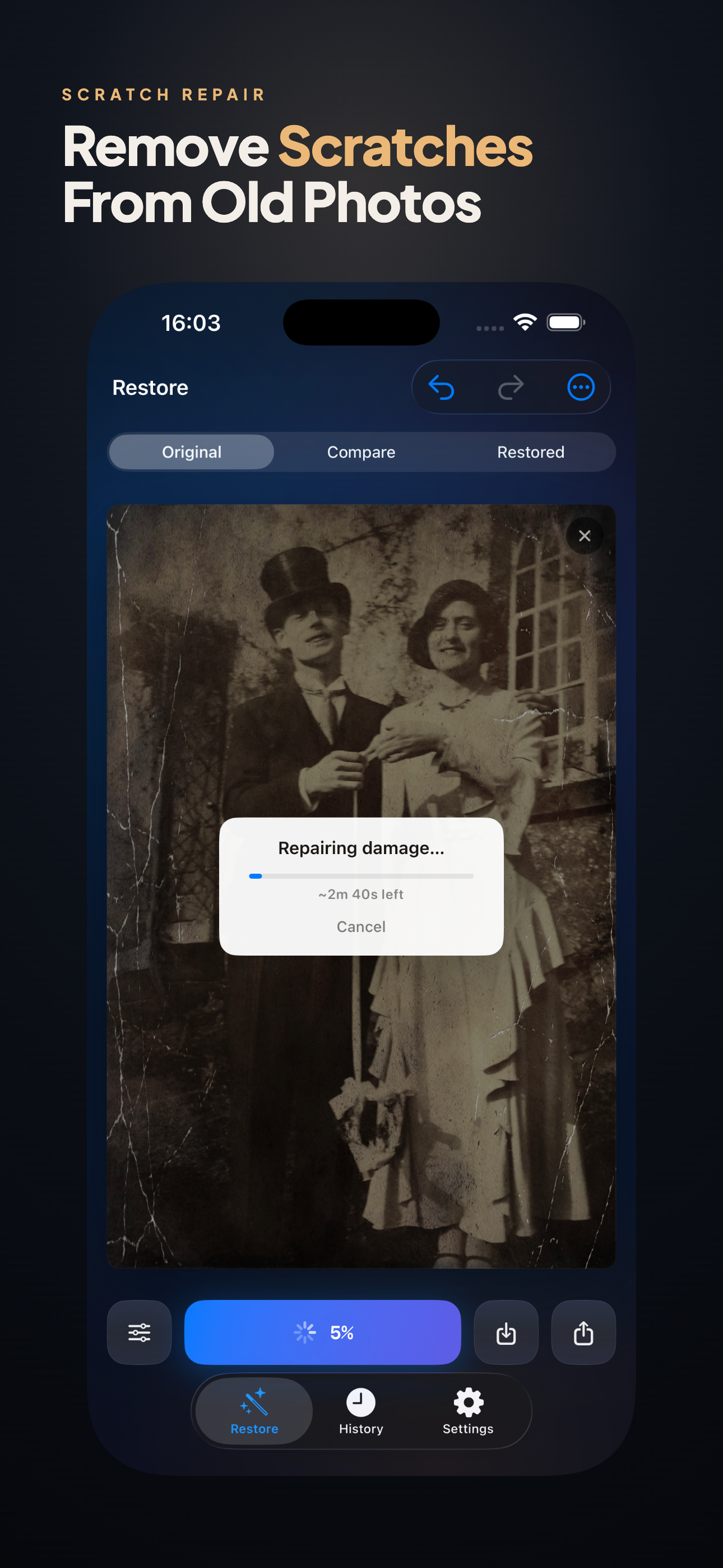
Scratches and cracks
Found automatically and healed without touching the rest of the picture. The repair matches the paper grain around it, so it does not read as a patch.
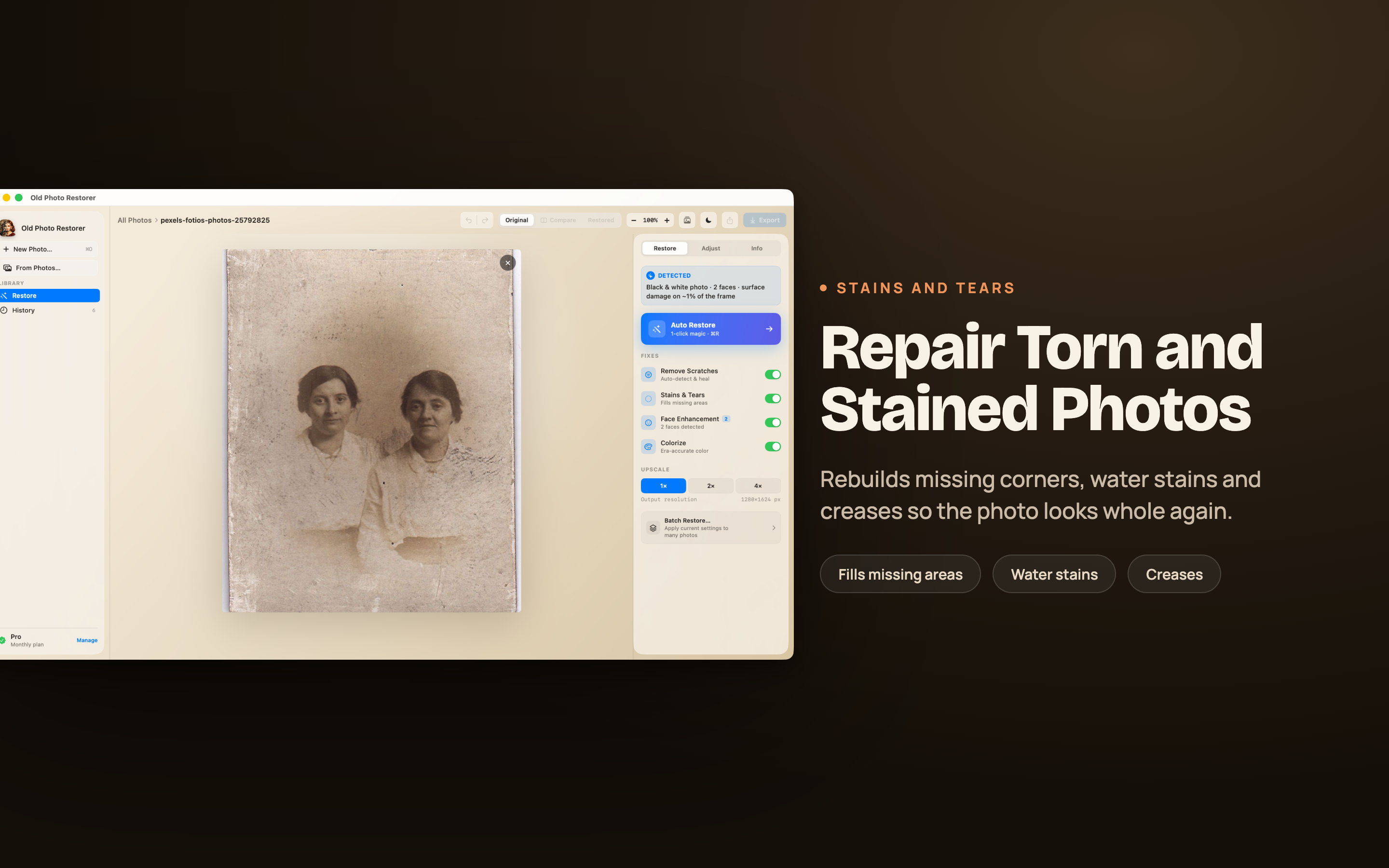
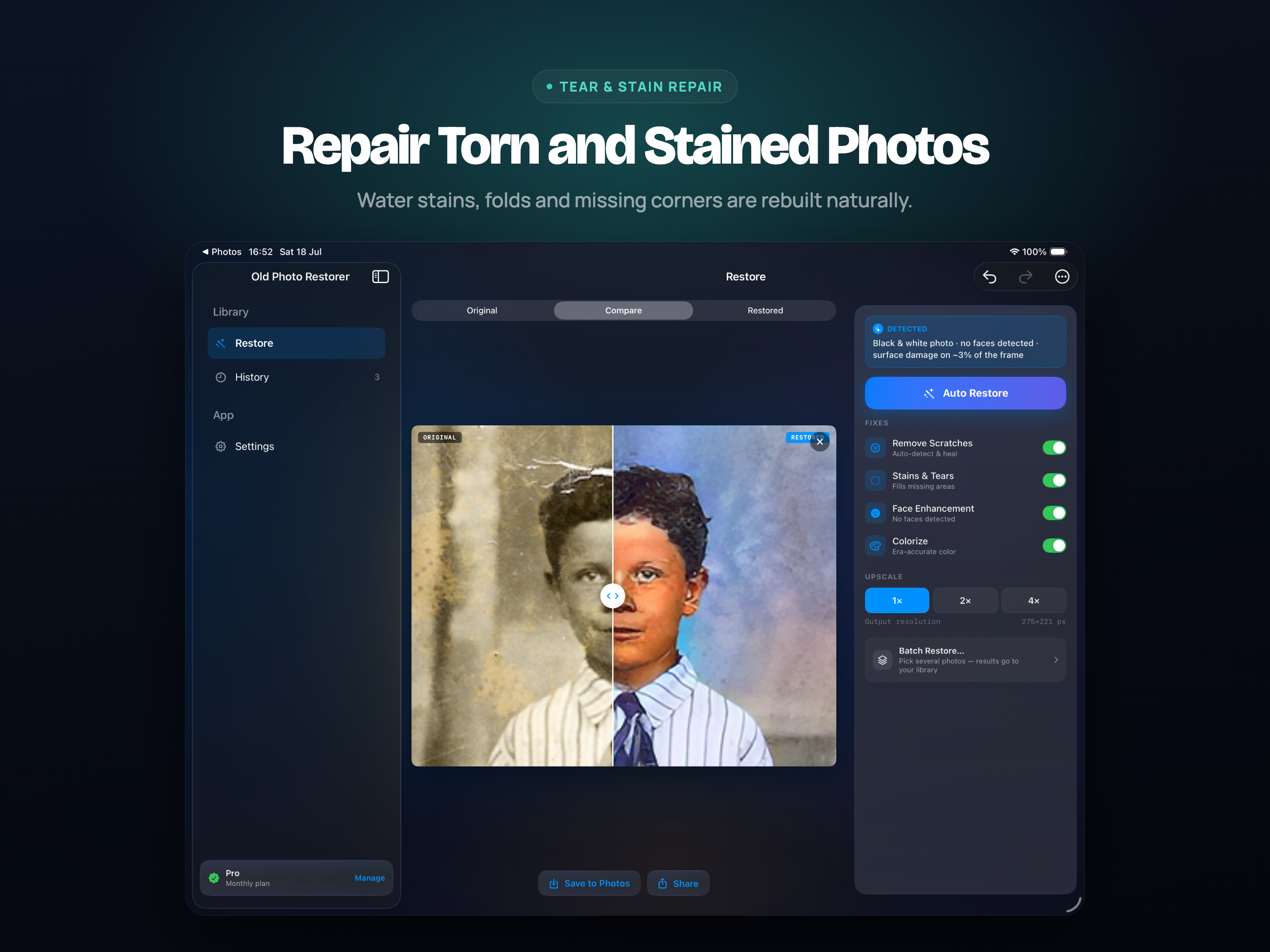
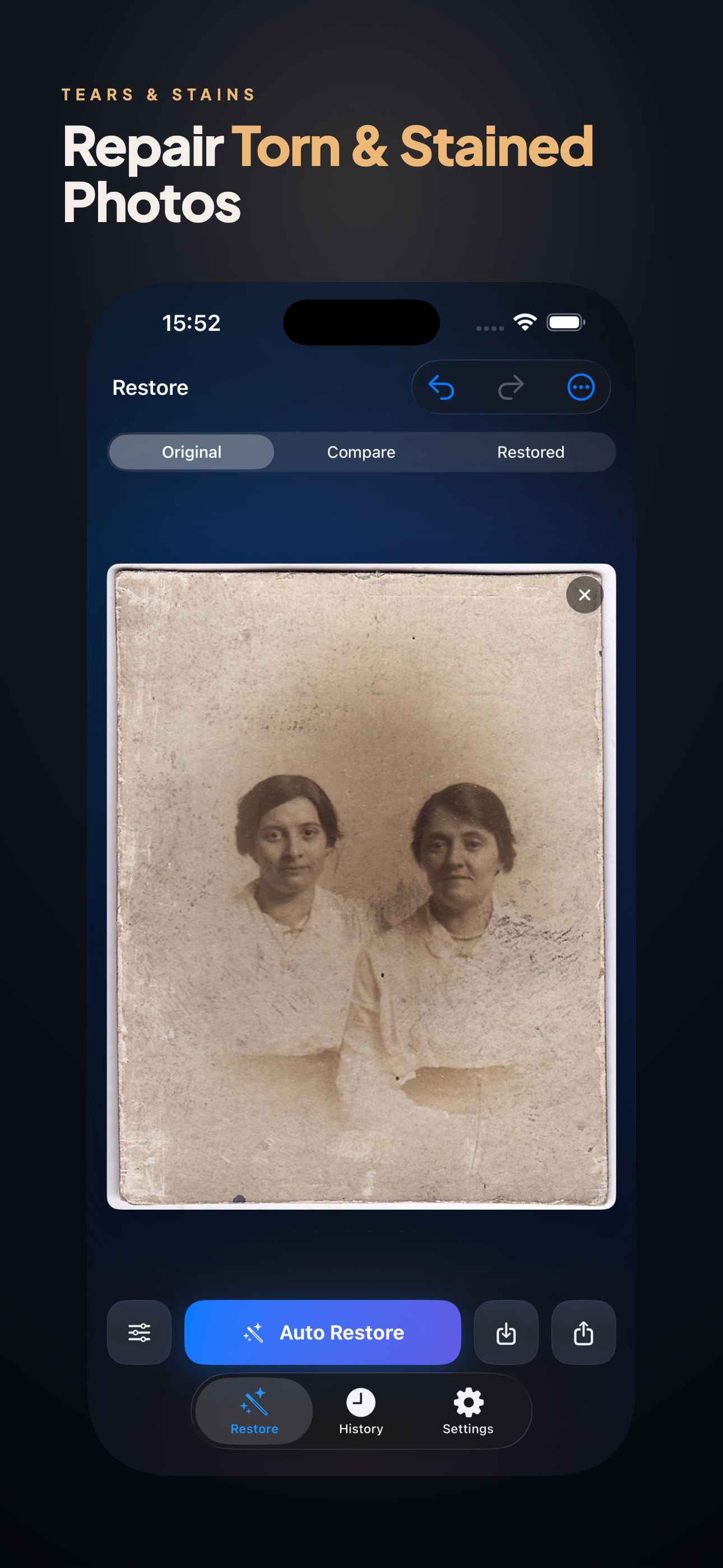
Stains, tears and worn corners
Damaged areas are rebuilt from the surrounding texture. Missing corners and creases across a face are the cases people assume are unrecoverable.
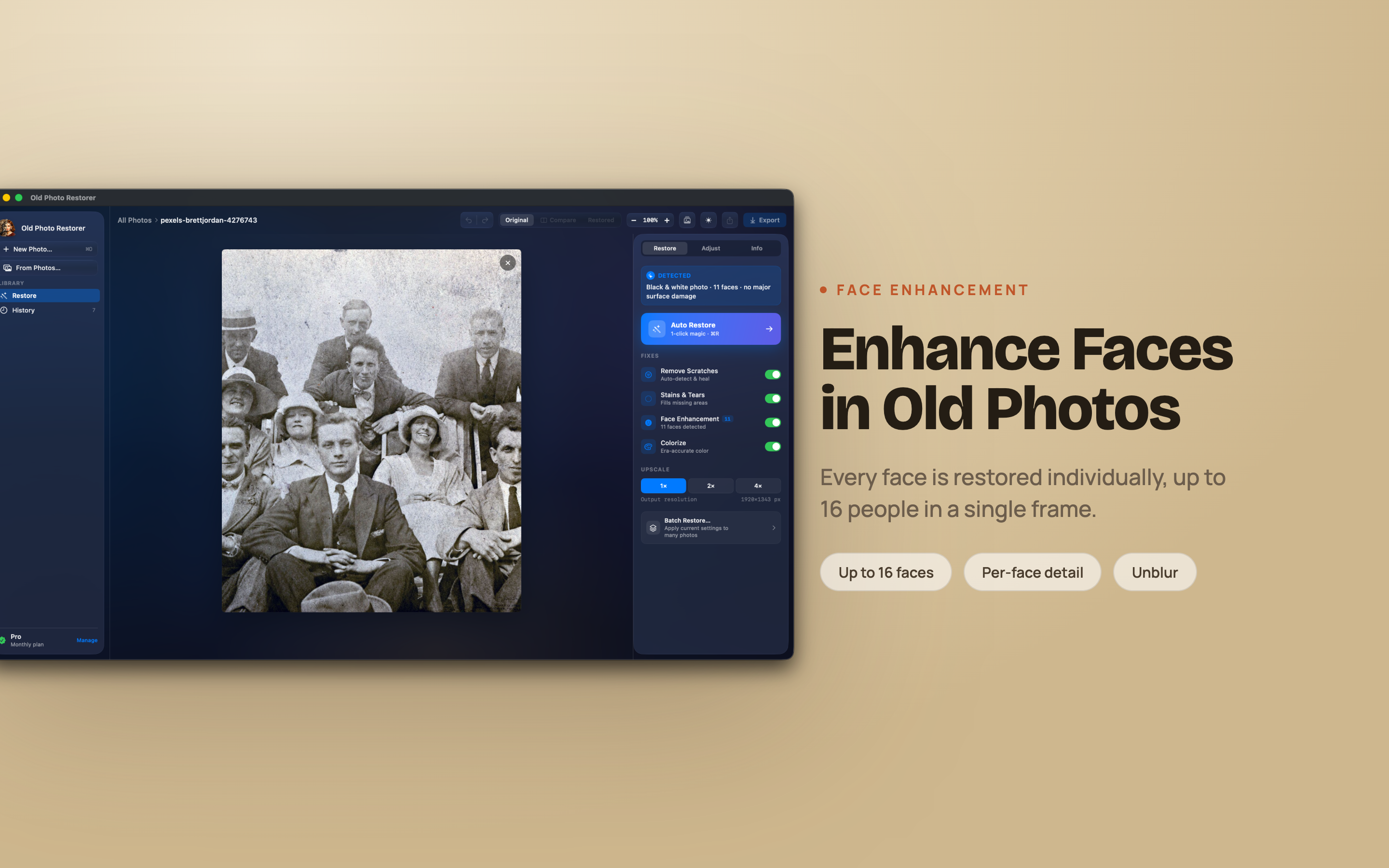
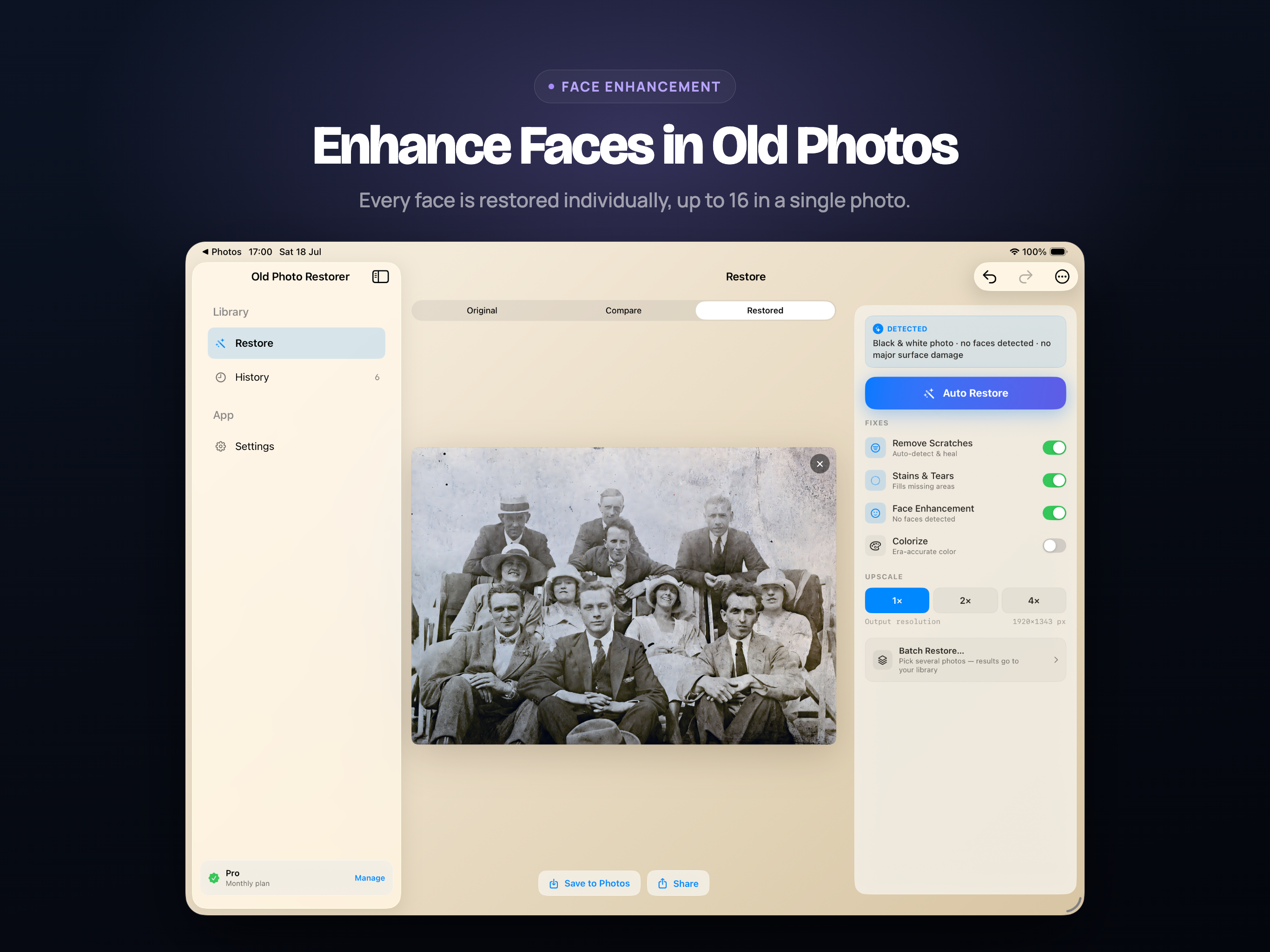
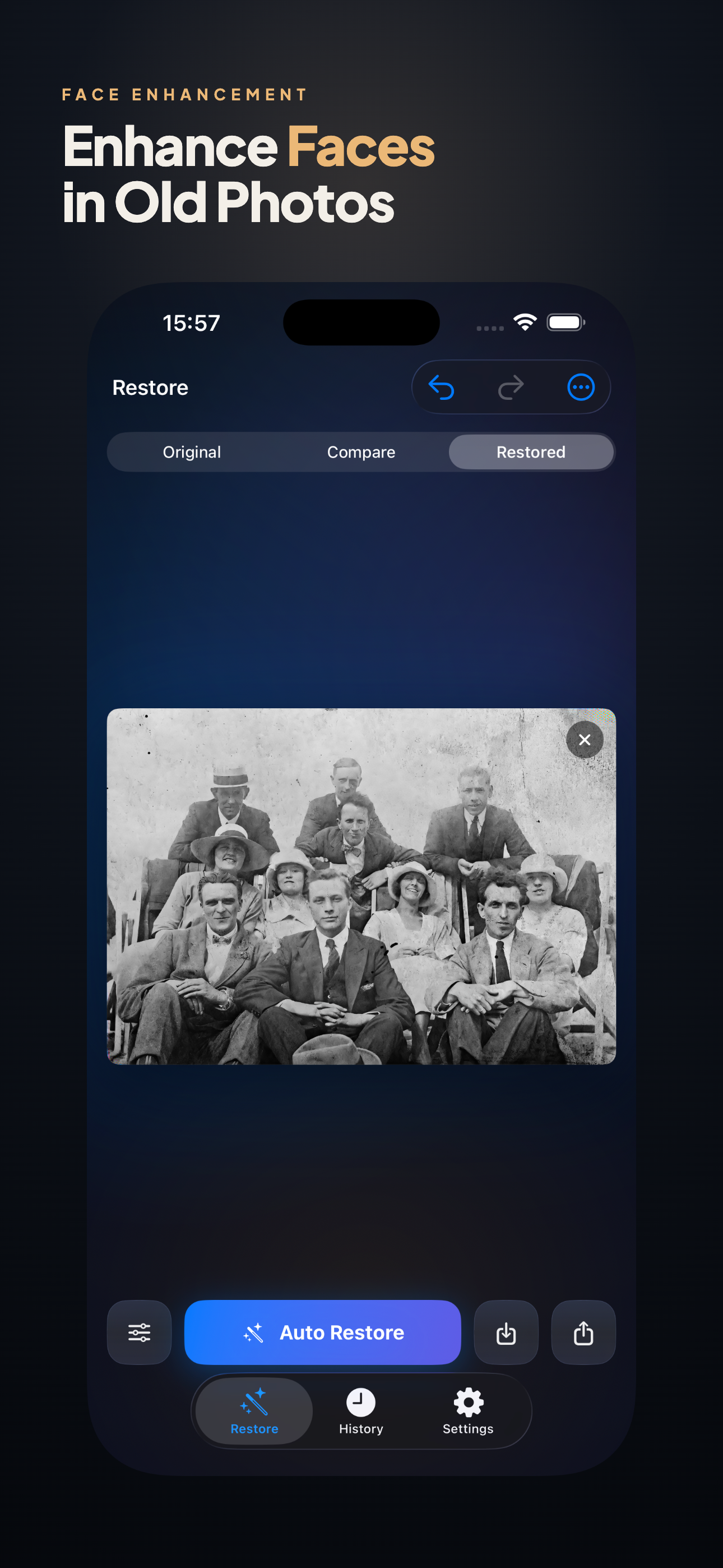
Faded and blurry faces
A dedicated face model works on each face separately, up to 16 in one photograph. It recovers the features that are there rather than inventing a new face.
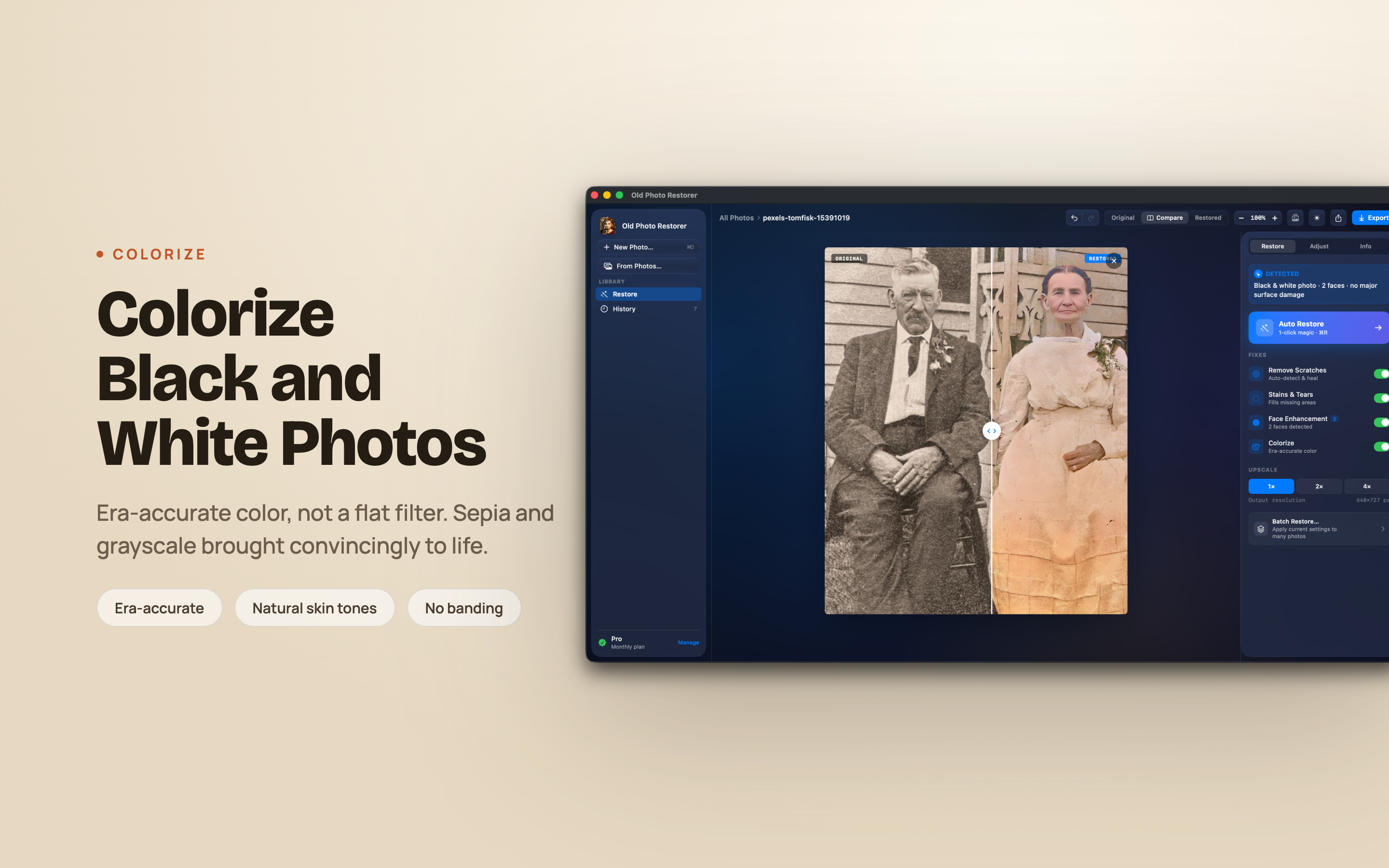
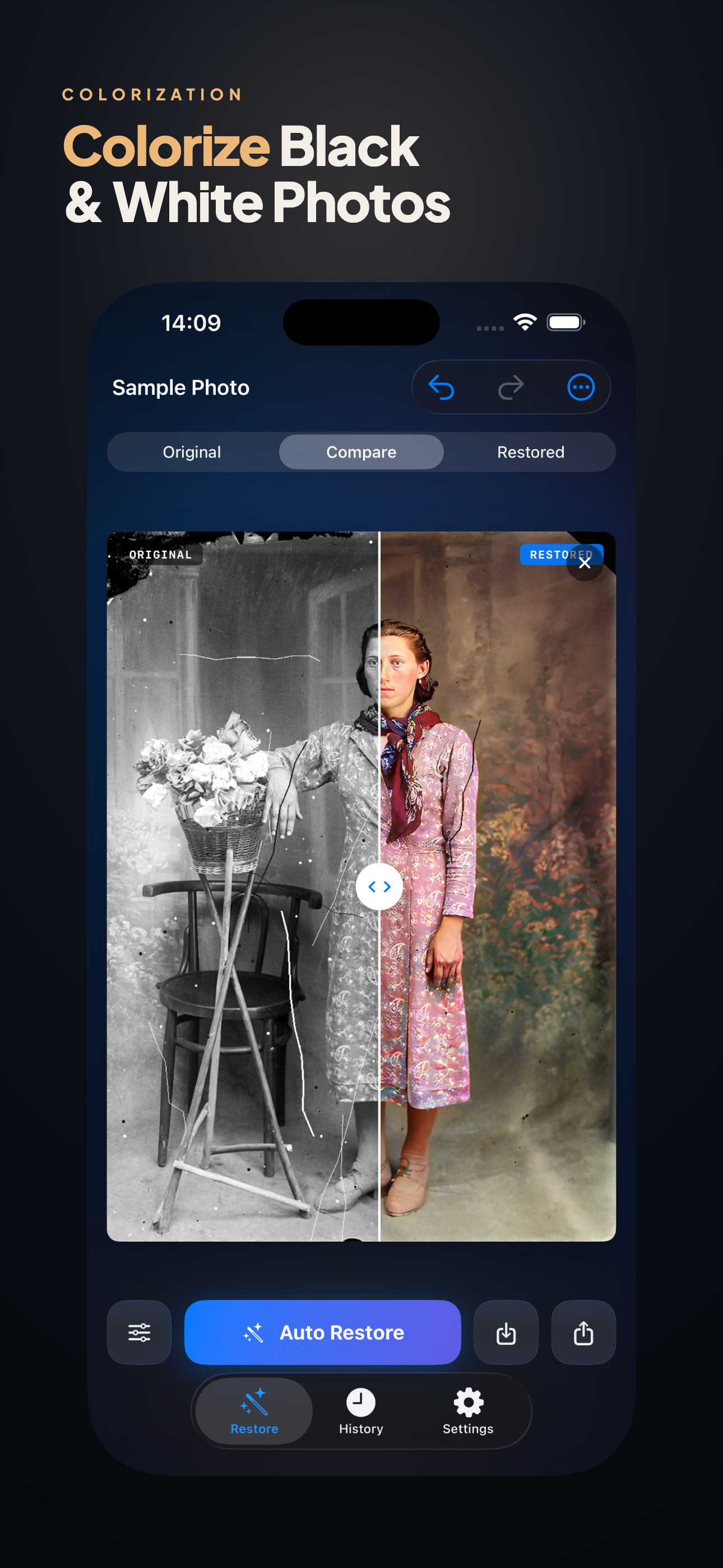
Colour from black and white
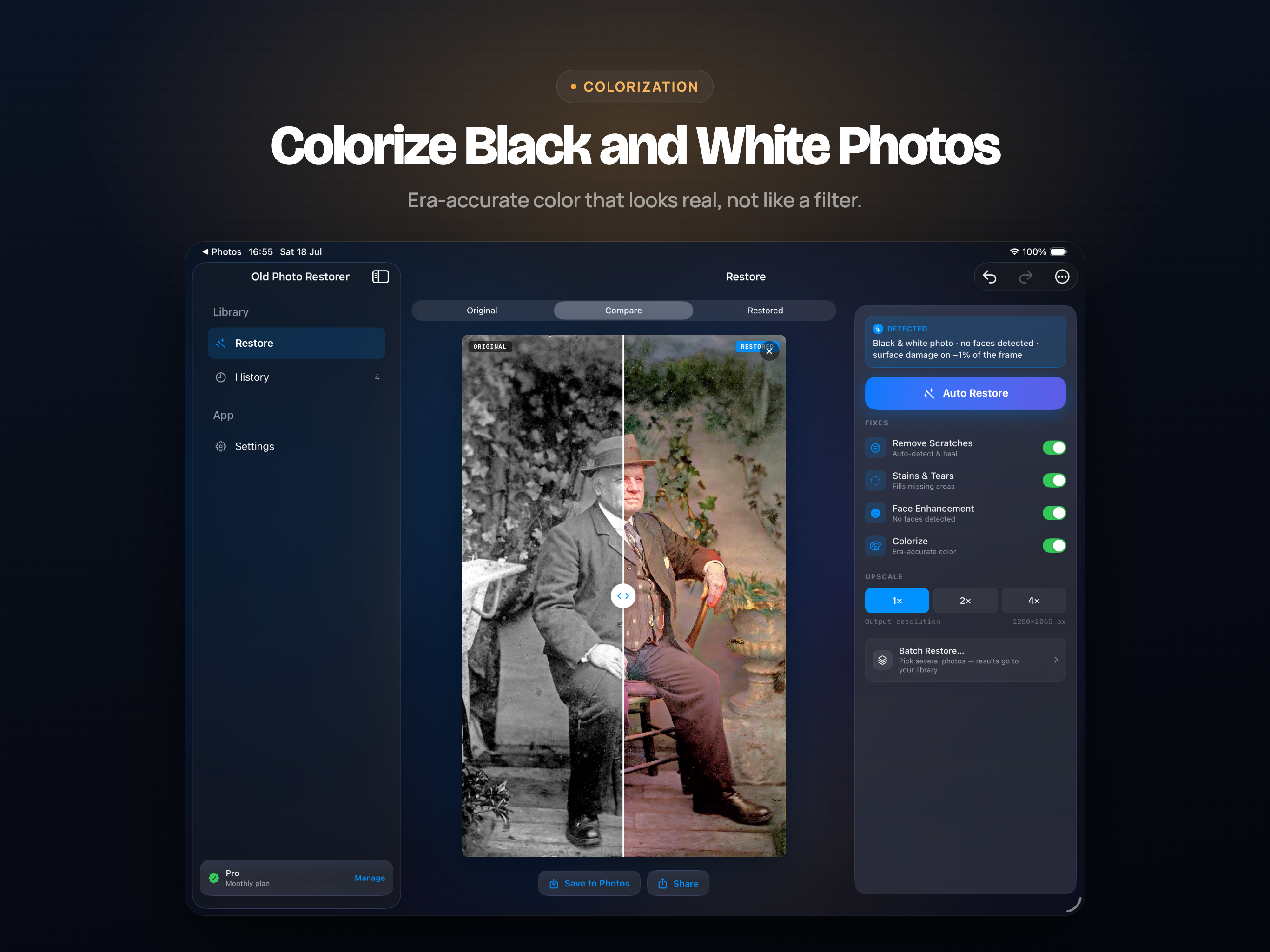
Colourisation that understands skin, sky, fabric and foliage, so the result is plausible rather than tinted. Works on faded colour photos too.
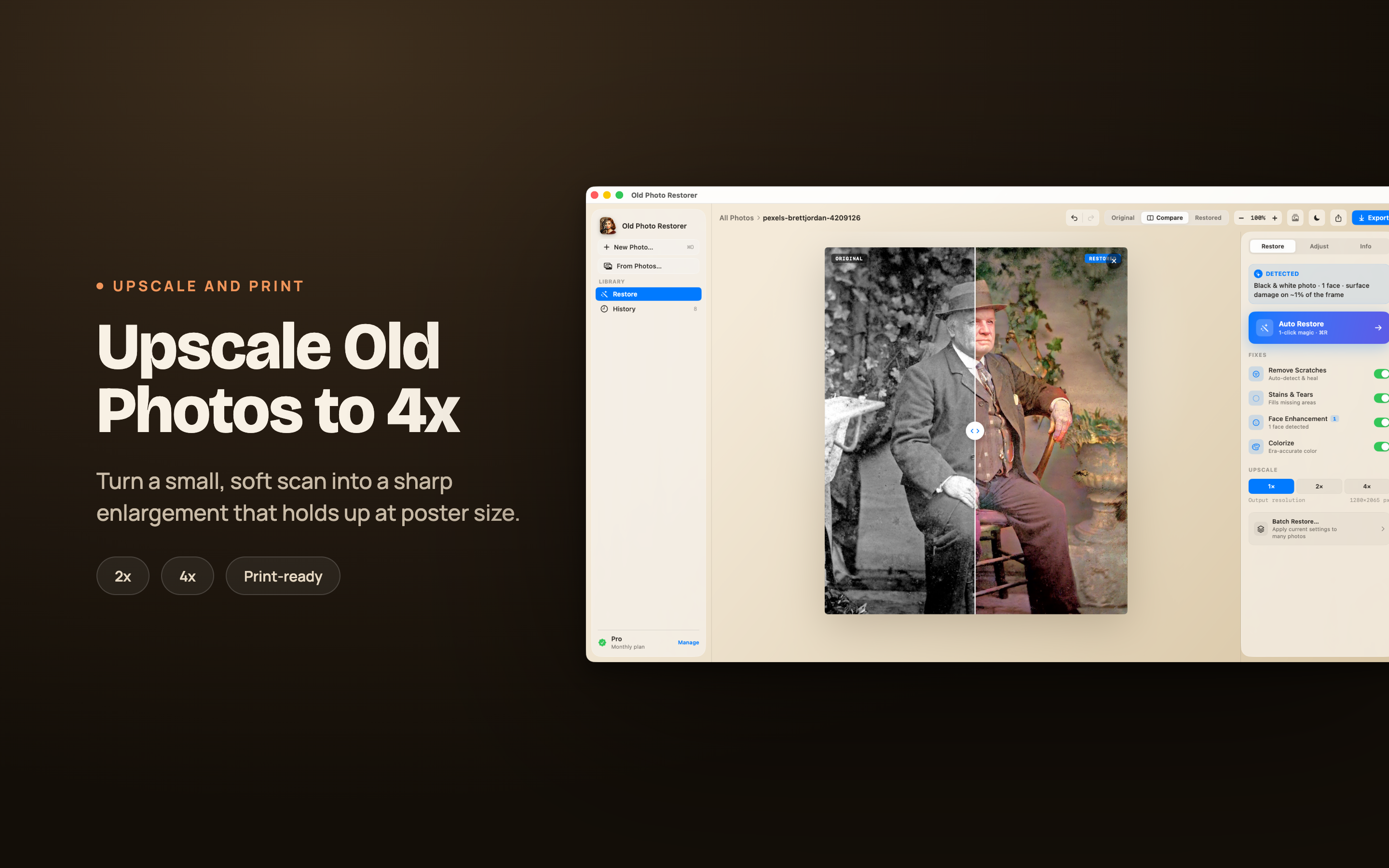
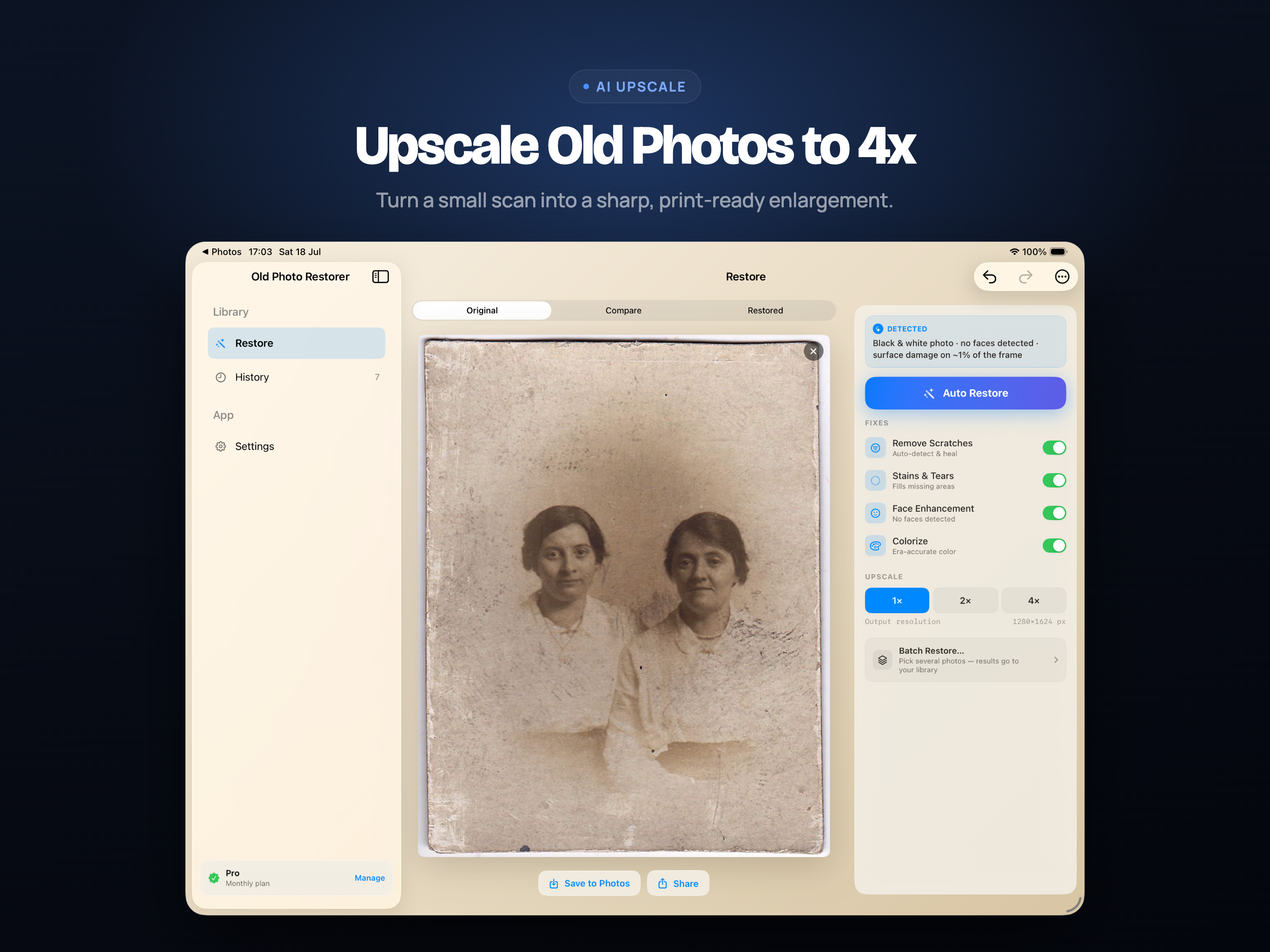
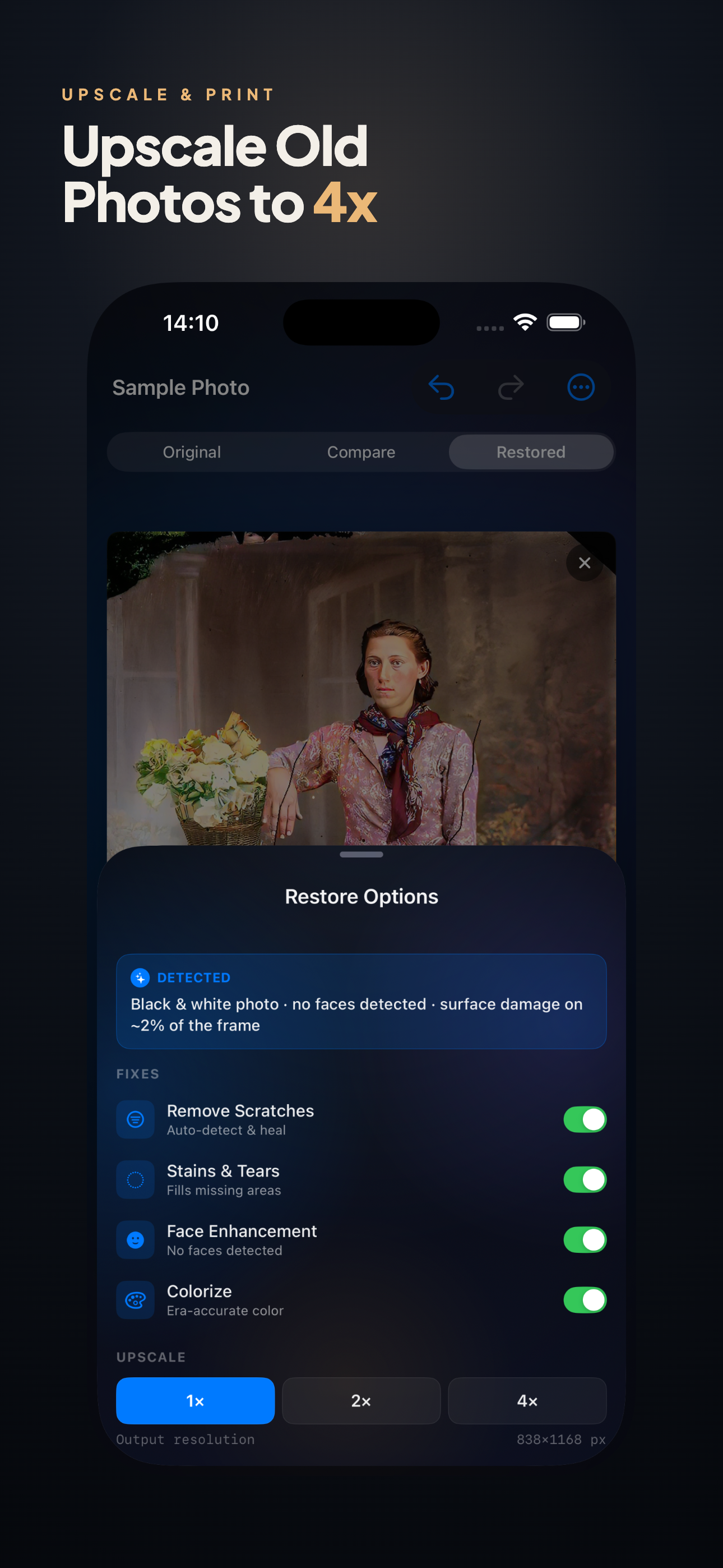
Resolution
Enlarge a small scan for printing, with the restoration applied first so the model is not amplifying scratches into features.
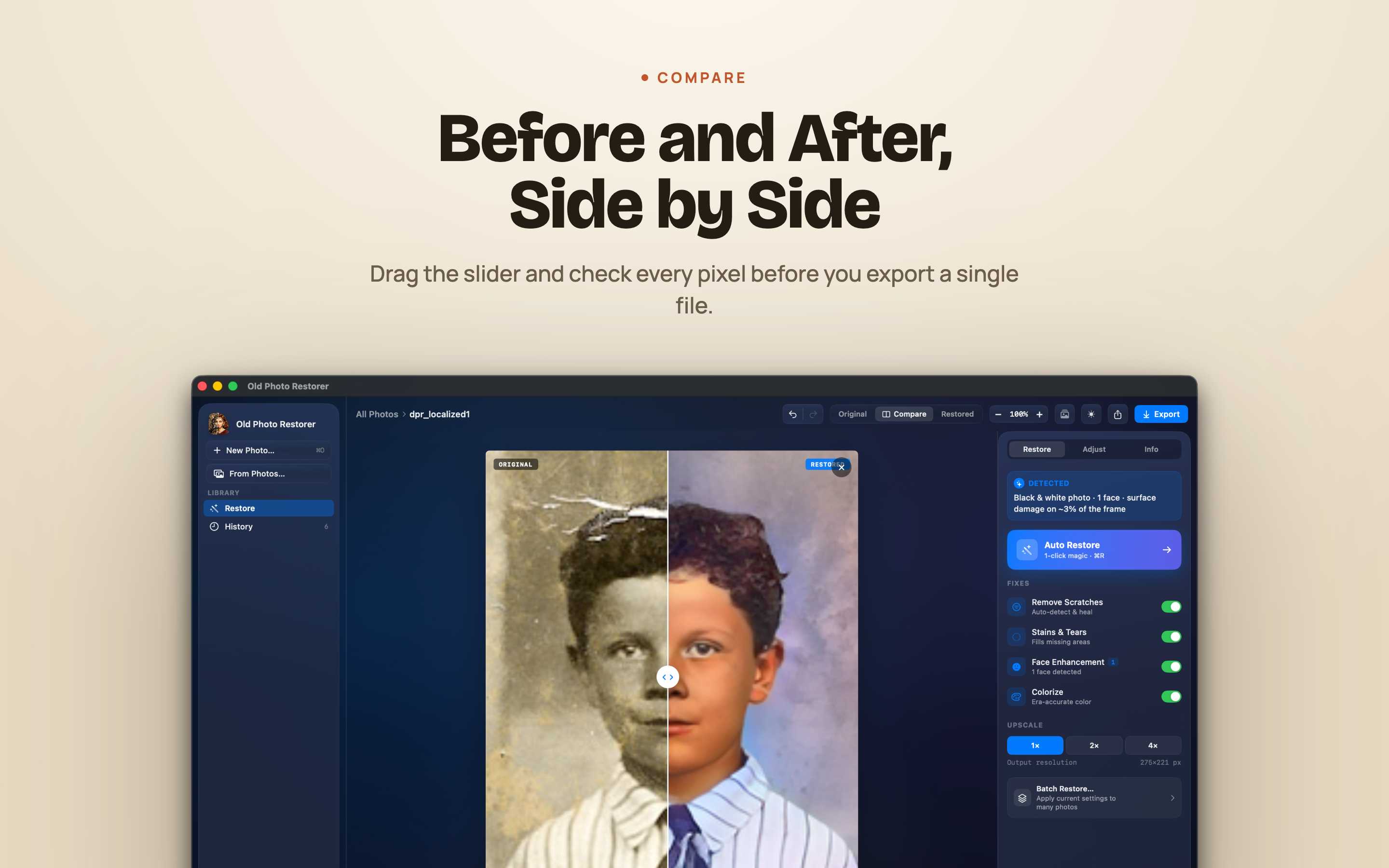
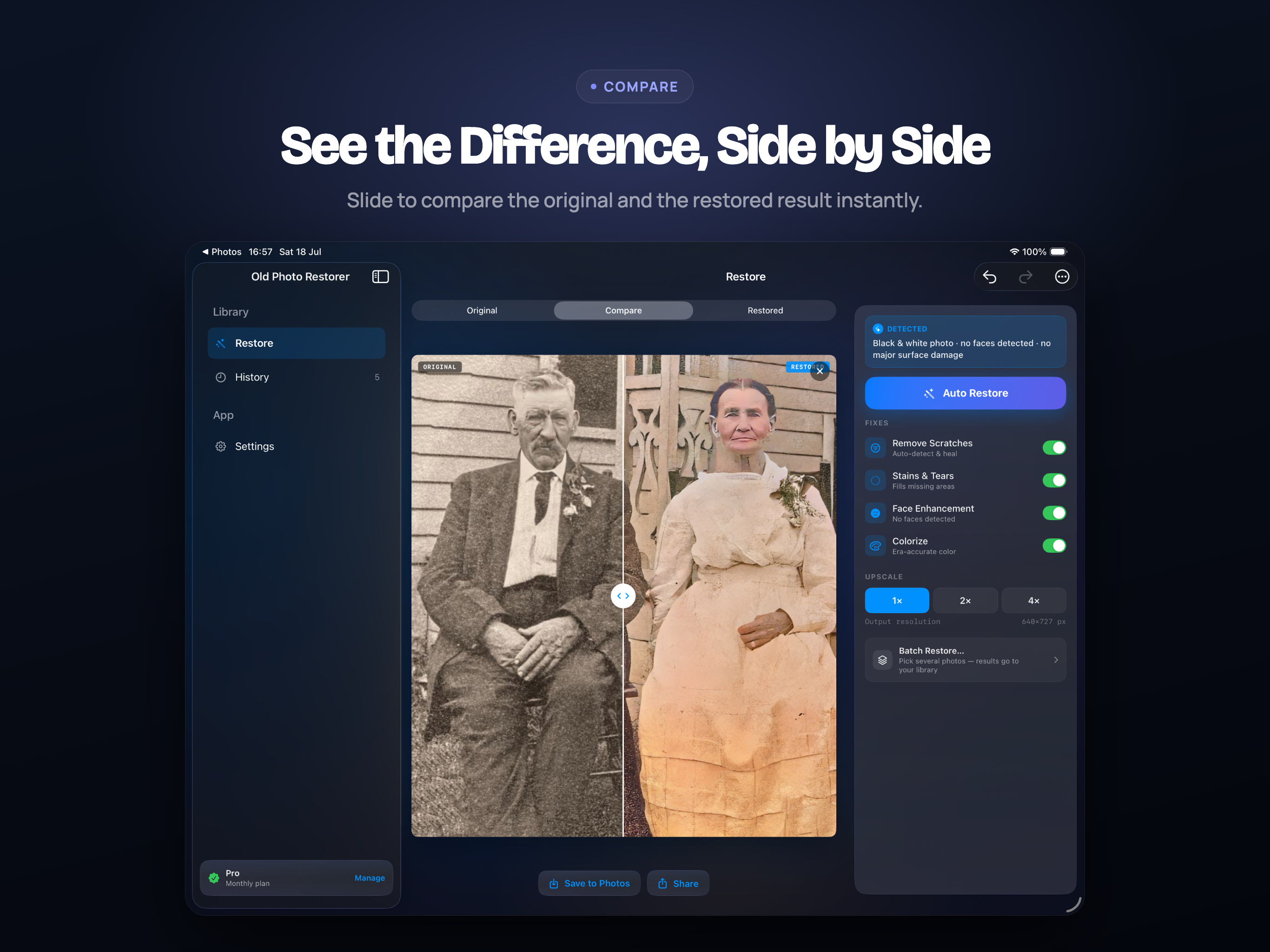
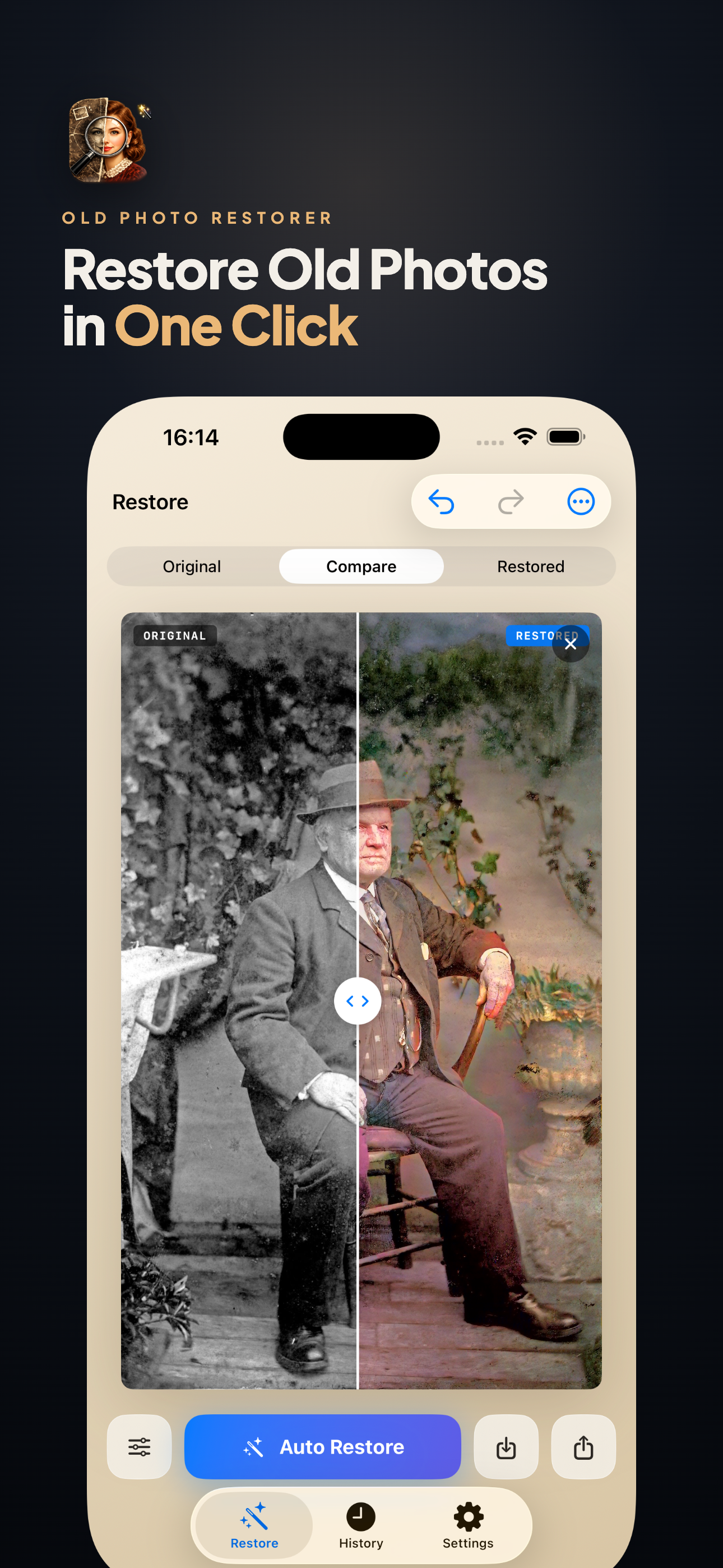
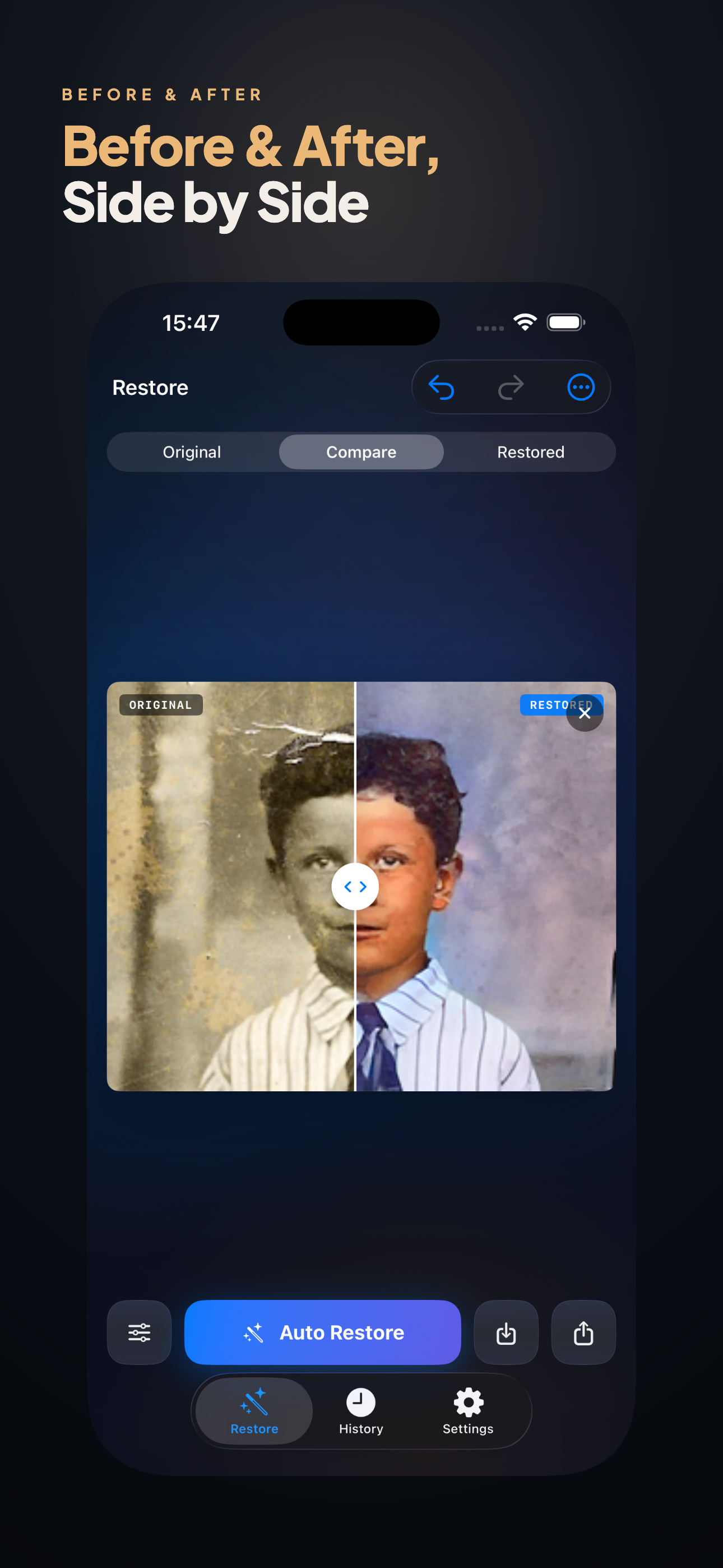
Before and after
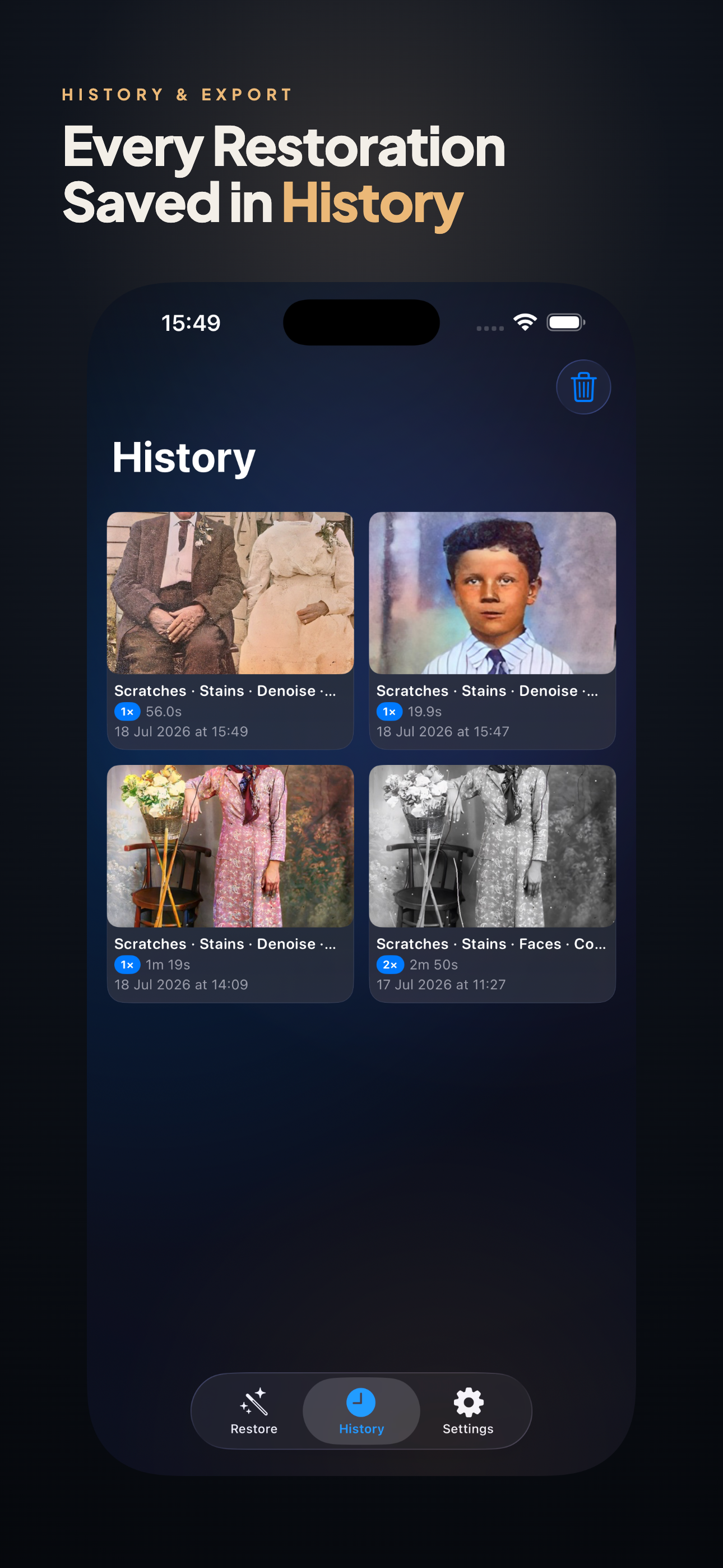
Every result sits beside the original. Restoration is a judgement call, and the comparison is how you make it.
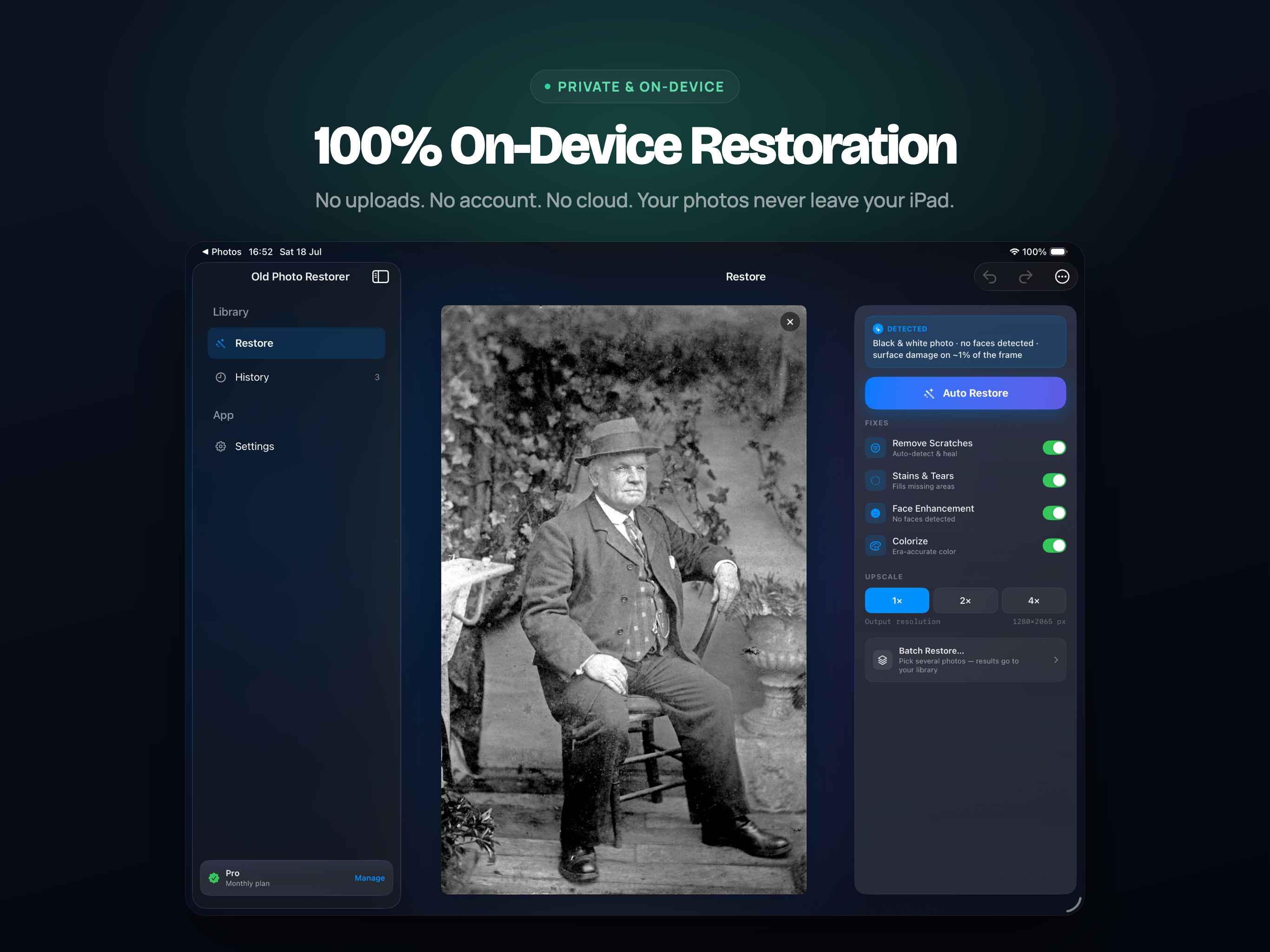
Your family photographs never leave the device
Photo restoration usually means uploading pictures of your family to somebody's server. This one runs the models on your iPhone, iPad or Mac.
No account, no sign-in, no upload.
Works with no network connection at all - on a plane, or in a room with a scanner and no Wi-Fi.
Originals are never modified. Every restoration is saved as a new file.
Nothing is kept after you close the app, and no telemetry is sent about what you restored.
16
Faces restored per photo
0
Photos uploaded
4
Platforms, one purchase
~1 min
Typical restoration
On Mac
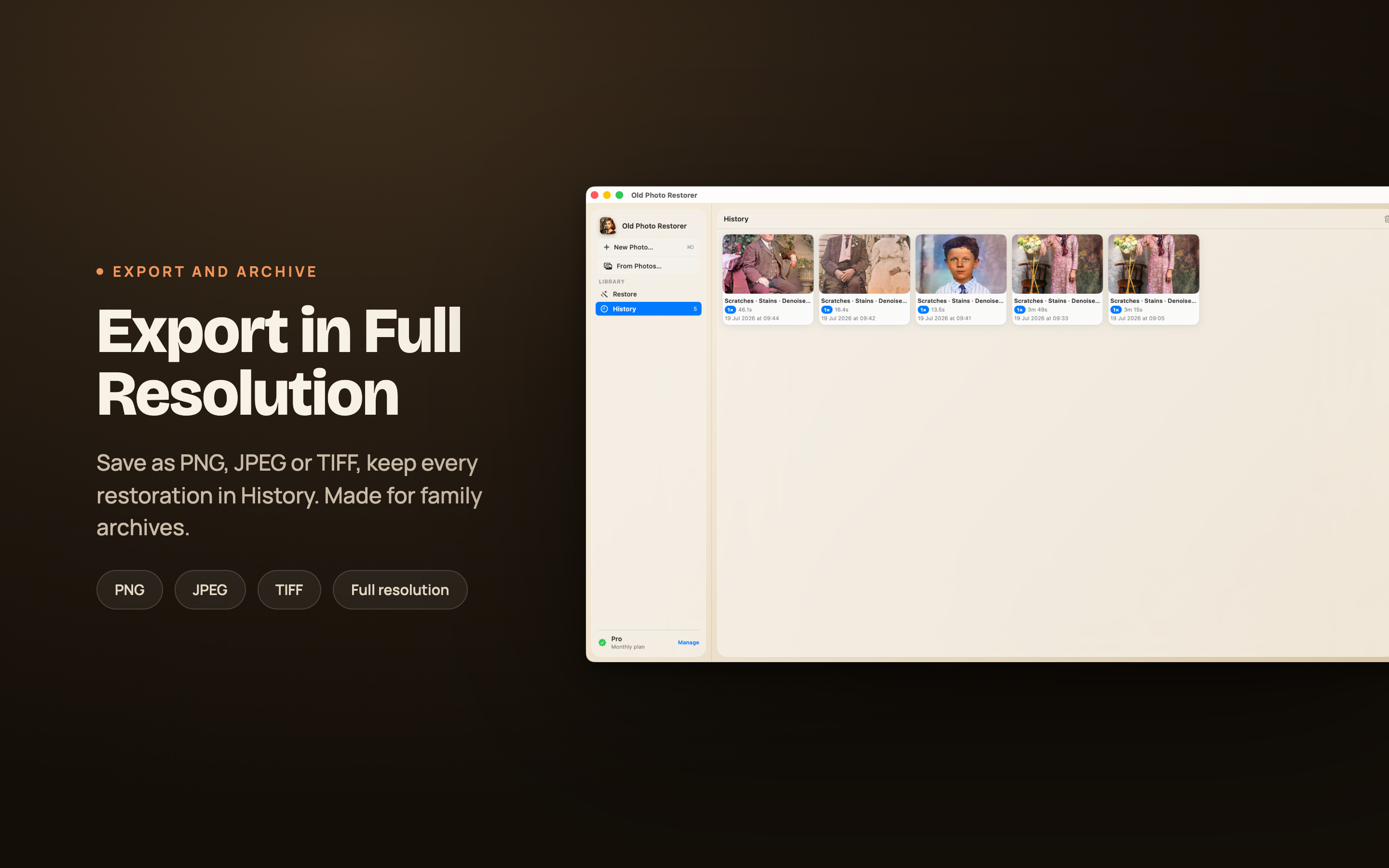
The full workspace - batch a shoebox of scans, compare against the original, and export an archive copy alongside the restoration.
On iPad
A larger canvas for the side-by-side, which is where you actually decide whether a restoration went too far.
On iPhone
The one that gets used most - photograph a print at a relative's house and restore it before you have left the room.
Who Uses It
Mostly people with a box of prints and a scanner, and no intention of learning Photoshop.
Family archives
A shoebox of prints, scanned over a weekend and restored in an evening. Grandparents recognise faces they had stopped being able to see.
Gifts and anniversaries
A restored and colourised wedding photograph, printed and framed. The most common thing people tell us they made.
Local history
Societies and small museums working through donated photographs where the original is too fragile to handle repeatedly.
Genealogy
Faces sharp enough to compare across generations, which is often the point of the research in the first place.
Available On
One purchase, every platform. Requires iOS 17, iPadOS 17, macOS 14 or visionOS 1 and later.