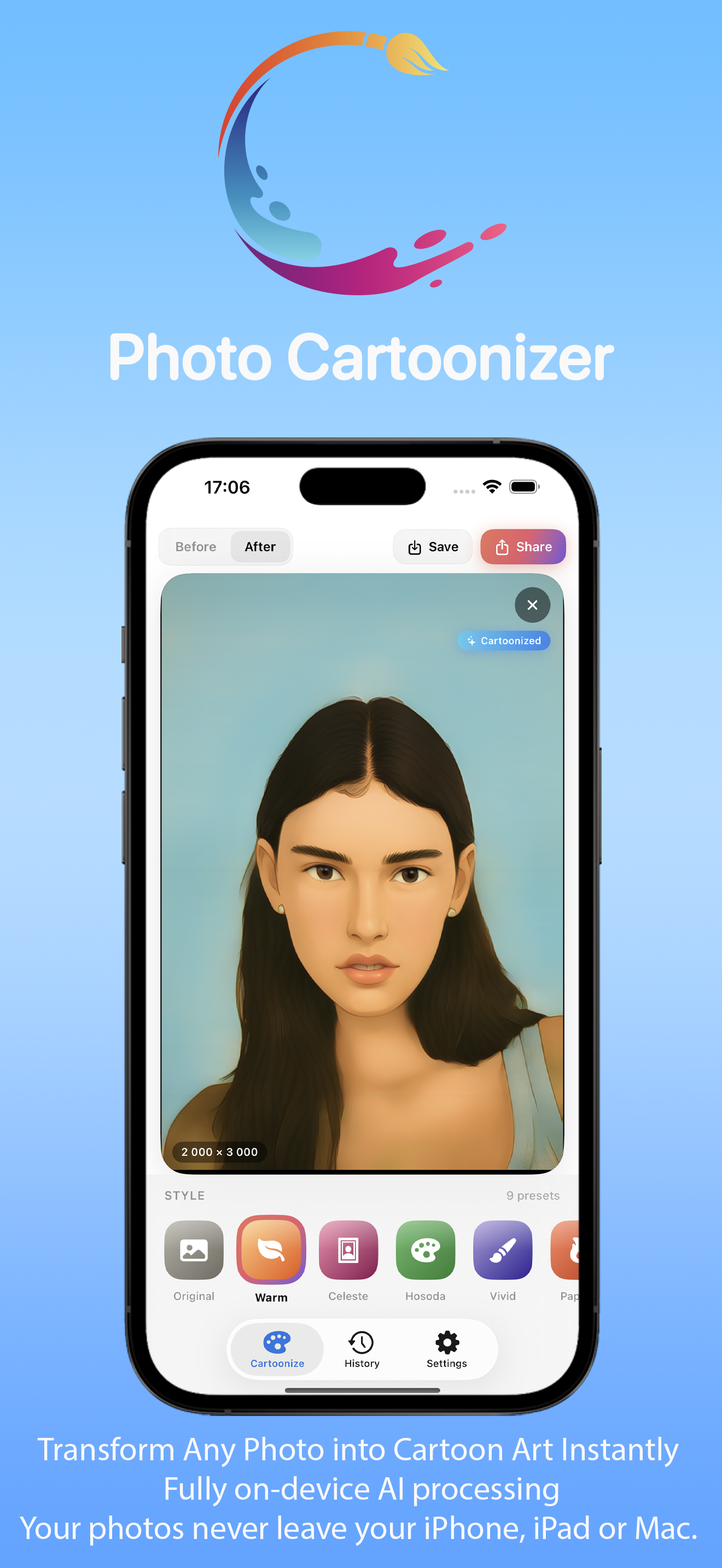
13 art styles • on-device • iPhone, iPad, Mac & Vision Pro

Photo Cartoonizer AI Art Maker

Turn your photos into anime, cartoon and hand-drawn art in seconds.

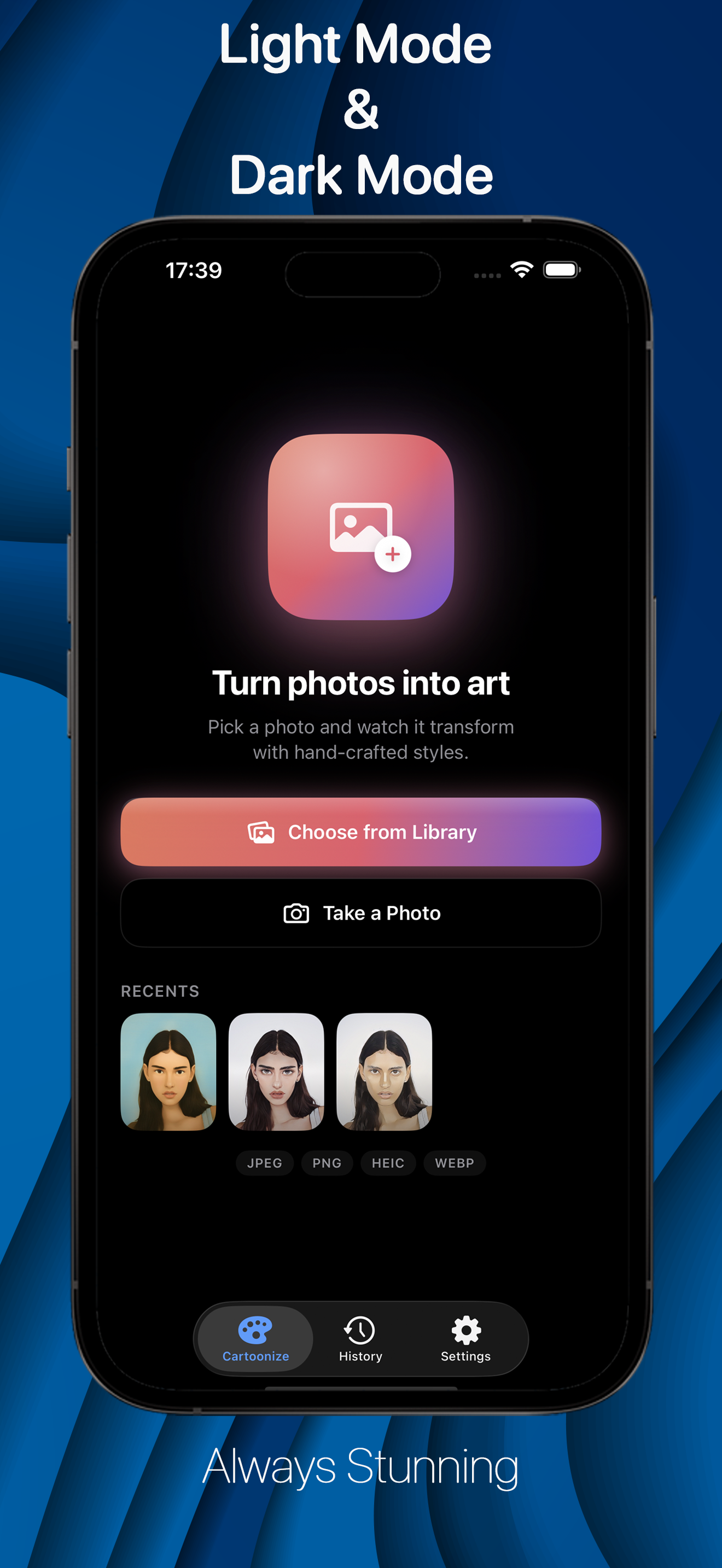
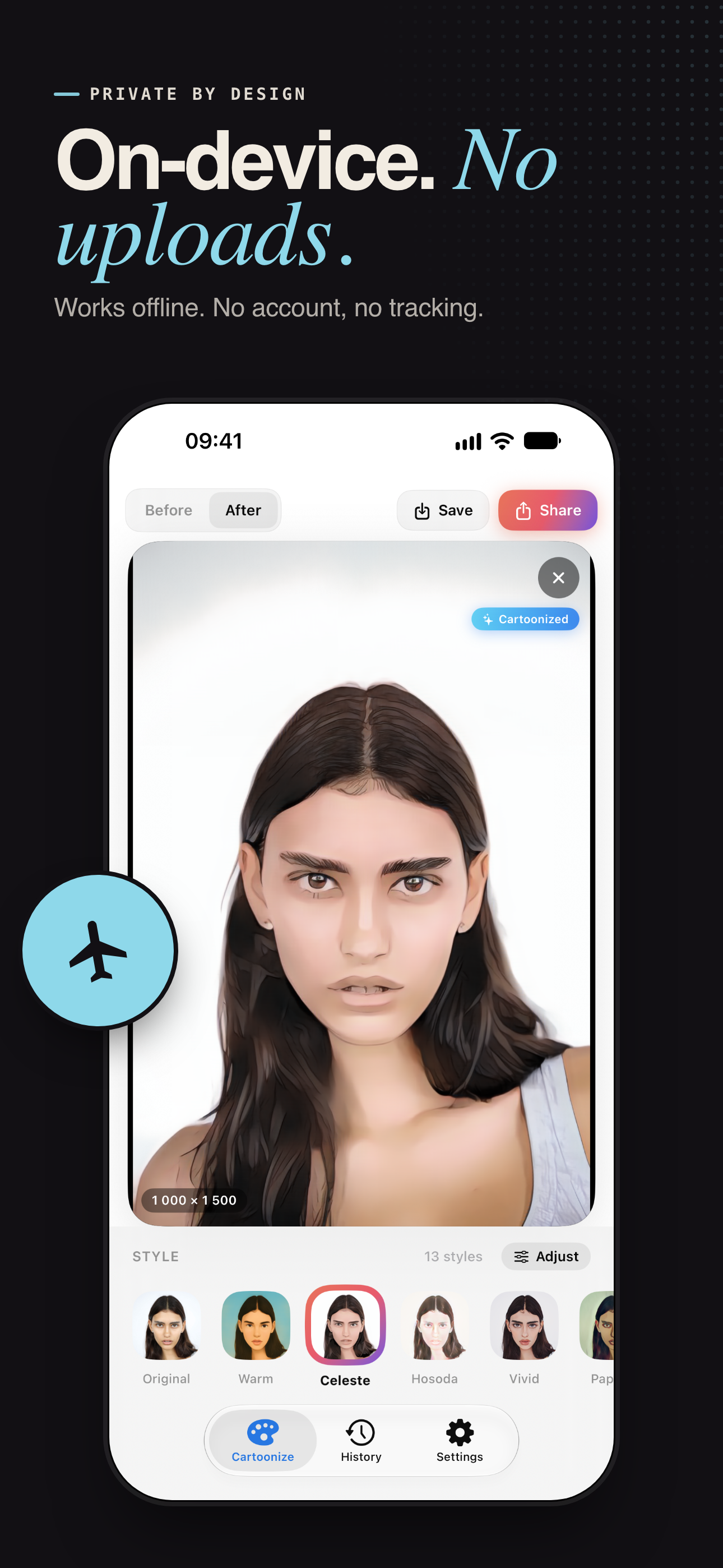
Photo Cartoonizer runs entirely on your device, so your pictures never leave it. No account, no uploads, no waiting in a queue. Drop in a photo, pick a style, and watch it change - every style shows a live preview made from your own picture, so you know exactly what you will get before you choose.

Download on the App Store
iPhone, iPad, Mac & Vision Pro Live style previews Works offline No watermark
Photo Cartoonizer AI Art Maker app icon
13
Anime, cartoon & classic art styles
On-device
Neural Engine & GPU, no uploads
4K+
4096 px and unlimited with Pro
Seconds
Most photos, no daily limits

One photo. 13 looks.

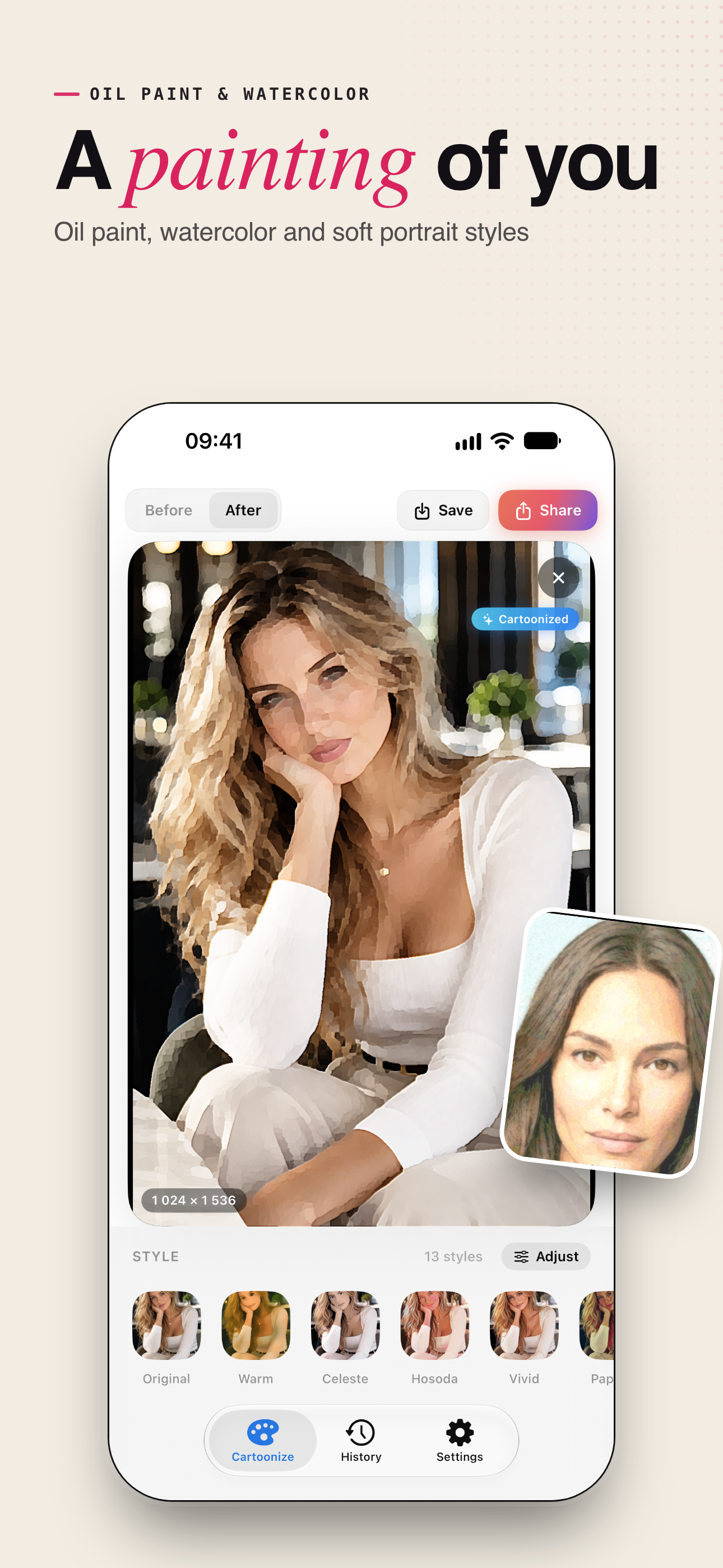
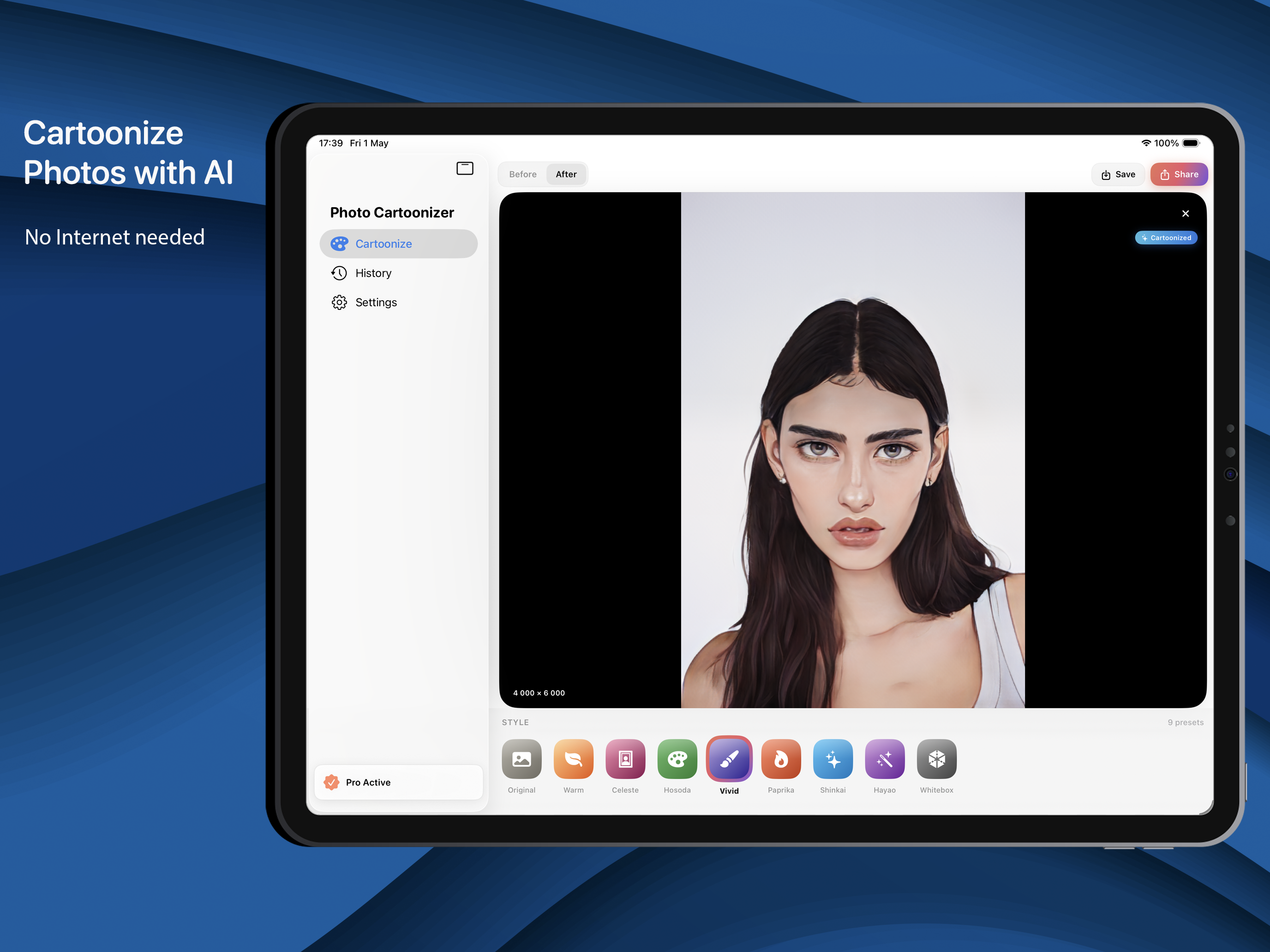
Eight AI anime and cartoon styles, and five classic art styles. Tap one and see it on your own picture before you commit.

AI anime & cartoon styles
  • Warm - dreamy, sunlit colors with a soft painted feel
  • Celeste - elegant anime portrait style
  • Hosoda - soft watercolor anime look
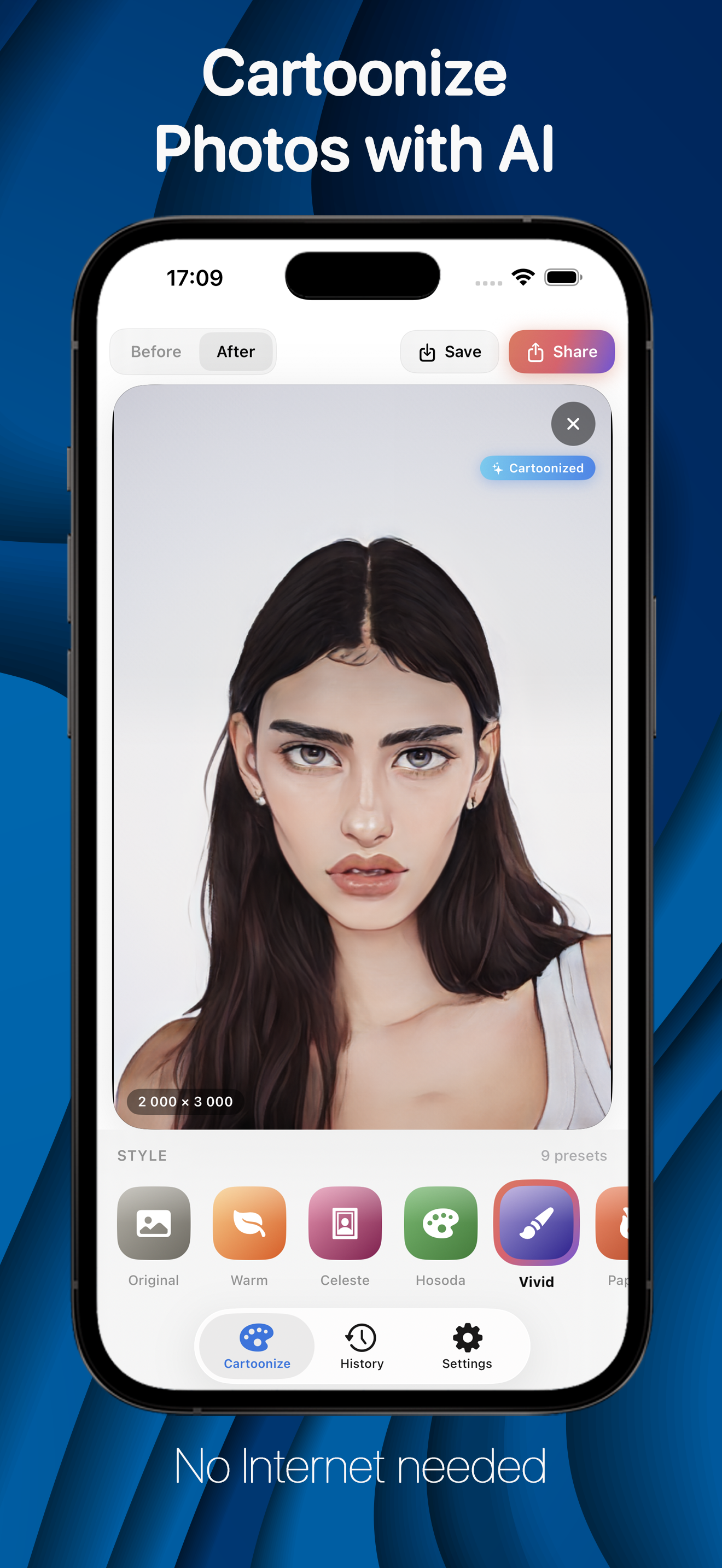
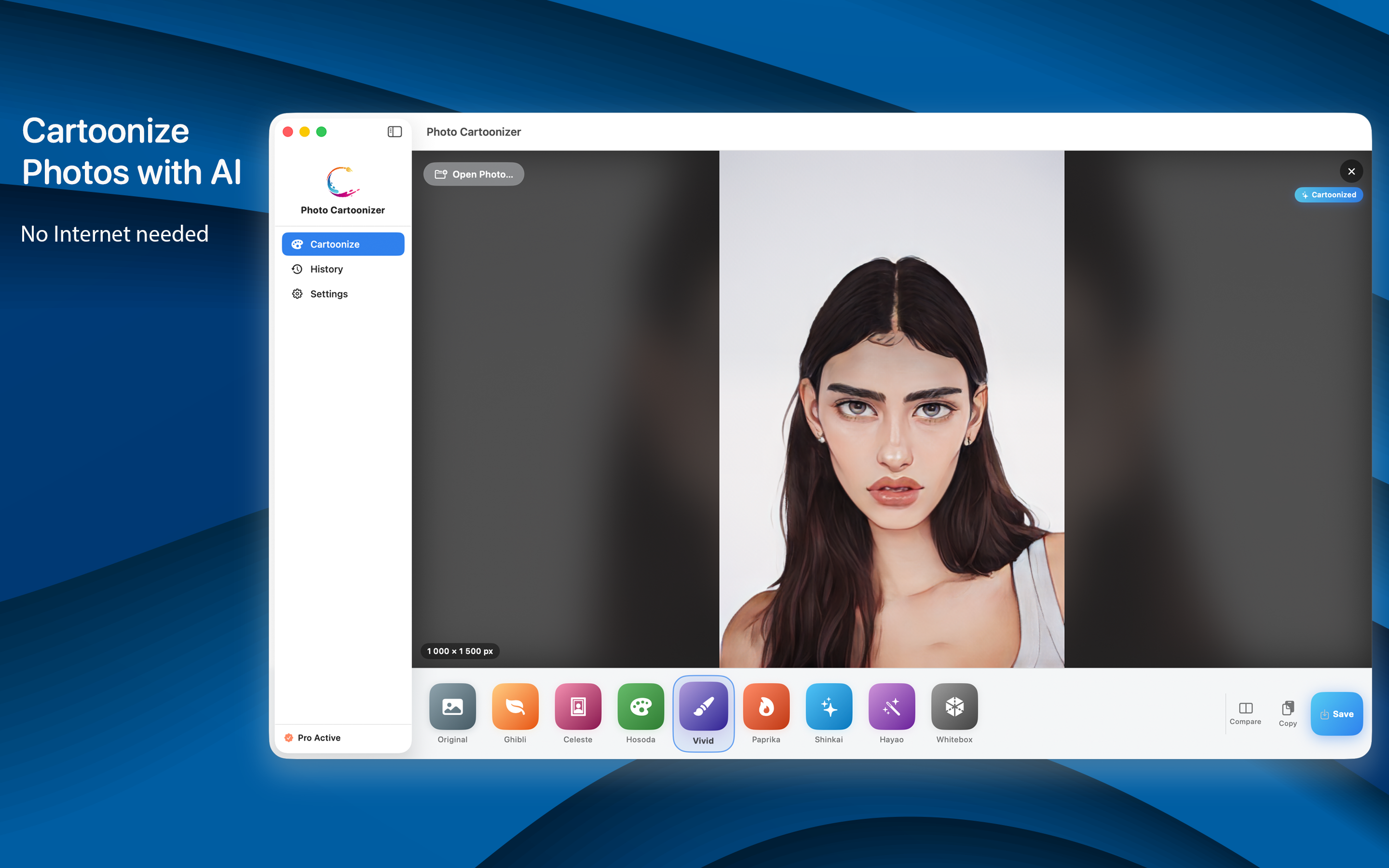
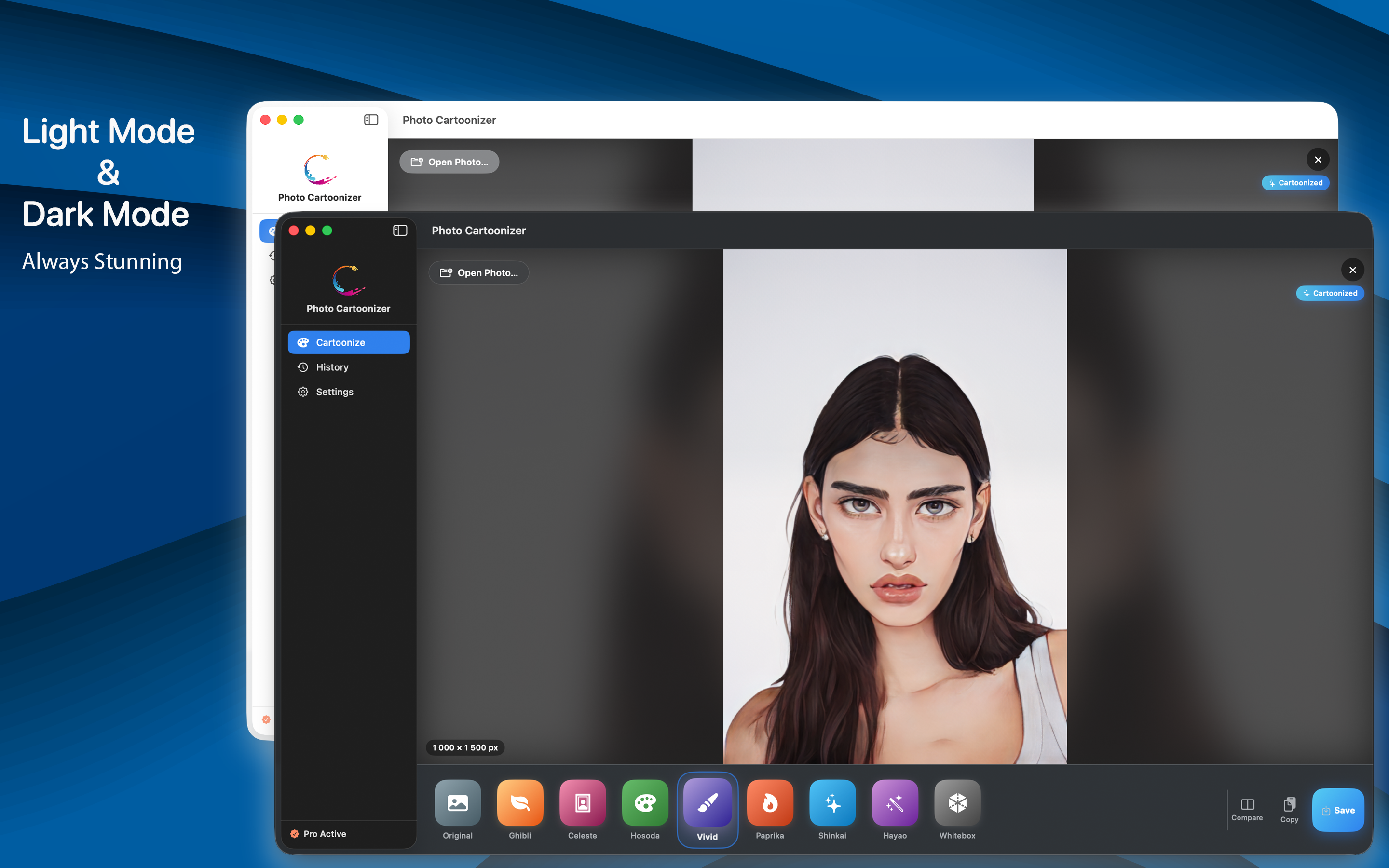
  • Vivid - bold face paint anime
  • Paprika - bright cartoon colors
  • Shinkai - cinematic skies and warm light
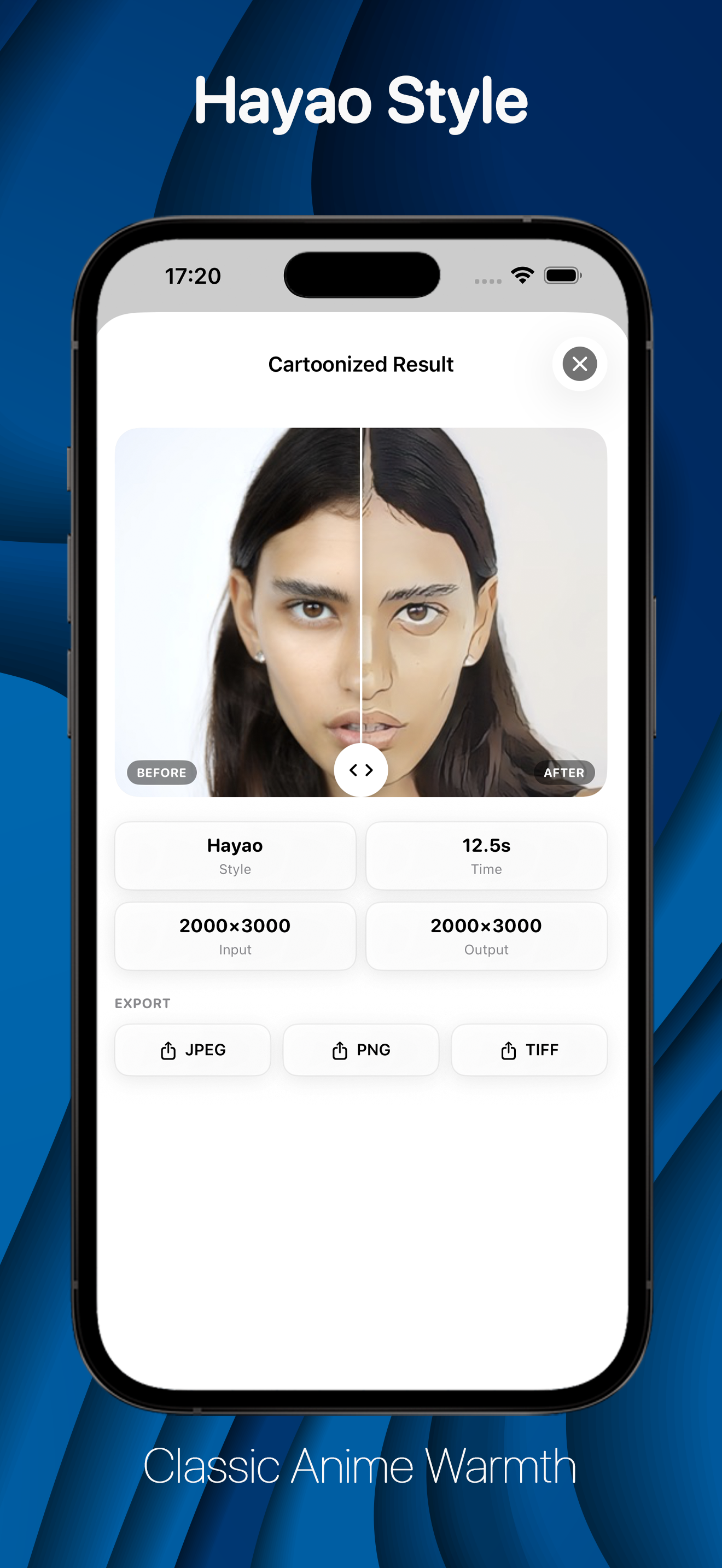
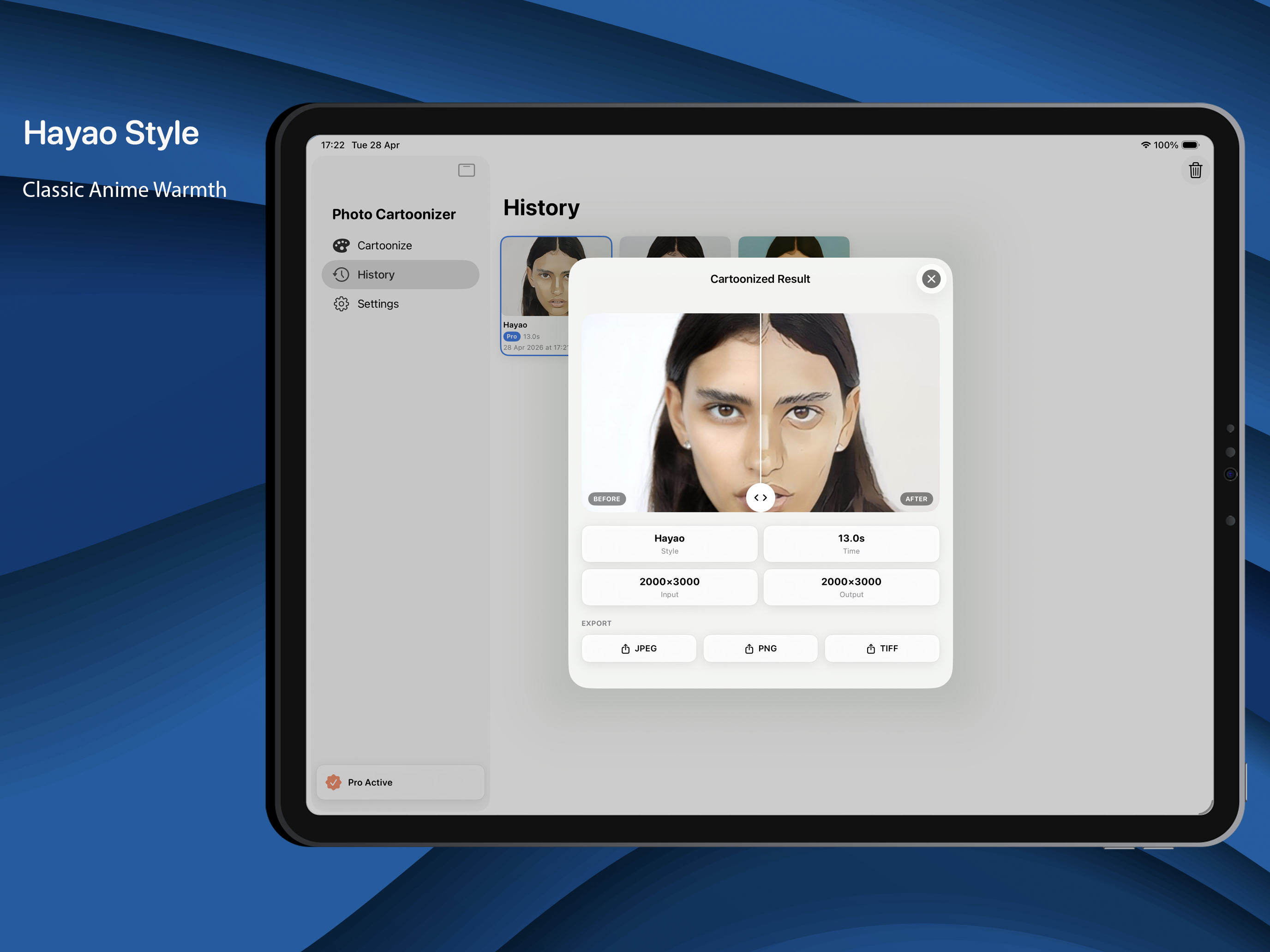
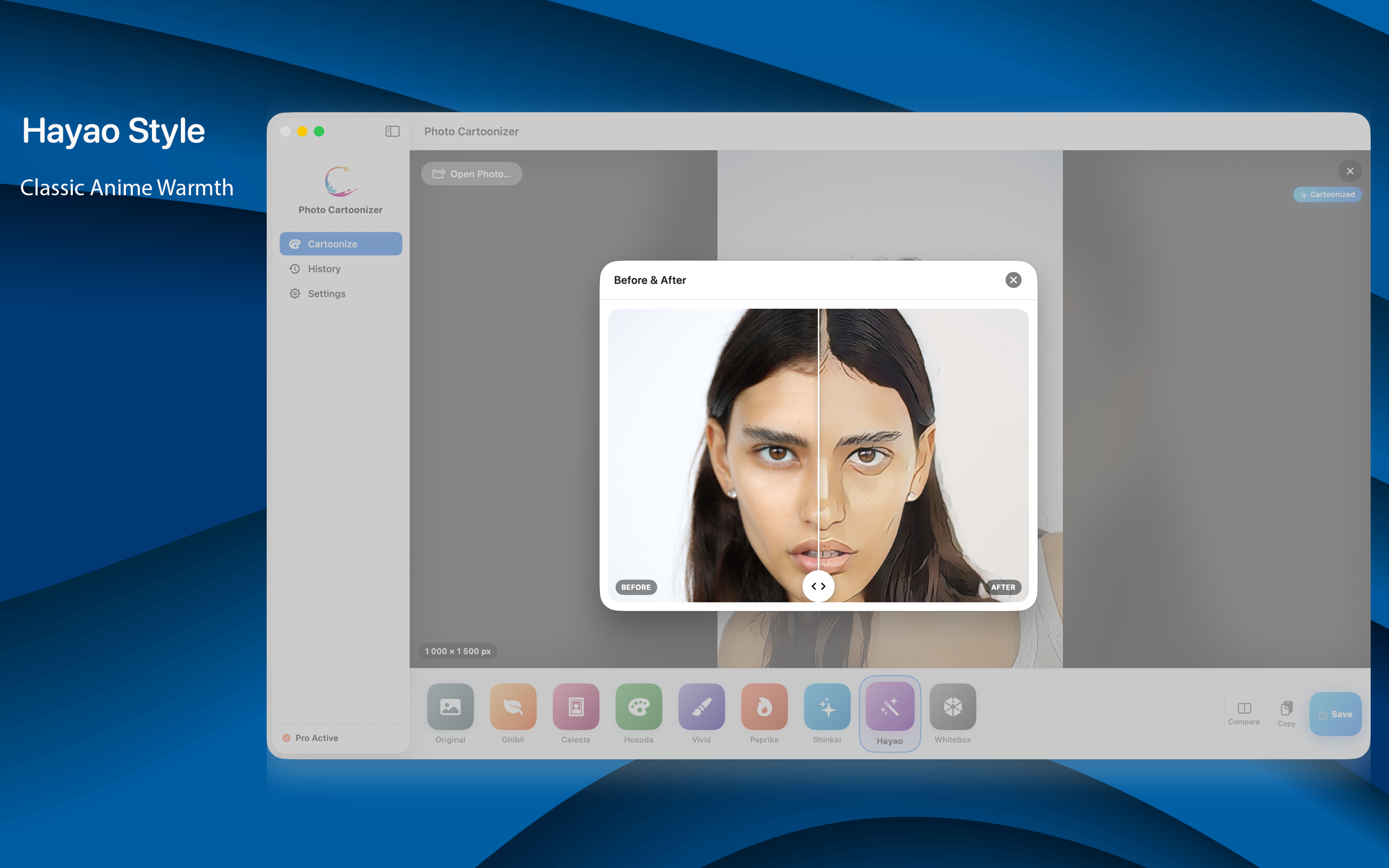
  • Hayao - rich watercolor anime
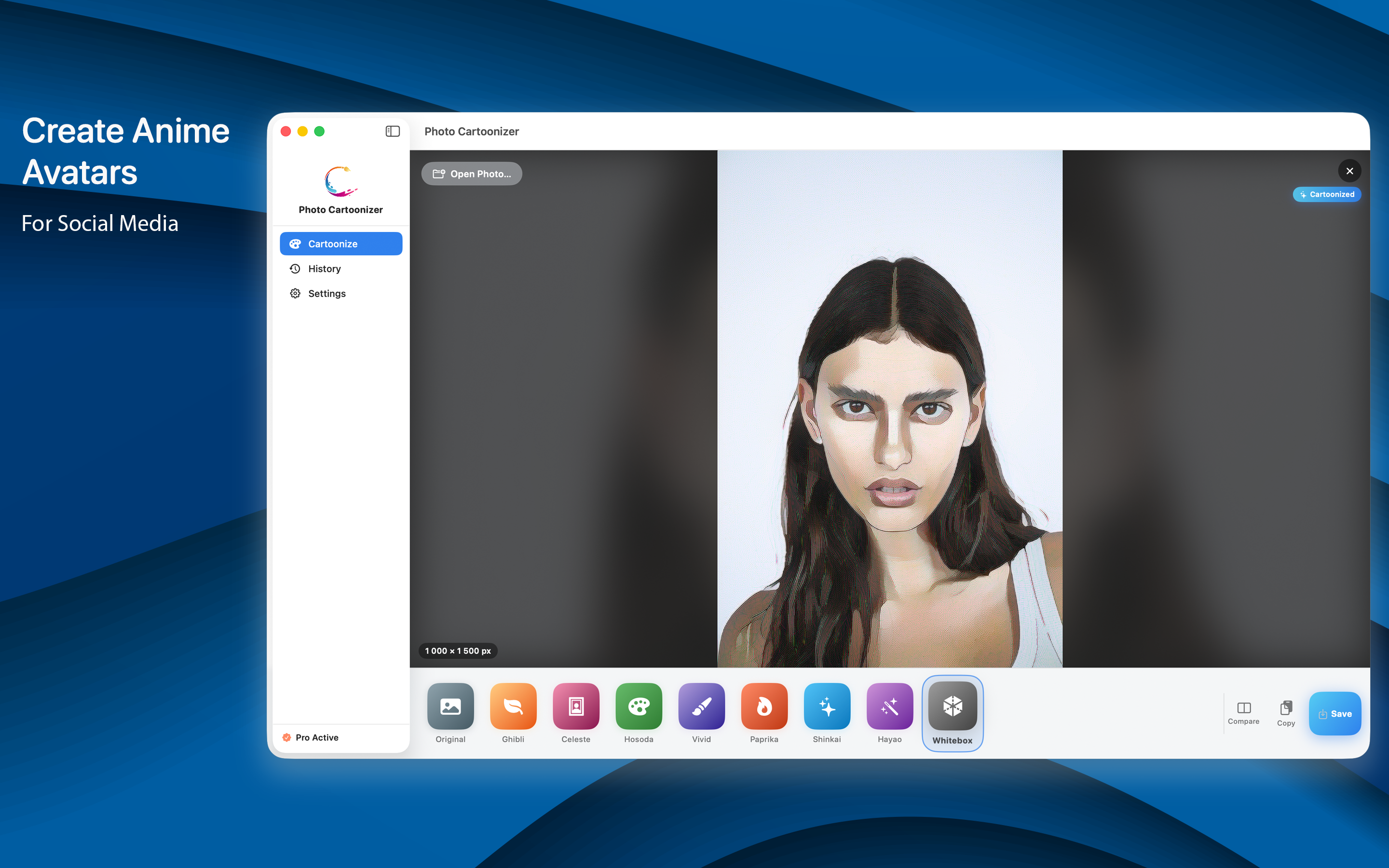
  • Whitebox - clean, sketch-like cartoon
Classic art styles
  • Sketch - pencil drawing on paper
  • Comic - ink lines and halftone dots
  • Pop Art - flat, loud poster colors
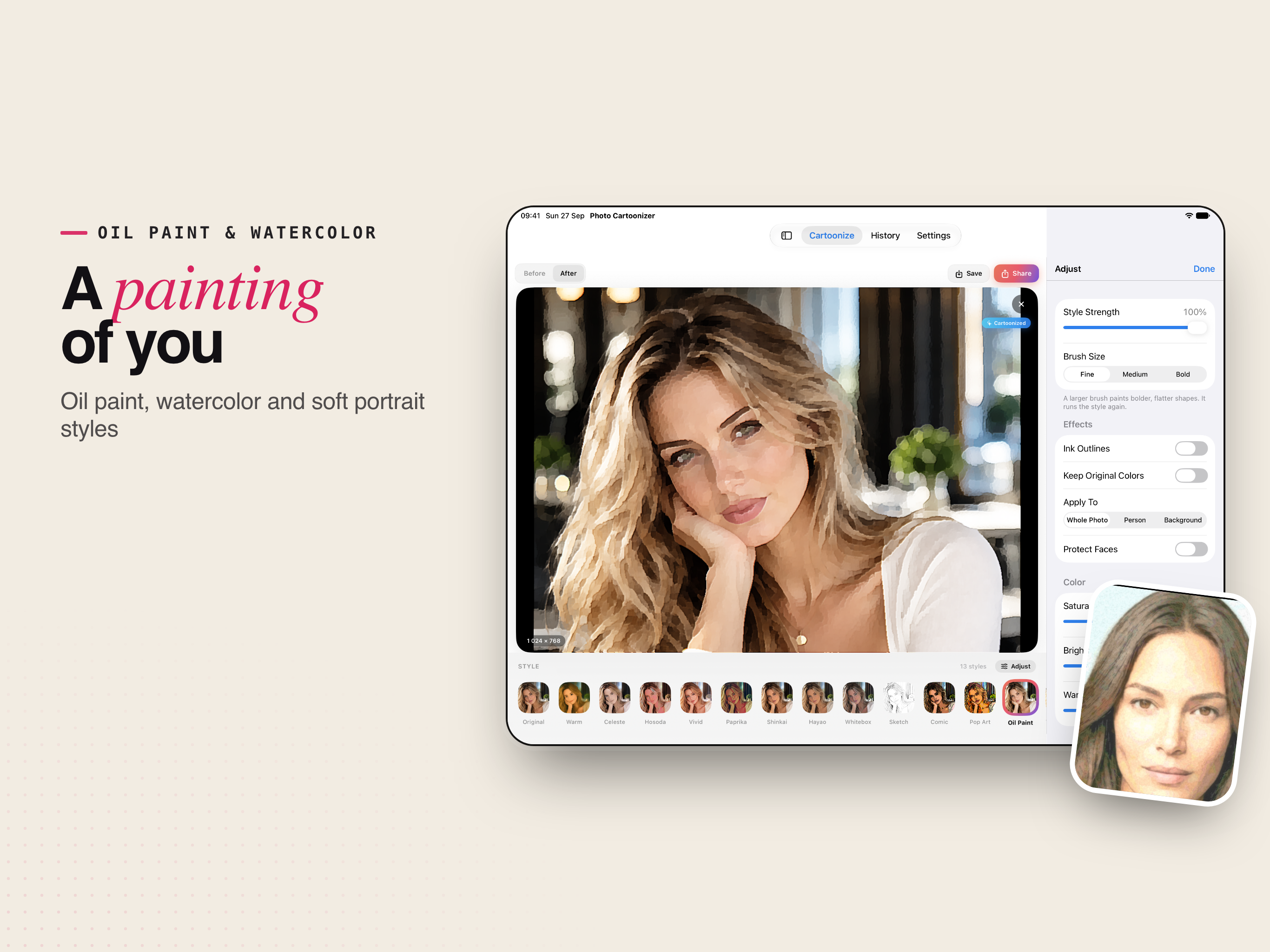
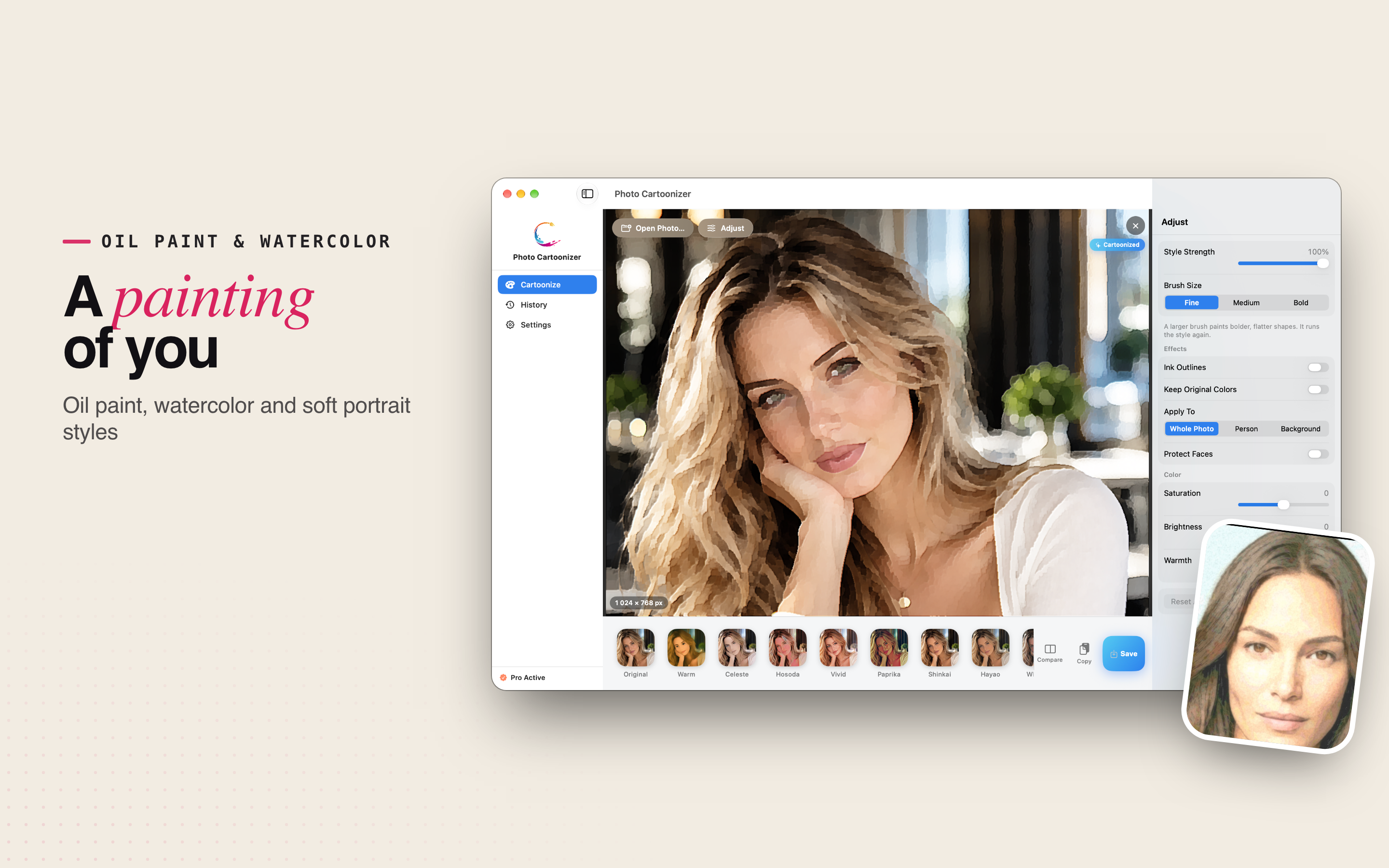
  • Oil Paint - thick painted brush strokes
  • Watercolor - soft washes and paper grain

Make it yours

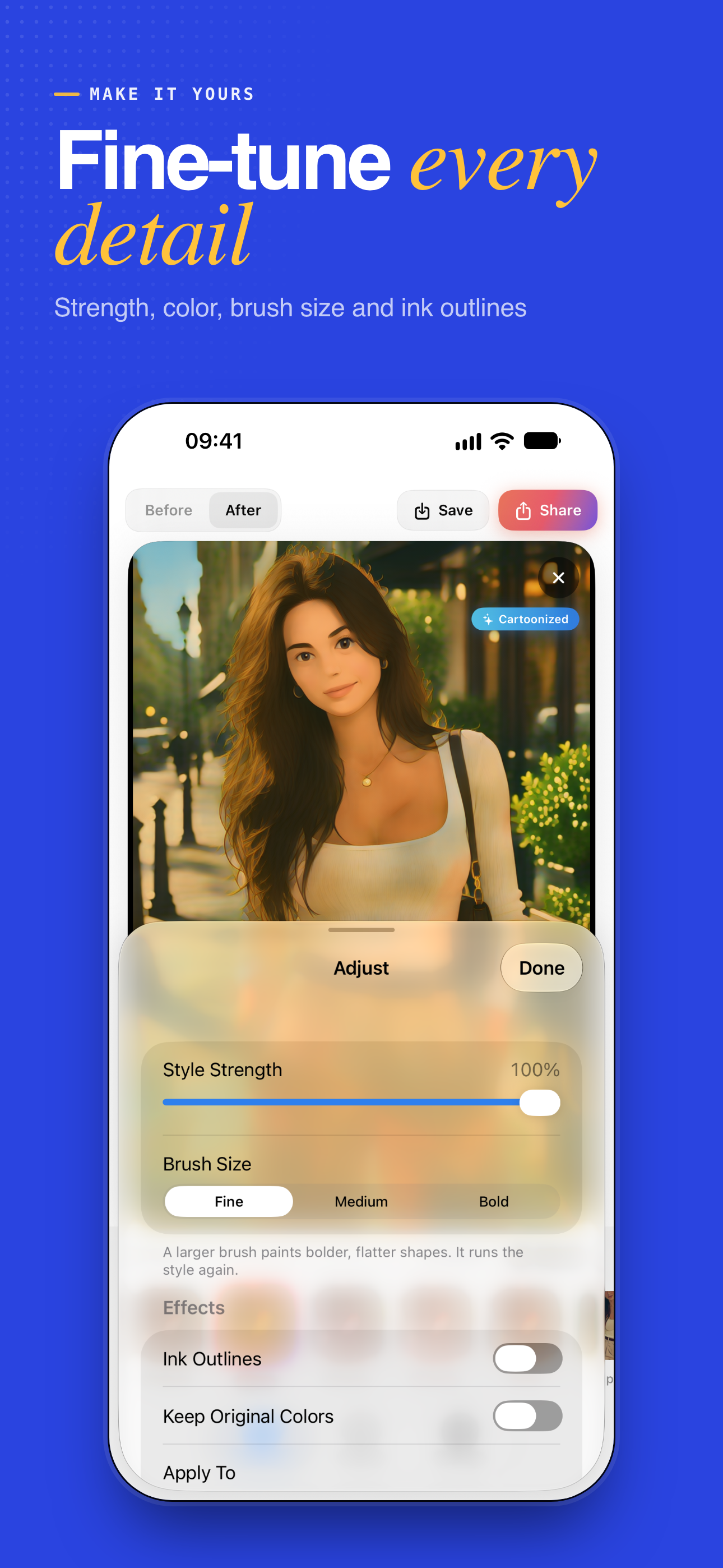
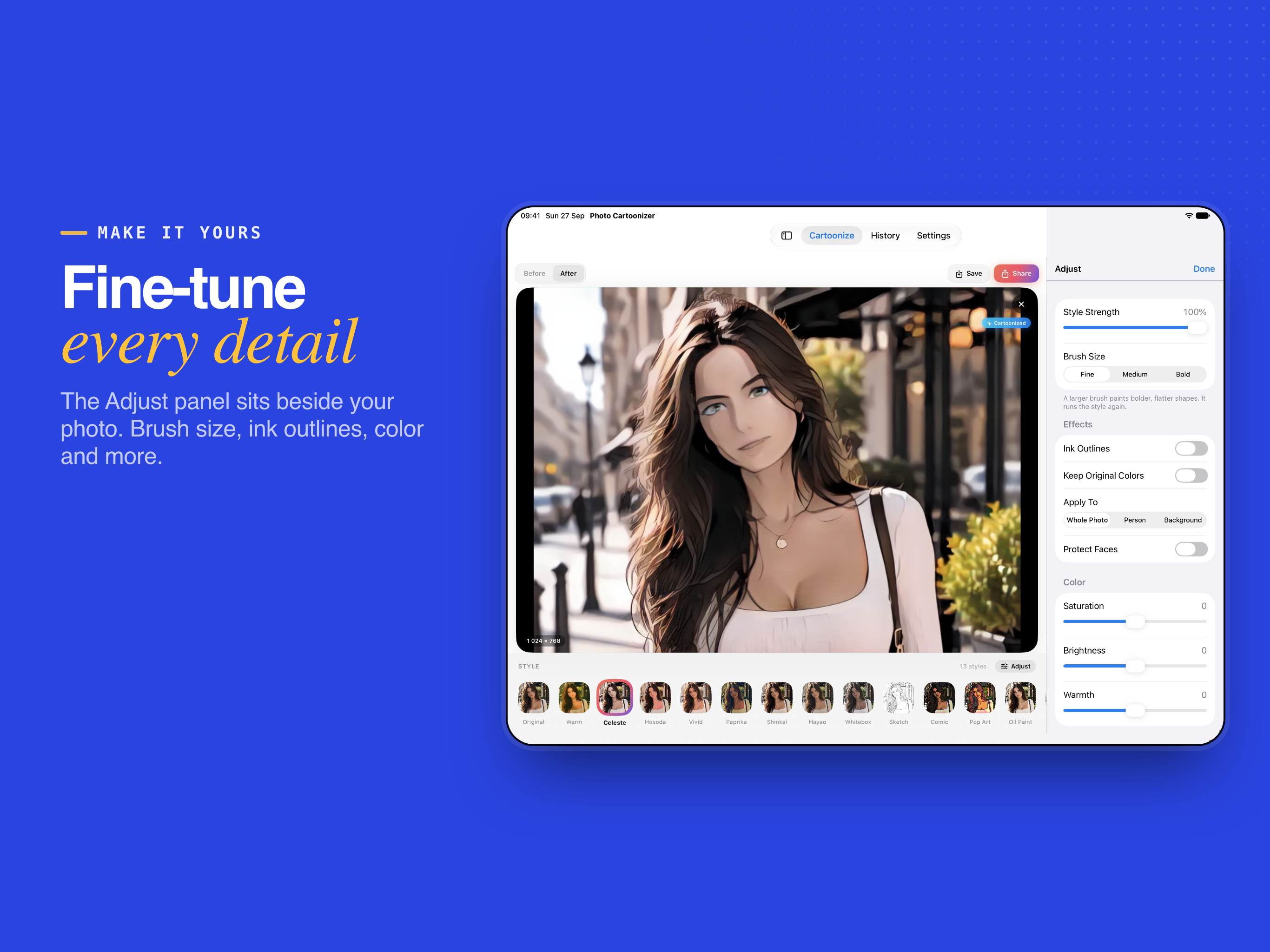
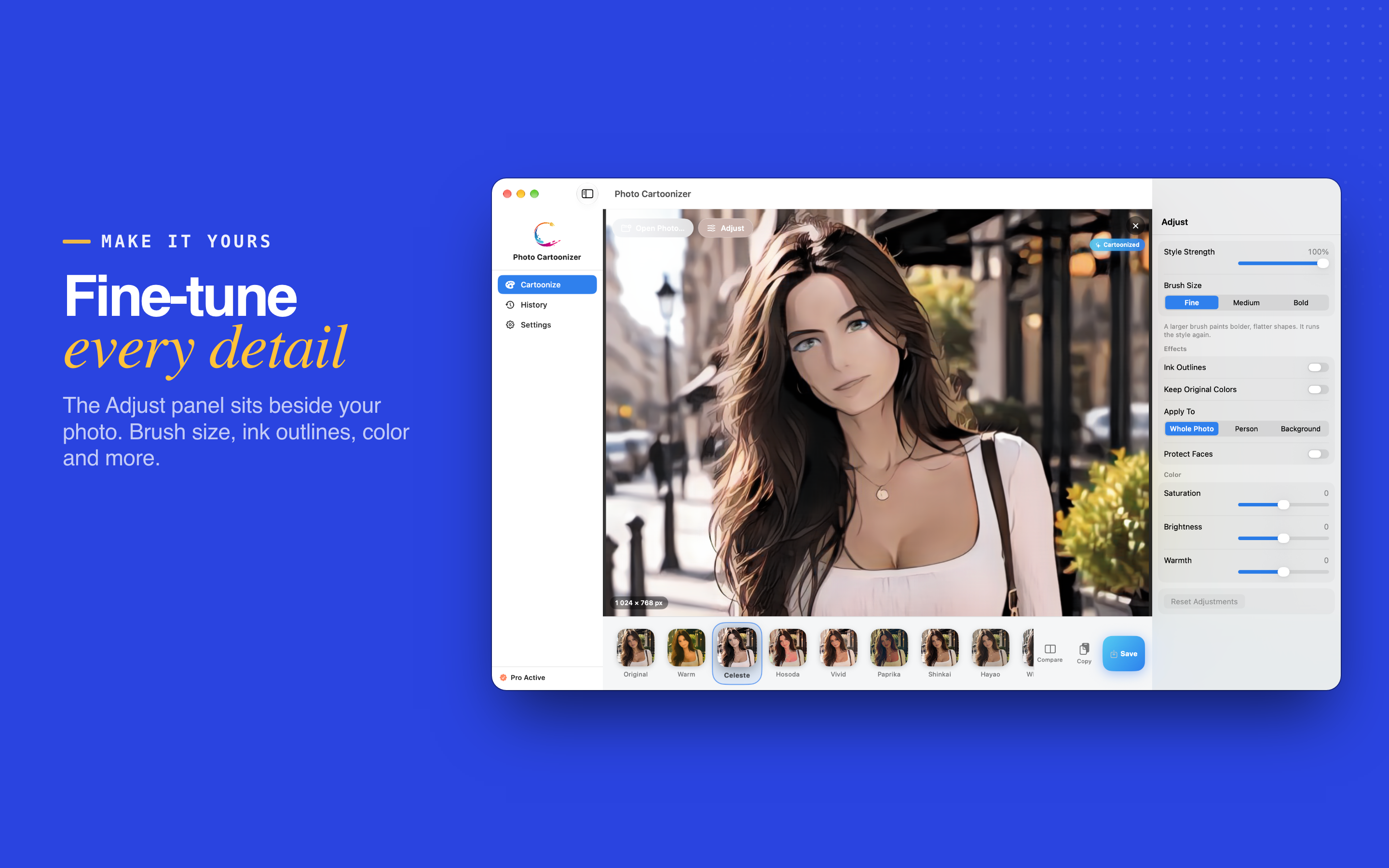
The Adjust panel sits beside your photo, so you see every change as you make it - no starting over. Brush Size runs the style again; everything else updates instantly.

Style Strength

Blend the effect with your original photo, from a light touch to the full style.

Saturation, Brightness & Warmth

Color controls that update the result instantly.

Brush Size Pro

Bolder, flatter, more painterly shapes.

Ink Outlines Pro

A crisp hand-drawn finish on any style.

Keep Original Colors Pro

The art style with your photo's real colors.

Person or Background Pro

Style only the person, or only what is behind them.

Protect Faces Pro

Keep portraits looking natural while the rest is stylized.

Keyboard shortcuts on Mac

Open Adjust with Option-Command-I and save without reaching for the mouse.

iPhone Screens

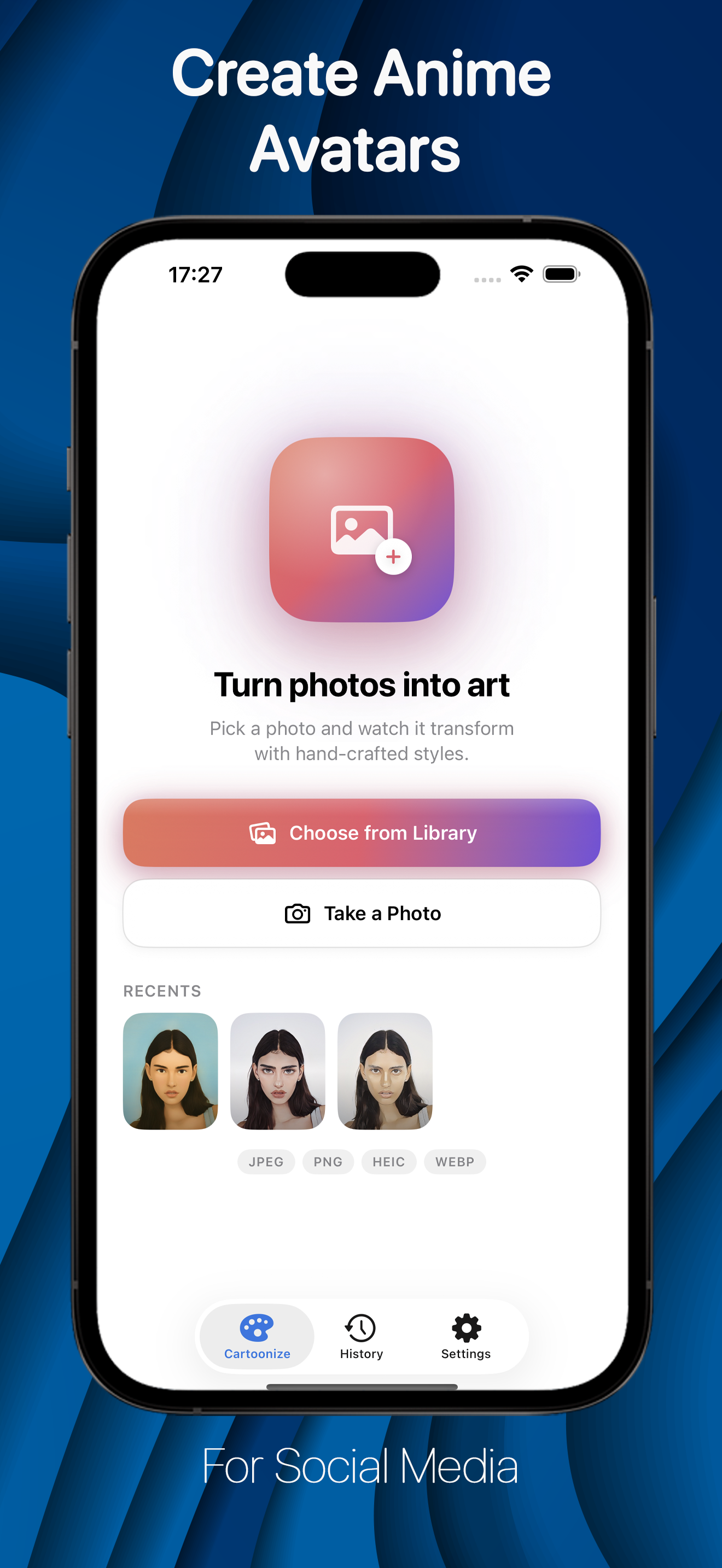
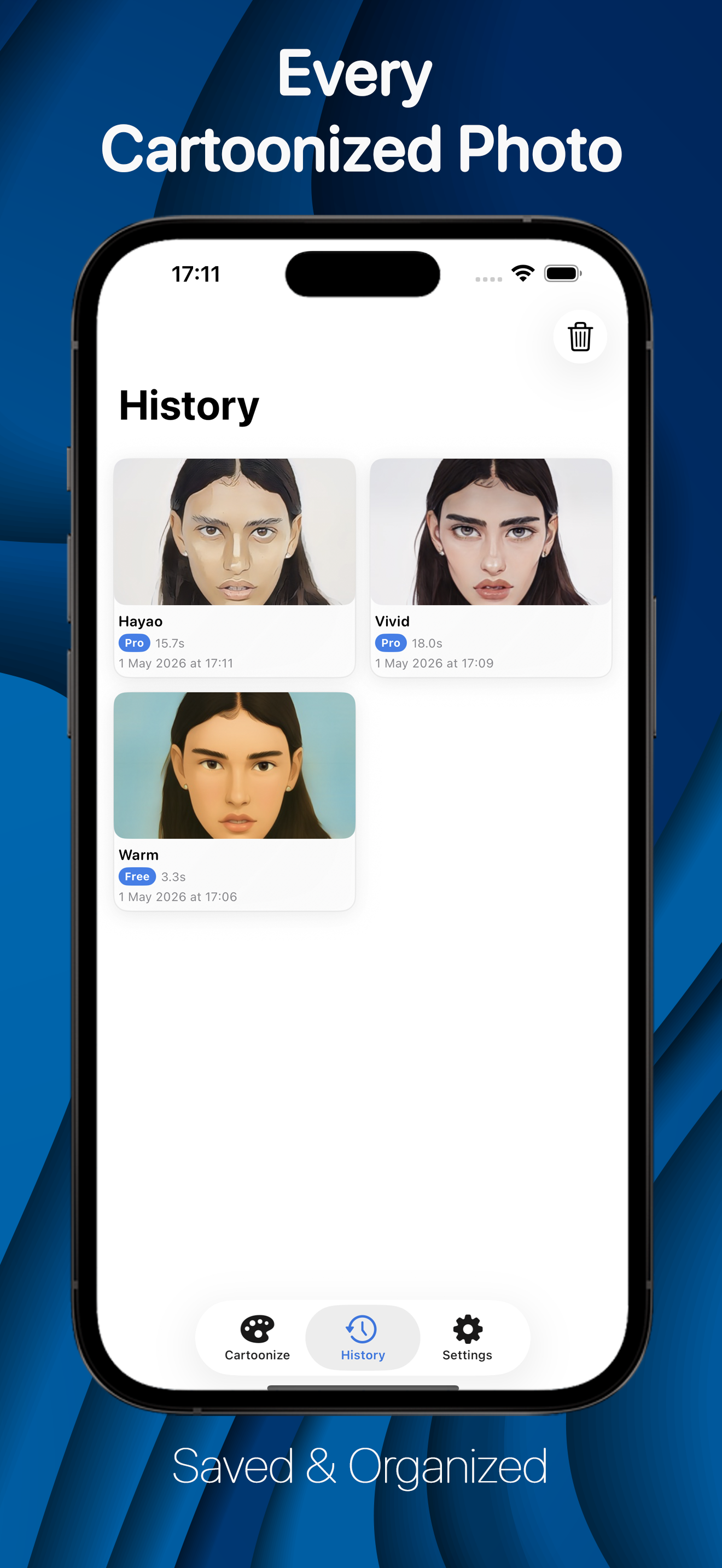
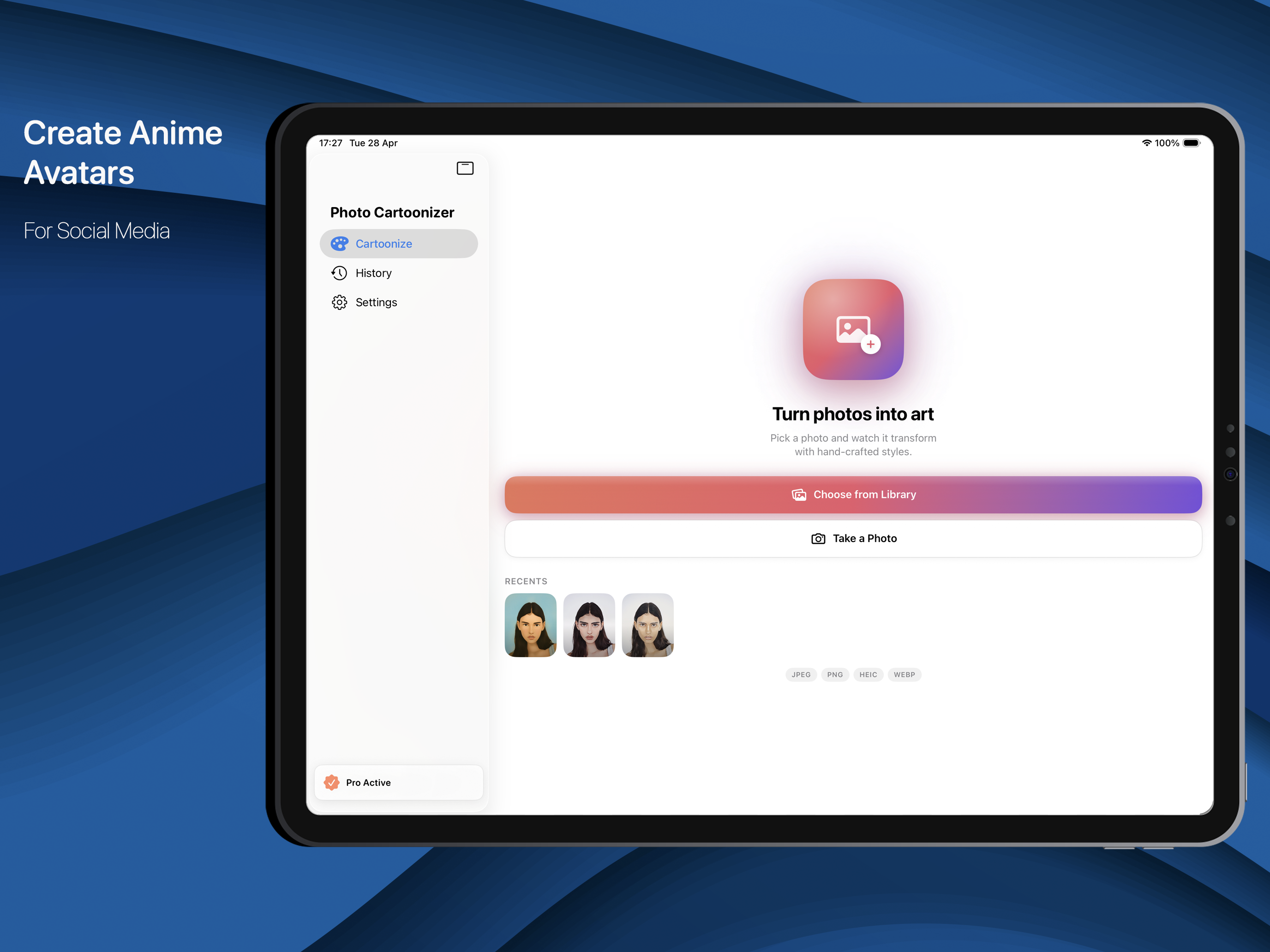
Anime avatars and profile pictures from a selfie, with the style strip and Adjust sheet under your thumb.

iPad Screens

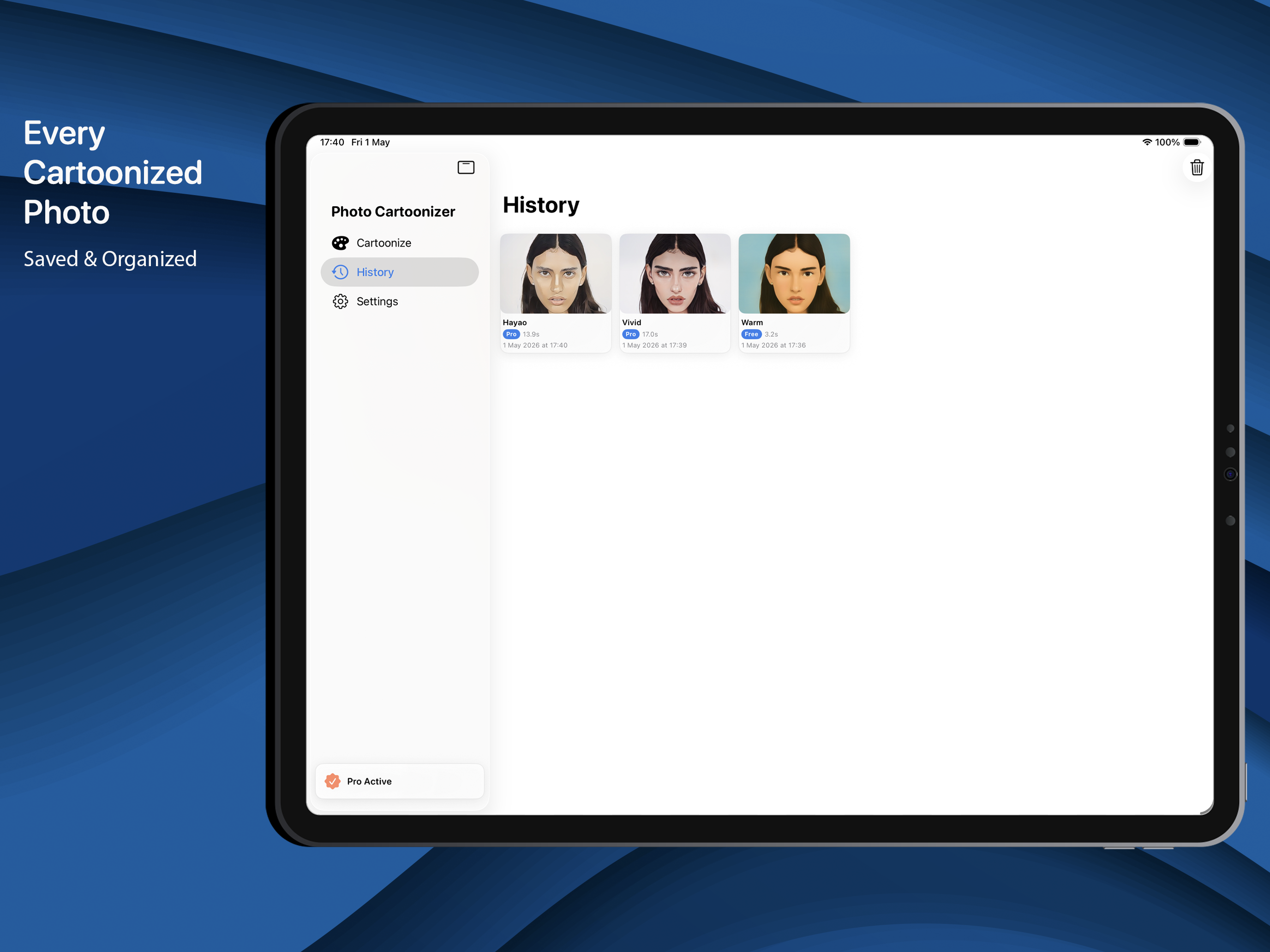
A large canvas with the Adjust panel open beside the photo, so every change shows as you make it.

Mac Screens

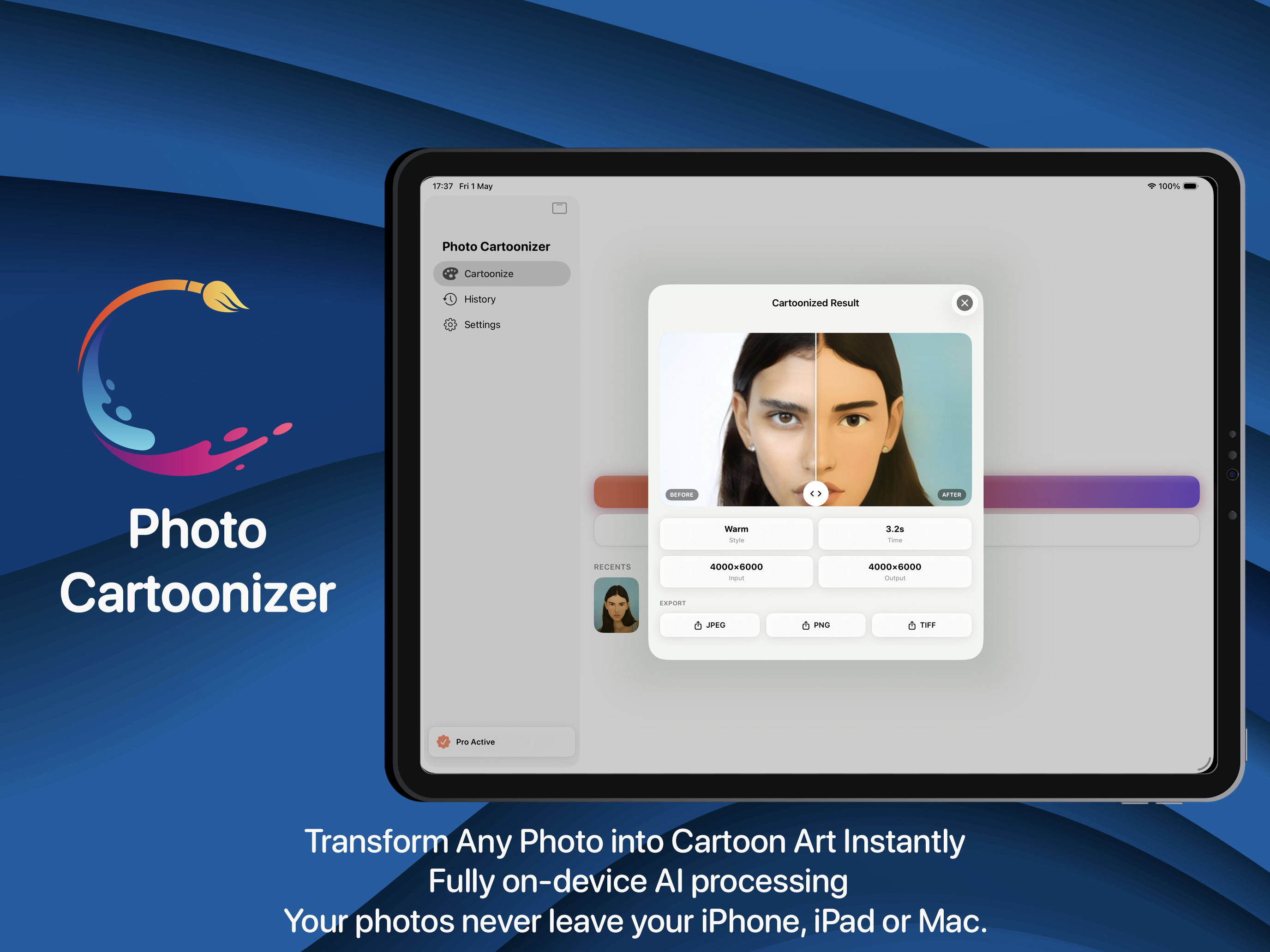
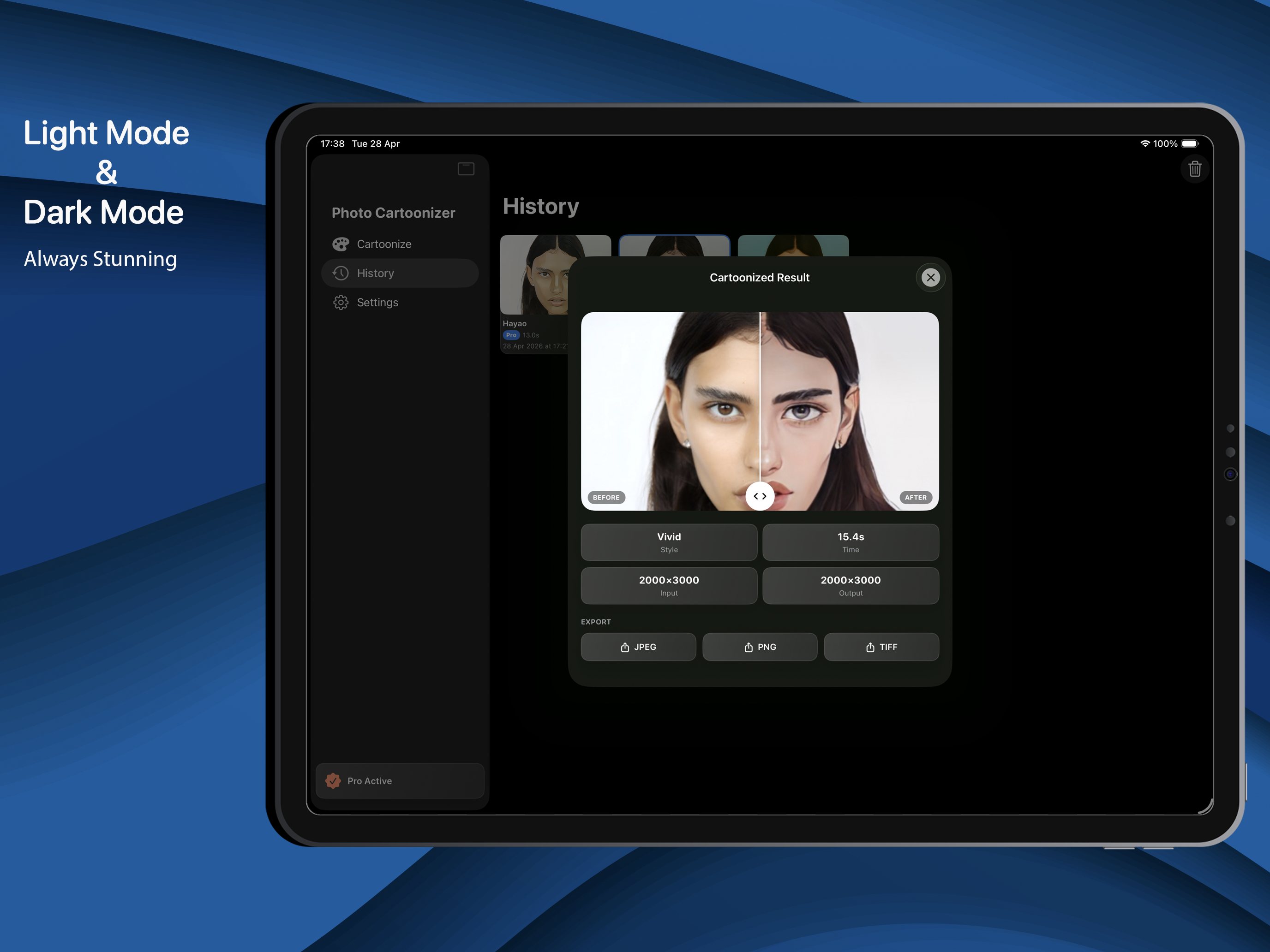
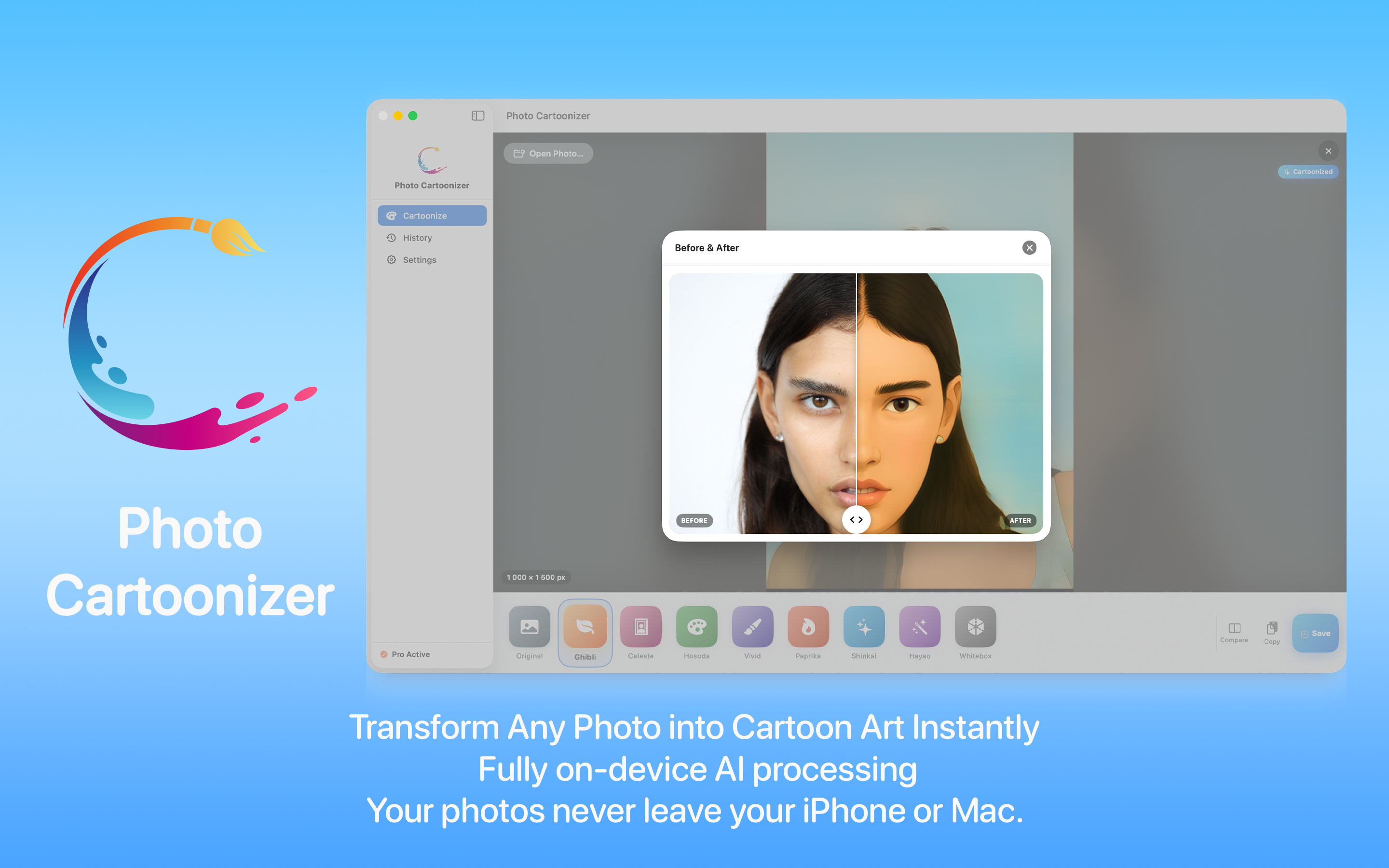
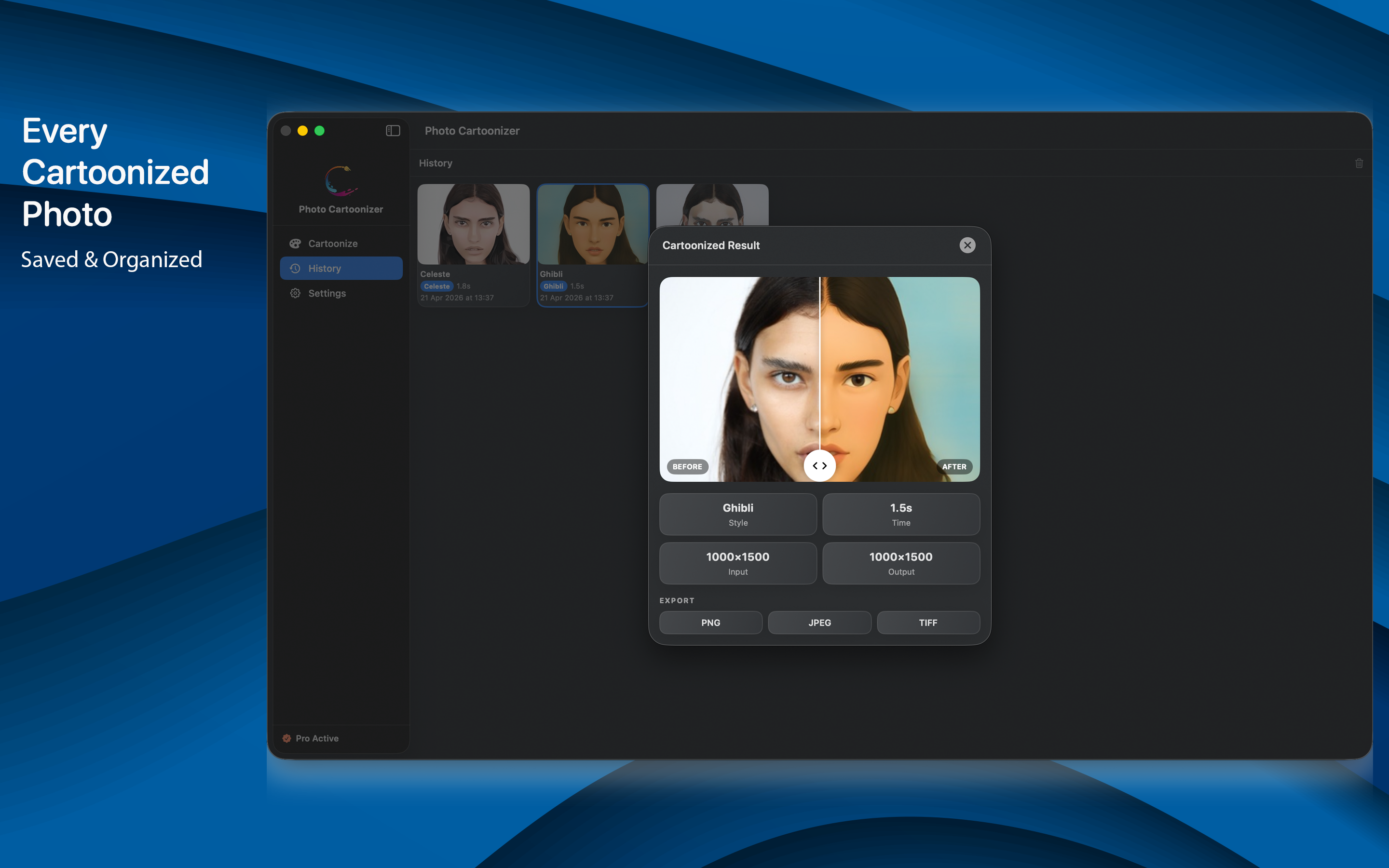
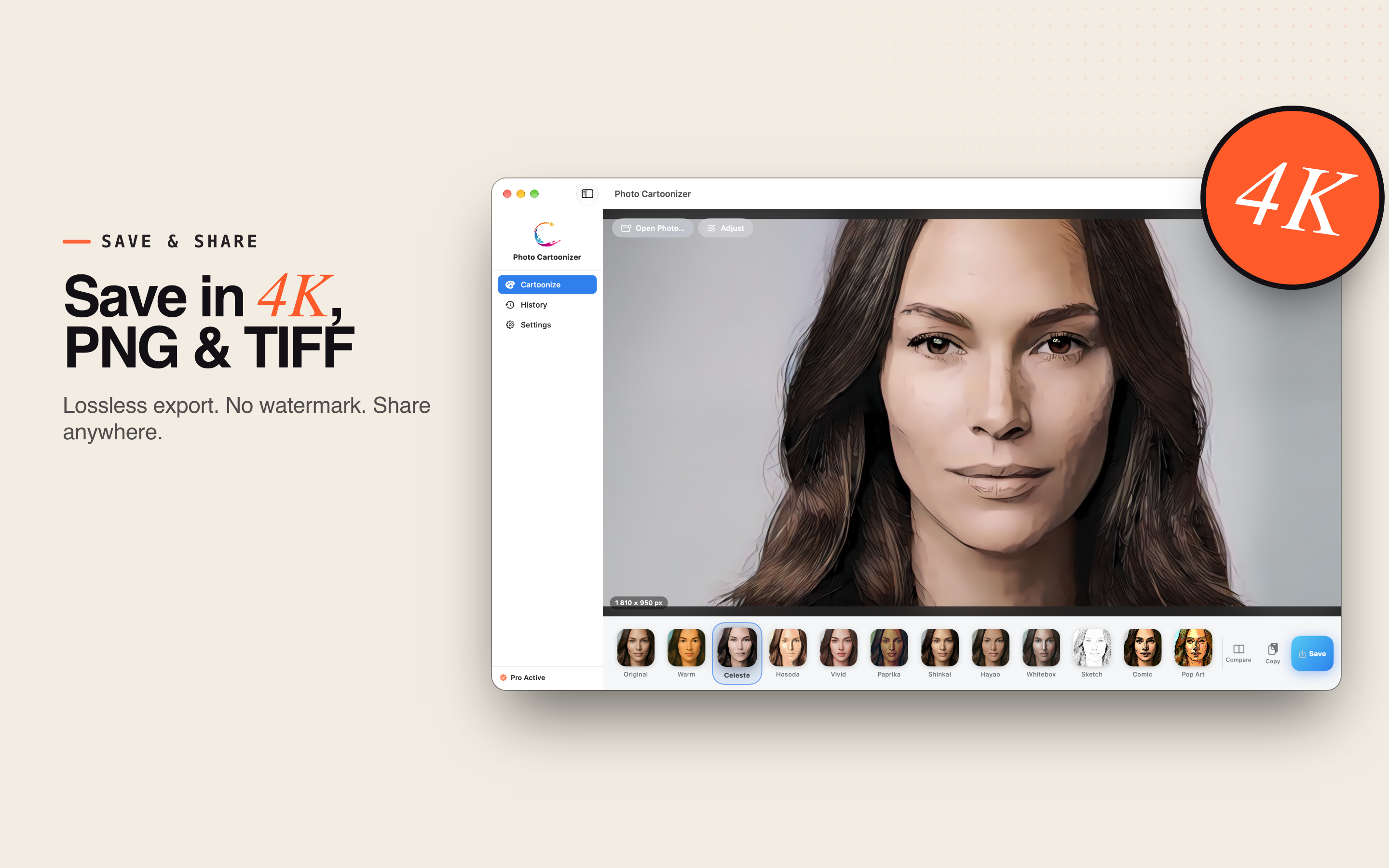
Drag and drop from Finder, Photos or your browser, compare before and after with a slider, and keep every past result in History.

Private by design

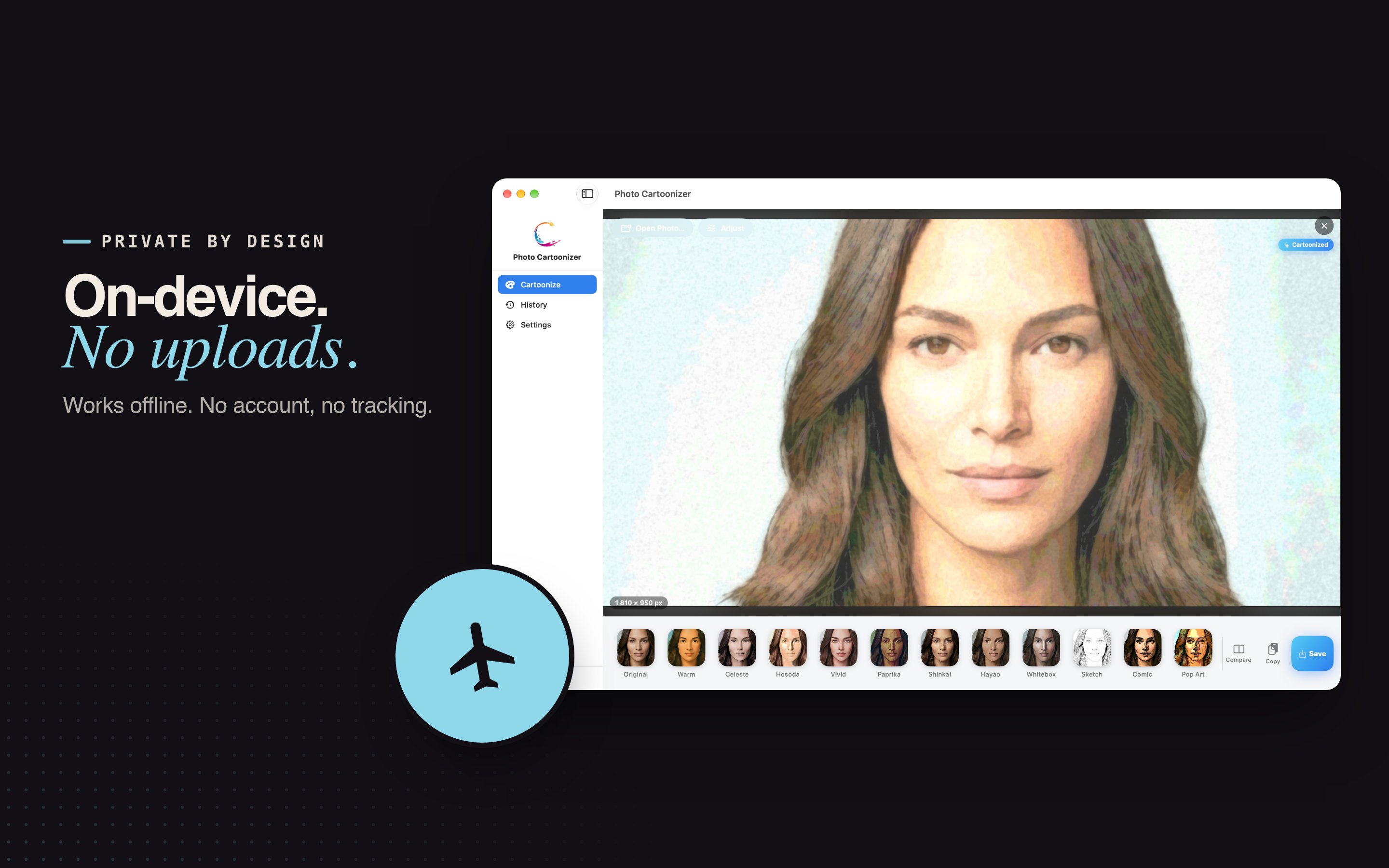
Most cartoon and anime apps send your face to a server. Photo Cartoonizer does not.

  • All processing happens on the Neural Engine and GPU of your device.
  • It works offline, with no sign-up, no email and no tracking.
  • Your photos stay yours.

Fast on Apple hardware

The AI engine is tuned for Apple silicon and also runs on Intel Macs.

  • Most photos are ready in a few seconds.
  • No daily limits and no watermark.
  • Brush Size re-runs the style; every other adjustment is instant.

Great for

Profile pictures, gifts, posts and prints - from the photos you already have.

Anime avatars

Anime avatars and profile pictures from a single selfie.

Creators

Cartoon portraits for YouTube, Twitch and Discord, plus thumbnails, stickers and posts.

Pets & family

Pet portraits and family photos as wall art.

Sketches & comics

Pencil sketches and comic panels from travel photos.

Gifts & prints

Cards, gifts and large prints, with 4K and unlimited resolution on Pro.

Old family photos

Turn old family photos into storybook illustrations.

Free

  • 4 styles: Warm, Celeste, Hosoda and Sketch.
  • Unlimited photos, no daily limits.
  • Live previews of every style.
  • Style Strength and color controls.
  • Up to 2048 px, JPEG export.

Pro

  • All 13 styles, plus every style added later.
  • Brush Size, Ink Outlines, Keep Original Colors, Person or Background and Protect Faces.
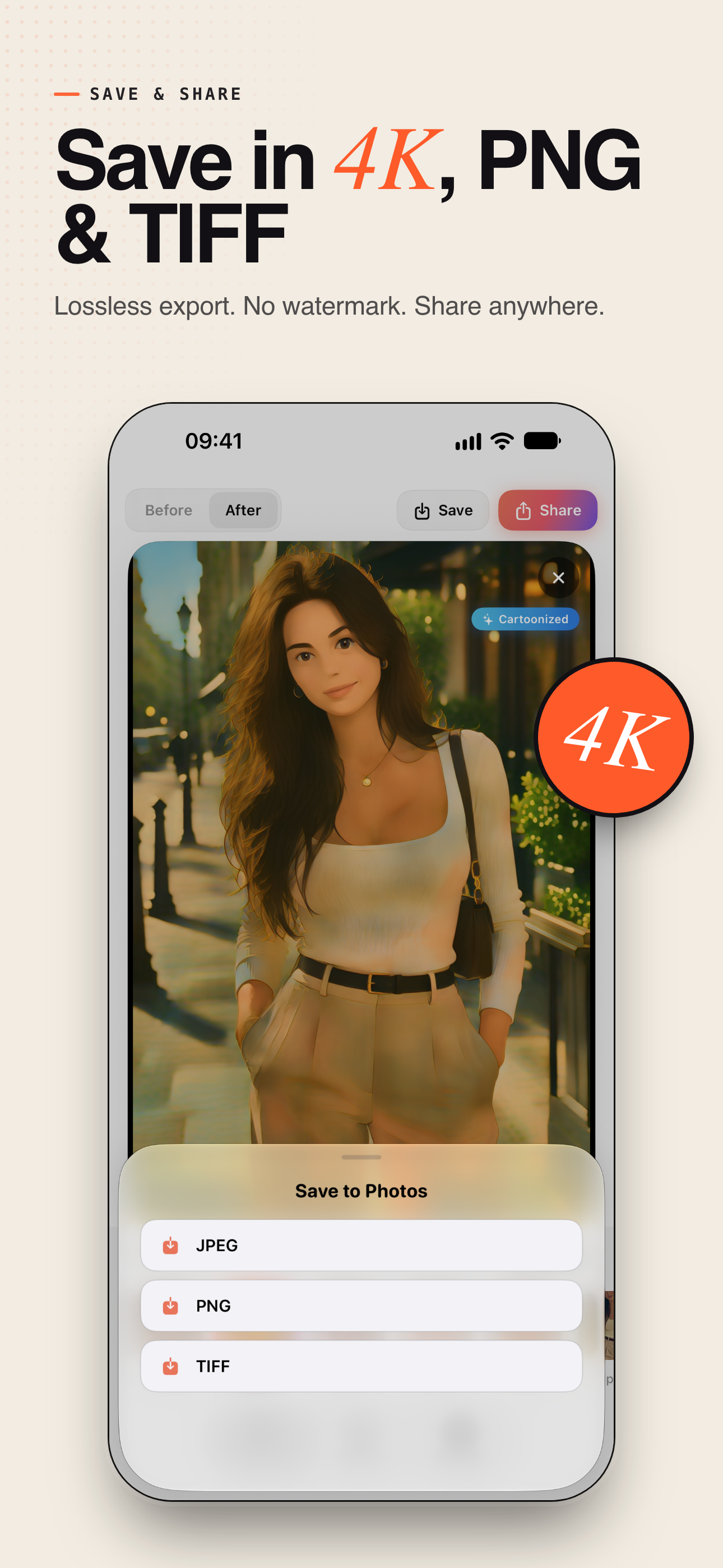
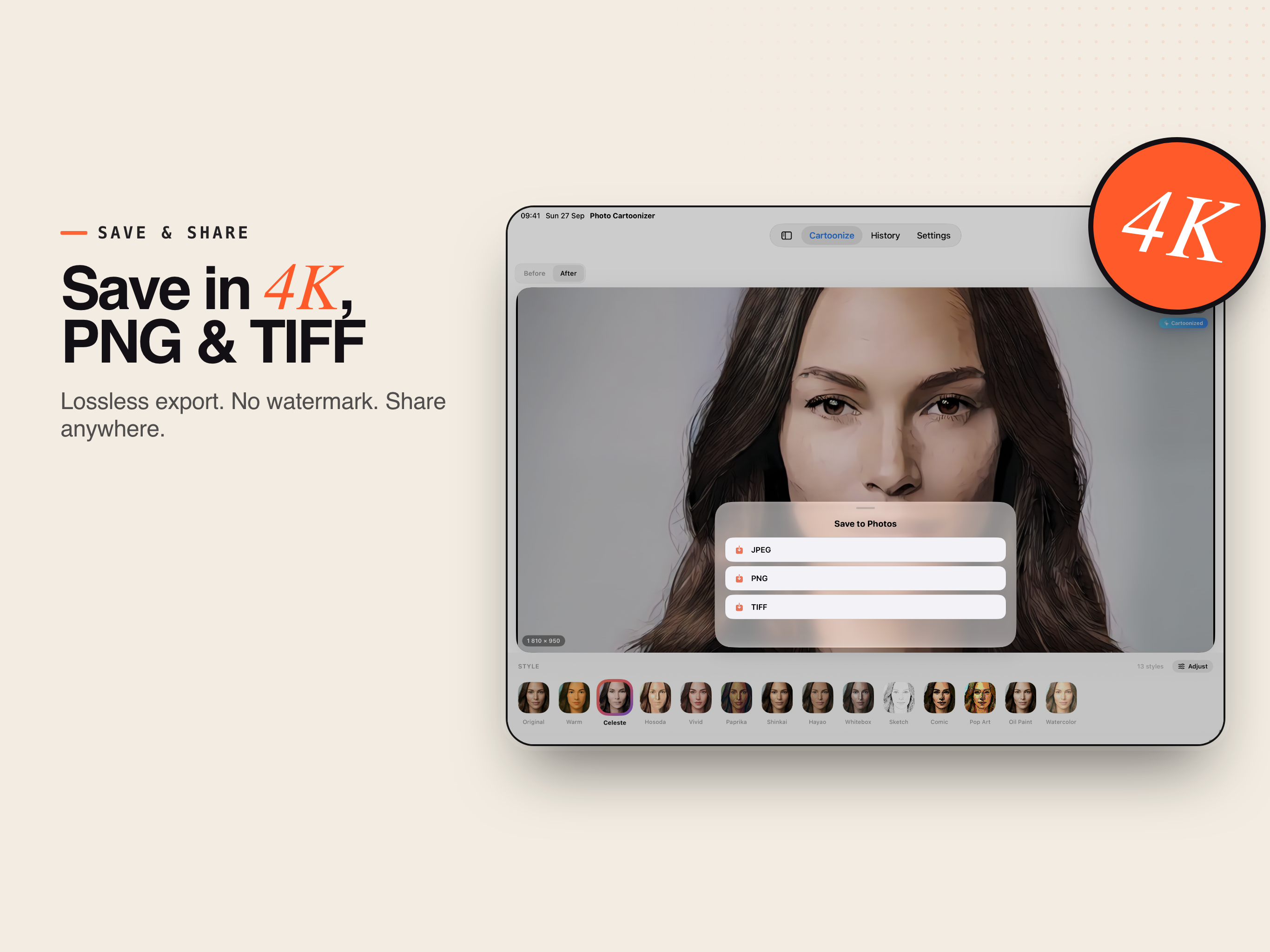
  • Lossless PNG and TIFF export.
  • 4K (4096 px) and unlimited resolution for large prints.
  • Monthly or yearly subscription (the yearly plan includes a free trial), or a one-time lifetime purchase.

Built for iPhone, iPad, Mac & Vision Pro

Save as JPEG, or as PNG and TIFF with Pro, copy the result to the clipboard, or share it anywhere.

iPhone

iOS 18.0 or later

iPad

iPadOS 18.0 or later

Mac

macOS 14.0 or later

Apple Vision Pro

visionOS 2.0 or later

Get Photo Cartoonizer

Start free with four styles and unlimited photos, and turn the pictures you already love into anime, cartoon and hand-drawn art.

Download on the App Store

Frequently asked questions

What styles can it produce?

Thirteen: eight AI anime and cartoon styles - Warm, Celeste, Hosoda, Vivid, Paprika, Shinkai, Hayao and Whitebox - and five classic art styles - Sketch, Comic, Pop Art, Oil Paint and Watercolor. Every style shows a live preview made from your own photo.

Are my photos uploaded anywhere?

No. All processing happens on the Neural Engine and GPU of your device. It works offline, with no sign-up, no email and no tracking.

Is there a watermark or a daily limit?

Neither. The free version gives you unlimited photos with four styles - Warm, Celeste, Hosoda and Sketch - live previews, Style Strength and color controls, and JPEG export up to 2048 px.

What does Pro add?

All 13 styles and every style added later; Brush Size, Ink Outlines, Keep Original Colors, Person or Background and Protect Faces; lossless PNG and TIFF export; and 4K (4096 px) and unlimited resolution for large prints. Pro is a monthly or yearly subscription - the yearly plan includes a free trial - or a one-time lifetime purchase.

Which devices does it run on?

iPhone and iPad on iOS 18 or later, Mac on macOS 14 or later (Apple silicon and Intel), and Apple Vision Pro on visionOS 2 or later.