GeoExplorer AI: The Map Guess Game for iPhone, iPad & Mac
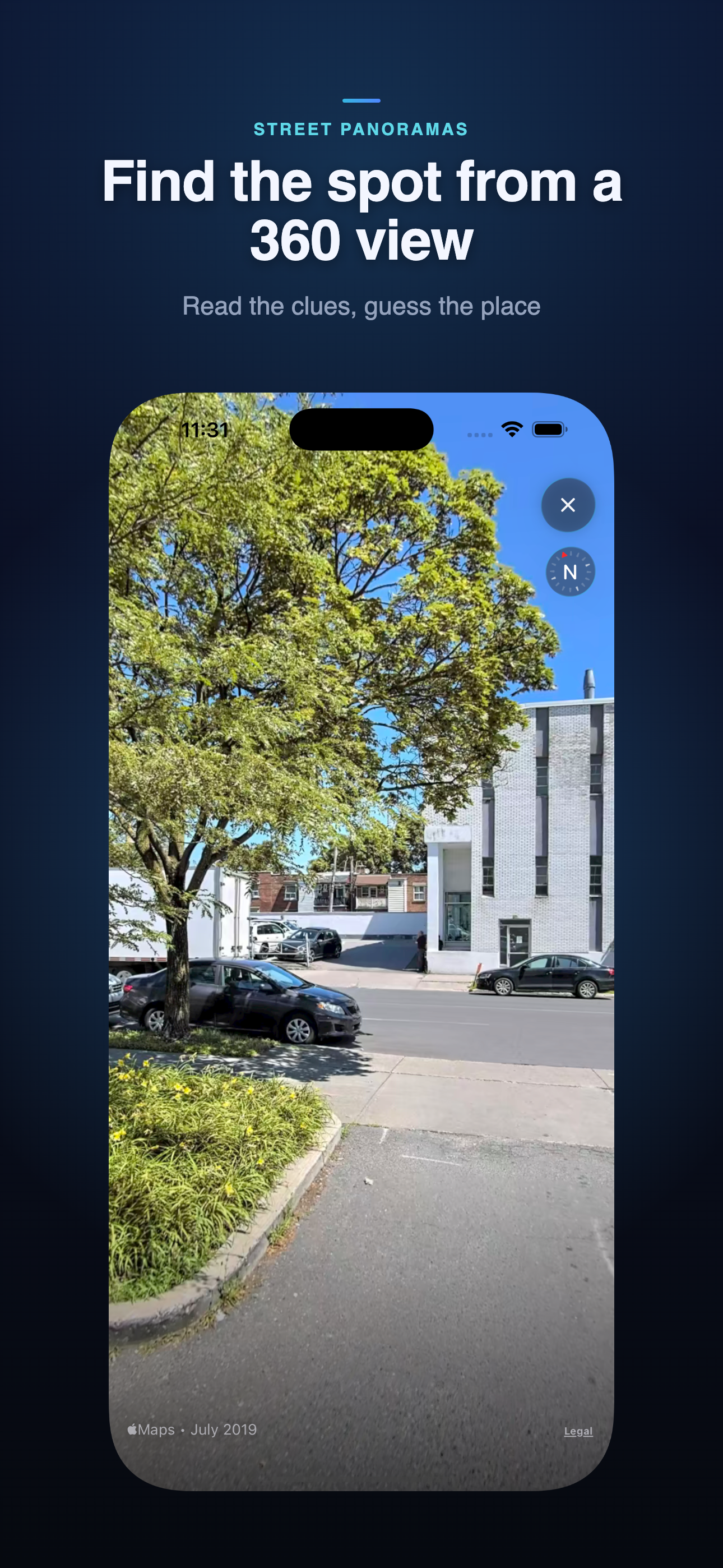
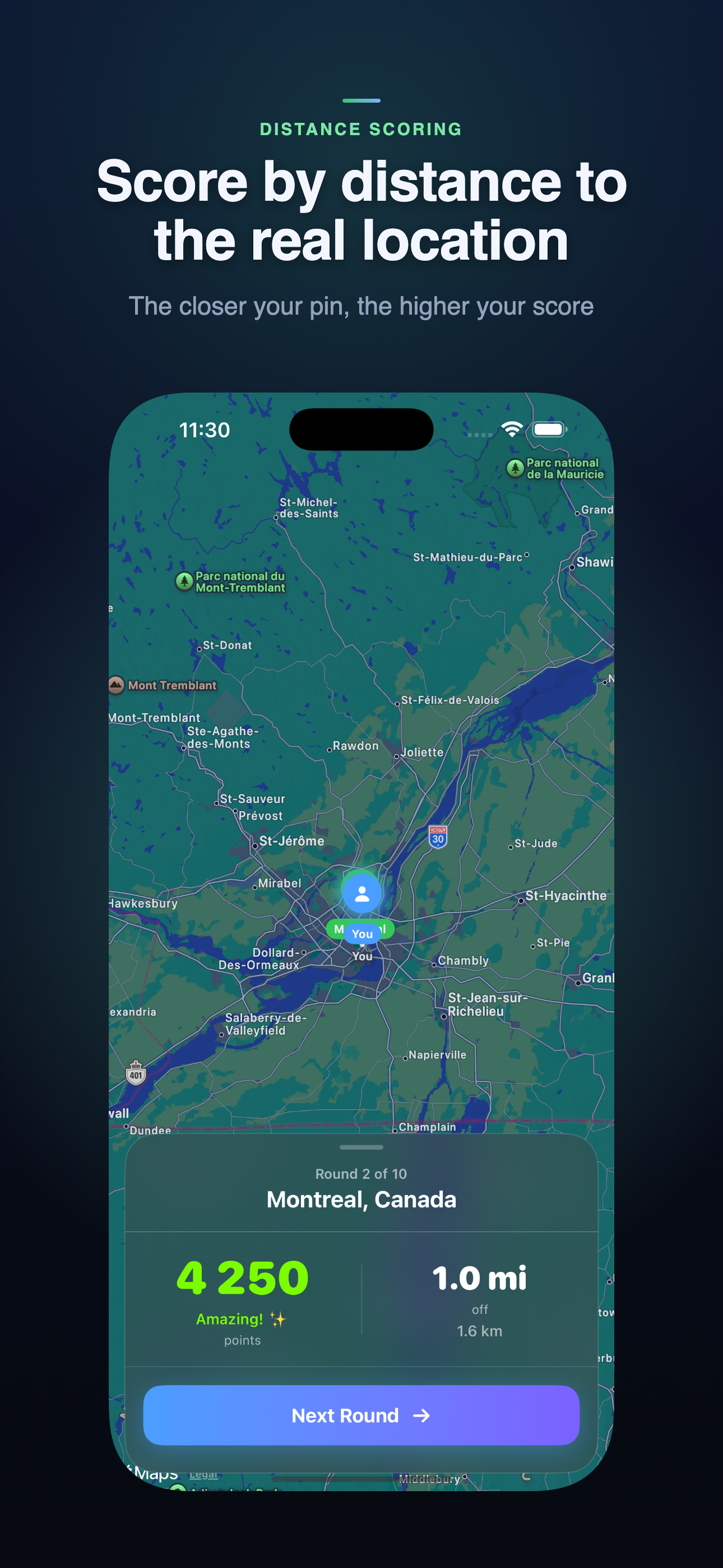
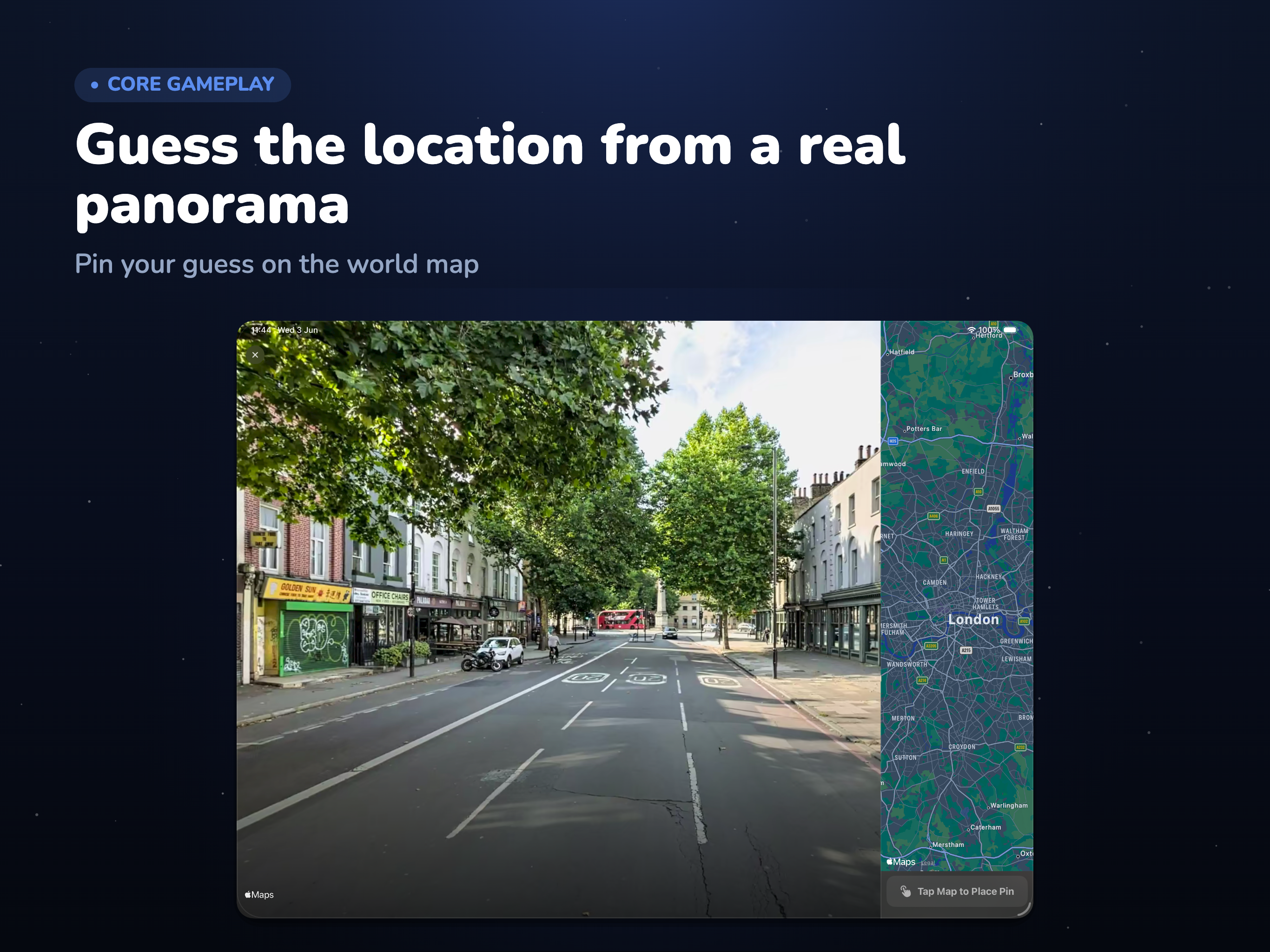
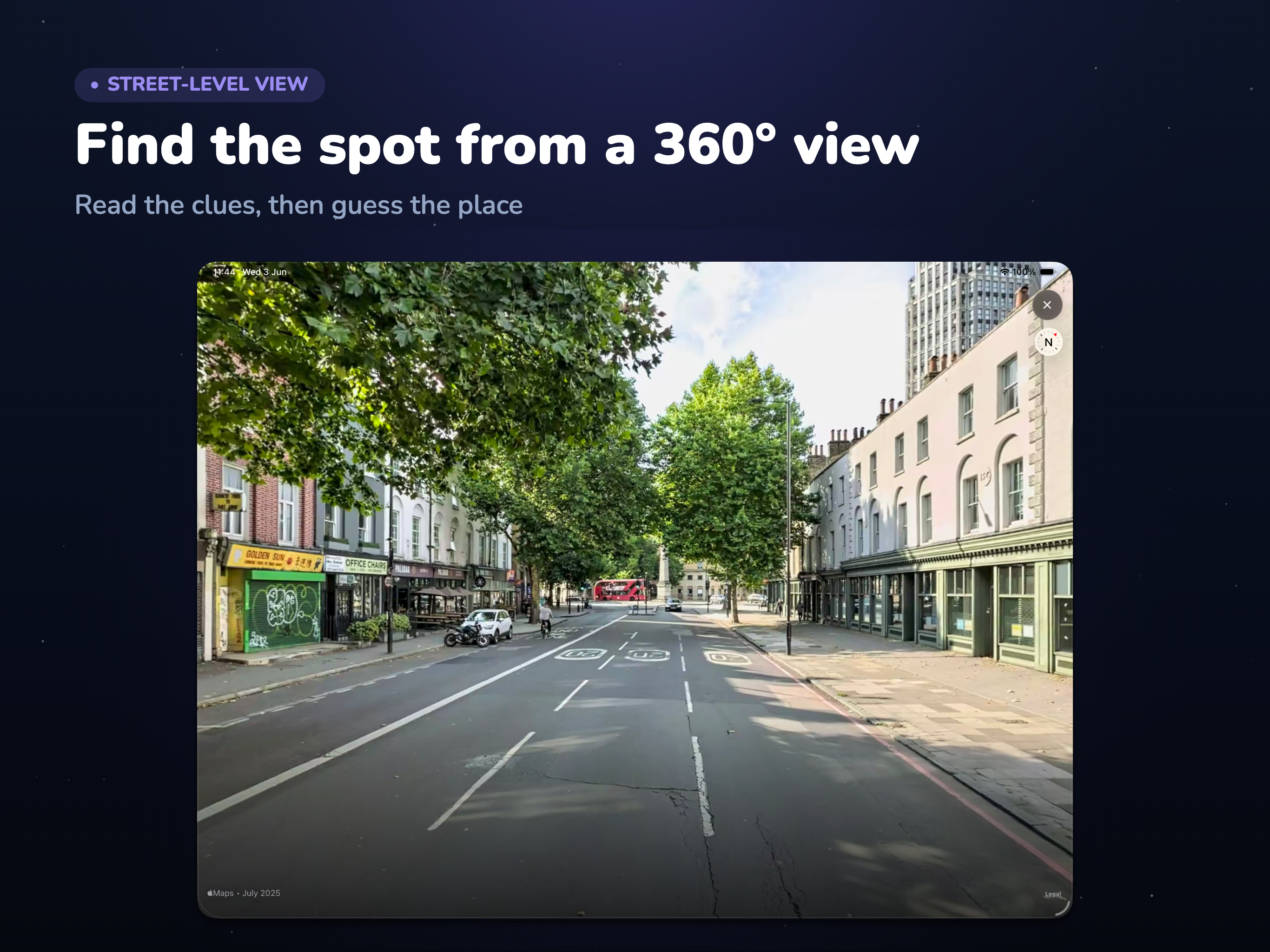
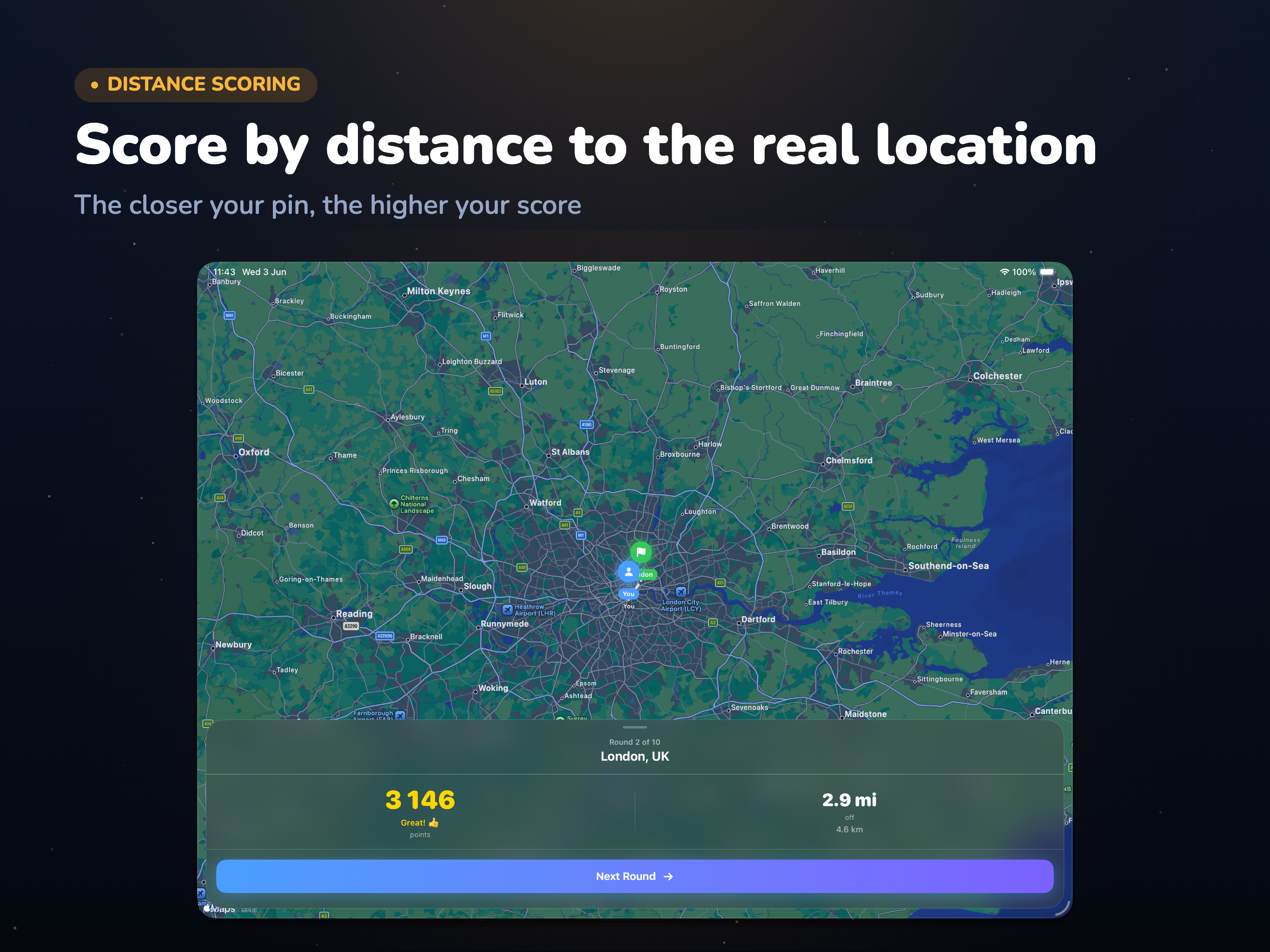
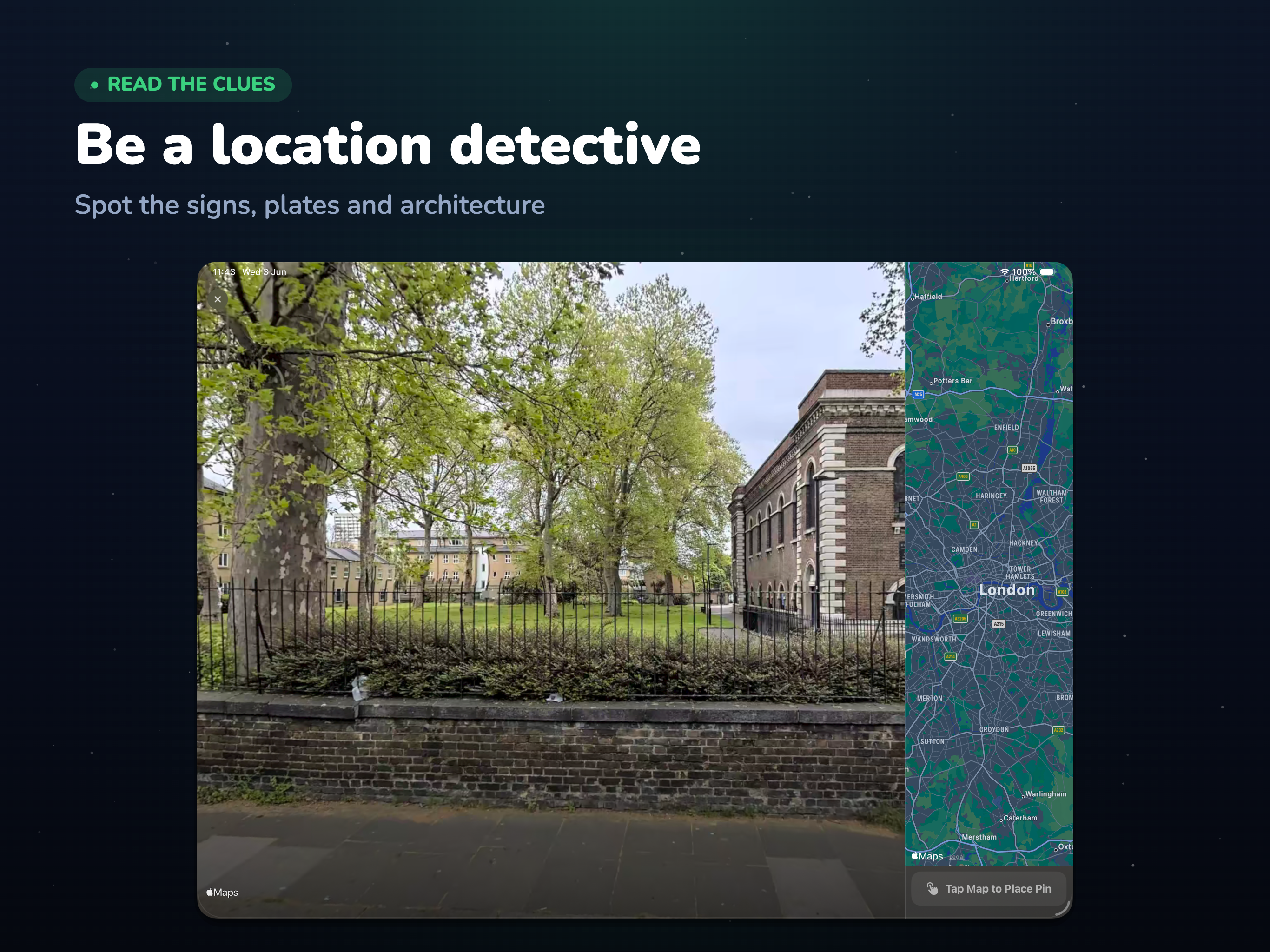
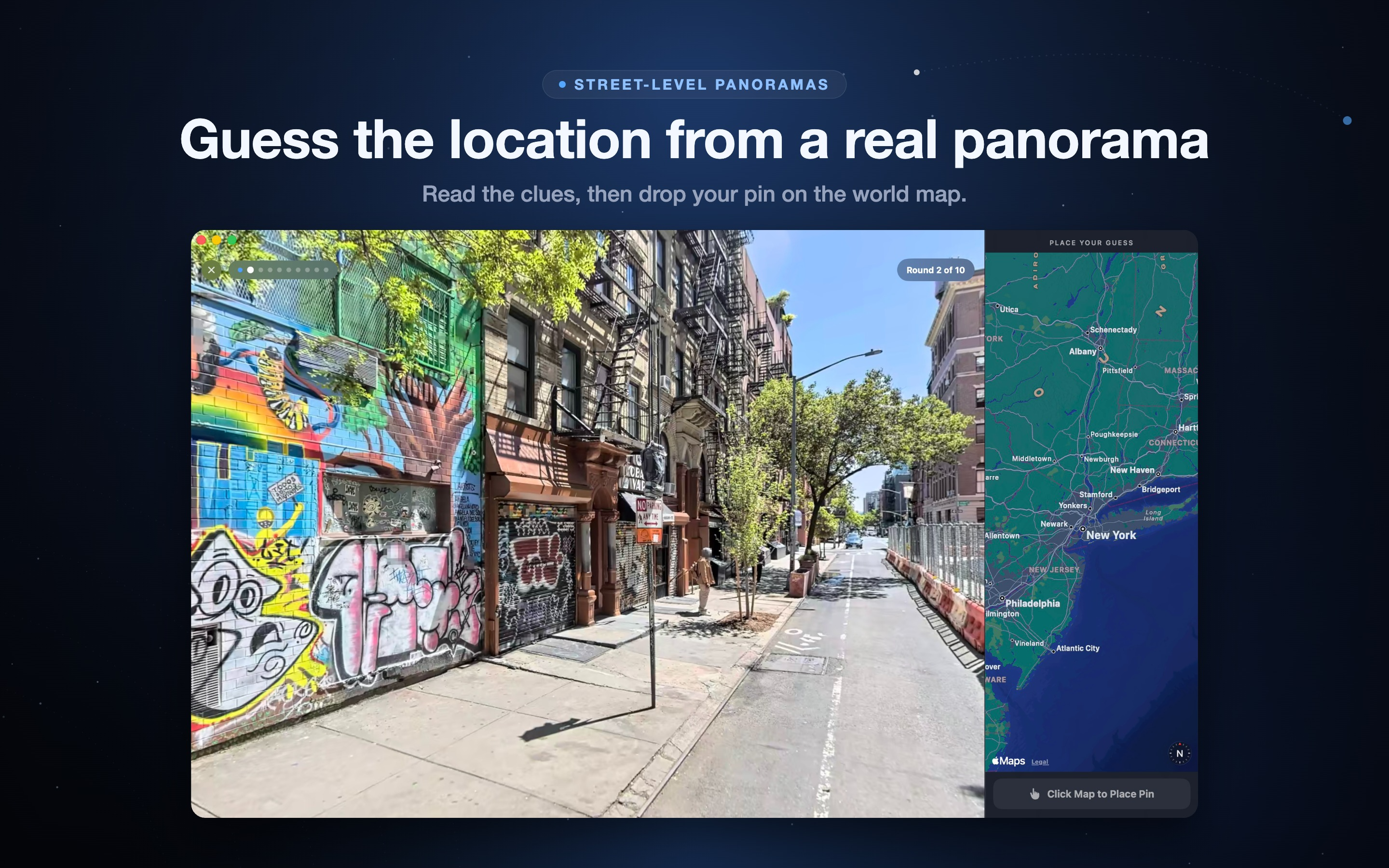
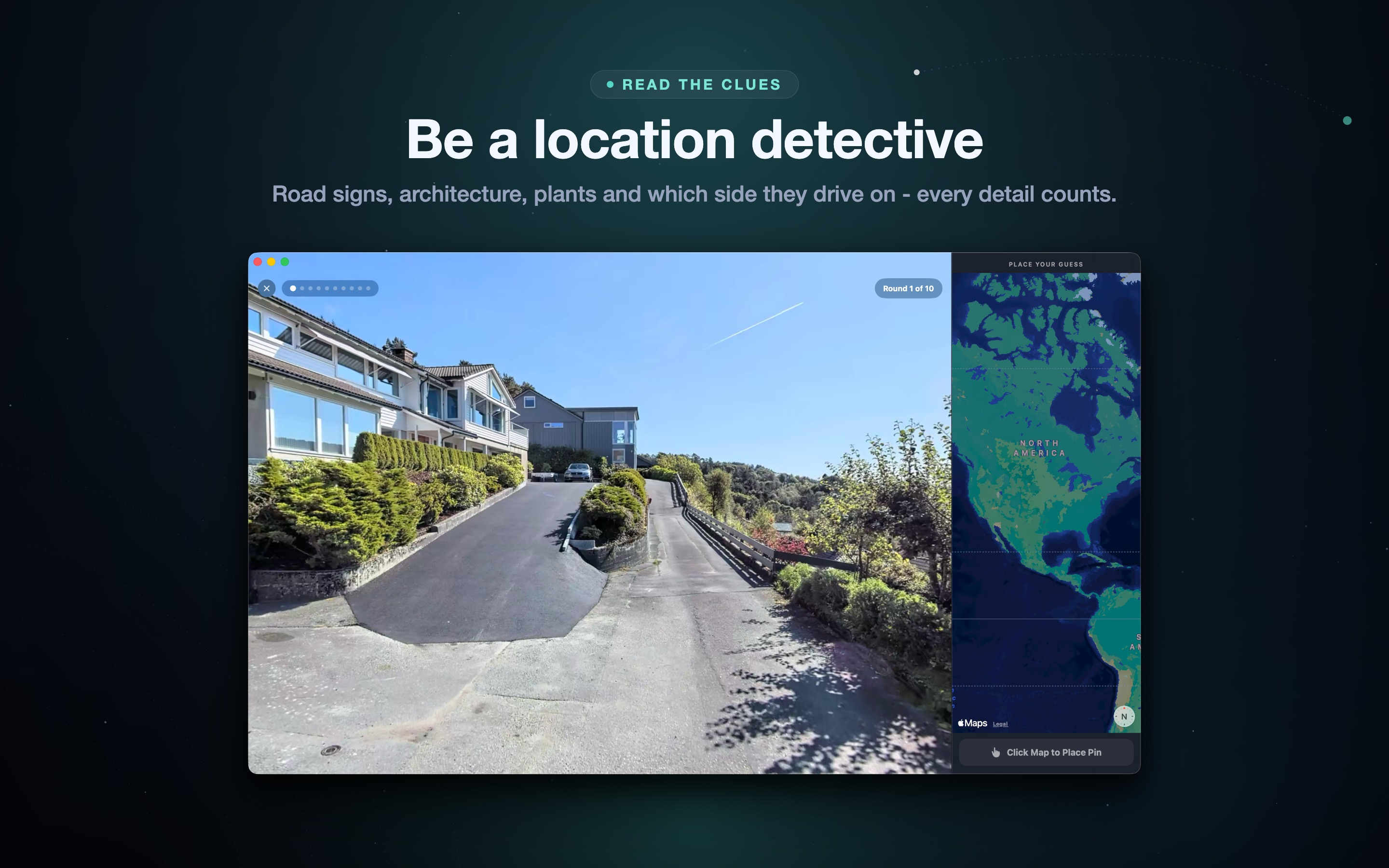
GeoExplorer AI is a map guessing game that drops you anywhere on Earth and challenges you to figure out exactly where you are. There are no labels, no coordinates, and no shortcuts - only a street-level panorama and your own powers of observation. You look around the 360 degree view, gather clues from road signs, languages, license plates, vegetation, architecture, and traffic direction, then drop a pin on the world map. The closer your guess is to the real location, the more points you earn, all the way up to a perfect 5,000-point round. It is the kind of geography game that is easy to start and genuinely hard to put down.
Two Modes for Casual Players and Hardcore Geo-Detectives
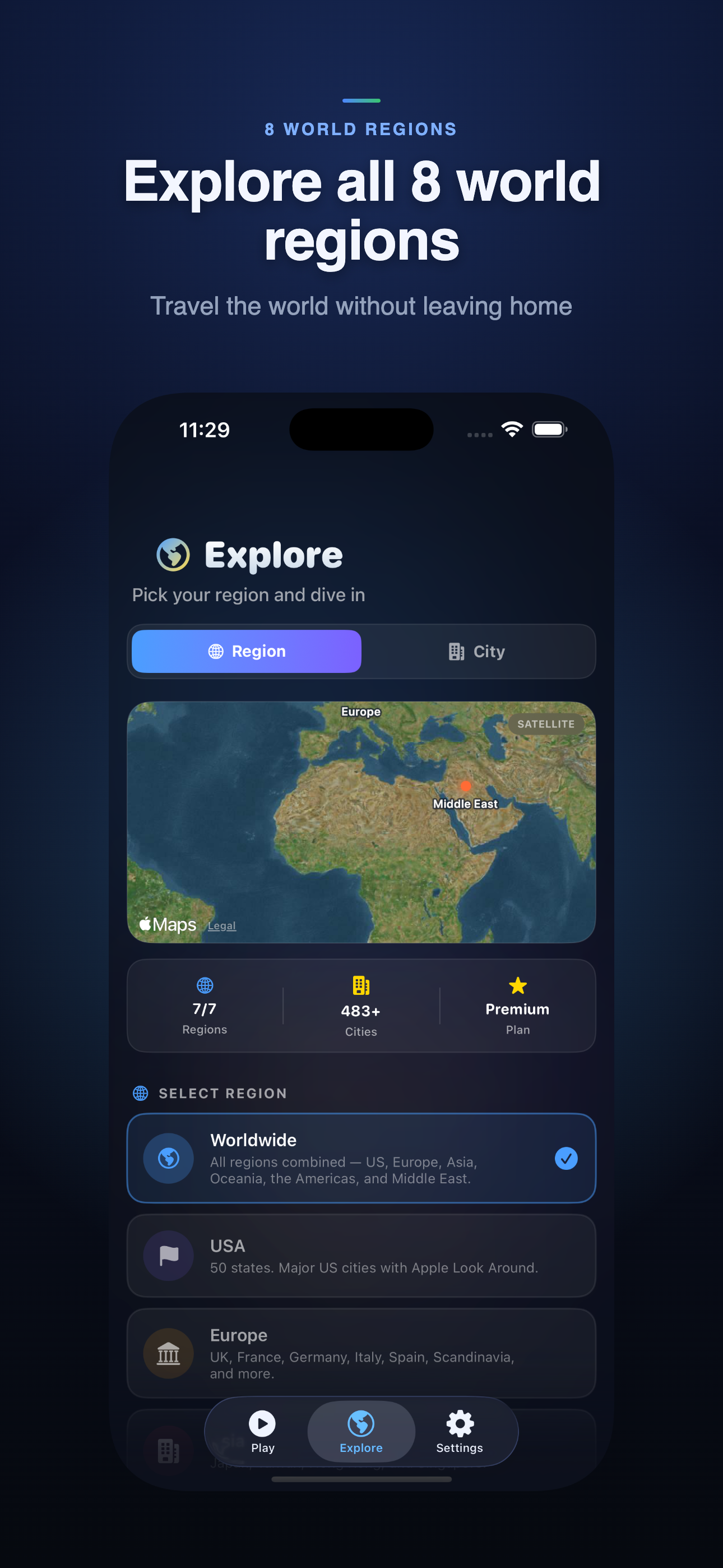
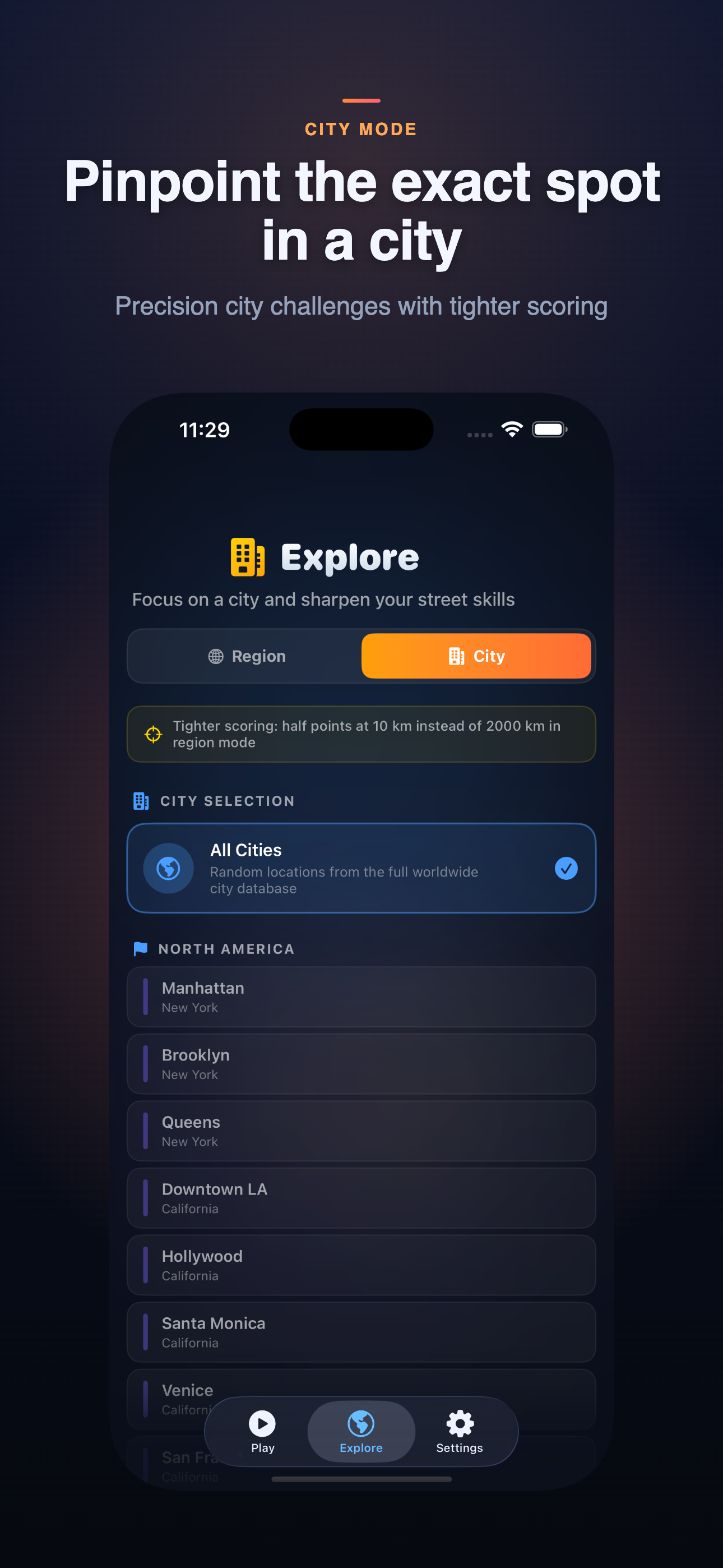
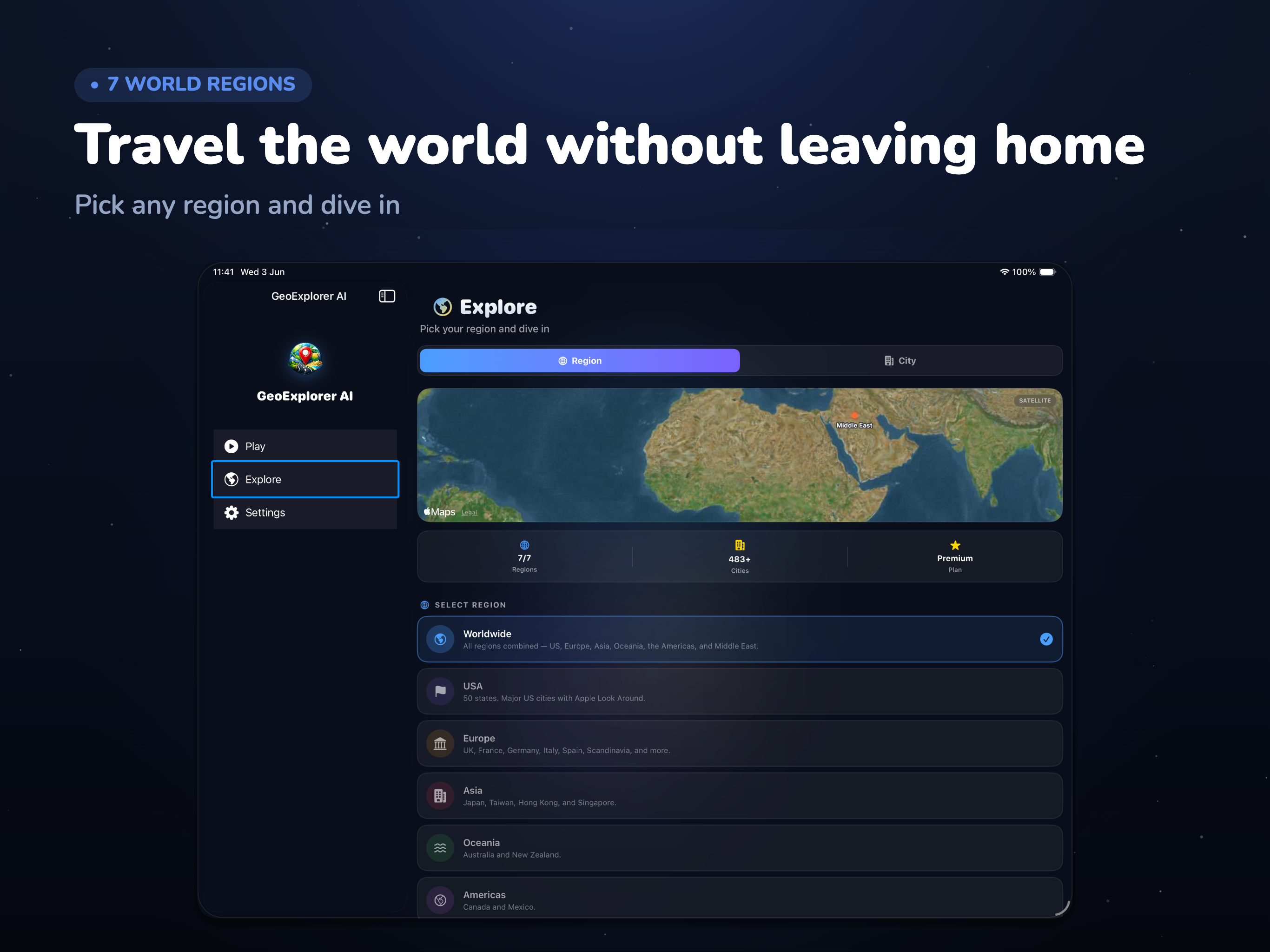
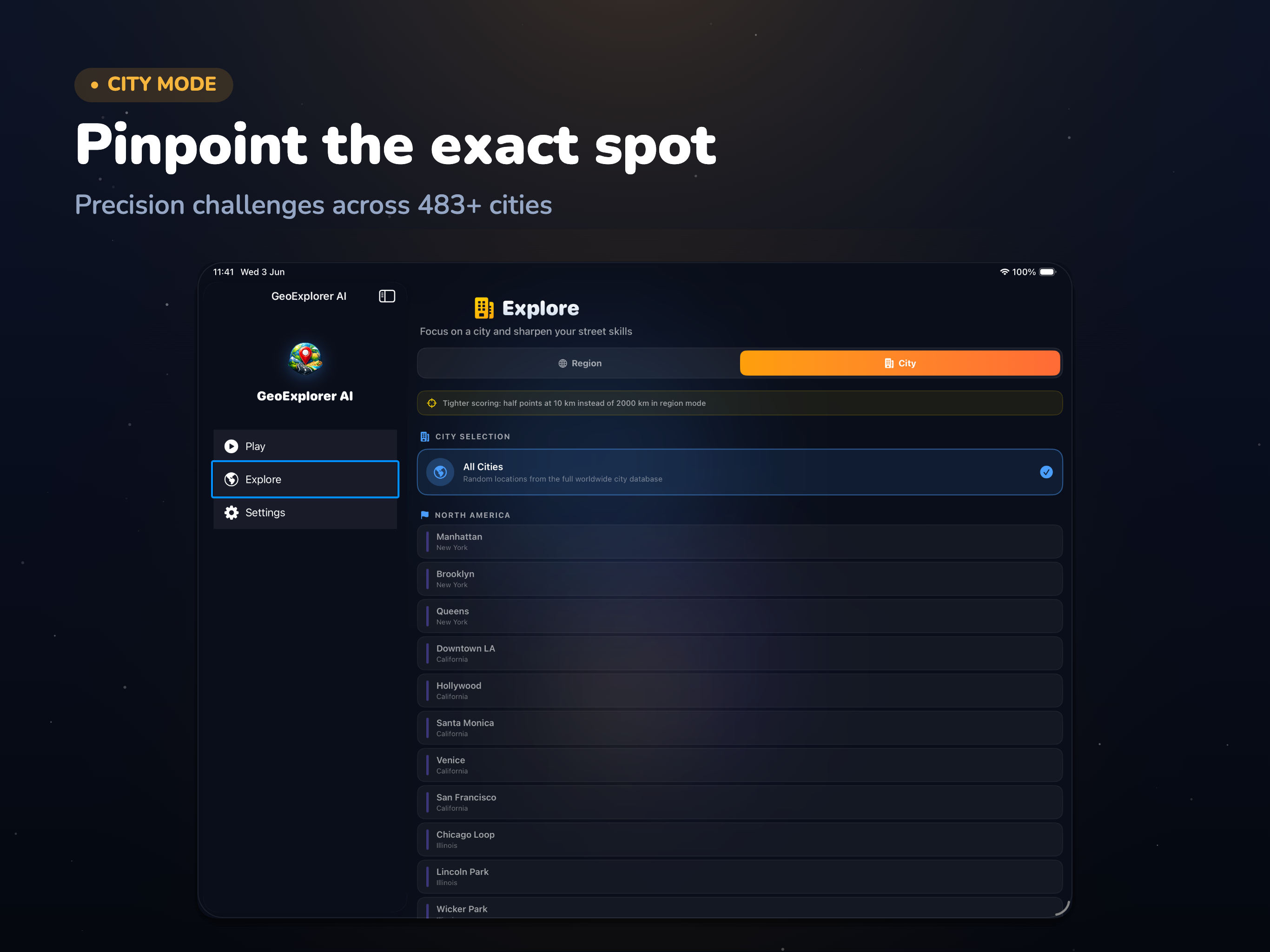
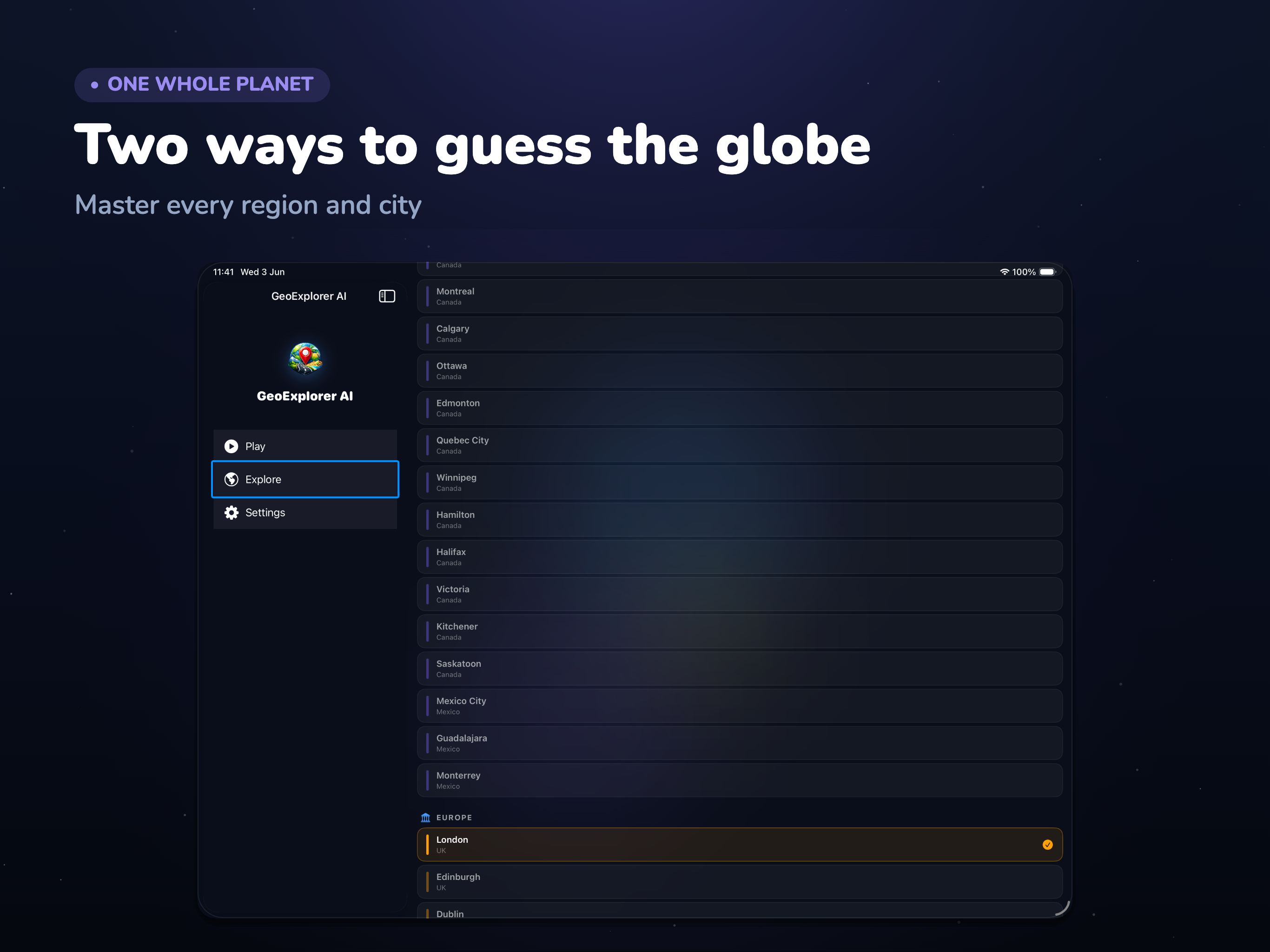
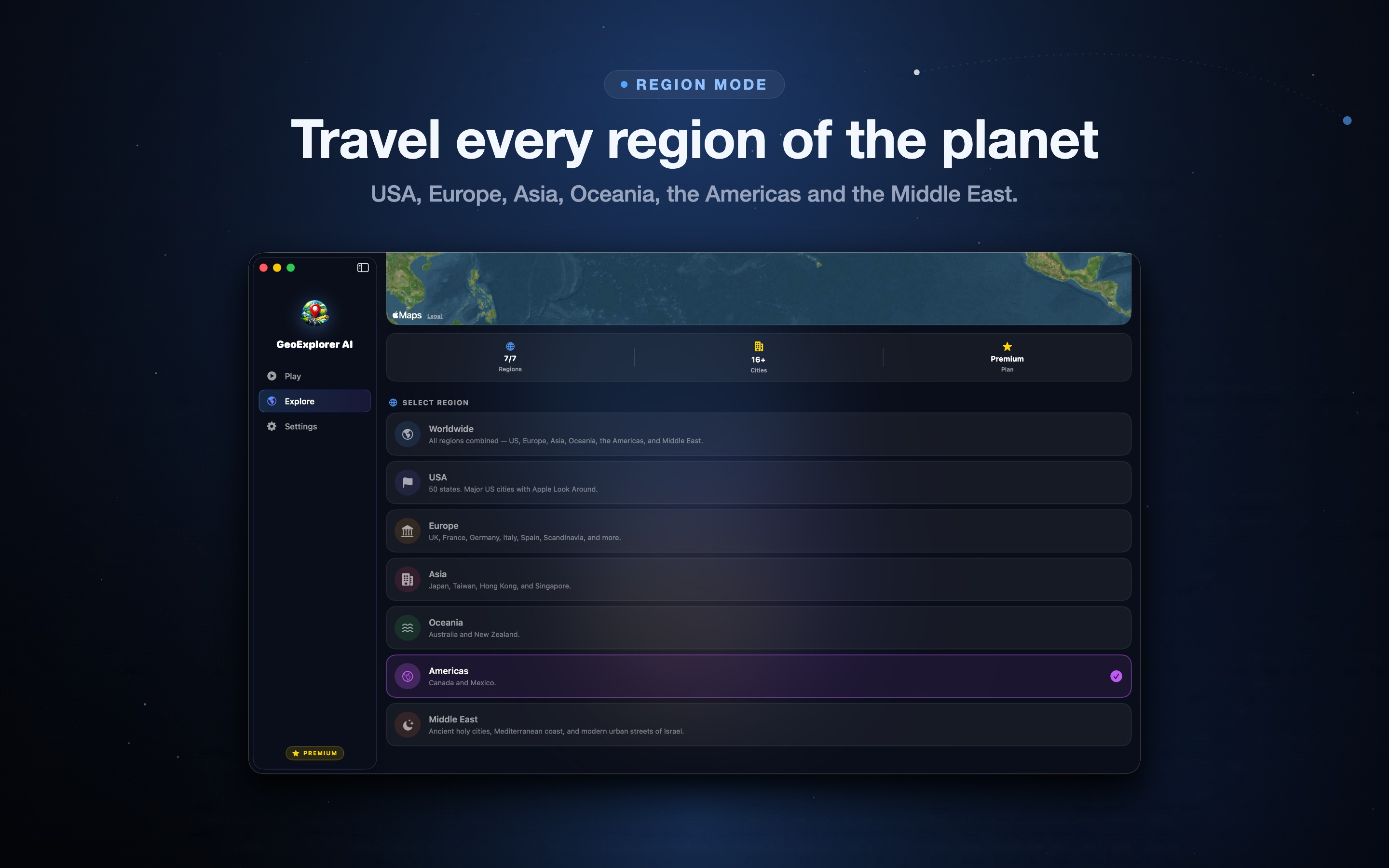
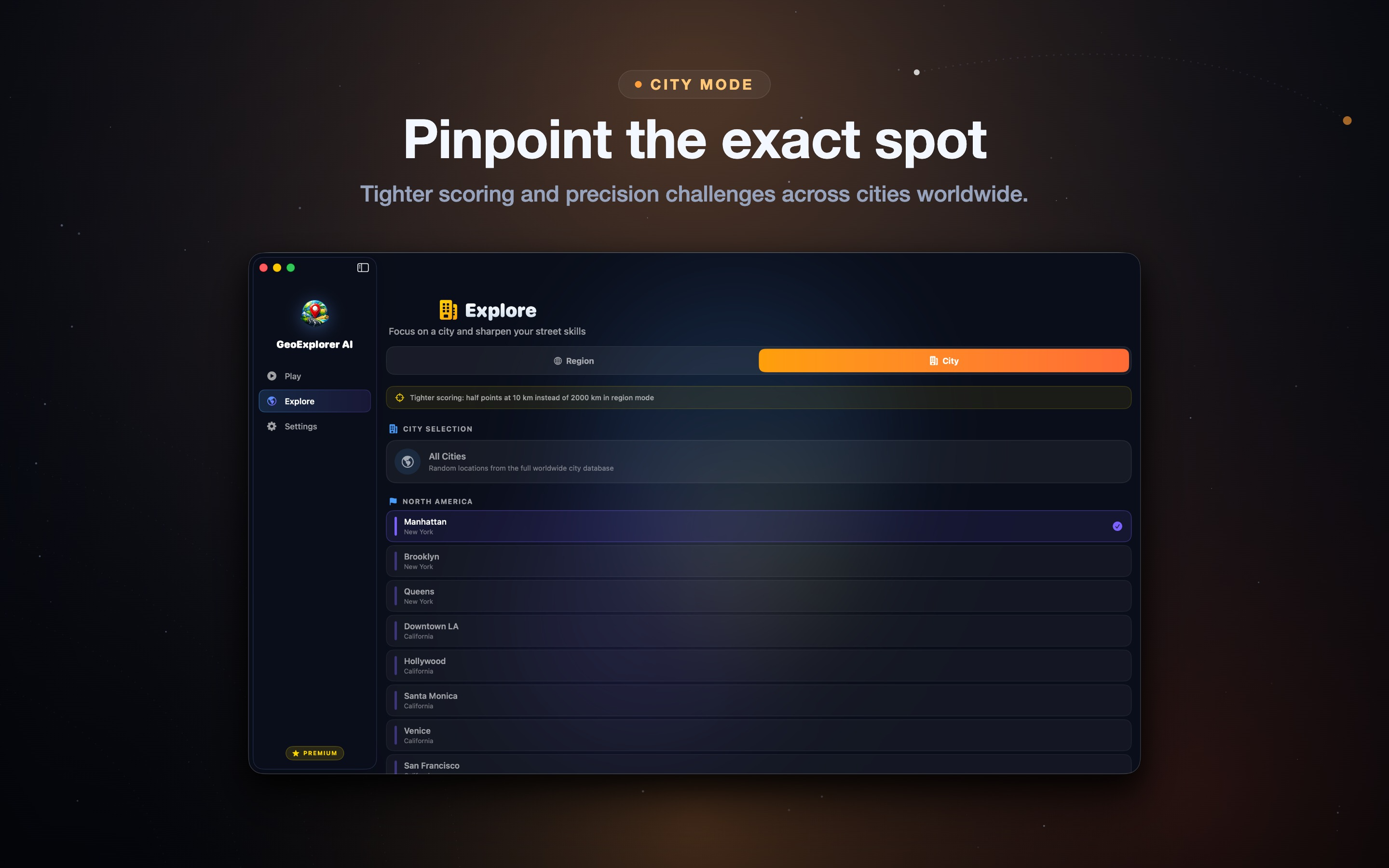
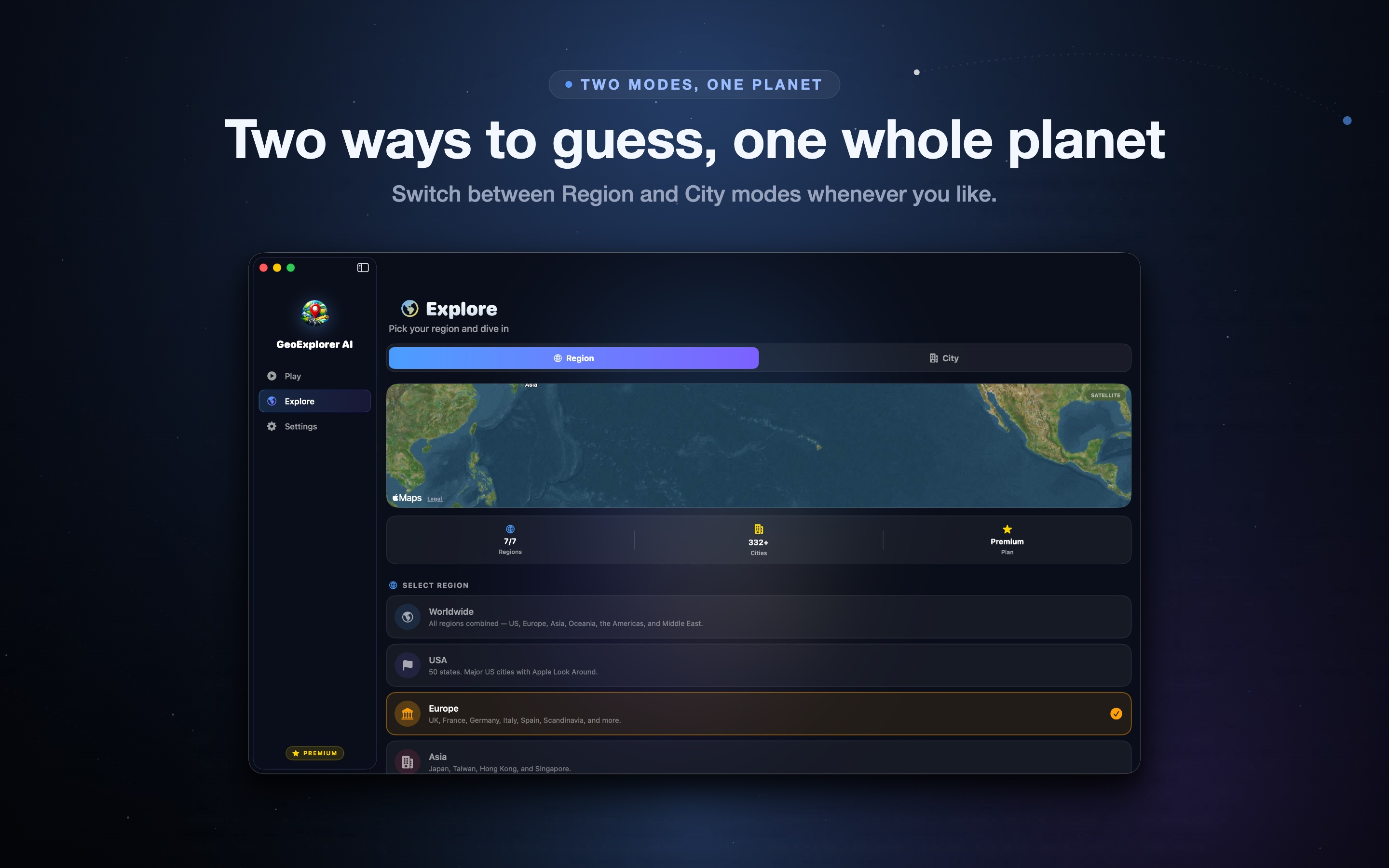
GeoExplorer ships with two ways to play. Region mode asks you to identify the correct country or area, which is perfect when you are learning the ropes or want a relaxed session. City mode raises the stakes by rewarding neighborhood-level precision - now a single street sign or building style can make or break your score. Because scoring is distance-based in both modes, you are never punished for an honest near-miss: guessing the right region of the right country still earns solid points, and that gentle feedback loop is what makes your mental map sharper every single round.
On-Device AI Hints That Teach Instead of Spoil
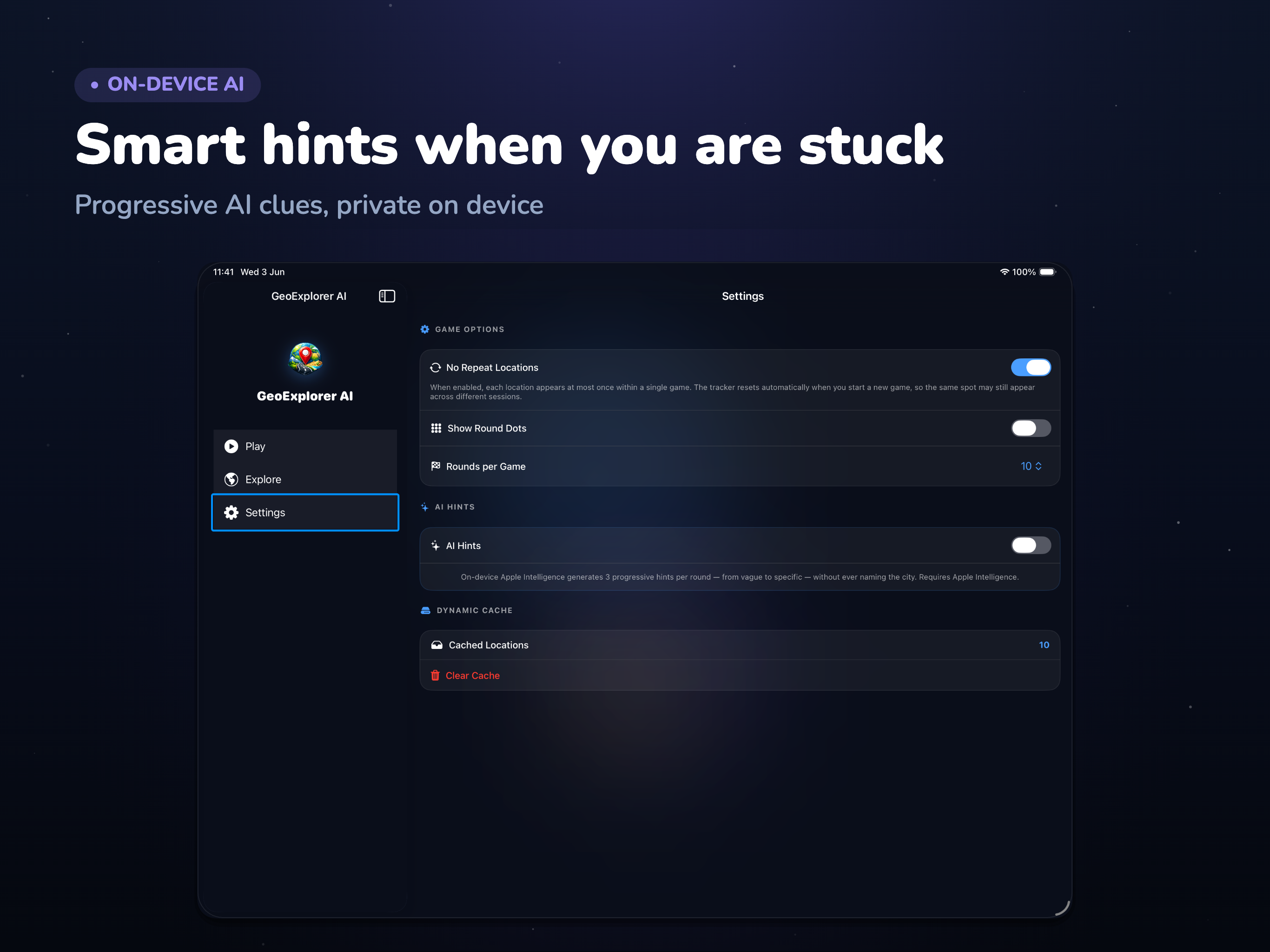
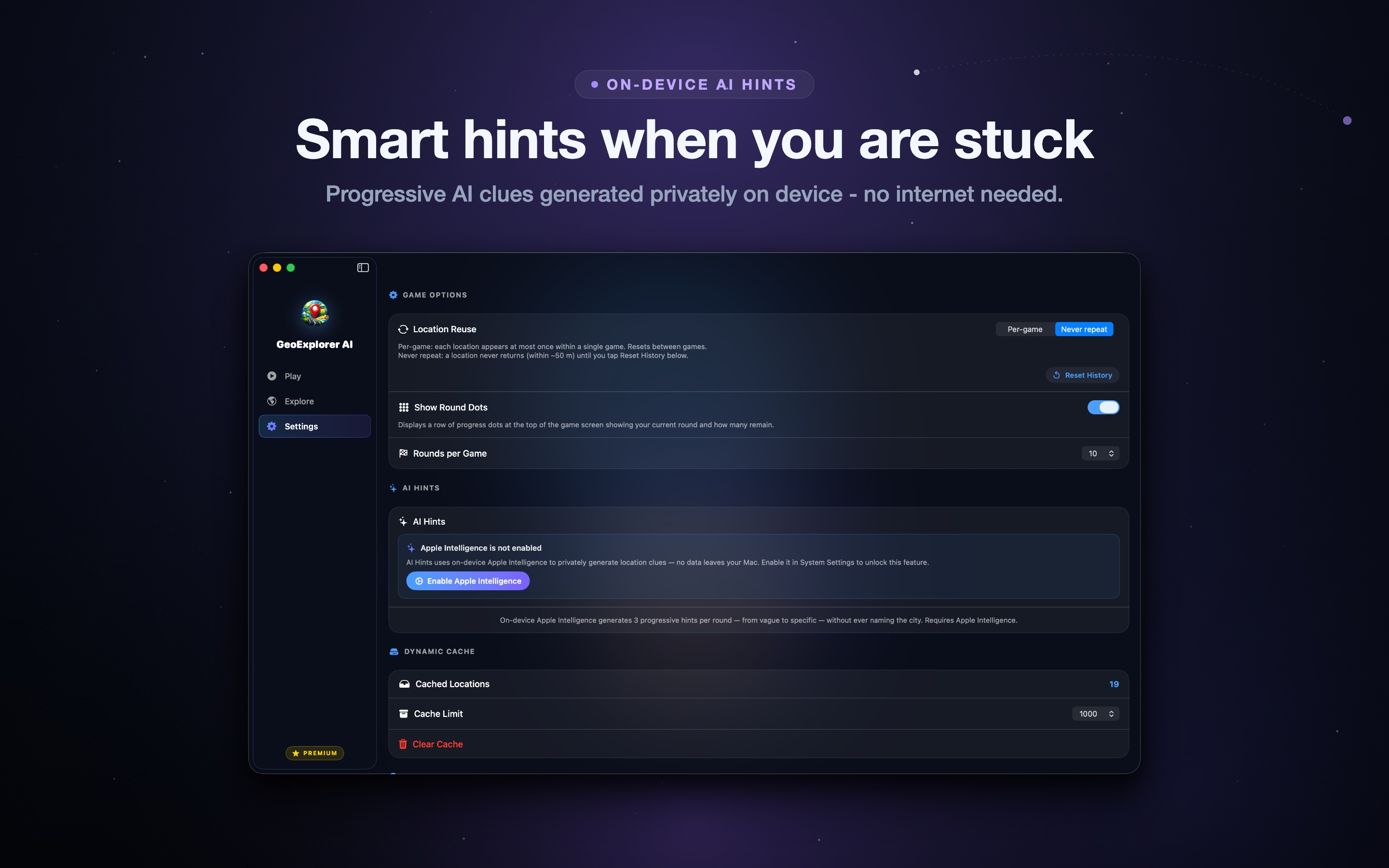
When a location has you stumped, GeoExplorer Premium offers AI hints powered entirely on-device. Instead of simply revealing the answer, the AI hands you progressive clues - a nudge toward the continent, then the climate, then the cultural cues - so you still get the satisfaction of solving it yourself. Because the AI runs locally on your iPhone, iPad, or Mac, nothing about your play is sent to a server. It is a smarter hint system that doubles as a geography tutor, helping you recognize the tell-tale signs that distinguish, say, rural Japan from rural Argentina.
Regional Training and Custom Sessions
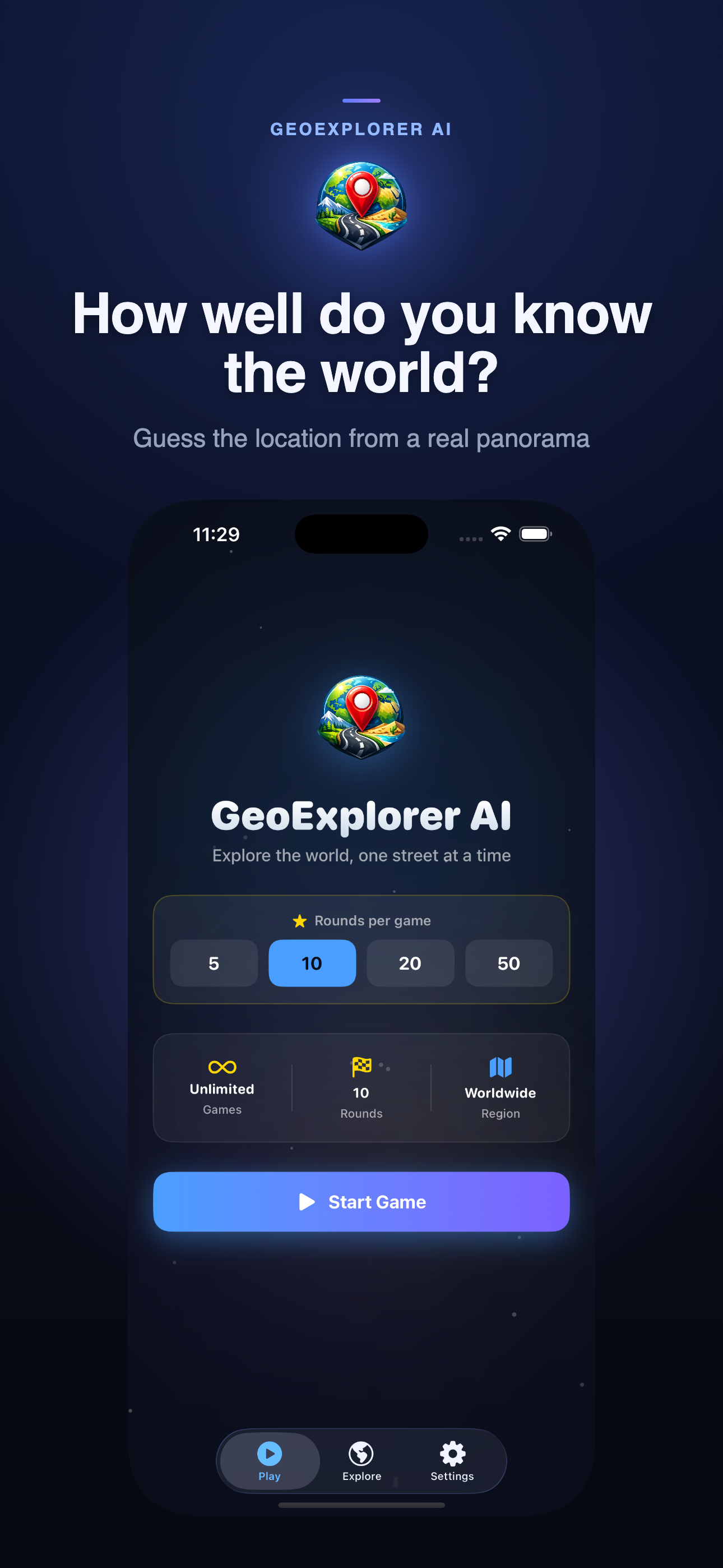
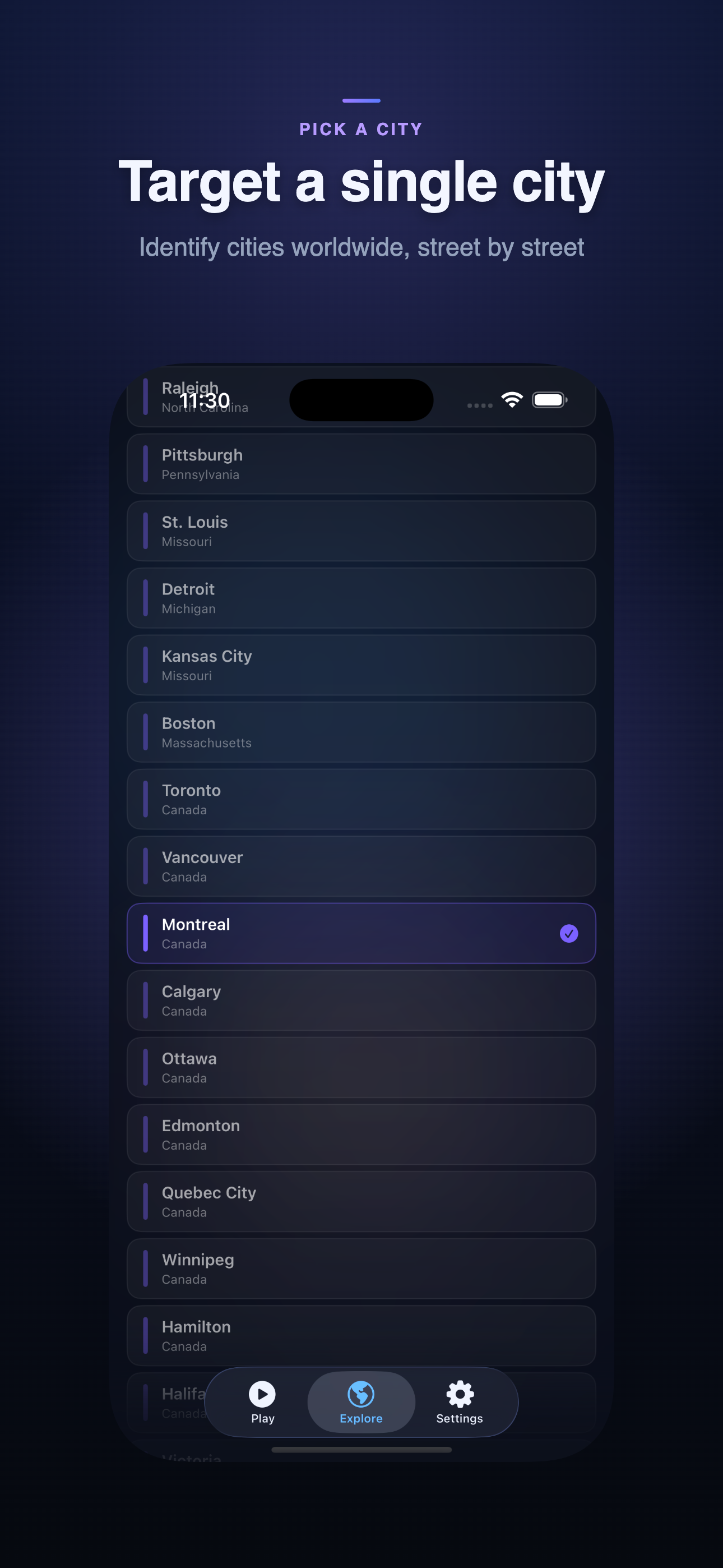
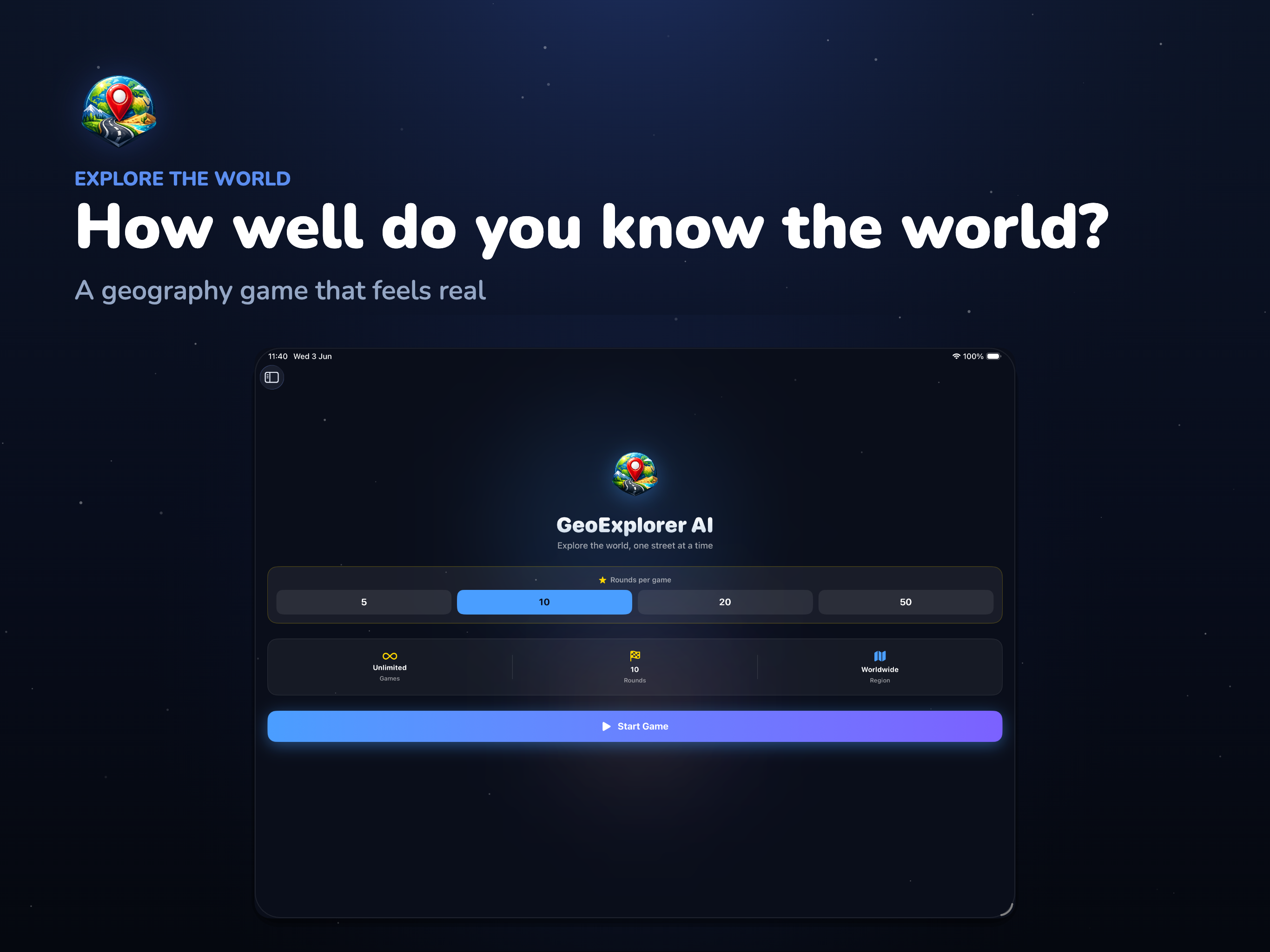
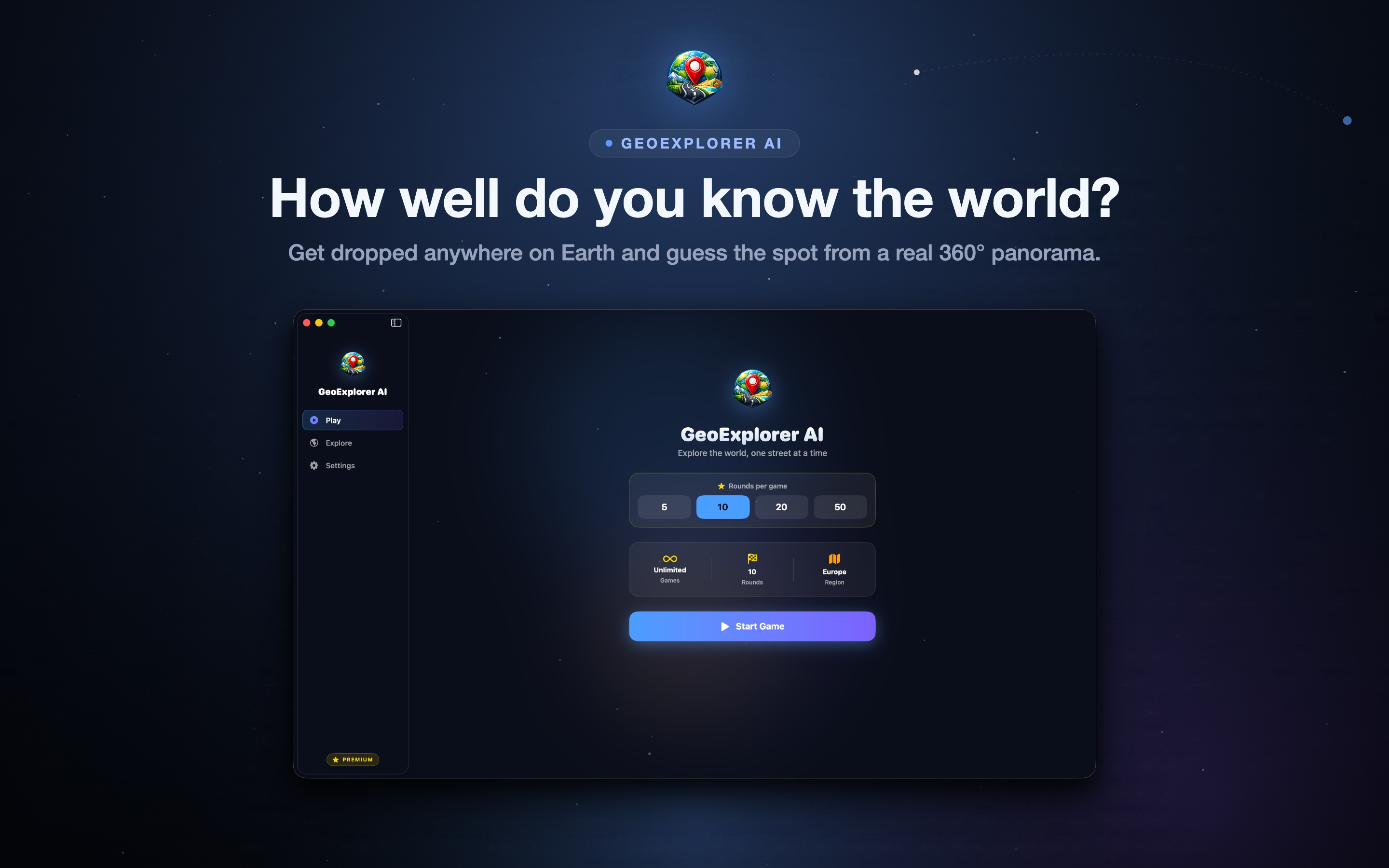
If you keep losing points in the same part of the world, regional training lets you drill down on a single continent or even a specific city until those locations feel familiar. You can also tailor the length of every match with custom sessions of 5, 10, 20, or 50 rounds - a five-round sprint on your commute or a fifty-round expedition on a lazy Sunday. Combined with unlimited play, these tools turn GeoExplorer from a quick time-filler into a real way to study world geography that never feels like studying.
A Native Apple Game with No Ads and No Subscription
GeoExplorer is built natively for iPhone, iPad, Mac, and Apple Vision Pro, so it feels right at home on whatever device you reach for. You can play three full games for free every day, and unlocking GeoExplorer Premium is a single one-time purchase - there are no banner ads, no interstitials, and no recurring subscription. The developer also collects no data, so there is no account to create and nothing to track. It is a clean, respectful take on the street-view guessing genre that puts the game first.