On-device redaction • iPhone, iPad & Mac

Plate Blur AI: Cars & Homes

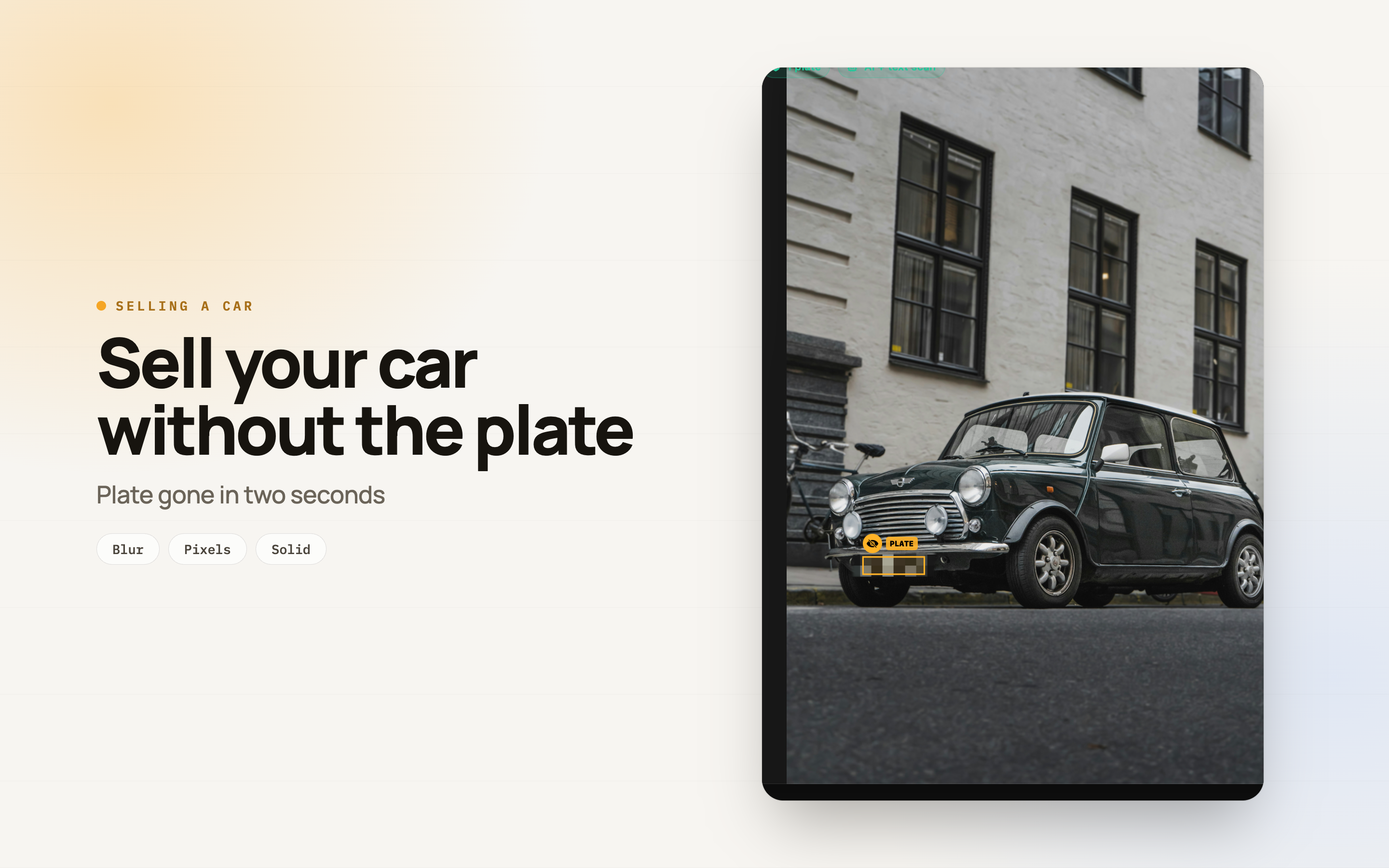
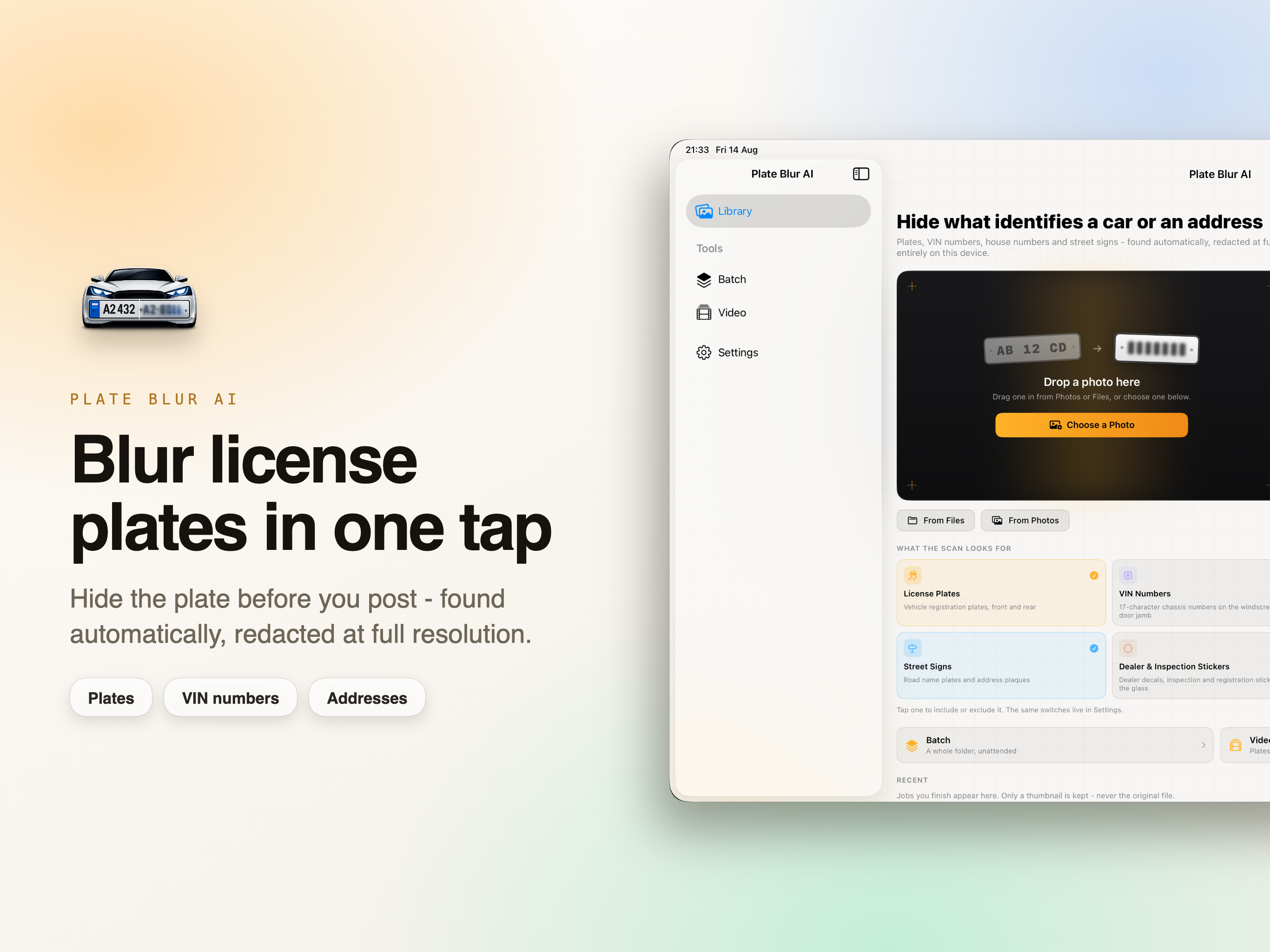
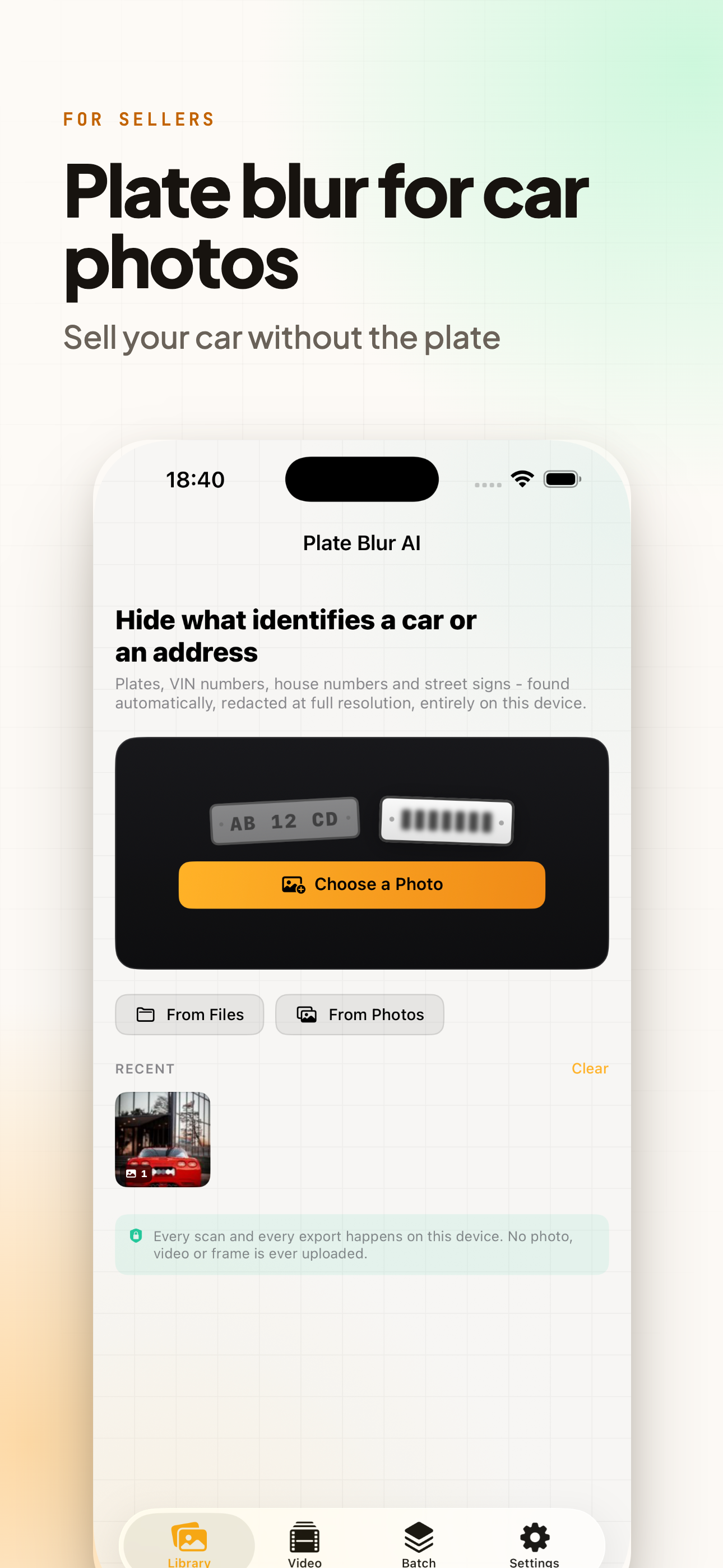
Sell a car, list a flat, post a dashcam clip. The photo is fine. The plate, the VIN and the number on the door are not.

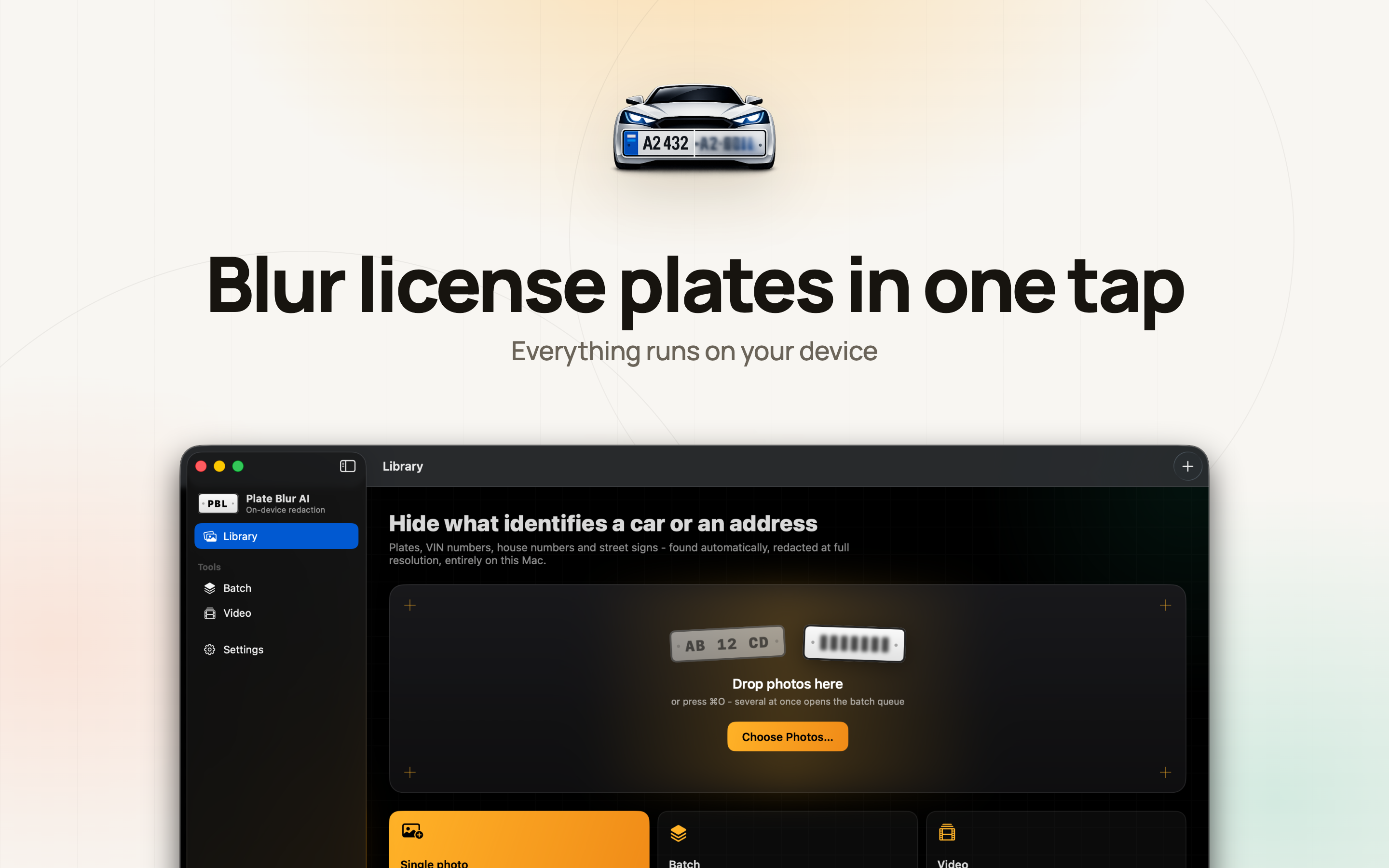
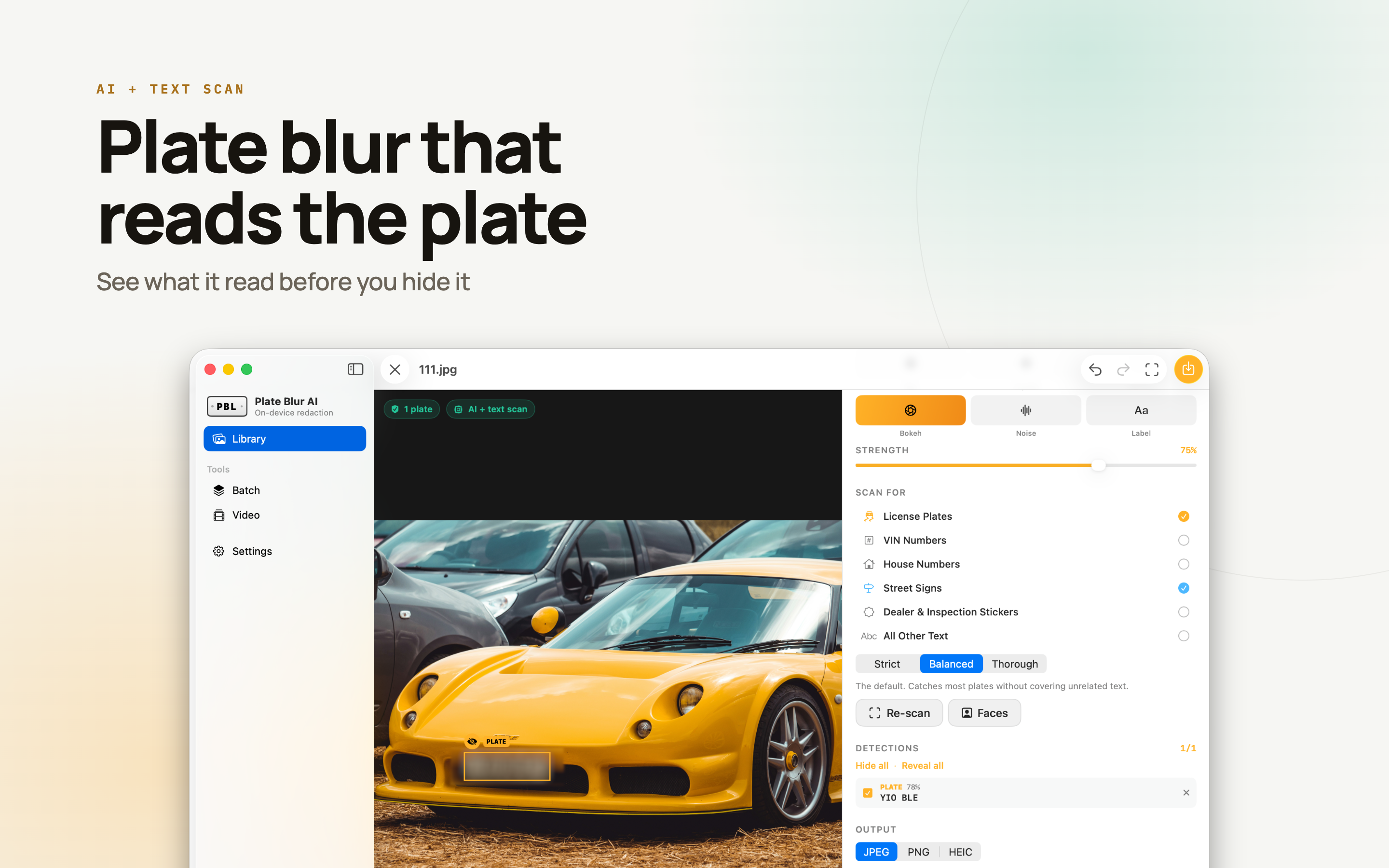
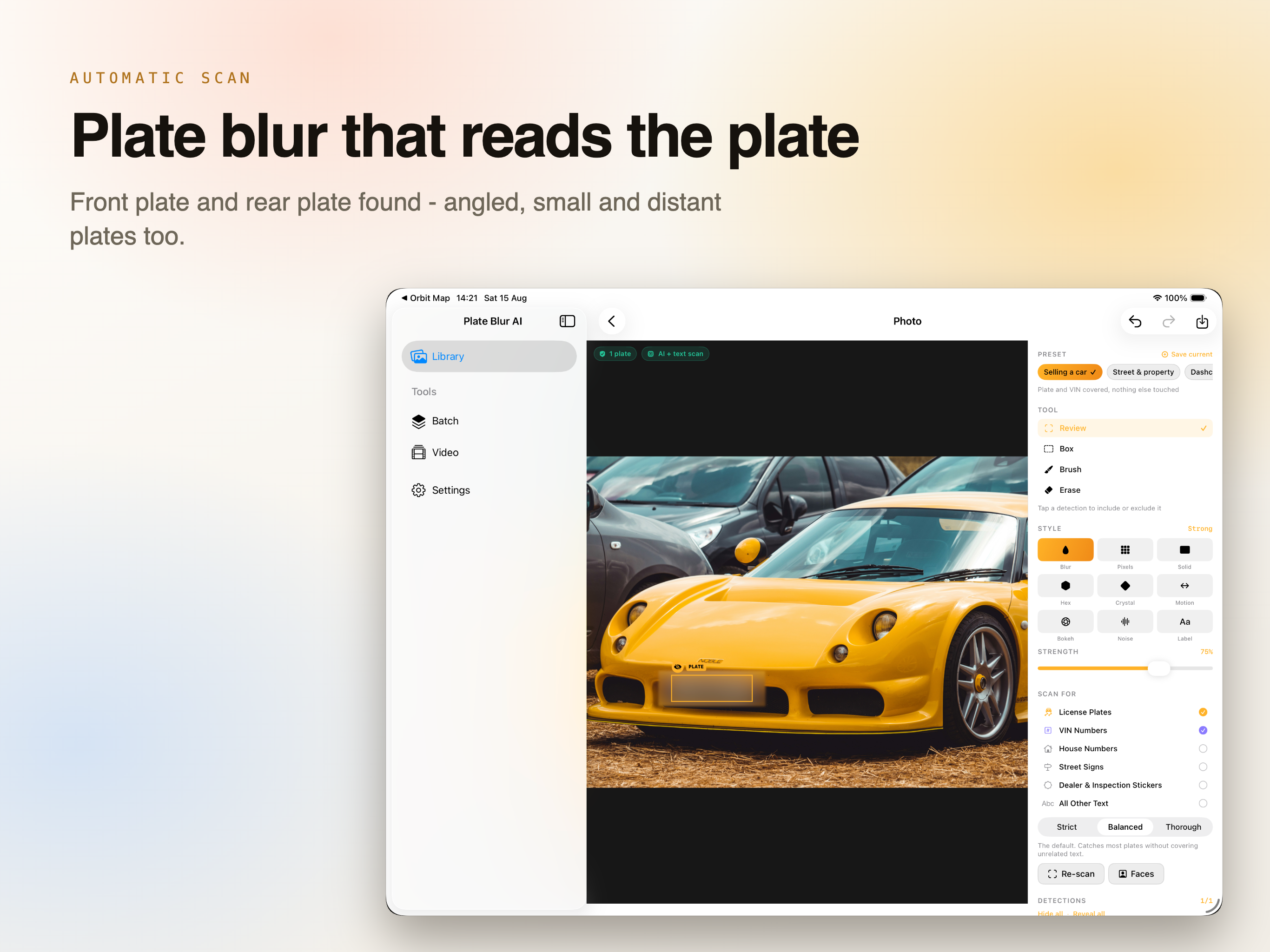
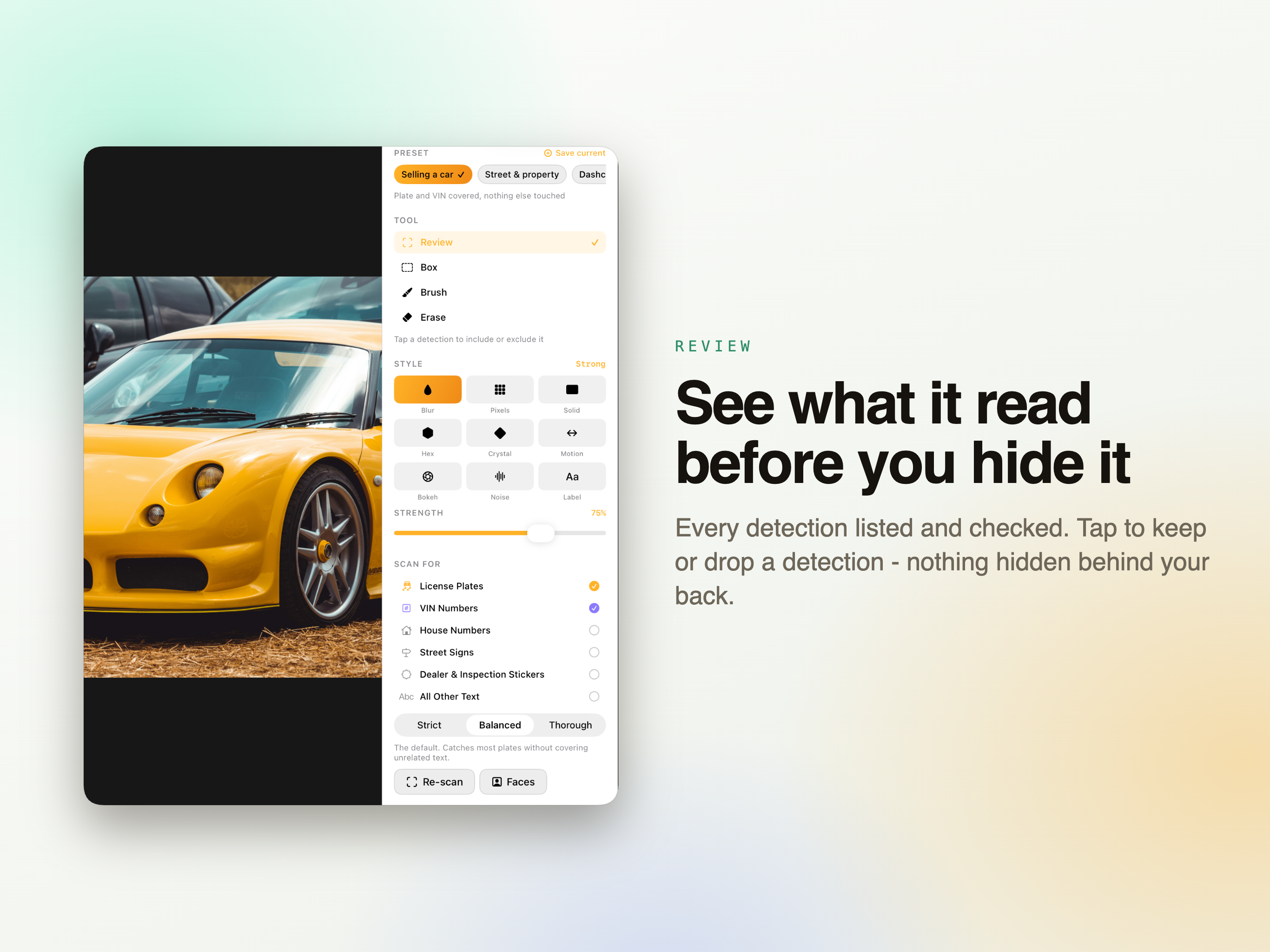
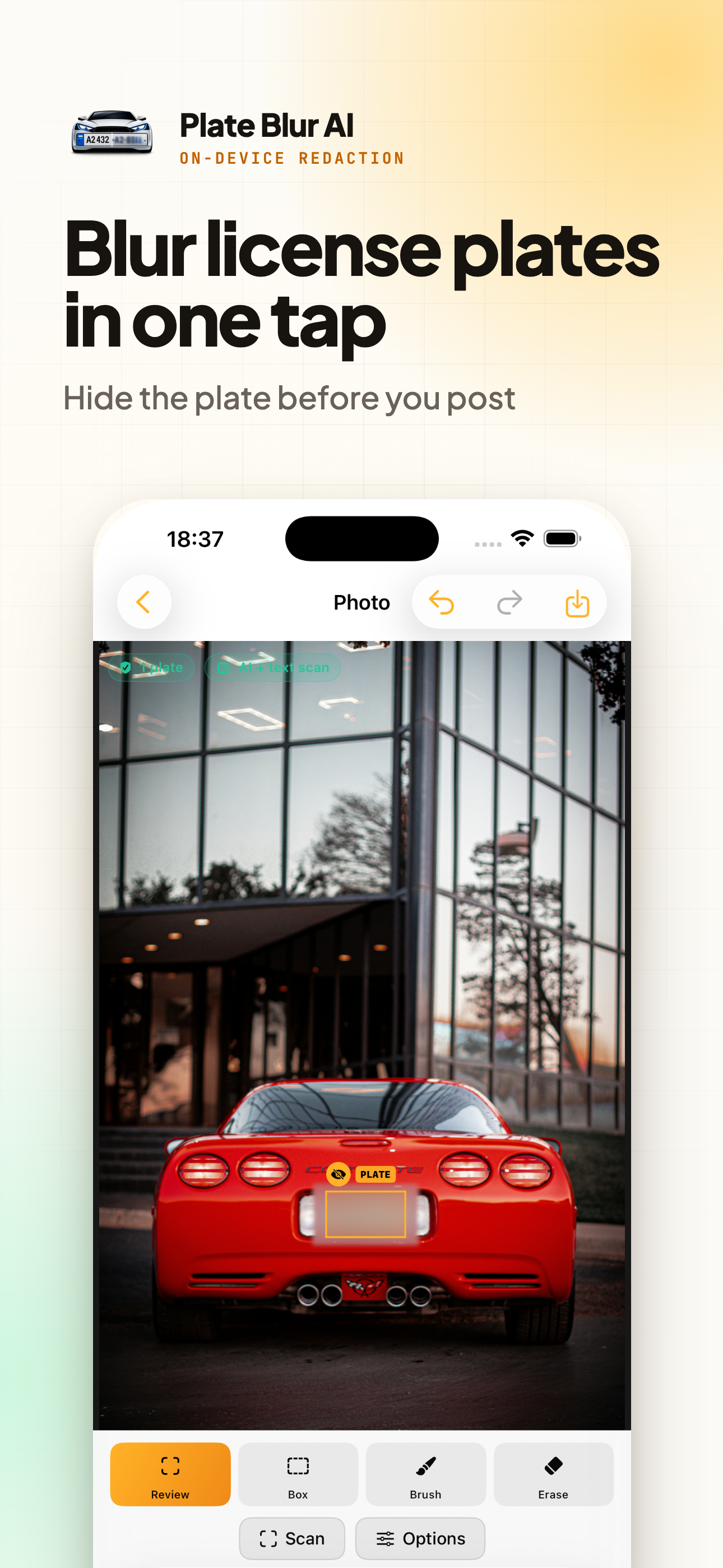
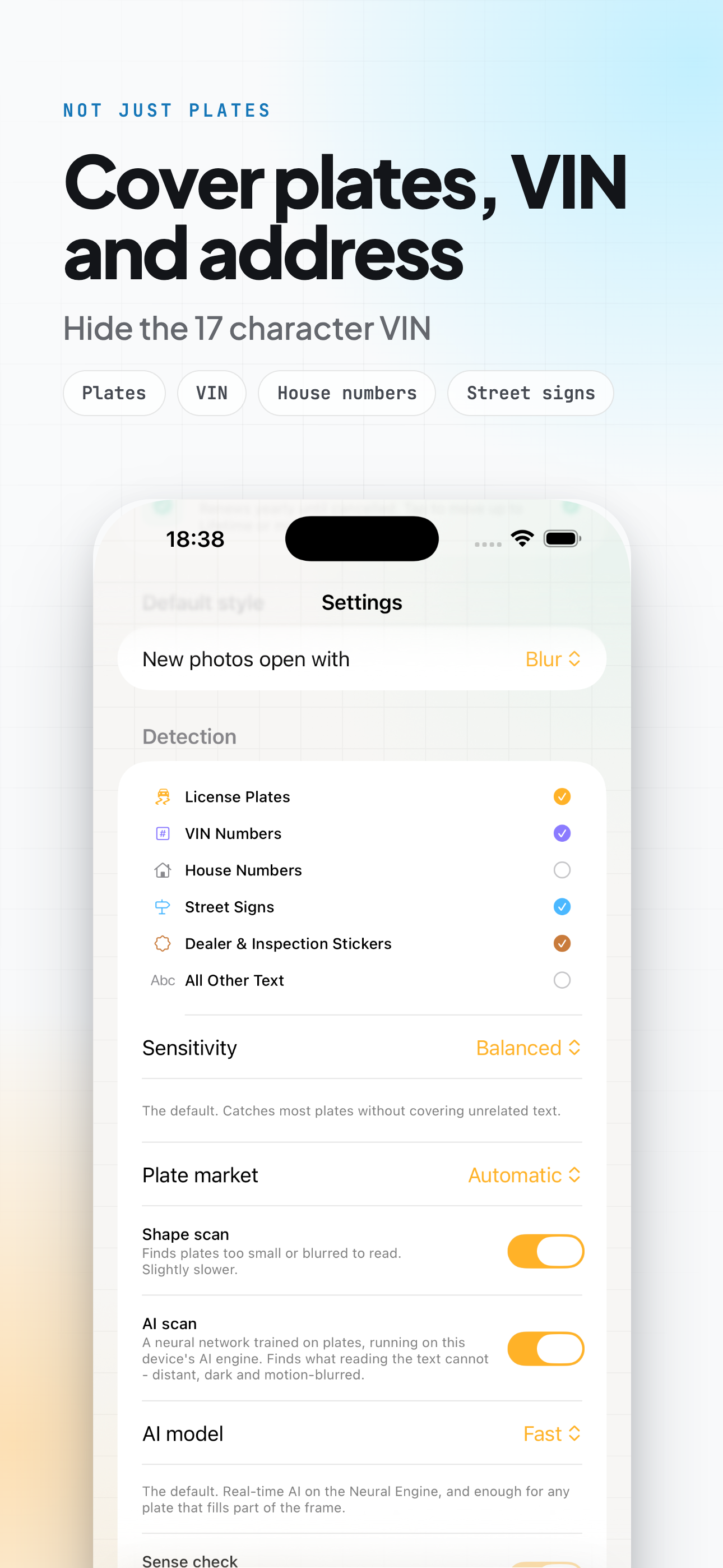
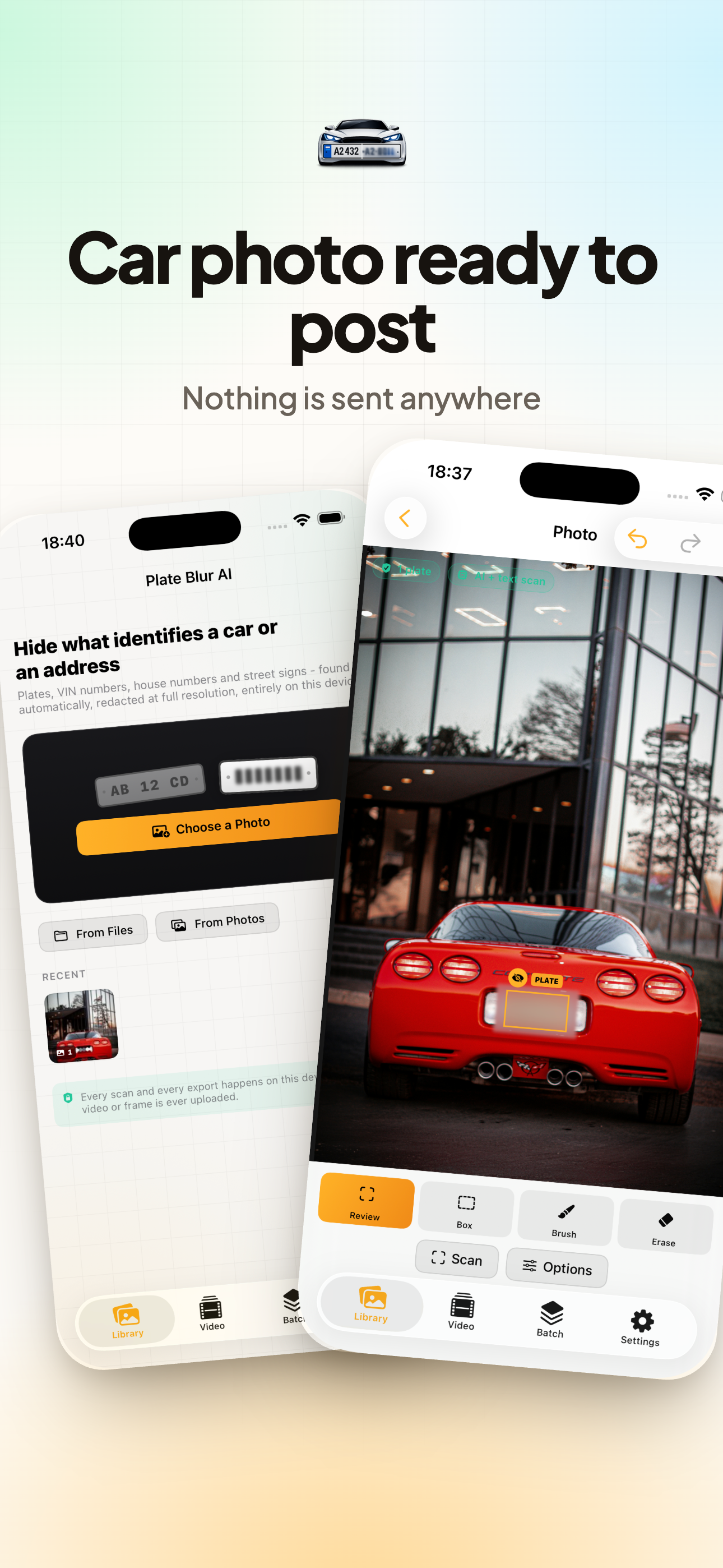
Open a photo and the app reads it. Plates, VIN numbers, house numbers and street signs come back as a list, each showing what was read and how sure the app is. Tap any of them to keep it or drop it. Nothing gets covered behind your back, and nothing gets sent anywhere.

Download on the App Store
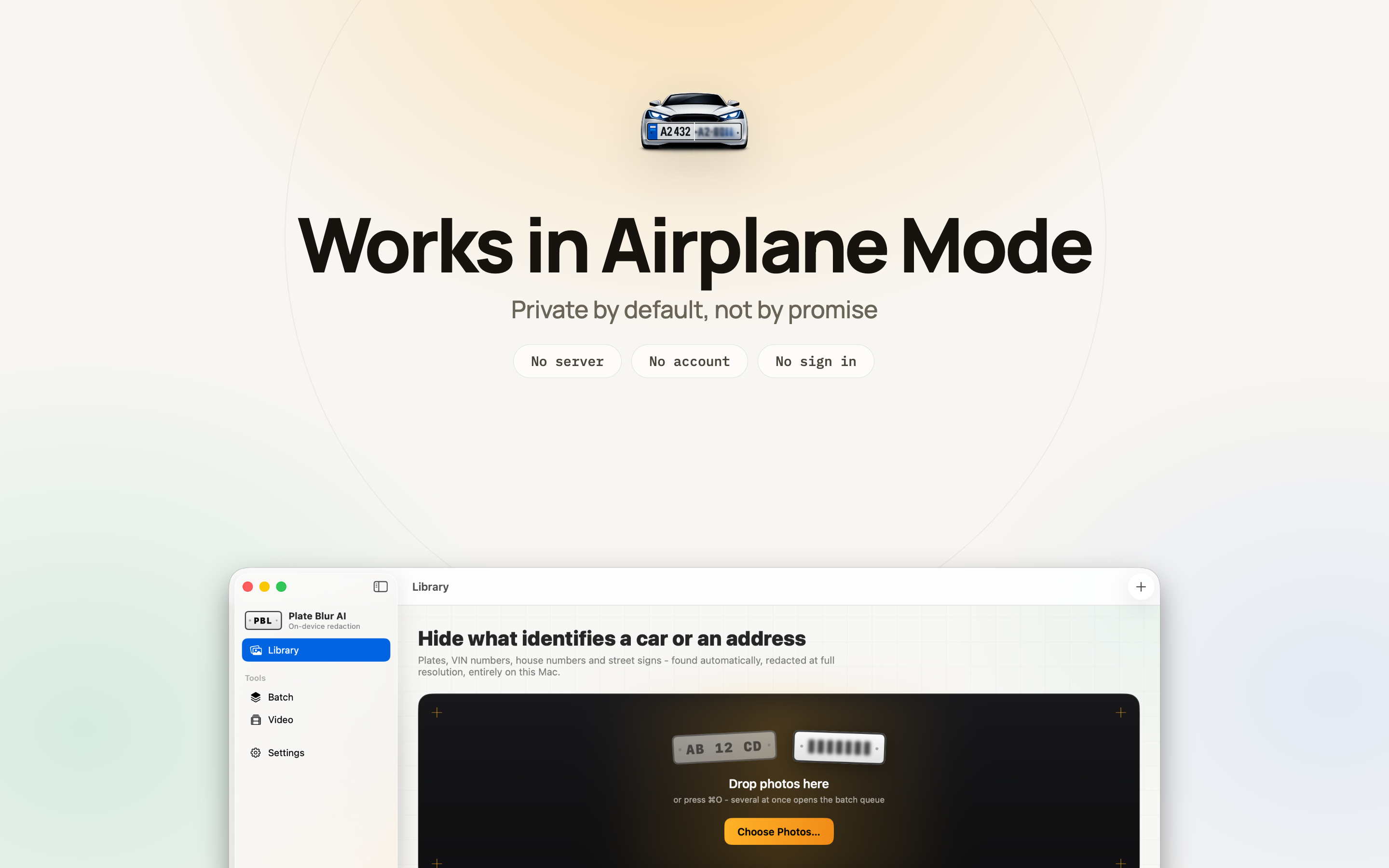
iPhone, iPad & Mac Works in Airplane Mode You approve every cover Nothing uploaded
Plate Blur AI app icon

What It Finds

Detection is a list you review, not a filter that runs over the whole picture. You see what was read before anything is covered.

Licence plates

Front or rear, straight on or at an angle. The angled ones are where most tools give up, and they are also the ones a classifieds photo usually has.

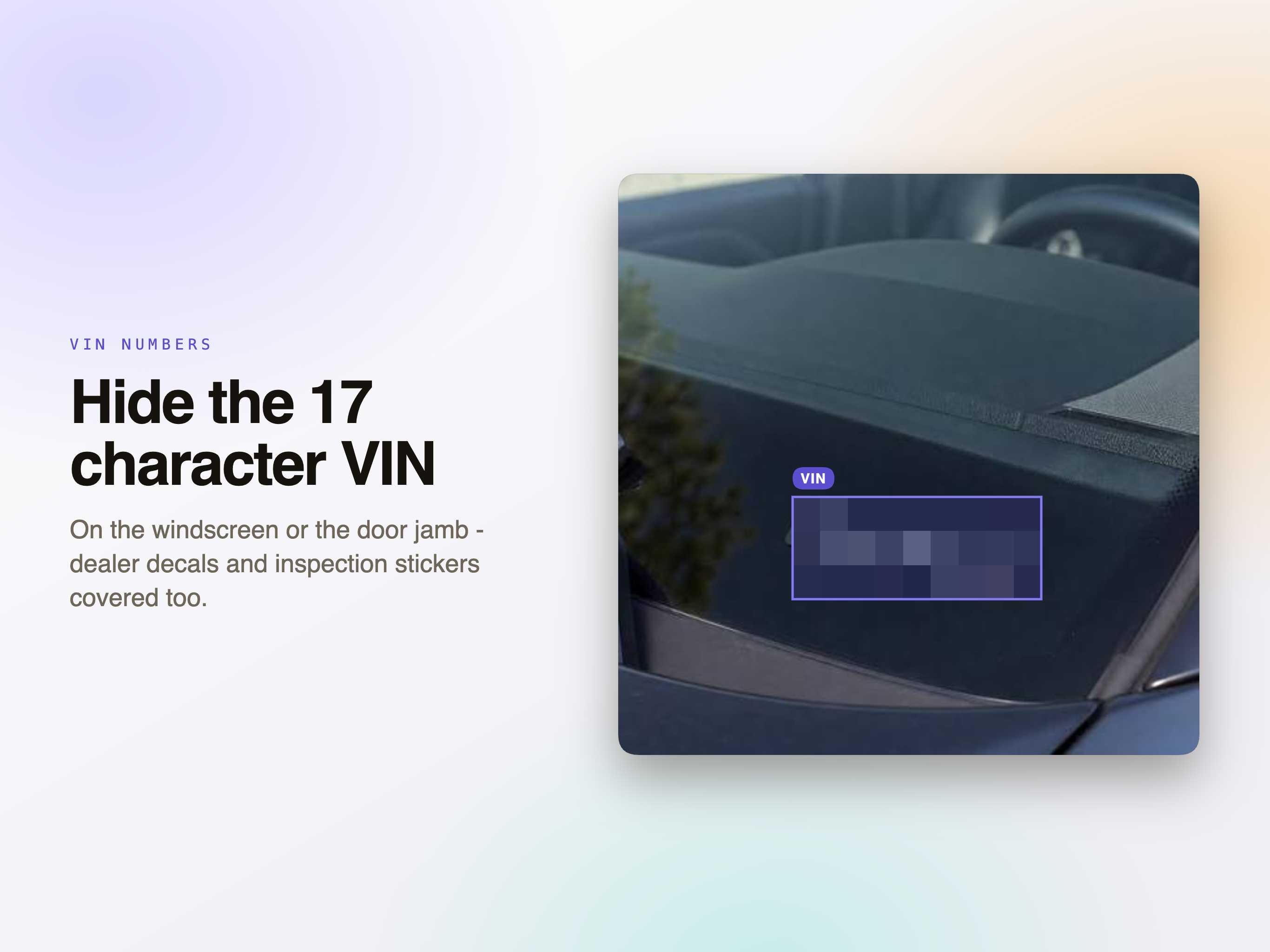
VIN numbers

Including the ones printed on a windscreen sticker or a door jamb label, which people forget are readable at all until someone reads them.

House numbers and street signs

A driveway photo gives away the car and the address at the same time. Covering one and not the other misses the point.

Dealer and inspection stickers

The small ones in a corner of the glass that carry a dealership, a date and sometimes a customer reference.

Any readable text in the frame

For when the thing you need gone is not a plate at all - a delivery label, a name on a van, a number chalked on a wall.

Faces, only if you ask

Faces are never covered automatically. There is a manual tool for the person who walked into the background, and it stays under your finger.

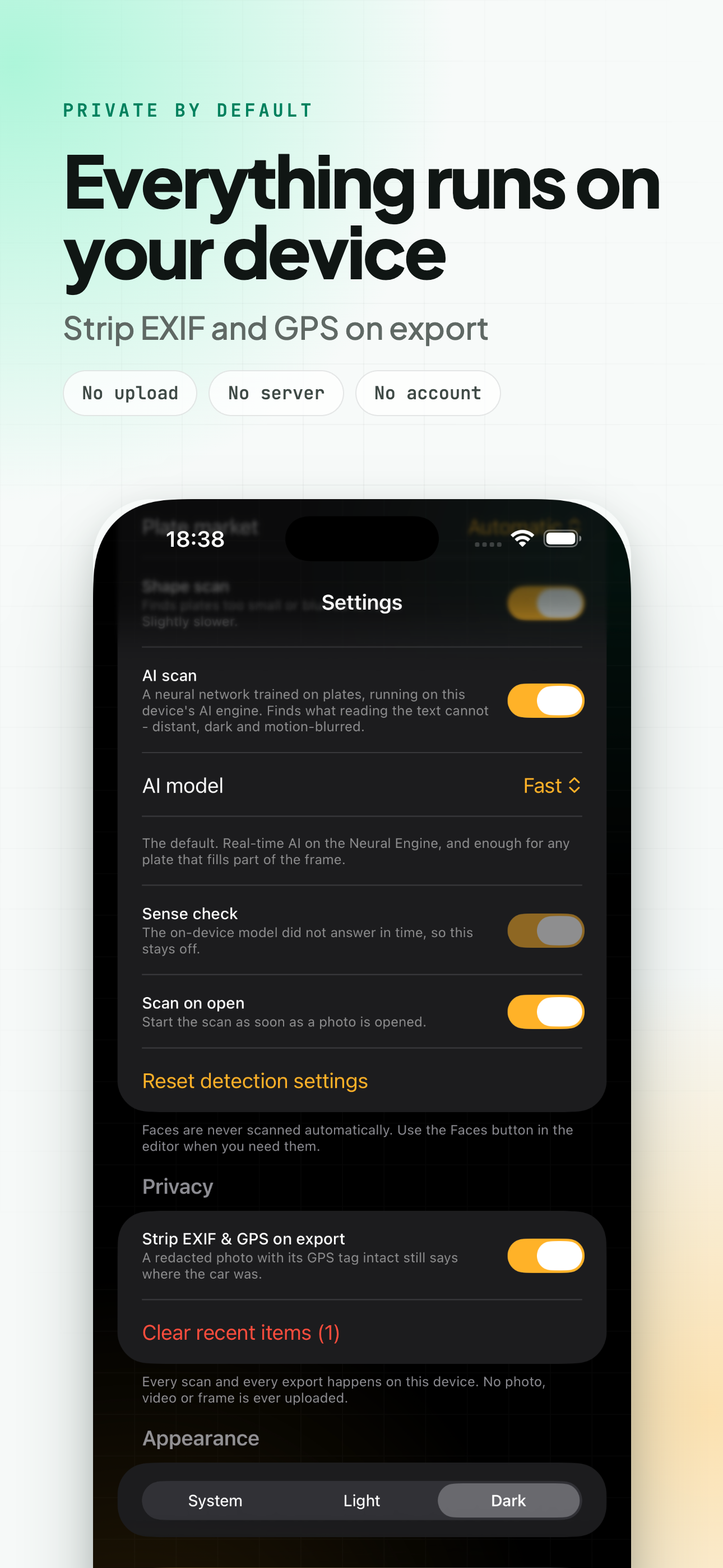
The photo never leaves the device

Every other way of doing this involves uploading the picture. That is an odd trade for an image whose whole problem is that it identifies a vehicle and an address.

  • No account, no upload, no server, no queue.
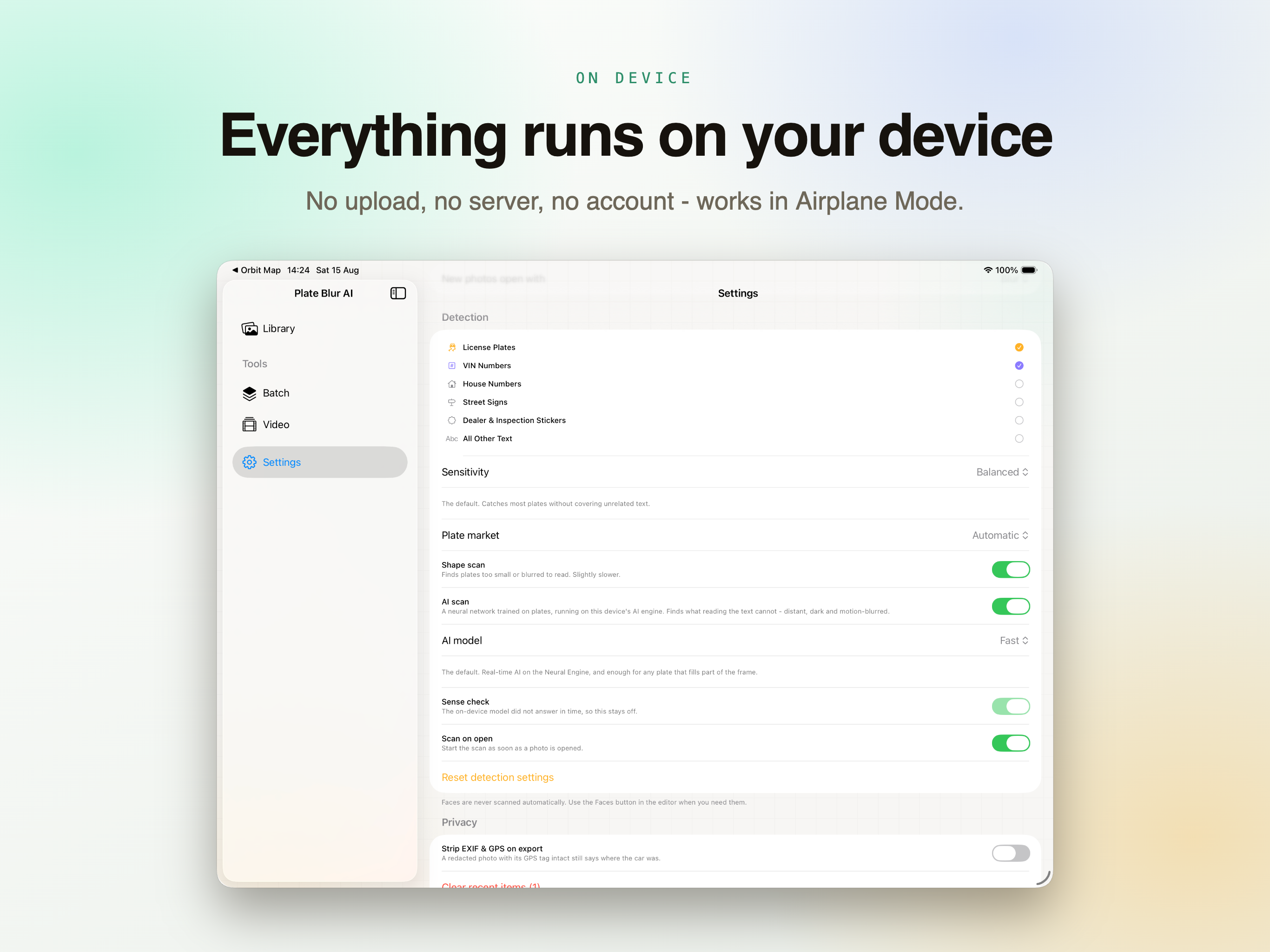
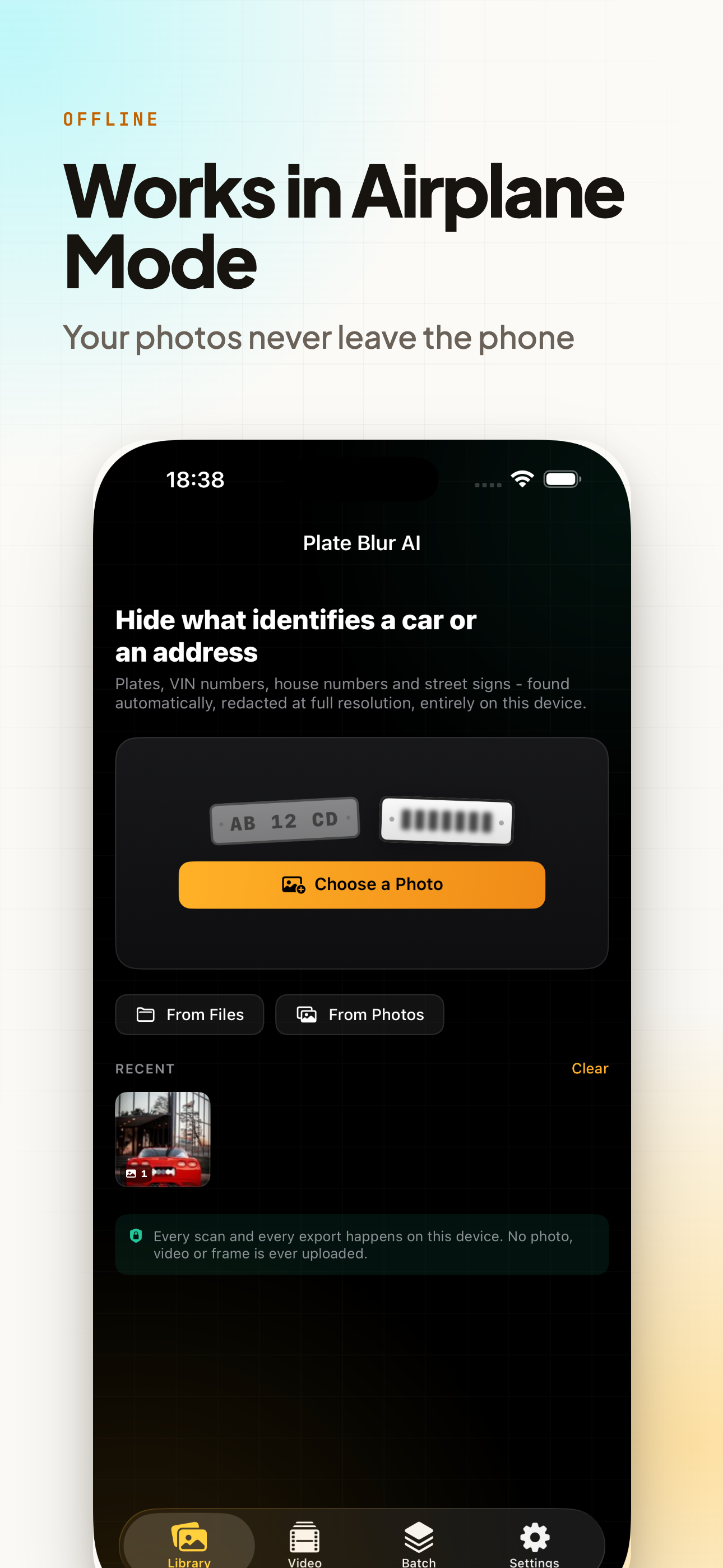
  • Put the device in Airplane Mode and it still works. That is the simplest proof there is.
  • Nothing is analysed remotely and nothing is used to train anything.
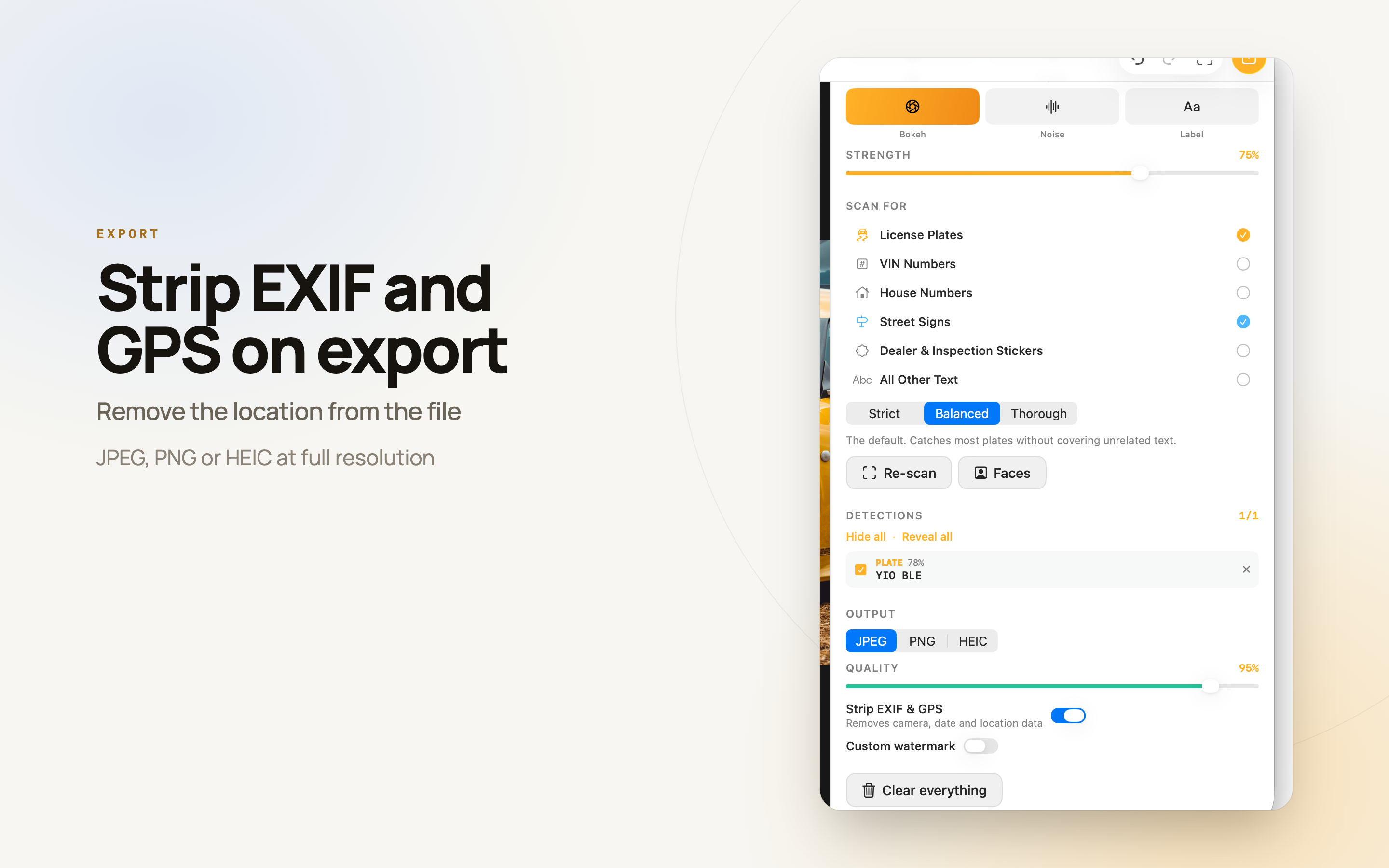
  • Export can strip EXIF and GPS, so the file does not carry the location it was shot at.
0
Photos uploaded
3
Scan levels
9
Ways to cover
3
Export formats

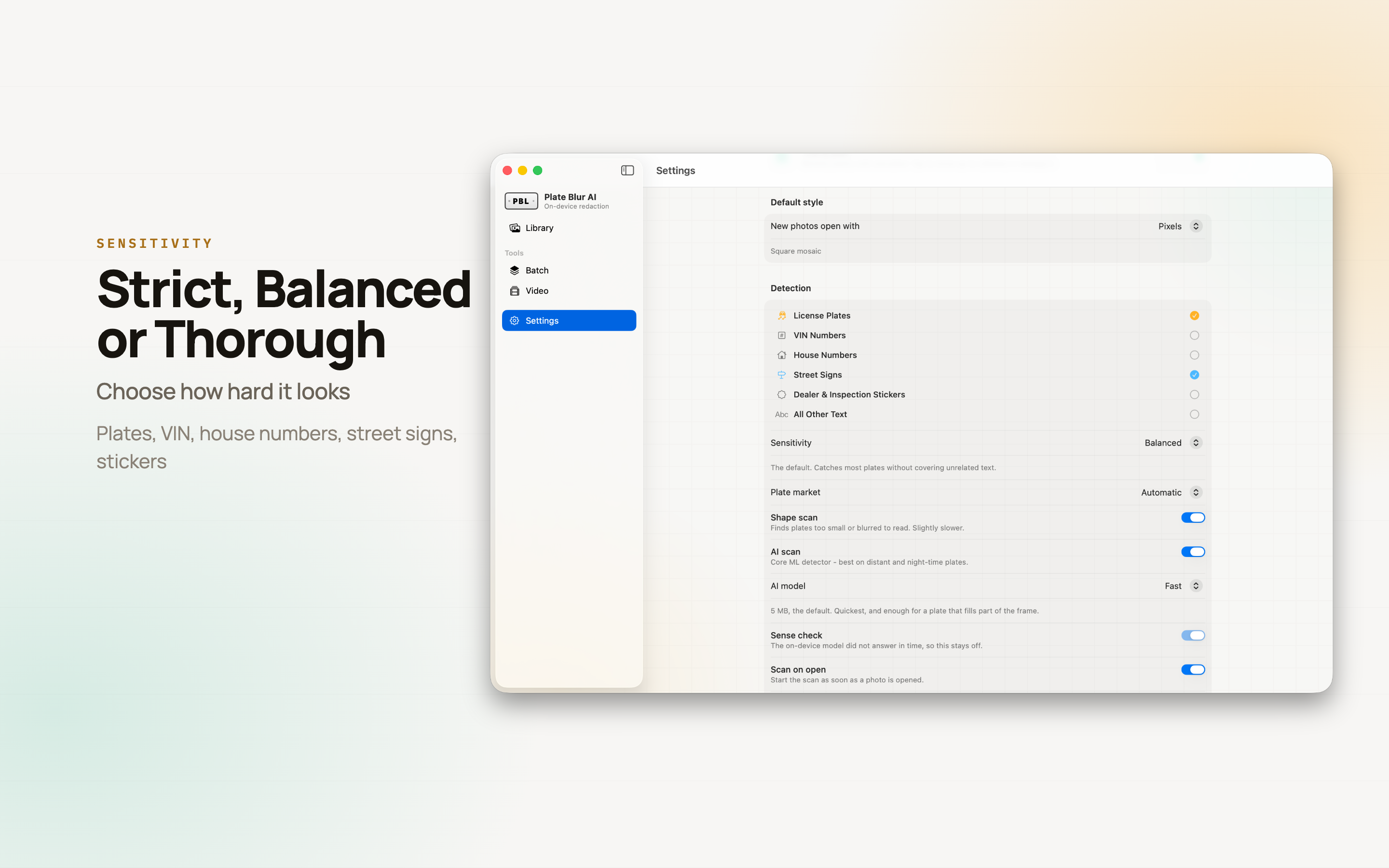
How hard should it look?

The same photo needs different treatment depending on what you are about to do with it. Switch level and rescan without reopening anything.

Strict

Takes only what it is sure about. Use it when a false cover would ruin the photo - a listing shot where the model name matters.

Balanced

The default. Catches most plates without covering unrelated text. This is the one you will leave it on.

Thorough

Digs for small, distant and half-blurred plates, and will occasionally cover a sign you did not care about. Right before something goes public.

Presets for the four jobs people actually have

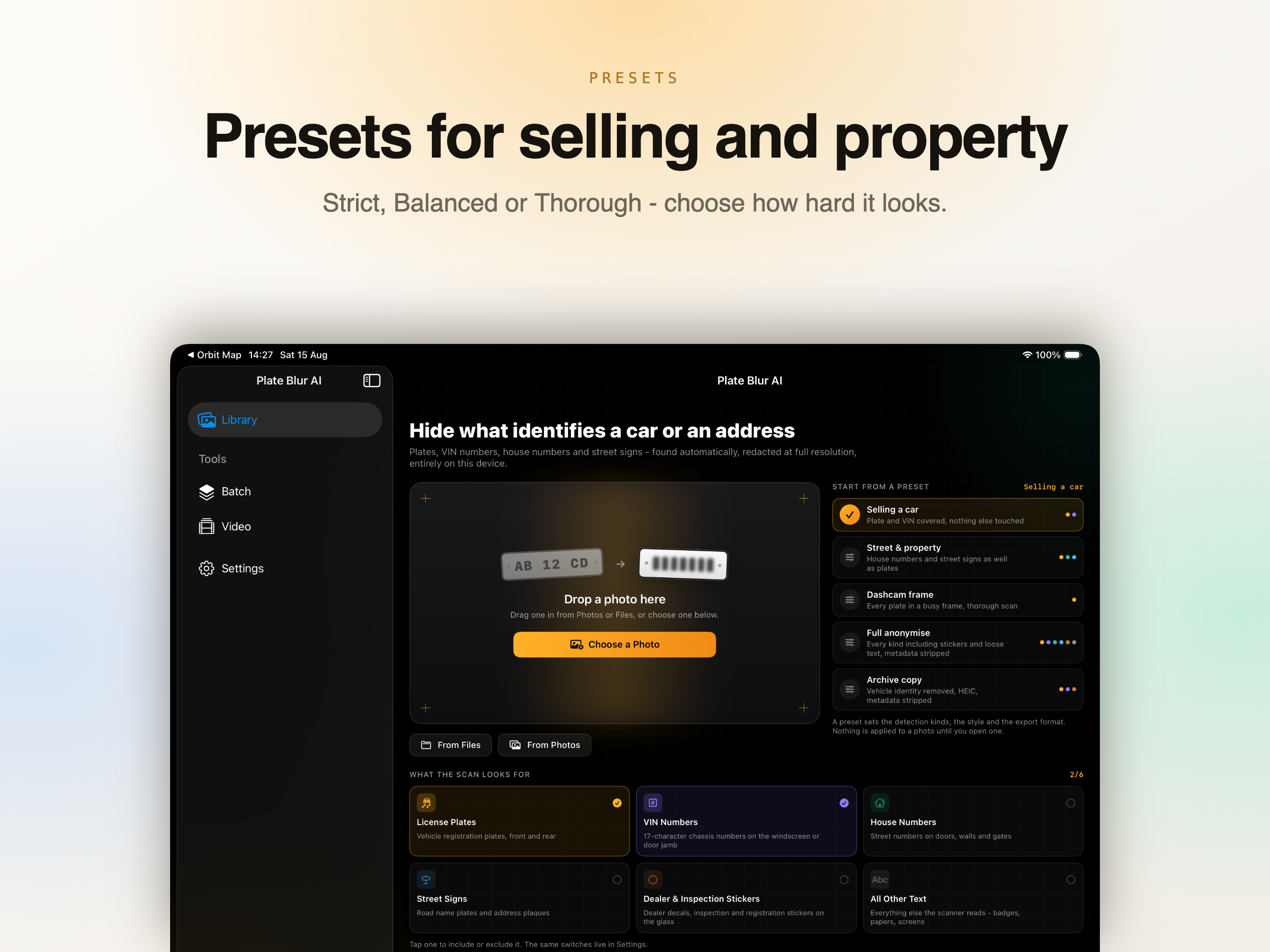
A preset is just a saved combination of what to look for and how to cover it, so the second photo does not need the same decisions as the first.

Selling a car

Plates and VIN.

Street and property

Adds house numbers and street signs.

Dashcam frame

Tuned for footage, where plates are small and moving.

Full anonymise

Everything it can see. Pro users can save their own on top of these.

On Mac

Right-click a file in Finder and pick Redact with Plate Blur AI, or Hide Plates and VIN, and it is done without a window opening. Two Shortcuts actions are included - one for a single image, one for a folder - so redaction can sit inside a larger automation.

On iPad

The size that suits the review step - the detection list on one side, the photo large enough to see whether a plate is genuinely gone.

On iPhone

Where the photo was taken and where it is about to be posted from, which is the whole window in which this has to happen.

Covering, and Fixing What the Scan Got Wrong

A detector that is right most of the time still needs a way to correct it, otherwise the last five percent costs more than the first ninety-five.

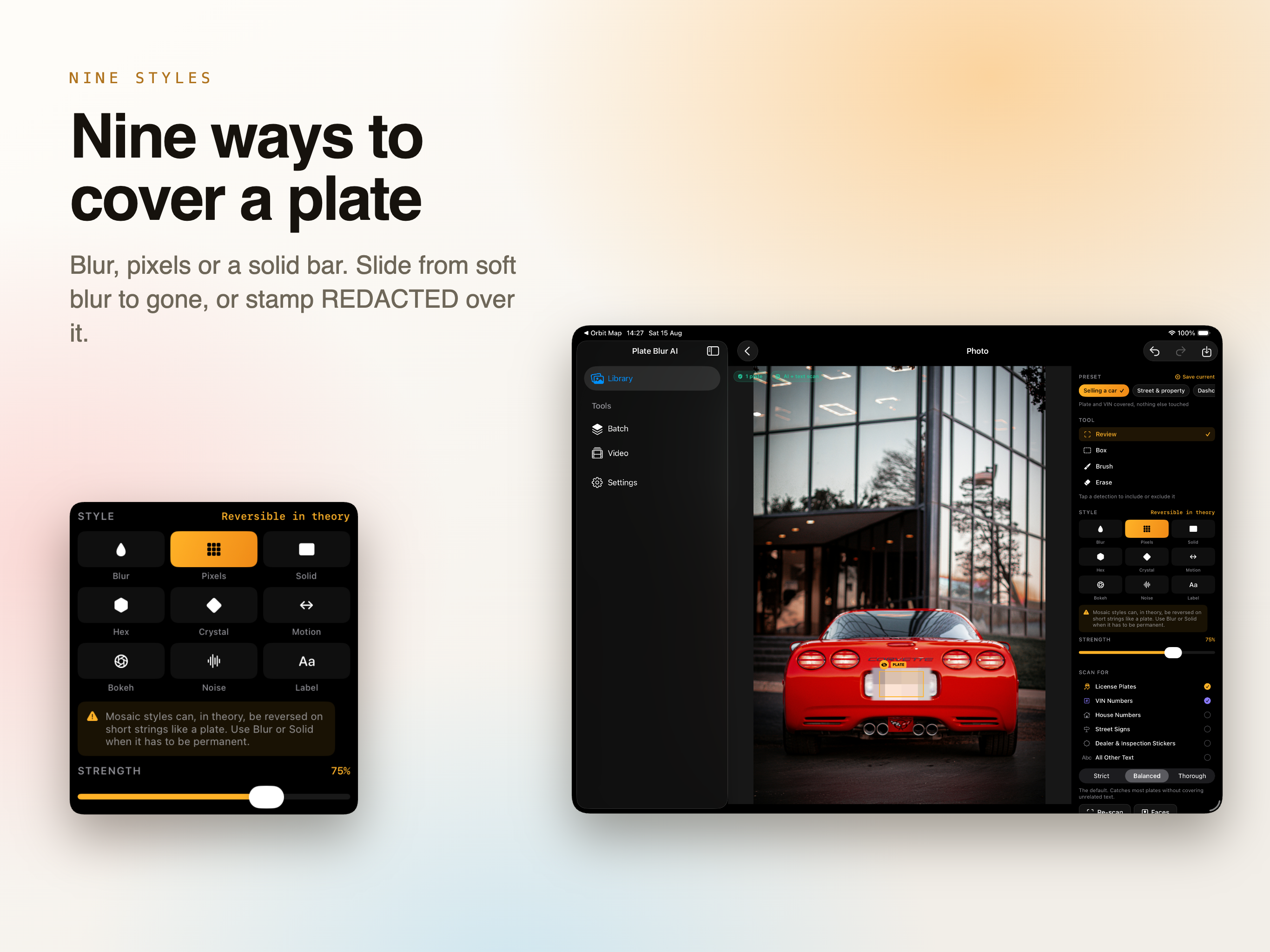
Nine cover styles

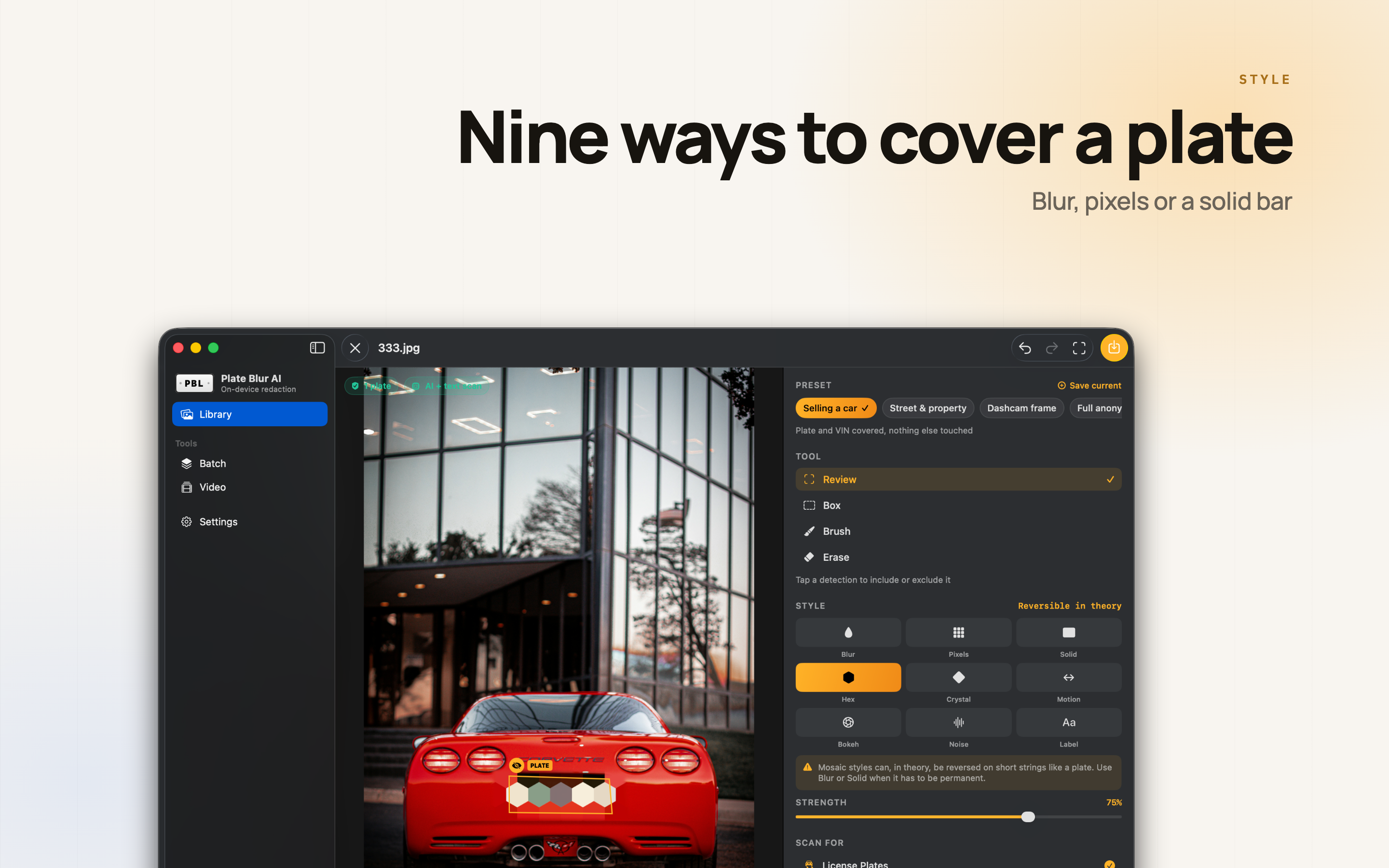
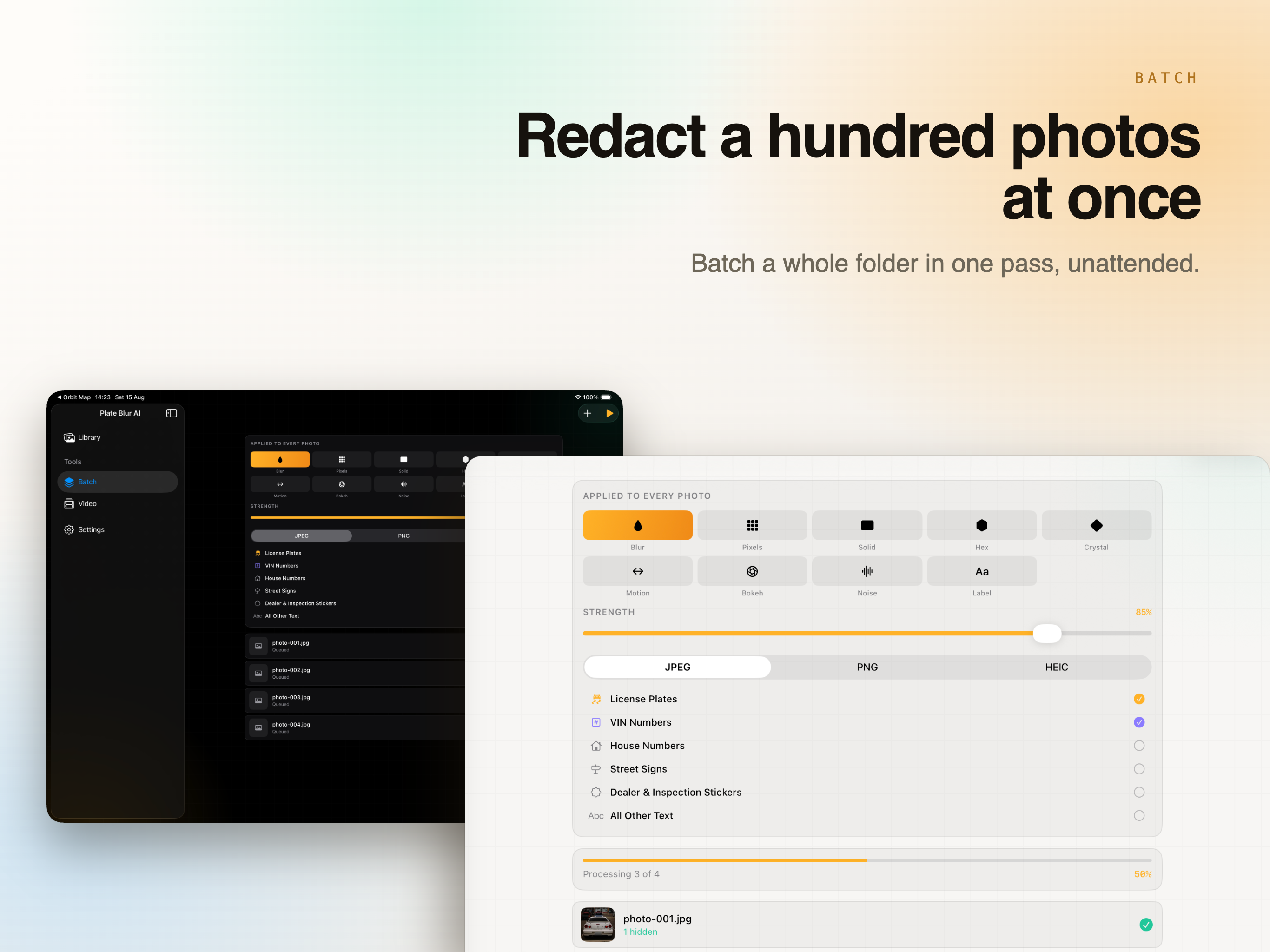
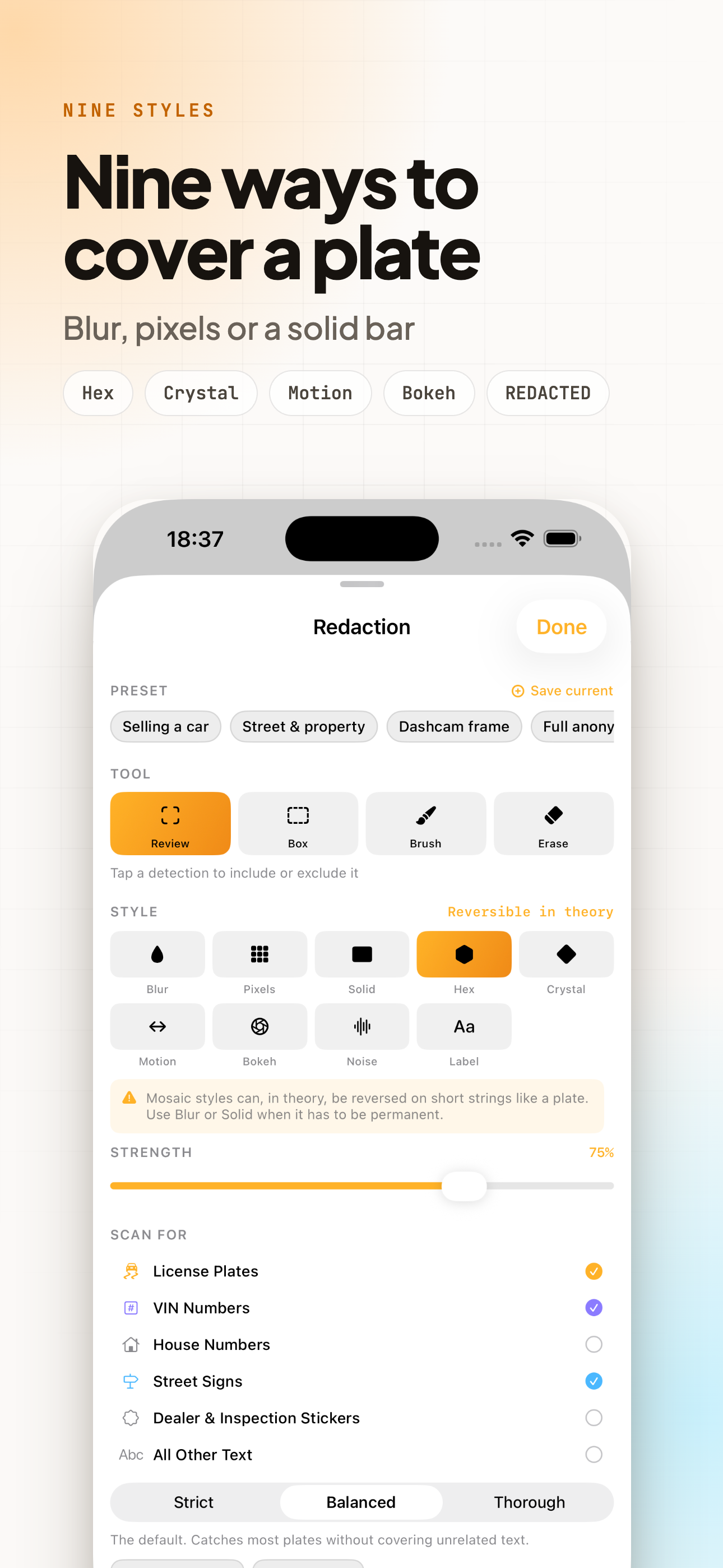
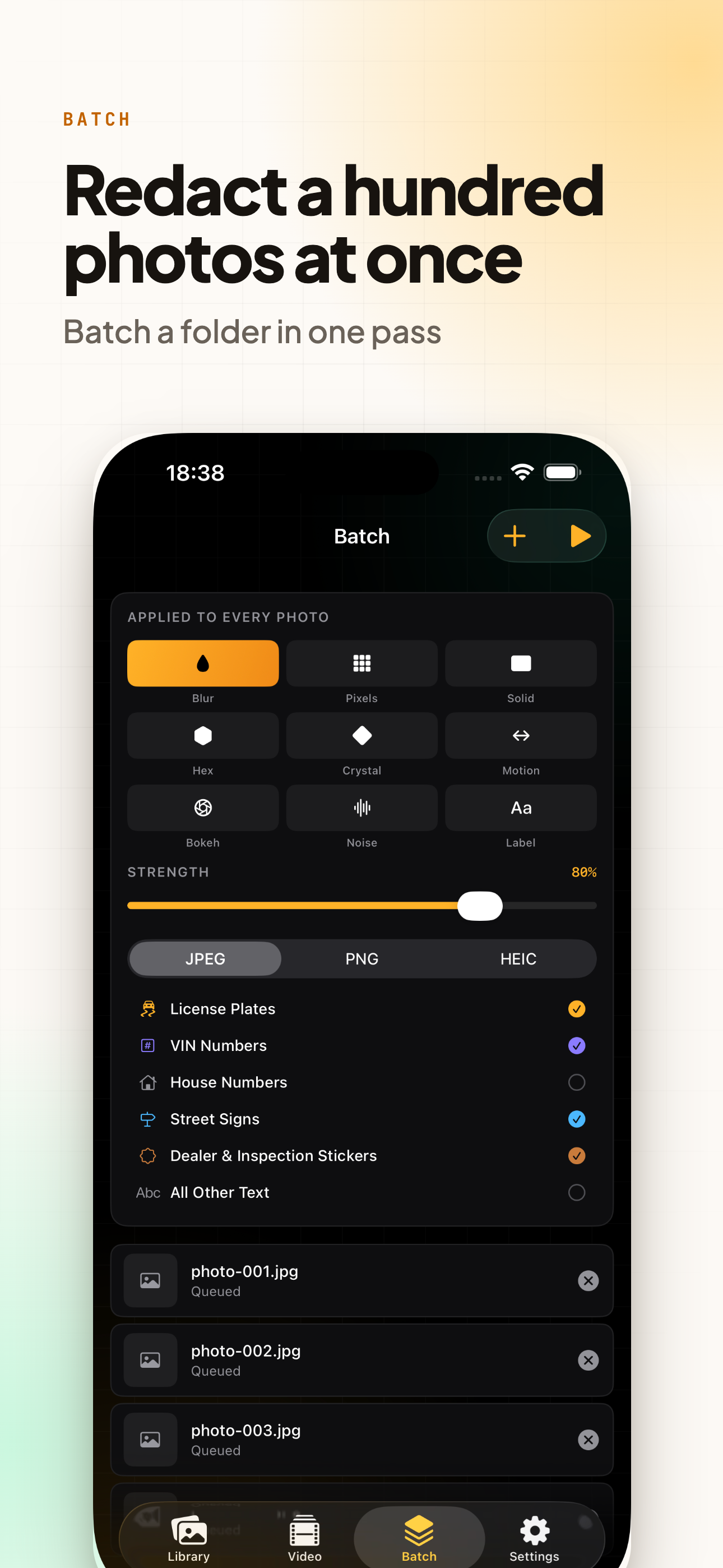
Blur, pixels and a solid bar to start with. Then hex mosaic, crystal, motion, bokeh, noise, and a stamped label that writes REDACTED across the area instead of smudging it.

Strength is a slider

A plate can be softened for a listing photo or erased completely for something going on a public forum. Light blur is a puzzle, not a barrier - the slider is there so you can decide which you are making.

Brush and erase

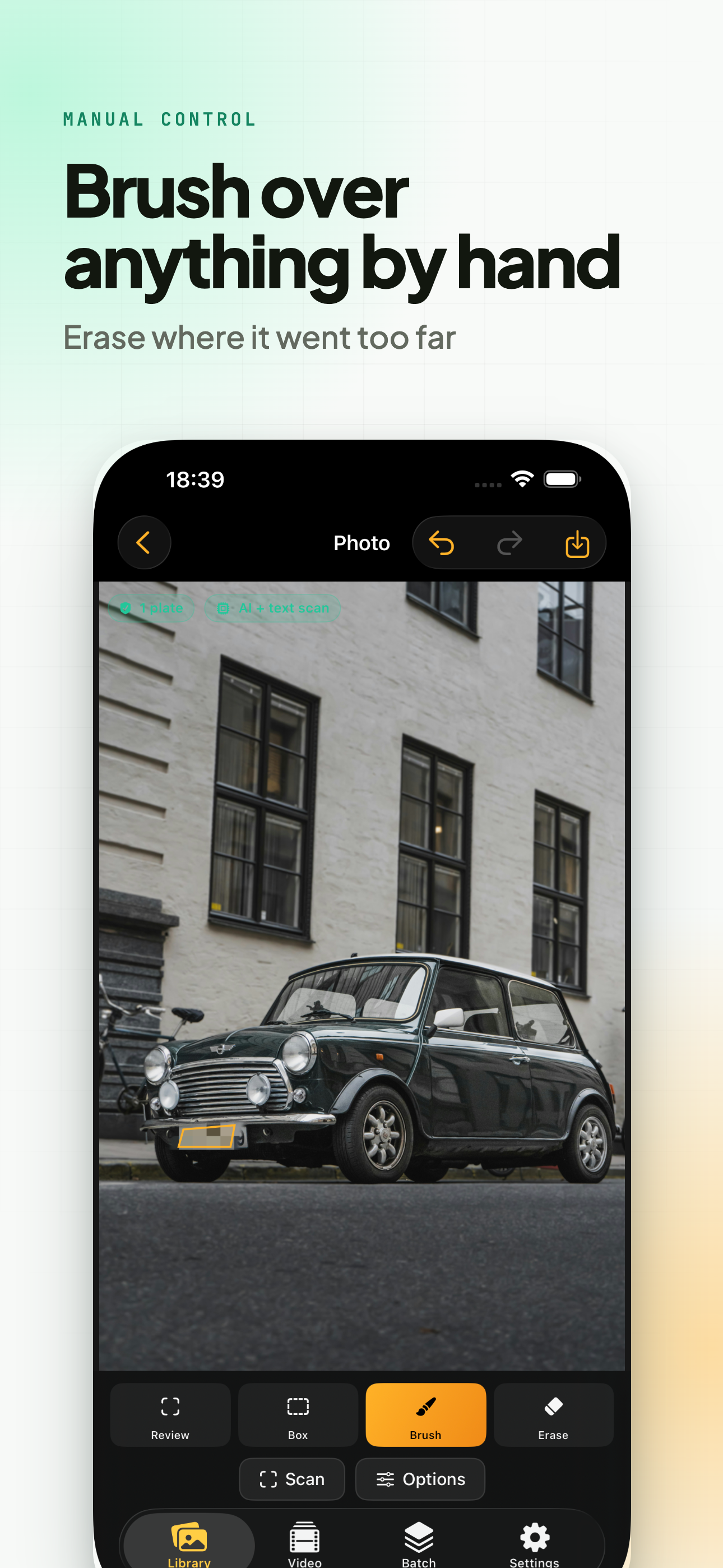
Paint over anything the scan missed, erase where it went too far. Both free, no strings attached.

Box tool

For the straight rectangle over a sign or a label, when a brush stroke would look like an accident.

Video, frame by frame

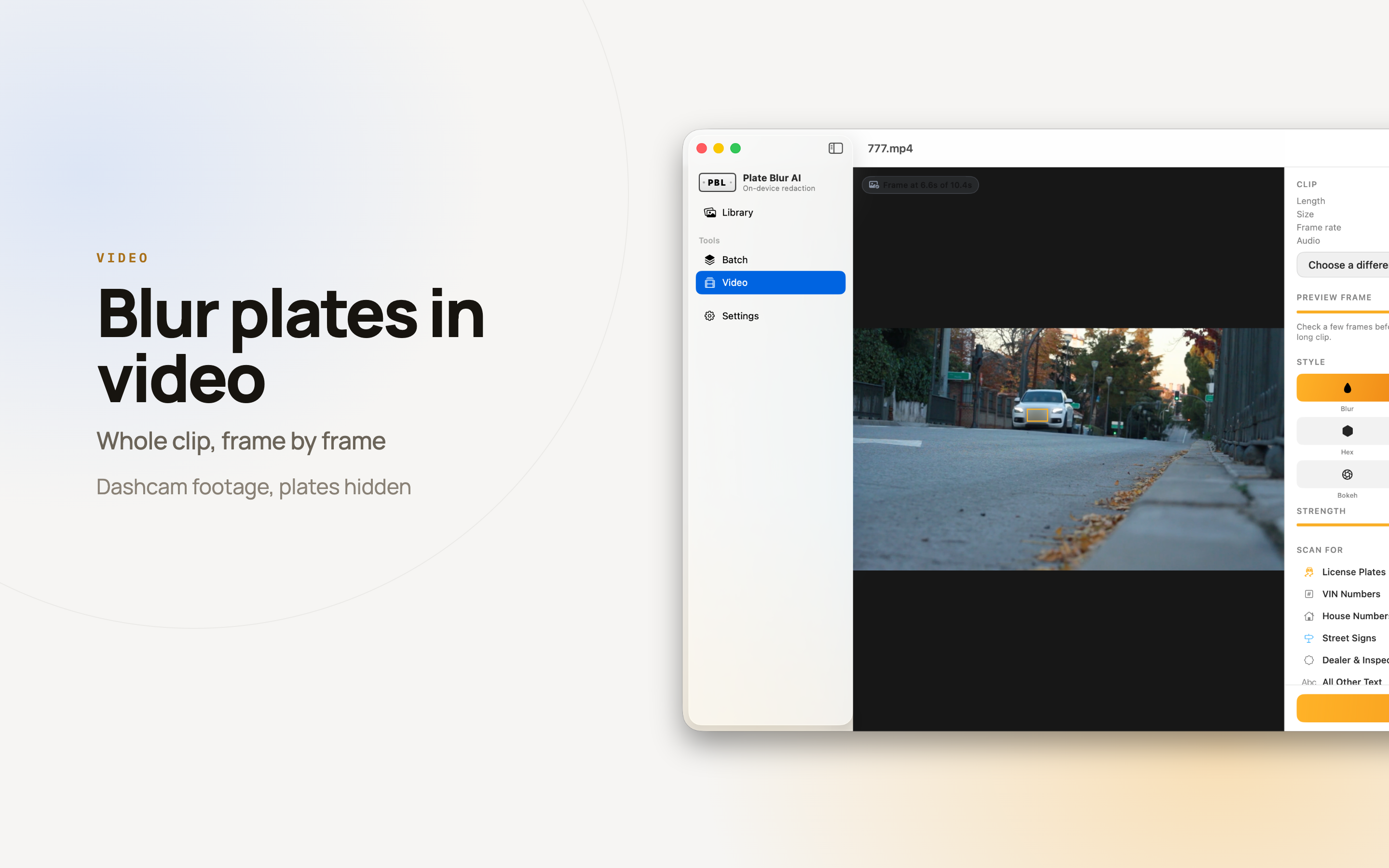
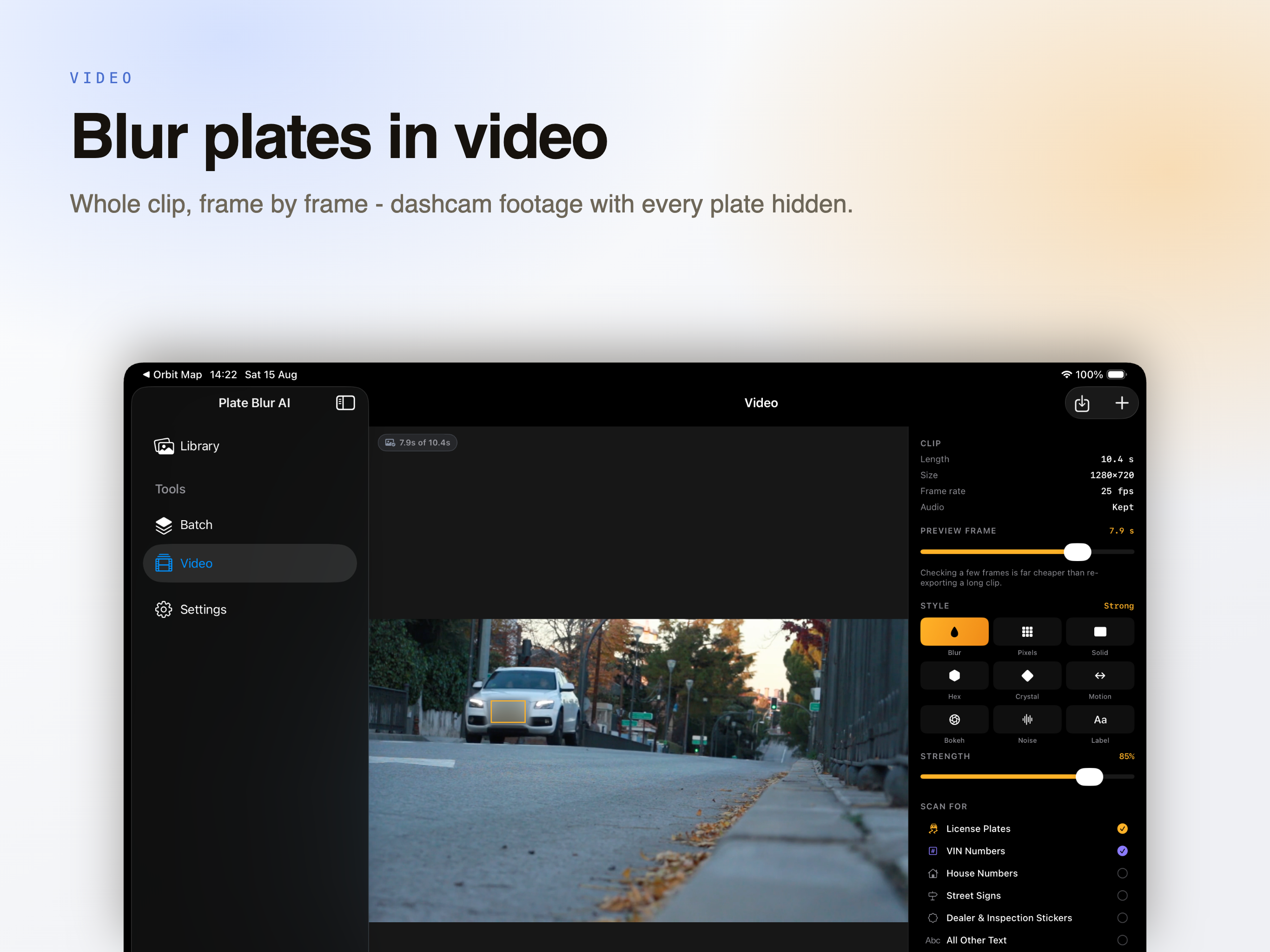
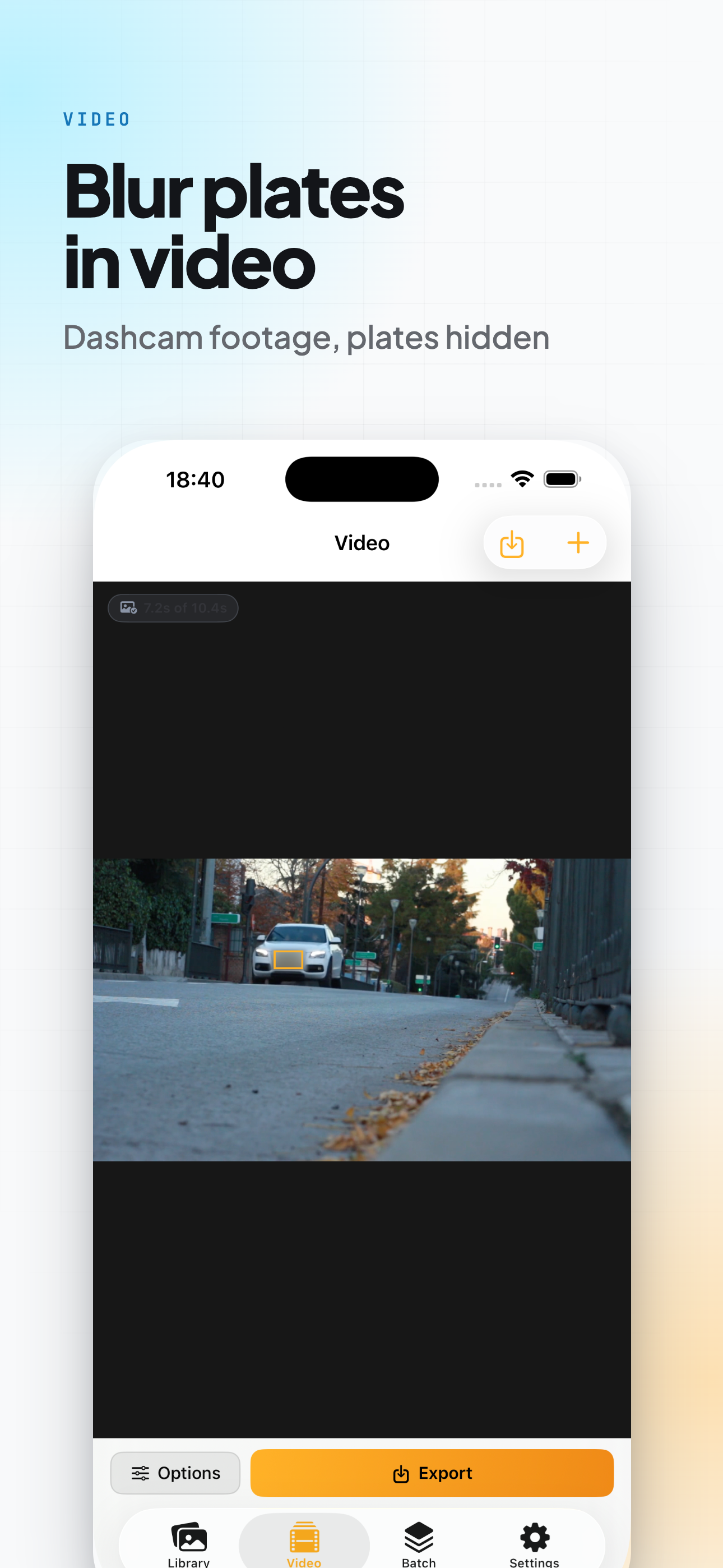
Covers plates across a whole clip and keeps the original length and audio track, which matters for dashcam footage that is evidence of something.

Batch

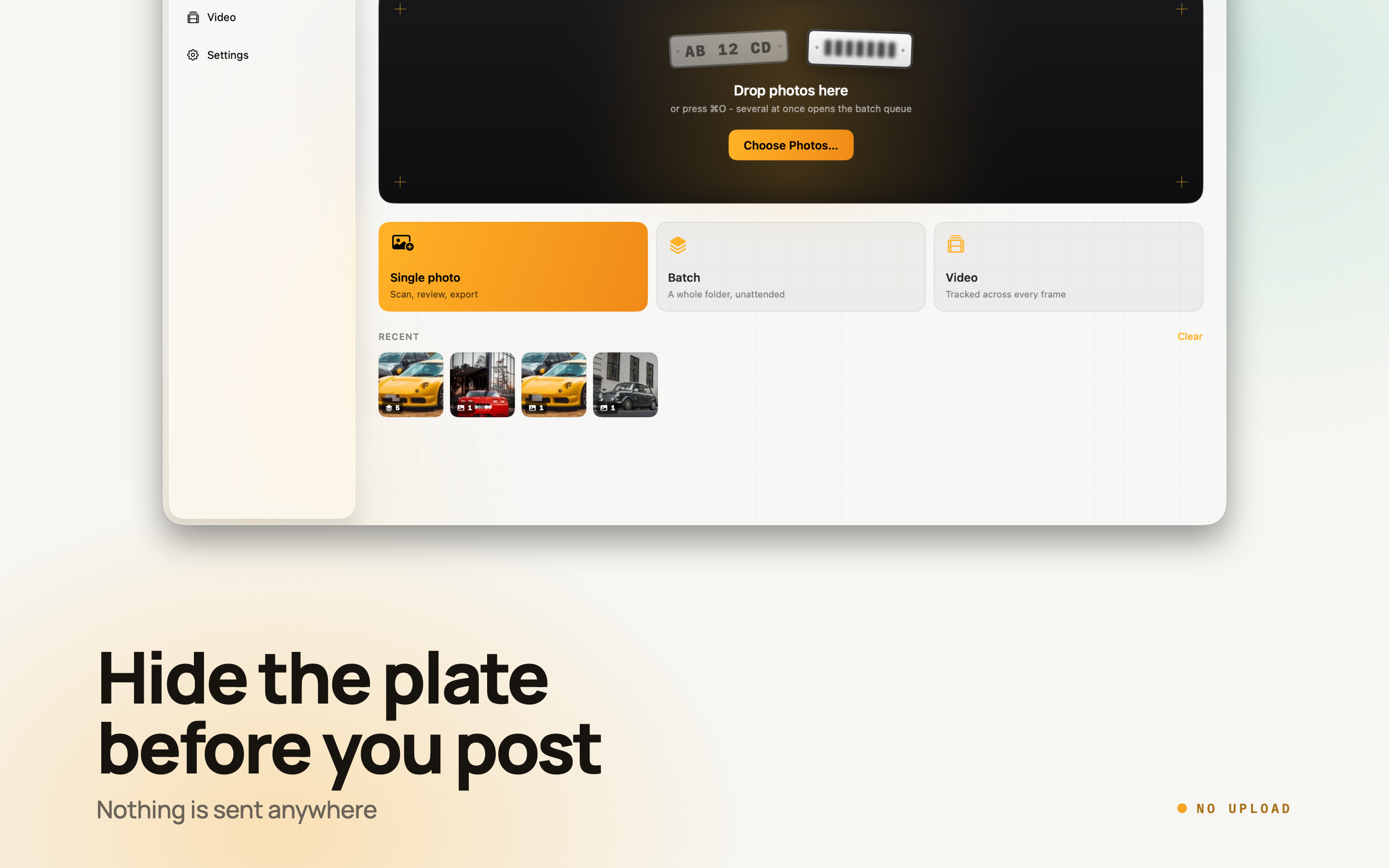
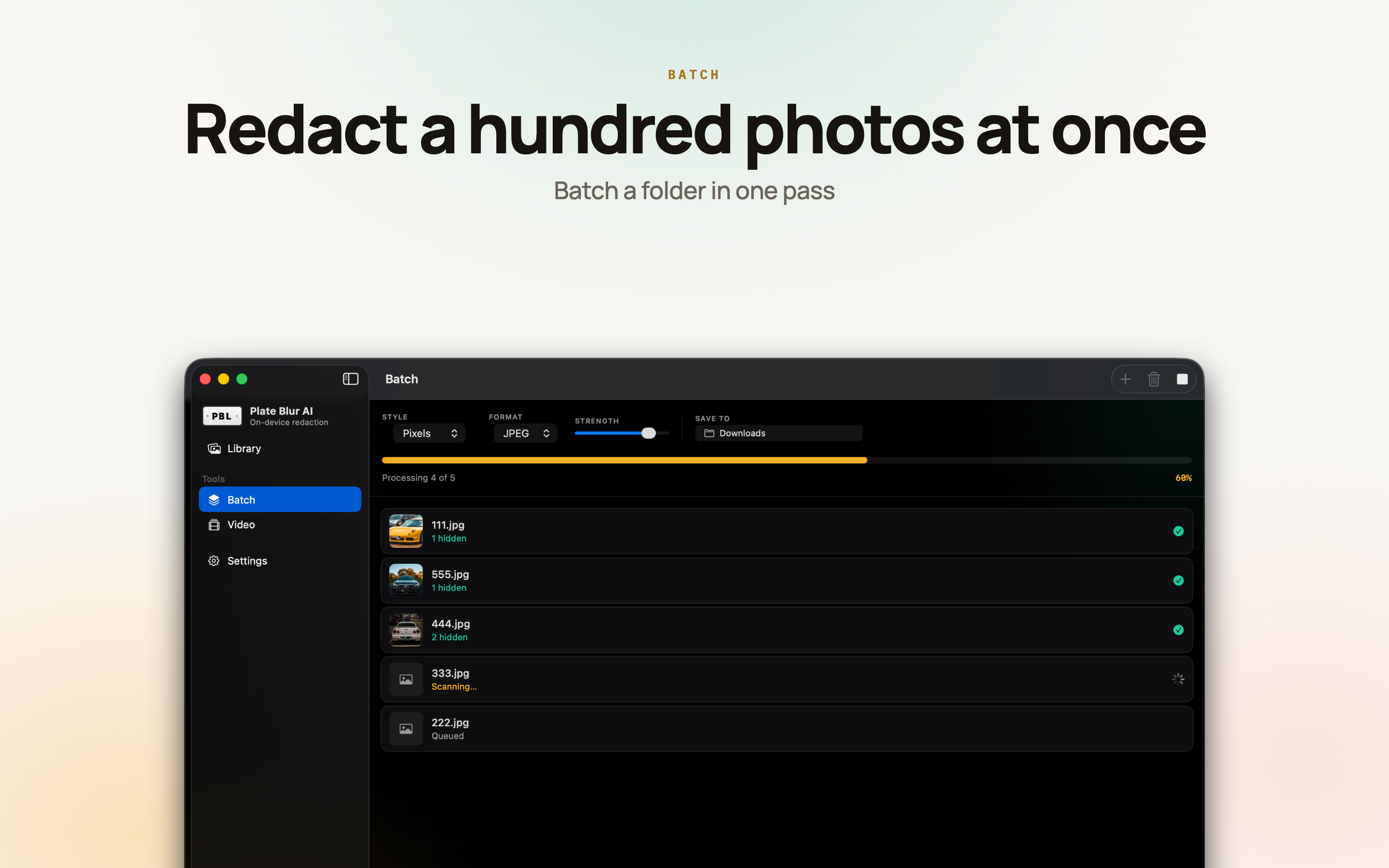
A folder of photos through the same preset in one pass - the way a listing with twelve angles of the same car actually arrives.

Who Uses It

Mostly people about to publish a photograph that identifies a vehicle, an address, or both at once.

Selling on classifieds

Twelve angles of the same car, each with the plate in shot, going up on a public listing that stays online long after the sale.

Landlords and estate agents

A front door photographed with the number on it, next to a street sign, next to a parked car. Three identifiers in one frame.

Dashcam owners

Posting an incident without handing the internet the registration of everyone who happened to be driving past.

Parking and driveway disputes

The photo is the evidence, and it usually shows exactly where you live.

Available On

Requires iOS 17, iPadOS 17 or macOS 14 and later.

iPhone

iOS 17.0 or later

iPad

iPadOS 17.0 or later

Mac

macOS 14.0 or later

Frequently asked questions

Does the photo get uploaded to be scanned?

No. Detection and covering both run on the device. Put the iPhone, iPad or Mac in Airplane Mode and everything still works, which is the simplest way to check the claim rather than take it on trust.

Does it cover things on its own?

No. The scan returns a list of what it read - each plate, VIN, house number or sign - with how confident it is, and you keep or drop each one. Nothing is covered until you say so.

What happens when it misses a plate?

Brush over it by hand, and erase anywhere the scan went too far. Both are free. Pro adds a box tool for straight rectangles and a manual cover for a face in the background.

Can a blurred plate be recovered?

A light blur can be, which is why strength is a slider rather than a fixed setting. If the photo is going somewhere public, use a solid bar or the stamped REDACTED label - those replace the pixels instead of smudging them.

Can it do a whole dashcam clip, not just a still?

Yes, in Pro: it covers plates across the clip frame by frame and keeps the original length and audio track, which matters when the footage is evidence of something.

Does it also remove where the photo was taken?

Export can strip EXIF and GPS in Pro, so a shared photo cannot be traced back to the driveway it was shot in. Covering the house number and leaving the coordinates in the file is the common mistake.

Which platforms does it run on?

iPhone (iOS 17), iPad (iPadOS 17) and Mac (macOS 14) and later. On Mac it also adds a Finder right-click action and two Shortcuts actions.