See exactly which apps are talking to the internet on your Mac - and stop the ones that have no business doing it.
A live per-app view of every outgoing connection, with block rules you set once, a connection map showing where traffic goes, and data usage broken down by app. Monitoring happens on your Mac - no accounts, no telemetry, no traffic sent anywhere else.
macOSPer-app blockingConnection mapOn-device
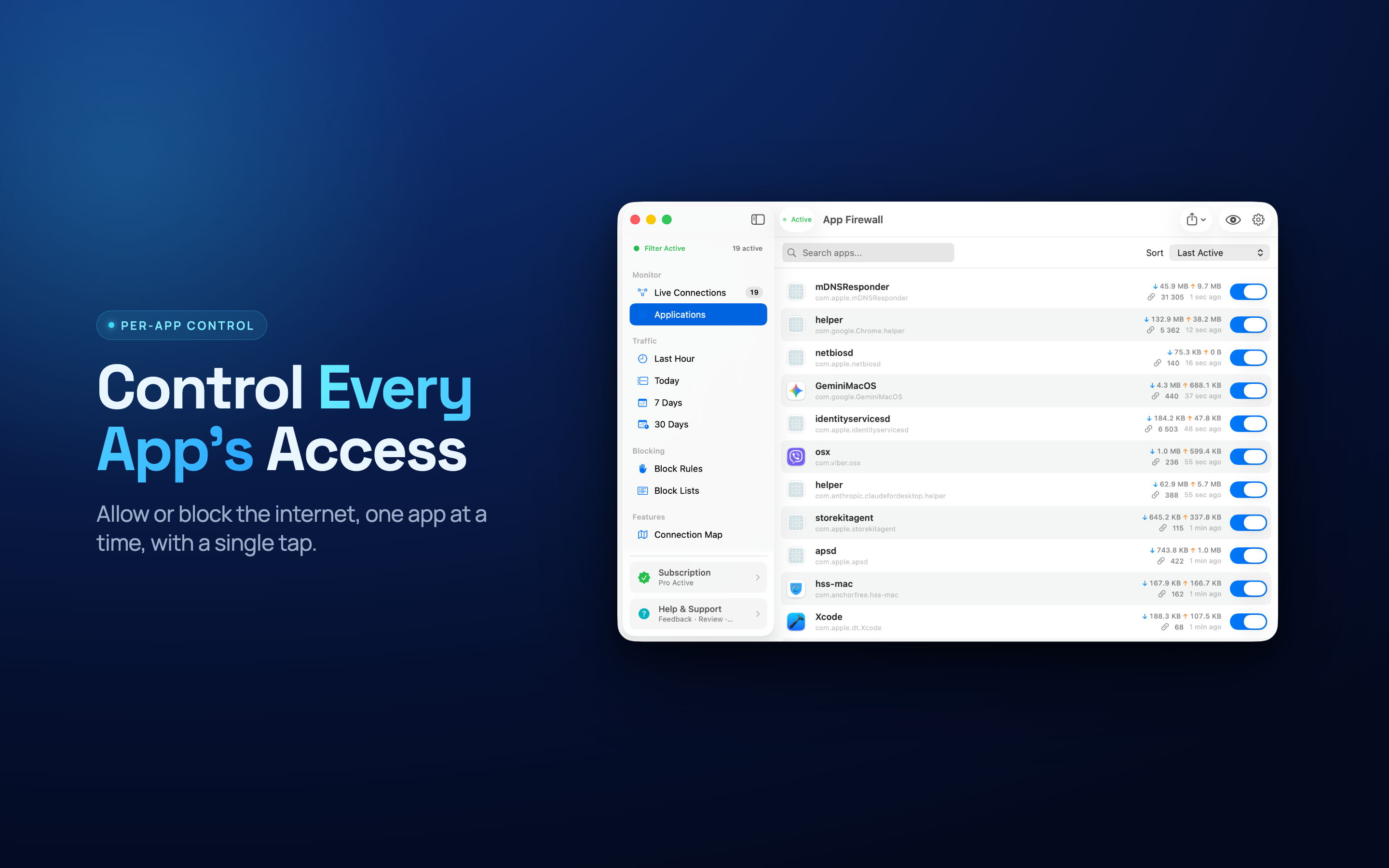
Per-app
Allow or block, app by app
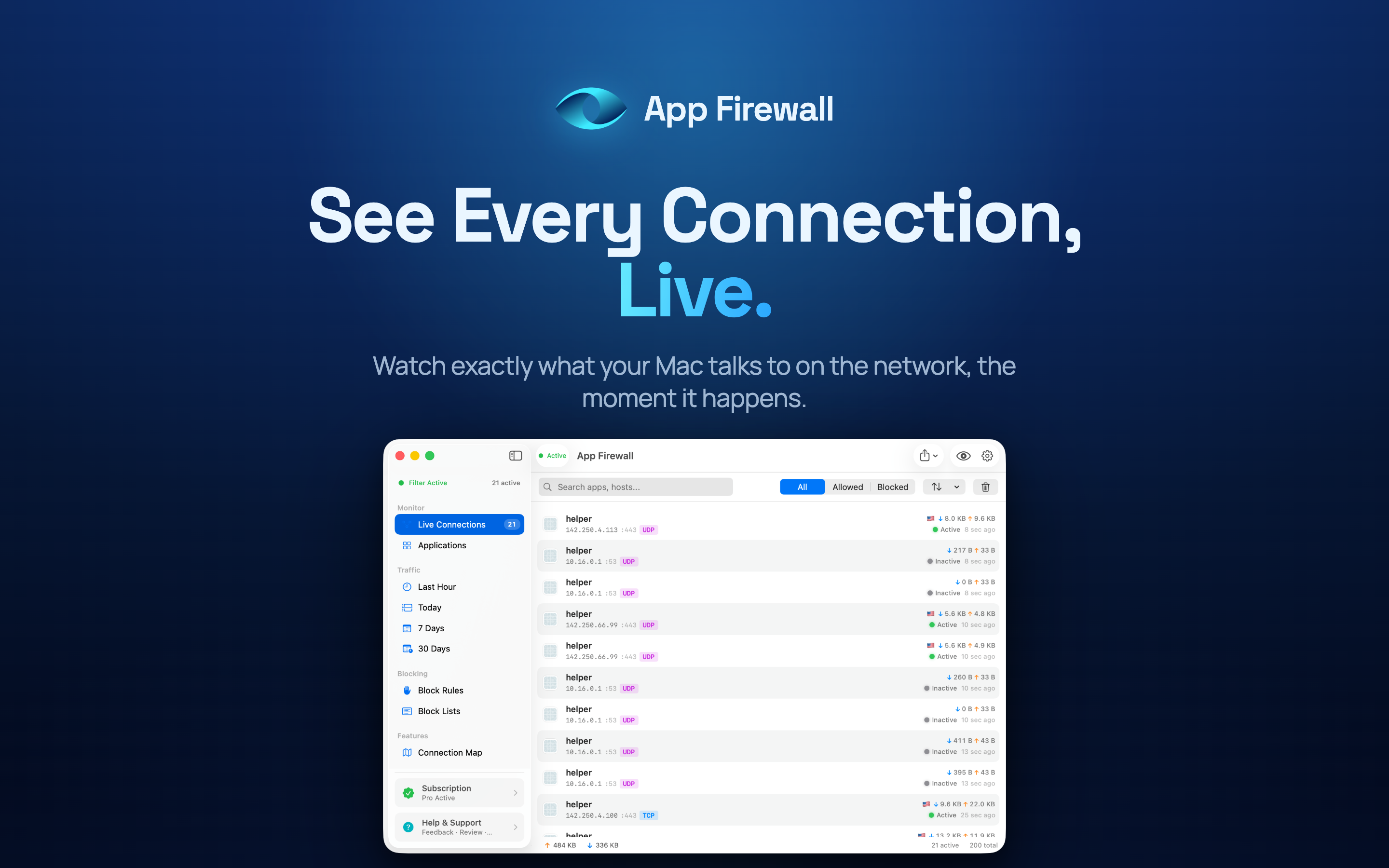
Live
Connections as they happen
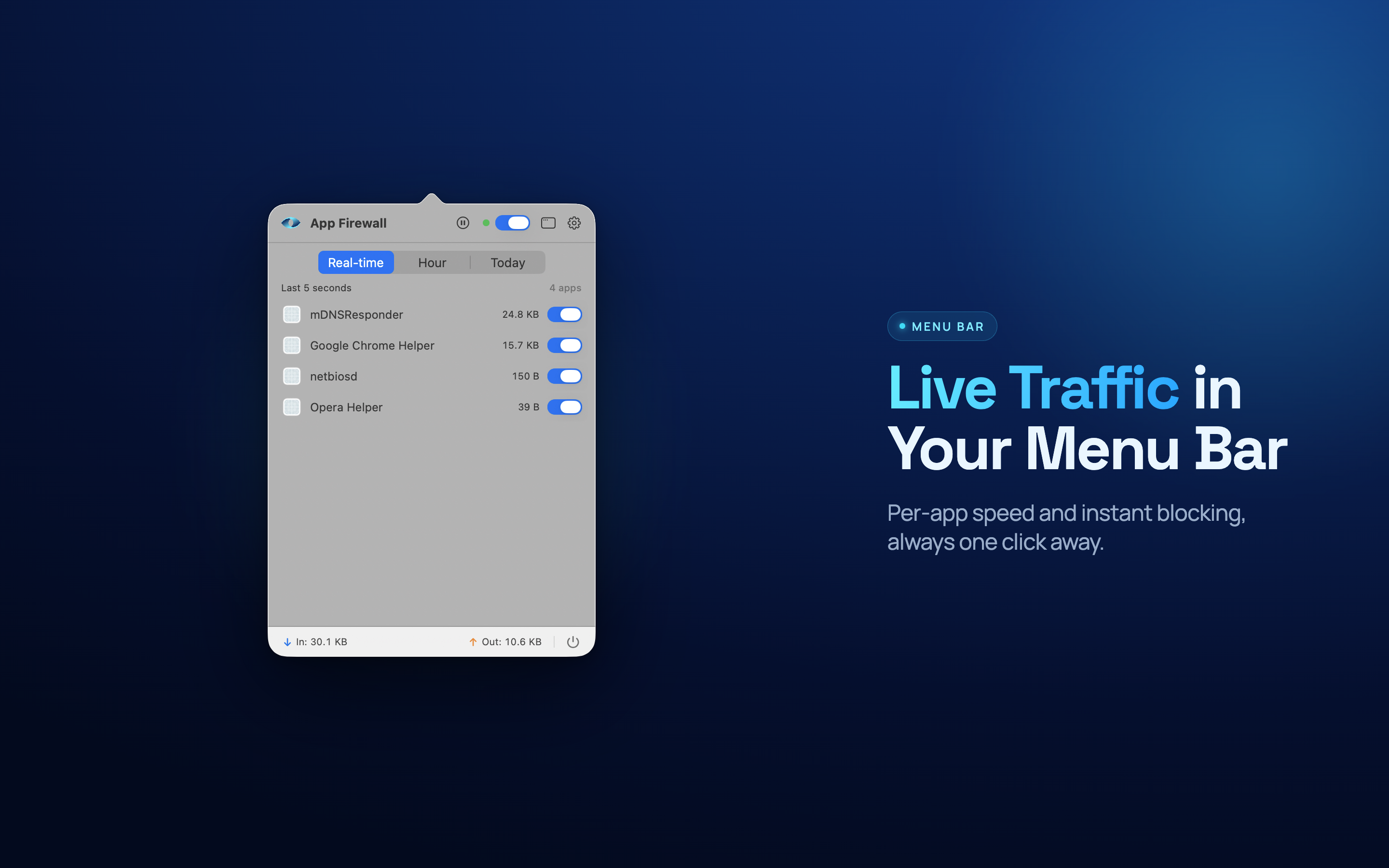
Menu bar
Always a glance away
On-device
No cloud, no tracking
Know What Your Mac Is Sending
Most apps phone home quietly. App Firewall makes that visible, then puts you in charge of what stays connected.
Per-App Control
Every app that reaches the network gets its own entry - allow it, block it, or watch it before deciding.
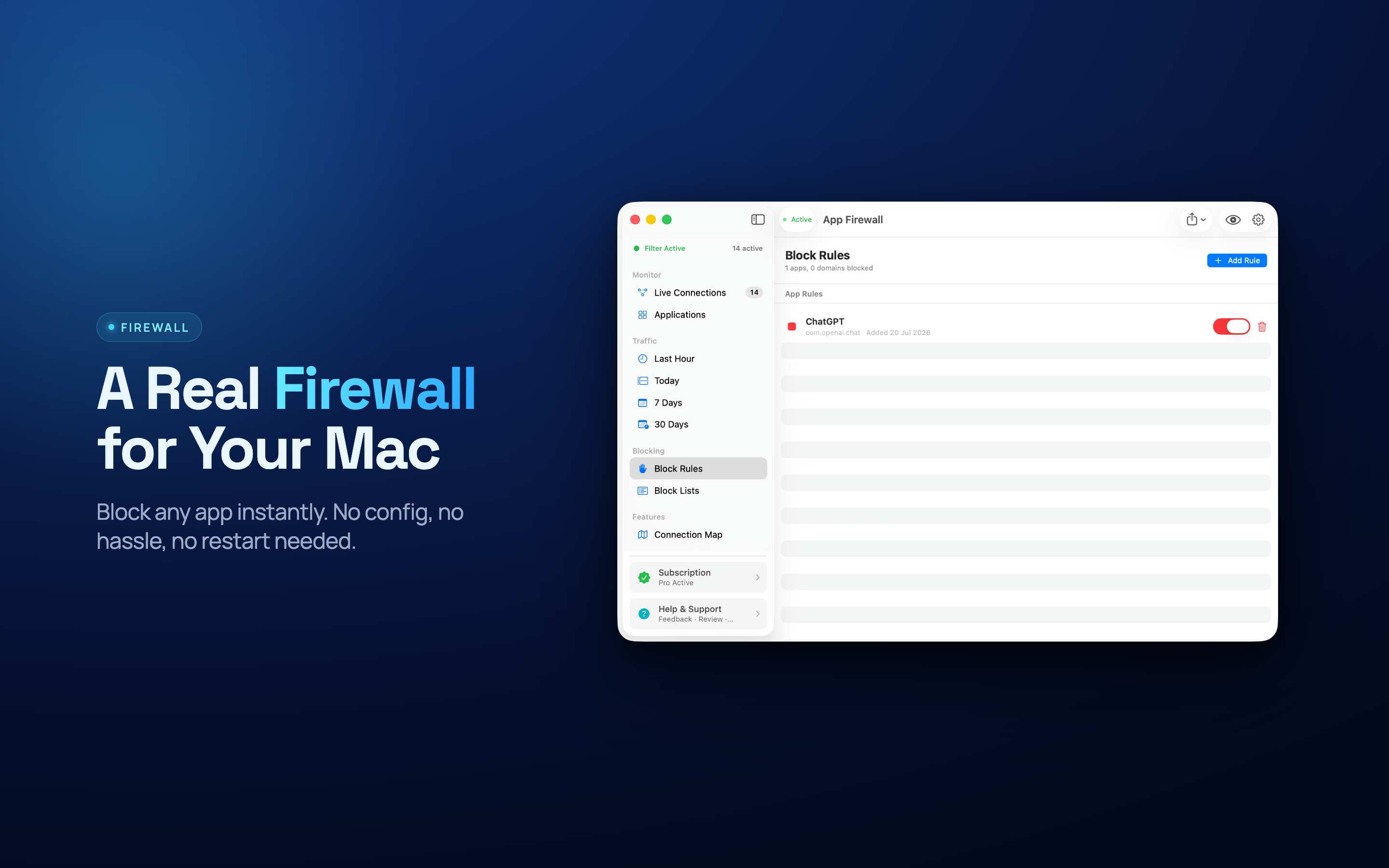
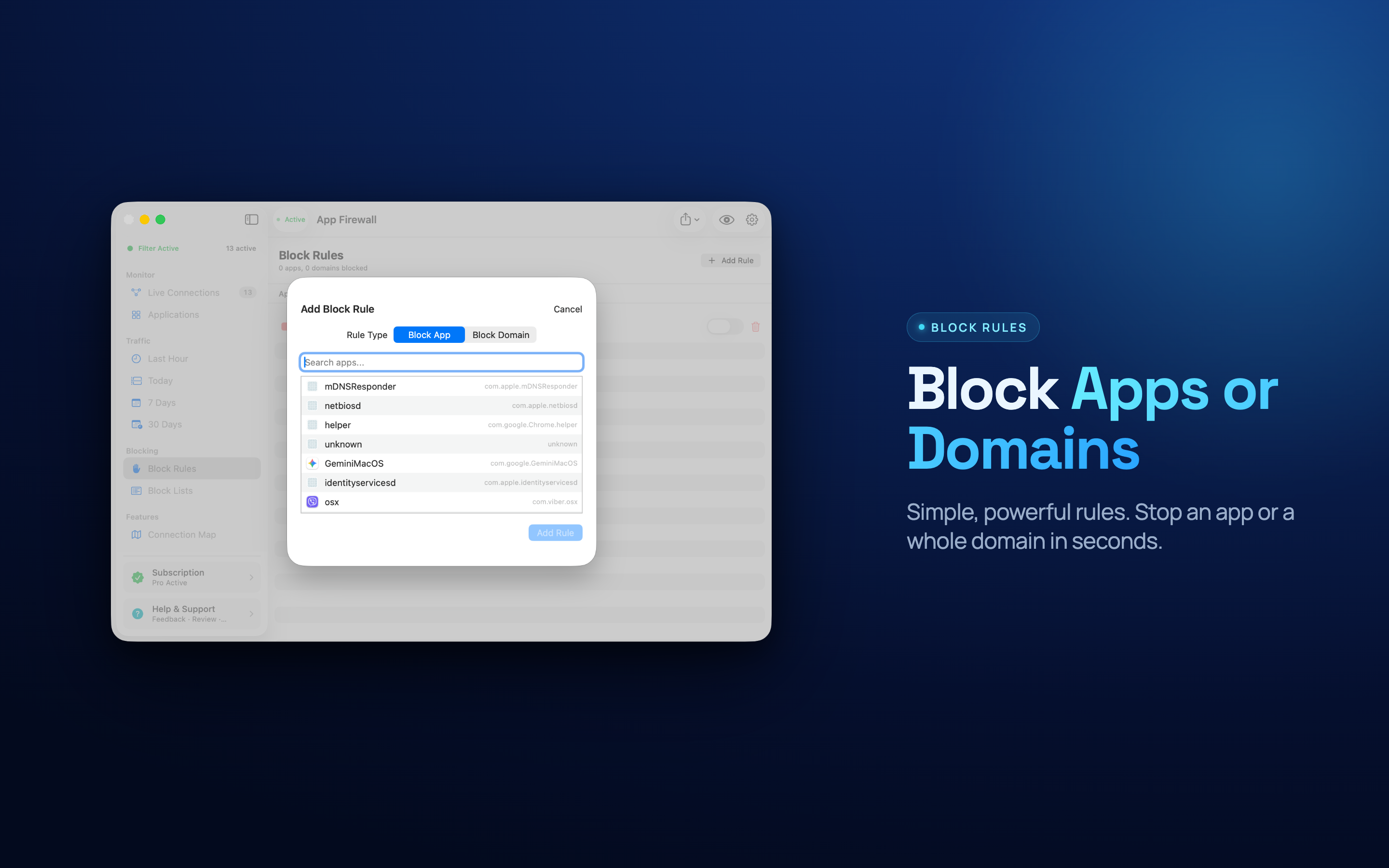
Block Rules That Stick
Set a rule once and it holds across restarts and updates, so a blocked app stays blocked.
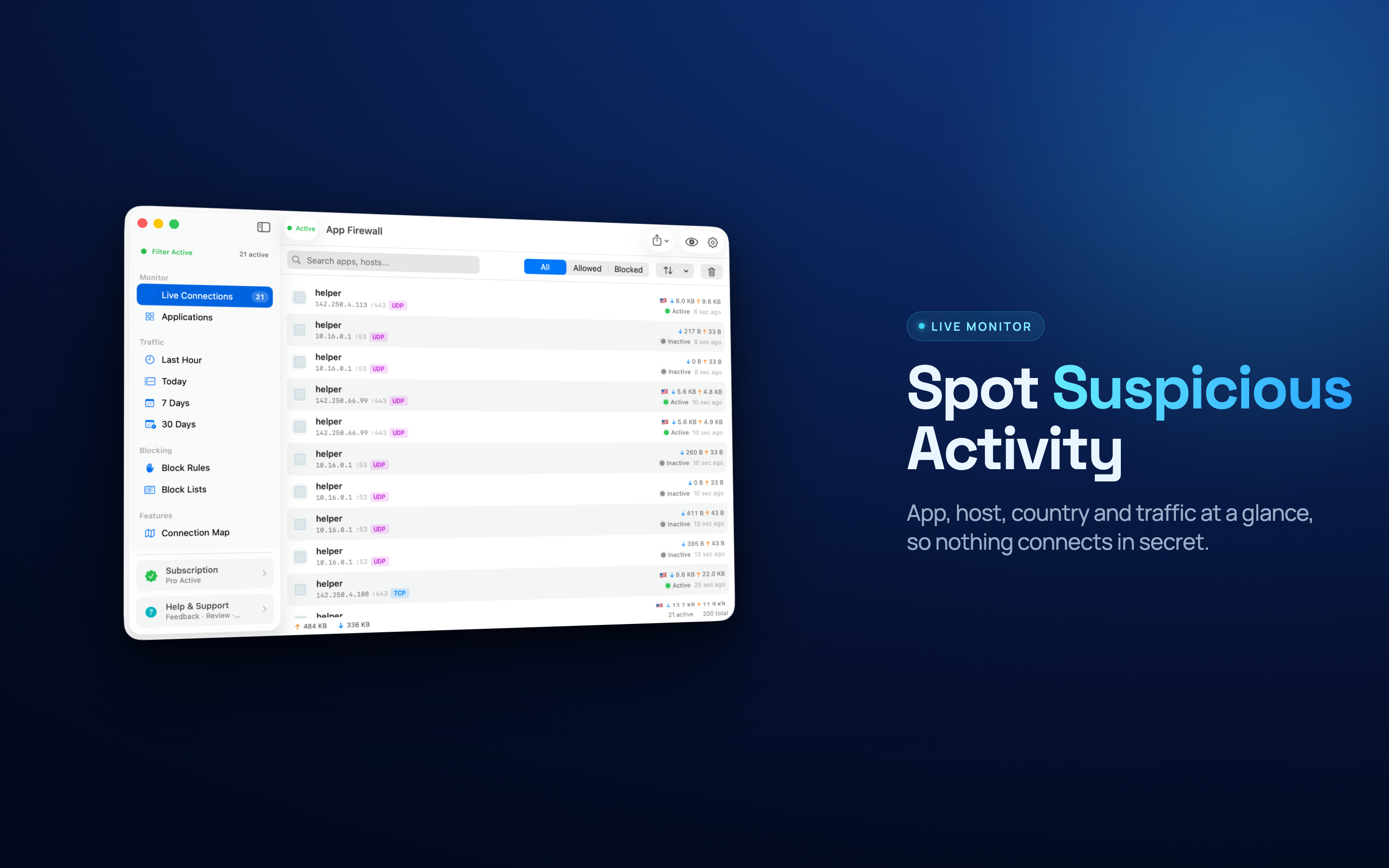
Live Connection Monitor
Watch outgoing connections open in real time, with the app, destination, and port behind each one.
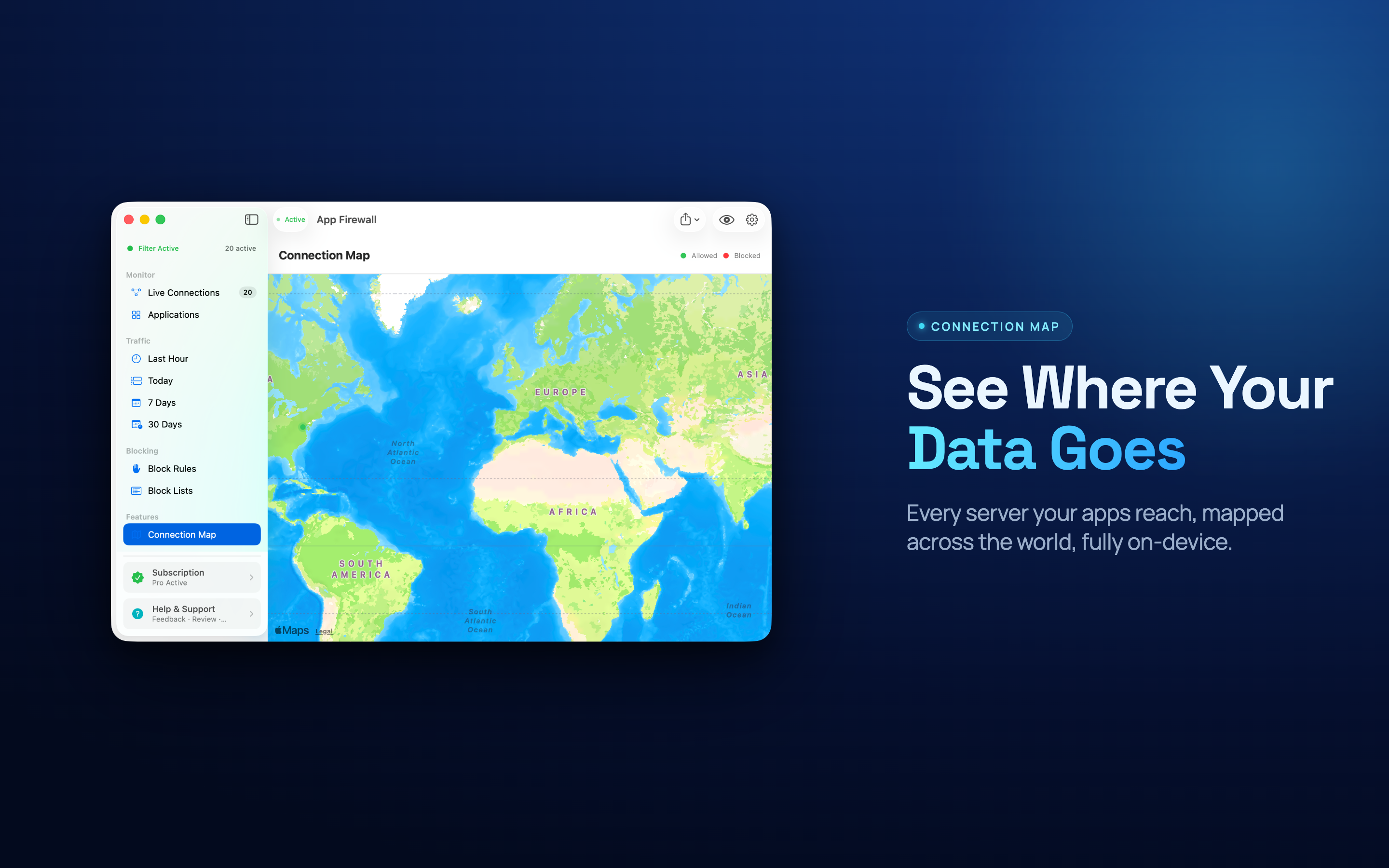
Connection Map
See where your traffic actually lands on a world map - useful when an app talks to somewhere unexpected.
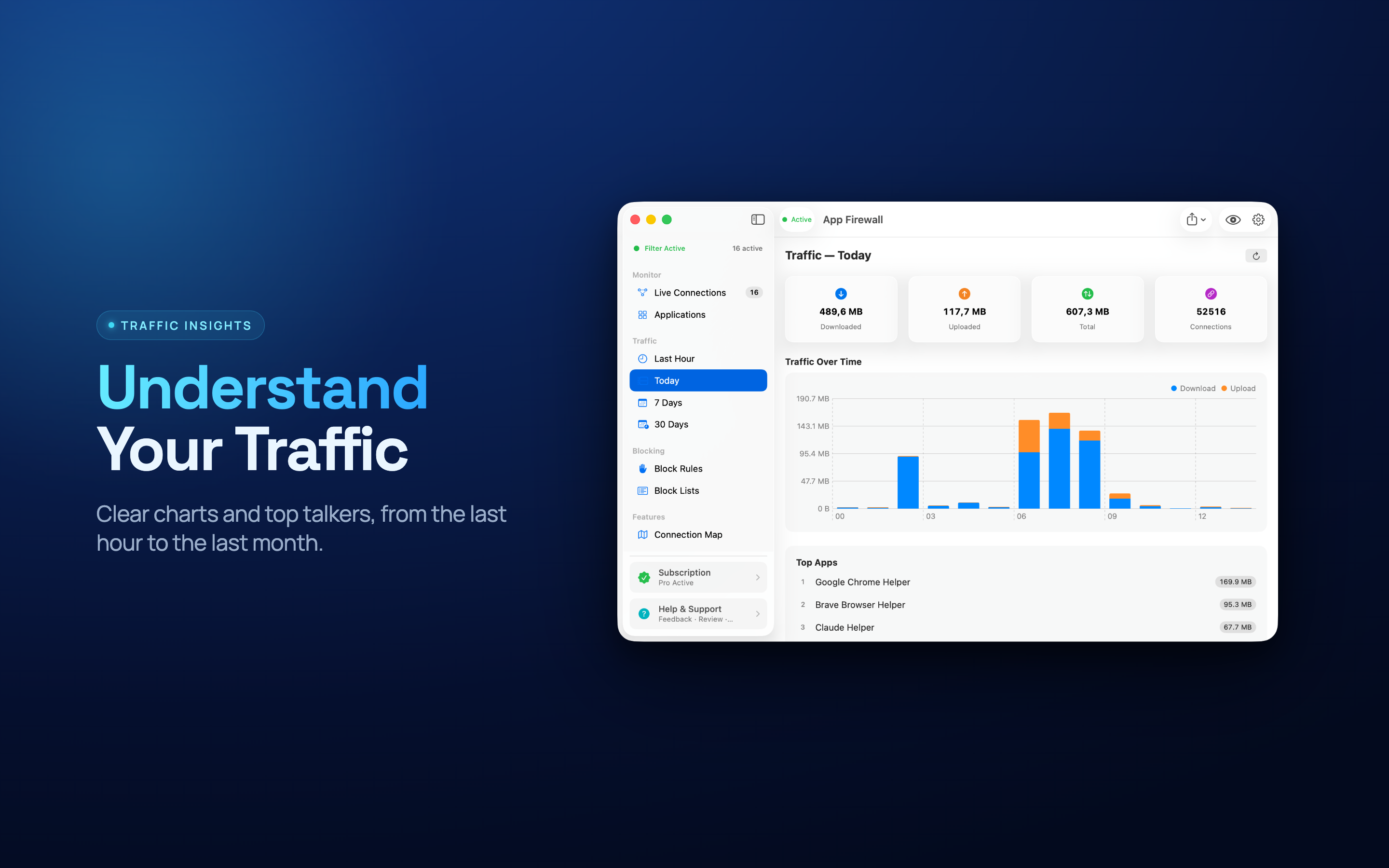
Traffic Insights
Break down what is moving data, so a background sync hogging your connection stops being a mystery.
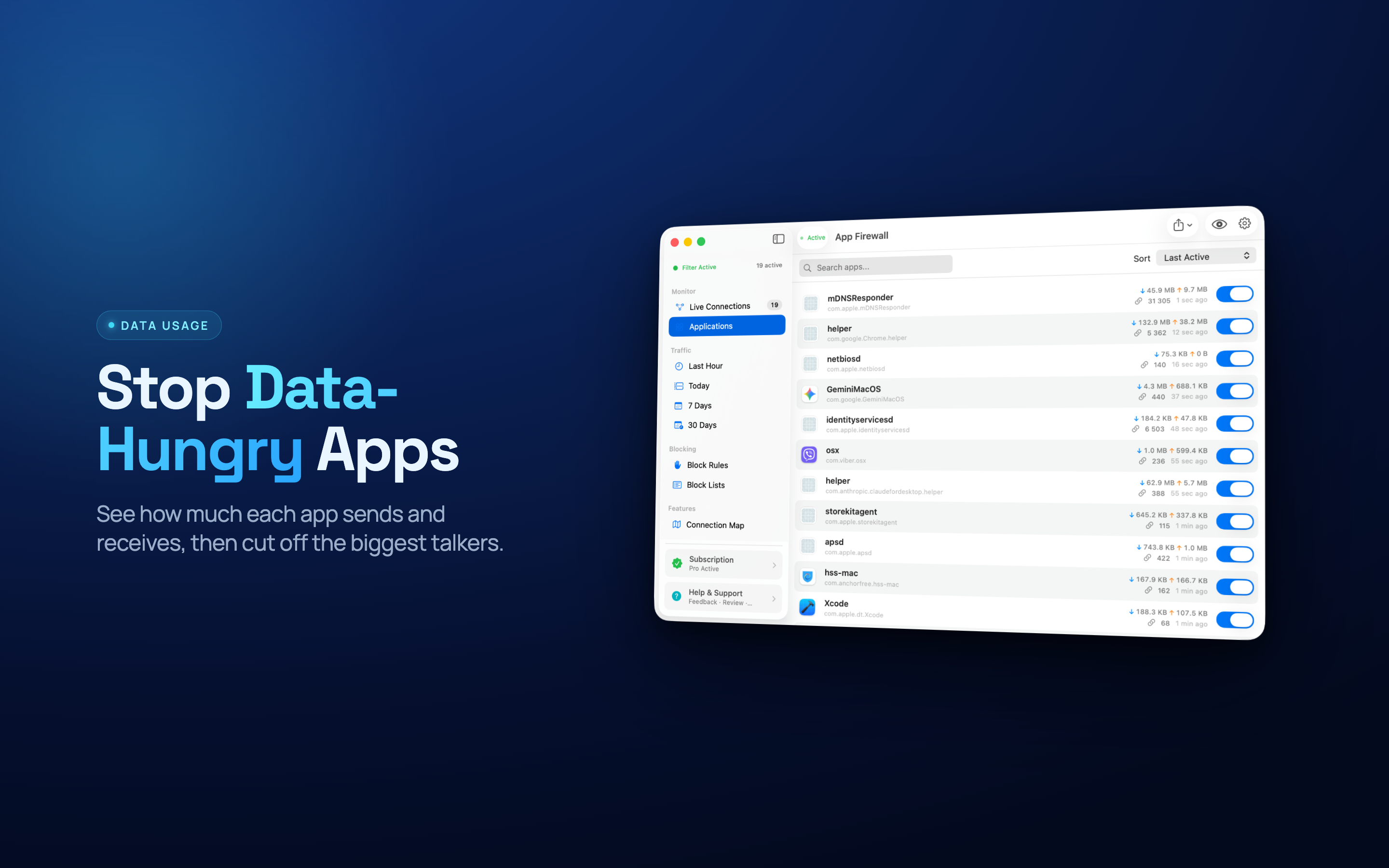
Data Usage by App
Track how much each app has sent and received - handy on tethered, metered, or capped connections.
Menu Bar at a Glance
A compact menu bar view shows current activity and lets you cut off an app without opening the window.
Connection Alerts
Get told when something new reaches out for the first time, instead of finding out months later.
Private by Design
Traffic is inspected on your Mac. Nothing is uploaded, no account is required, nothing is logged off-device.
Built for People Who Want an Answer
"Why is this app using the network?" should take seconds to answer, not an afternoon with a packet capture.
Privacy-Minded Users
Find out which apps quietly report back, and switch them off without uninstalling anything.
Developers & Testers
Watch what your own build talks to, and simulate an offline environment by blocking it on demand.
Metered & Travel Connections
On tethering or hotel Wi-Fi, stop background uploads before they eat the allowance.
Tools at Your Fingertips
A focused feature set that puts you back in control of outgoing traffic.