Turn your iPhone, iPad, or Mac into a portable document studio. Convert photos to PDF, scan paperwork with auto edge detection, merge contracts, compress big files, and rotate or flatten pages - in seconds, on-device.
Built for students, professionals, small business owners, and families - PDF Maker brings desktop-level PDF tools to every Apple device, with zero cloud uploads.
iPhone, iPad, Mac & Vision ProFiles Stay On DeviceConvert in seconds
Open a scan on iPhone, edit pages on iPad, finalize the merged PDF on Mac - same toolkit, native on every device.
iPhone
iOS 16.0 or later
iPad
iPadOS 16.0 or later
Mac
macOS 13.0 or later
Apple Vision Pro
visionOS 1.0 or later
Every Common PDF Task - One Focused App
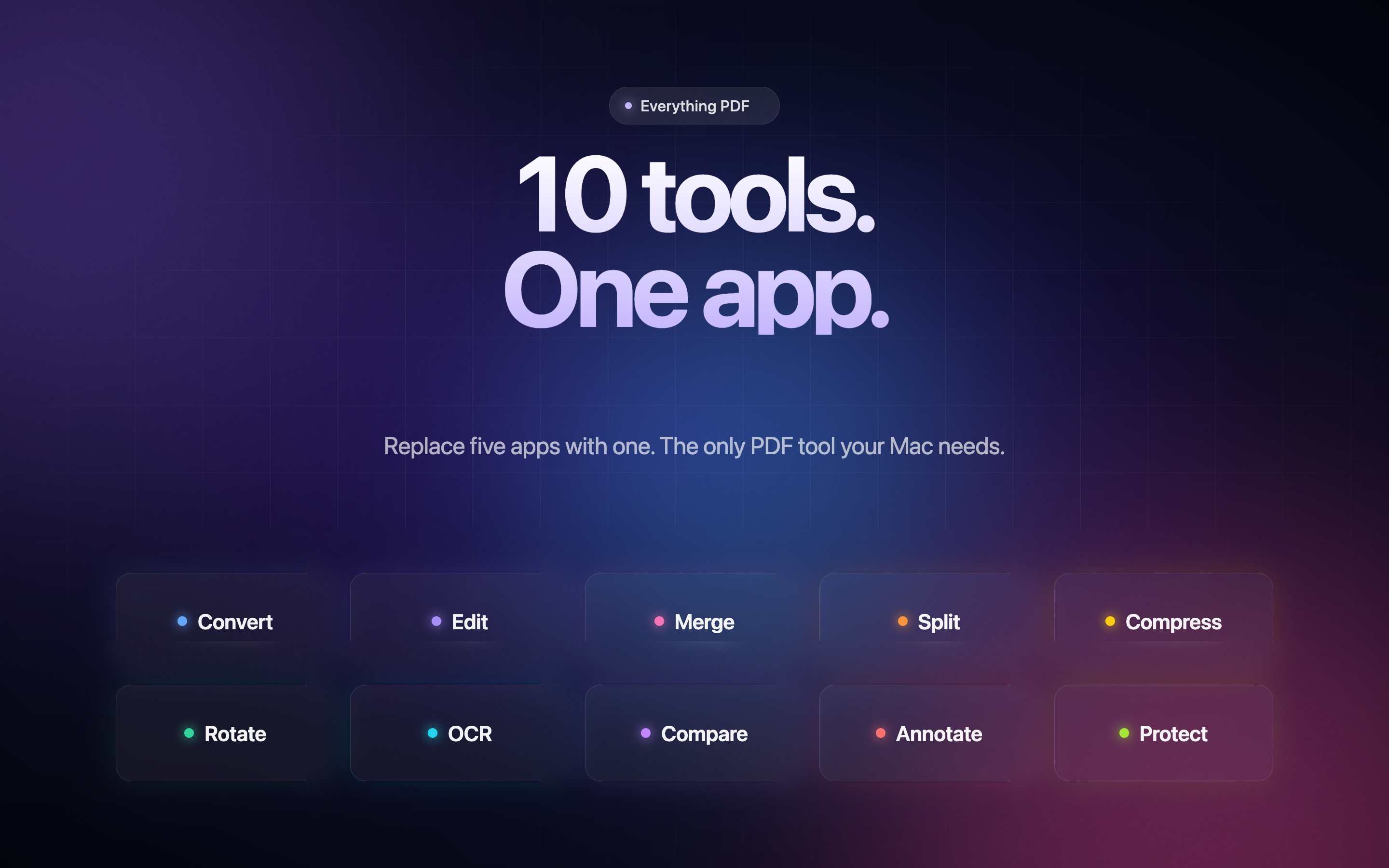
PDF Maker brings the tools you actually use - convert, scan, merge, compress, rotate, flatten - into one fast, distraction-free interface.
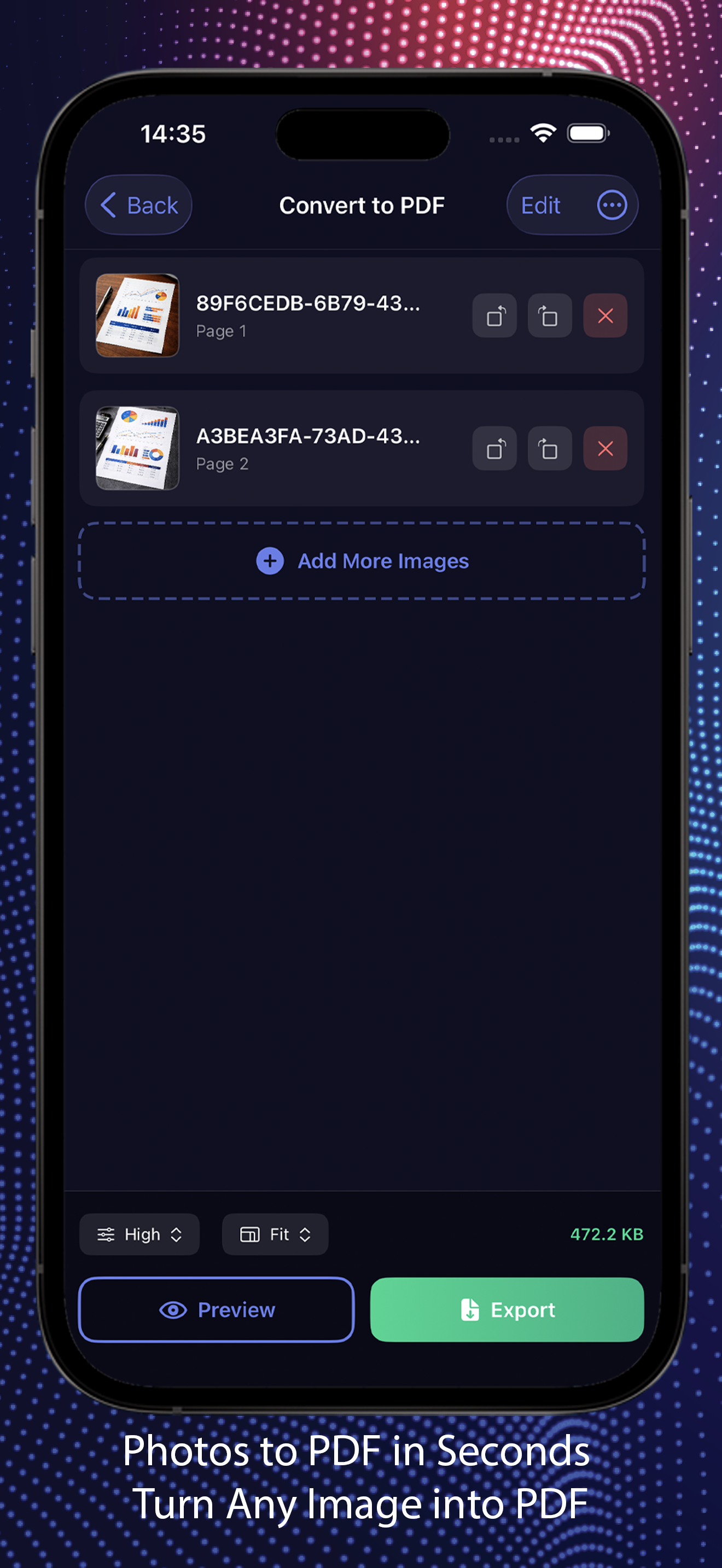
Photos to PDF
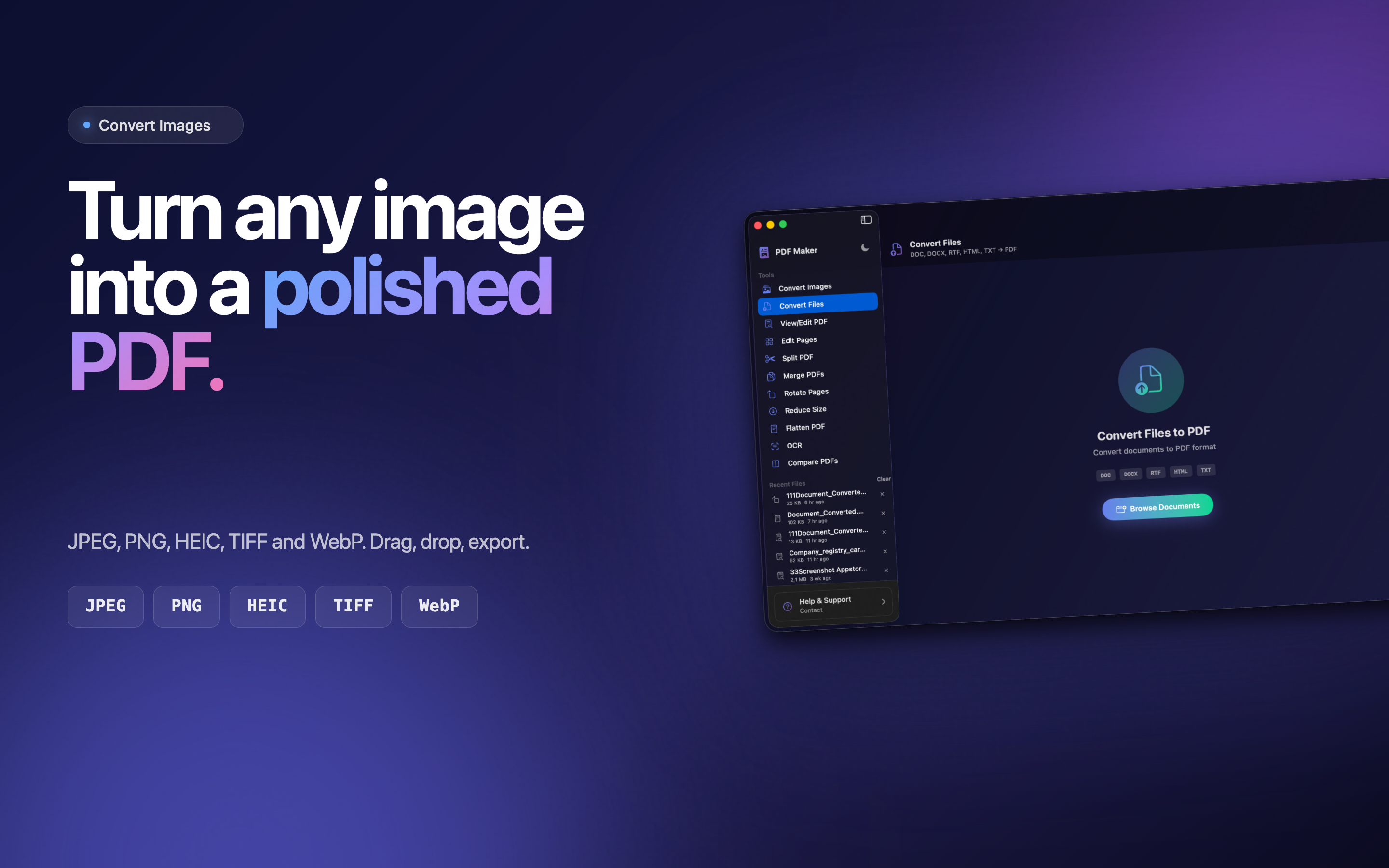
Turn any image into a polished PDF. Pick from your library, snap with the camera, or import files. A4, Letter, Legal, or auto-fit.
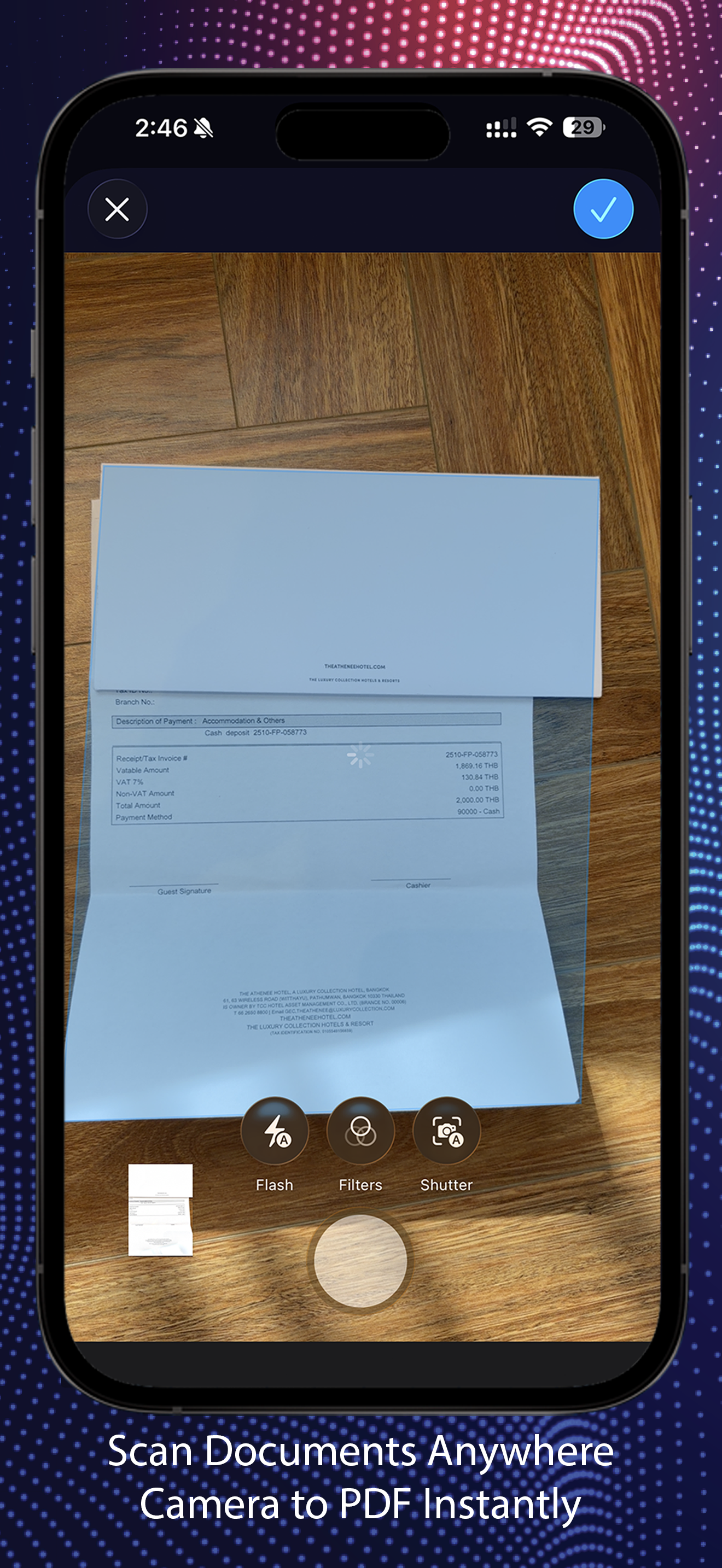
Document Scanner
Auto edge detection turns your camera into a sharp scanner for receipts, whiteboards, contracts, and handwritten notes.
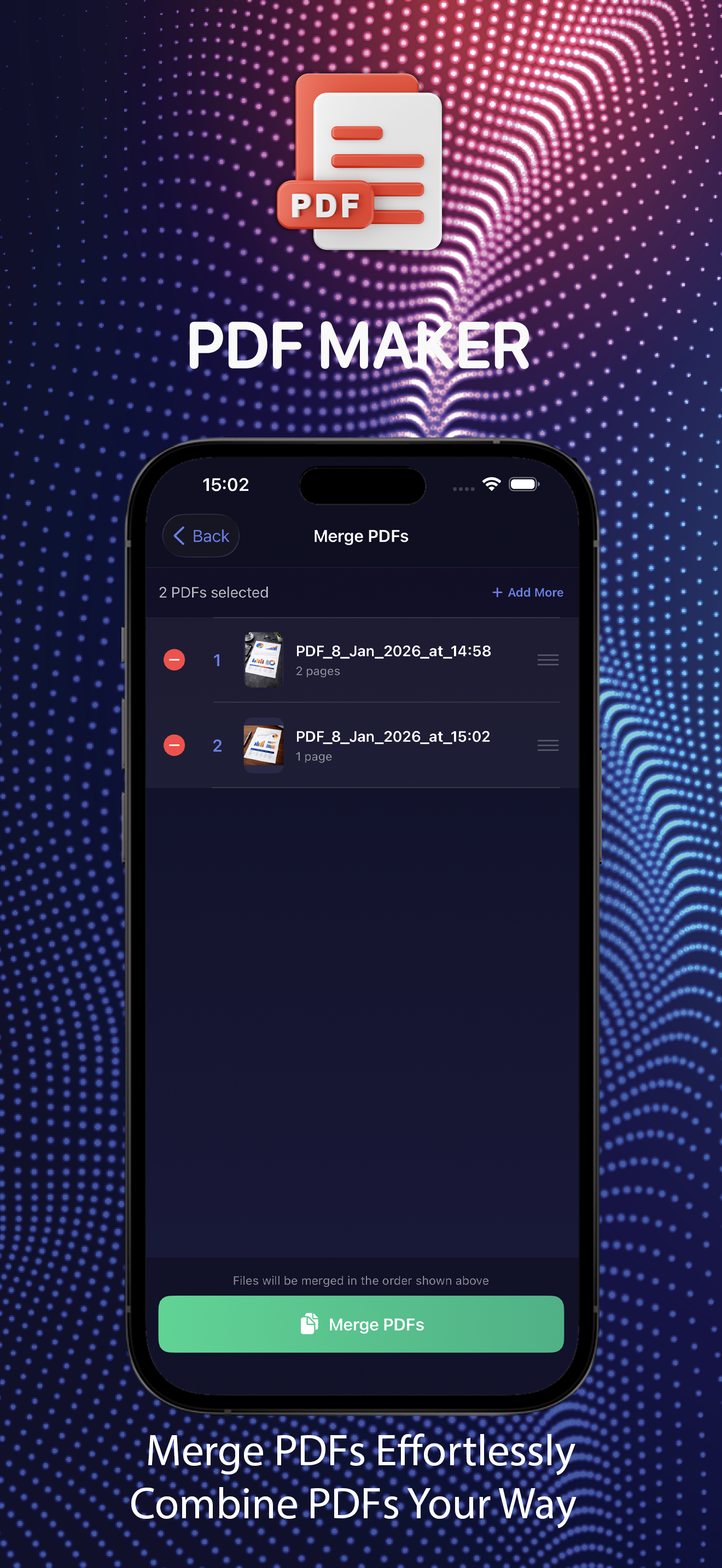
Merge PDFs
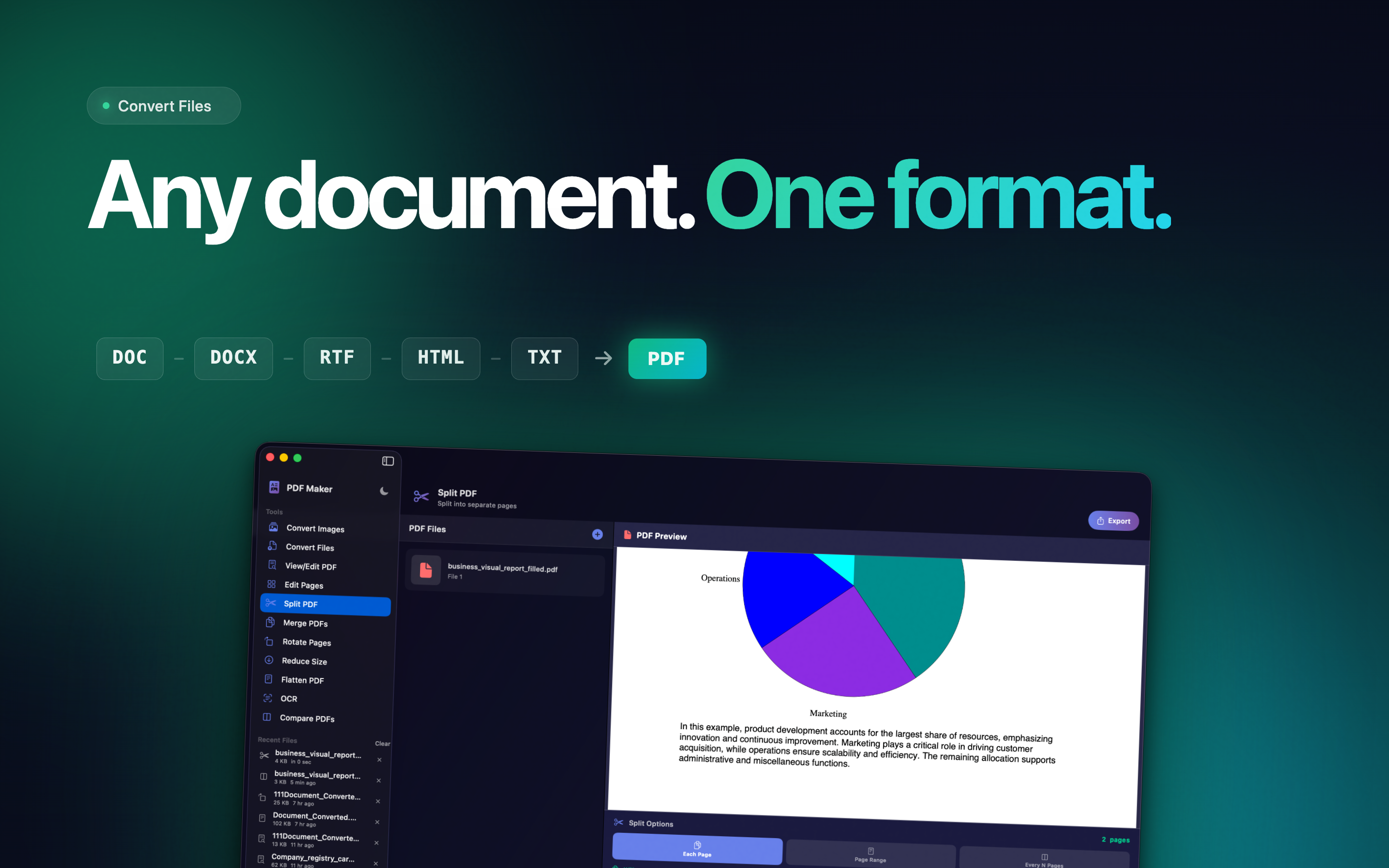
Combine multiple PDFs into one document, drag to reorder pages, and assemble project bundles or expense reports.
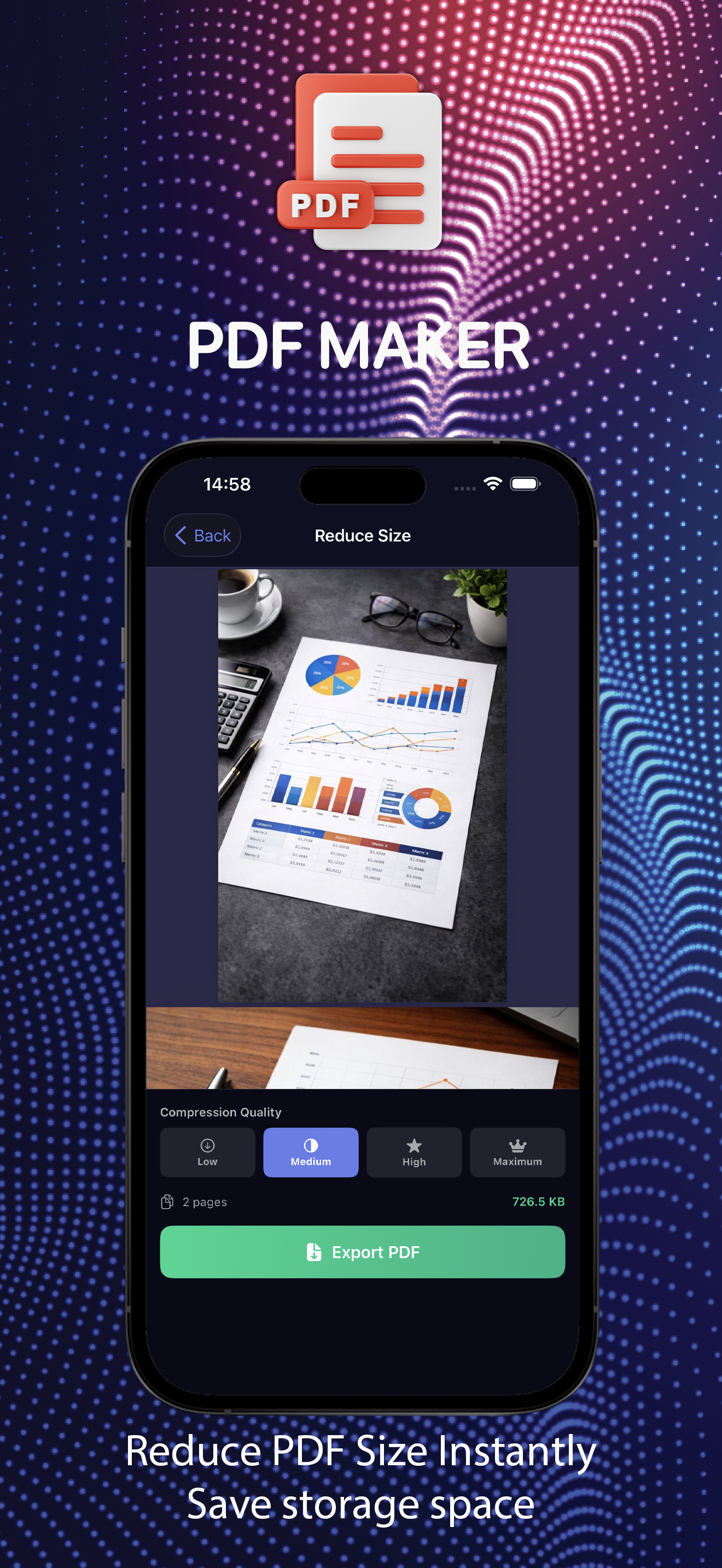
Compress & Reduce Size
Shrink heavy PDFs so attachments send, cloud storage breathes, and sharing stops being a headache.
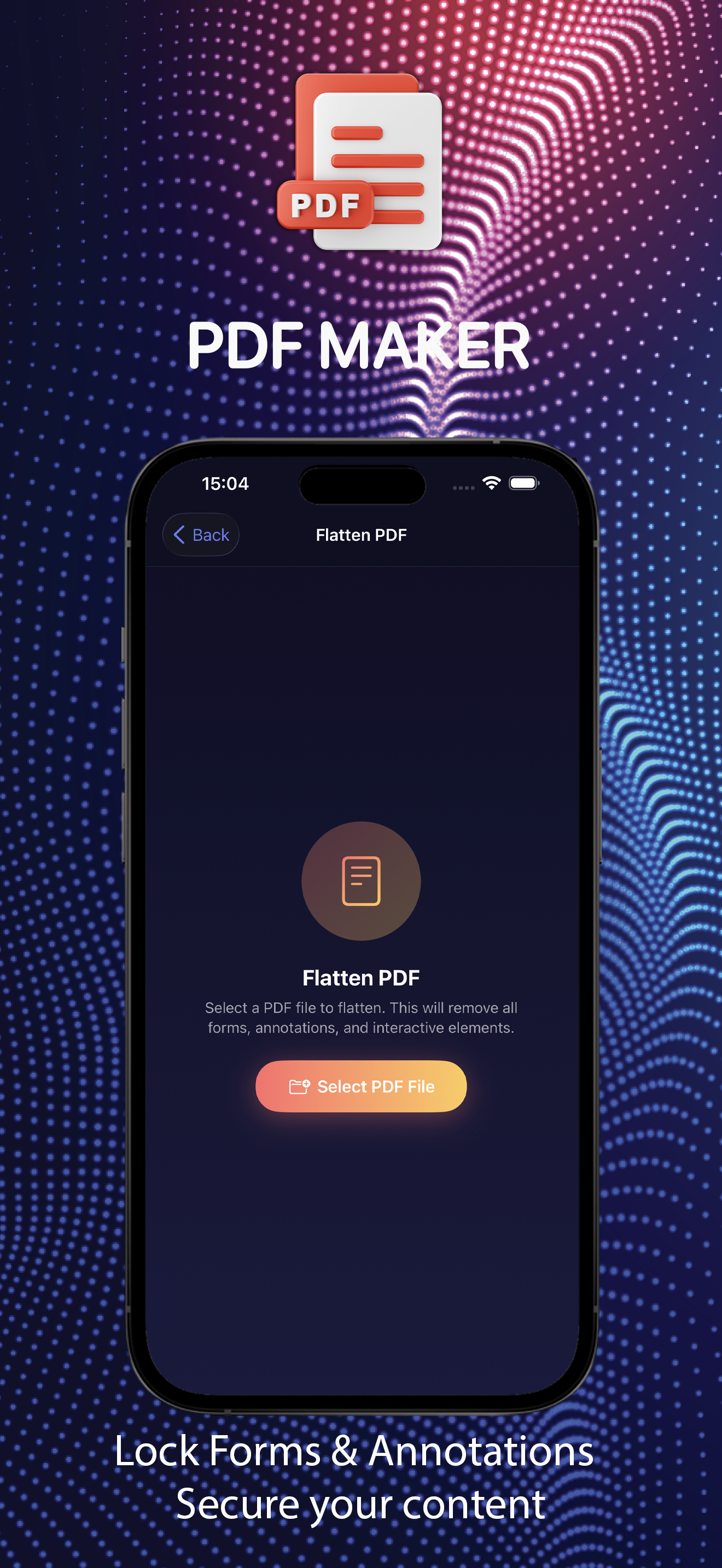
Flatten PDFs
Lock down form fields, comments, and annotations into static content so your document looks identical everywhere.
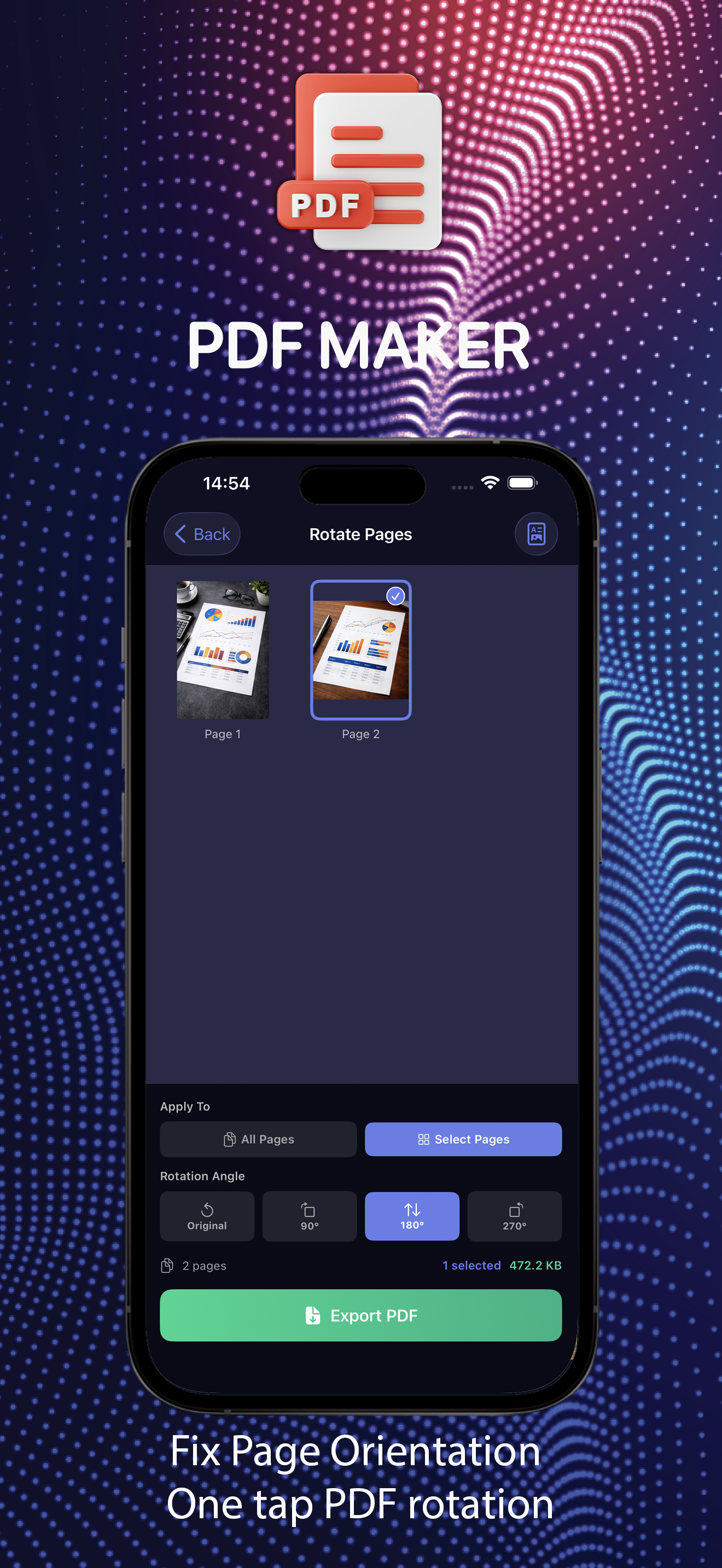
Rotate Pages
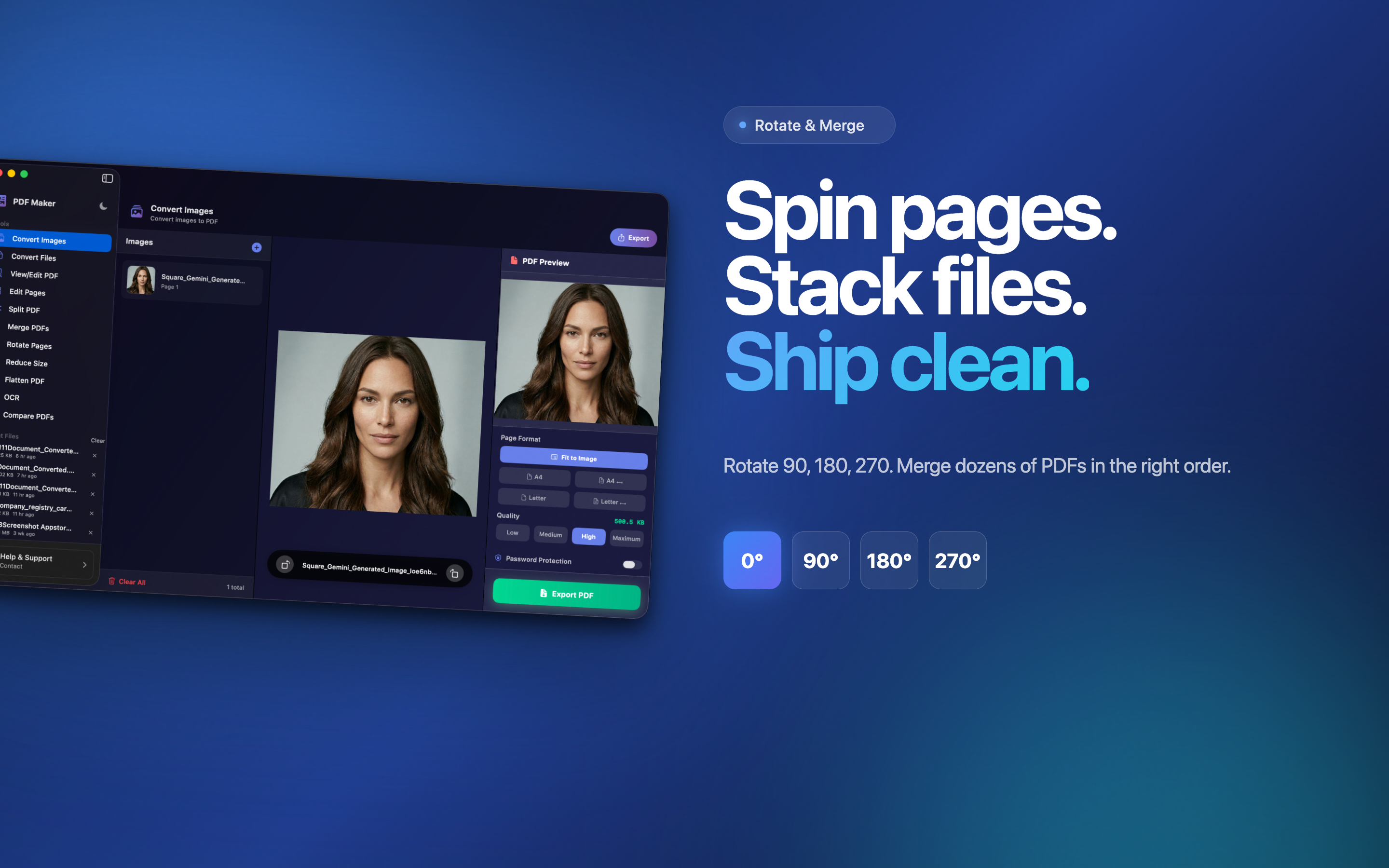
Fix sideways scans or upside-down photos in 90° increments - one page or the whole document, with live preview.
View & Edit Pages
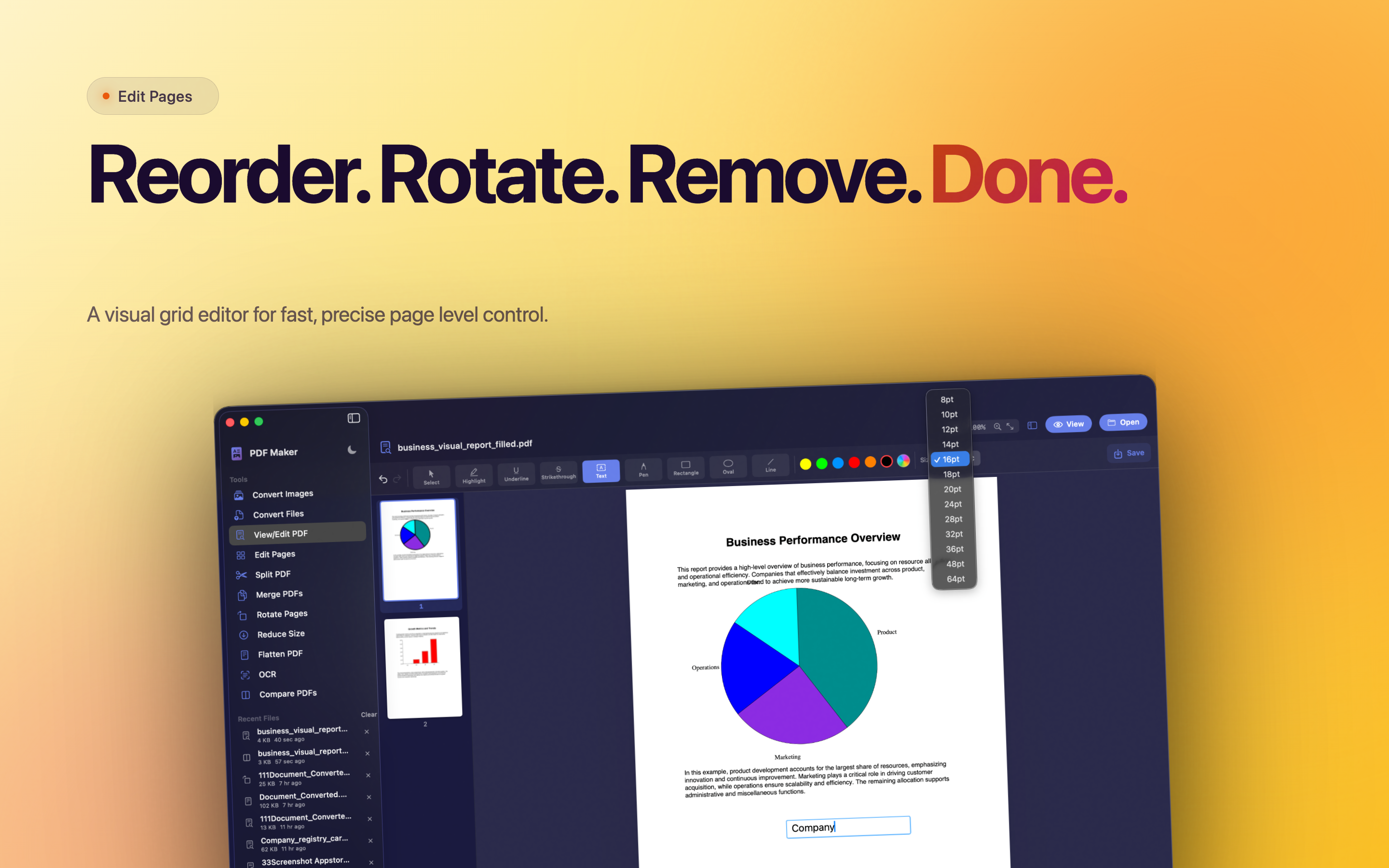
Smooth viewer with thumbnails - rotate, delete, or extract pages into a new PDF without leaving the app.
Comfortable Dark UI
Dark interface, clean layout, and haptic feedback - tools right where you expect them, no menu hunting.
Privacy First
Documents are processed on your device. Nothing uploaded to external servers - what you create stays yours.
Mac Screens
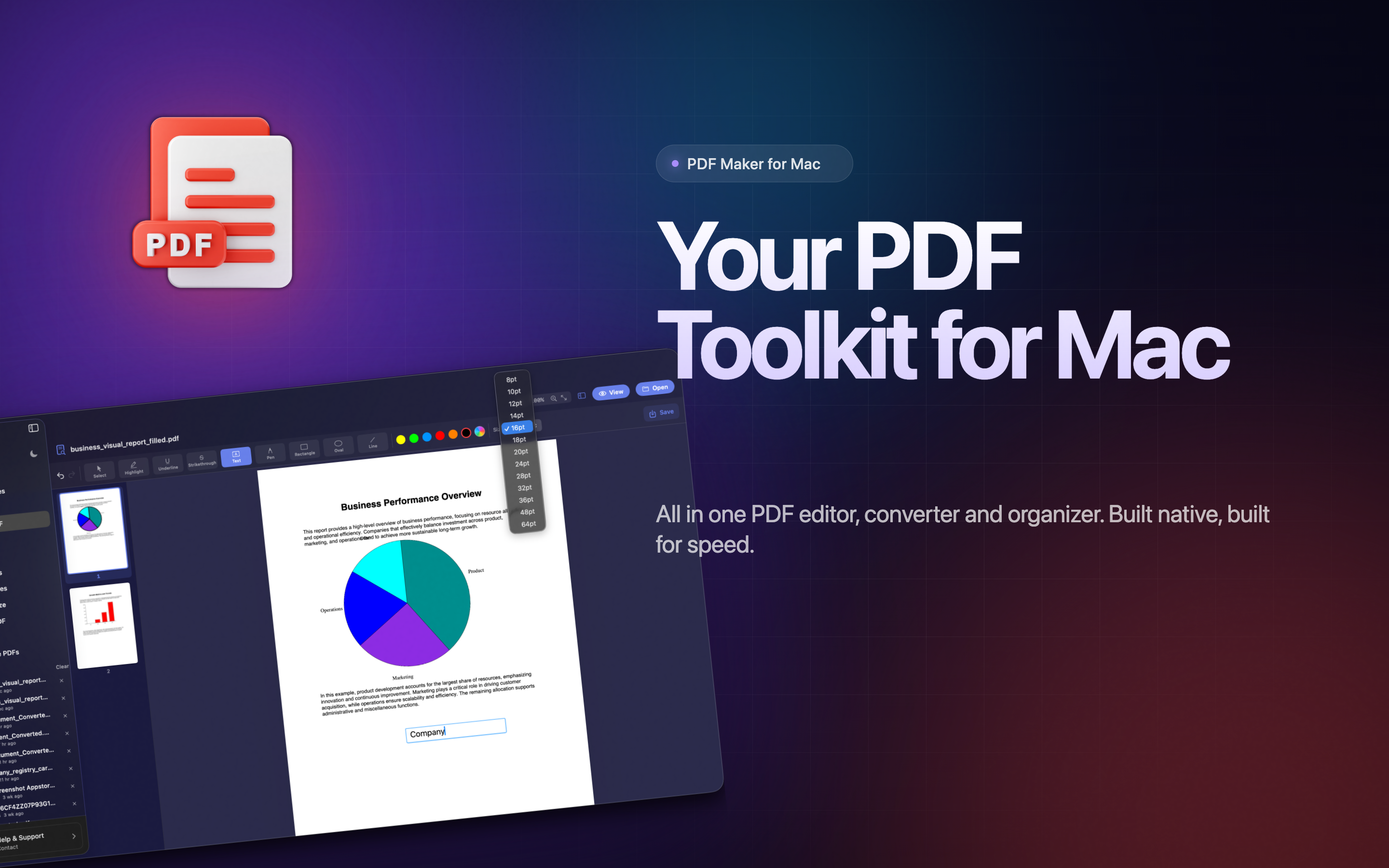
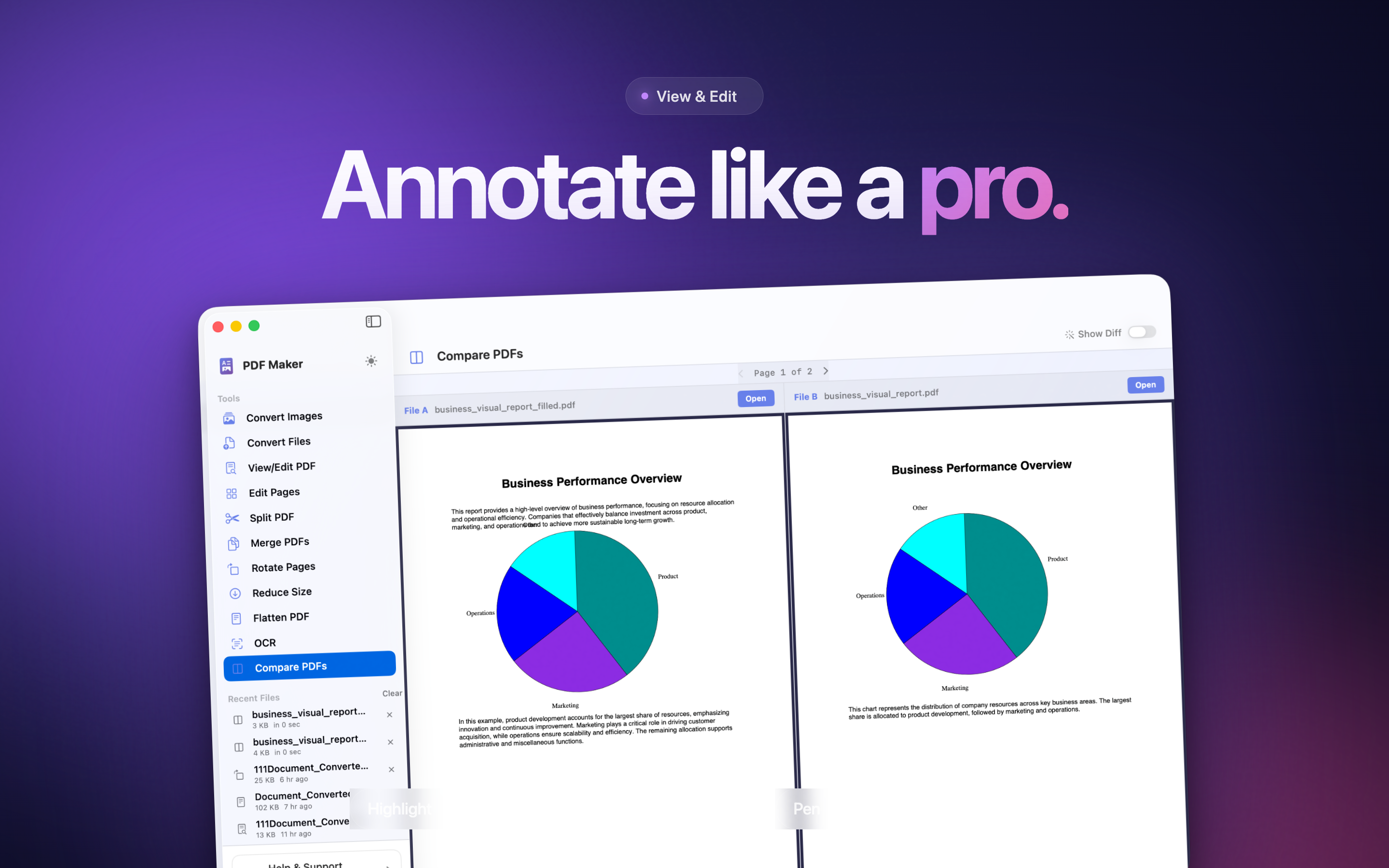
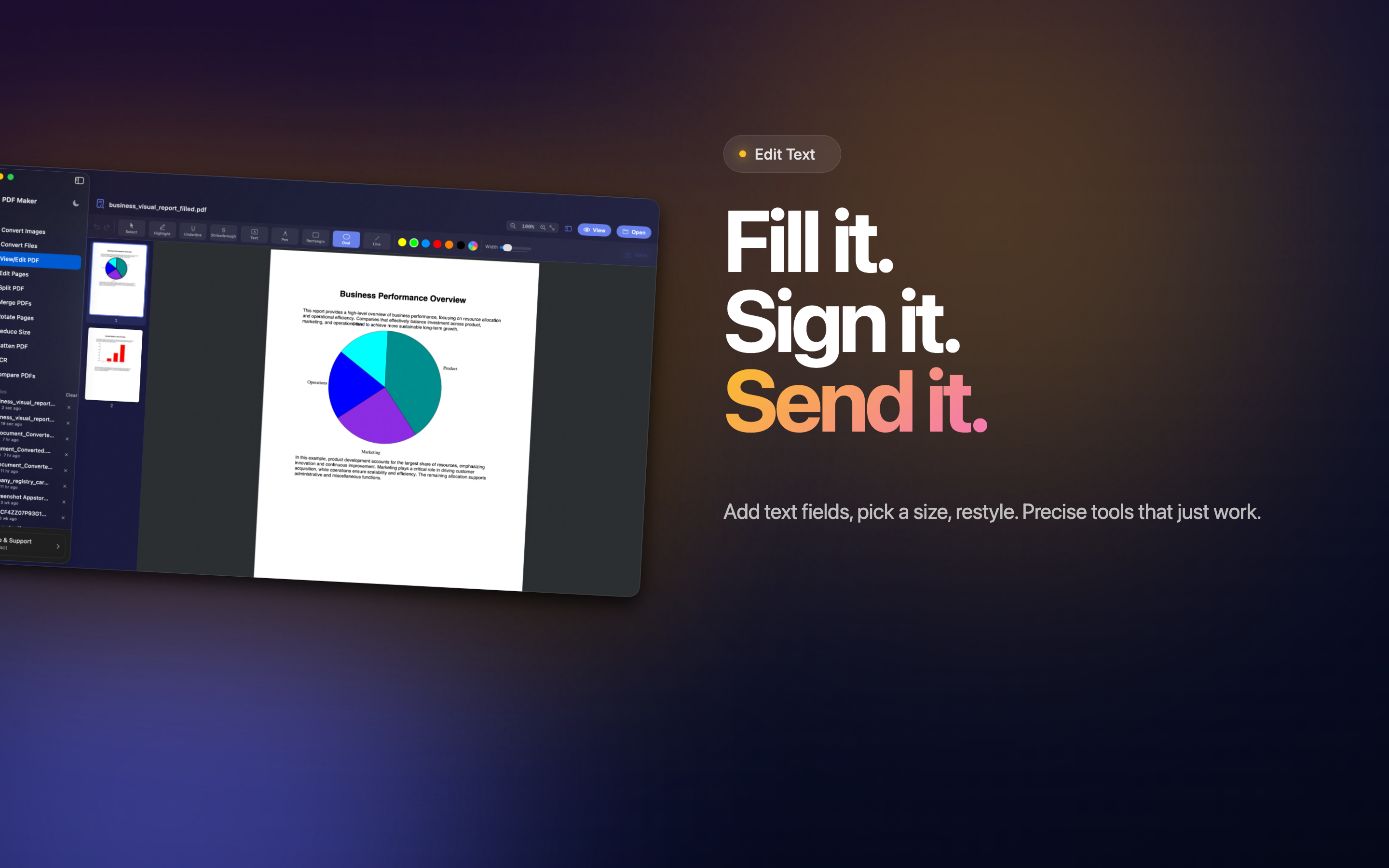
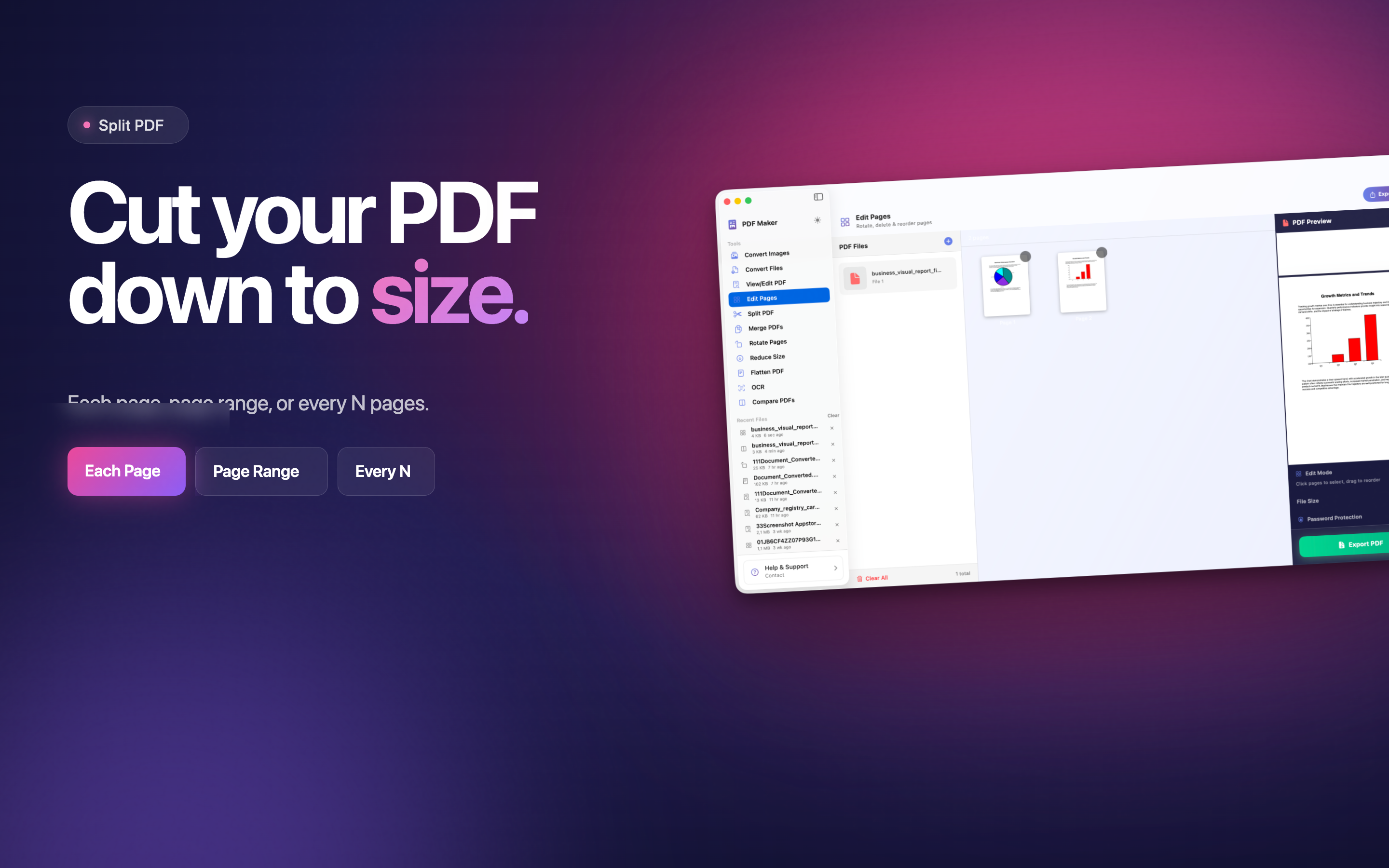
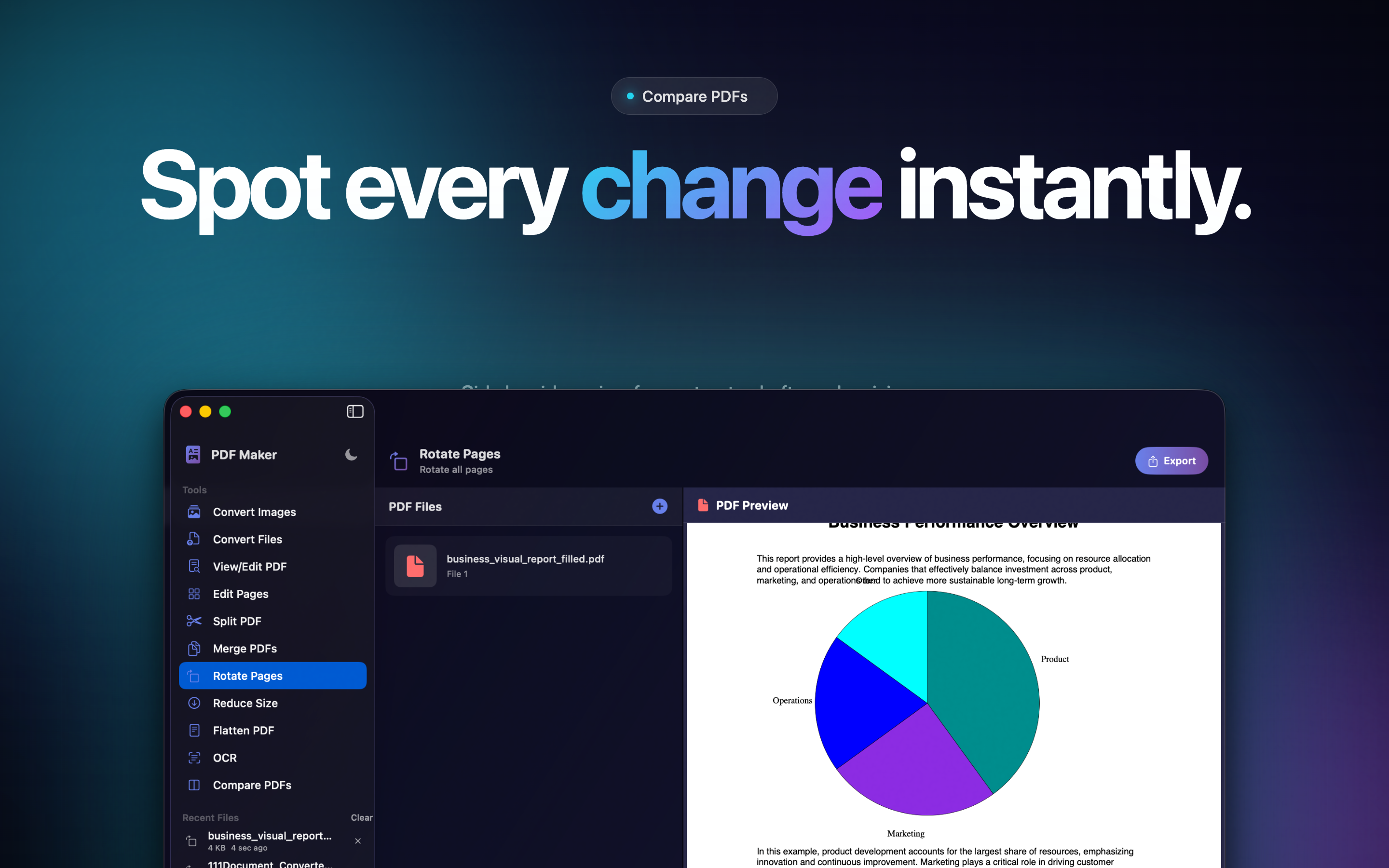
Real captures of the Mac app - convert images, edit text, annotate, split, merge, and compare PDFs side-by-side.
iPhone Screens
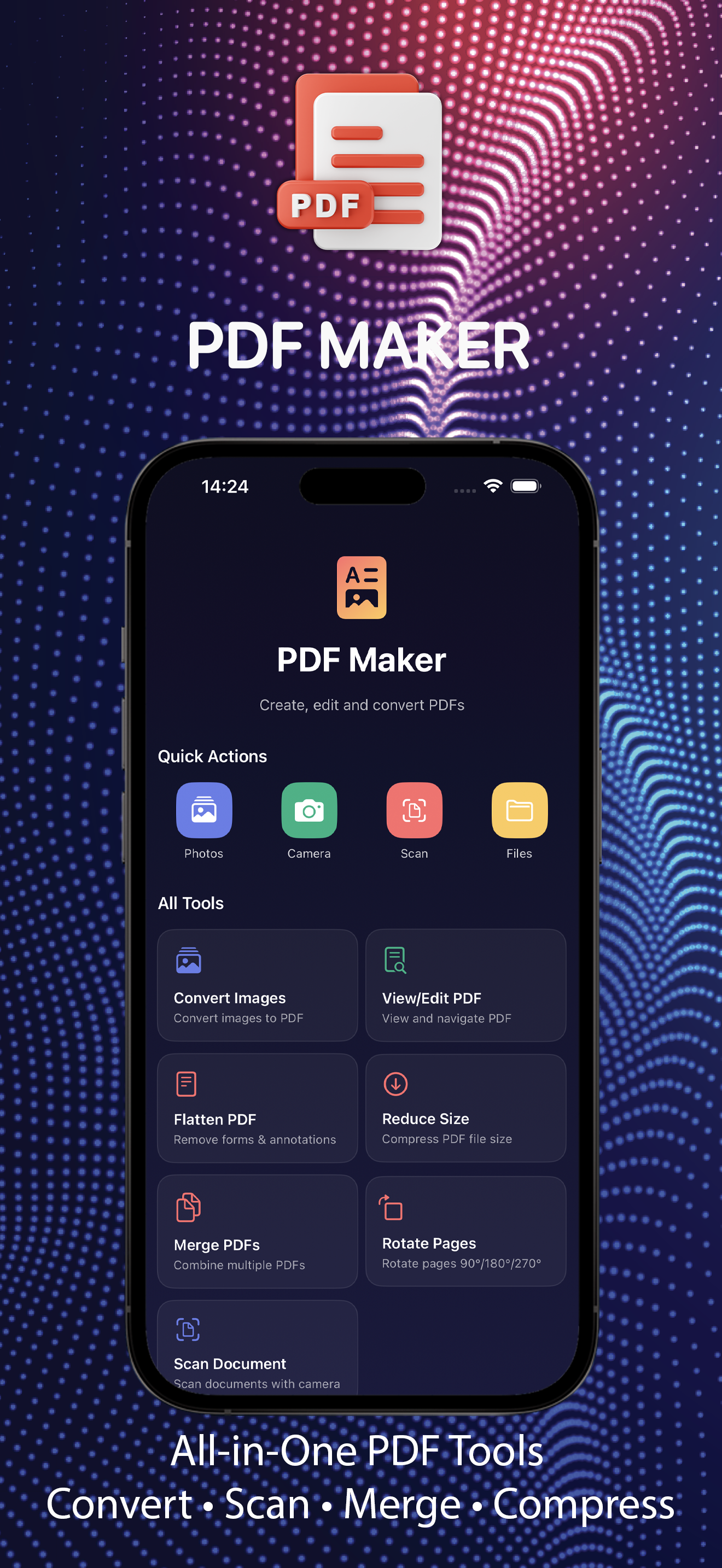
Real iPhone captures - scan, convert, merge, and share PDFs in seconds, one-handed.
Who It's For
Students assembling research papers and study notes from photos and scans.
Professionals preparing client materials, contracts, and signed paperwork.
Small business owners digitizing receipts, invoices, and records.
Families preserving documents, memories, and certificates as searchable PDFs.
Why On-Device PDF Tools
Most PDF web tools upload your file to a server you don't control. PDF Maker does the opposite - everything happens locally on your iPhone, iPad, or Mac.
No accounts, no leaks, no quotas. Open the app on a plane or in a cafe and the toolkit still works.
Free, With Pro Unlock
Use the core tools for free - convert photos to PDF, scan documents, view and rotate pages.
Pro subscription unlocks heavier batch workflows and advanced editing.
Auto-renews unless disabled 24h before period ends - manage in Account Settings.
Files always stay local - subscription doesn't change privacy behavior.
A Compact Document Studio
Convert, scan, merge, compress, flatten, rotate, view, and edit - all from one screen with thumbnail navigation and quick actions.
Designed for the kind of PDF work people actually do every week, without a steep learning curve.
Desktop-Level PDF Tools, In Your Pocket
PDF Maker keeps the toolkit small, fast, and private - exactly the way day-to-day PDF work should feel.