Photo Utility • Only for Mac

HEIC to JPG Batch Converter

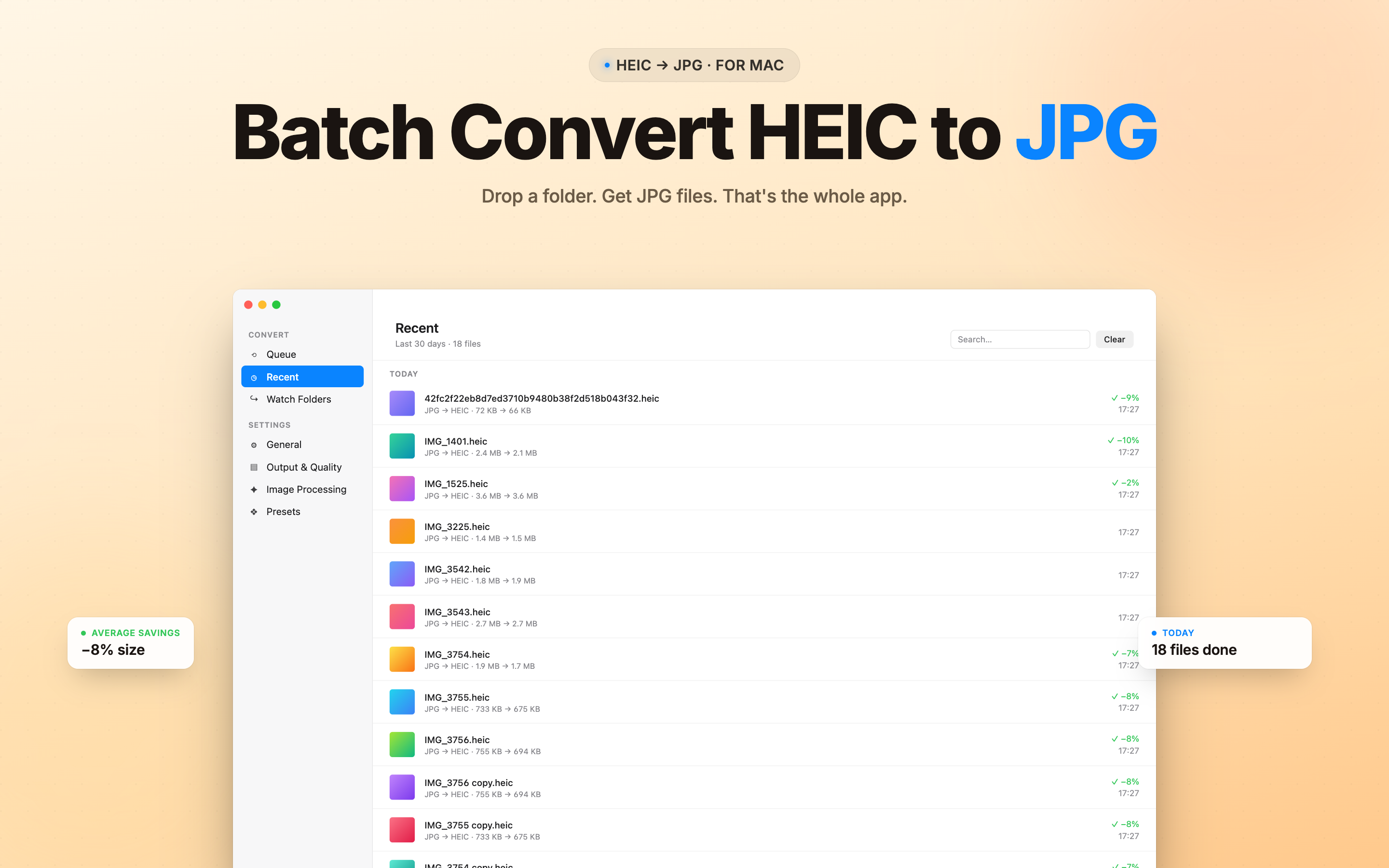
Turn iPhone HEIC photos into JPG, PNG, WEBP, HEIF, or PDF in seconds - drag a folder, pick a format, done. No accounts, no uploads, no cloud round-trips.

A small, fast macOS utility built for batch work: Finder context menu, EXIF preserved, quality control, and offline-first by design.

macOS Data Not Collected Batch & offline
HEIC JPG PNG WEBP HEIF PDF AVIF TIFF BMP
HEIC Converter logo

HEIC Converter

PNG WEBP HEIF PDF Photo Bulk

  • Compatibility: macOS 14.0 or later
  • Category: Utilities
  • Price: Free, with optional Premium
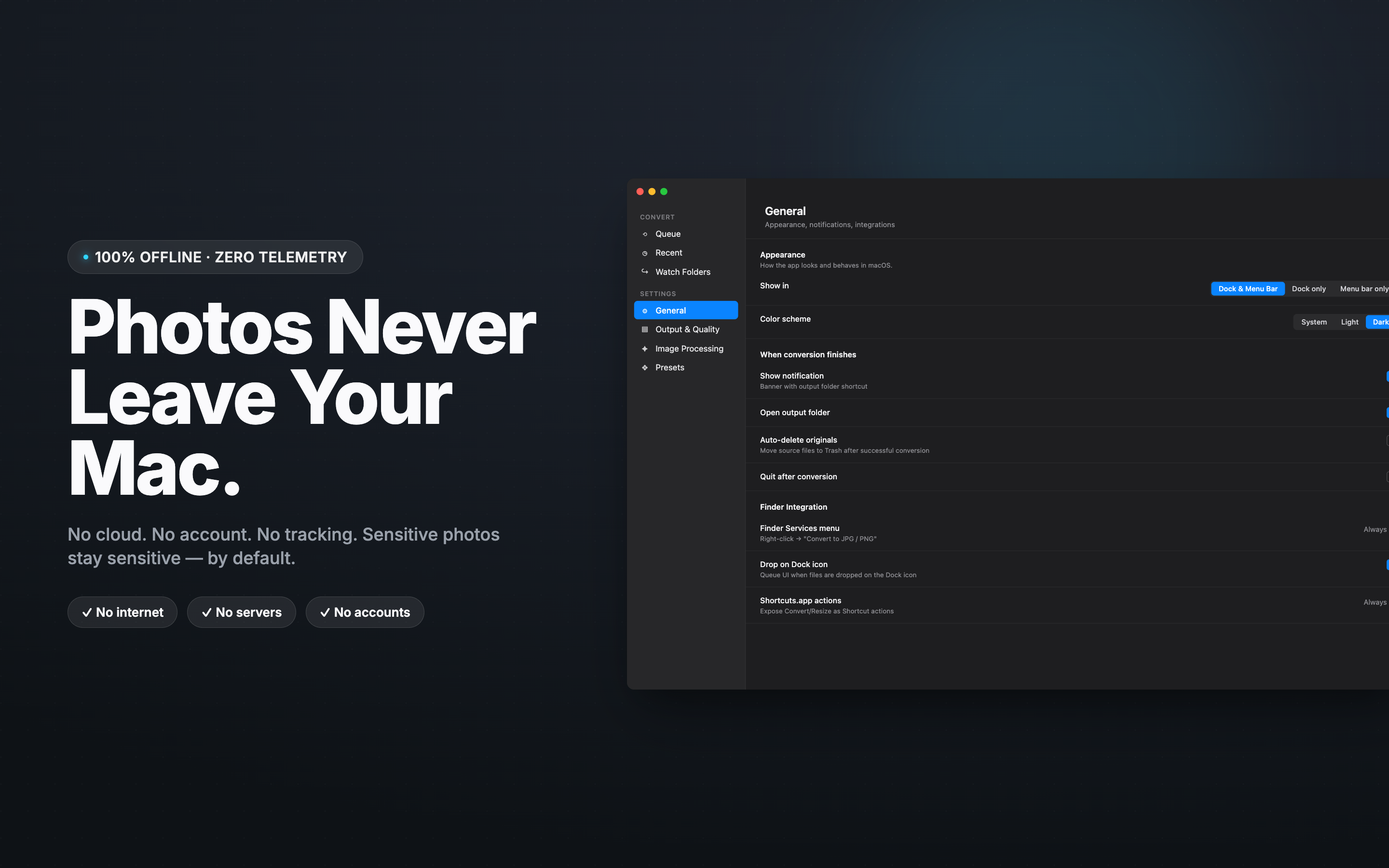
  • Privacy: 100% on-device, no uploads
Built for Mac

A native macOS app - drag and drop folders, convert in bulk, and integrate with Finder.

Mac

macOS 14.0 or later

Why HEIC Converter

iPhone photos arrive as HEIC and many tools still don't speak it. This converter is the simple, fast bridge - without cloud round-trips.

True Batch Conversion

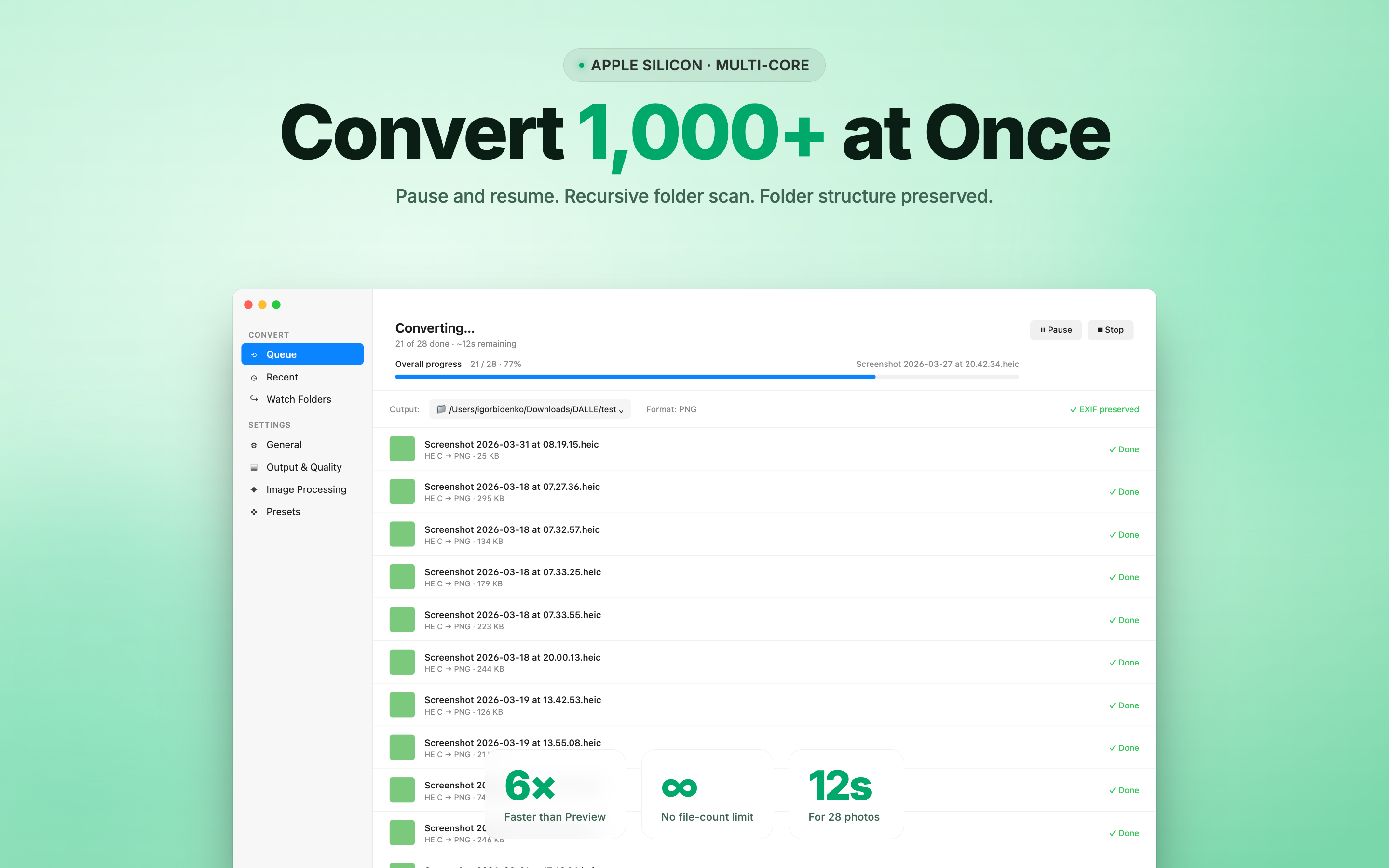
Drop a whole folder - or thousands of files - and convert them in one pass without manual one-by-one workflow.

Drag, Drop, Done

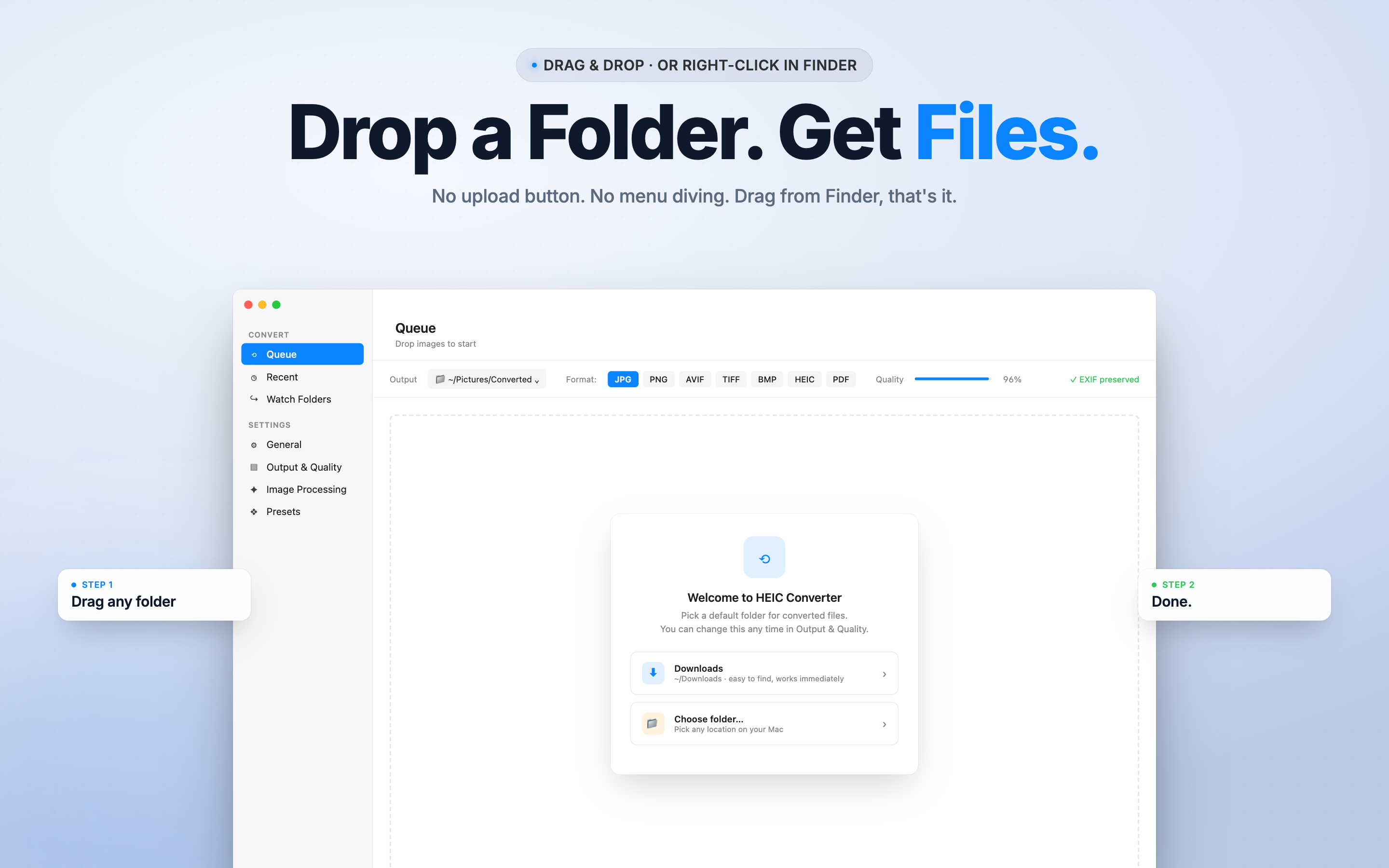
A clean macOS UI focused on one job - drop photos in, pick the target format, get clean output files next to them.

Finder Context Menu

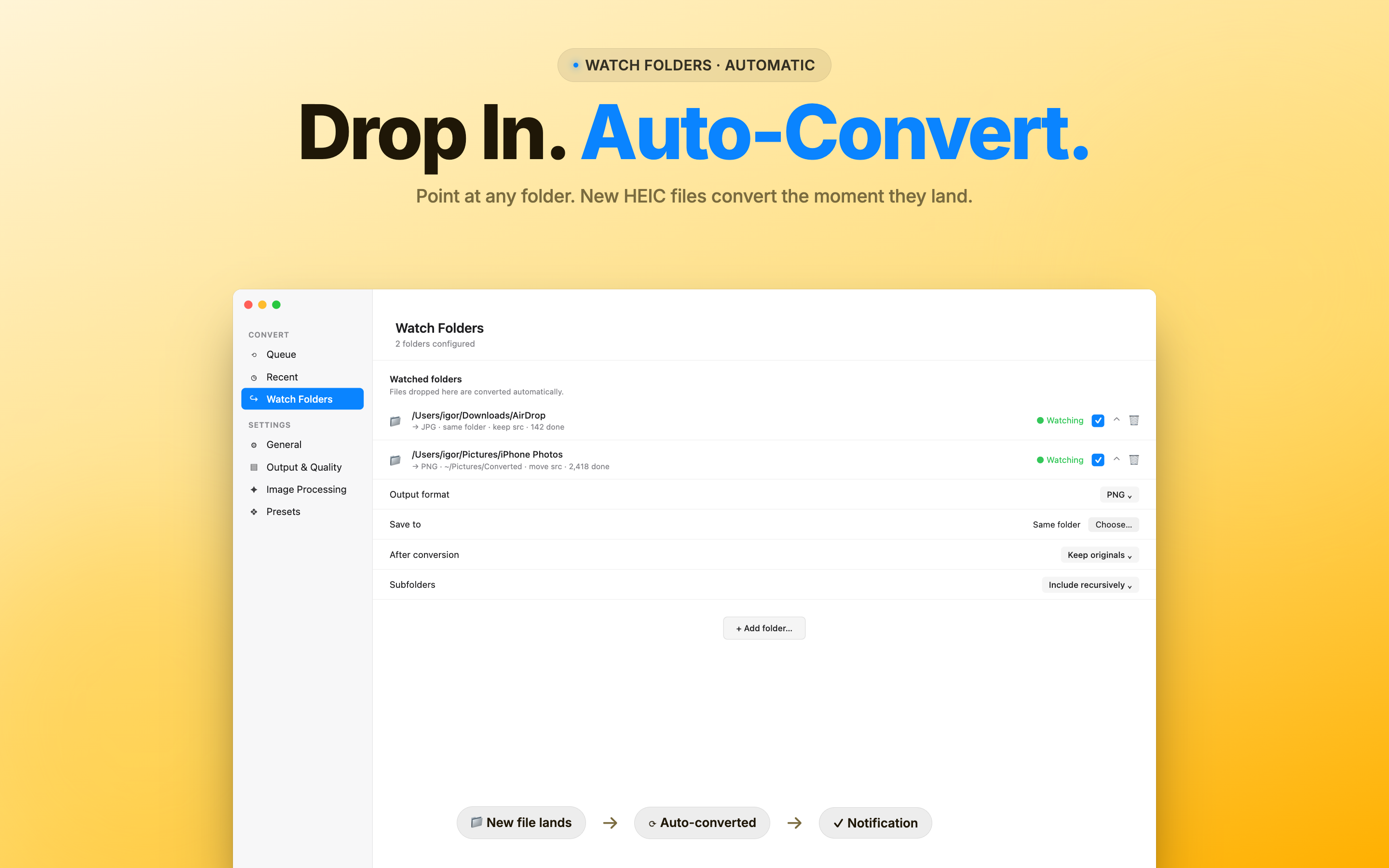
Right-click any HEIC in Finder to convert without launching the app - quick conversions where you already are.

Wide Format Support

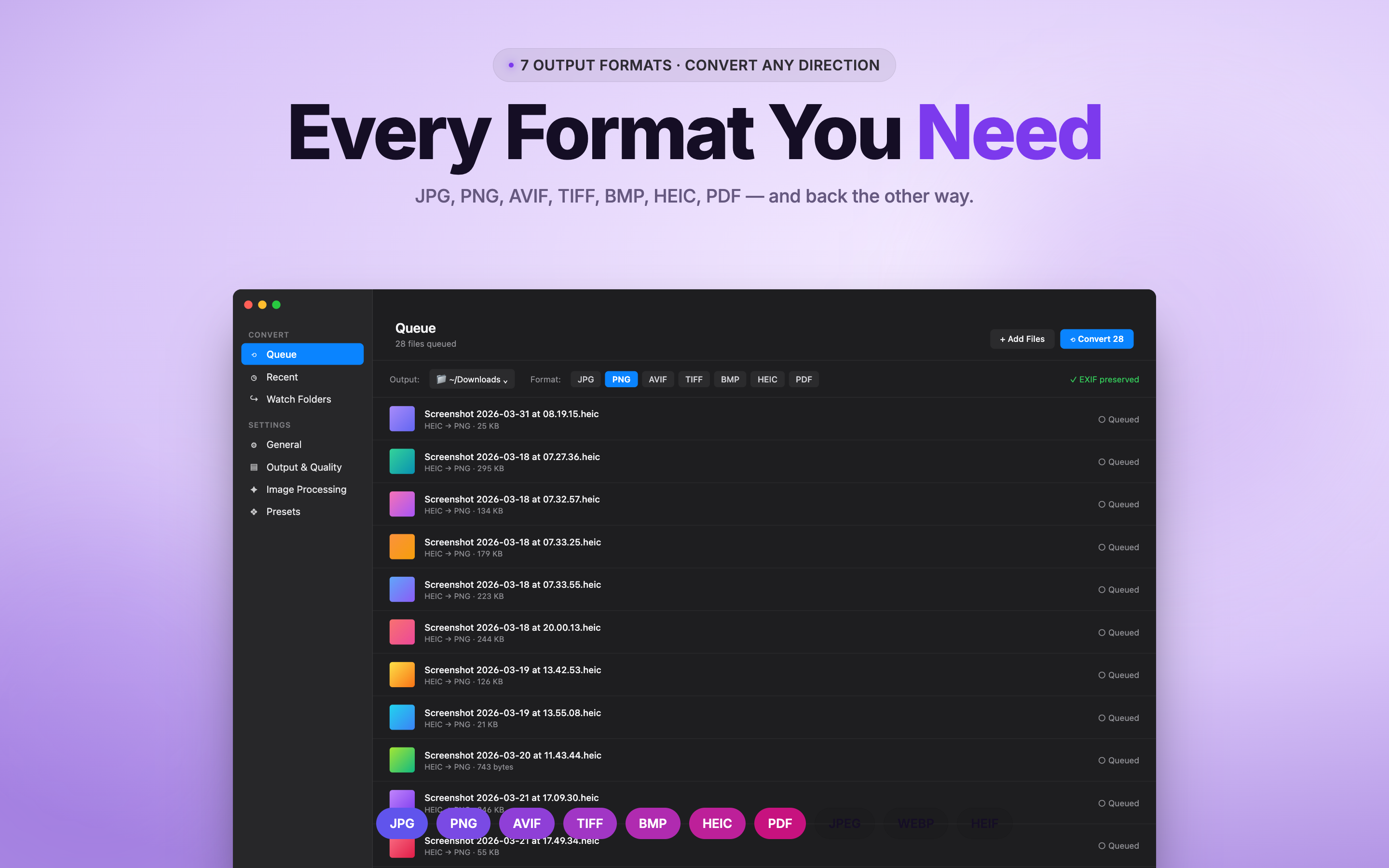
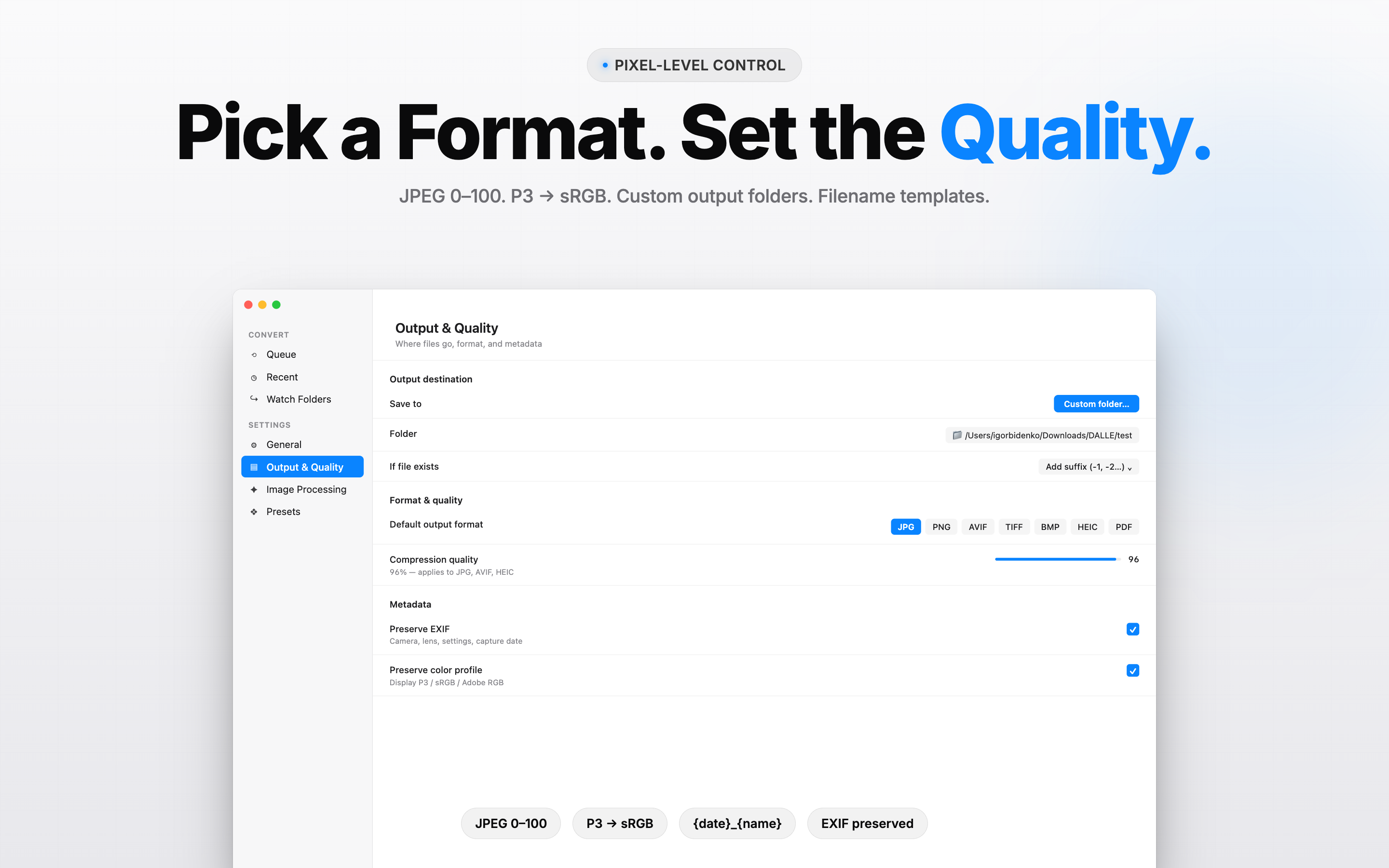
HEIC, HEIF, JPG, PNG, WEBP, PDF - and AVIF, TIFF, BMP via Premium. Pick the format your workflow needs.

EXIF Preserved

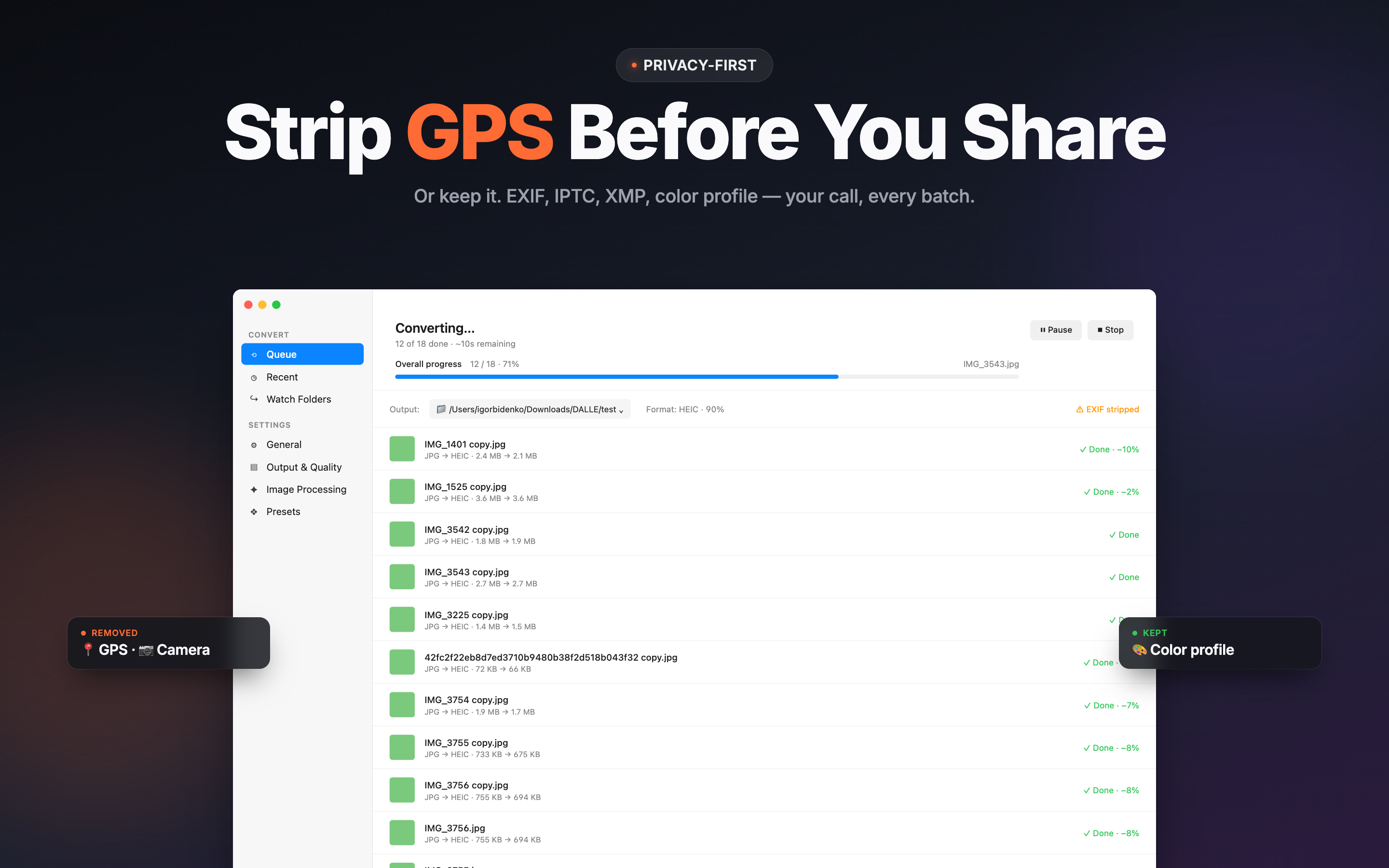
Original capture date, GPS, camera model, and orientation stay intact - exports look right in Photos, Lightroom, and beyond.

Quality Controls

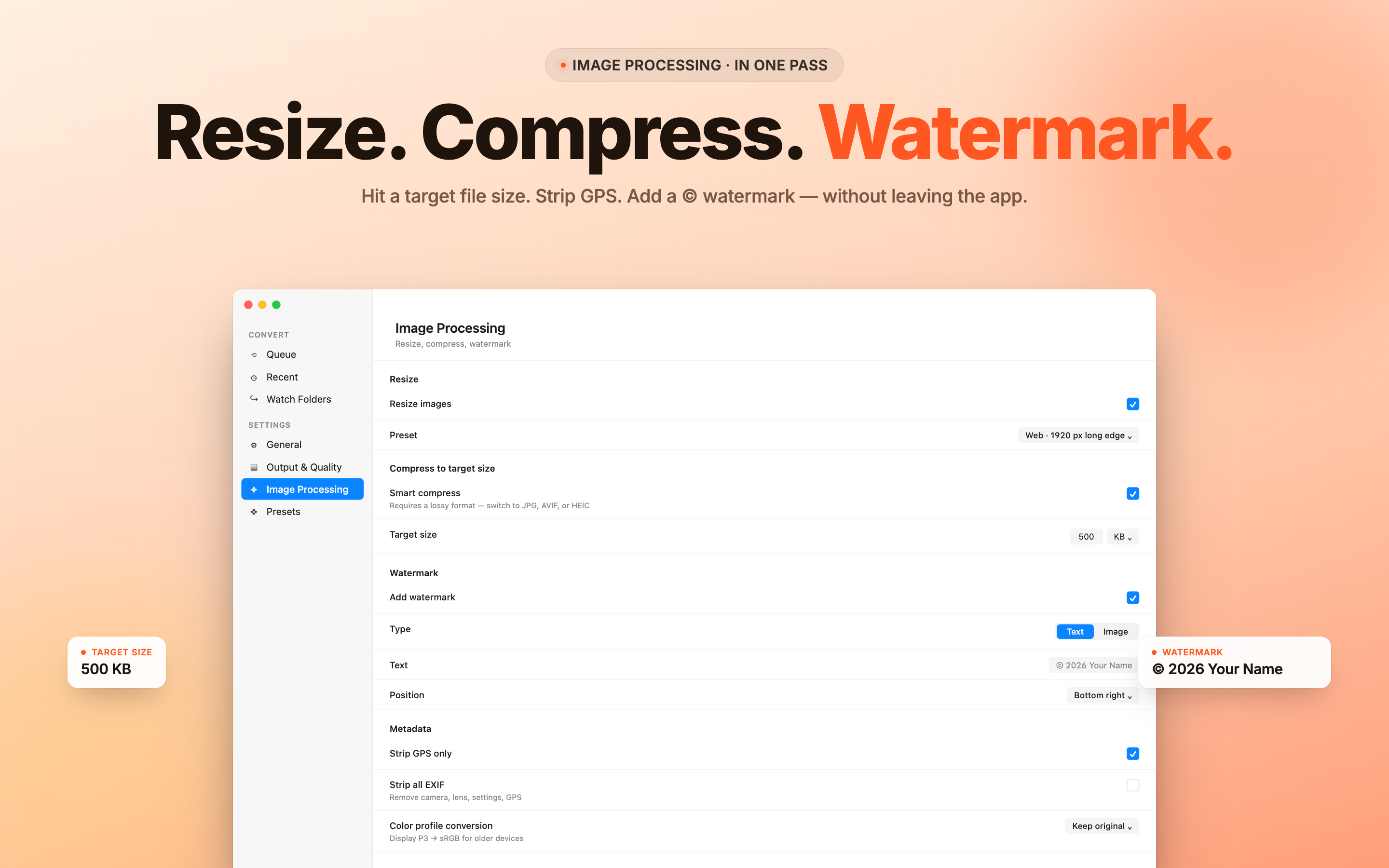
Pick output quality, resize images, and add watermarks (Premium) - shape the export to match your delivery target.

HEIC Converter Screens

Real macOS interface captures from the app.

Who It's For

  • iPhone users who need HEIC photos in JPG for non-Apple apps and services.
  • Photographers preparing client deliveries in mixed-format archives.
  • Designers and content creators bulk-converting assets to PNG or WEBP.
  • Anyone preparing a photo PDF without opening Preview file-by-file.

Privacy and Performance

Every conversion happens on your Mac. Photos never leave your device - no cloud upload, no account, no sign-in. Data Not Collected.

Built lightweight: under 4 MB on disk, low CPU footprint while batching, and predictable output named alongside the originals.

Free vs Premium

The Free tier covers HEIC → JPG/PNG/WEBP/HEIF/PDF batch conversion with EXIF preserved.

  • Premium: AVIF, TIFF, BMP output, unlimited batches.
  • Premium: Resize, watermark, and batch rename.
  • Premium: Shortcuts.app integration for automation.
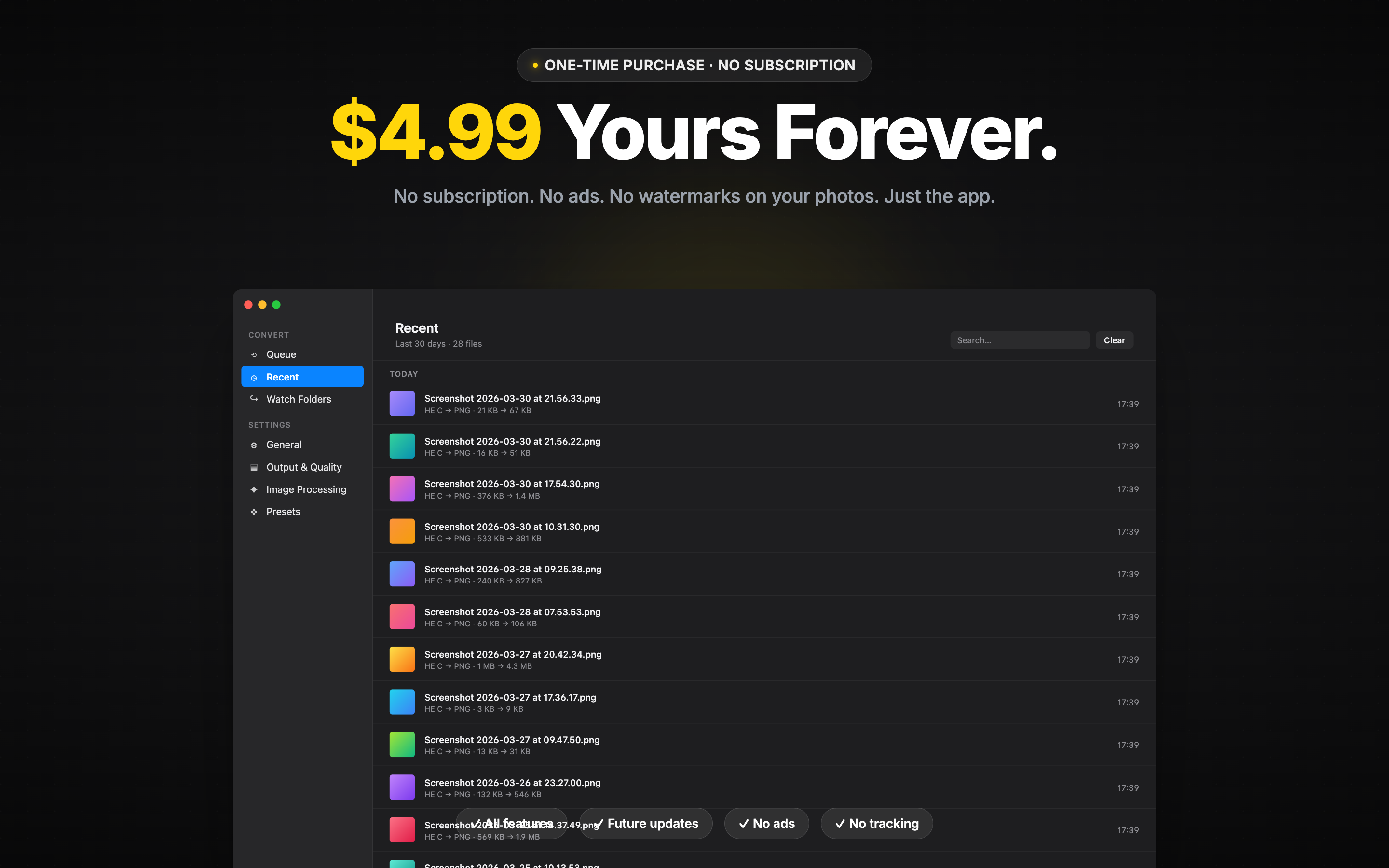
  • Pricing: $4.99 one-time, no subscription.

Formats & Workflow

Input: HEIC, HEIF, JPG, PNG, WEBP. Output: JPG, PNG, WEBP, HEIF, PDF - plus AVIF, TIFF, BMP with Premium.

Workflow: drop files (or use Finder right-click) → pick format and quality → outputs land in the same folder, named predictably.

Convert HEIC in Bulk, Without Sending Photos to the Cloud

A small, focused utility for the one job you've been doing the slow way - run it once and your HEIC archive is portable everywhere.