Native Mac • Live regex matching • Snippet export

Regex Tool: Pattern Editor

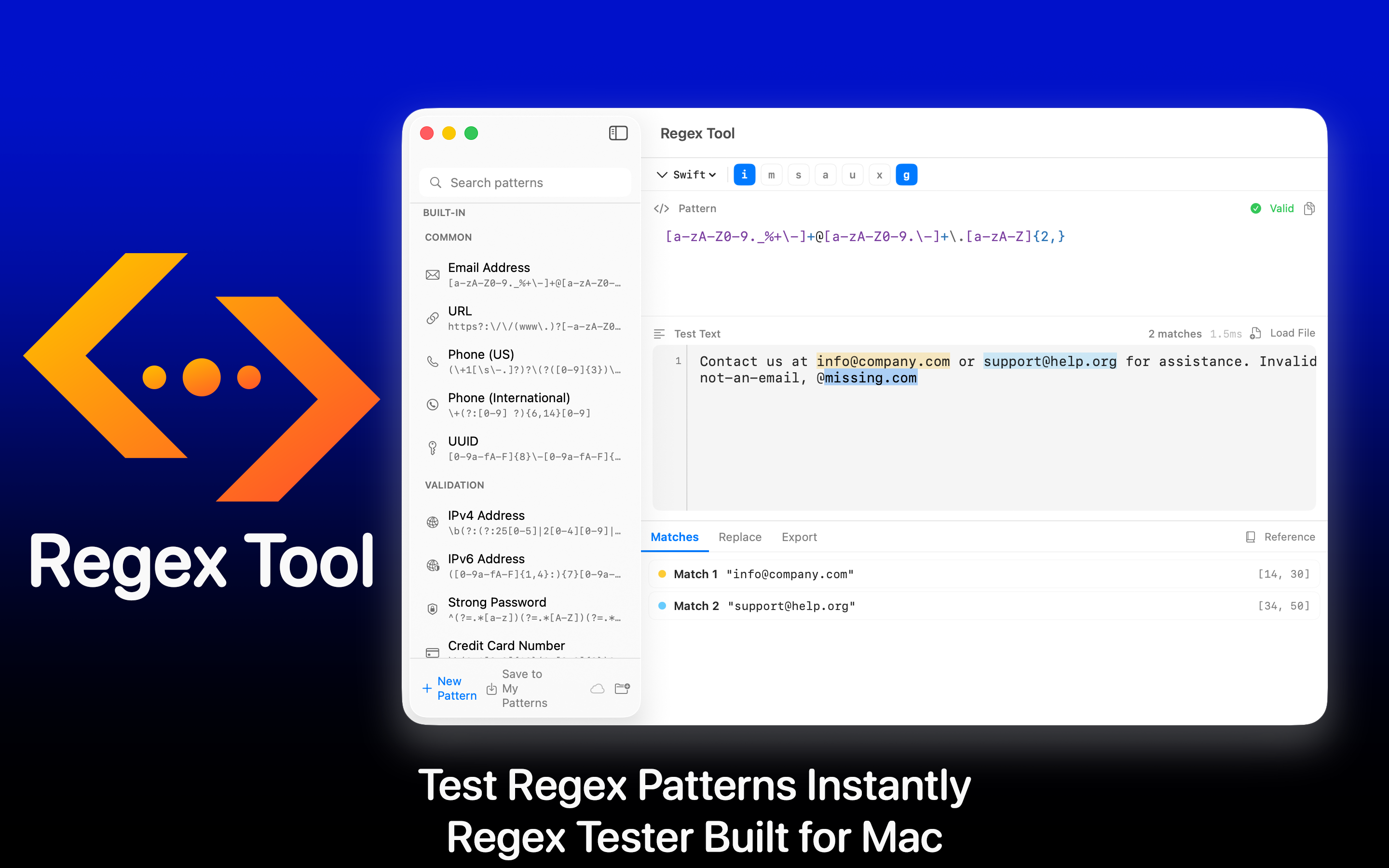
A focused, beautifully designed native Mac app for writing, testing, and refining regular expressions - with live highlighting, capture groups, replacements, and ready-to-paste code snippets.

Built for developers, log-grepping admins, and anyone who writes more than three regexes a year. No browser tabs, no copy-pasting in and out of online testers - just a clean Mac-native pattern editor.

Download on the App Store
macOS Live matching Snippet export
Regex Tool Pattern Editor logo
Live
Real-time match highlighting
Native
Built specifically for macOS
Snippets
Swift, JS, Python & more
100%
Local - no cloud

Everything a Regex Workflow Needs

A focused toolkit that turns "I'll figure out the regex later" into "let me just open Regex Tool."

Live Match Highlighting

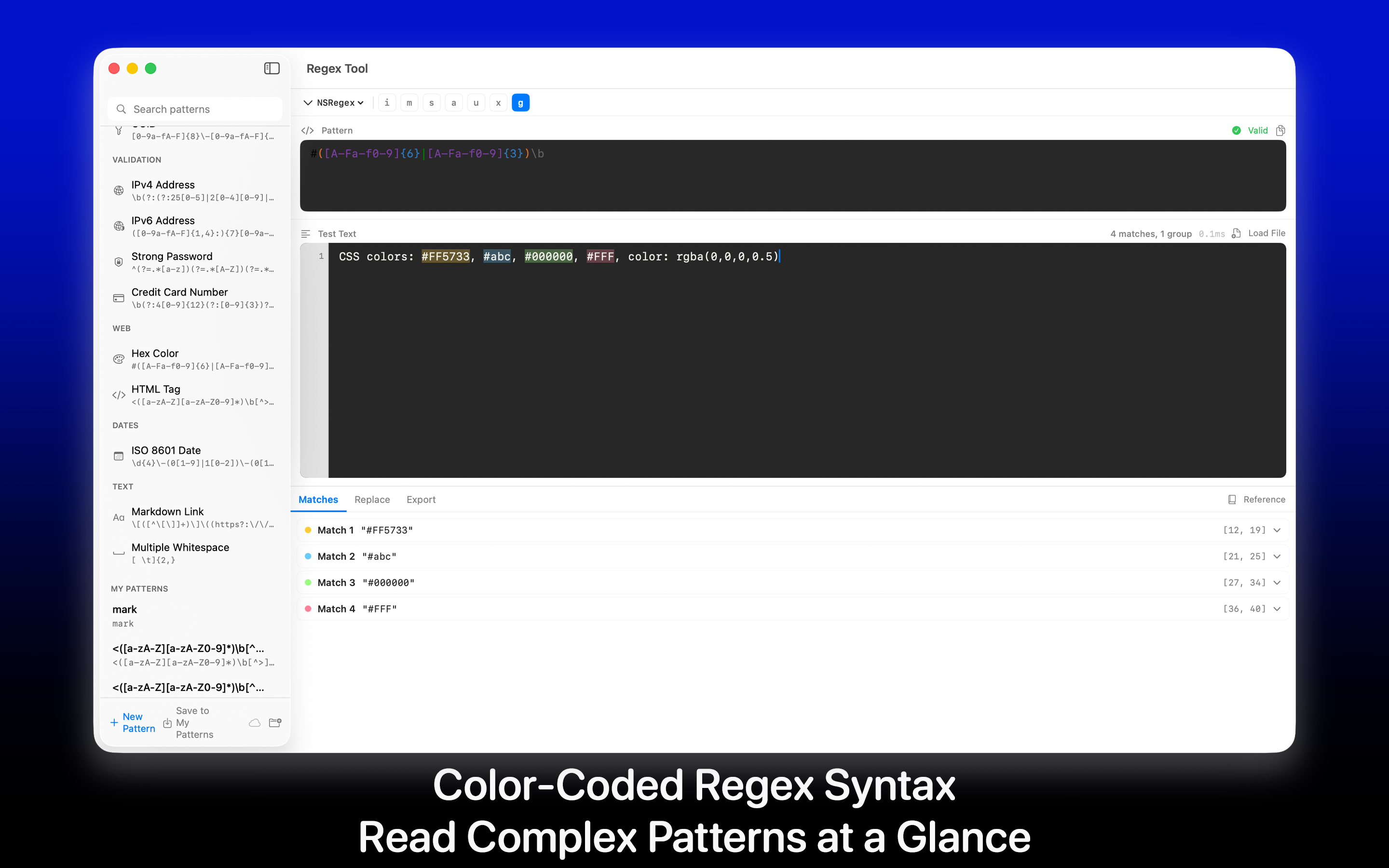
As you type, every match in your test text is highlighted instantly - no run button.

Capture Group Inspector

Inspect each capture group and named group with clear, color-coded overlays.

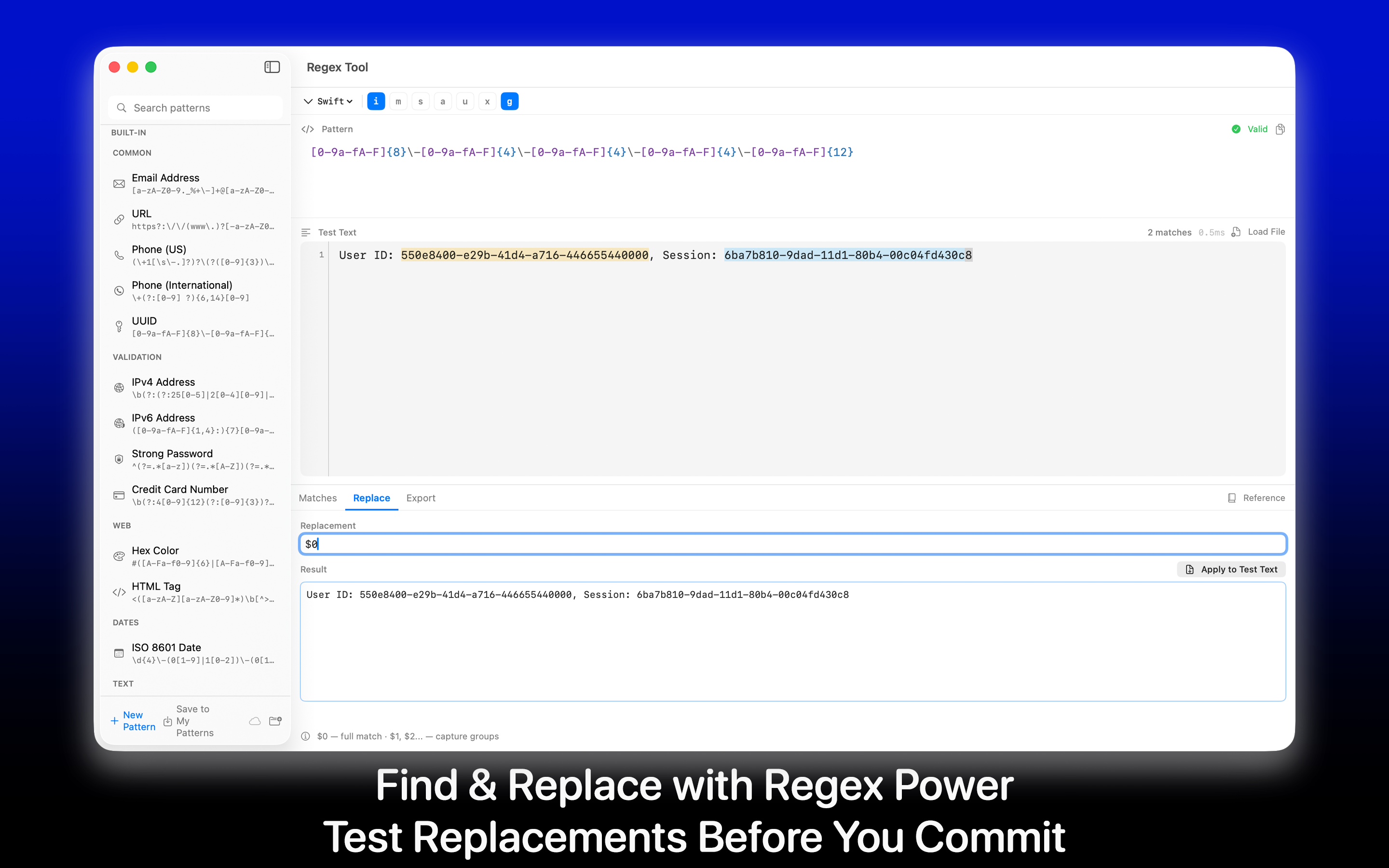
Find & Replace Preview

Live preview of your replacement output, with backreferences and named substitutions.

Flag Toggles

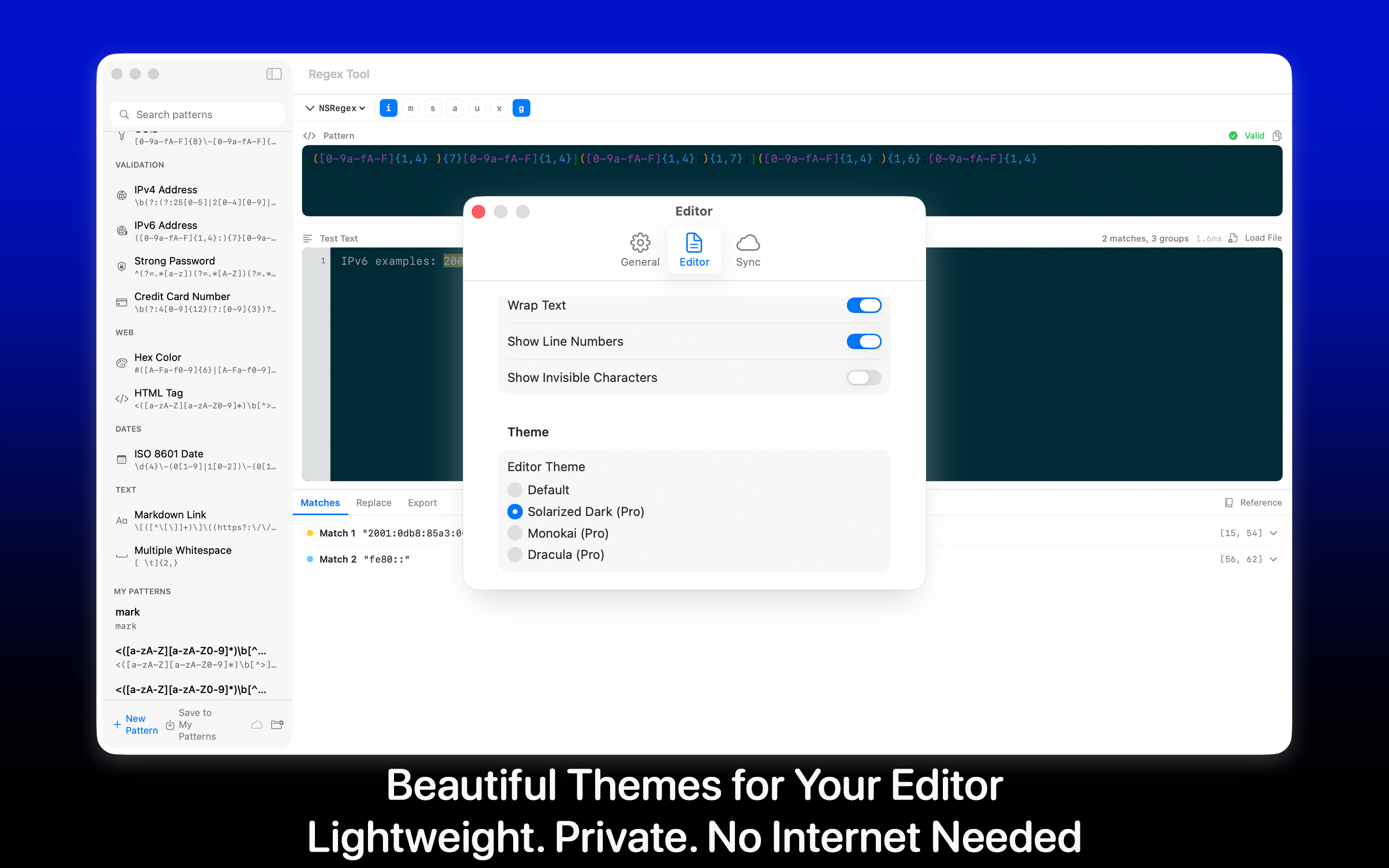
Case-insensitive, multiline, dotall, unicode - toggle flags and watch results update.

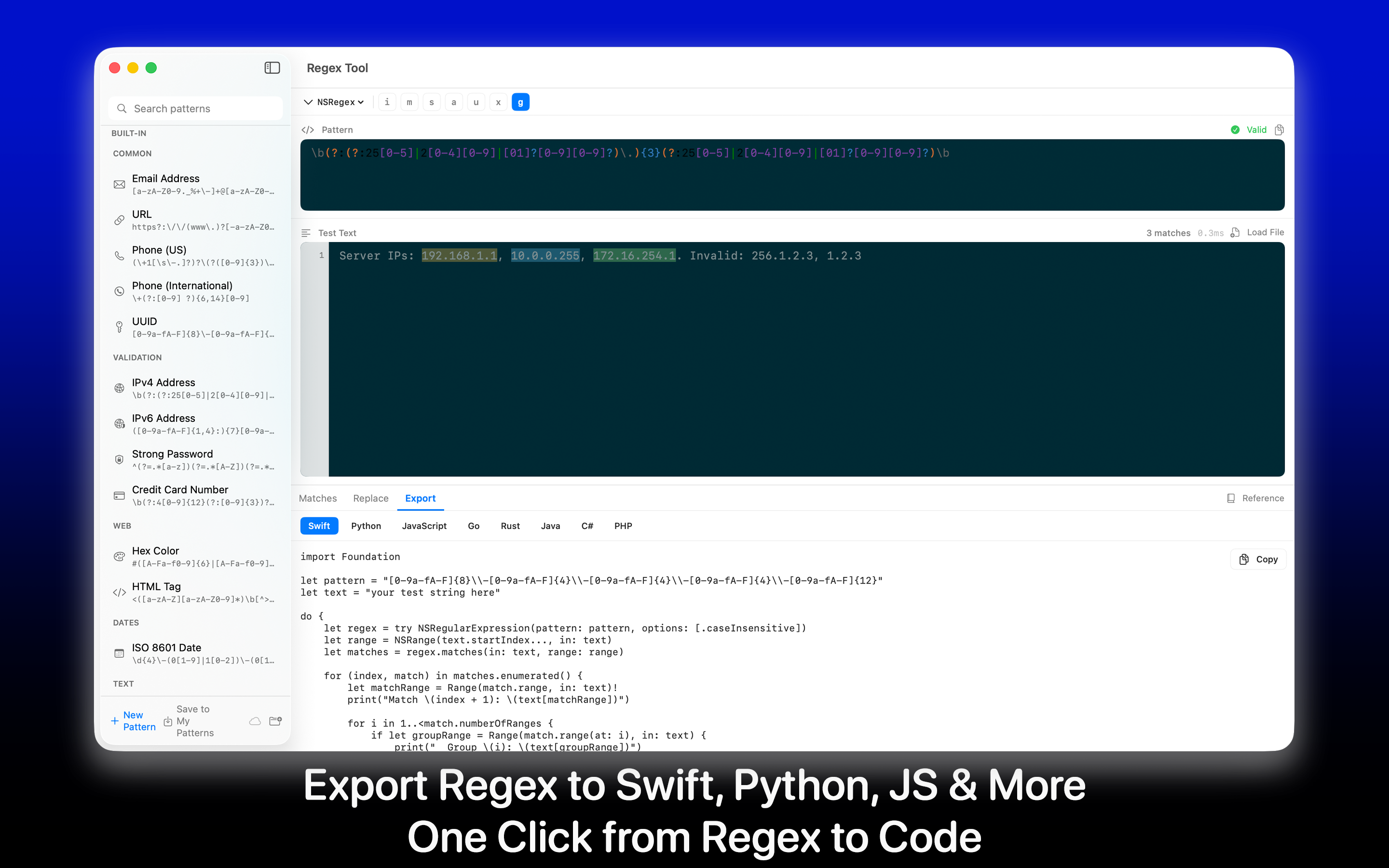
Code Snippet Export

One click copies a ready-to-paste regex snippet for Swift, JavaScript, Python, Go, and more.

Multi-Line Test Input

Paste long log files or sample text - fast highlighting even on large inputs.

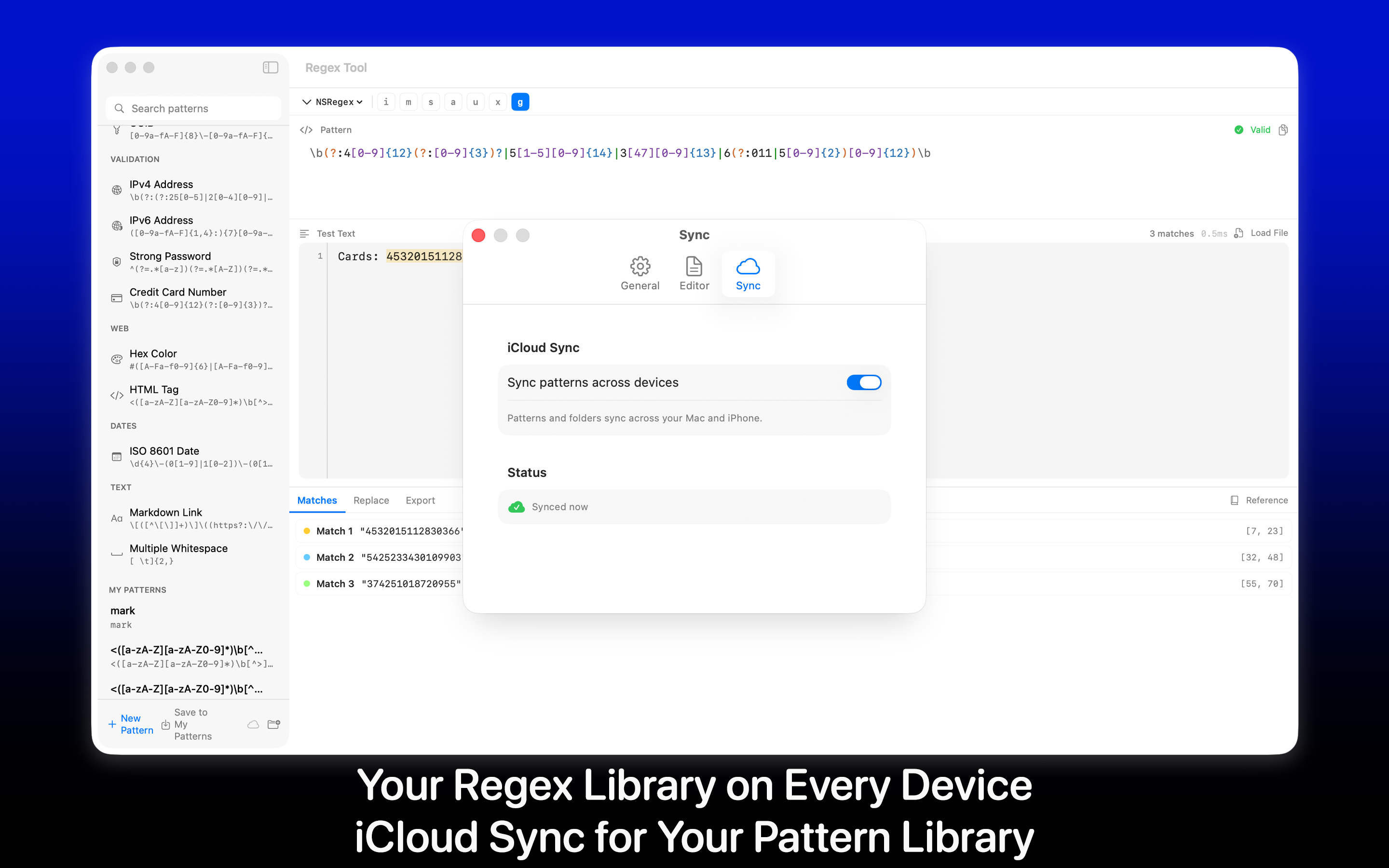
Saved Patterns

Keep a personal library of patterns you reach for again and again.

Built-in Cheatsheet

A handy quick-reference for tokens, anchors, quantifiers, and lookarounds.

Privacy-First

Everything runs locally on your Mac. No accounts, no telemetry on your patterns.

Built for Real Workflows

From quick log-greps to building complex parsers, Regex Tool keeps the iteration loop tight.

Devs & Engineers

Prototype patterns, copy as snippet, paste into your editor. Done.

Sysadmins & SREs

Iterate on log-parsing patterns against real samples right in the app.

Writers & Editors

Bulk find-and-replace across long manuscripts with confidence.

Tools at Your Fingertips

A focused feature set, not a kitchen sink.

Live Highlighting Capture Groups Replace Preview Flag Toggles Snippet Export Saved Patterns Large Input Cheatsheet Fast Engine

Mac Screens

A spacious editor with thoughtful keyboard navigation and a layout that fits the way you actually work.

Built for Mac

A native macOS experience designed for keyboard-first developers.

Mac

macOS 14.0 or later

Perfect For

  • Developers who reach for regex more than once a week and want a focused tool.
  • Sysadmins and SREs iterating on log-parsing patterns.
  • Writers and editors doing complex, repeatable find-and-replace.
  • Power users who'd rather not paste sensitive text into online testers.
  • Anyone tired of "regex tester" tabs littering their browser.

What Makes It Different

  • Native & fast: a real Mac app with proper keyboard support.
  • Snippet export: ready-to-paste code in many languages.
  • Saved patterns: a personal library of patterns you trust.
  • Local only: your patterns never leave your Mac.
  • Beautifully designed: calm typography and a layout that respects your time.

Stop Pasting Patterns Into Browser Tabs

Download Regex Tool: Pattern Editor and bring a focused regex workflow to your Mac.

Download on the App Store