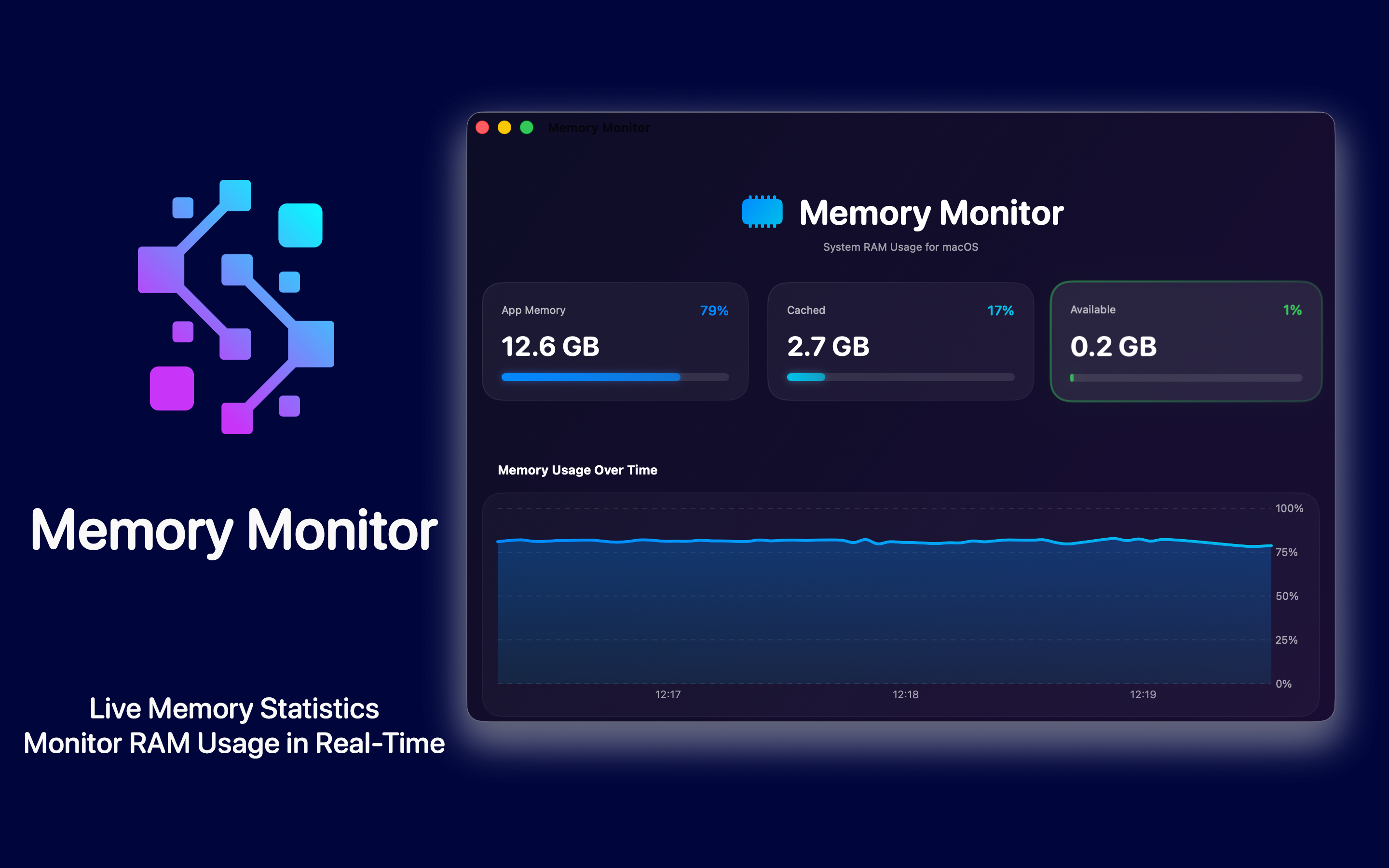
A beautiful memory dashboard for macOS that lives in your menubar. Track RAM in real time, see your Memory Health Score, and finally understand how your Mac actually uses memory.
Live charts, memory pressure at a glance, top RAM-hungry apps, and a Tips section that explains why 90% memory usage is often perfectly normal.
macOSNo Data CollectionTiny footprint
Memory Monitor
RAM Usage & Health
Compatibility: macOS 13.0 or later
Category: Utilities
Price: Free, with optional Premium
Privacy: Zero tracking, works offline
Built for Mac
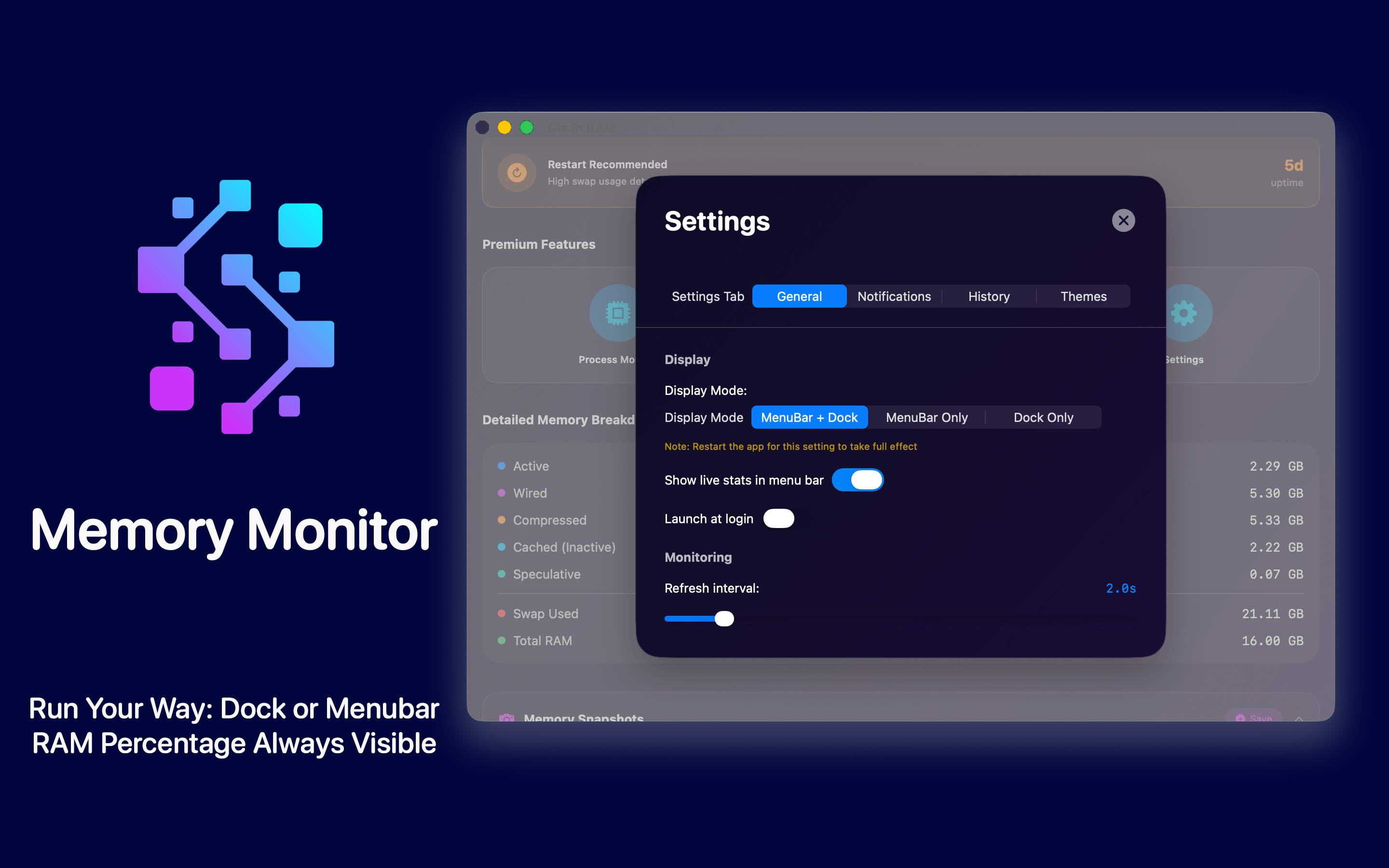
A native macOS menubar app - live memory stats always one glance away, sandboxed and lightweight.
Mac
macOS 13.0 or later
Understand Your Mac's Memory at a Glance
Memory Monitor turns raw RAM numbers into a clear, beautiful dashboard - so you know when to act and when everything is working as designed.
Memory Health Score
An instant 0-100 system health overview, plus a pressure indicator (Normal / Warning / Critical) so status is obvious.
Real-Time Charts
Live memory charts with usage history and a trend indicator show whether RAM use is rising, stable, or falling.
Detailed Breakdown
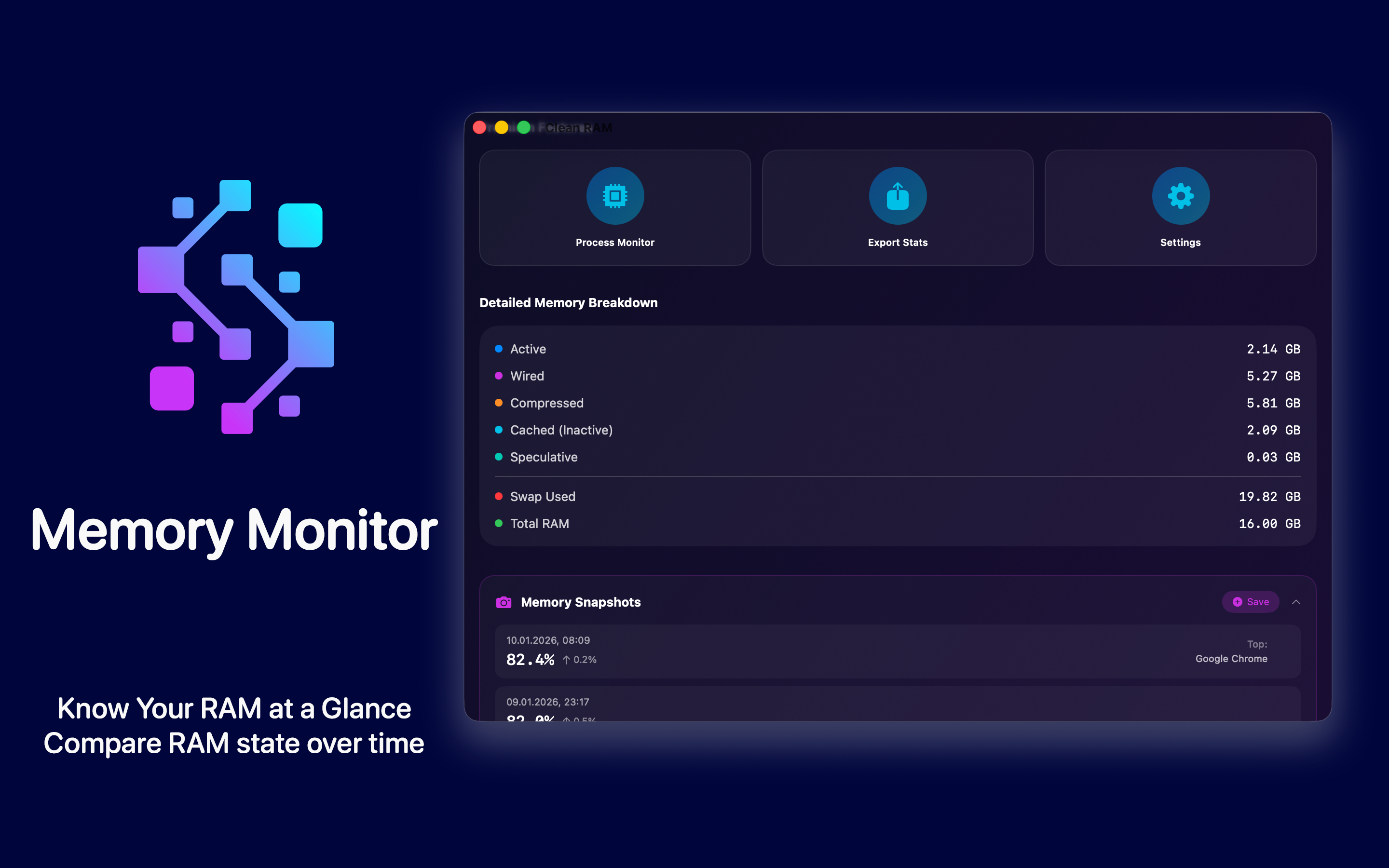
See Active, Wired, Compressed, Cached, and Swap memory - the full picture of how macOS allocates RAM.
Top RAM Apps
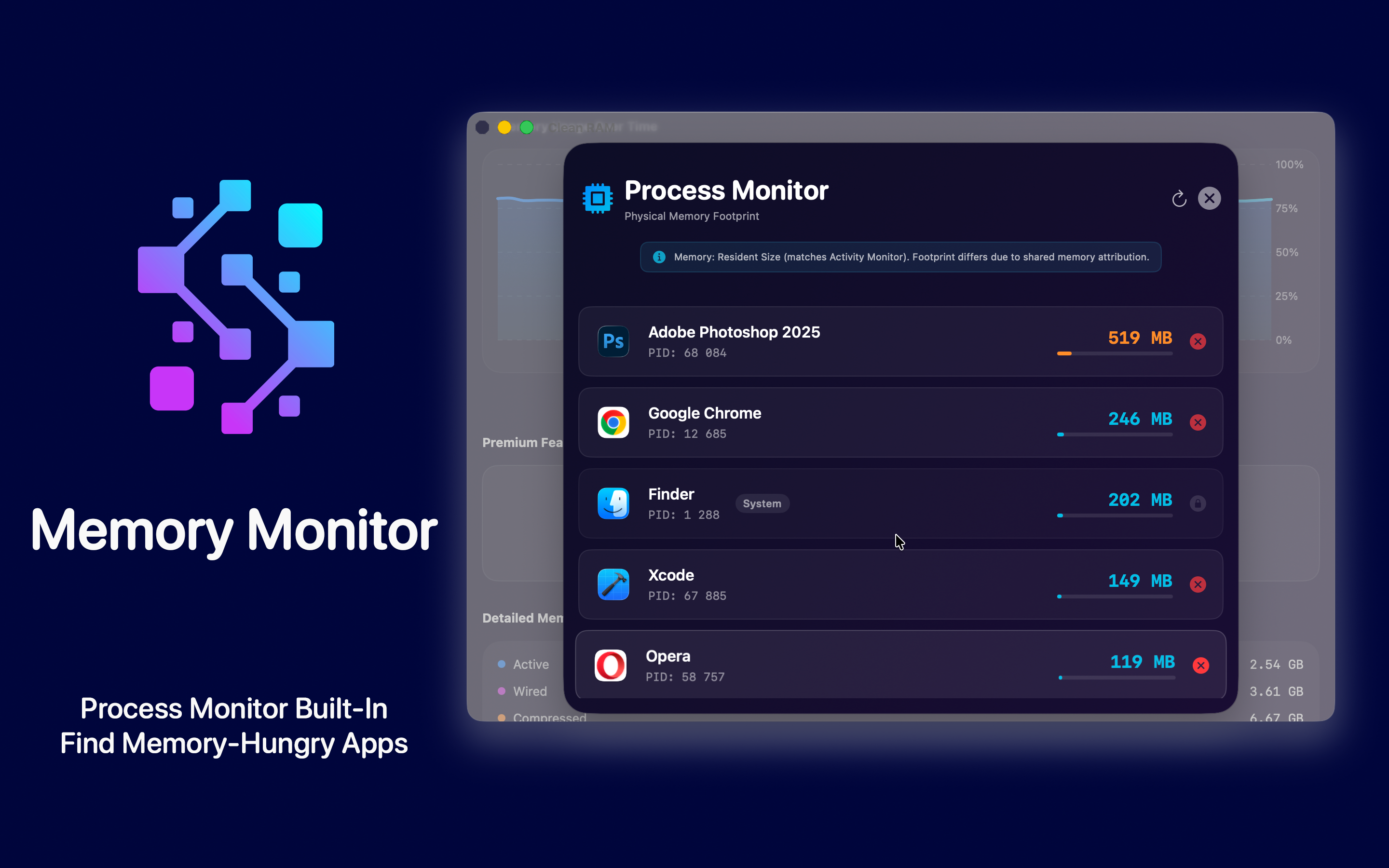
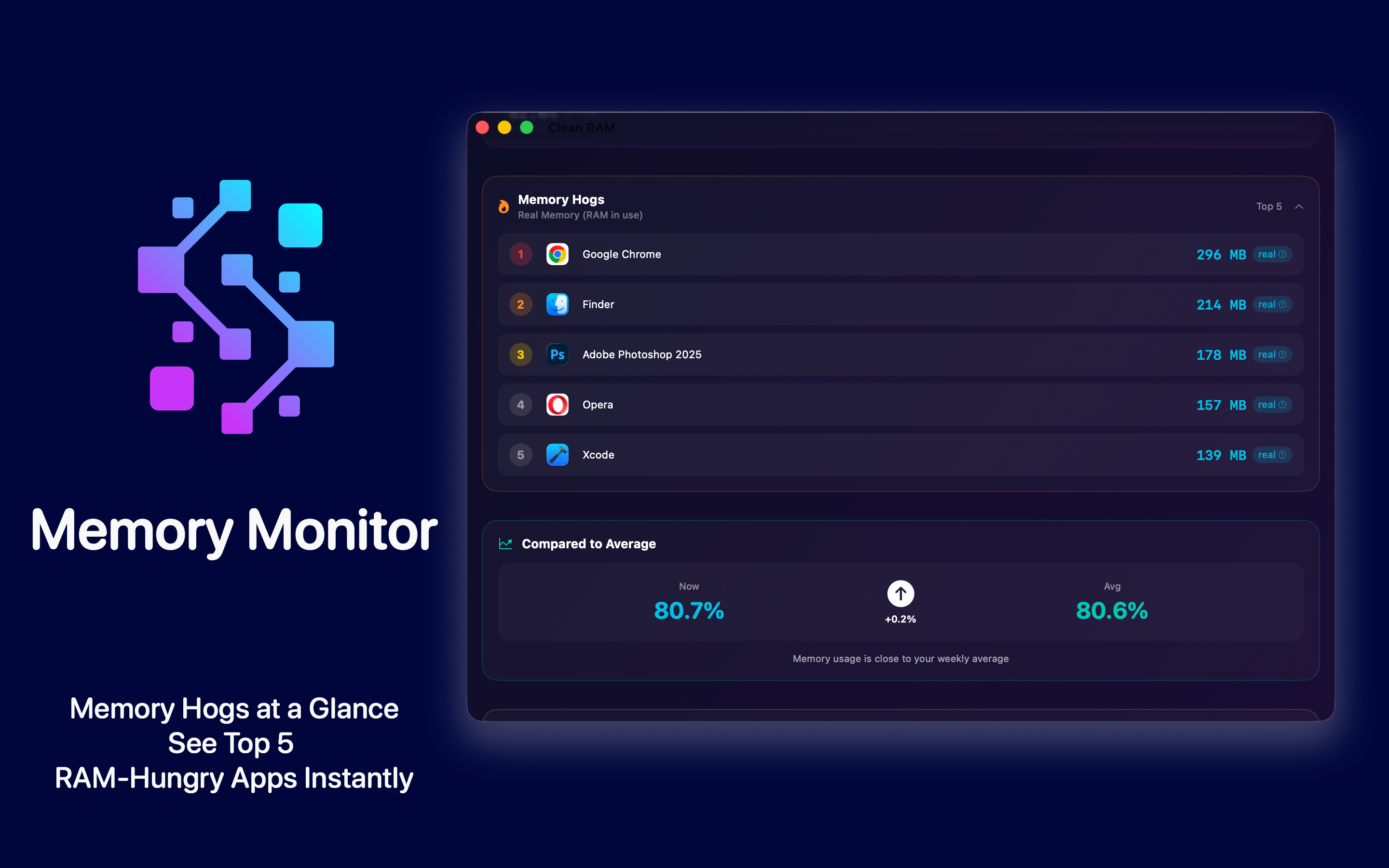
Instantly spot which app is using the most memory right now - with the Memory Hogs widget and per-app Real Memory.
Memory Tips & Education
Learn how macOS memory really works - why high usage is often normal, and when you should actually take action.
Memory Snapshots
Save and compare memory state over time, so you can pinpoint what changed during heavy workflows.
Smart Alerts (Premium)
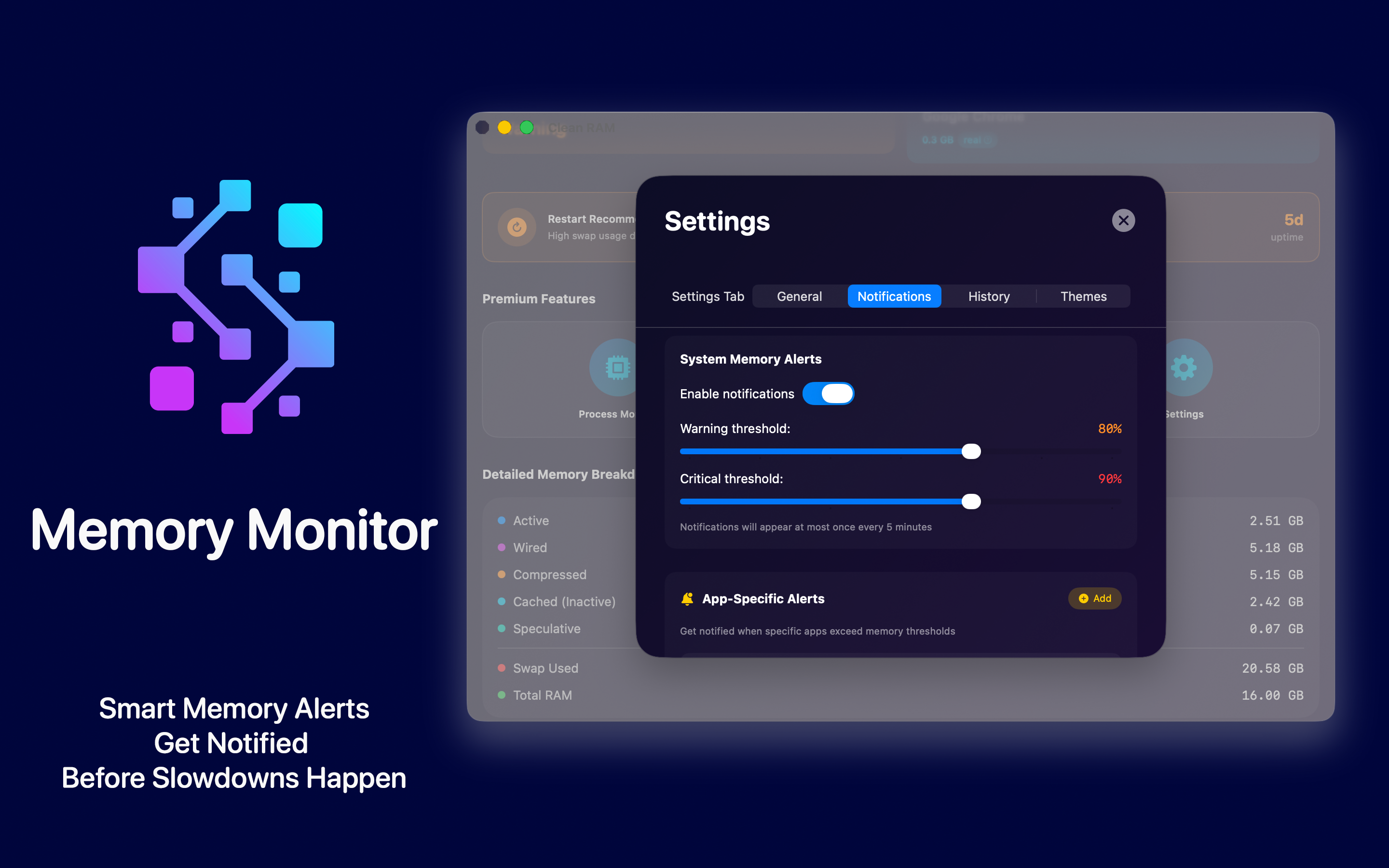
Set custom warning and critical thresholds, and get notified when specific apps - like Chrome or Xcode - cross your limits.
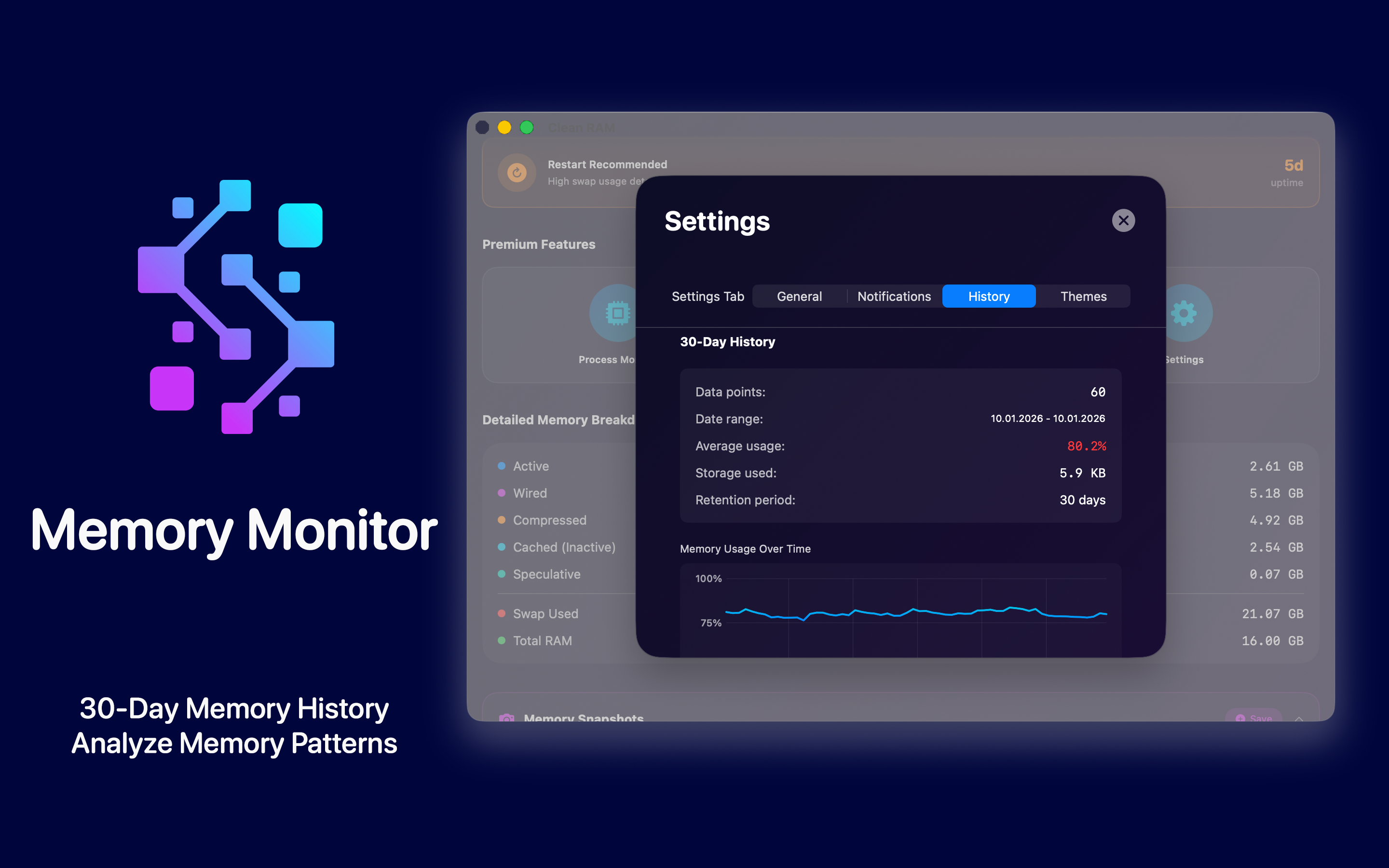
30-Day History (Premium)
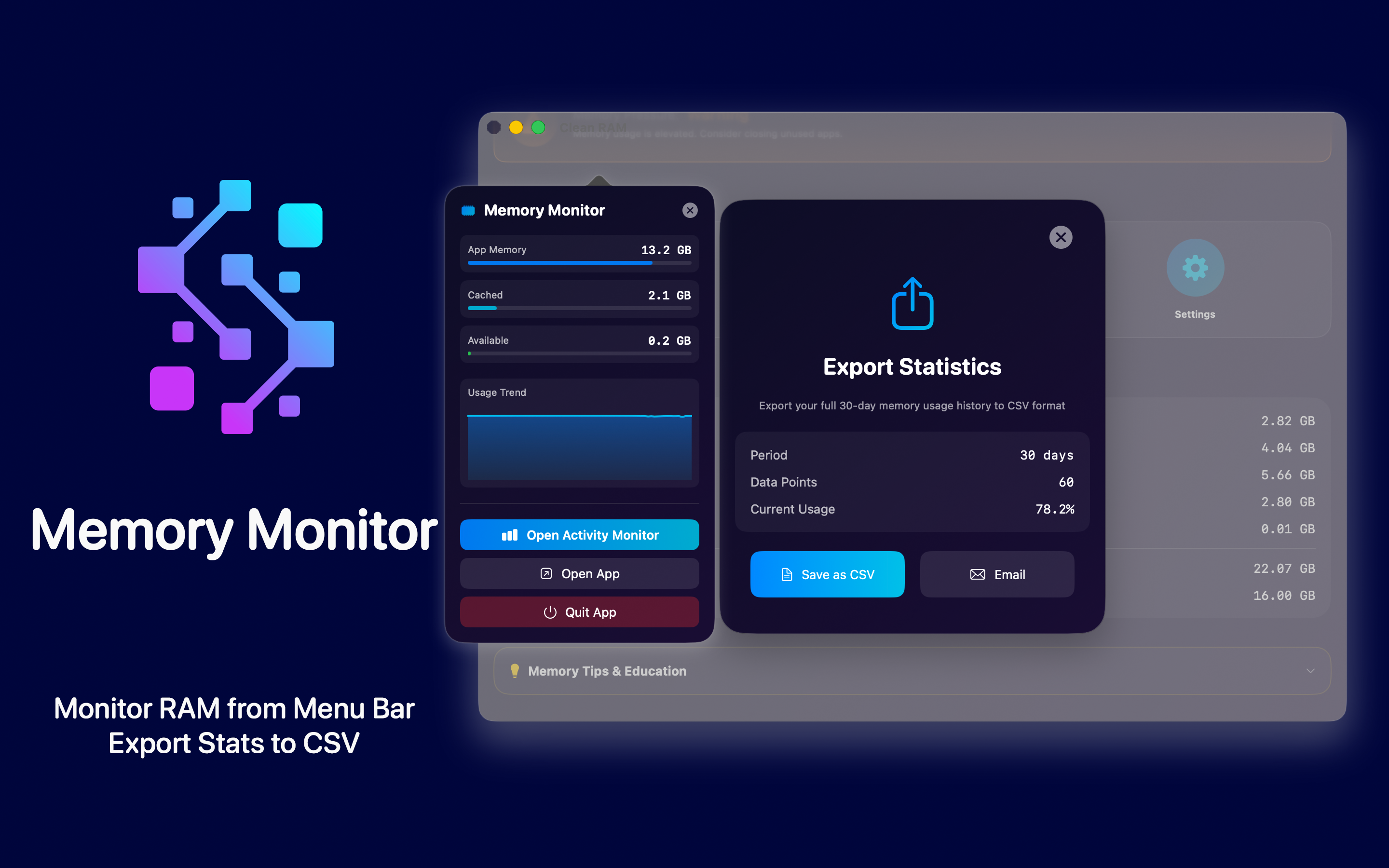
Track memory patterns over weeks with beautiful charts, compare against your average, and export to CSV.
Custom Themes (Premium)
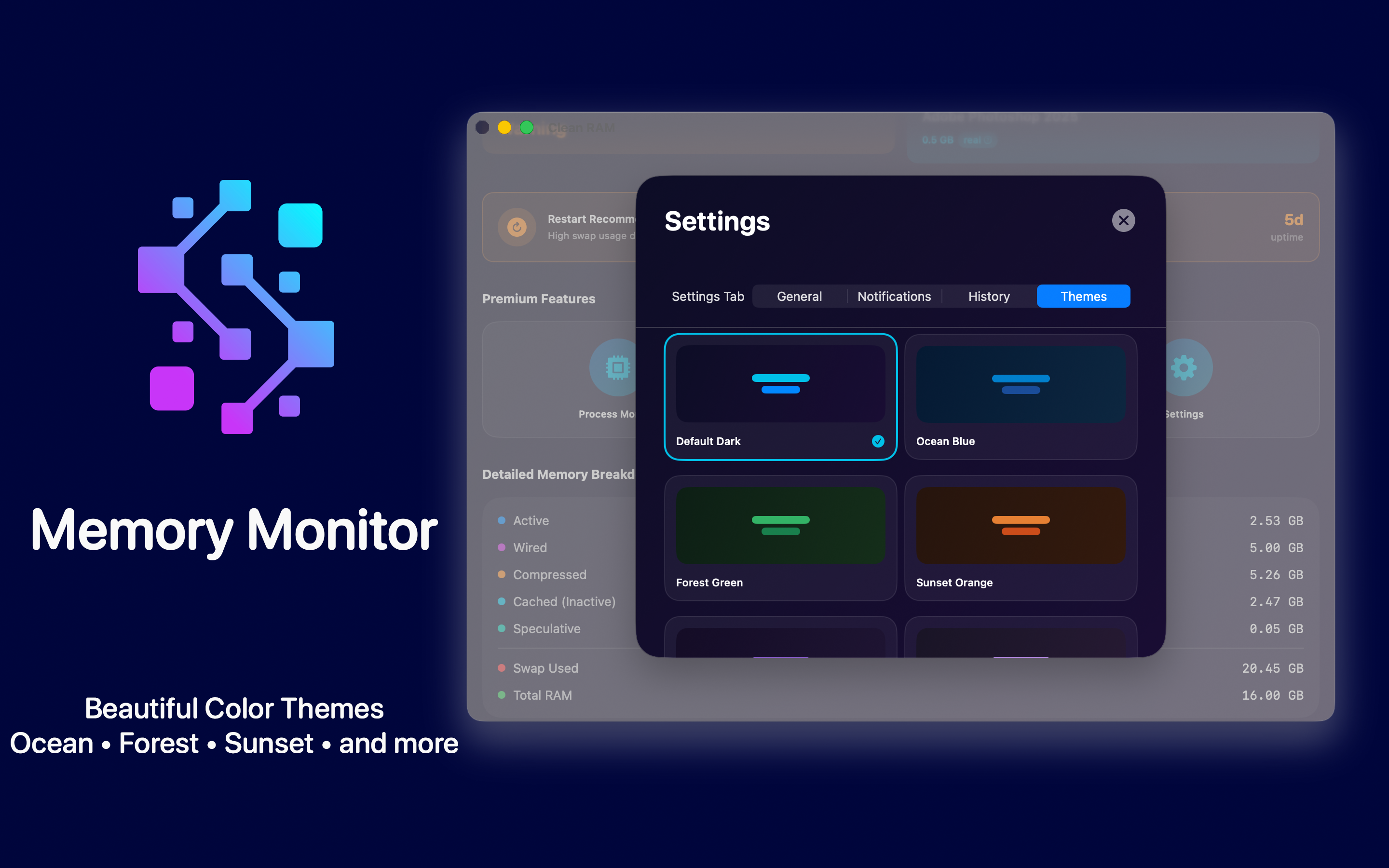
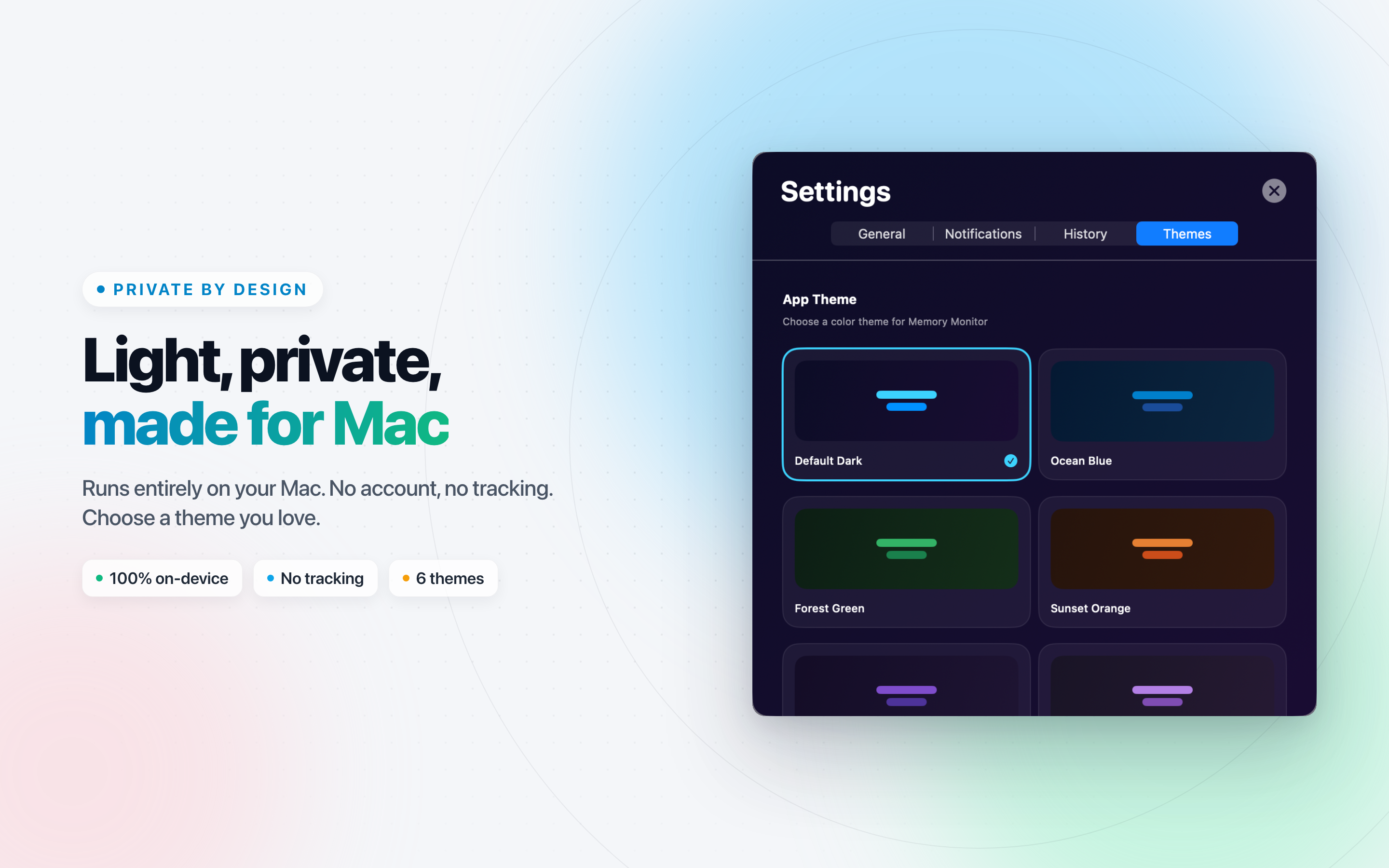
Six color schemes - Ocean, Forest, Sunset, and more - plus always-visible live stats in the menubar.
Memory Monitor Screens
Real macOS captures - the dashboard, health score, charts, and the Memory Tips that explain it all.
Who It's For
Mac users who want to actually understand their system's memory.
Creative pros monitoring RAM during heavy photo, video, and audio work.
Developers running multiple tools, simulators, and environments at once.
Anyone on an 8GB or 16GB Mac who wants clear visibility into resources.
Privacy & Footprint
Zero analytics, zero tracking, zero network requests. Memory Monitor is fully sandboxed and works completely offline - your memory data never leaves your Mac.
It also stays out of the way: tiny CPU and memory usage so always-on menubar monitoring won't drain your battery or hurt performance.
Free vs Premium
The Free tier covers the full live dashboard: Health Score, pressure, real-time charts, breakdown, snapshots, and Tips.
Premium: Memory Hogs widget & full Process Monitor.
Premium: App alerts, 30-day history, CSV export.
Premium: 6 custom themes & live menubar stats.
What Is "Real Memory"?
Memory Monitor shows Real Memory (Resident Size) for each app - the same value as Activity Monitor's "Real Mem" column, representing RAM physically occupied by that app.
Tap the "real ?" badge anywhere in the app for a plain-language explanation of what the number actually means.
A Calmer, Clearer View of Your Mac's Memory
Stop guessing what those RAM numbers mean. Memory Monitor gives you a beautiful, honest dashboard - and the context to read it right.