A backdrop has one job: to make the room feel a certain way without pulling attention. Everything below follows from that. If guests keep glancing at the screen to see what happens next, it is doing too much.
Pick a picture with no story
Films, even Christmas classics everyone has seen, are a trap at a party. People drift into watching, conversations stop halfway, and someone always wants the sound up.
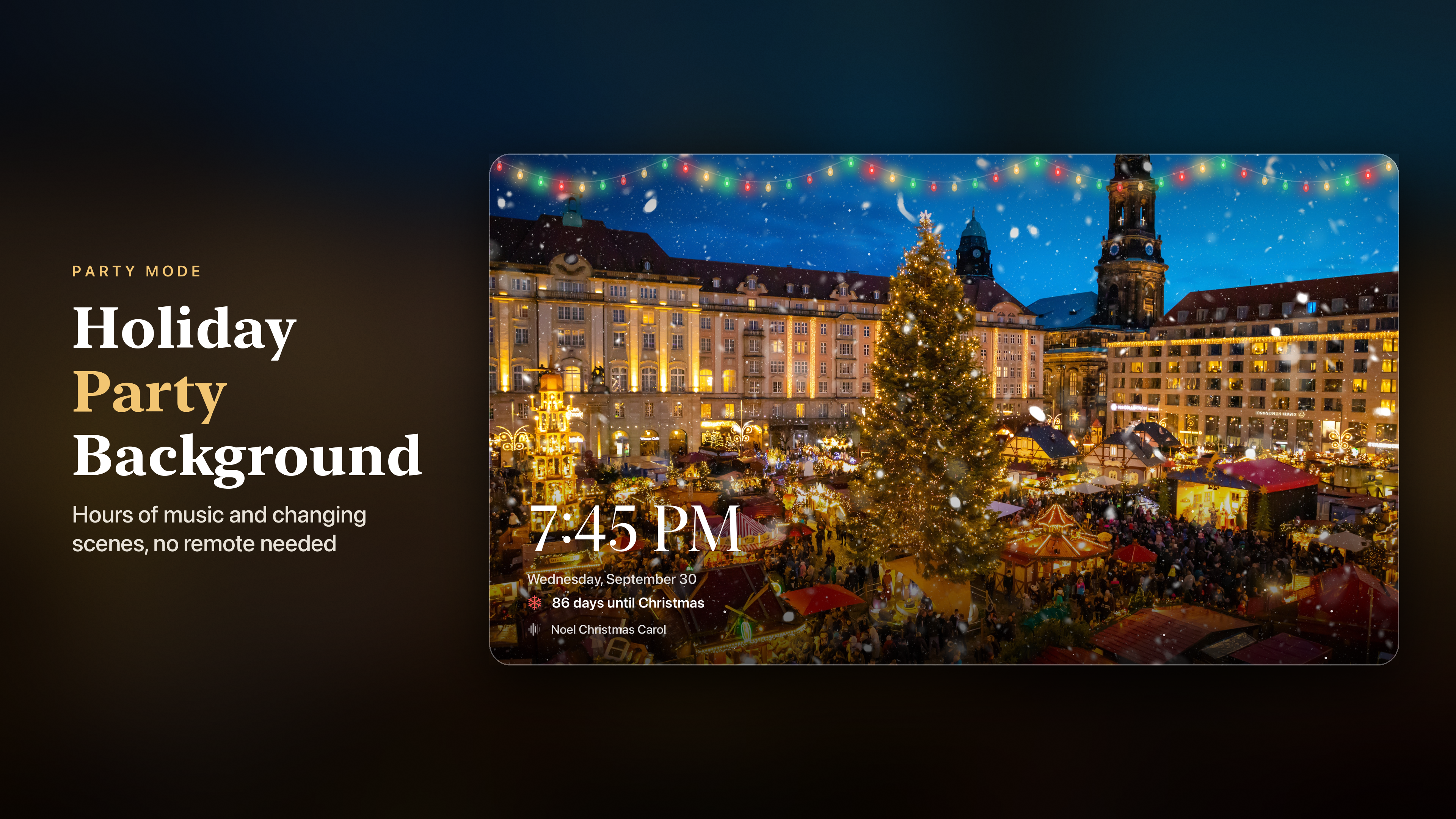
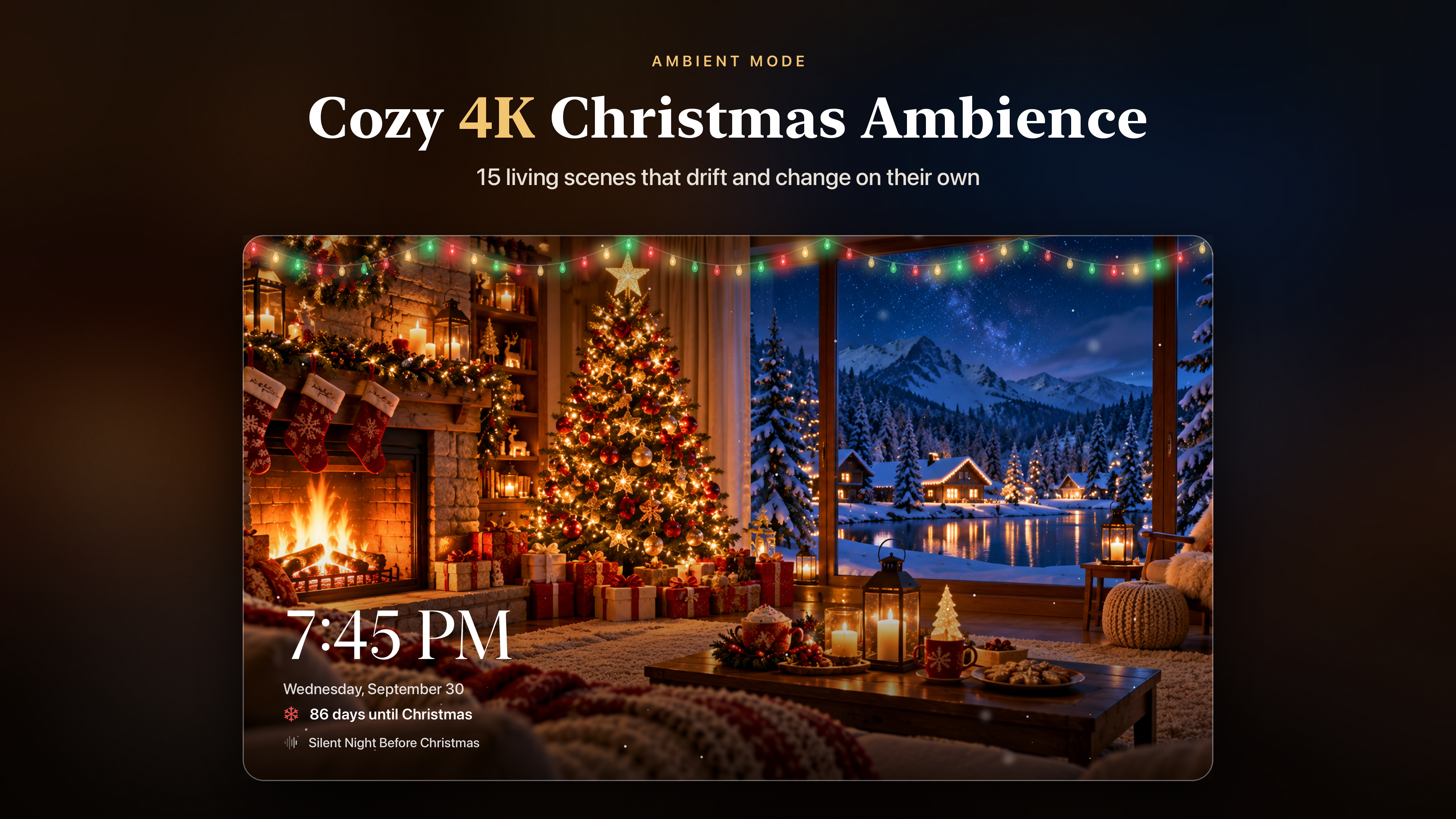
What works is a picture with no plot: a fire, snow falling on a village, a lit tree, a Christmas market at night. Slow movement keeps it from looking like a paused video, and nothing happens that anyone could miss.
Turn the brightness down
A television set up for films in a bright living room is far too bright for a room lit by candles and fairy lights. At full brightness the screen becomes the lamp everyone's eyes are drawn to.
Lower the TV's brightness, or switch to a picture mode meant for darker rooms, until the screen sits at the same level as the rest of the lighting. A good test is to stand at the door: the screen should look like part of the room, not a window into a brighter one.
Get the volume right
Background music is too loud the moment people have to raise their voices to talk across a table. It is too quiet when nobody notices it has stopped. The useful range is narrow, and it changes as the room fills: a level that sounds right with four people sounds faint with twenty.
- Set the level when the first guests arrive, not when the room is empty.
- Check it again an hour later. A louder room needs a little more.
- Instrumental music is easier to talk over than songs with lyrics, because words in the music compete with words in the conversation.
Make sure the music lasts
An hour of music sounds like plenty until the party is still going at eleven and the room suddenly falls silent. Turn on repeat for the whole collection, and shuffle if you want it to sound less like a loop. If the music lives on the device rather than streaming, a busy home network with a dozen phones on it cannot make it buffer halfway through a carol.
Use better speakers if you have them
TV speakers are often thin and pointed at the wrong part of the room. On Apple TV, the music can go to a HomePod or any speaker you already use with it: press and hold the TV button on the Siri Remote to open Control Center, then choose the audio output. Placing the speaker nearer the middle of the room spreads the sound more evenly than the TV can.
Show the time
A large clock on the screen is surprisingly useful at a party. Guests check it without reaching for their phones, the host knows when to bring out the food, and on Christmas Eve a countdown to Christmas gives the children something to watch.
Five minutes before the doorbell
- Lower the TV brightness to suit the room lighting.
- Start the music and set it to repeat the whole collection.
- Send it to your best speaker.
- Open the ambient scene and set it to change every few minutes.
- Put the remote somewhere it will not be sat on or picked up by small hands.
After that, the screen looks after itself. The only time you need the remote again is at the end of the night, and a sleep timer can take care of that too.