Wedding signage on the big screen • Apple TV

Wedding Display: Countdown & Signs

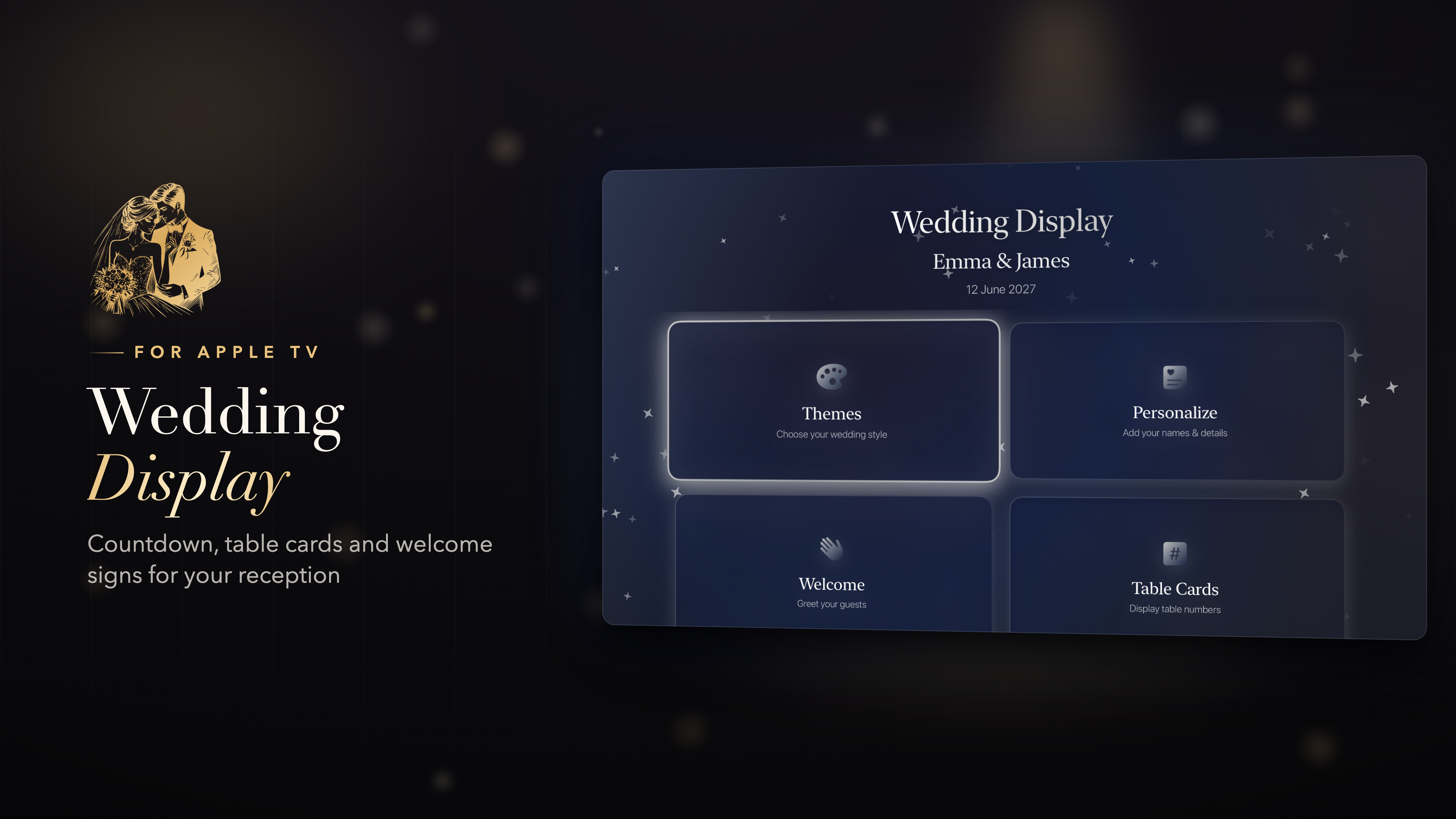
Turn any TV into elegant wedding signage. Welcome signs, a live ceremony countdown, table numbers and a photo slideshow - all on your Apple TV, set up in two minutes.

Skip the printed signs and easels. Pick a theme, add your names and date, and your reception screen is ready.

Download on the App Store
Apple TV • tvOS 17+ 8 wedding themes Table numbers 1 to 99 Set up in 2 minutes
Wedding Display - Countdown app icon

Apple TV screens

Welcome signs, table cards, the countdown to “I do”, your photos and the big moments - the whole reception on one screen.

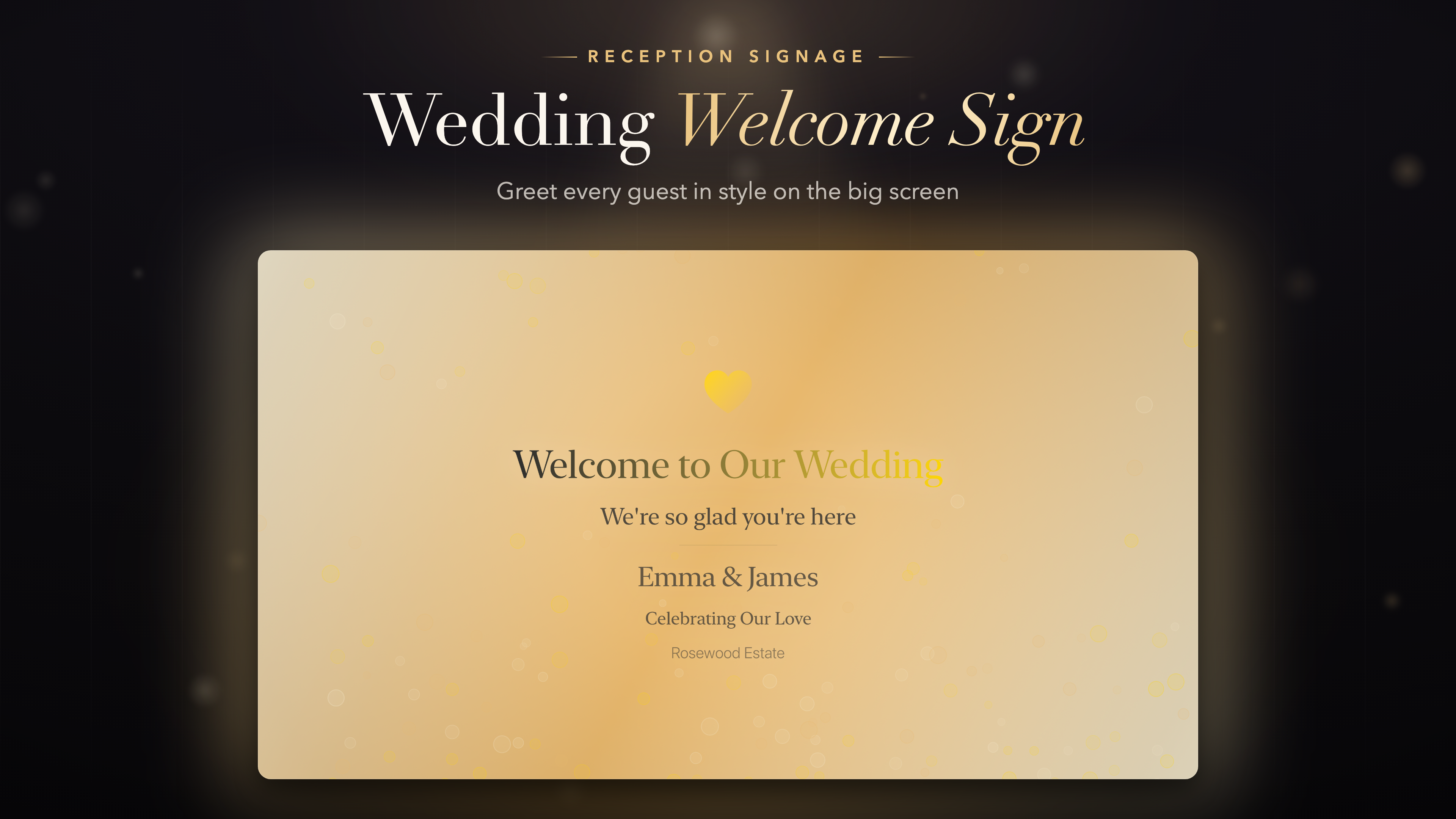
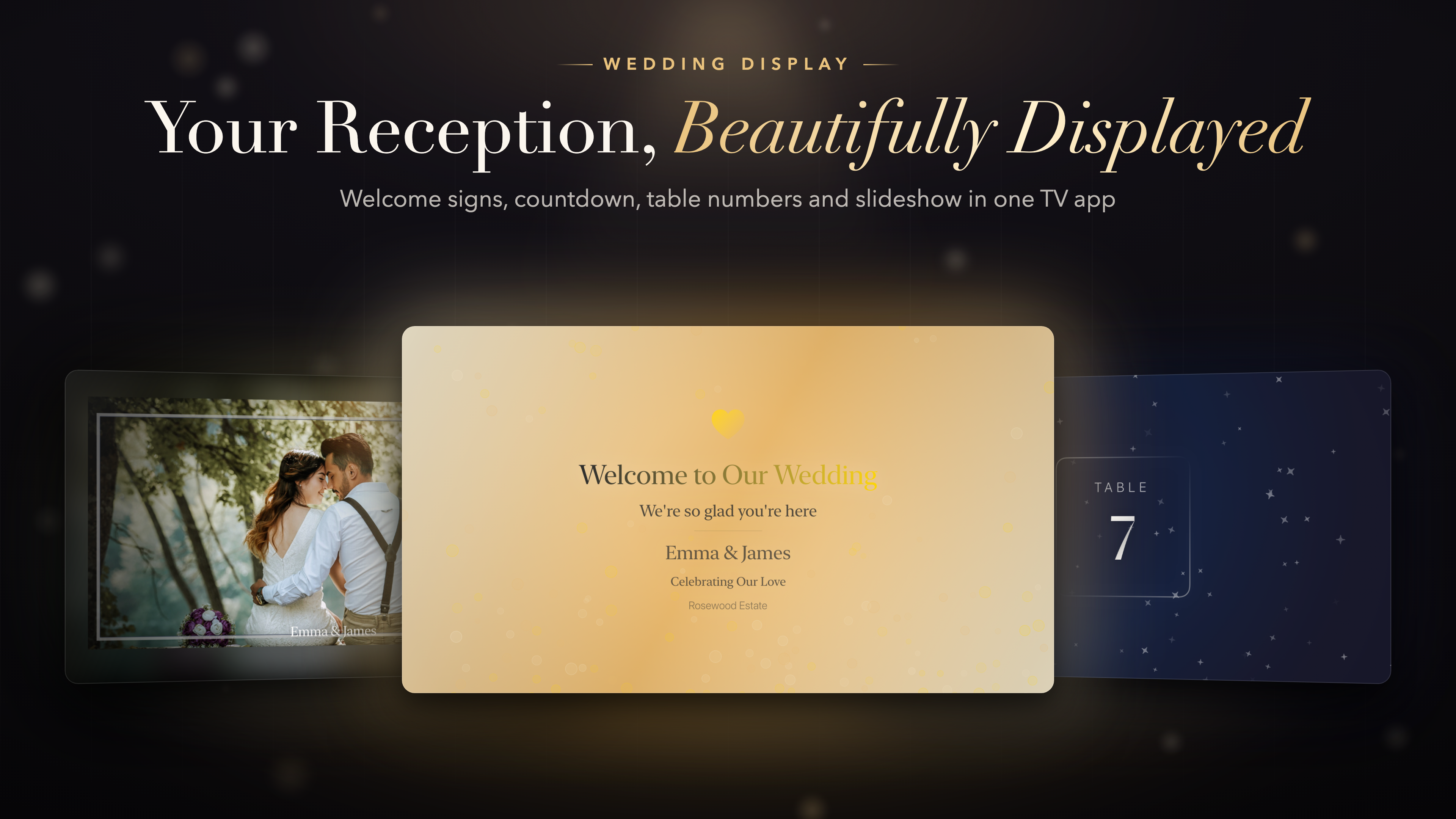
Welcome signs

Greet guests the moment they walk in. Six ready-made screens with your names and venue.

Welcome to Our WeddingAs guests arrive
Ceremony StartingPlease take your seats
ReceptionThe party begins
Dinner TimeBon appétit
Dance Floor OpenTime to celebrate
Thank YouFor sharing our day

Everything the day needs, on one screen

From the first guest through the door to the grand exit.

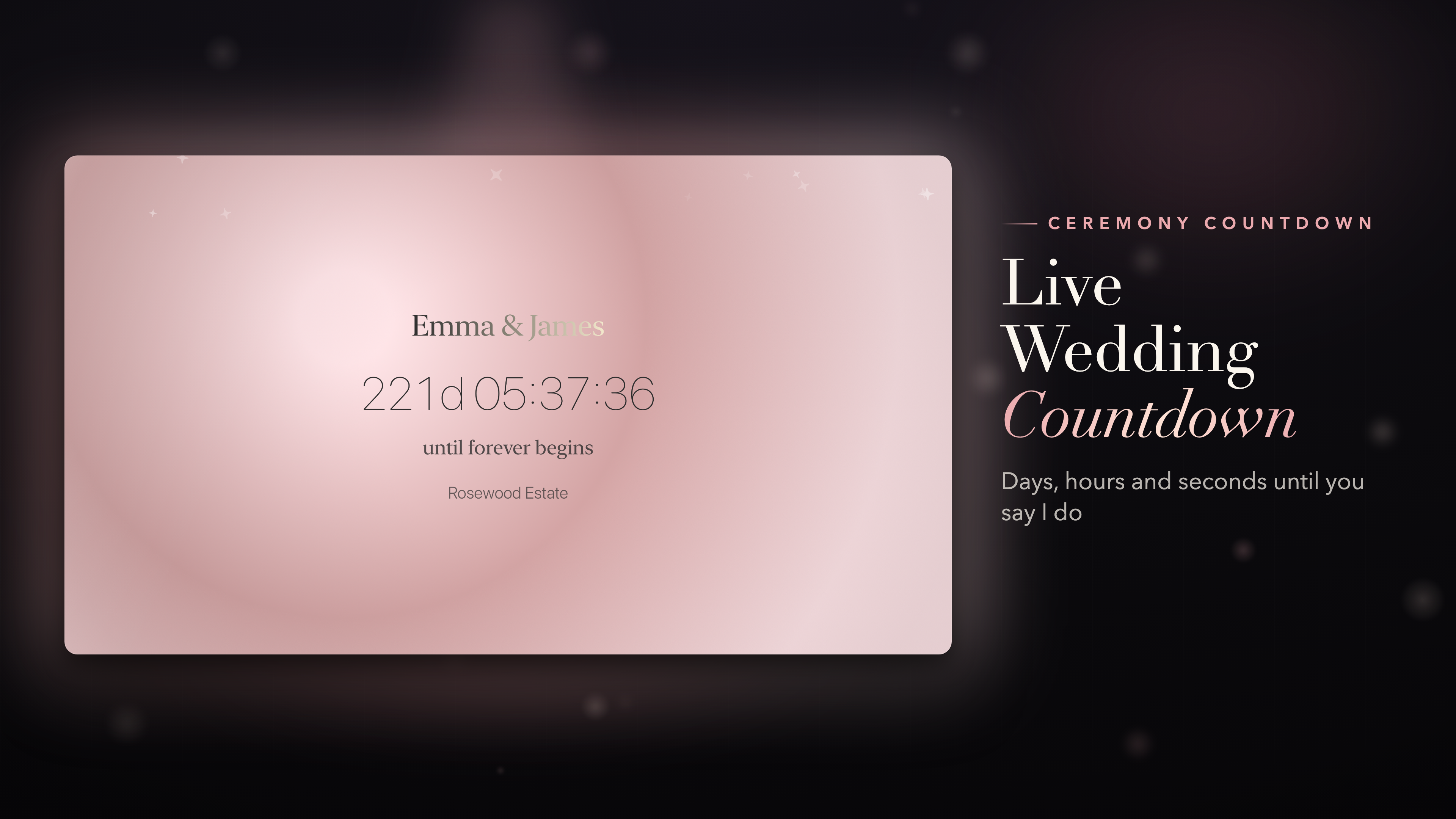
Live wedding countdown

Days, hours, minutes and seconds until "I do". A beautiful way to build excitement during cocktail hour or before the ceremony.

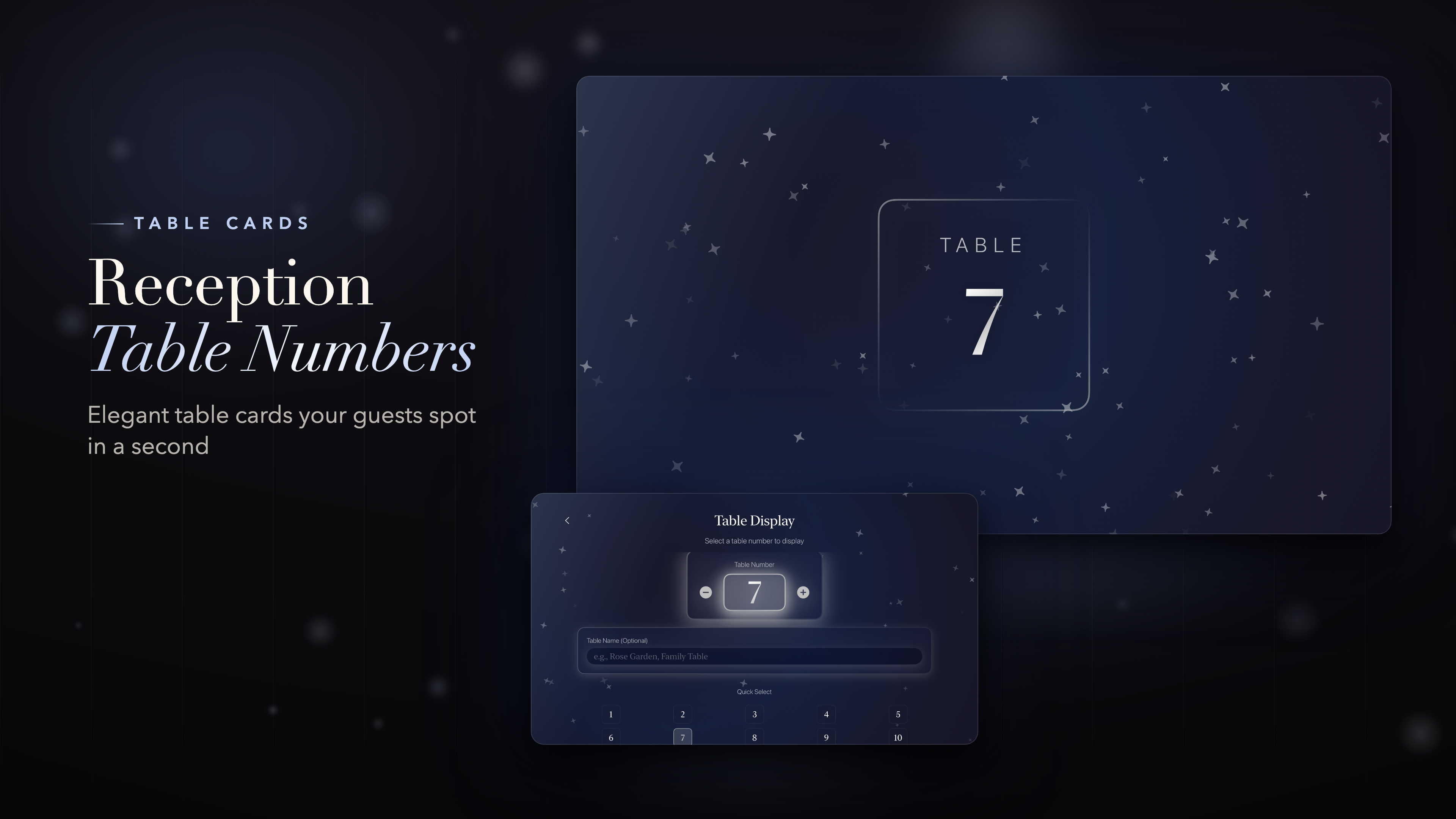
Table numbers

Large, elegant table cards for numbers 1 to 99, with an optional table name like "Family Table" or "Rose Garden". Easy to read from across the room.

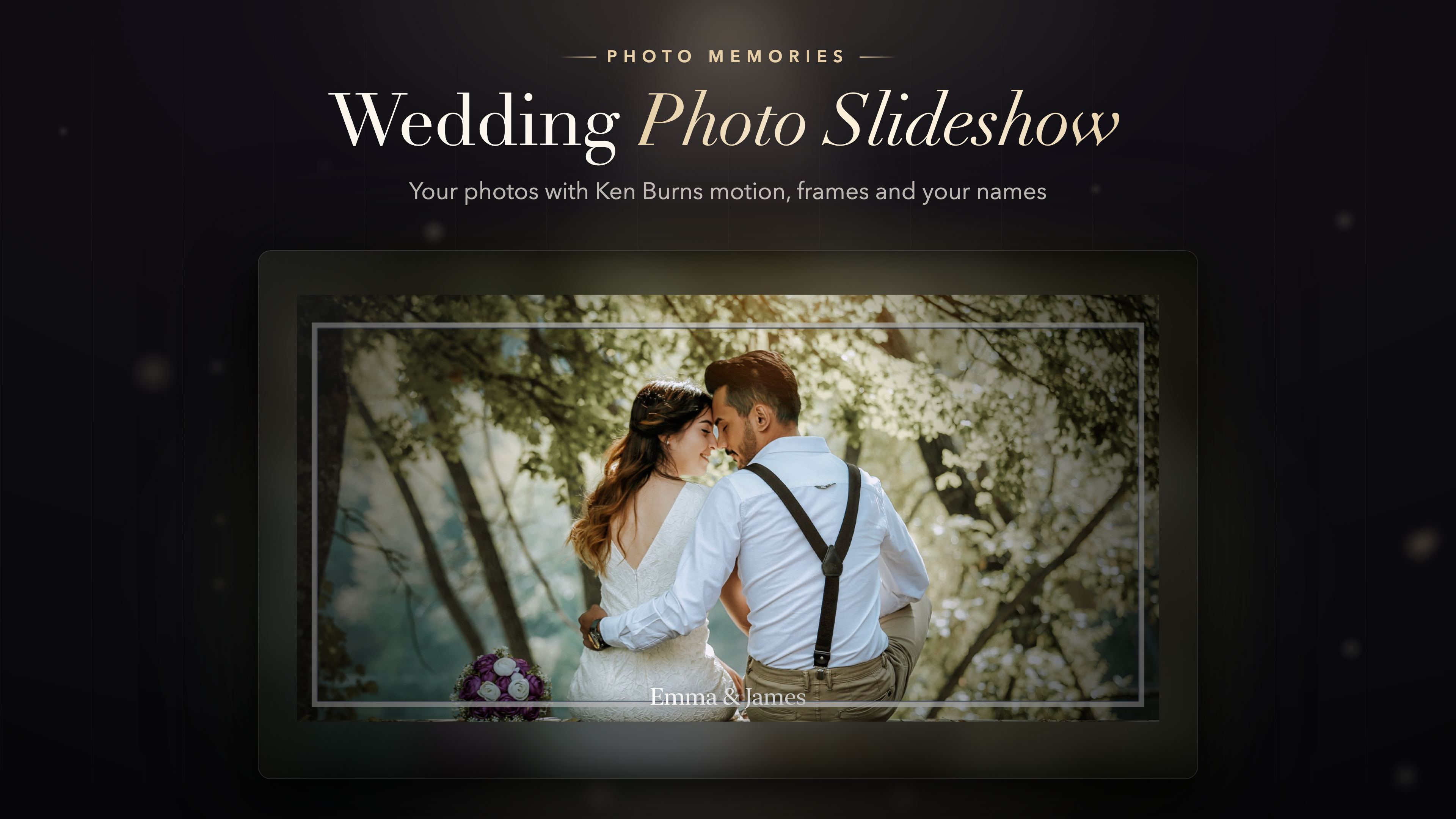
Photo slideshow

Share your love story on the big screen. Pick photos from your library and show them with smooth Ken Burns motion, six frame styles, six transitions and your names on every slide.

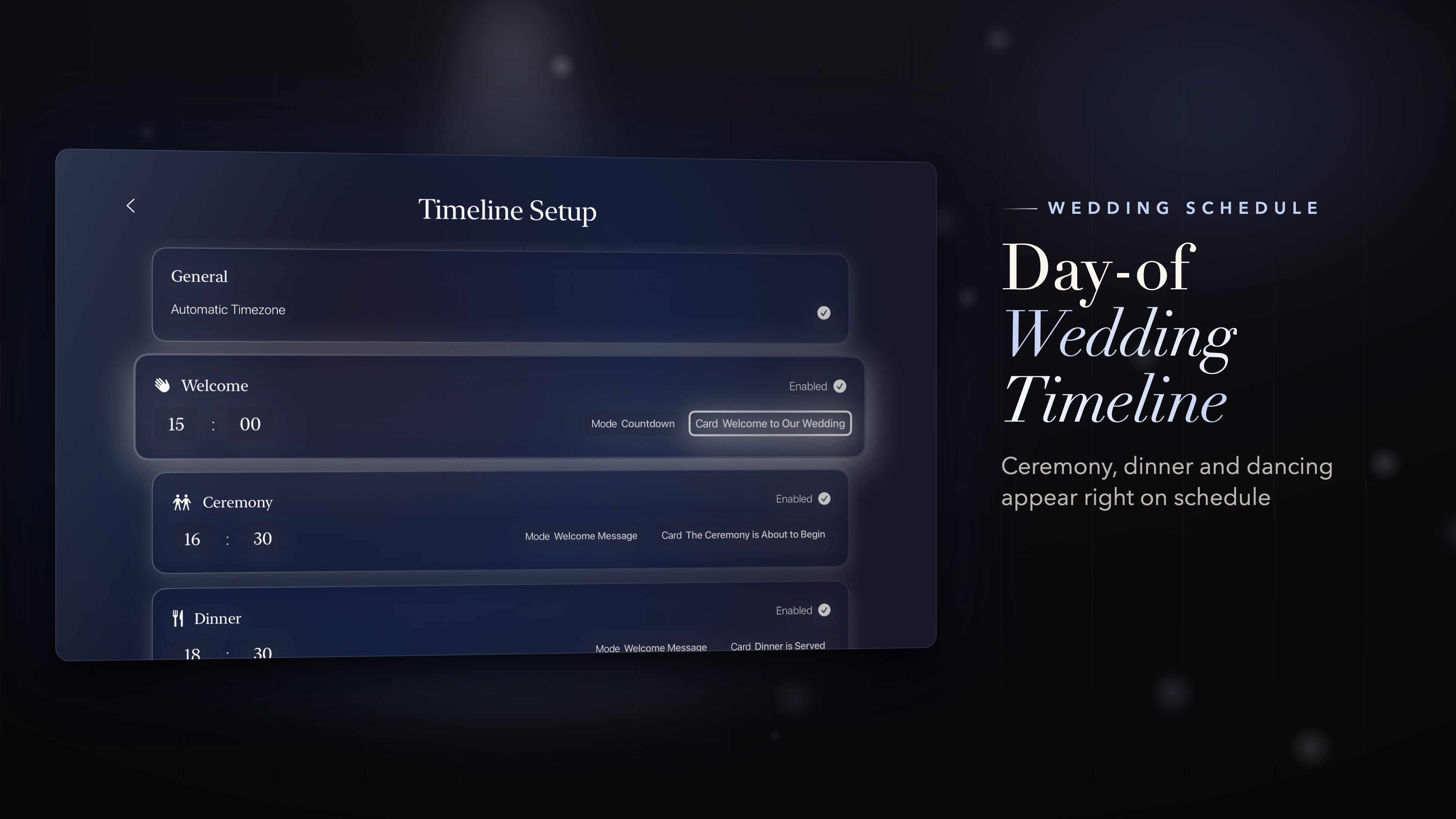
Day-of timeline

Plan the day once and let the screen follow it. Welcome, ceremony, dinner and dancing switch automatically at the times you set, each with its own sign or countdown.

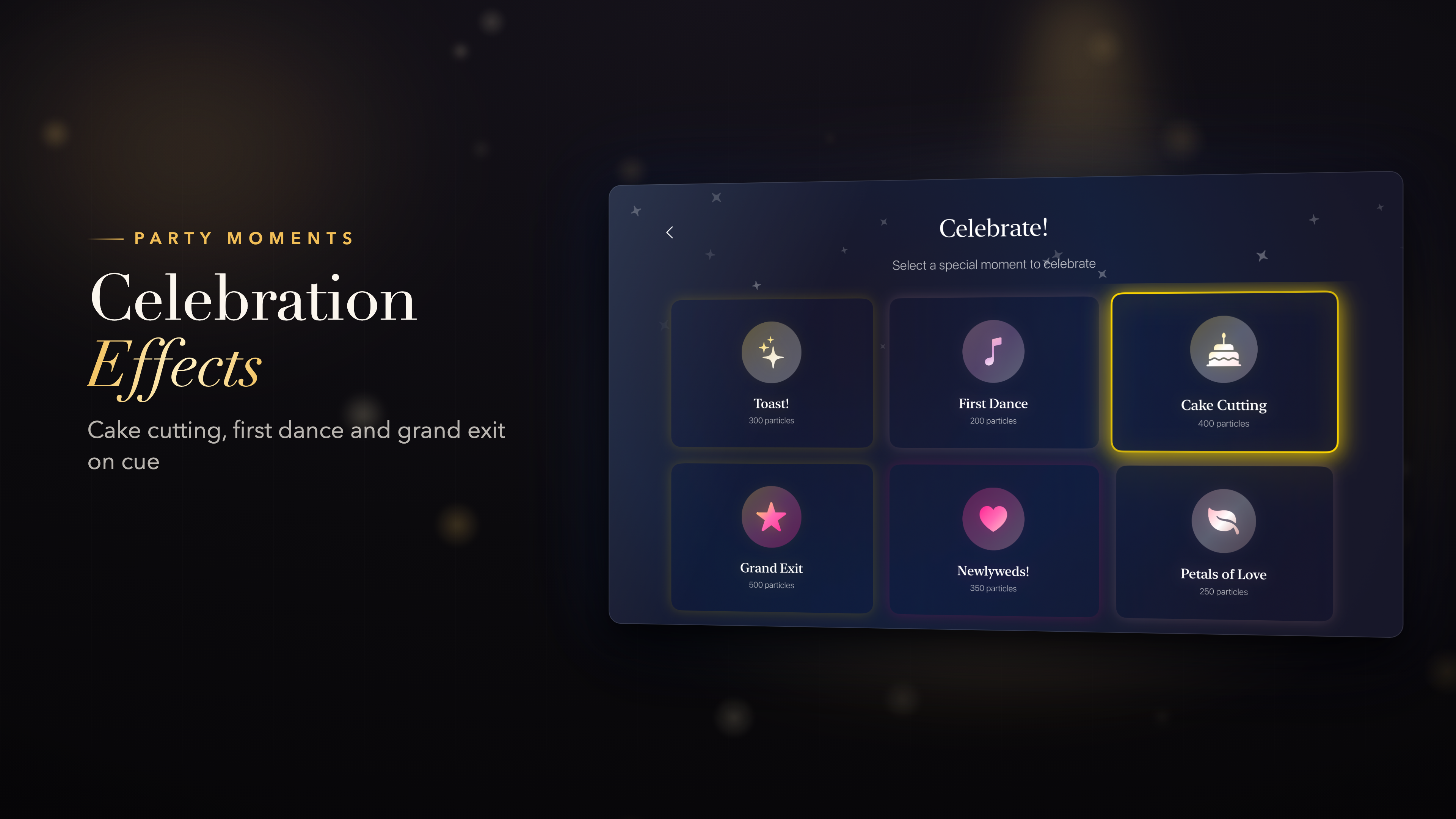
Celebration effects

Make the big moments bigger with full-screen effects for the toast, first dance, cake cutting, grand exit and more. Perfect for photos and video.

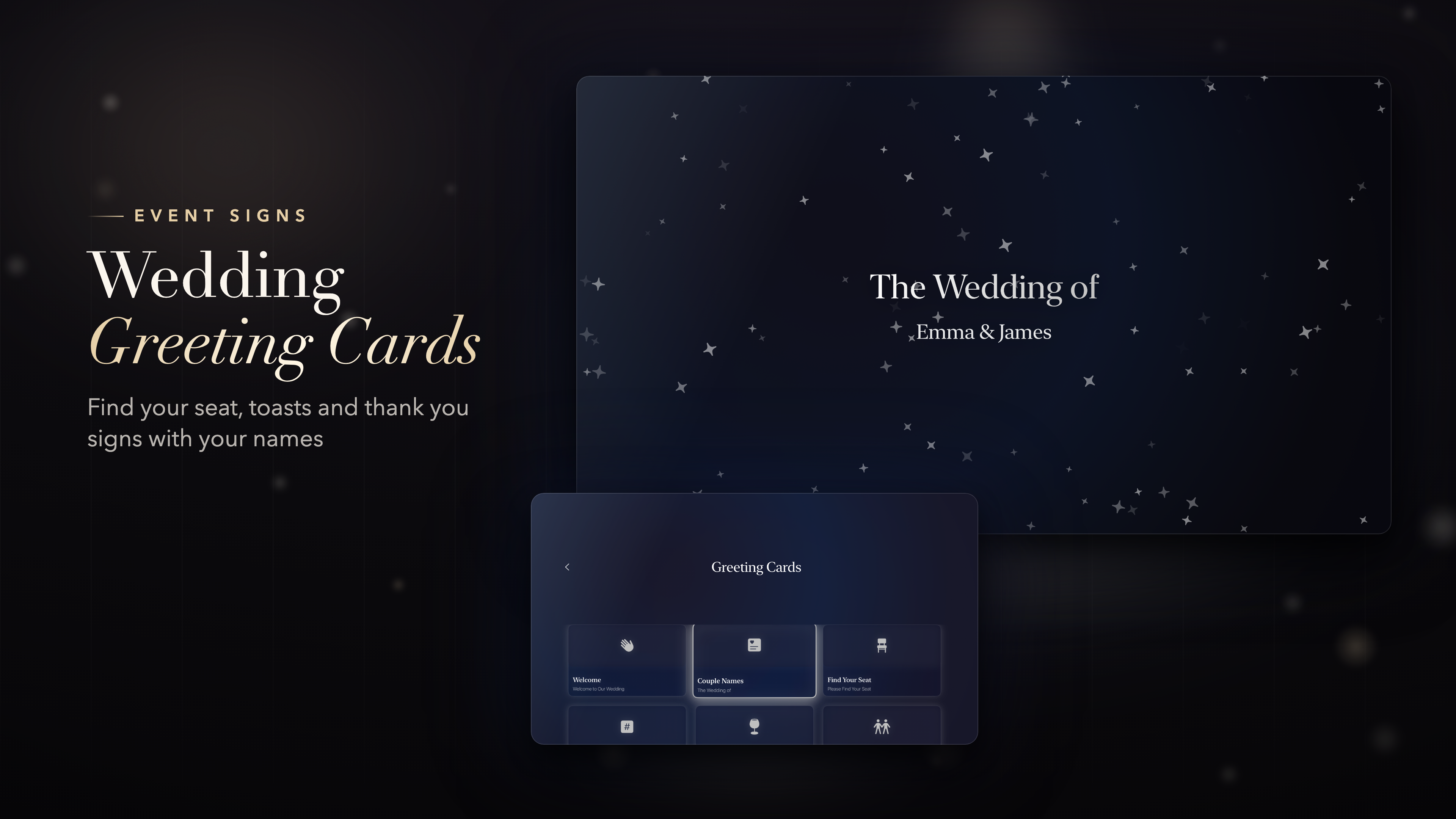
Greeting cards and ambient scenes

Ten animated cards such as Find Your Seat, Cheers and Thank You, plus calm background scenes like Floating Petals and Candlelight for the quiet moments between events.

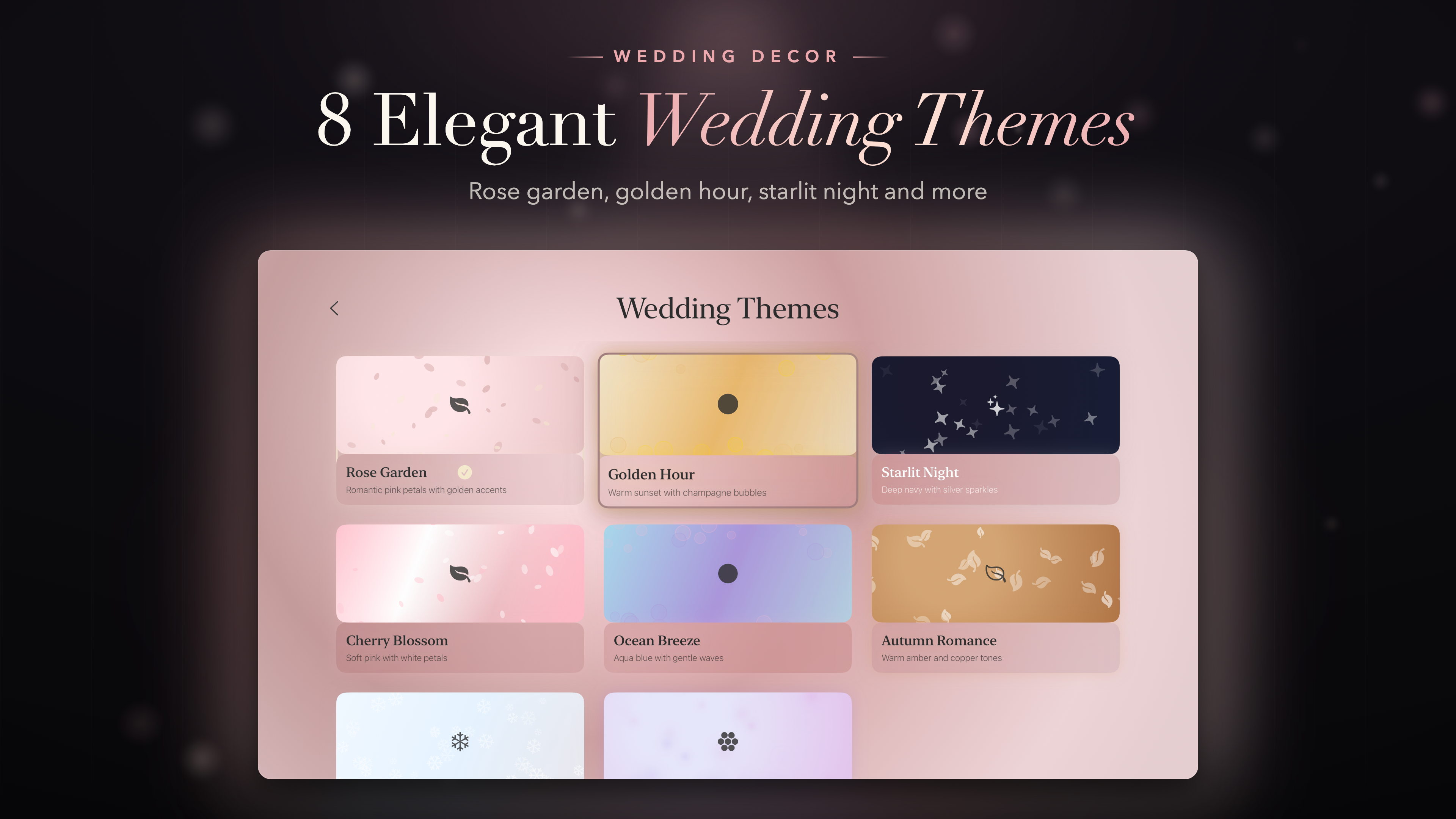
8 wedding themes

Each comes with its own colors and gentle particles - petals, sparkles, bubbles, leaves or snow. Turn the particles off for a clean look.

Rose Garden

Soft blush and petals

Golden Hour

Warm champagne sparkle

Starlit Night

Deep navy and stars

Cherry Blossom

Pale pink and blossoms

Ocean Breeze

Sea blues and bubbles

Autumn Romance

Copper tones and leaves

Winter Wonderland

Frosted blue and snow

Lavender Dreams

Lilac and soft light

Made for the big screen

Every screen is designed to be read from across the room, on anything from a small TV in the bridal suite to a huge ballroom display.

  • Large type and high contrast, readable from the back of the room.
  • The screen stays awake while it is on display - no screensaver in the middle of dinner.
  • The Siri Remote is all you need. No laptop, no cables, no printing.

6

welcome signs

1-99

table numbers

10

animated greeting cards

8

wedding themes

Set up in 2 minutes

1

Choose a theme

2

Add your names, date and venue

3

Pick what to show

That's it. Congratulations, and enjoy your day.

Perfect for

Wedding receptions and ceremonies Cocktail hour and rehearsal dinners Engagement parties and bridal showers Anniversaries and vow renewals Wedding planners and venues

Available On

Any TV with an Apple TV becomes your reception screen.

Apple TV

tvOS 17.0 or later

Frequently asked questions

What does it put on the TV?

Welcome signs with your names and venue, a live countdown to the ceremony, table numbers from 1 to 99, a photo slideshow, animated greeting cards, ambient scenes and celebration effects for the toast, first dance and grand exit.

Do I need anything besides an Apple TV?

No. The Siri Remote is all you need - no laptop, no printing, no easels. Every screen is designed to be read from across the room, and the screen stays awake while it is on display.

Can it run the day by itself?

Yes. Plan the day once in the day-of timeline and welcome, ceremony, dinner and dancing switch automatically at the times you set.

How long does setup take?

About two minutes: choose one of eight themes, add your names, date and venue, and pick what to show.

Which Apple TV do I need?

Any Apple TV running tvOS 17 or later.