Burn-in is permanent, uneven wear on a screen. An image that sat in one place for a very long time leaves a faint ghost that stays visible on top of everything else. It is different from image retention, a temporary after-image that fades on its own within minutes or hours.
Why OLED is the screen people worry about
In an OLED television, every pixel makes its own light from organic materials, and those materials slowly lose brightness the more they are used. If every pixel is used about equally, they age together and nobody notices. If one small area shows the same bright shape for thousands of hours, those pixels age faster than their neighbours, and the difference becomes visible.
LCD televisions, including mini-LED models, light the picture from behind with a backlight. They can show temporary retention in rare cases, but permanent burn-in in the OLED sense is not a realistic concern for them.
What actually causes burn-in
The pattern behind almost every real case is the same: a static, bright, high-contrast element in the same position for a very long cumulative time.
- News channel logos and scrolling tickers, left on all day.
- Game interfaces - health bars, maps, score counters - over hundreds of hours.
- Sports scoreboards in one corner.
- A paused screen or menu left on for days.
Independent long-term tests, such as the ones run by RTINGS, have produced visible burn-in mostly from exactly this kind of content: channel logos and fixed interface elements left on screen for thousands of hours.
What does not cause it is moving, varied imagery. A film, a fire, falling snow or a slowly drifting landscape spreads the wear across the whole panel.
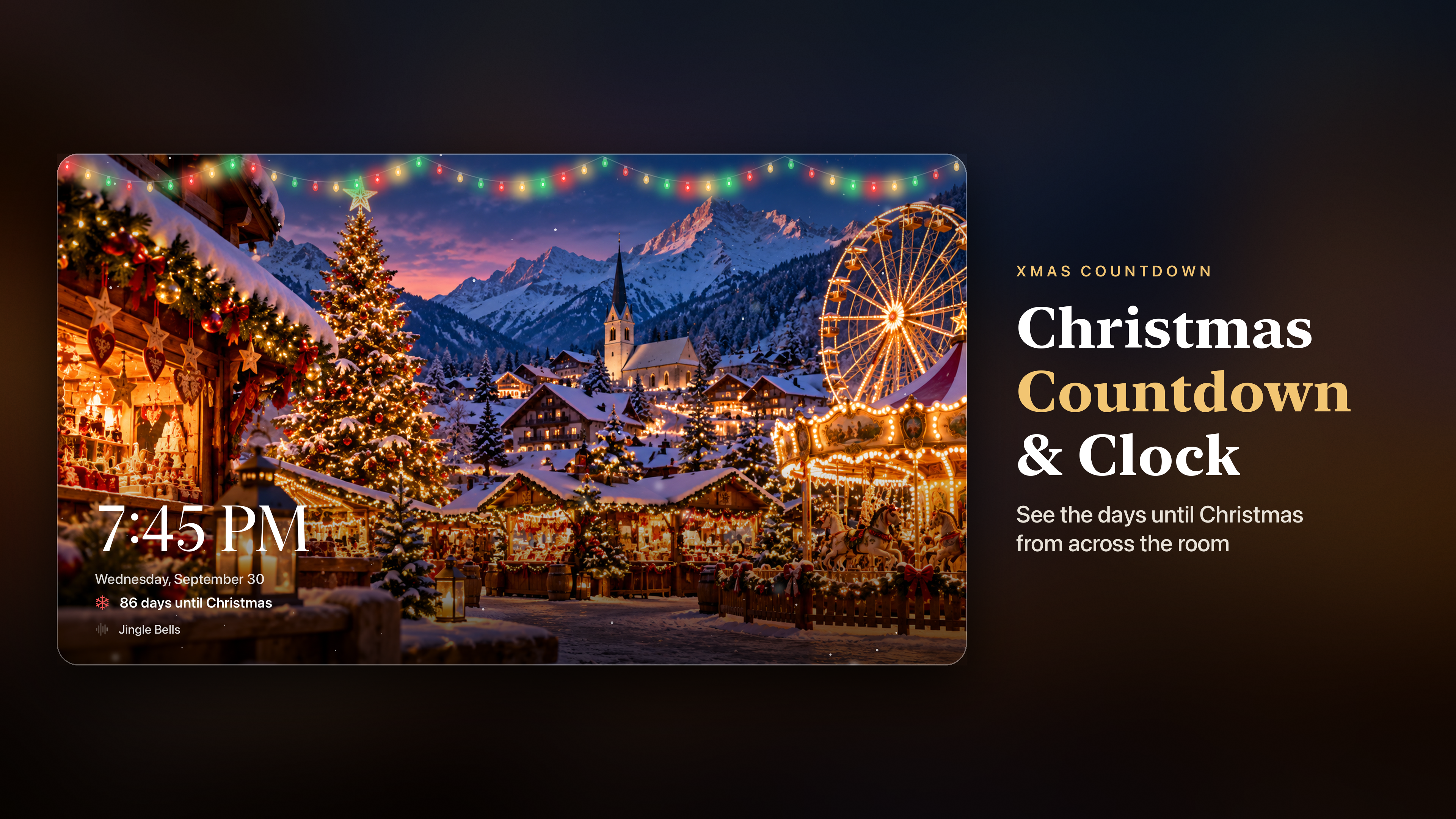
Where ambient apps can go wrong
The scene itself is rarely the risk. The risk is the things laid on top of it: a clock, a date, a countdown, a logo or a row of controls that sits in the same corner all evening while the picture changes behind it. Over a single evening this is harmless. Over every evening of a long winter, a fixed white clock in one corner is exactly the kind of content that wears a panel unevenly.
That is why well-designed ambient apps do some or all of the following:
- Keep the scene moving. Slow drift or gentle animation, rather than a still photograph.
- Change scenes. Different colours and brightness over the evening spread the wear.
- Move the overlays. A clock that changes position with each new scene never stays in one place long enough to matter.
- Let you hide the overlays. If you do not need the clock, nothing static is on screen at all.
TV settings worth leaving on
Most OLED televisions include their own protection, and it works best when you let it run:
- Pixel shift (called screen shift or orbit on some models) moves the whole picture by a few pixels from time to time.
- Logo dimming detects static bright areas and lowers their brightness.
- Pixel refresh or panel compensation runs automatically while the TV is in standby. It needs power, so avoid switching the TV off at the wall straight after use.
Brightness matters too. A panel at maximum brightness ages faster than one at a comfortable level, and in a living room lit by candles and fairy lights, a lower setting looks better anyway.
A sensible routine
- Use ambient content that moves and changes.
- Prefer apps that move or let you hide clocks and labels.
- Keep the TV's own protection features switched on.
- Do not run at maximum brightness for ambience.
- Use a sleep timer, so the screen does not run until morning.
Follow those and a Christmas scene on the TV through December is no more risky than watching films for the same number of hours.