How long are the stories?
Stories run from 5 to 20 minutes, with most around 10 minutes. Lullabies are looping and fade out at the timer you set.
A library of calm bedtime stories and gentle lullabies on Apple TV. Pick a story, set a sleep timer, dim the screen, and help kids settle in.
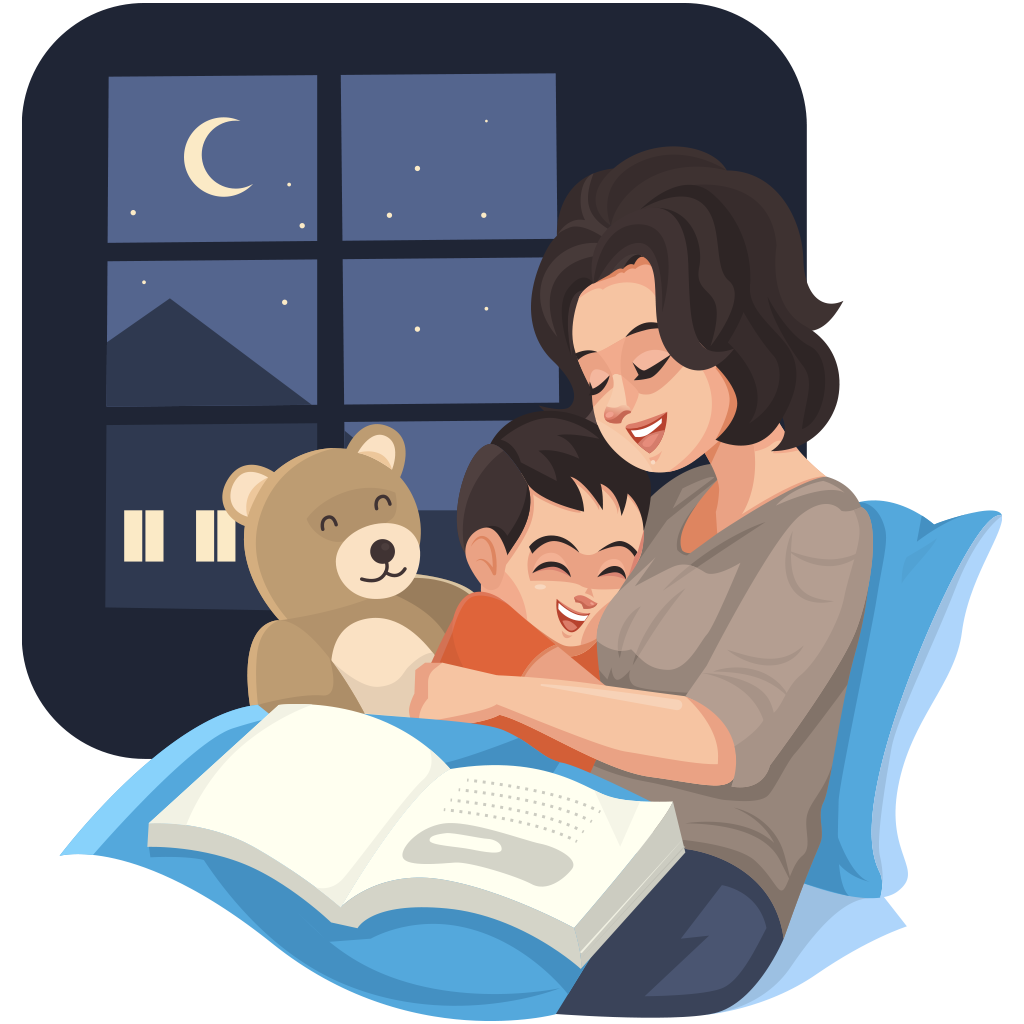
Stories run from 5 to 20 minutes, with most around 10 minutes. Lullabies are looping and fade out at the timer you set.
The library is curated for ages 3-10 and avoids scary content. Each story shows a recommended age range so you can pick what fits.
Yes. Set a fade-out timer (15, 30, 60 minutes) and the audio gradually quiets while the screen dims.
Yes. Dim Mode lowers screen brightness once the story ends or the timer fires, so it does not light up the room.
Both. Public-domain classics like fables and fairy tales sit alongside original calming stories written for sleep.
Calm bedtime stories and gentle lullabies on Apple TV. Sleep timer and dim mode included.
A repeatable wind-down that takes the screen battle out of bedtime.
Our support team usually replies within one business day.
Download Bedtime Stories & Lullabies Contact supportYou’re browsing inside Instagram, and its built-in browser isn’t allowed to hand links over to the App Store. Open this page in Safari and the link will work.
Tap the three-dot menu at the top right, then choose Open in external browser.