There is a version of this task that takes ten seconds and does not work, and a version that takes a minute and does. The difference is not effort but understanding what you are actually removing.
The methods that fail
An emoji or sticker on top. In a flattened JPEG this is genuinely opaque - the pixels underneath are gone. The problem is everything that is not a flattened JPEG. Send the same edit through an app that keeps layers, or share the original alongside it by accident, and the sticker is a separate object that can be moved. This happens constantly with screenshots of edited images.
Light Gaussian blur. Blur is a mathematical operation, and a mild one is partially reversible. Deconvolution can recover a recognisable face from a lightly blurred region, and this is not exotic research any more - it is a filter in ordinary software. If you can still see the shape of features through the blur, so can an algorithm.
Coarse pixelation. Better than light blur and still not sufficient on its own. If the blocks are large the information is genuinely destroyed; if they are small, the average colour of each block leaks enough to reconstruct a great deal. Pixelation applied to text is a well-documented disaster for exactly this reason.
Cropping the face out. Works, unless the file kept a thumbnail or preview generated before the crop - which some cameras and some editing pipelines do.
What actually works
Two things, and ideally both.
Destroy the pixels, heavily. Blur strong enough that the region is a smooth blob with no discernible structure, or a solid fill. The test is simple: if you can tell which way the person is facing, it is not enough.
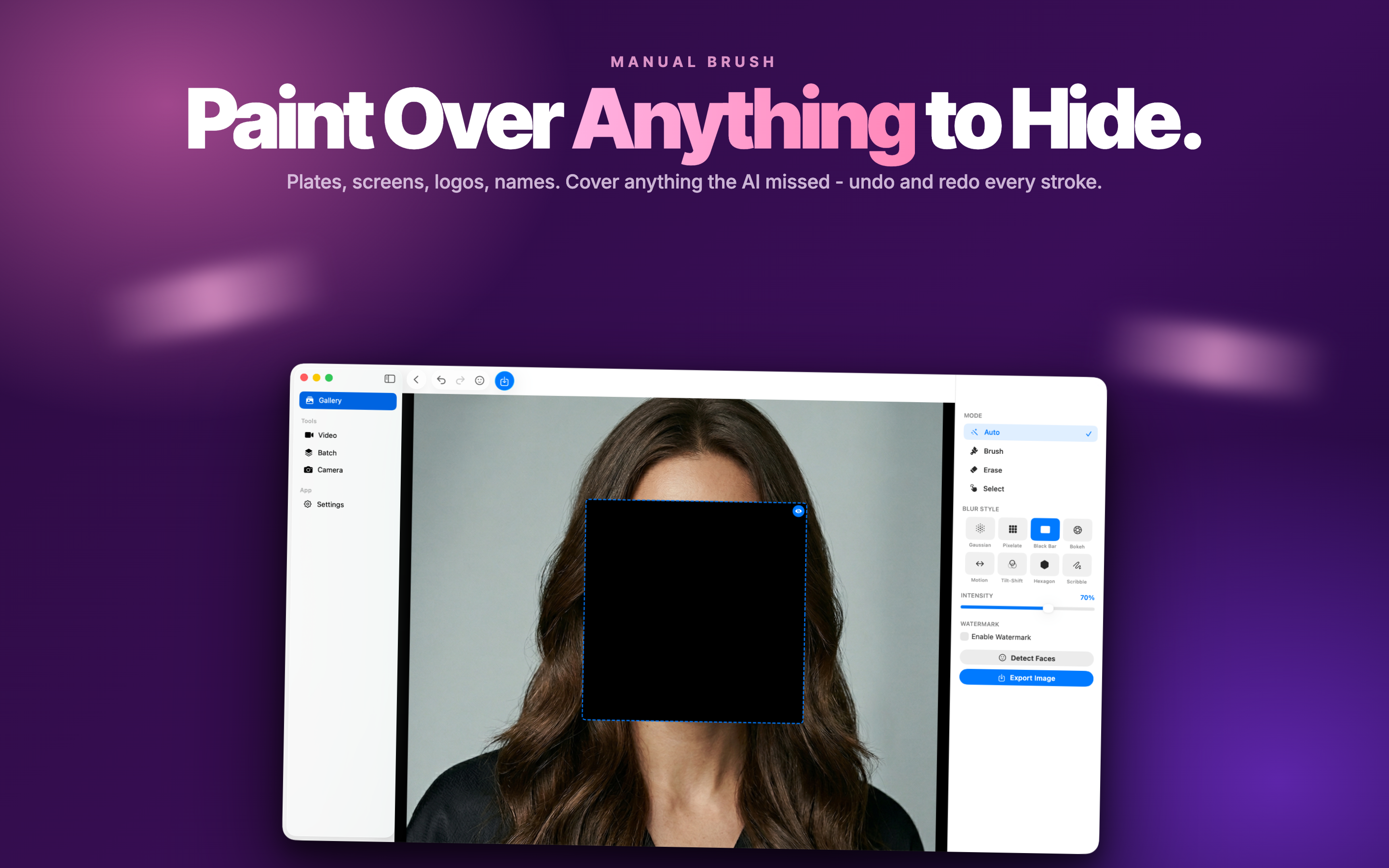
Export a flattened copy. Save as a new JPEG or PNG rather than a project file. This collapses everything to pixels and removes the possibility that your redaction is an object someone can drag aside.
The part almost everyone forgets
You have covered the faces. The file still says where and when it was taken.
EXIF metadata carries GPS coordinates, capture time, and the camera or phone model - which, combined, identify a household with more precision than a face often would. Blurring a child's face in a photo taken in your garden and posting it with the coordinates attached is a strange trade to make.
Most social platforms strip EXIF on upload. Most messaging apps do not, when sending as a file rather than a photo. Email attachments certainly do not. So it is worth handling deliberately rather than relying on the destination.
Doing a whole album
One photo is easy in any editor. Forty photos from a school trip, each with a different number of faces in different places, is where manual work breaks down - not because it is hard but because it is repetitive, and repetitive work is where a face gets missed.
Automatic detection changes the shape of the job: the tool finds the faces, you decide which to keep. Face Blur AI does the detection on-device, which for photos of other people's children is the only sensible place for it to happen.
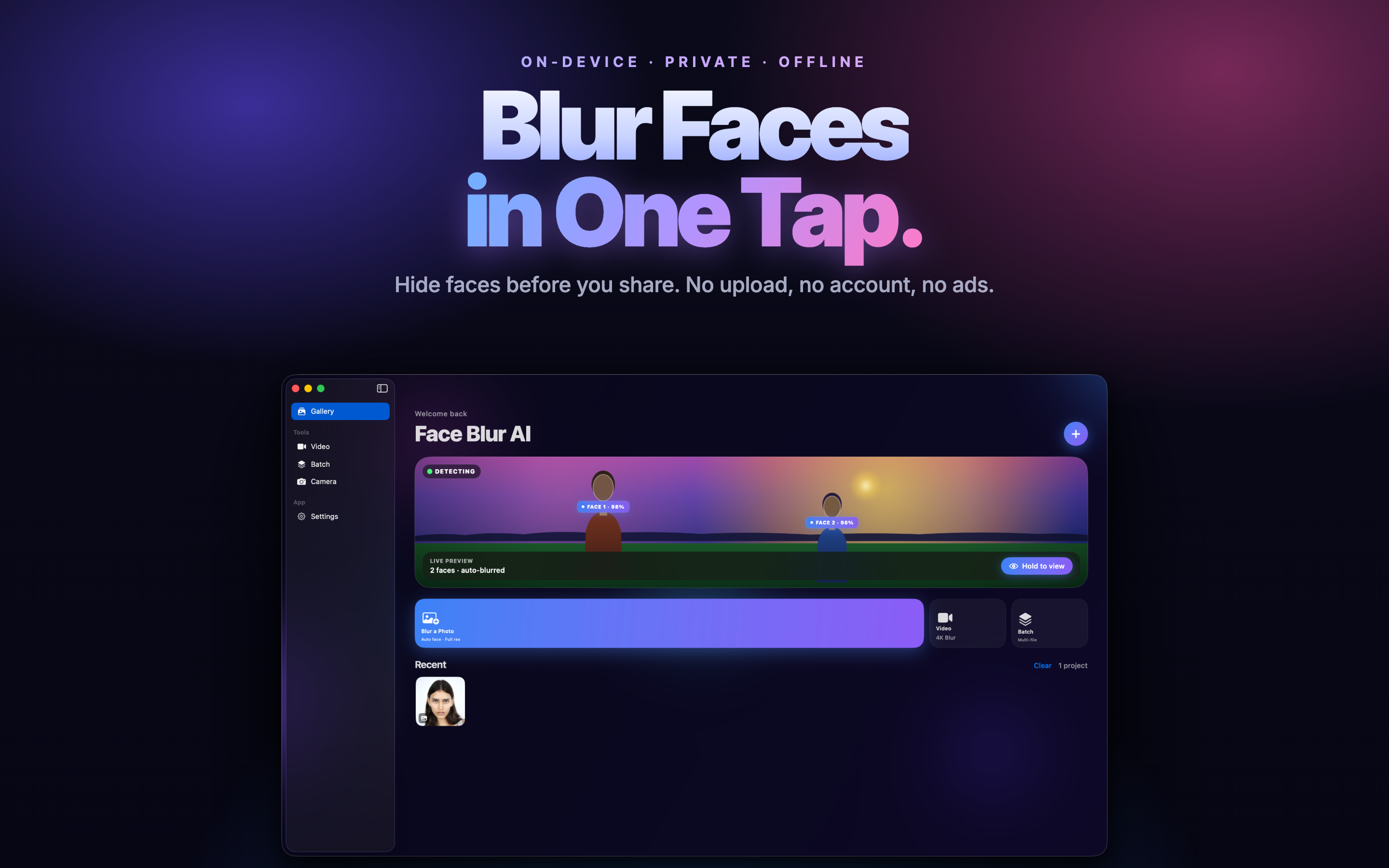
Two habits when working in bulk:
- Check every photo after the automatic pass. Detection is good, not perfect. Profiles, partial faces at the edge of frame and anyone wearing a hat are the usual misses.
- Look at reflections and backgrounds. A face in a mirror, a window, or a photograph on the wall behind your subject is still a face. Detection often catches these; people reviewing the result often do not think to look.
Not just faces
The same reasoning applies to everything else identifying in a frame. Worth a scan before posting:
- Number plates, on cars and in reflections.
- House numbers and street signs.
- Screens - a laptop or phone display in shot is often readable at full resolution.
- Documents, badges, tickets and anything with a barcode.
- School uniforms and logos, which narrow a location considerably.
The habit that catches most of it: open the photo at full size and look at the corners and the background rather than the subject. The thing you need to remove is almost never the thing you were photographing.
A workflow worth keeping
- Run automatic face detection over the batch.
- Review each photo and add anything the detection missed.
- Turn the blur strength up until no facial structure remains.
- Scan for plates, screens, signs and reflections.
- Export flattened copies, not project files.
- Strip GPS metadata from the exports.
- Post the copies. Keep the originals somewhere private.
That last line matters. Redaction should always produce a new file. The moment you have edited over your only copy, the choice about whether to share the unblurred version has been made for you permanently.