This comes up for grandparents posting to social media, for schools and clubs publishing team photos, and for parents sharing a class picture in a group chat. The considerations are the same in all three, and they run wider than faces.
The obvious part, done properly
Covering a face works if the covering is real. Two methods do not qualify.
Emoji and stickers are opaque in a flattened JPEG and separate objects in anything that keeps layers. Sent through an app that preserves them, or shared alongside the original by accident, they move aside.
Light blur and coarse pixelation are partially reversible. Blur is a mathematical operation with an inverse, and pixelation leaks the average colour of each block. If facial structure is still visible through the effect, so is it to software.
What works: blur strong enough that the region is a featureless blob, applied to a flattened export rather than a project file. The test is whether you can tell which way the person is facing.
The parts that identify a family regardless
This is where most photos give away far more than the faces would.
School uniform and logos. A crest on a blazer narrows a child to one school, which narrows them to a few square kilometres and a known daily schedule. This single detail is more identifying than a face in most contexts.
House numbers and street signs. Frequently in the background of a photo taken in a front garden, and read easily at full resolution.
Sports kit with a surname and number. Common in team photos, and it is a name plus a location plus a weekly schedule.
Reflections. Windows, mirrors, car doors, a television screen. Faces and rooms appear in them constantly and nobody looks.
Screens in shot. A laptop or phone display is often readable at full size - a name in an email header, a school portal, a home address on a form.
The metadata, which survives cropping
You have covered the faces and cropped out the house number. The file still says where and when the photo was taken.
EXIF carries GPS coordinates and a timestamp. A photo taken in your garden and posted with coordinates attached is a home address published to anyone who opens the file properly.
Most social platforms strip EXIF on upload. Most messaging apps do not when sending as a file rather than as a photo, and email attachments certainly do not. So it needs handling deliberately rather than being left to the destination.
Doing a whole album
One photo is easy in any editor. Forty photos from a school trip, each with a different number of children in different positions, is where manual work fails - not because it is hard but because it is repetitive, and one face gets missed.
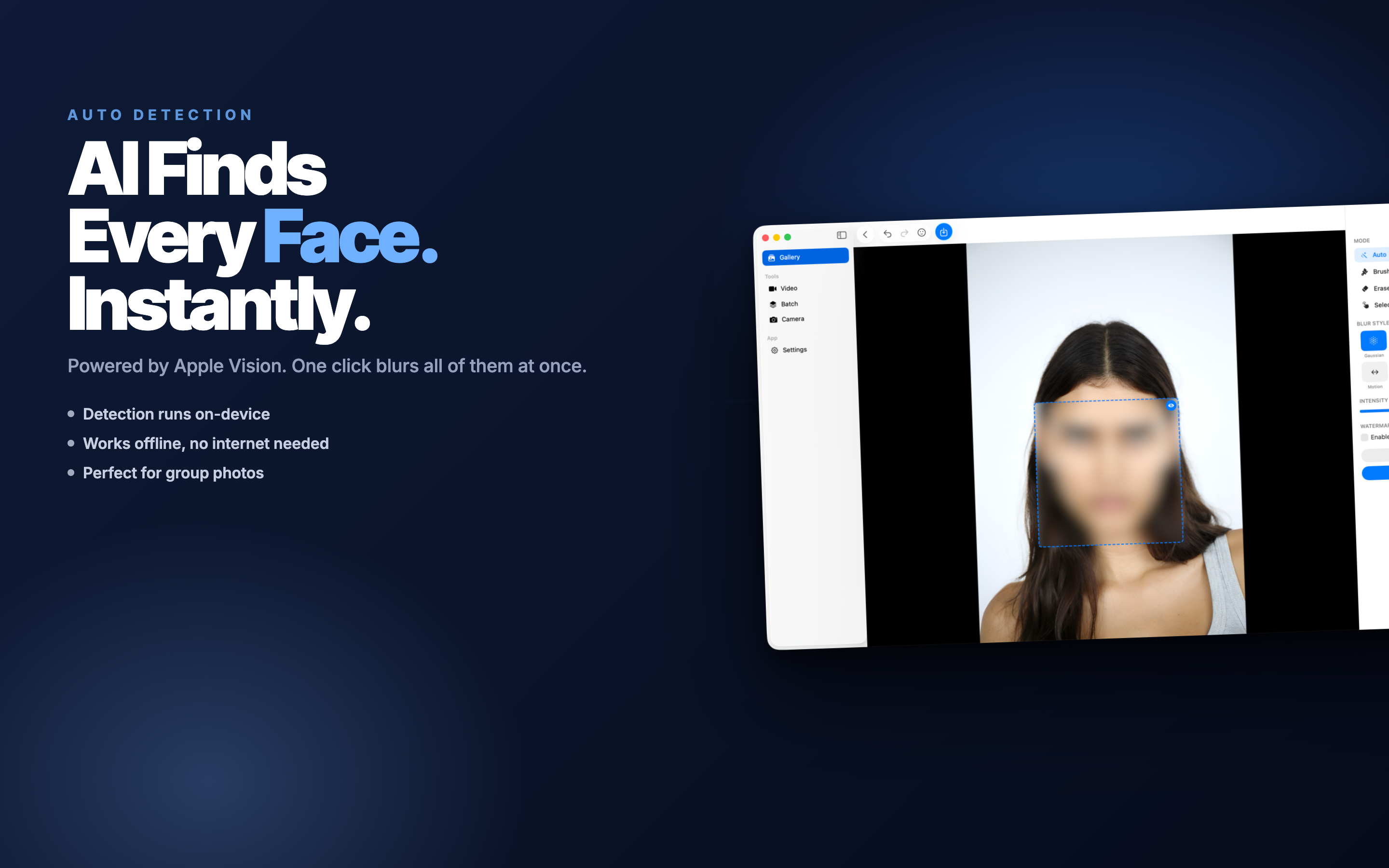
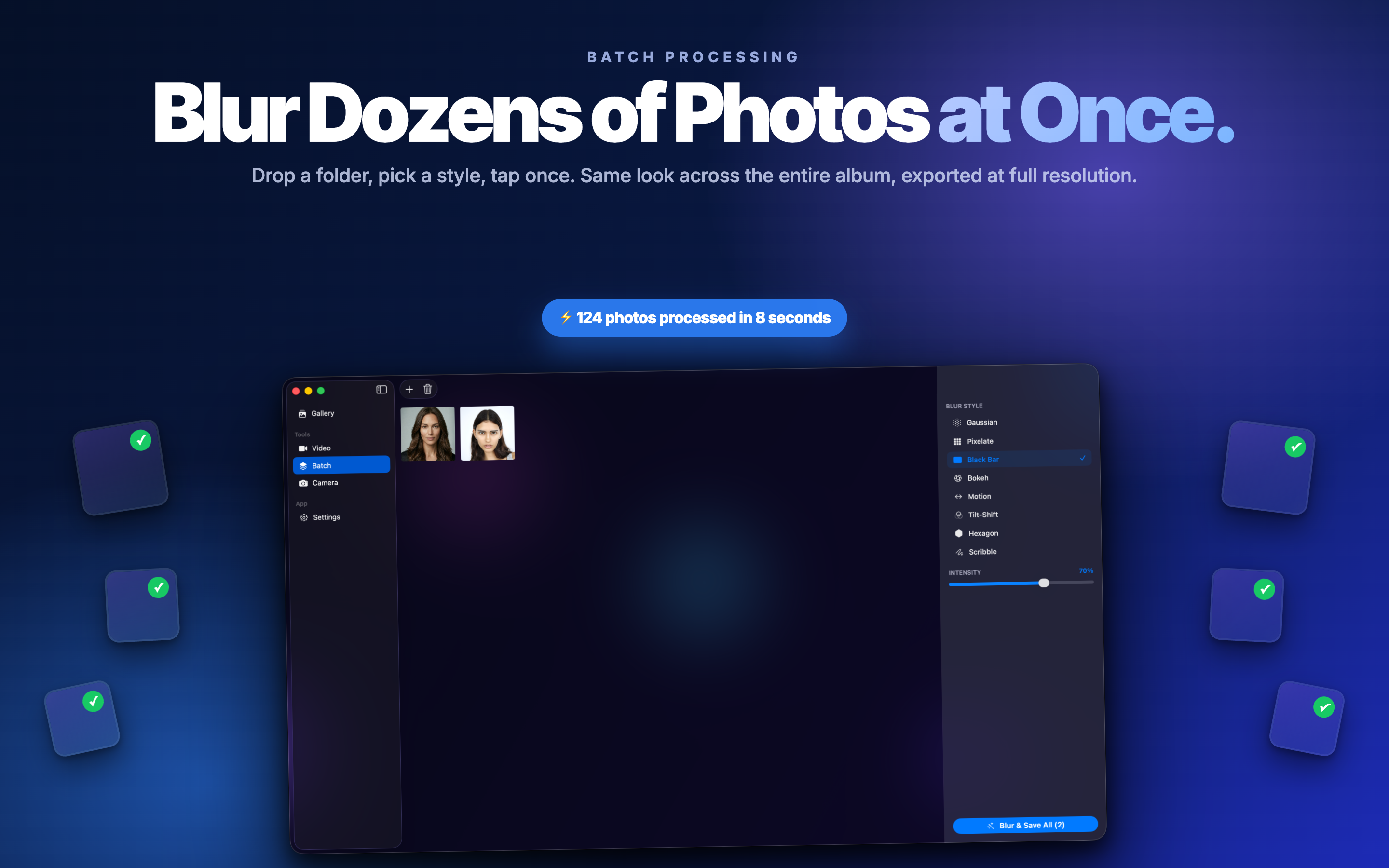
Face Blur AI detects faces across a batch on device, which for photographs of other people's children is the only sensible place for that processing to happen. Two habits with it:
- Review every photo after the automatic pass. Profiles, partial faces at the frame edge and anyone in a hat are the usual misses.
- Look at backgrounds and reflections. Detection often catches a face in a mirror; people reviewing the output rarely think to check.
Consent, which is the part with no technical answer
Other people's children need their parents' agreement before a photo goes anywhere public. Schools and clubs usually hold a list of which children may be photographed, and it exists for reasons that are sometimes serious - custody arrangements, safeguarding, families who have moved deliberately.
If you are publishing a group photo and do not know the answer, blur everyone who is not yours. It costs nothing and removes the question.
For your own children, the consideration is different and worth stating: a photo posted today is searchable for decades, and a child who is four now will have opinions at fourteen. Some parents resolve this by sharing to a closed group rather than publicly, which keeps the photographs and removes the permanence.
A workflow before posting
- Open the photo at full size and read the background before looking at the subject.
- Blur faces of any child who is not yours, strongly.
- Check for logos, house numbers, kit names, screens and reflections.
- Export flattened copies, not project files.
- Strip GPS from the exports.
- Keep the originals somewhere private.
The last line matters most. Redaction should always produce a new file - once you have edited over the only copy, the decision about sharing the original has been made for you permanently. We went through the technique in more depth in blurring faces before you post.