There are three ways to get a personal music collection onto an Apple TV, and two of them are worse than people expect.
Upload to iCloud Music Library. Matches what it can, uploads the rest, and converts everything to AAC. Your FLAC files become lossy copies, anything obscure gets matched to the wrong release, and the collection now lives on someone else's server. For a large library this is also slow enough to measure in days.
AirPlay from a phone or Mac. Works, and turns your phone into a required component. Take it out of the room and the music stops.
Read the files directly over the network. The Apple TV connects to the share, reads the files, plays them. Nothing is uploaded, converted or copied, and no other device needs to stay awake.
The third is what most people actually want, and it is the one nothing in the box does for you.
What you need on the share
SMB is the protocol - the same one Finder uses for network drives, and what every NAS speaks by default.
- SMB enabled, version 2 or 3. SMB1 is off by default on modern systems and should stay that way.
- A share containing the music, not the whole volume. Pointing at a share with fifty thousand unrelated files makes browsing slow for no benefit.
- A dedicated user with read-only access. Takes two minutes and means the credentials sitting in a device in the living room cannot delete anything.
- A fixed address for the NAS. A DHCP reservation on the router. If the address changes, the connection stops working on a schedule you cannot predict.
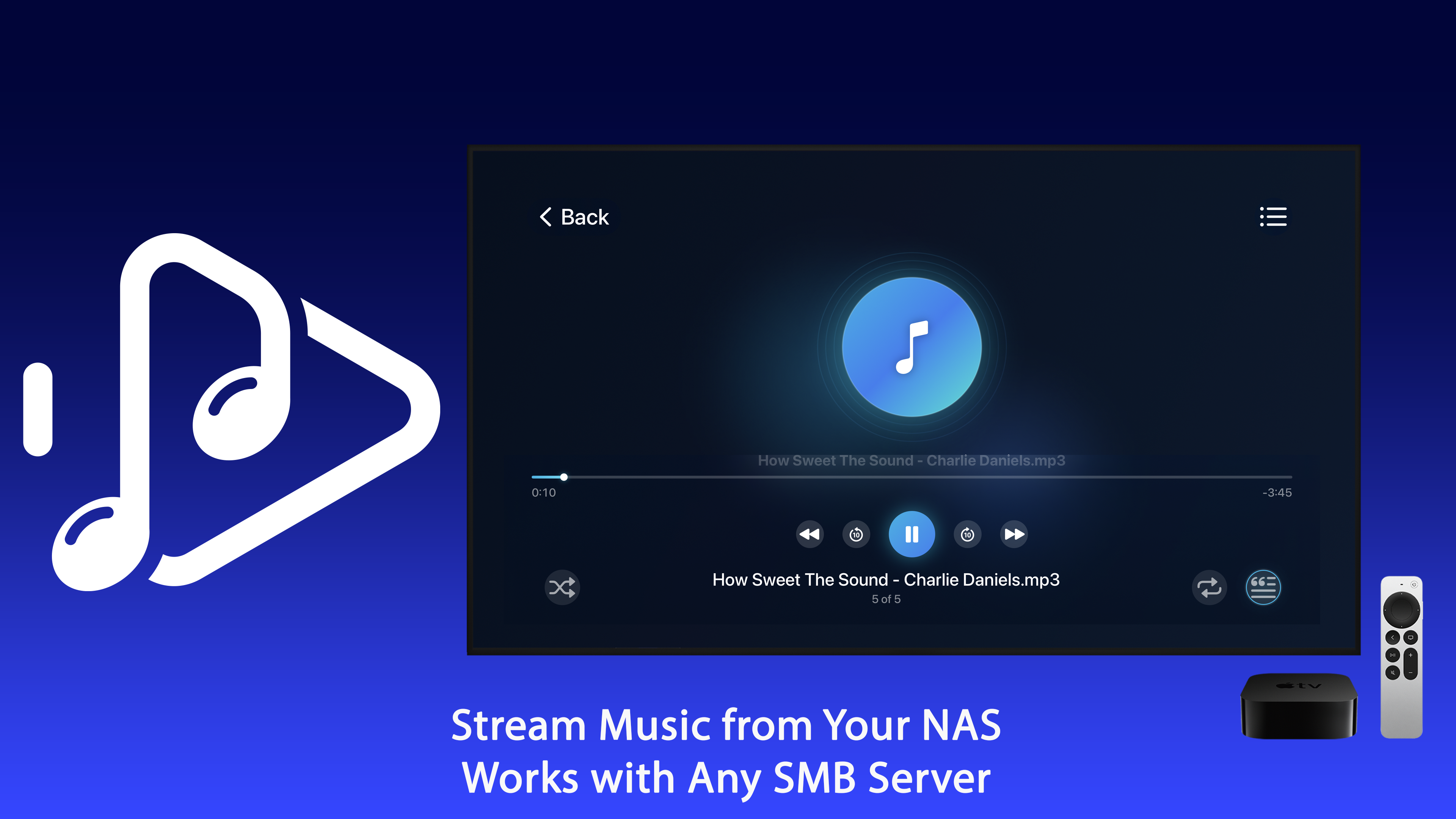
NAS SMB Music Player connects to that share from the Apple TV and browses it as a music library.
Tagging is what makes it usable
A network share is a folder tree. What turns it into a library is the metadata inside the files, and this is where most collections are weakest.
Three things worth fixing before you blame the player:
Album artist, not just artist. The single most common cause of a compilation appearing as forty separate albums. Every track on a various-artists release needs the same album artist value.
Embedded artwork. Artwork as a separate folder.jpg works in some players and not others. Artwork embedded in the files works everywhere.
Consistent genre and year. Not important for playback, very important for browsing on a television, where you are navigating with a remote rather than typing.
An afternoon with a tag editor on a badly tagged collection changes the experience more than any player will.
Formats and what actually plays
FLAC, ALAC, MP3 and AAC are all fine over a local network - the bitrates involved are trivial compared to video. A lossless stereo file is around 1 Mbps; even old Wi-Fi handles many of those at once.
The formats that cause trouble are the unusual ones: DSD, which needs conversion, and lossless files at very high sample rates, which some hardware will not decode. If a specific album refuses to play while everything else works, the format is the first thing to check.
The network side, briefly
Music is undemanding, so problems here are almost always about reliability rather than bandwidth.
- Wire the Apple TV if you can. Ethernet removes an entire category of intermittent problems, and the Apple TV has a port.
- If it must be Wi-Fi, use 5 GHz. Fine for audio. Also worth checking your channel is not shared with every neighbour - we covered that in finding the best Wi-Fi channel.
- Stop the NAS drives spinning down too aggressively. A ten-second gap before each track while a disk wakes is the most common complaint, and it is a power-saving setting rather than a network fault.
Why this setup lasts
The practical argument for playing from your own share is not audio quality, though lossless helps. It is that the arrangement has no dependencies. No subscription to lapse, no catalogue that removes an album, no phone that has to stay in the room, and no upload of a collection you spent twenty years assembling to a service that may change its terms.
The files are on your drive. The television reads them. That is the whole system, and there is very little in it that can be taken away.