There are two different questions hiding inside "is this AI?". One is about what the image looks like. The other is about where the file came from. The first used to be easier. The second is now far more dependable.
Why the old tells stopped working
Early generators produced hands with extra fingers, text that dissolved into nonsense, and earrings that did not match. Those errors came from models that had not learned the structure of small, complex things.
Current models from Midjourney, Flux, OpenAI and others handle hands and short text far better. You will still catch the occasional mistake, but if your method depends on finding one, you will miss most generated images and feel confident about it.
What still gives images away
Visual inspection is not useless. It works best on physical consistency - things the model has to get right across the whole image at once.
- Light and shadow. Do shadows fall in the same direction? Do reflections in windows, glasses and eyes show the same scene?
- Background logic. Staircases that go nowhere, railings that merge into walls, crowds where faces blur into each other.
- Repeated texture. Brickwork, leaves or fabric that tiles a little too regularly.
- Too perfect. Skin with no pores, hair with no stray strands, food that looks like it has never been touched.
- Details that do not match the claim. A "news photo" with no identifiable place, date or signage.
The catch is that every one of these also appears in real photos, especially edited ones. They are reasons to look closer, not conclusions.
Check the file, not just the picture
This is where most of the useful evidence lives now.
Content Credentials. Many generators, including OpenAI's image tools and Adobe Firefly, attach C2PA Content Credentials that state an image was AI-generated. If the credentials are intact, that is close to a direct answer.
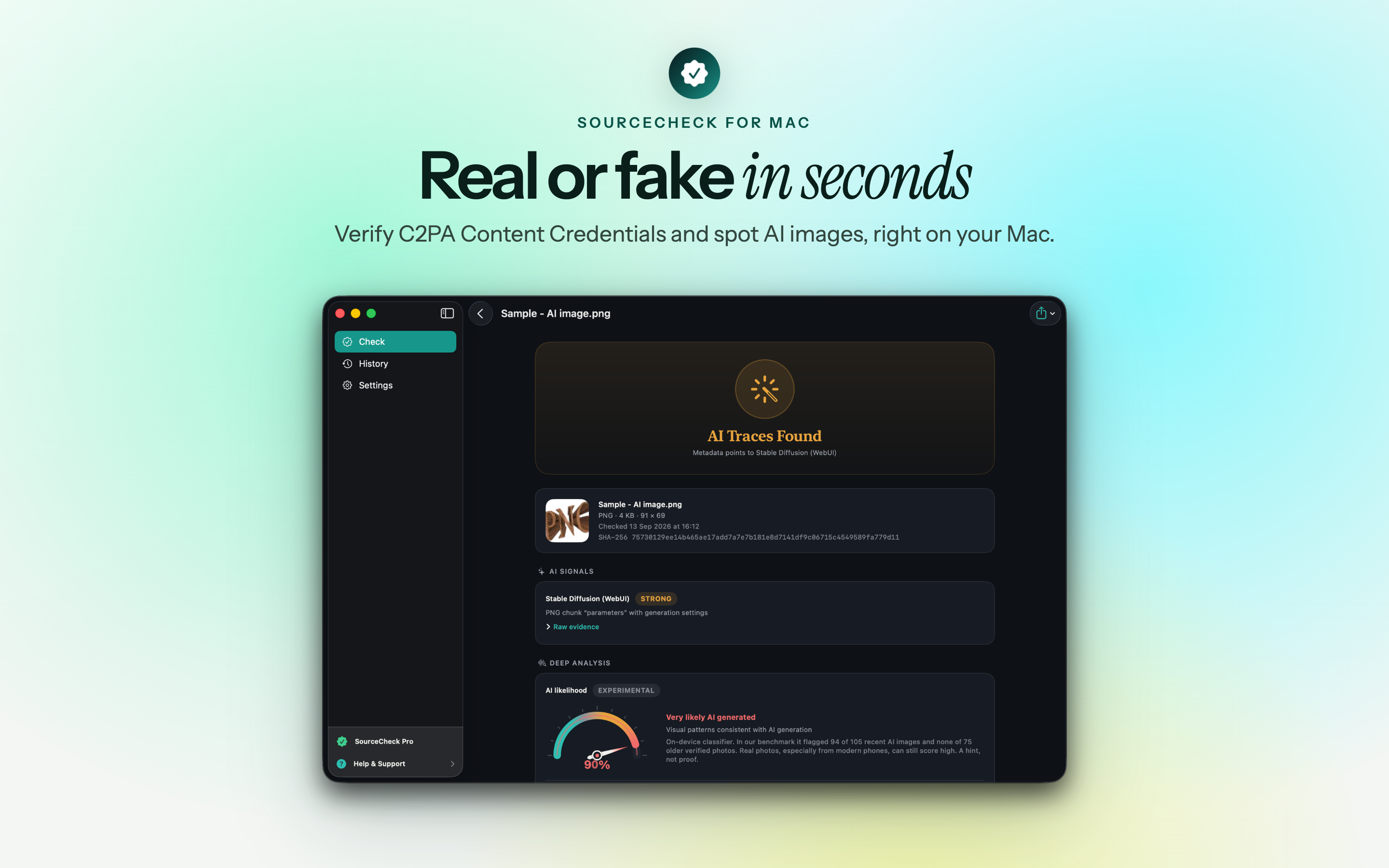
Metadata traces. Plenty of tools write their settings into the file. Stable Diffusion WebUI stores the prompt and parameters in a PNG text chunk called "parameters". Other generators leave their name in a software field or mark the image with an IPTC source type meaning "trained algorithmic media".
Watermarks. Some images carry invisible watermarks embedded in the pixels, designed to survive resizing and recompression.
The limitation is the same for all three: they only help if they survived. A screenshot removes credentials and metadata. Uploading to most social networks strips them. Absence of evidence here is normal and tells you very little.
Where AI detectors fit
When the file has nothing to say, a classifier trained to tell generated images from camera photos can estimate a likelihood. These are genuinely useful and genuinely fallible.
SourceCheck's classifier, for example, flagged 94 of 105 recent images from Midjourney, Flux and GPT in its benchmark, with no false alarms on 75 verified camera photos. That is a strong result - and it still means roughly one generated image in ten slipped through, and that a larger or different set of real photos could produce false alarms. Heavily processed phone photos are a known weak spot for detectors in general.
Treat any score as one piece of evidence, weighted by how the image reached you.
A practical order of checks
- Find the original. Ask for the file itself, not a screenshot or a forwarded chat image.
- Check Content Credentials. If present and valid, they often settle the question.
- Read the metadata for generator traces, software fields and capture details.
- Run a reverse image search to find earlier copies and the first place it appeared.
- Look for physical inconsistencies in light, reflections and background.
- Use a detector score last, as supporting evidence.
The honest answer is sometimes "unknown"
A stripped, recompressed image with no earlier copies and a middling detector score cannot be classified with confidence by anyone. Saying so is not a failure of the method. It is the method working - and it is more useful than a confident wrong answer that gets shared further.