A handover has two jobs. Transfer the files, and transfer the ability to find them. The first is easy and everyone does it. The second is the one that gets skipped, and it is the reason handovers generate correspondence for months.
Start with an inventory, not a zip
Before copying anything, produce a list of what is there: file names, sizes, dates, full paths, and ideally checksums.
That document does several jobs at once:
- It tells the recipient what exists without opening every folder. They can search it.
- It proves what was delivered and when, which matters if a question comes up later.
- It lets them verify the transfer. Compare the inventory to what arrived and any missing file is immediately obvious.
- It becomes your own record. When the email arrives in March, you can answer from the list rather than from memory.
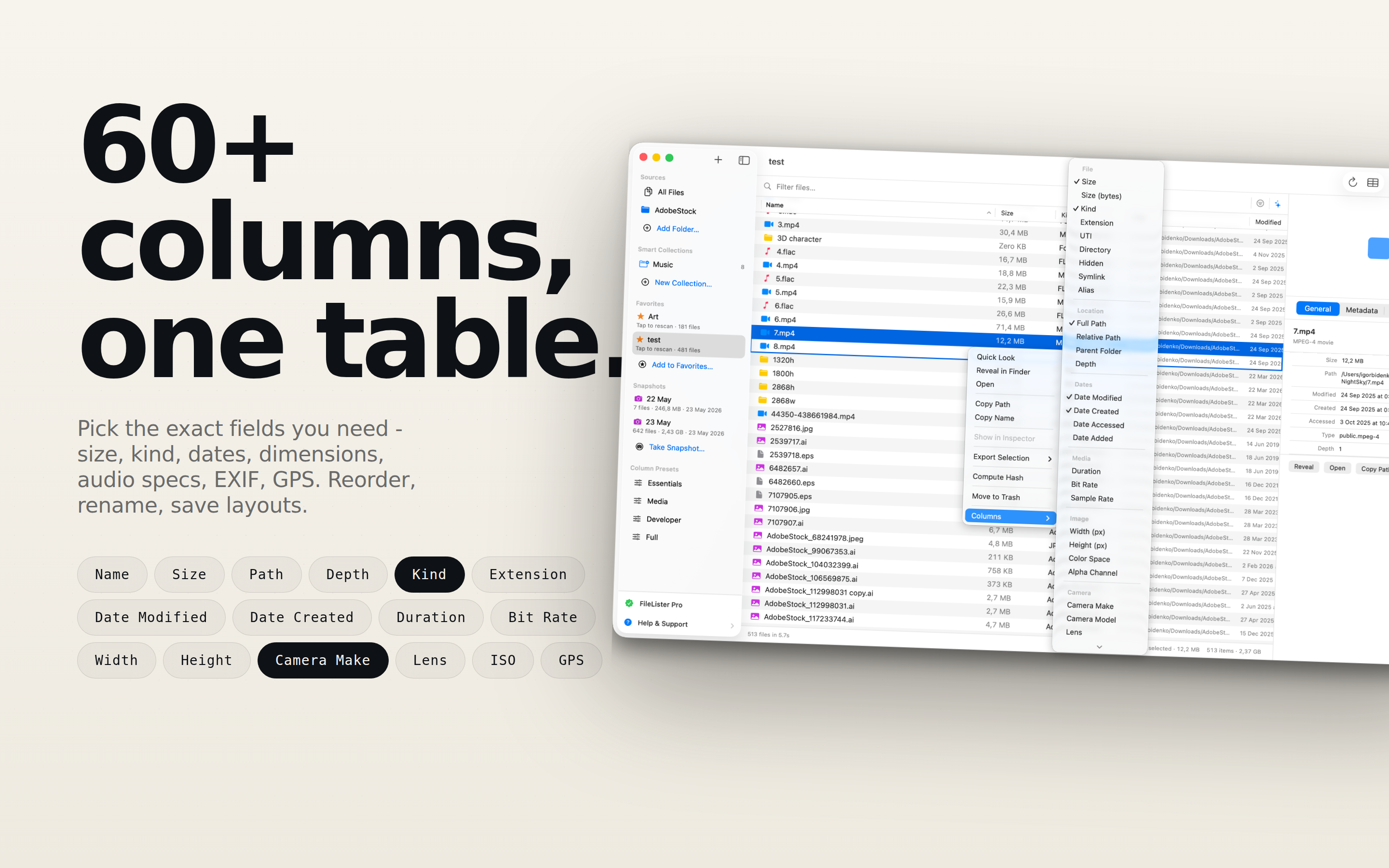
FileLister produces this from a folder and exports to CSV or Excel, which is the format anyone can open without installing something.
Structure before transfer
A handover folder should be readable by someone who has never seen the project. Two hours here saves the recipient a week.
01 Final deliverables/
02 Source files/
03 Assets/
   fonts/
   images/
   licences/
04 Documentation/
05 Archive/
README.txt
inventory.csv
Numbered prefixes because alphabetical sorting otherwise puts Archive first, and the first thing someone opens should be the finished work.
Final deliverables is what they actually asked for, in the formats they can use. Source files is what you worked in. Archive is everything else - old versions, rejected directions, working files - clearly labelled so nobody mistakes it for current.
The README, which takes ten minutes
Plain text, in the root, and it answers what a new person would ask:
- What this project is, in two sentences.
- Which files are the final versions.
- What software and version opens the source files.
- Fonts used, and where the licences are.
- Anything unfinished or known to be broken.
- Who to contact, and until when.
That last line is worth being explicit about. "Available for questions until 30 September" sets an expectation that an open-ended handover does not, and it is much easier to state at delivery than to introduce later.
The things people forget
Fonts and licences. The single most common gap. A design file that opens with substituted fonts is not a deliverable. Include the files where the licence permits, and the licence documentation where it does not.
Linked assets. Anything referencing files outside the folder will break on another machine. Package or collect before transferring, and then open the packaged version on a different computer to confirm.
Credentials and access. Domains, hosting, analytics, repositories. These are usually the actual blockers weeks later, and they belong in a documented transfer rather than in a chat message. Never in the README - a separate, deliberate transfer through a password manager.
Anything on a machine rather than in the folder. Local database dumps, environment files, scripts in your home directory. This is where an inventory of the whole working area, not just the project folder, catches things.
Verify at the other end
Two minutes and it converts a hopeful handover into a confirmed one.
Send the inventory alongside the files and ask the recipient to confirm the file count matches. If the inventory includes checksums, a mismatch identifies a corrupted transfer immediately - which does happen, particularly with large files over consumer cloud storage.
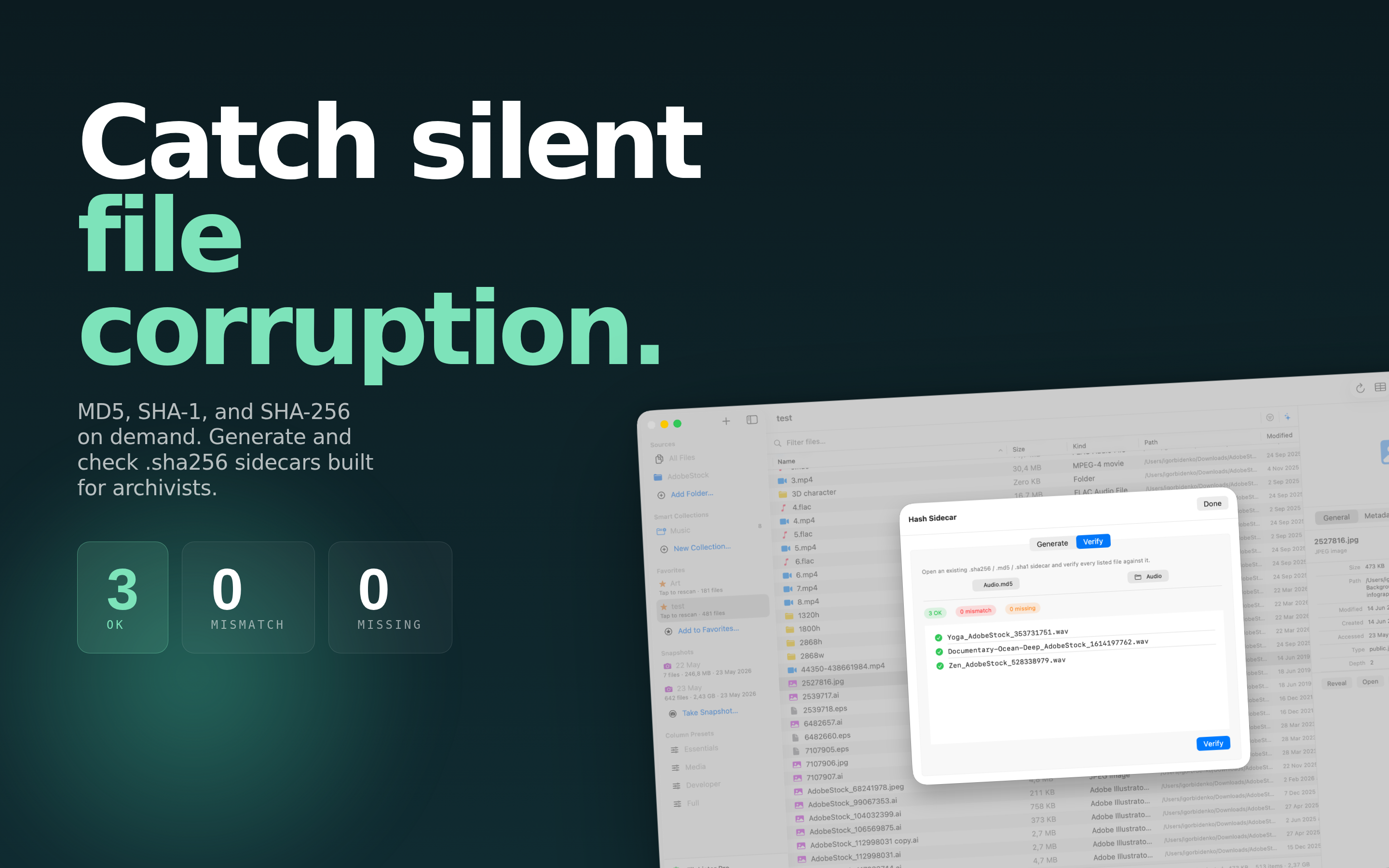
We went into why checksums are the right tool for this in comparing files with checksums rather than names and sizes.
Keep your own copy, and a record of it
Retain the project for whatever your contract or professional practice requires - often several years for anything with liability attached.
And keep the inventory somewhere separate from the archive. If the archive drive fails or is eventually deleted, the list of what was on it is still a useful document: it lets you answer questions about what existed, which is frequently the entire question being asked.
The short version
- Catalogue the working area before you tidy anything.
- Restructure into numbered folders.
- Package linked assets and test on another machine.
- Write the README.
- Re-run the inventory on the final folder and include it.
- Transfer credentials separately and deliberately.
- Ask for confirmation that the file count matches.