The technical part of running media from a NAS is easy and well documented. What determines whether the collection is still usable in a decade is organisational, and almost none of it is discussed.
Folder structure: one film, one folder
The convention that every media server understands:
Movies/
  The Third Man (1949)/
    The Third Man (1949).mkv
    The Third Man (1949).en.srt
    poster.jpg
TV/
  Slow Horses/
    Season 01/
      Slow Horses - S01E01.mkv
Three things make this work. The year in brackets disambiguates remakes, which is the single most common cause of wrong metadata. Subtitles sit beside the file with a language code. And one folder per title means everything related travels together when you move things.
Resist the temptation to sort by genre or by decade at the folder level. Software does that from metadata far better than a folder tree can, and a genre hierarchy becomes wrong as soon as something belongs in two places.
Naming, which decides whether metadata works
Media servers match files against online databases by parsing the filename. A file called movie_final2.mkv gets nothing; The Third Man (1949).mkv matches immediately.
Things that break matching: release group tags, resolution and codec in the middle of the title, underscores instead of spaces, and missing years on anything with a common name.
Fixing this later is possible and tedious. Doing it at import is free.
Formats: fewer is better
MKV as a container and H.264 or H.265 as the codec covers essentially everything, and both play natively on modern hardware without transcoding.
Transcoding is the thing to design out. When a player cannot handle a format, the server converts on the fly - which needs a powerful machine, adds delay, and degrades quality. A library that plays natively works on a cheap NAS; one full of odd formats needs a server that costs more than the drives.
The formats worth avoiding for that reason: obscure audio codecs that phones cannot decode, and anything requiring subtitle burn-in.
Subtitles: separate files, always
Keep .srt files next to the video with a language suffix rather than burning subtitles into the picture.
Burned-in subtitles cannot be turned off, cannot be replaced with a better translation, and force a transcode if the player wants to reposition them. A separate file costs nothing and stays flexible.
The direct-play argument
There are two ways to get media from a NAS to a television, and they differ more than people expect.
A media server - Plex, Jellyfin, Emby - indexes the library, fetches artwork, tracks what you have watched, and transcodes when needed. Excellent, and it is software that has to keep running, be updated, and sometimes phone home.
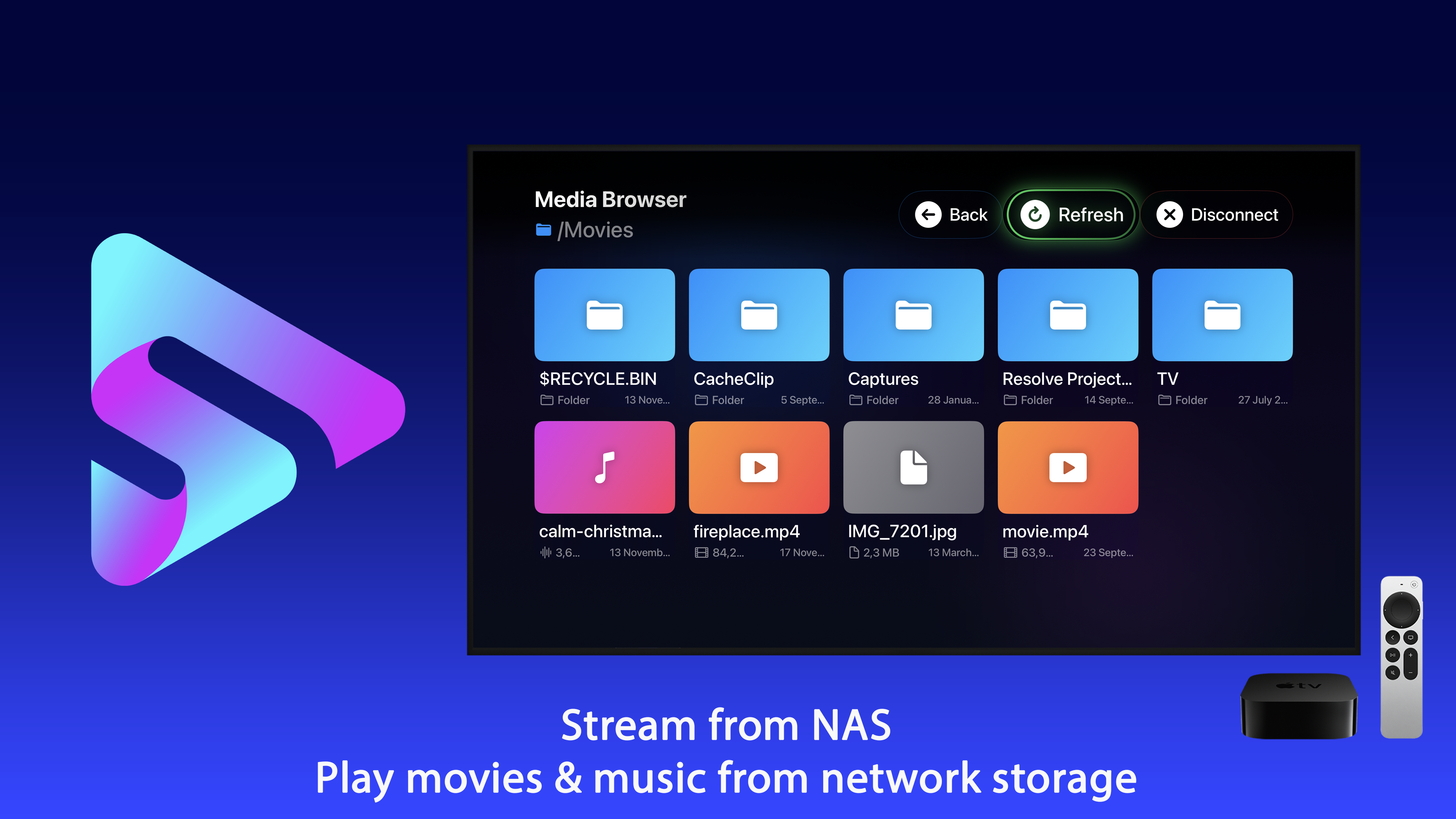
Direct playback reads the files over SMB and plays them. No server process, no index, no account, nothing to maintain. NAS Media Player works this way on Apple TV.
The trade is real in both directions: you give up watched-state tracking and rich metadata, and you gain a setup with almost nothing in it that can break or be discontinued. For a collection you intend to still have in ten years, that matters more than it seems now.
The video setup specifics are in streaming a NAS to Apple TV over SMB, and the music equivalent in playing your own music library.
Backup, which people skip
A NAS with two drives in a mirror is not a backup. It protects against one drive failing and does nothing about deletion, corruption, fire or theft - and a mirror faithfully replicates a deletion to both drives instantly.
The realistic minimum for a large media collection is one external drive kept elsewhere, updated occasionally. Full off-site backup of several terabytes is expensive, so most people accept a lower standard here than for documents - which is defensible as long as it is a decision rather than an assumption.
What is worth backing up properly, and is tiny: the metadata. Watched state, ratings, playlists and custom artwork represent years of accumulated effort and occupy a few megabytes.
The decisions to get right at the start
- One folder per title, with the year.
- Filenames that match the title, not the release.
- MKV with H.264 or H.265, so nothing has to transcode.
- Subtitles as separate files with language codes.
- A share the players can read directly, with a read-only user.
- One off-site copy of the media, and a real backup of the metadata.
All six cost nothing at the beginning and are genuinely painful to retrofit across four thousand files.