These are the four that come up constantly, in roughly the order people meet them.
Base64: putting binary where only text is allowed
Base64 takes arbitrary bytes and represents them using 64 safe characters. It is not encryption and it is not compression - anyone can decode it instantly, and the result is about a third larger than the original.
Its purpose is transport. Email attachments, images embedded in HTML as data URIs, credentials in an HTTP Authorization header, binary blobs in JSON or YAML. All of these are channels that expect text, and Base64 is how you get bytes through them.
The recognisable signs: a long run of letters and digits, mixed case, sometimes ending in one or two = characters. That padding is a giveaway.
The mistake worth avoiding: treating it as obscurity. A password stored Base64-encoded in a config file is stored in plain text with an extra step. This is a real pattern in real codebases and it protects nothing.
There is also a URL-safe variant that swaps + and / for - and _, which is why a token sometimes fails to decode until you convert it. We went into the format itself in what Base64 encoding is.
URL encoding: the reason links break at spaces
URLs may only contain a limited set of characters. Everything else is written as a percent sign followed by two hex digits. A space becomes %20, an ampersand becomes %26, and so on.
You meet this when a link with a space in it works in one place and breaks in another, or when a query parameter containing an ampersand silently truncates - because the receiving end read that ampersand as the start of the next parameter.
The subtlety that catches people: encoding twice. A string that is already encoded, encoded again, turns %20 into %2520. The symptom is a URL that visibly contains %25 everywhere and a server that returns nothing useful. If you see that, decode once and stop.
Also worth knowing: the plus sign means a space in query strings and means a literal plus in the path. The same character, two meanings, one URL - which is exactly the kind of detail that eats an hour.
Case conversion: harder than it looks
Upper, lower and title case seem trivial until they meet real data.
Title case has no single definition. Should "of" be capitalised? "iPhone"? A name like "McDonald"? Automatic title case gets all three wrong in different ways, and the output usually needs a human pass.
Uppercasing destroys information. "Von Neumann" uppercased and lowercased again is "von neumann", and the capital is not recoverable. Fine for a display label, damaging for a stored value.
Some languages have no clean mapping. The German ß, the Turkish dotted and dotless i - lowercasing and uppercasing are not reliably reversible operations, and code that assumes they are produces subtle bugs in exactly the places nobody tests.
The practical rule: convert case for display, never for comparison of anything that matters. For comparison, use a proper case-folding routine if the language offers one.
Character encoding: the question-mark problem
The most common serious one, and the one with the clearest answer.
You open a CSV and see é where é should be, or a screen of question marks and black diamonds. That is mojibake: the file was written in one encoding and is being read as another.
The usual pairing is a file written as UTF-8 being read as a legacy single-byte encoding, or the reverse. Excel is a frequent culprit, because on some platforms it assumes a regional encoding rather than UTF-8 unless the file carries a byte-order mark.
The answer is UTF-8, everywhere, always. When you have a choice, choose it. When something offers you a list of encodings, it is UTF-8. The only real decision left is whether to include a BOM, and that is decided by whatever is going to read the file - Excel often wants one, most other things do not.
The trap: mojibake is sometimes recoverable and sometimes not. If the file was merely read wrongly, re-reading it correctly fixes it. If it was read wrongly and then saved, the damage is baked in and the original characters are gone.
Doing these without looking them up each time
None of these is difficult. They are all annoying to do by hand, and all easy to get subtly wrong at two in the afternoon.
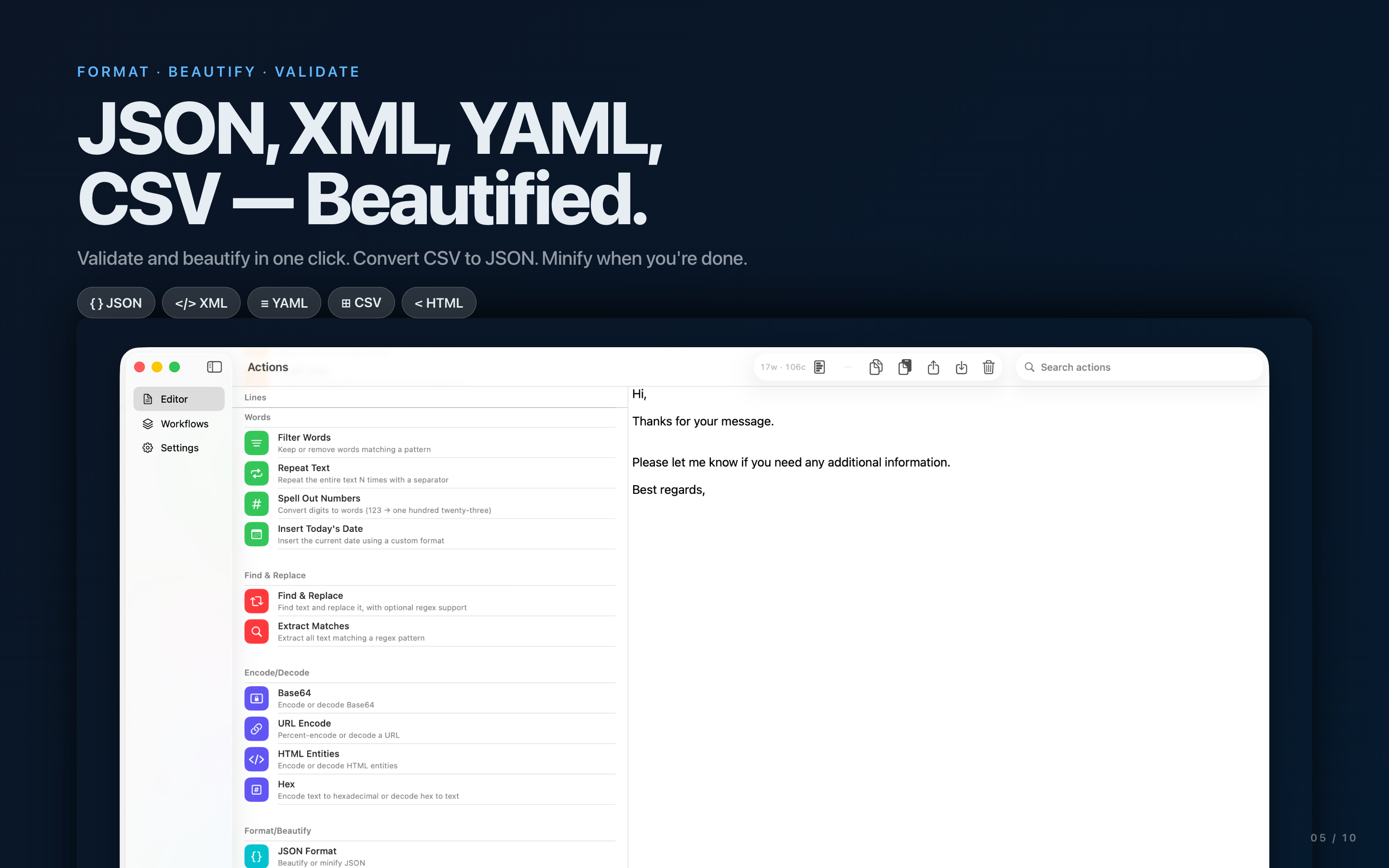
The value of a tool here is chaining: decode a token, clean the whitespace out of it, convert the case, encode it again for a URL - four operations that individually take seconds and collectively take a browser tab, a text editor and a mistake. TextLab keeps them as steps you apply in order on iPhone, iPad and Mac.
The short reference
- Long mixed-case string, maybe ending in
=: Base64. Decode it. - Lots of
%followed by hex: URL-encoded. If you see%25, it was encoded twice. - Accented characters showing as two odd characters: UTF-8 read as something else.
- Question marks or black diamonds: characters already lost in a save. Go back to the source.
- Text that will be compared, not displayed: do not change its case.