What are the controls?
Drive forward or back, and lean in the air. On the ground the gas and brake move you; in the air, leaning tilts the vehicle so it lands on its wheels. It works with the Siri Remote or any game controller.
Dirt Climb takes a minute to learn and a lot longer to master. This page covers the controls, why you keep flipping, how to stretch a tank of fuel, and how the career and the garage fit together.
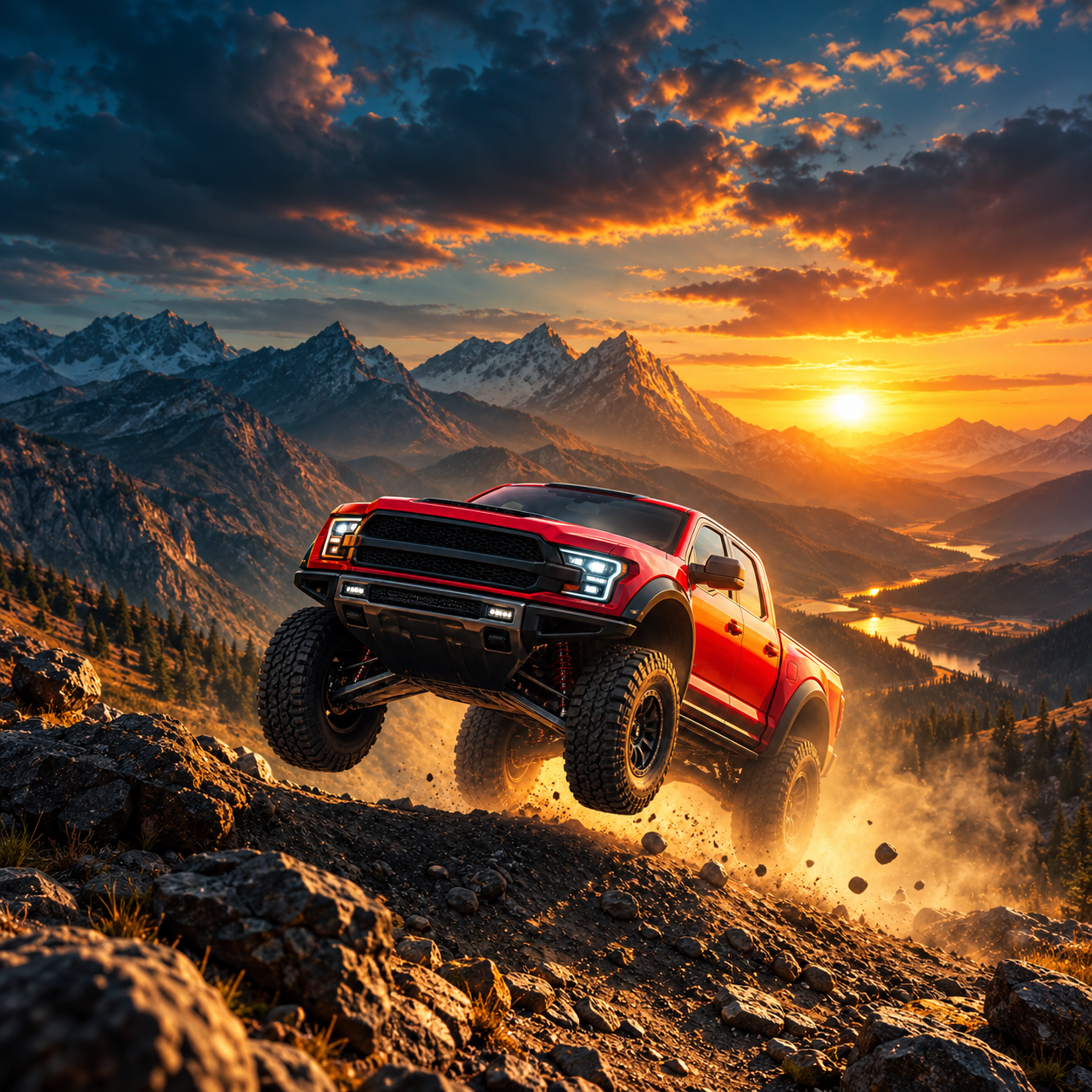
Drive forward or back, and lean in the air. On the ground the gas and brake move you; in the air, leaning tilts the vehicle so it lands on its wheels. It works with the Siri Remote or any game controller.
Usually too much throttle over a crest or on a steep climb. Full throttle lifts the front wheels until the vehicle goes over backwards. Ease off before the top, lean forward in the air and land with the nose slightly down.
You ran out of fuel. The tank is always running, so grab the fuel cans along the route and plan your speed. Every vehicle shows its fuel range in the garage, and the fuel system upgrade adds range per tank.
The Siri Remote, and any game controller that pairs with Apple TV - for example an Xbox Wireless Controller with Bluetooth or a PlayStation DualShock 4 or DualSense. Pair it in the Apple TV Settings app under Remotes and Devices.
There are 40 contracts across five tours: reach a distance, collect coins, hit a top speed, land a long jump or finish with fuel to spare. Each completed contract earns a license star, and stars open new routes and vehicles.
You can take on the repeatable Master License runs on the hardest routes in the game, and replay any event you have already finished for extra coins.
Each vehicle has five upgrades, each up to level 5: engine for top speed, drivetrain for acceleration, offroad tires for grip, suspension for stability and a fuel system for more range per tank.
Heavy trucks climb like tractors, which makes them a calm place to learn. Light bikes fly, and the school bus is a challenge of its own. Every vehicle has its own weight, grip, speed, suspension and fuel economy, so try a few.
Yes. Camera shake, weather and particle effects are adjustable in the settings.
Yes. Career, coins and upgrades are saved through iCloud, so your progress follows your Apple account.
Start free with two vehicles, two routes and the first four contracts. Dirt Climb Pro is a single one-time purchase that unlocks every vehicle, every route, the full career and every upgrade level. There are no ads, subscriptions, energy timers or coin packs.
No. Dirt Climb collects no personal data and contains no tracking.
Any Apple TV running tvOS 16 or later.
A physics hill-climbing game for Apple TV: 16 vehicles, 24 routes and a 40-contract career.
The most common way a run ends.
More detail in hill-climb driving tips.
Try this in Dirt Climb: Offroad Racing →Long jumps are worth coins and complete contracts - if you land them.
Why parallel matters: how to land a jump.
Try this in Dirt Climb: Offroad Racing →A sloppy run leaves you rolling to a stop just short of the finish.
More in throttle and fuel on a climb.
Try this in Dirt Climb: Offroad Racing →Five upgrades per vehicle, each up to level 5.
Dirt Climb works with the Siri Remote or any game controller.
Which controllers work: game controllers for Apple TV.
Try this in Dirt Climb: Offroad Racing →Our support team usually replies within one business day.
Download Dirt Climb: Offroad Racing Contact supportYou’re browsing inside Instagram, and its built-in browser isn’t allowed to hand links over to the App Store. Open this page in Safari and the link will work.
Tap the three-dot menu at the top right, then choose Open in external browser.