How do I hang an ornament?
Pick an ornament from the shelf, move it over the tree with the Siri Remote, and click to hang it. One click per ornament. Press Menu to cancel if you change your mind.
Christmas Tree Decorator is built so a child can hang the first ornament without being shown how. This page covers the rest: lights and garlands, the light effects, saving trees, Show Tree and what the Holiday Pass adds.
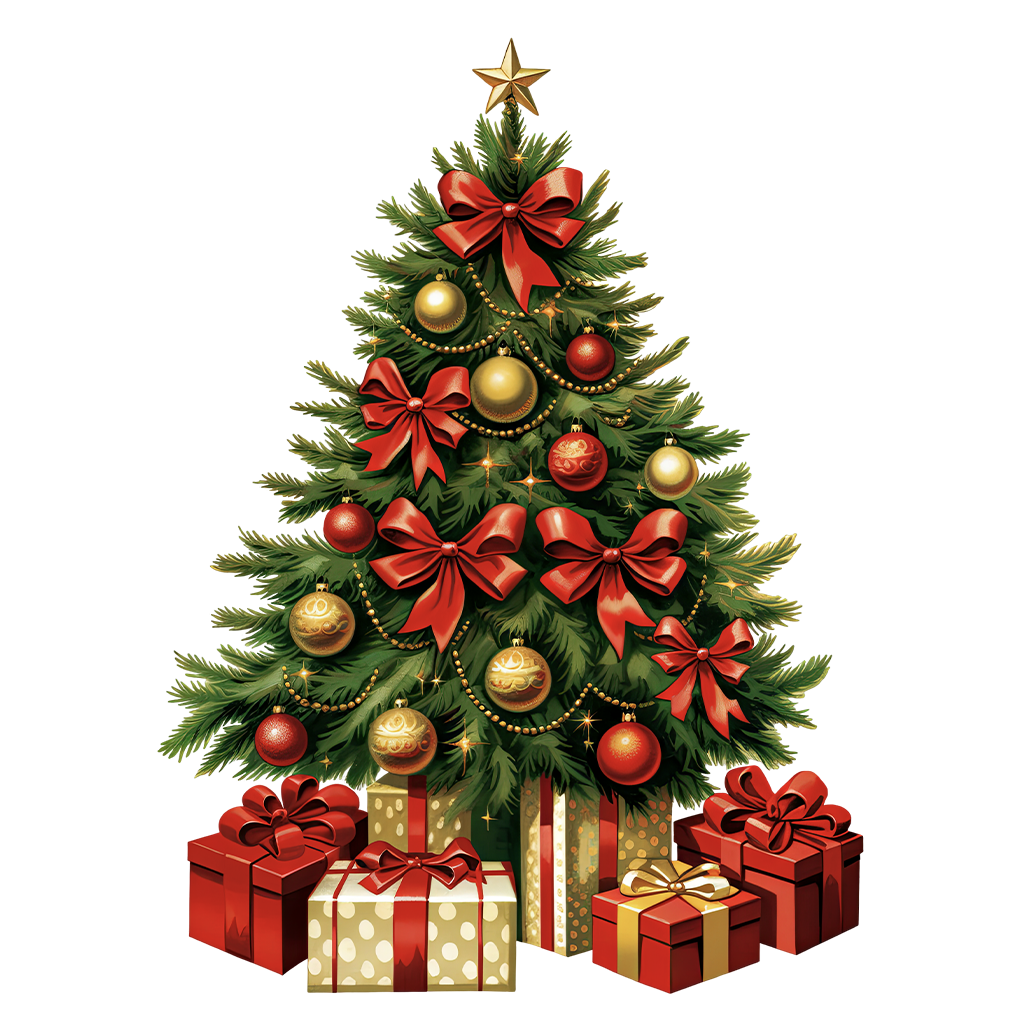
Pick an ornament from the shelf, move it over the tree with the Siri Remote, and click to hang it. One click per ornament. Press Menu to cancel if you change your mind.
On purpose. Every spot follows the branches, so ornaments always land on the tree. It means children cannot get it wrong, and a decorated tree always looks like a real one.
Open the Garlands tab on the shelf and choose one. The free version includes warm string lights. With the Holiday Pass you also get colourful, icy blue and red & gold lights, gold and silver tinsel and bead garlands, and up to three garlands on the tree at once.
Open the Toppers tab and choose one. The golden star is free; the Holiday Pass adds every other topper, including the classic star, paper star, golden snowflake, red bow, angel and Moravian star.
It turns off the room around the tree so only the lights and ornaments glow. With the Holiday Pass you can also choose a twinkle, chase or fade effect for the lights.
A fully decorated tree in one click. Press it again for a different festive look. It is a quick start if you want to change a few things rather than begin from an empty tree.
Your tree full screen, with the shelf and buttons out of the way. Press Play/Pause on the Siri Remote to switch the lights on and off.
Yes. Undo removes the last thing you added. Delete removes a selected ornament, and Clear All starts the tree again from bare branches.
Yes, automatically as you decorate. In the free version you can keep one saved tree; with the Holiday Pass you can save as many as you like and find them all in My Trees.
When the app sits in the top row of your Apple TV home screen, your own tree appears in the Top Shelf area above it.
A bonus countdown to Christmas and New Year, in days, hours, minutes and seconds. You can set your own dates.
Free: the Forest Glow tree with up to 15 ornaments, warm string lights, a golden star, Lights Out, Show Tree, Decorate for Me and one saved tree. The Holiday Pass adds all four trees, all 50+ ornaments with no limit, every light, tinsel and bead garland, the light effects, every topper and unlimited saved trees.
No. It is a one-time purchase.
Yes. The Holiday Pass is shared with your family through Family Sharing, so other members of your Family Sharing group get it too.
Make sure the Apple TV is signed in with the same Apple Account that made the purchase, or one in the same Family Sharing group, then use Restore Purchases in the app.
Any Apple TV running tvOS 16 or later.
Decorate a Christmas tree on your Apple TV with the Siri Remote - ornaments, lights, tinsel and a star, then Lights Out.
From bare branches to a glowing tree in a few minutes.
Lights first, then ornaments, then the topper is the same order decorators use with a real tree - and it looks better here too.
Try this in Christmas Tree Decorator Game →One remote, several decorators.
Undo is there for disagreements. Nobody's ornament is ever really lost.
Try this in Christmas Tree Decorator Game →Skip the empty tree.
A good trick for small children: start from a full tree and let them change it.
Try this in Christmas Tree Decorator Game →For the evening, or while guests are over.
Gentle snow and festive music play in the background while the tree is on screen.
Try this in Christmas Tree Decorator Game →Twinkle, chase and fade come with the Holiday Pass.
Fade suits a quiet evening; chase is the one children usually pick.
Try this in Christmas Tree Decorator Game →Keep last year's tree, or one per child.
The free version keeps one tree; the Holiday Pass removes the limit.
Try this in Christmas Tree Decorator Game →A bonus countdown to Christmas and New Year.
Handy if you celebrate on Christmas Eve, or on January 7.
Try this in Christmas Tree Decorator Game →Our support team usually replies within one business day.
Download Christmas Tree Decorator Game Contact supportYou’re browsing inside Instagram, and its built-in browser isn’t allowed to hand links over to the App Store. Open this page in Safari and the link will work.
Tap the three-dot menu at the top right, then choose Open in external browser.