Three scenes are enough
In the Home app, a scene sets several lights at once. For a Halloween evening you only need three:
- Welcome - warm white or amber, fairly bright. For arriving, eating and talking.
- Spooky - dimmer, with one or two coloured lights: deep orange, purple or a cold blue.
- Blackout - almost everything off, with one faint coloured light. For the scare, the story or the film.
Name them clearly so you can switch with a quick tap - or ask Siri - without anyone noticing.
Colours that work
- Orange and amber - festive, pumpkin-like, cozy.
- Purple - eerie but friendly; good for parties with children.
- Cold blue and green - the most unsettling; they make faces look pale.
- Deep red - dramatic in small doses, tiring if it fills the whole room.
Keep at least one warm light on until late. A fully cold, coloured room is striking for a minute and then simply uncomfortable.
Timing is everything
The most effective lighting trick is change, not colour. A room that dims slowly over an hour feels like the evening drawing in. A room that suddenly goes dark at the exact moment something happens on the TV feels like the house has joined in.
Doing that by hand is hard - you have to be watching the screen and holding your phone at the same time. That is where automation helps.
A note on safety
If you add flashing effects, warn guests in advance; flashing light can be a problem for people with photosensitive epilepsy. Keep a path lit to the door and the stairs, however dark the rest of the room gets.
Lights that join the scare
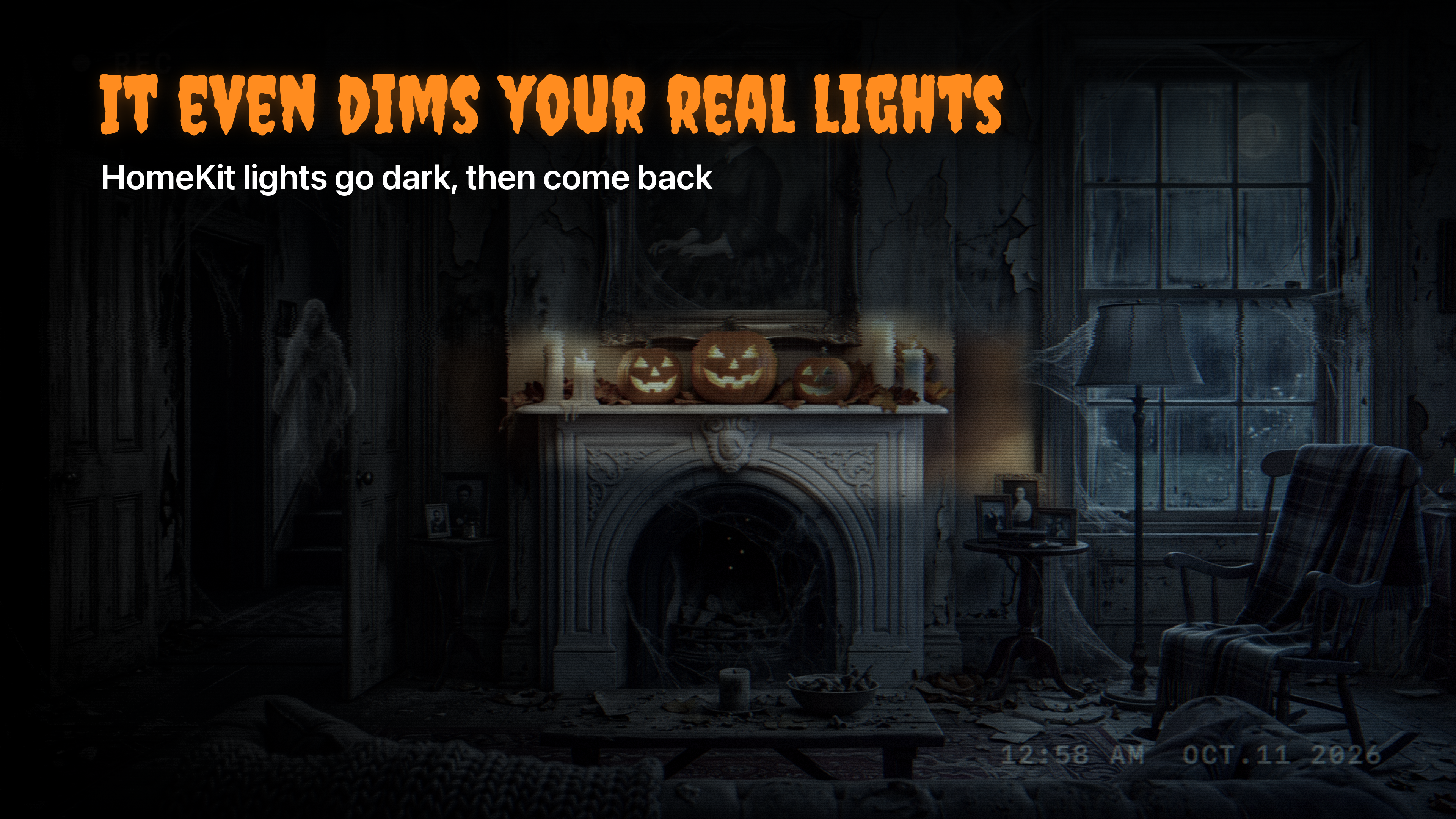
Haunted TV can control your HomeKit lights. Connect them, and the app dims them during the scare - then brings them back exactly as they were, so the party carries on as if nothing happened. More ideas for the evening in Halloween party ambience.