The everyday version
You already use directory listings constantly. Open a folder in Finder and you are looking at one: names, sizes, dates, and kinds arranged in rows. The word directory is the older, more technical term for what most people now call a folder, and a listing is just its contents shown as a list.
The Terminal version
On a Mac, the ls command prints a directory listing in Terminal. ls -la adds details like size, dates, and permissions. This is the raw form the operating system works with. It is quick, but the output is aligned with spaces rather than proper columns, so it does not import cleanly into a spreadsheet, and it does not include richer details like image dimensions.
From listing to catalog
A plain listing shows what is in a folder right now. It becomes far more useful once you save it and enrich it:
- Add metadata such as camera model, duration, or checksum.
- Include full paths so nested files are traceable.
- Export it to CSV, Excel, or JSON so it can be searched and sorted anywhere.
At that point the listing has become a catalog, which you can keep and query even after the folder changes or the drive is disconnected.
Why people export listings
Common reasons include handing someone a record of delivered files, keeping an inventory of a drive before archiving it, auditing what is in a shared folder, and feeding a list of files into another process. In each case the goal is the same: take the contents of a directory out of the file system and into a format you can work with.
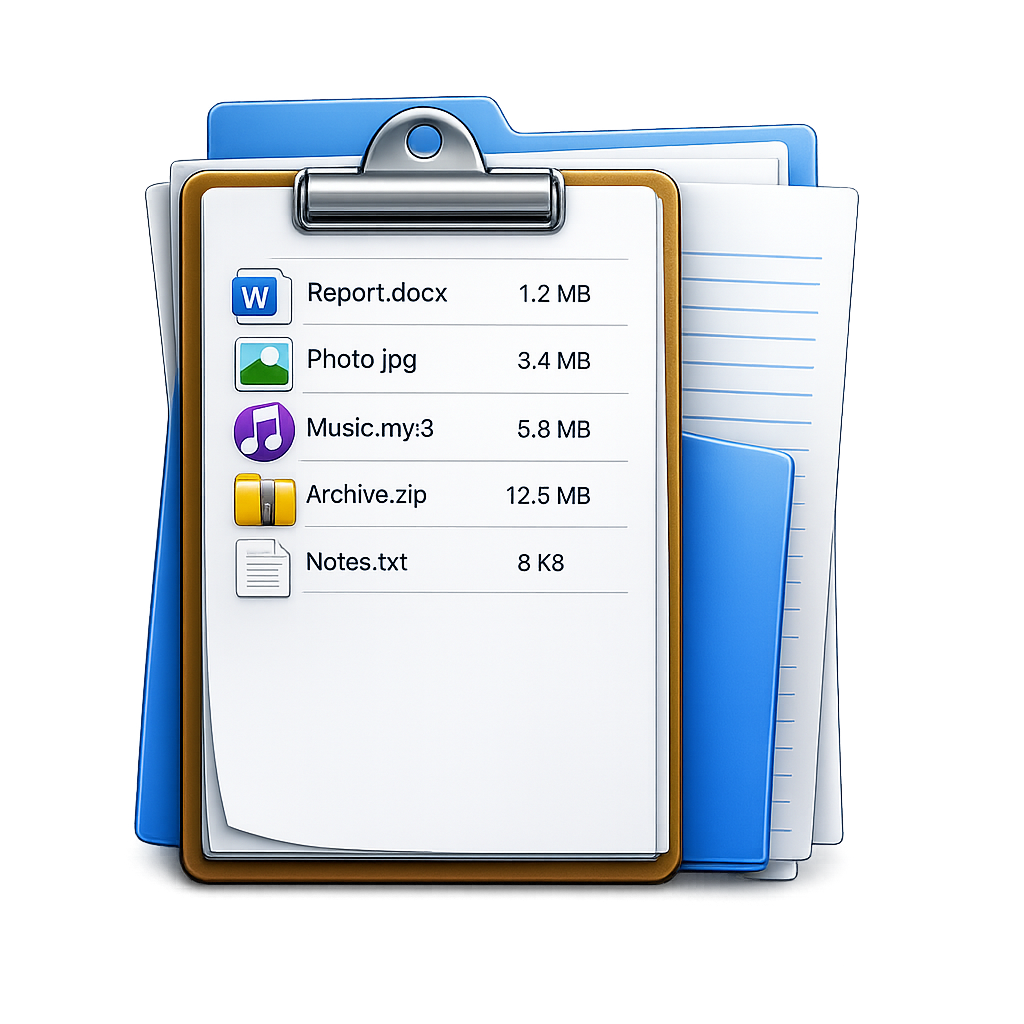
FileLister: Folder Inventory
Turn a directory listing into a searchable catalog on Mac and export it to CSV, Excel, or JSON. Runs on-device. · macOS