Two kinds of metadata
It helps to split metadata into two groups:
- Filesystem metadata. Details the operating system keeps about every file: name, size, created date, modified date, and permissions. This exists no matter what the file is.
- Embedded metadata. Details stored inside the file by the app that made it. A JPEG carries EXIF fields such as camera model and exposure. An MP3 carries the track title and artist. A PDF carries its author and page count.
Common metadata fields
Depending on the file type, metadata can include:
- Photos: dimensions, camera and lens, shutter speed, ISO, and GPS coordinates if location was on.
- Video: resolution, frame rate, duration, and codec.
- Audio: bitrate, sample rate, length, and track tags.
- Documents: author, title, page count, and the app that created it.
- Any file: size, dates, and file type.
Why it is useful
Metadata is what lets you organise files without opening them. You can sort photos by the date they were taken rather than the date they were copied, find every video longer than ten minutes, or group images by camera. When you export a catalog of a folder, the metadata columns are usually the most useful part, because they answer questions the file name never could.
A privacy note
Metadata can reveal more than you expect. A photo posted online may still carry the GPS location where it was taken. Before sharing files publicly, it is worth checking what metadata rides along with them. Reading a folder's metadata locally, on your own machine, is the safe way to see exactly what is there.
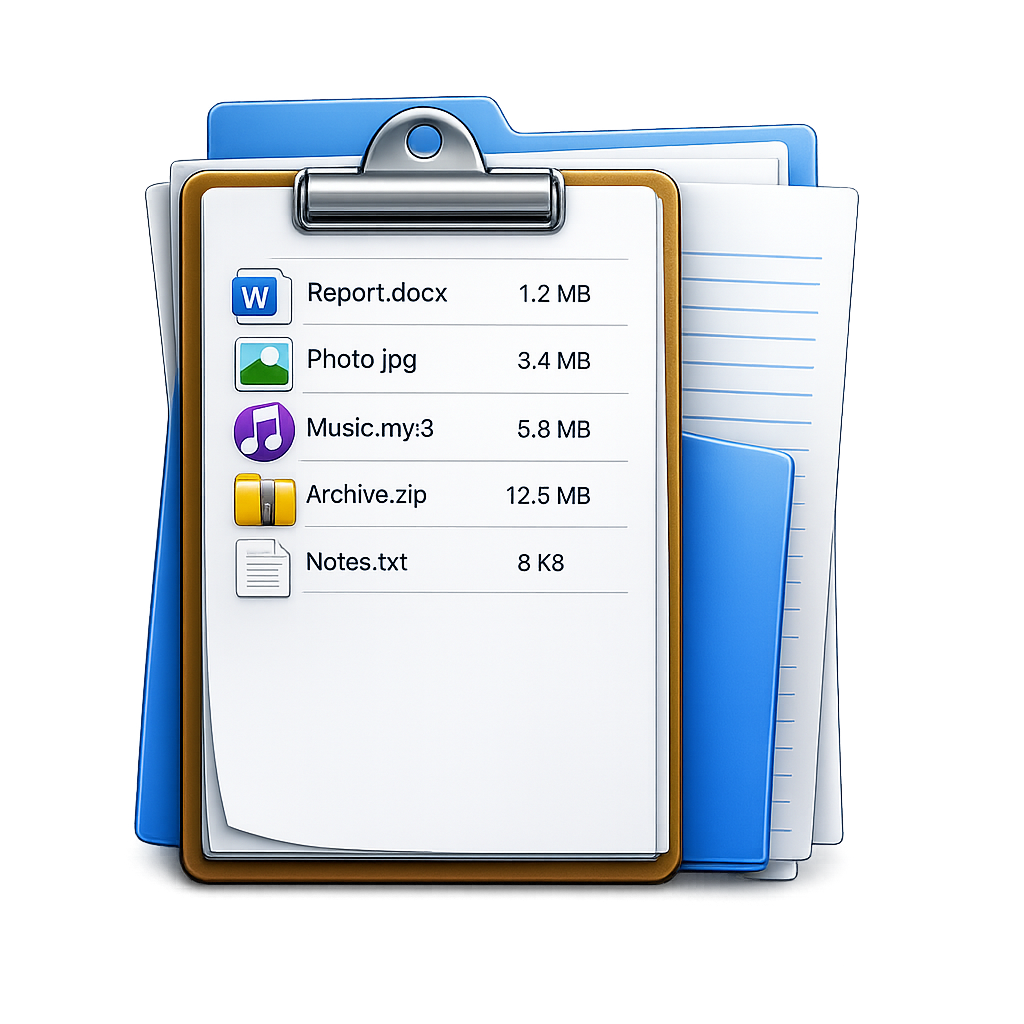
FileLister: Folder Inventory
Read over 60 metadata fields across a whole folder on Mac and export them to CSV, Excel, and JSON. Runs on-device. · macOS