The core idea
The word manifest comes from shipping, where it means the list of everything on board a vessel. In computing the meaning is the same: a manifest is an authoritative list of what a package or delivery contains. If the manifest says fifty files and you received forty-nine, you know one is missing before you go looking.
Where you see manifests
- Software packages ship with a manifest listing their files and versions.
- App bundles use a manifest to declare permissions and components.
- Data deliveries include a manifest so the recipient can confirm the full set arrived.
- Backups and archives keep a manifest of what was stored, often with checksums.
Why checksums belong in a manifest
A list of names proves a file is present. A checksum in the manifest proves the file is also correct. When a manifest pairs each file with its checksum, the receiver can hash their copies and compare, confirming not just that the right files arrived but that none was corrupted or altered on the way. This is how careful data handoffs and long-term archives verify integrity.
Making your own
You can build a manifest for a folder by cataloging its files with the details that matter for your purpose: names, paths, sizes, and checksums. Export that to CSV or JSON and you have a manifest you can send alongside the files, or keep as a record of what a delivery or drive contained. When the other side receives the files, they check them against your manifest and know immediately whether the set is complete and intact.
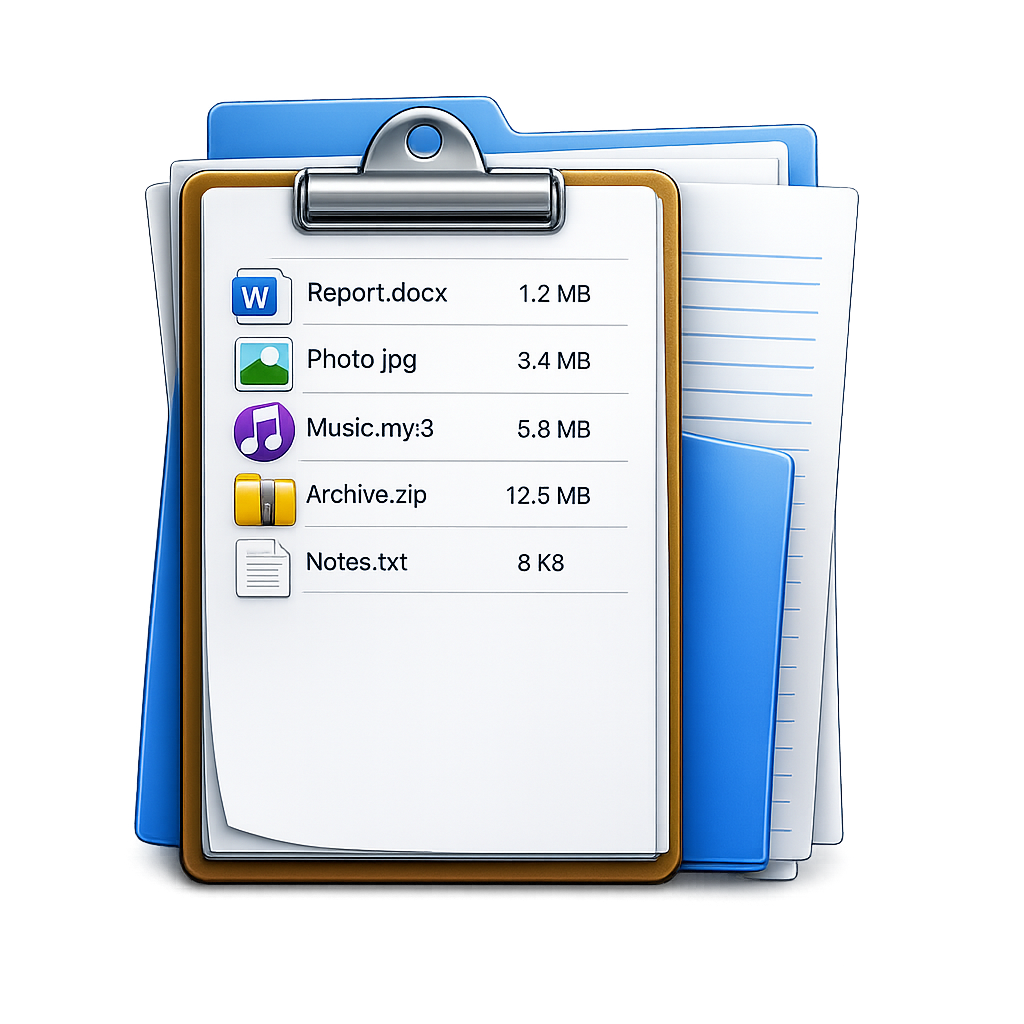
FileLister: Folder Inventory
Build a manifest of any folder on Mac with checksums, then export to CSV or JSON. Runs on-device. · macOS